
Quick answer
Automating clicks based on what is displayed
F-Droid repository metadata
Klick'r is an open-source Android application designed to automate repetitive tasks effortlessly. Formerly known as Smart AutoClicker, Klick'r offers unique image detection capabilities alongside traditional auto-clicking functionalities, providing a versatile solution for all your automation needs.
Whether you’re a gamer automating in-game actions, a tester simulating user interactions, or anyone performing repetitive clicking tasks, Klick'r offers both image detection for sophisticated automation and a Regular Mode for straightforward auto-clicking.
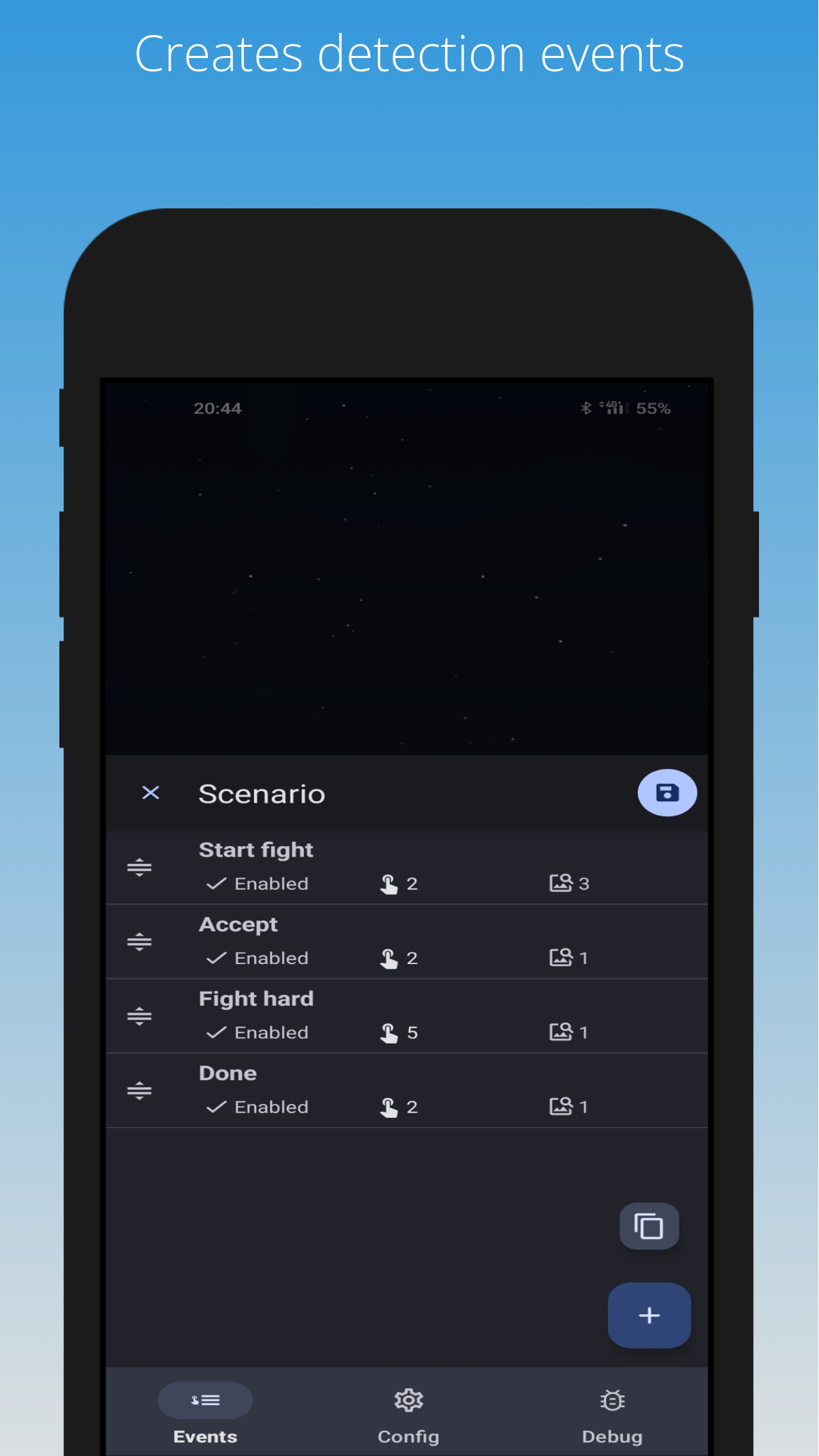
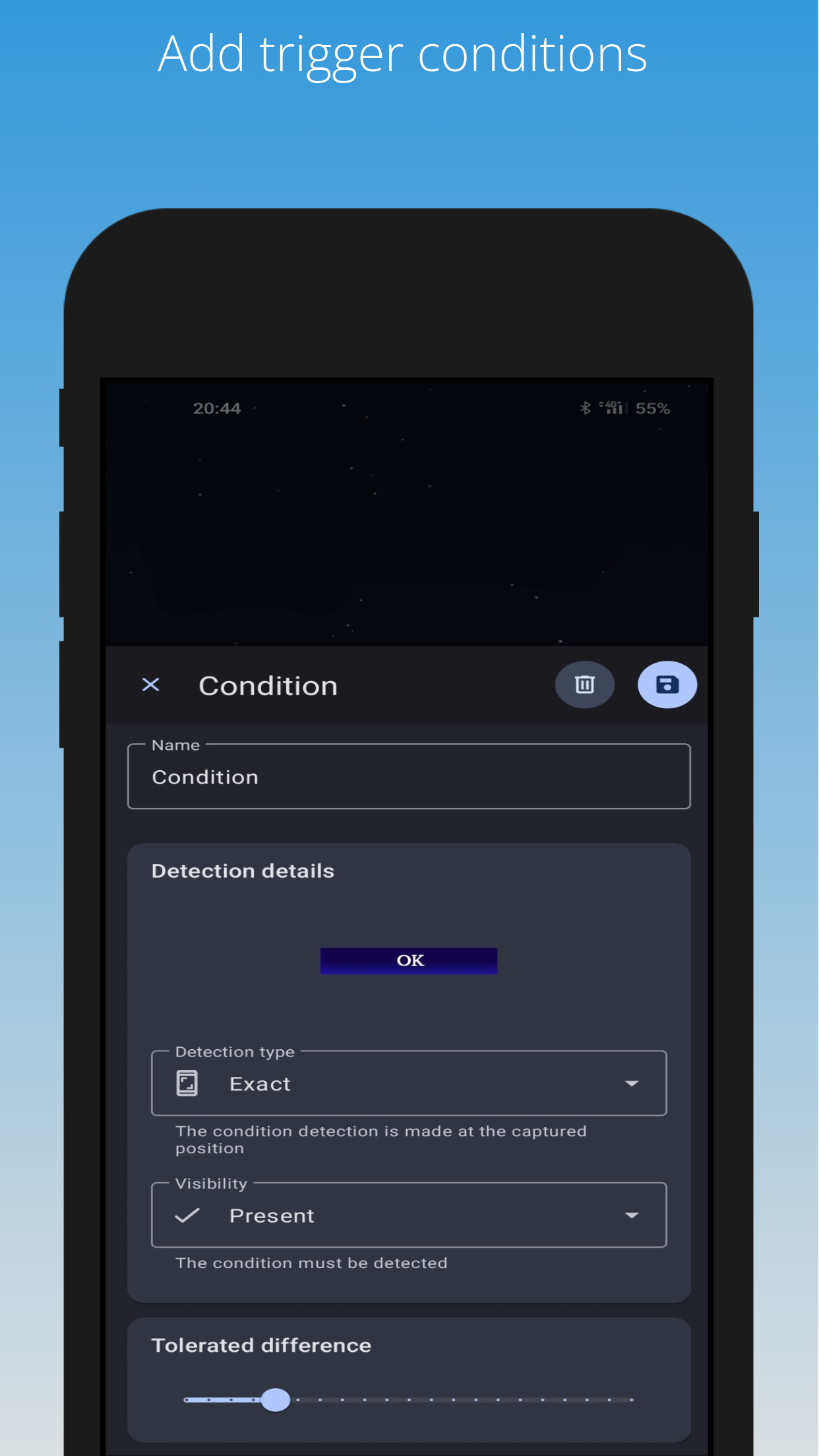
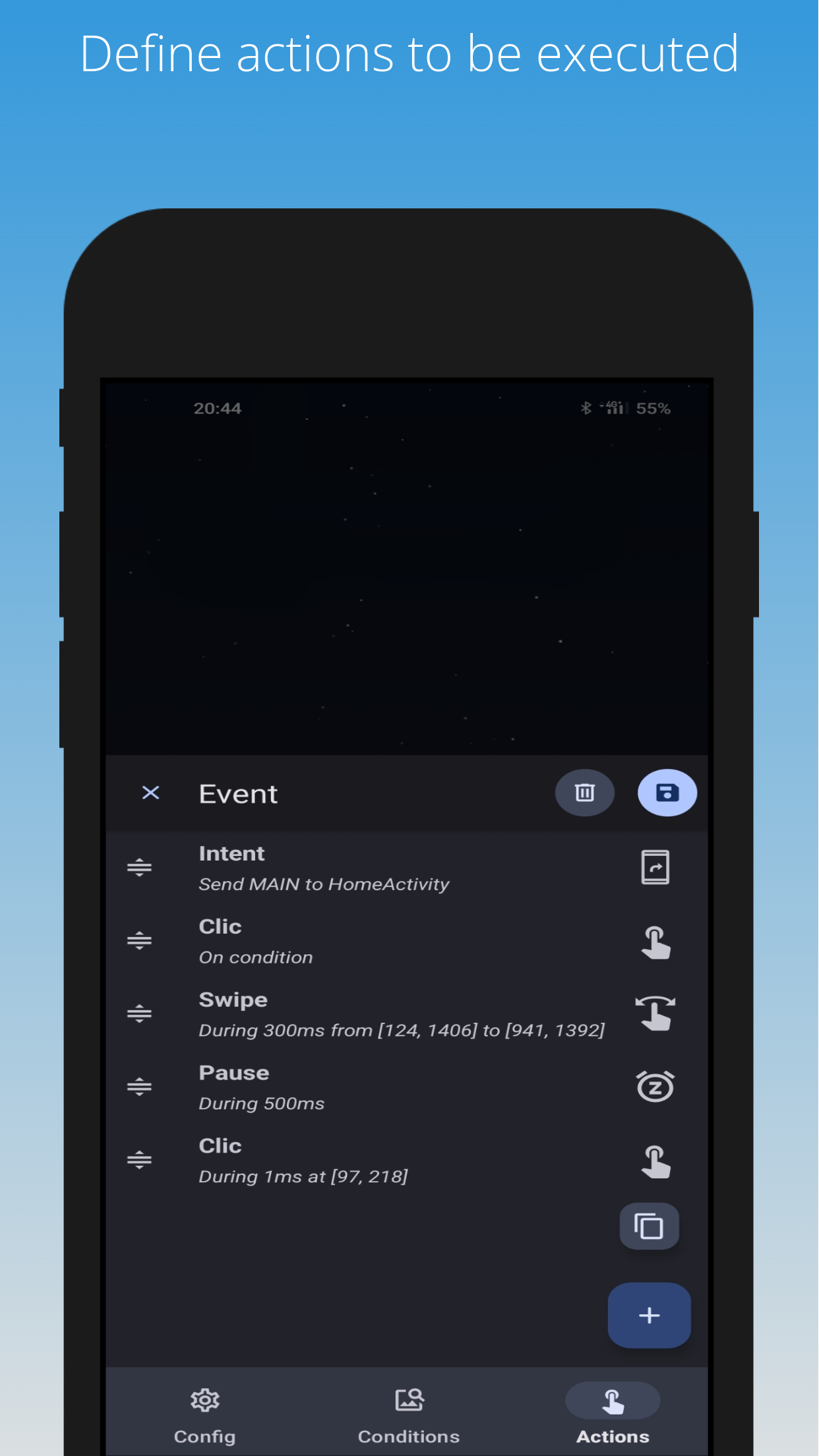
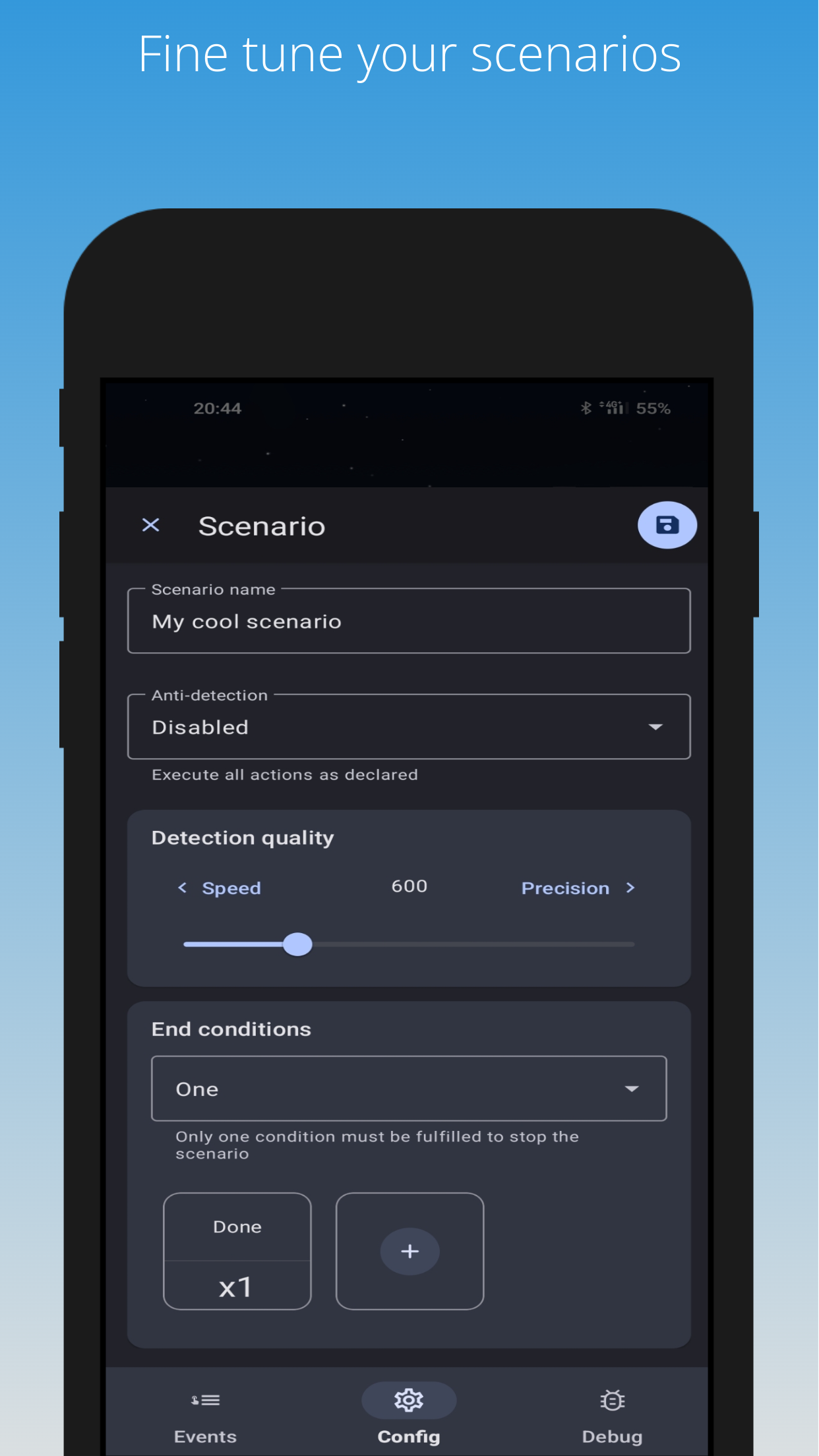
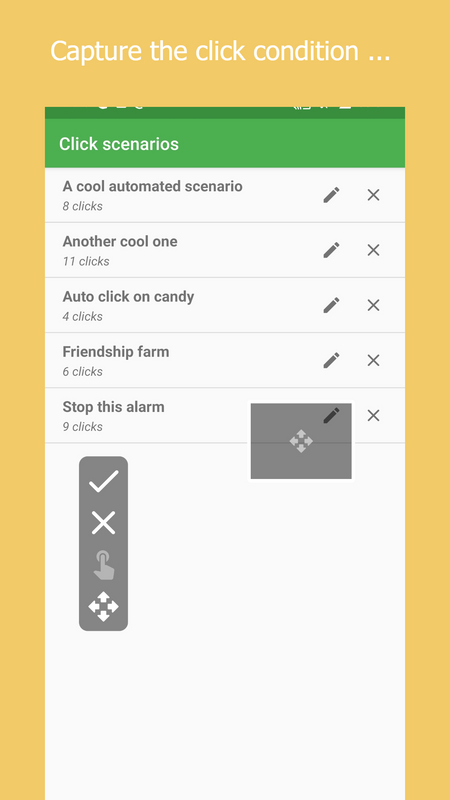
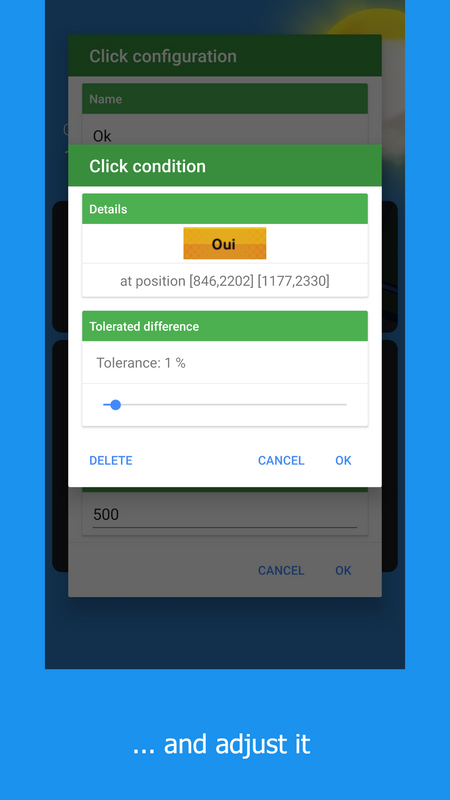
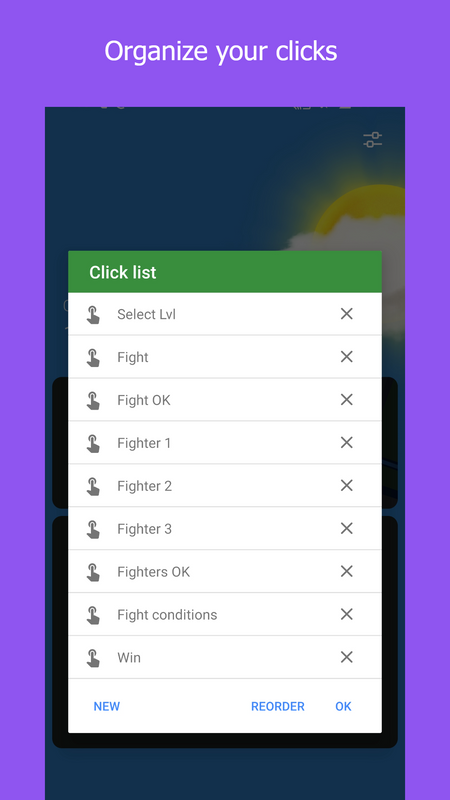
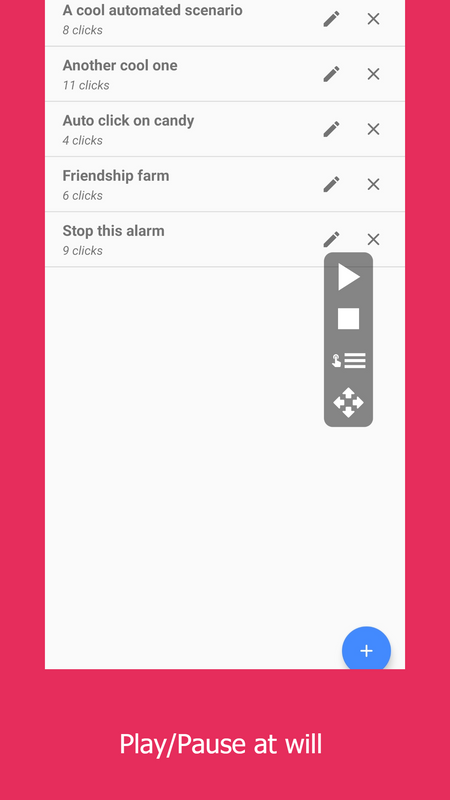
## Key Features: * **Click and Swipes**: Automate clicks and swipes with precision by configuring press durations, swipe durations, and positions. Trigger actions on detected images to interact seamlessly with dynamic elements. * **Advanced Automation**: Enhance your automation scripts with advanced features like counters operations, Android Intents, and flow control, giving you unparalleled flexibility. * **Triggers**: Set up sophisticated triggers based on image detection, timers, counters, and Android broadcast receivers to perfectly tailor your automation tasks. * **Regular Mode**: Enjoy a straightforward auto-clicking experience with our Regular Mode, designed for easy configuration and ideal for simpler, repetitive tasks. * **Tutorials**: Learn to master Klick'r with our interactive game tutorials, which provide step-by-step instructions to help you automate tasks and beat the game using Klick'r's powerful features. * **Open Source**: As an open-source project, Klick'r is continuously improved by a dedicated community.Screenshots
How to install
- Download the APK from the button at the top of this page.
- Allow “Install unknown apps” for your browser or file manager only, not for every app.
- Open the downloaded file and confirm the installation.
- If installation fails with “App not installed,” remove an earlier build of the same app first. A signature conflict is the usual cause.
Data safety
- Every file is checked against its published SHA-256 before it is listed.
- Files are scanned for malware on every update.
- The permissions each app requests are listed on its own page.
- Read the full safety policy for how we test, flag, and delist files.
Comments
Recent approved comments · sorted by newest
View all comments