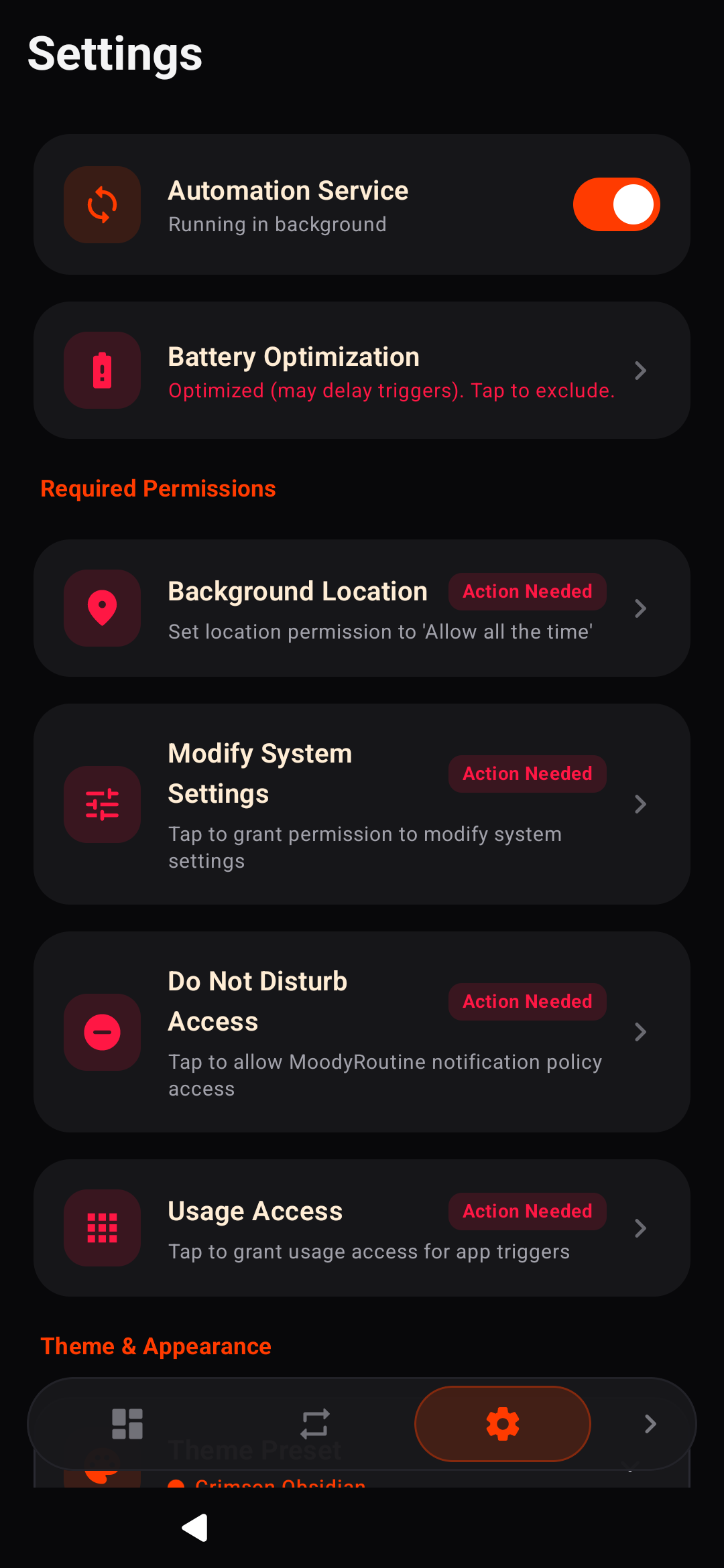
Samsung One UI-style Modes and Routines automation engine for Android.
MoodyRoutine brings contextual automation, situational profiles, and event-driven workflows to any Android device running Android 8.0 (API 26) or higher. It reproduces the design philosophy, ergonomics, and automation capabilities of Samsung's One UI Modes & Routines without requiring root privileges or manufacturer-locked frameworks.
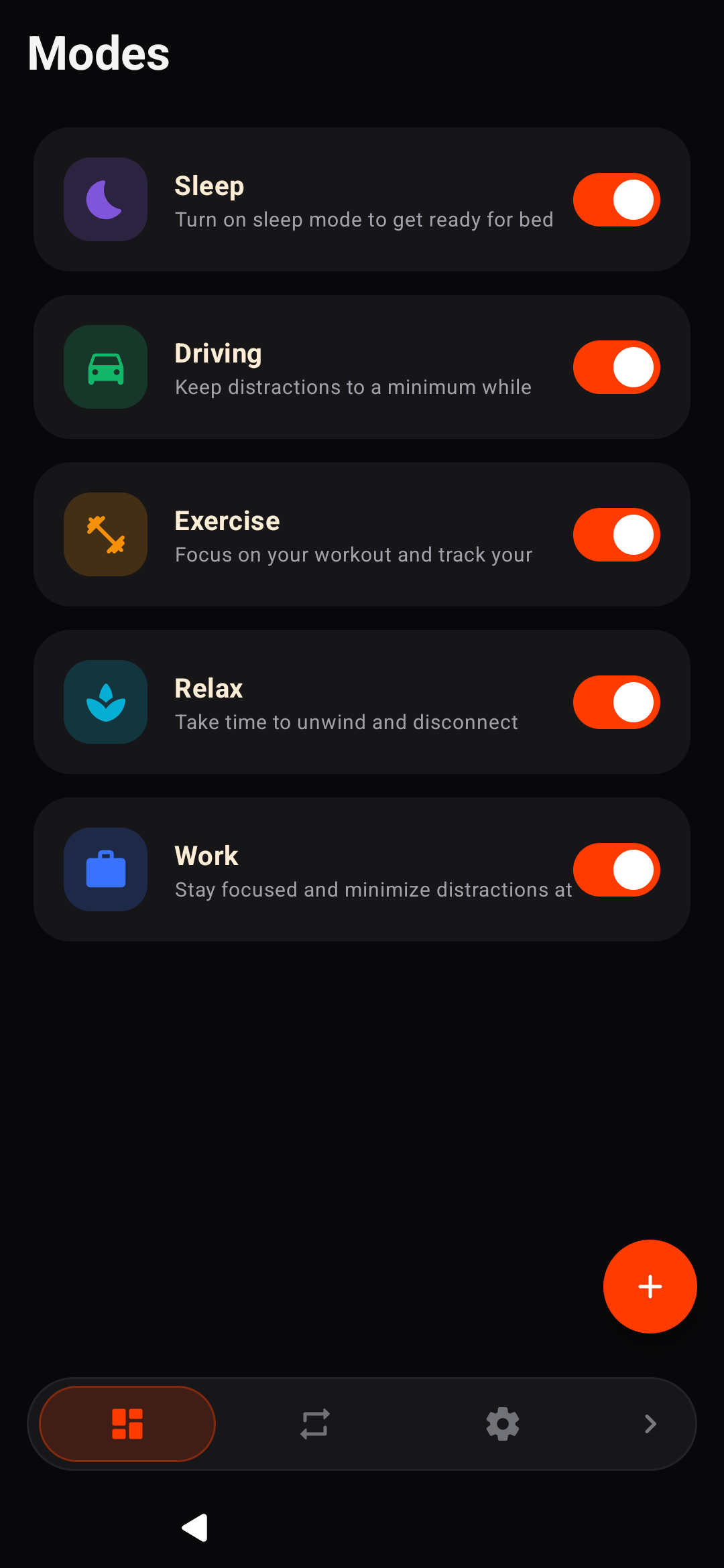
Modes (Situational Profiles)
Bundle device settings into situational profiles:
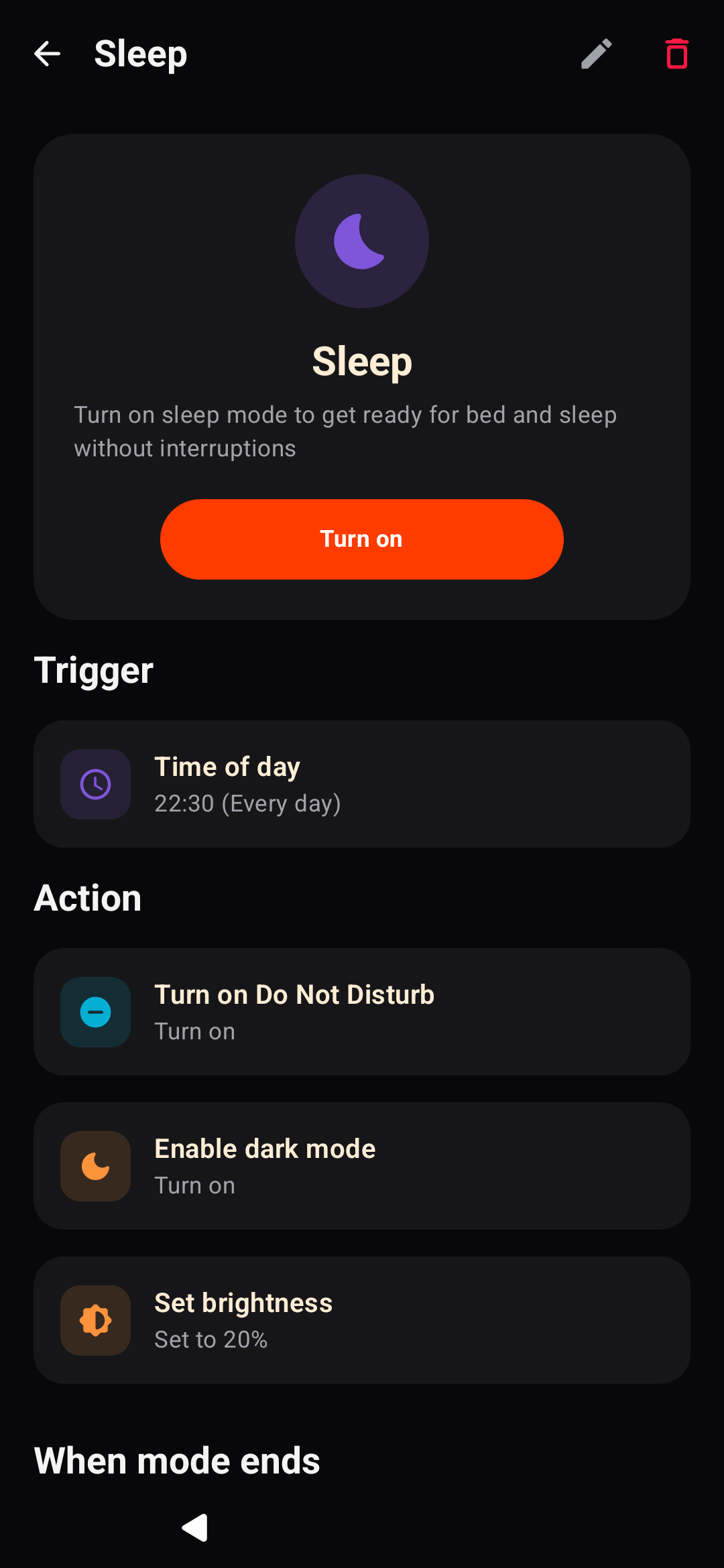
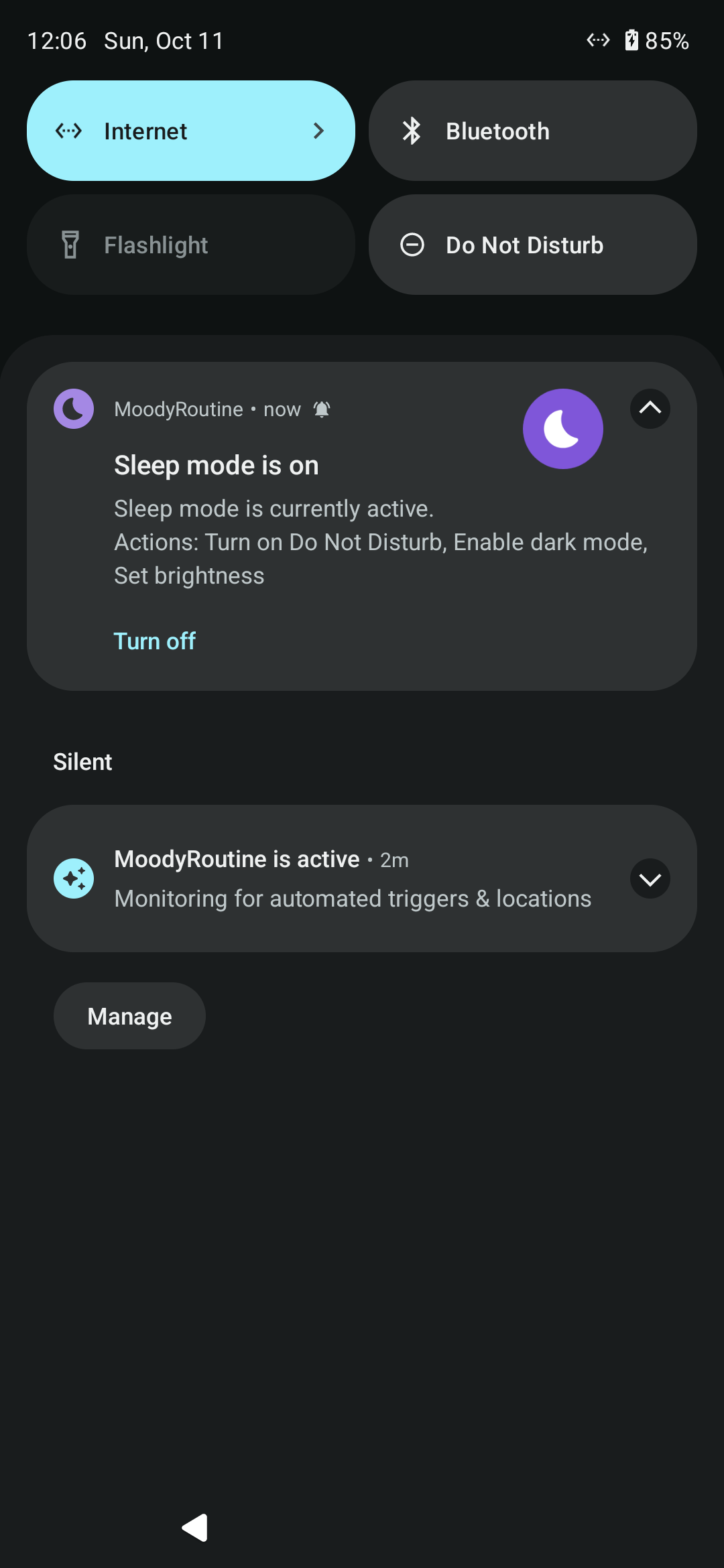
Sleep Mode: Enables Do Not Disturb, reduces screen brightness, activates dark mode, and silences notifications.
Work Mode: Switches ringer to vibrate, mutes media, and restricts distracting applications.
Driving Mode: Enables auto-rotate, adjusts media volume, and launches navigation.
Exercise Mode: Configures media volume and launches workout tracking.
Relax Mode: Reduces screen brightness, silences alerts, and starts music or ambient audio.
Custom Modes: Define arbitrary modes with custom naming, color schemes, and 30+ categorized icons.
Stay Focused (App Blocker): Restricts selected applications while a mode is active, with options to close, snooze for 5 minutes, or turn off the mode.
State Reversion: Automatically snapshots prior volume, ringer, and display settings before mode activation, restoring them upon deactivation.
Status Bar Notifications: Ongoing foreground notification displaying active mode state with an instant "Turn off" action.
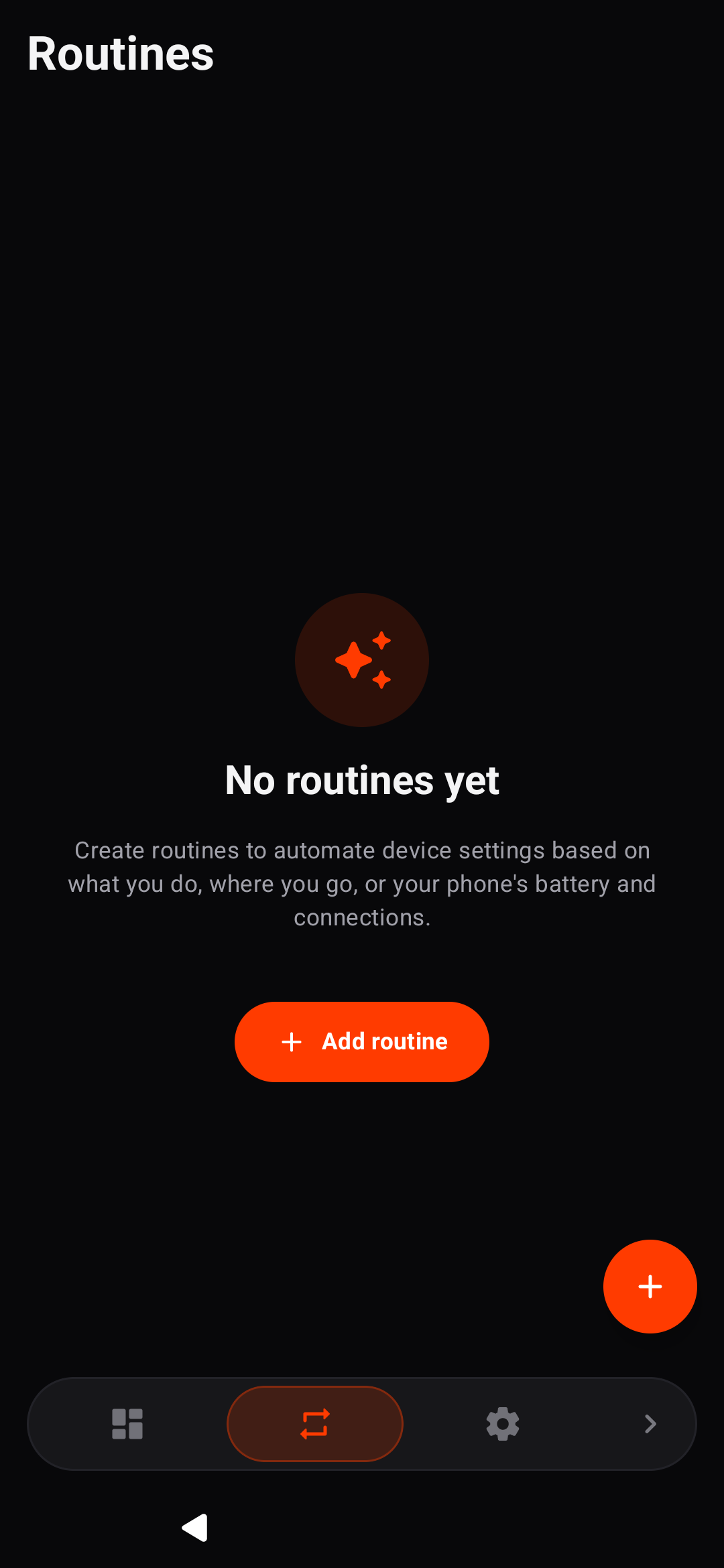
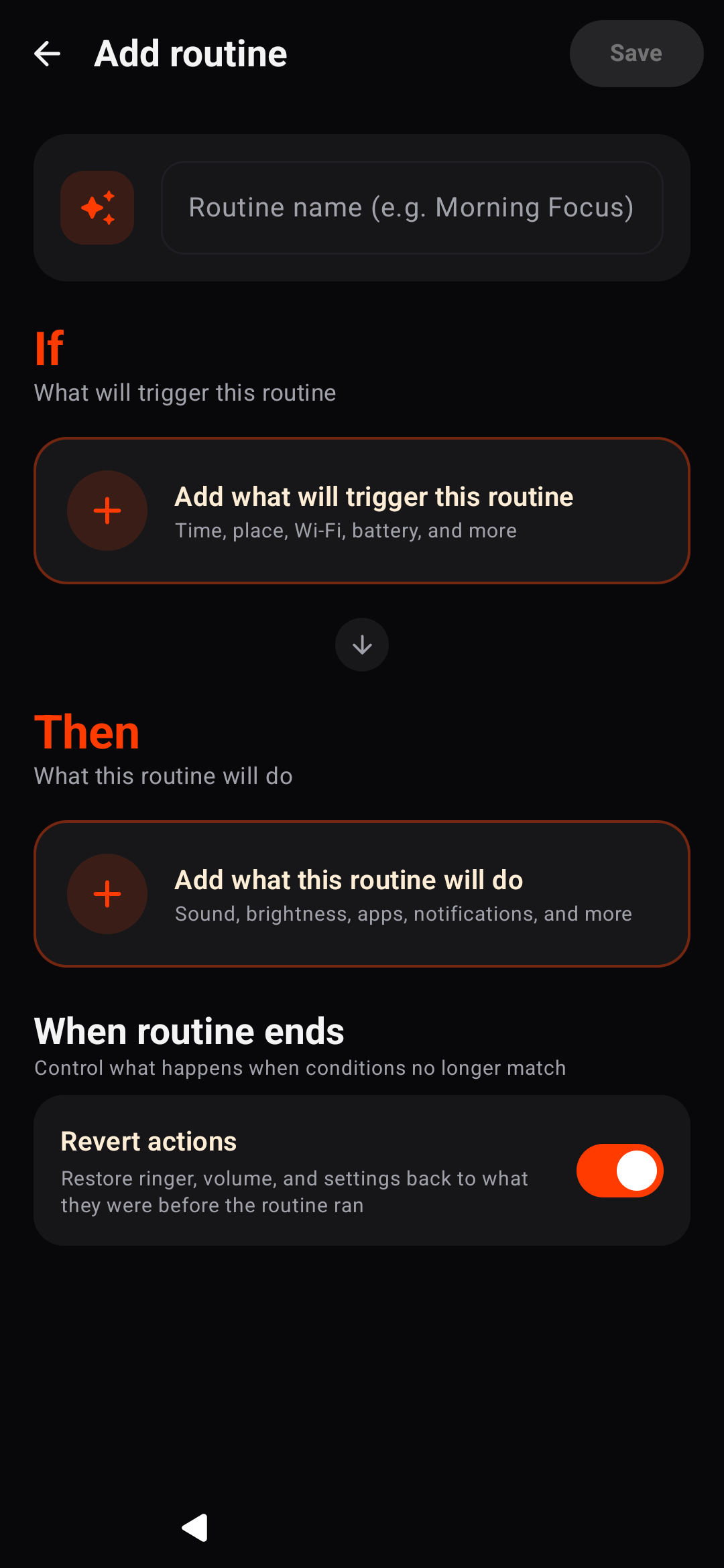
Routines (IF → THEN Automation)
Automate actions based on environmental triggers:
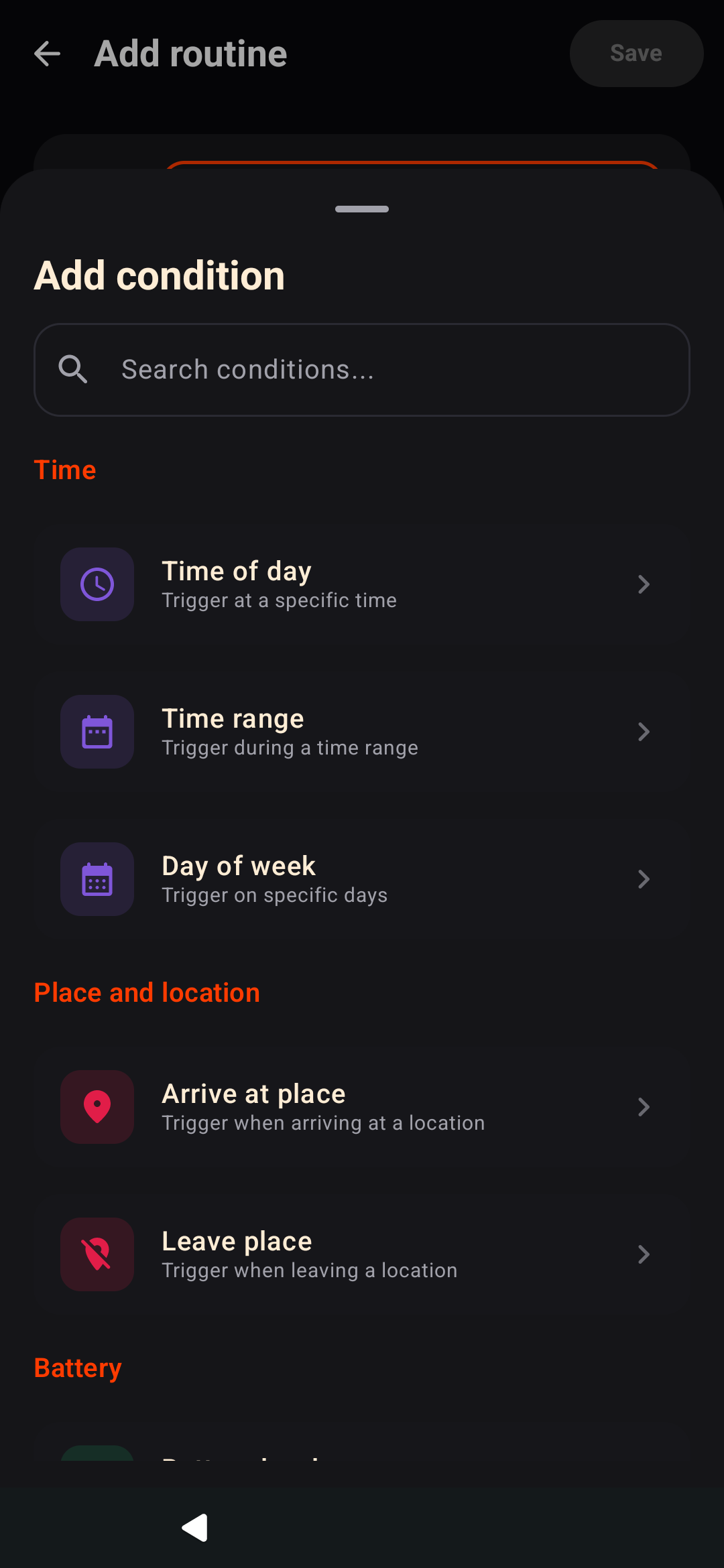
Conditions (IF): Schedule (time ranges, recurrence), Battery & Charging thresholds, Wi-Fi connected/disconnected (with SSID targeting), Bluetooth devices, App open/close, Headphones connected/disconnected, and Location geofencing via OpenStreetMap.
Actions (THEN): Audio sliders (Ring, media, alarm, notification), Ringer modes (Normal, vibrate, silent), Do Not Disturb states, Brightness adjustment, Auto-rotate toggle, Dark mode toggle, Home/Lock screen wallpapers, App launcher, and App shortcuts.
Privacy & Libre Software
100% Free & Open Source (GPL-3.0)
Zero trackers, zero analytics, zero ads
Fully offline operation with no account or registration required
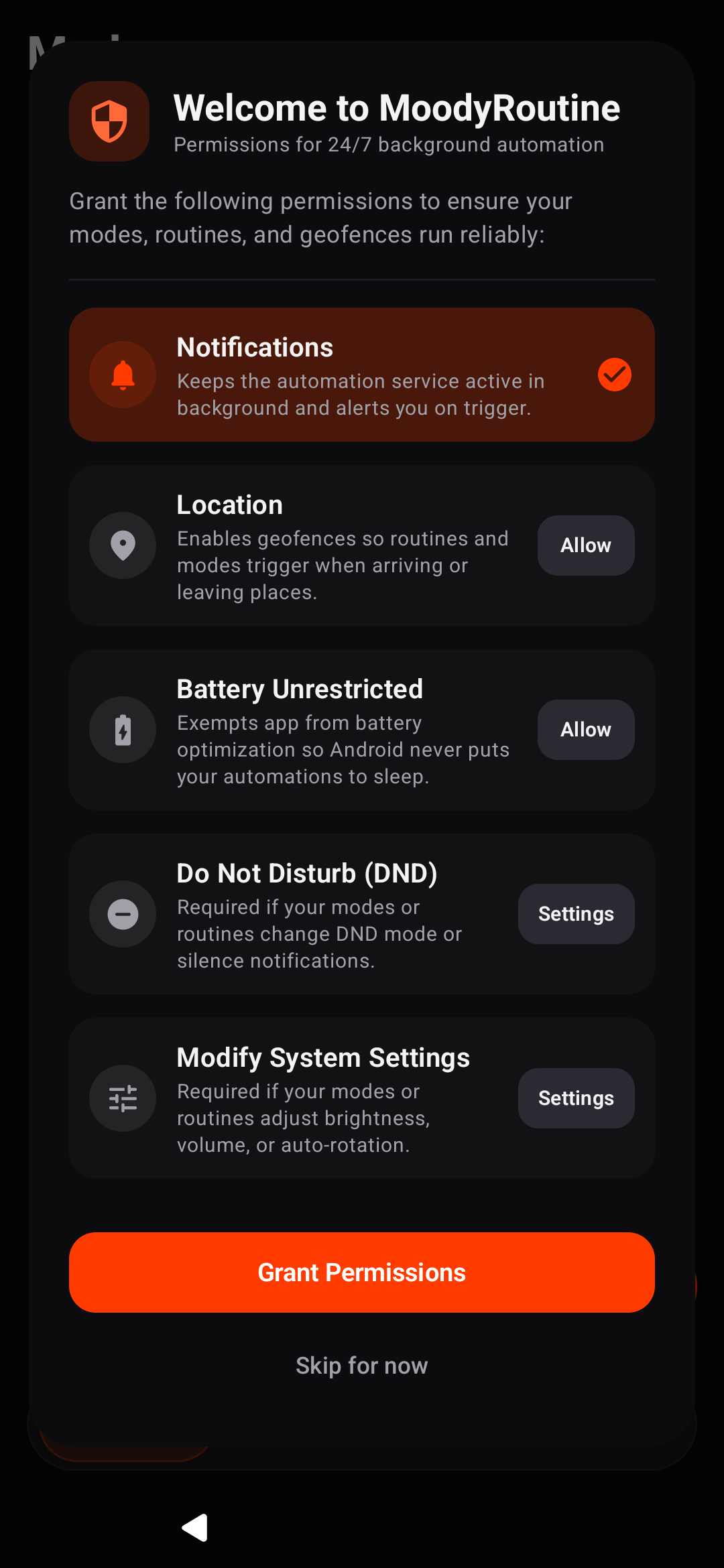
Screenshots
What’s new
- Added FOSS and GMS product flavors - Native AOSP LocationManager support for 100% de-Googled devices - F-Droid reproducibility optimizations
How to install
Download the APK from the button at the top of this page.
Allow “Install unknown apps” for your browser or file manager only, not for every app.
Open the downloaded file and confirm the installation.
If installation fails with “App not installed,” remove an earlier build of the same app first. A signature conflict is the usual cause.
Data safety
Every file is checked against its published SHA-256 before it is listed.
Files are scanned for malware on every update.
The permissions each app requests are listed on its own page.
Read the full safety policy for how we test, flag, and delist files.
Frequently asked questions
What is MoodyRoutine?
Samsung One UI-style Modes and Routines automation engine for Android.
Who develops MoodyRoutine?
MoodyRoutine is developed by Naman Chopra.
Which Android version does MoodyRoutine require?
MoodyRoutine requires Android API 26 or later.
What is the current version of MoodyRoutine?
The synchronized F-Droid version is 1.0.1.
Which license does MoodyRoutine use?
The signed F-Droid metadata lists GPL-3.0-or-later.