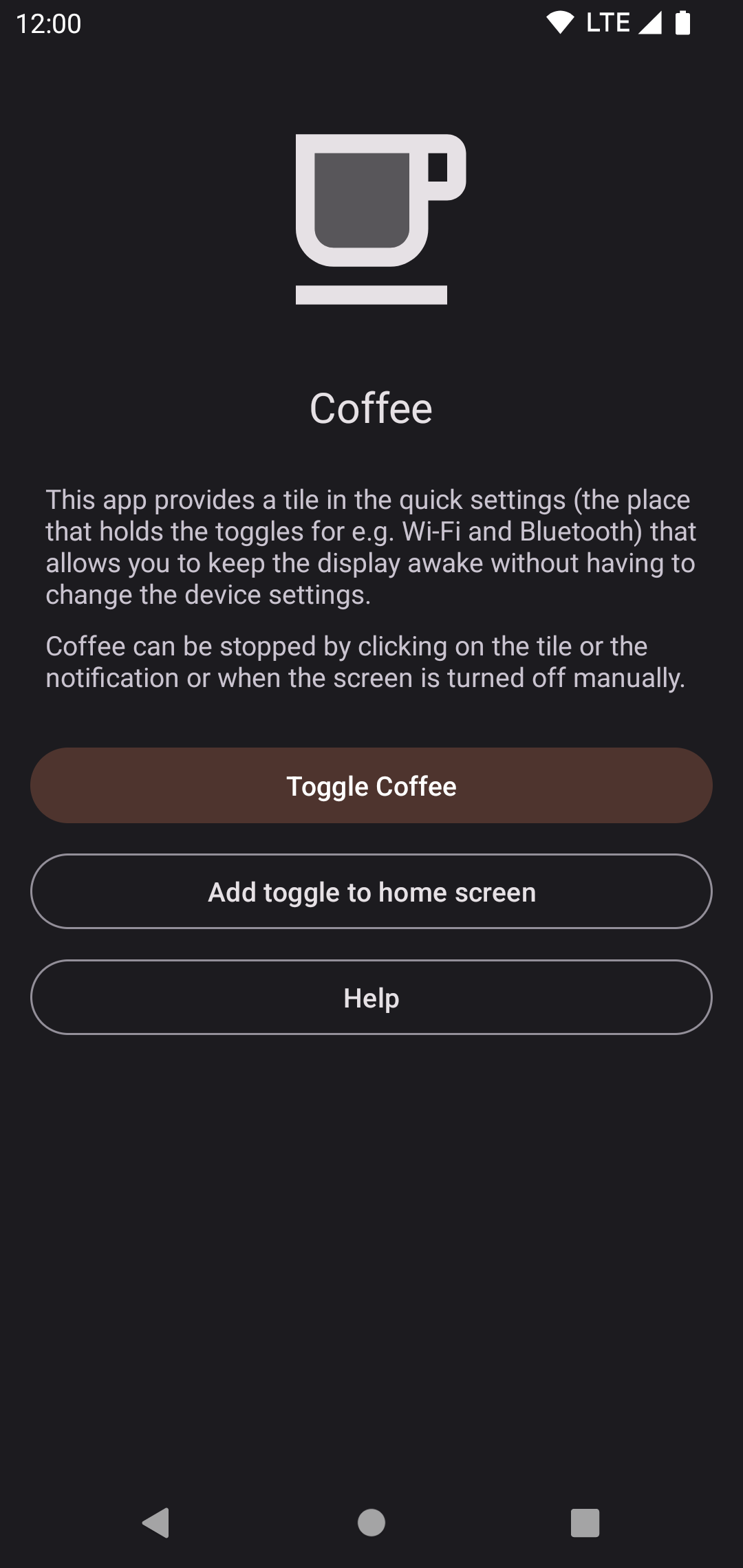
Coffee allows you to keep the display awake without having to change the device settings. It can be toggled at various places:
* A tile in the quick settings, the place that holds the toggles for e.g. Wi-Fi and Bluetooth. Requires Android 7 or higher.
* A button in the app itself
* A shortcut on your home screen. It can be created in the app, if your launcher supports it.
Coffee can be set as assist app (Device settings => Apps => Default apps => Assist app) and changes it's state when assist is called.
Coffee may not work because of an overly aggressive battery saver that is implemented by some OEMs (including Poco, Samsung and Xiaomi).
In that case please enable "Alternate mode" in the settings.
Screenshots
What’s new
Fix foreground service start from quick tile
How to install
Download the APK from the button at the top of this page.
Allow “Install unknown apps” for your browser or file manager only, not for every app.
Open the downloaded file and confirm the installation.
If installation fails with “App not installed,” remove an earlier build of the same app first. A signature conflict is the usual cause.
Data safety
Every file is checked against its published SHA-256 before it is listed.
Files are scanned for malware on every update.
The permissions each app requests are listed on its own page.
Read the full safety policy for how we test, flag, and delist files.