What’s new
Fix saving the first action in an empty simple scenario, including after deleting all actions. Keep action and condition previews and gesture-recording state synchronized with selection when lists change.

Updated Oct 14, 2026
Screen-aware Android automation, independently developed from Klick'r
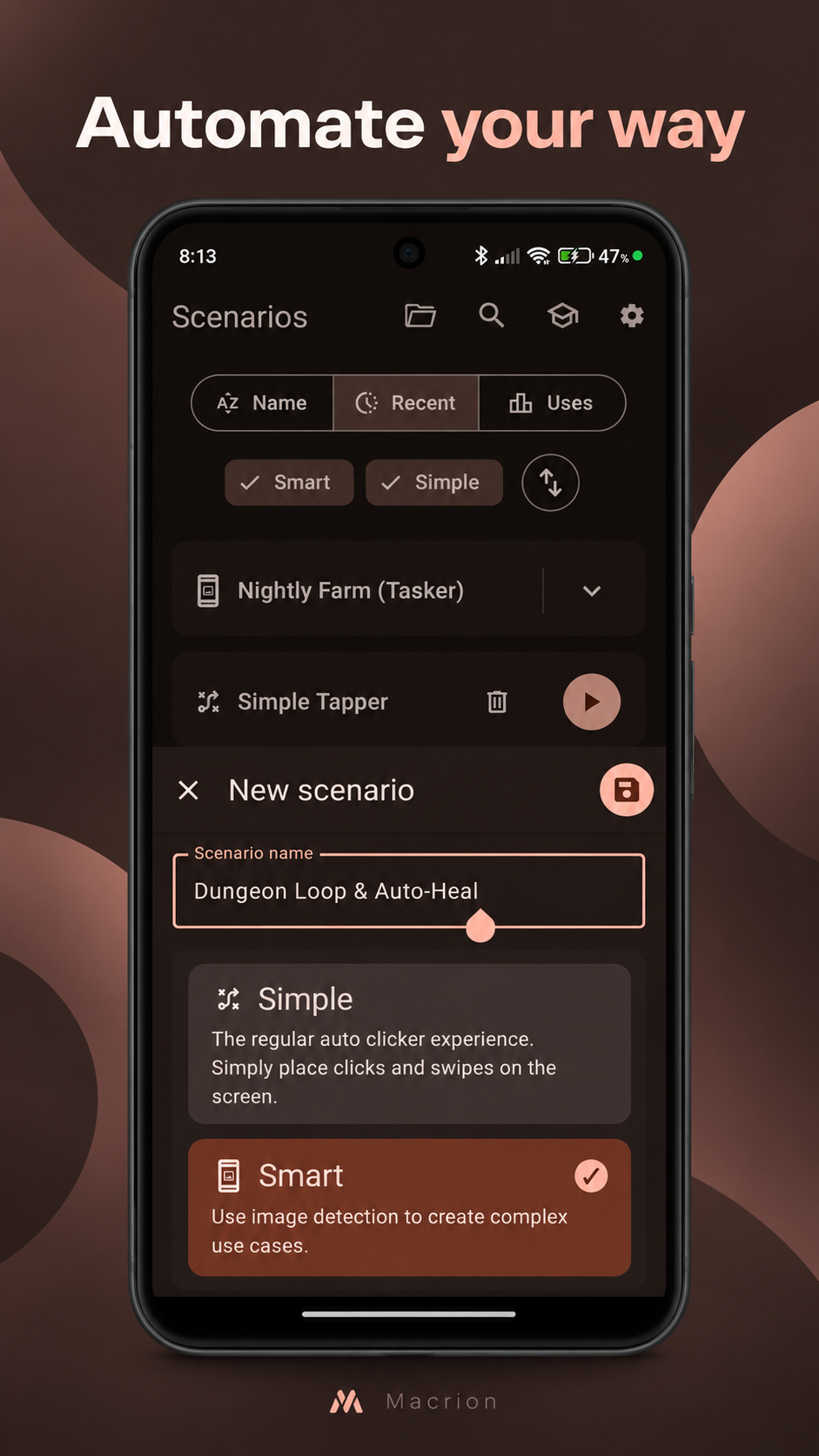
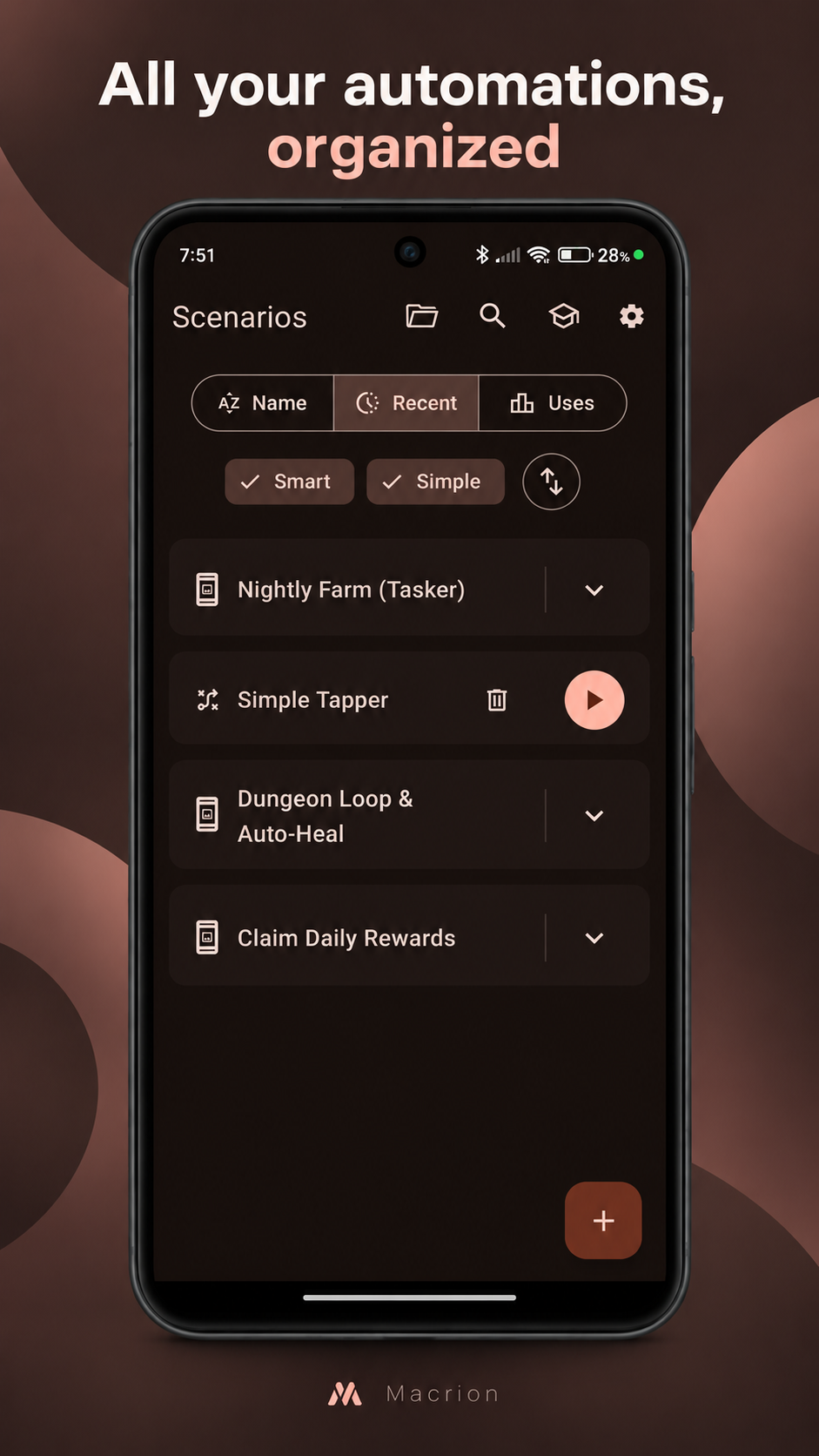
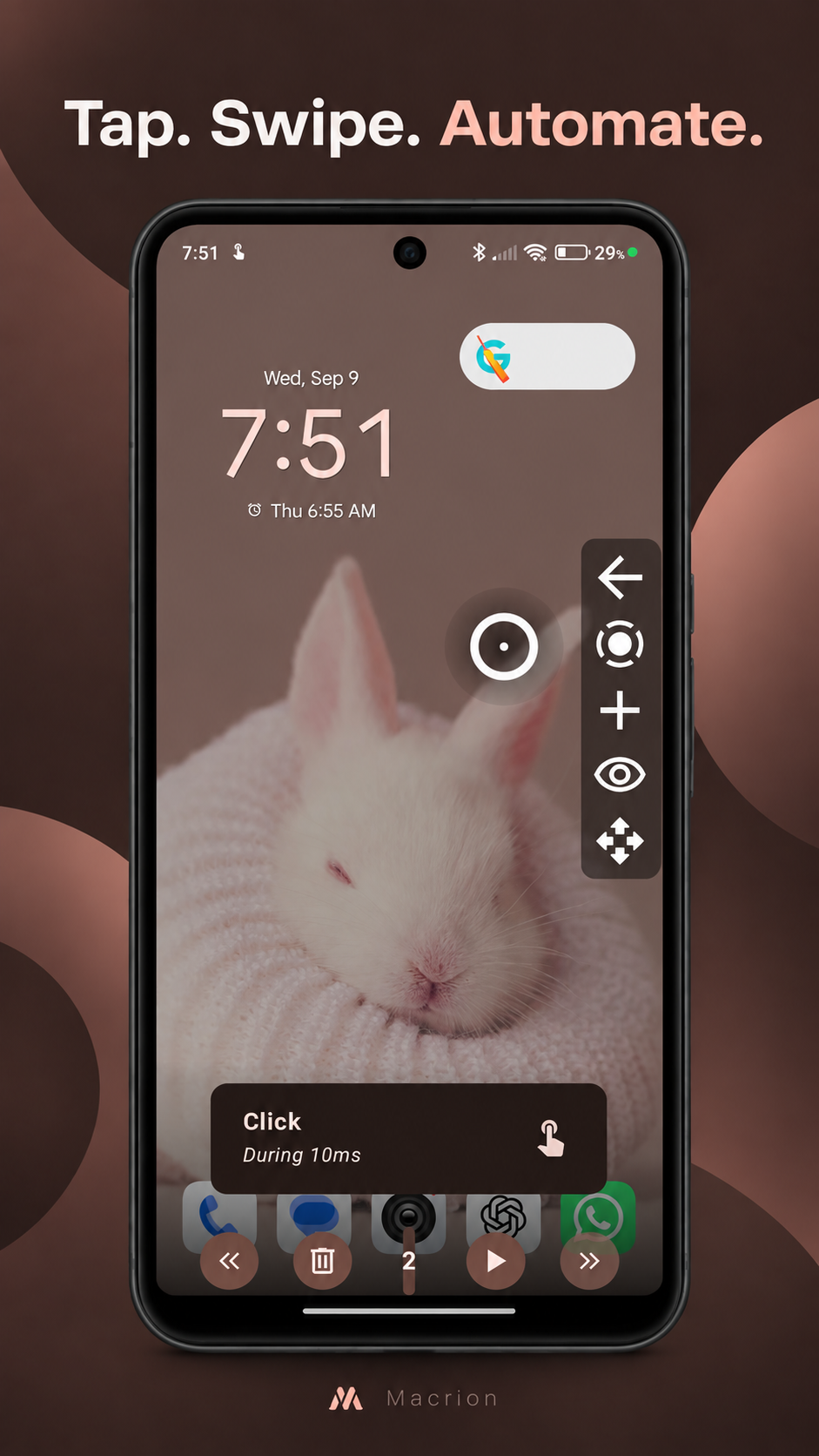
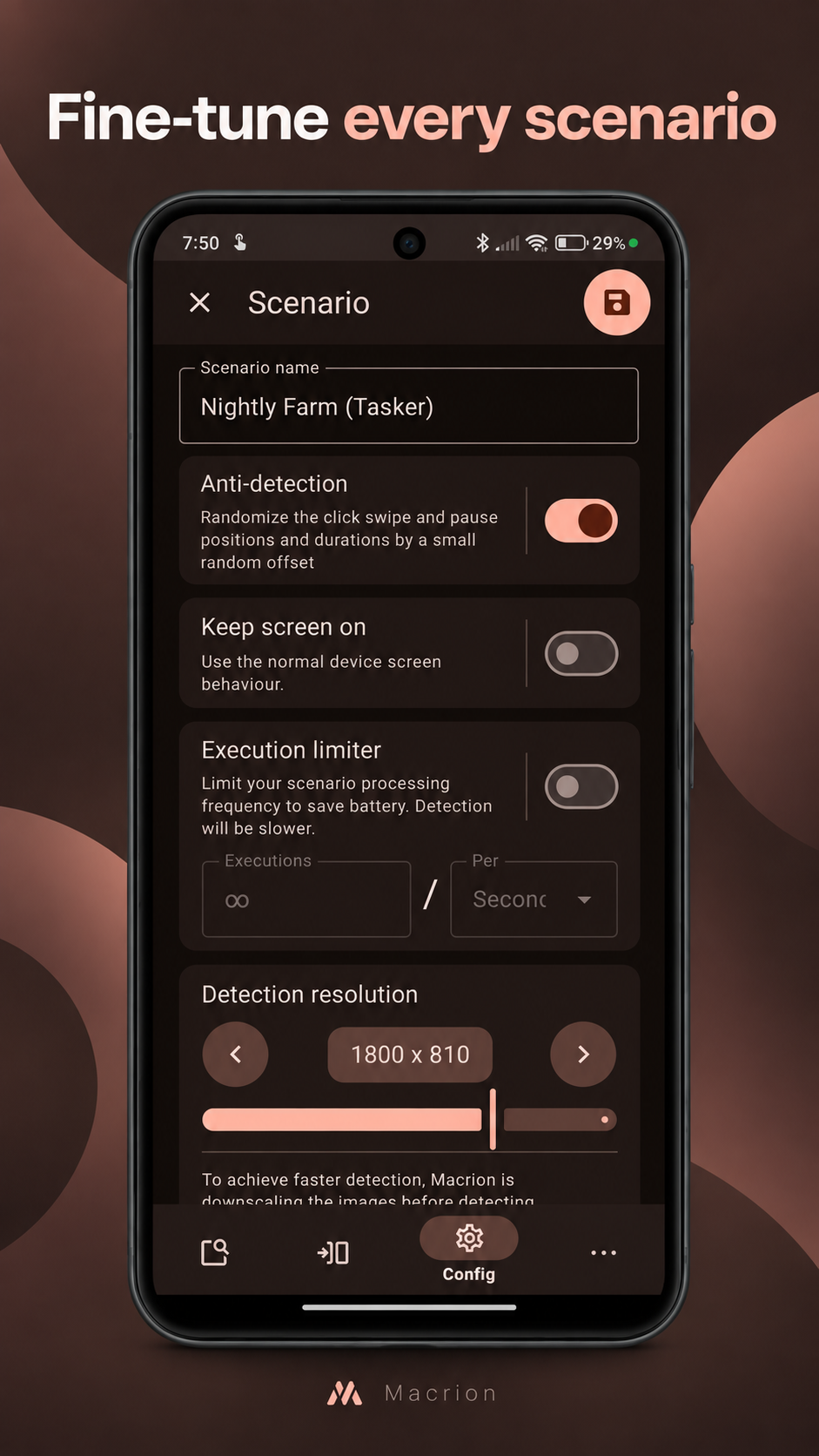
Macrion is a free and open-source Android automation app. Create scenarios that react to what is on screen, then perform configured taps, long presses, swipes, text input, and system actions.
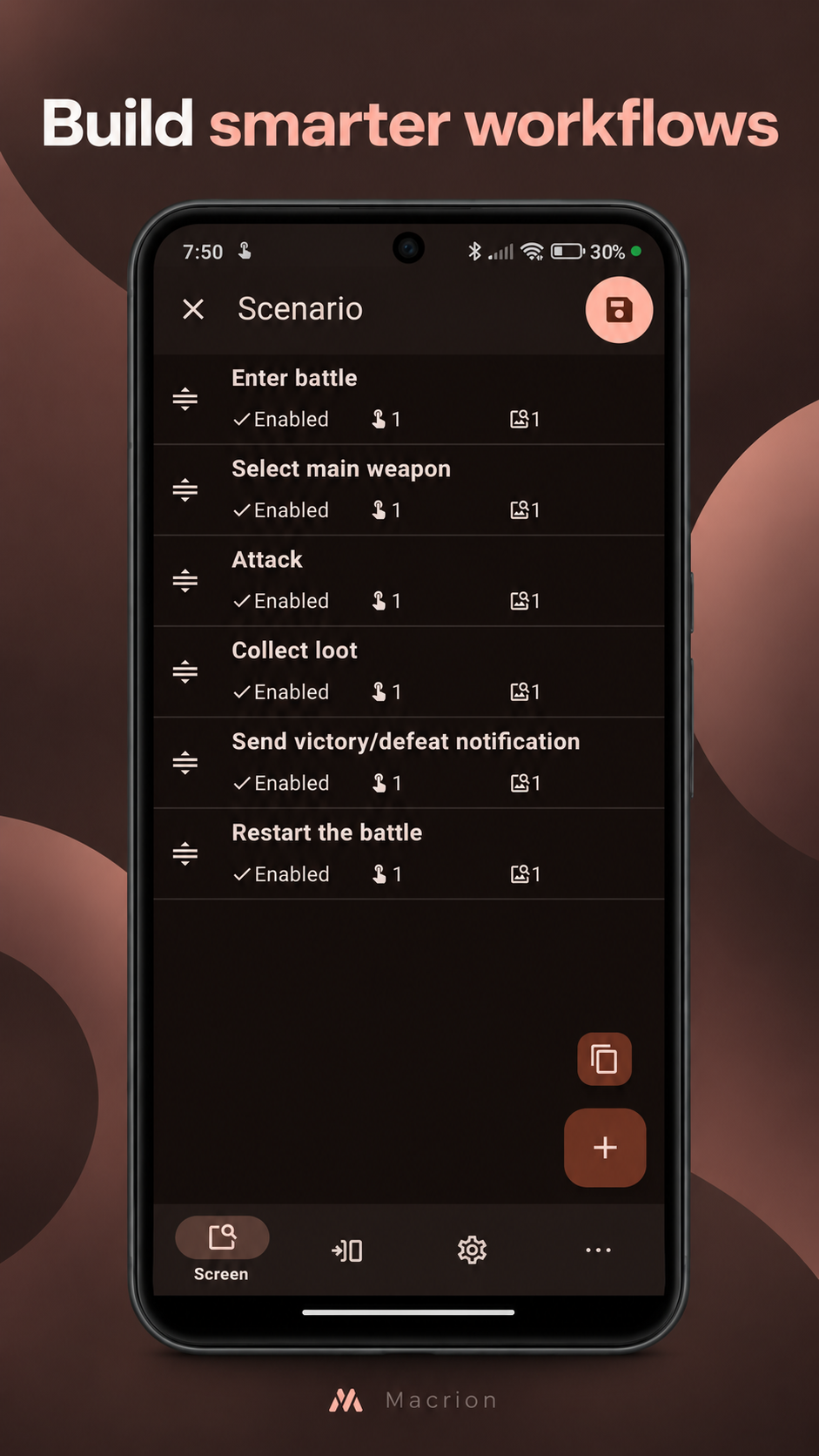
Use image, text, number, and colour conditions to make automation respond to screen state. Build simple position-based auto-clickers or more advanced flows with timers, counters, cooldowns, broadcast triggers, and external automation-app integration. Macrion can import and export scenario backups, including compatible Klick'r exports where supported.
Macrion requires Accessibility, screen-capture, and display-over-other-apps permissions to automate other apps. Grant them only when you understand and trust the scenarios you run.
Network access is used to download optional OCR language models from GitHub and to send crash reports to the developer when you choose Send. Crash reports are stored locally until you choose to send or discard them. Screen detection and scenario execution run on your device; OCR does not send screen content to an online service.
Macrion is independently developed from Klick'r, originally created by Kevin Buzeau and its contributors. It retains applicable copyright and GPL-3.0-or-later license notices from that prior work.
Fix saving the first action in an empty simple scenario, including after deleting all actions. Keep action and condition previews and gesture-recording state synchronized with selection when lists change.
Recent approved comments · sorted by newest
View all comments