Screenshots go to the clipboard, not the gallery, and expire on a timer
Most screenshots are throwaway: a quick share, a reference, a one-time paste. SnapFade makes them temporary by default and permanent only when you choose.
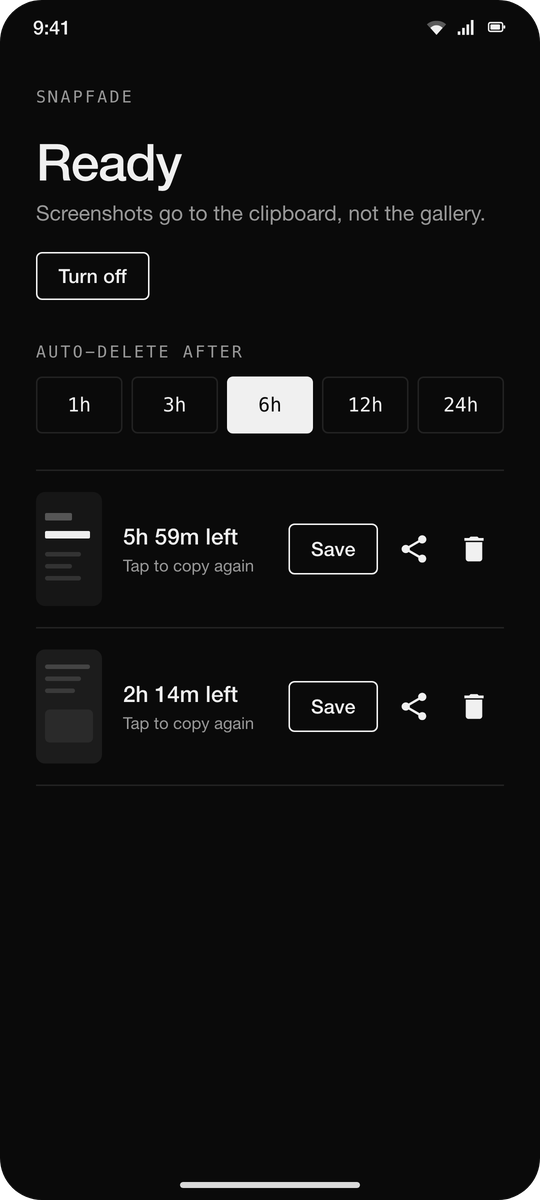
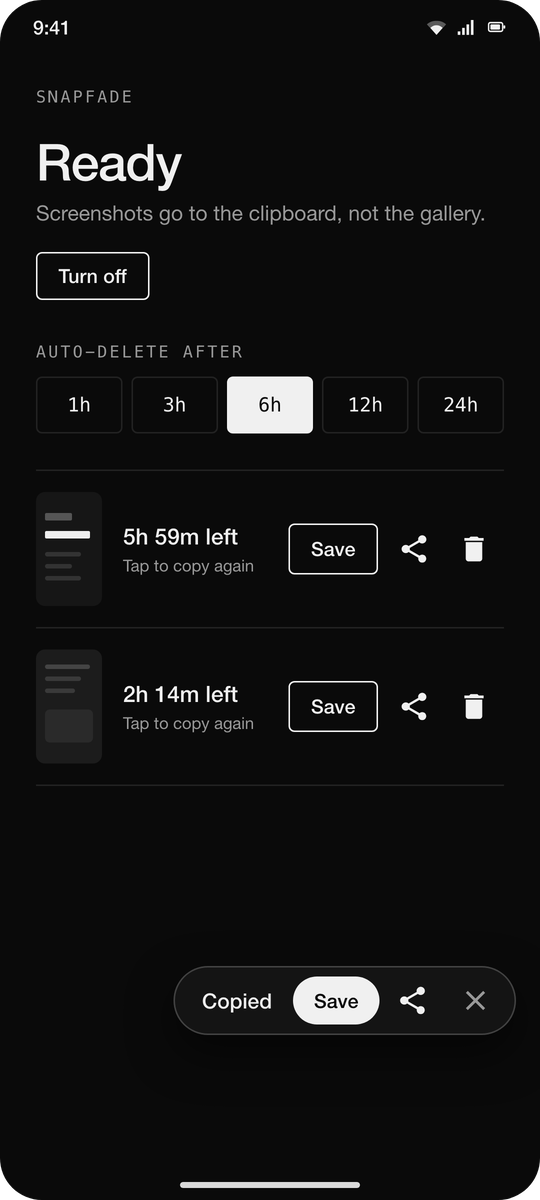
Take a screenshot the normal way. SnapFade moves it out of your gallery into its own private cache and puts it on the clipboard, so you can paste it straight into any app that accepts images. A small popup offers Save and Share. If you do nothing, the screenshot is deleted after the time you pick (1, 3, 6, 12 or 24 hours) and the clipboard entry goes dead with it.
How it works
Uses the default screenshot shortcut. No new gesture to learn.
Watches the media store for new screenshots and removes them from the gallery.
The clipboard holds a content URI; the image lives in the app's private cache until it expires.
Every pending screenshot is listed in the app with a countdown. Copy again, save, share or delete from there.
Permissions
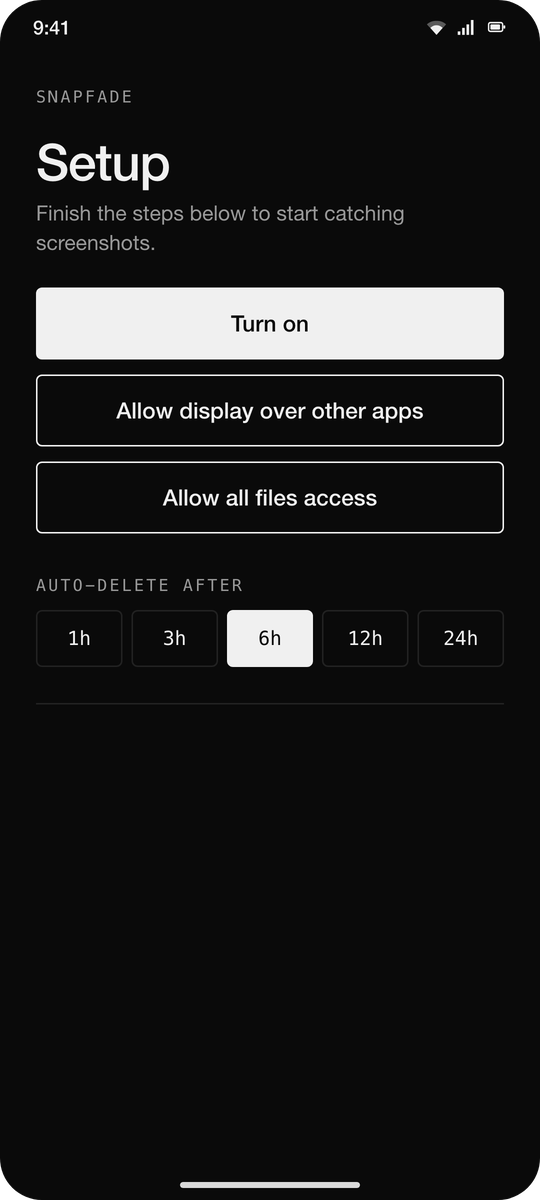
All files access: to delete the original from the gallery without a prompt each time.
Display over other apps: for the Save / Share popup. Optional.
A quiet foreground service keeps it running; its notification is silent and minimised.
No ads, no analytics, no internet permission. Under 500 KB.
Screenshots
What’s new
First F-Droid release.
- No accessibility service any more: a plain Turn on button starts a quiet foreground service - Save / Share popup at the bottom right, clear of the system's own screenshot preview - Black and white UI, visible icons, segmented expiry picker - Service restarts after reboot and after app updates
How to install
Download the APK from the button at the top of this page.
Allow “Install unknown apps” for your browser or file manager only, not for every app.
Open the downloaded file and confirm the installation.
If installation fails with “App not installed,” remove an earlier build of the same app first. A signature conflict is the usual cause.
Data safety
Every file is checked against its published SHA-256 before it is listed.
Files are scanned for malware on every update.
The permissions each app requests are listed on its own page.
Read the full safety policy for how we test, flag, and delist files.
Frequently asked questions
What is SnapFade?
Screenshots go to the clipboard, not the gallery, and expire on a timer