Auto Profiles
Auto Profiles is a lightweight utility for
LineageOS that switches System Profiles automatically, based on rules you define. It brings the functionality of Handy Profiles — a popular app for Nokia smartphones originally developed by SymbianWare — to Android.
Set up a rule once, and your phone changes its profile on its own: silent at the office, loud at home, offline at night.
How it works
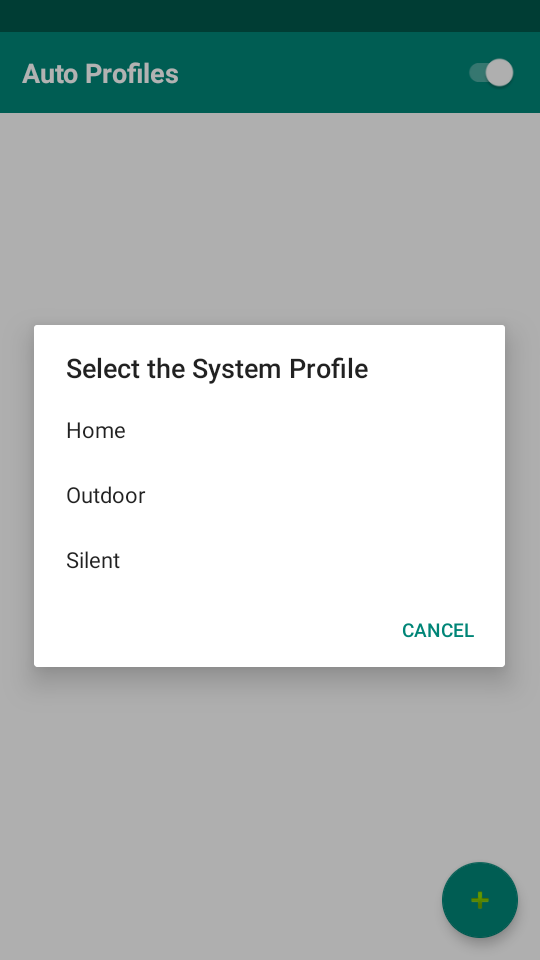
The app relies on the System Profiles feature built into LineageOS. Tap the
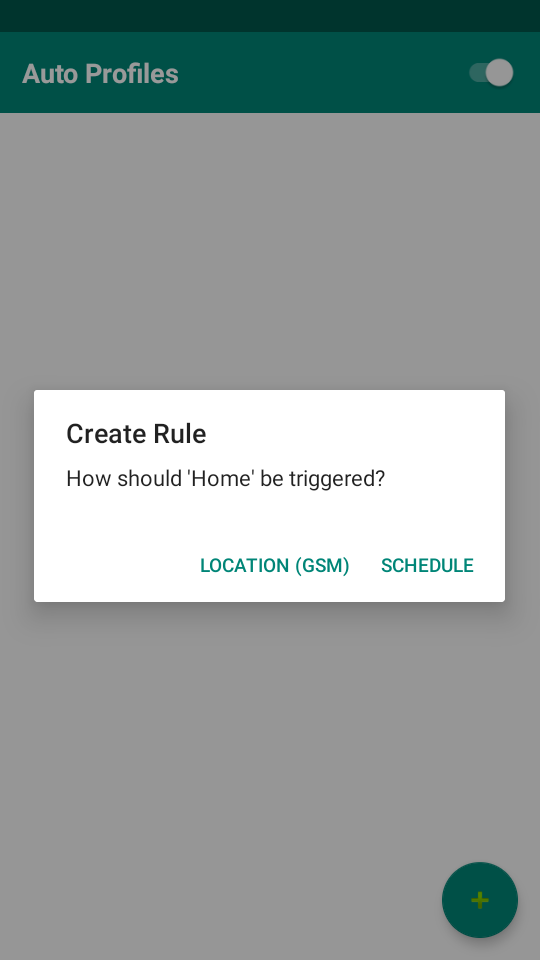
+ button, select an existing system profile, and choose how it should be triggered:
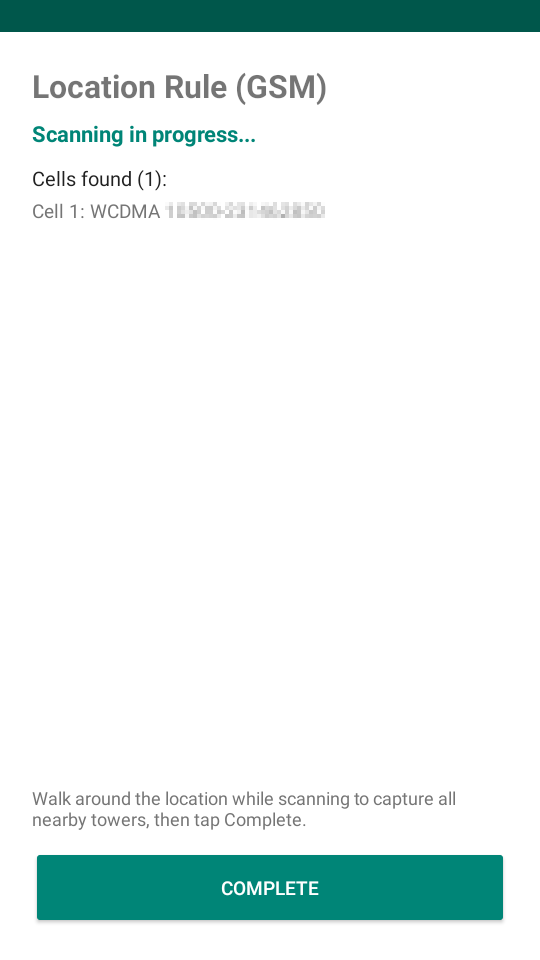
Location (GSM) — activates the profile when you are at a specific place (such as your office, gym, or home). Location is determined by nearby GSM/LTE cell towers rather than GPS, allowing it to work indoors without consuming extra battery. When creating the rule, the app scans and collects surrounding cells — walk around the location to capture all nearby towers, then tap
Complete and name the rule. When any saved cell comes into range, the profile is applied and your previous profile is remembered. Leaving the coverage area automatically restores the previous profile.
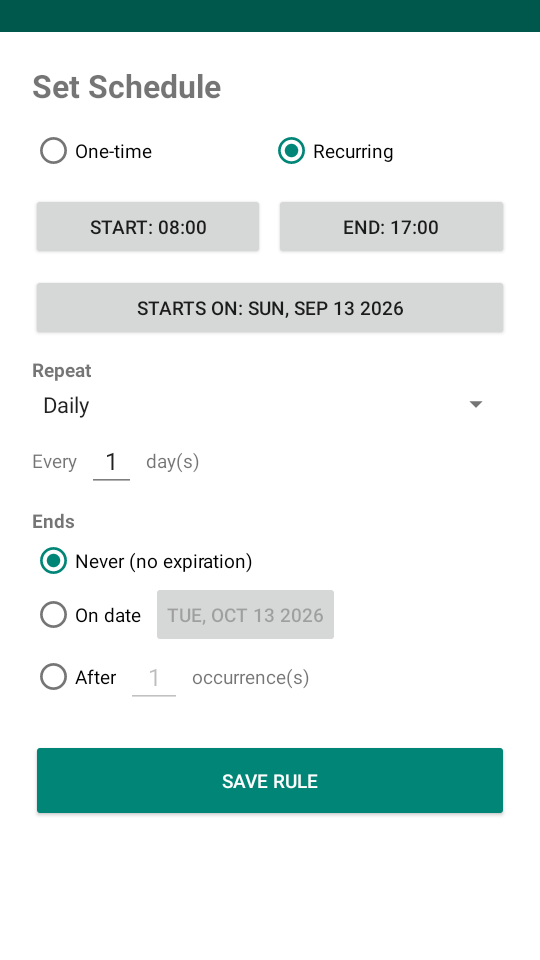
Schedule — activates the profile during a set time interval (for example, from midnight to 7 o'clock). At the start of the interval the profile is applied, and at the end the previous profile is restored.
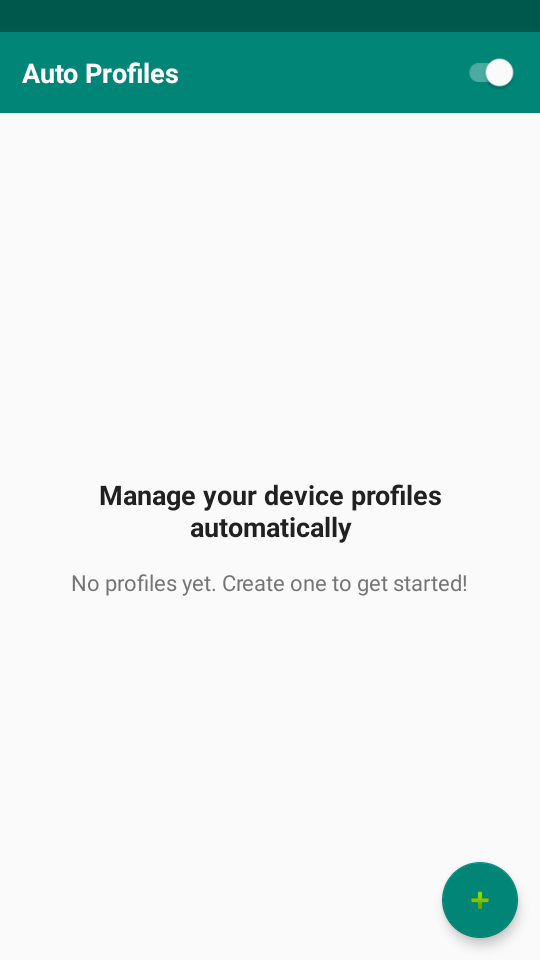
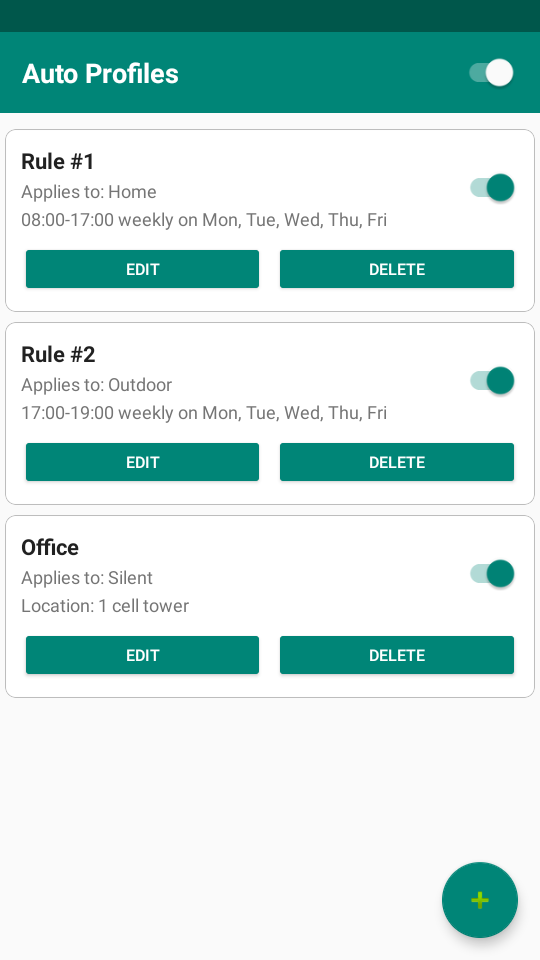
All rules are listed in the main window, where each one can be edited, deleted, or toggled on and off individually. A master switch in the app bar disables the whole app at once, reverting any profile it applied. A foreground service monitors cell tower changes in the background and survives reboots.
Requirements
- LineageOS with the System Profiles feature (Settings → System → Profiles) enabled.
Note: Android only reveals cell tower identities to apps while the system-wide Location toggle is on. Auto Profiles never uses GPS — the toggle is only the policy gate that makes cell information visible. If Location is off, the app will ask you to enable it.
Permissions
- Location (precise): required by Android to read cell tower identities, which are treated as location data. GPS is not used.
- Location (coarse): fallback location data used alongside precise location for cell tower identification.
- Location (background, Android 10+): lets the cell-monitoring service keep detecting towers right after your phone restarts, before you've had a chance to reopen the app. Asked separately from precise location, and only after it is granted.
- Phone: to read the cellular network state.
- Network state: to access network information.
- Run at startup: to restore rule monitoring and alarms after a reboot.
- Foreground service: to keep monitoring cell changes reliably in the background.
- Foreground service (location): specialized permission to run a foreground service that monitors location-based triggers (Android 14+).
- Alarms & reminders: to switch profiles at the exact scheduled time (Android 12+).
- Notifications: for the persistent monitoring notification (Android 13+).
- Ignore battery optimizations: exempts the app from Doze so the background monitor isn't throttled while the screen is off. Requested once via a single system dialog. Declining it is safe, but cell changes may then be detected with a delay while the phone is idle.
- Modify profiles (lineageos.permission.MODIFY_PROFILES): to switch LineageOS System Profiles.