What’s new
- logs in build.sh translated to English.
- command detection issue in build.sh is fixed.

Updated Oct 29, 2026
Create bootable USB media and boot PCs directly from Android.
MultiBooter is a free and open-source Android application for creating bootable USB media and booting computers directly from an Android device.
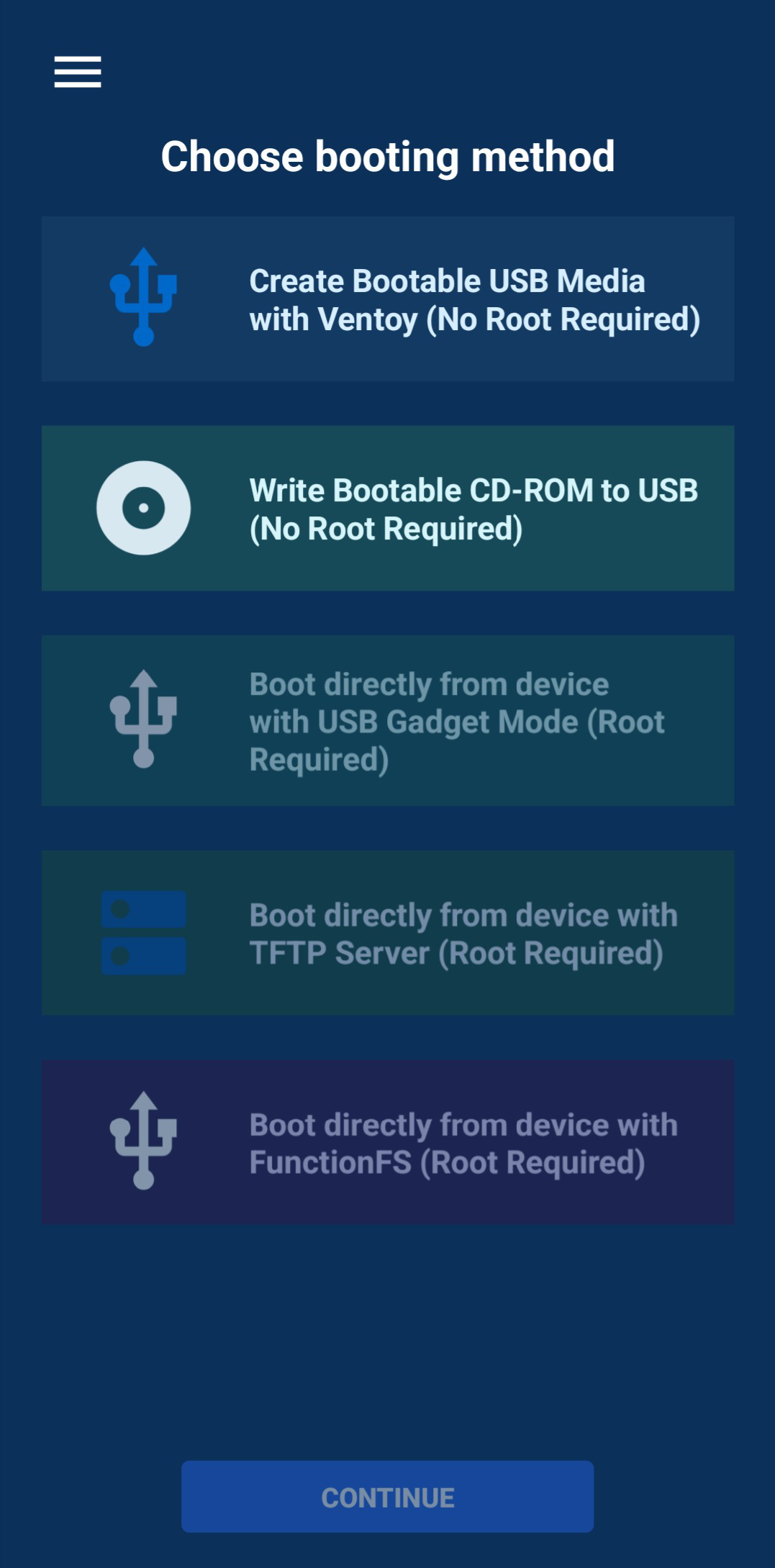
It provides several low-level boot and USB workflows in one application:
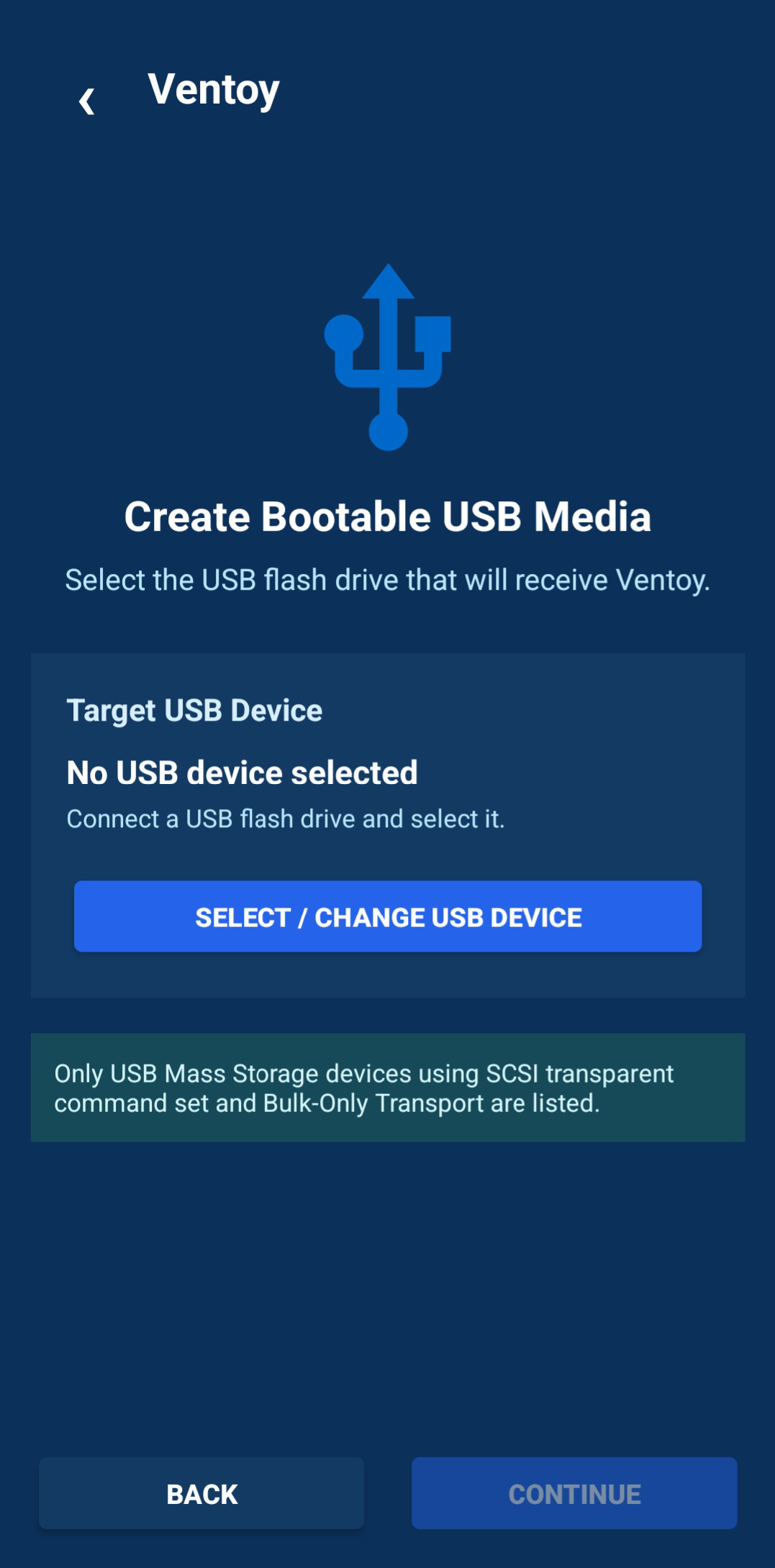
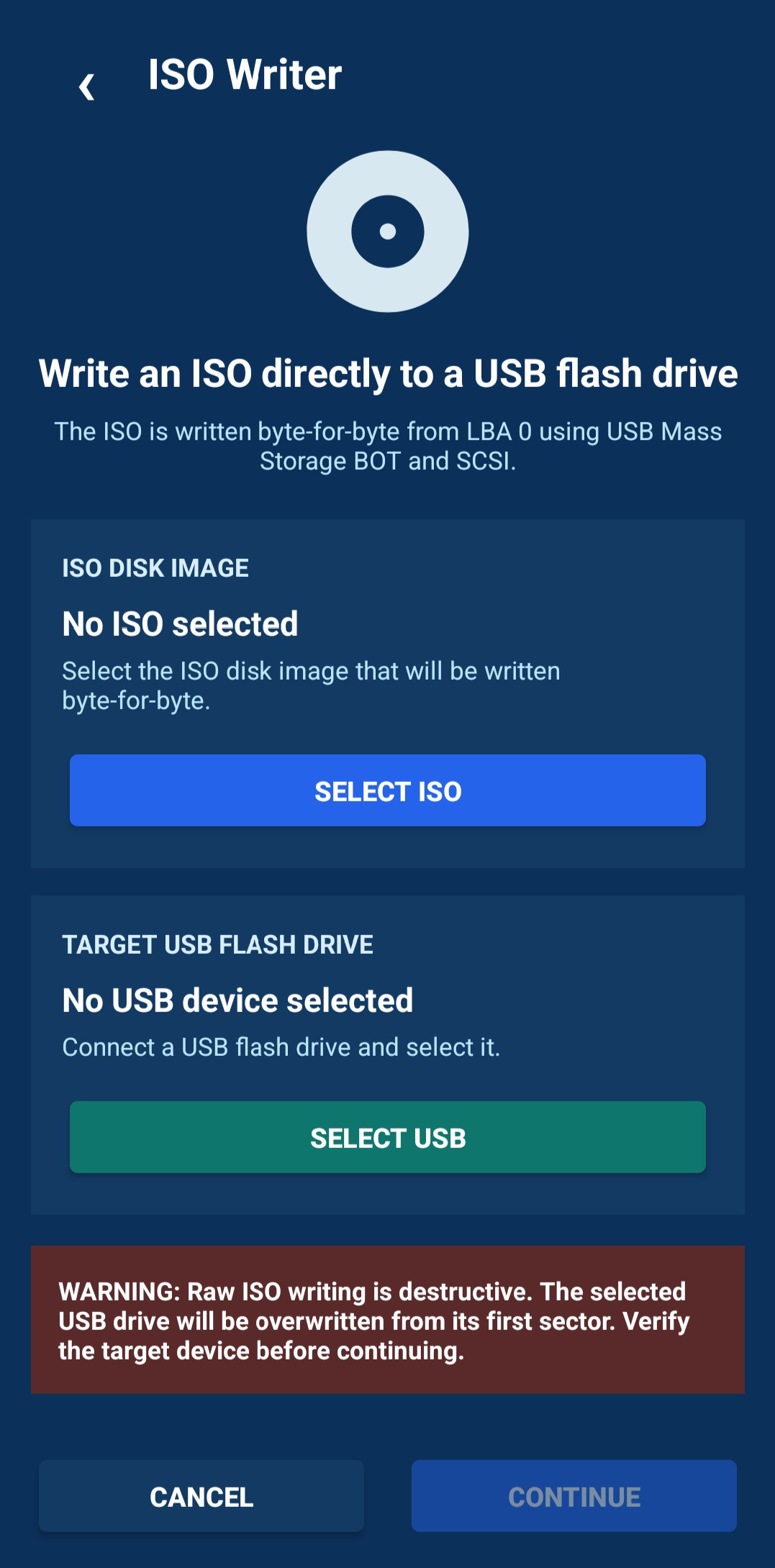
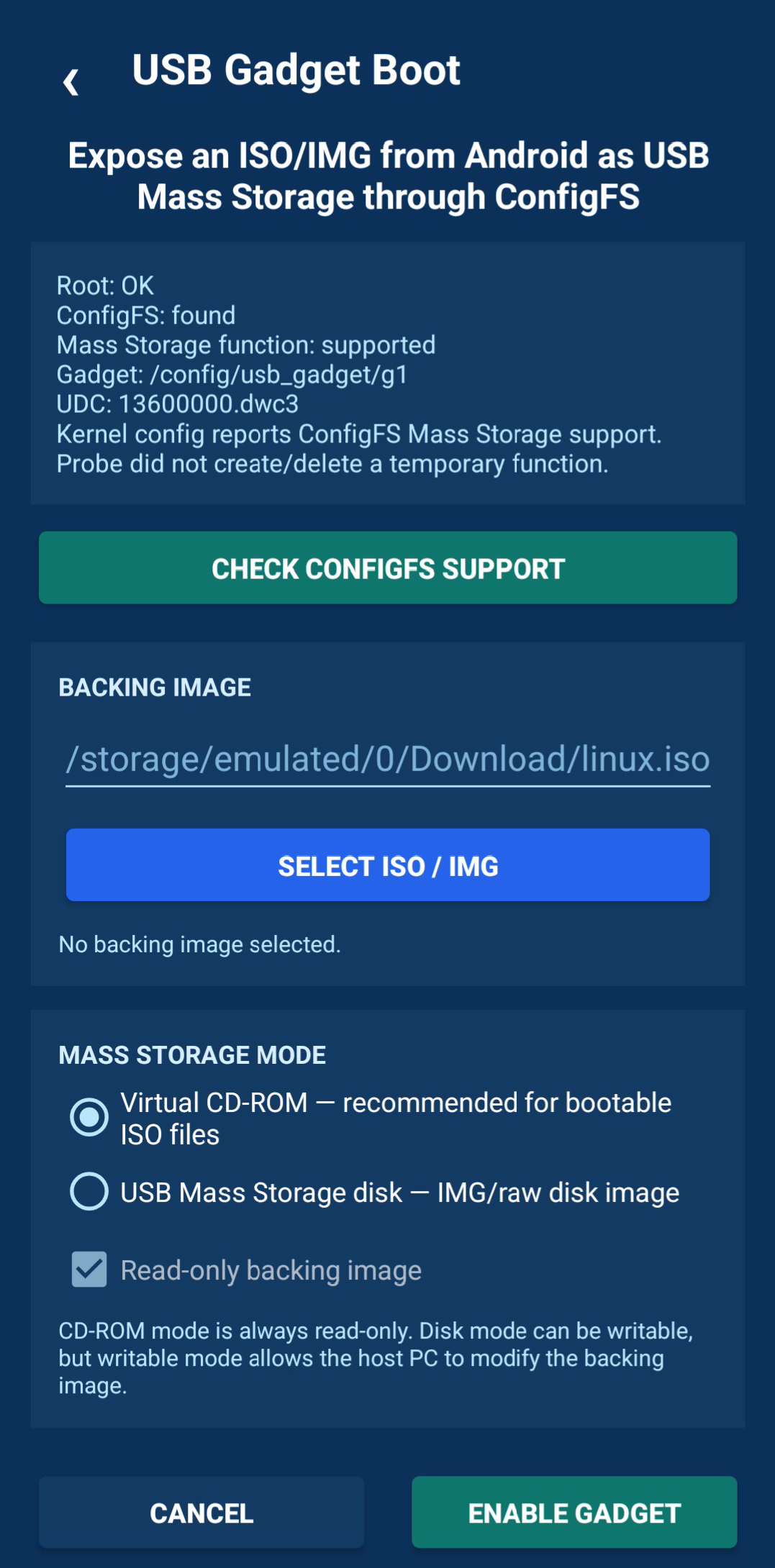
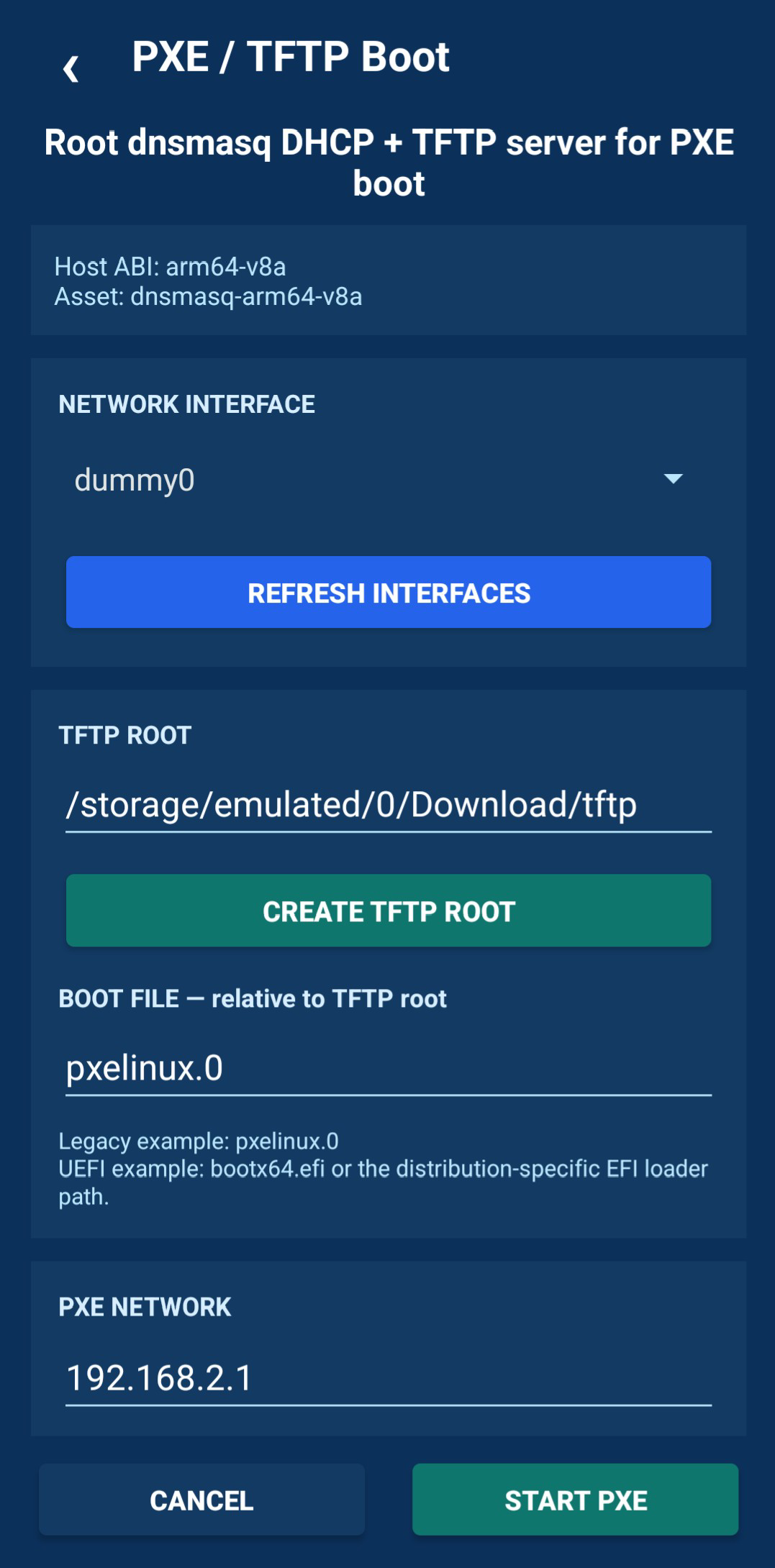
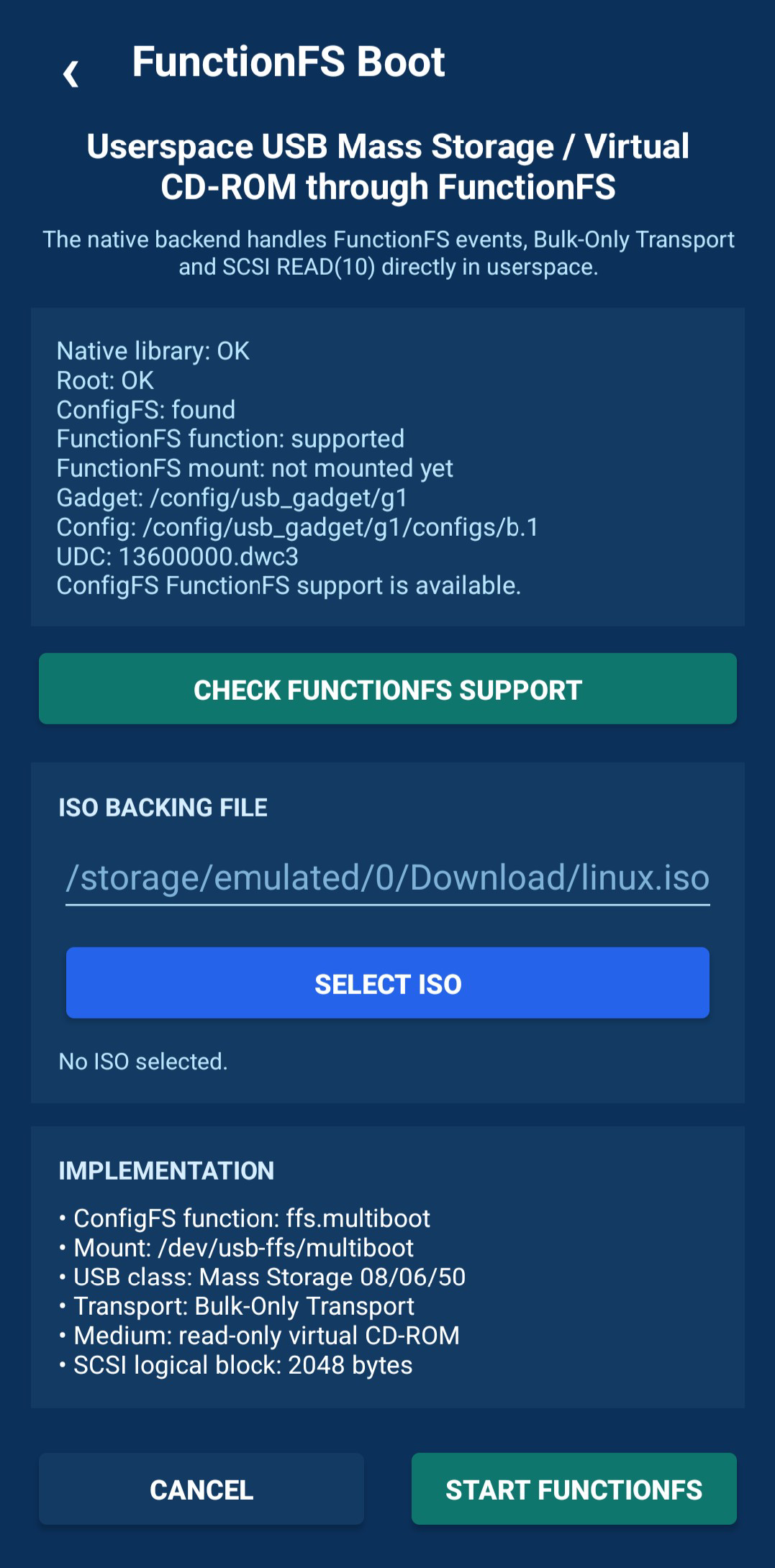
• Ventoy USB installation — prepare a USB flash drive with Ventoy directly from Android. • Direct ISO writer — write bootable ISO/CD-ROM images directly to USB mass-storage devices. • USB Gadget Mass Storage — expose an ISO or disk image from the Android device as USB Mass Storage through Linux ConfigFS. • TFTP boot — provide files for network booting through a TFTP server. • FunctionFS boot — use a userspace USB Mass Storage / virtual CD-ROM backend through FunctionFS.
Ventoy installation and the direct ISO writer can operate without root by using the Android USB Host API and USB Mass Storage commands.
USB Gadget, TFTP and FunctionFS modes require root access. These modes can also depend on kernel features such as ConfigFS and FunctionFS, so availability may vary between Android devices, kernels and ROMs.
MultiBooter is built with the Android framework, Java, native C code and the Android NDK. It does not depend on AndroidX or proprietary libraries.
Important: Ventoy installation and direct ISO writing are destructive operations. They can overwrite partition tables and erase all data on the selected USB device. Always verify the selected device and keep backups of important data before starting.
- logs in build.sh translated to English.
- command detection issue in build.sh is fixed.
Recent approved comments · sorted by newest
View all comments