
Quick answer
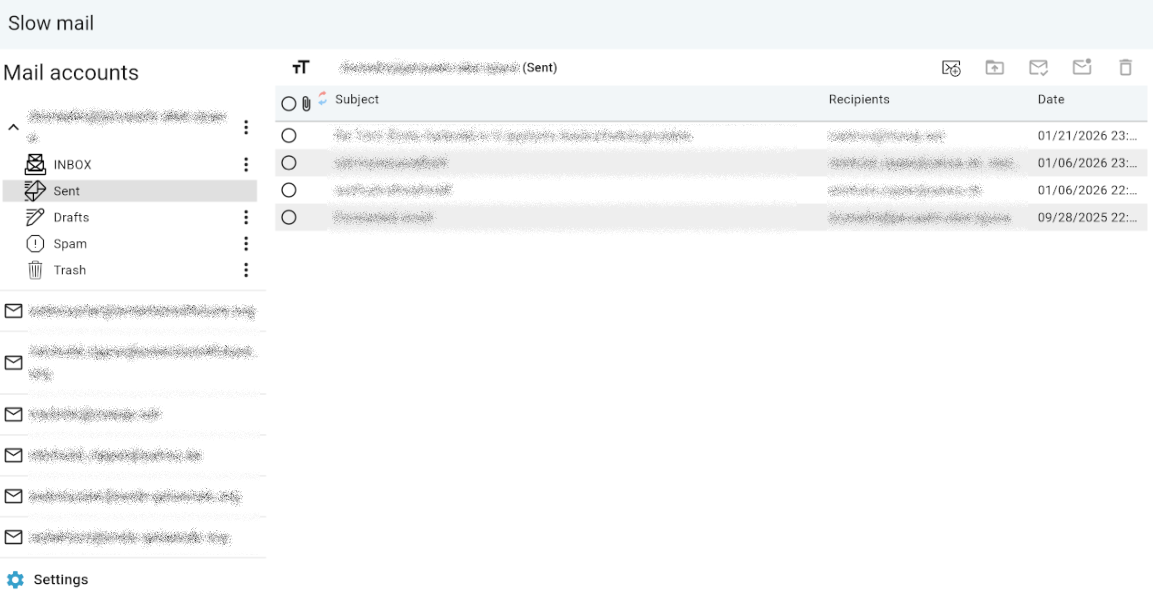
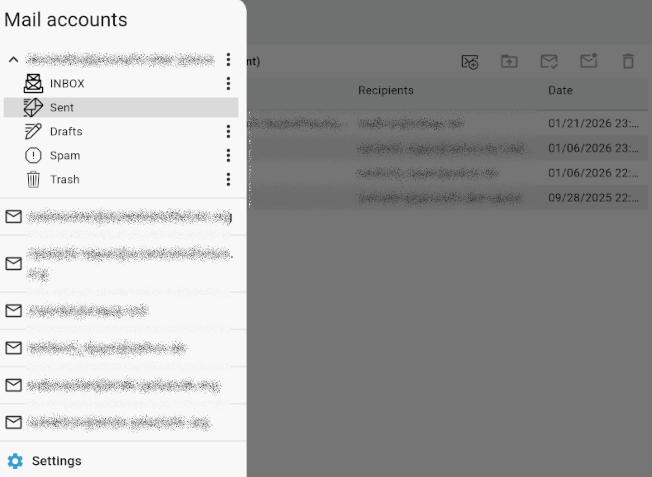
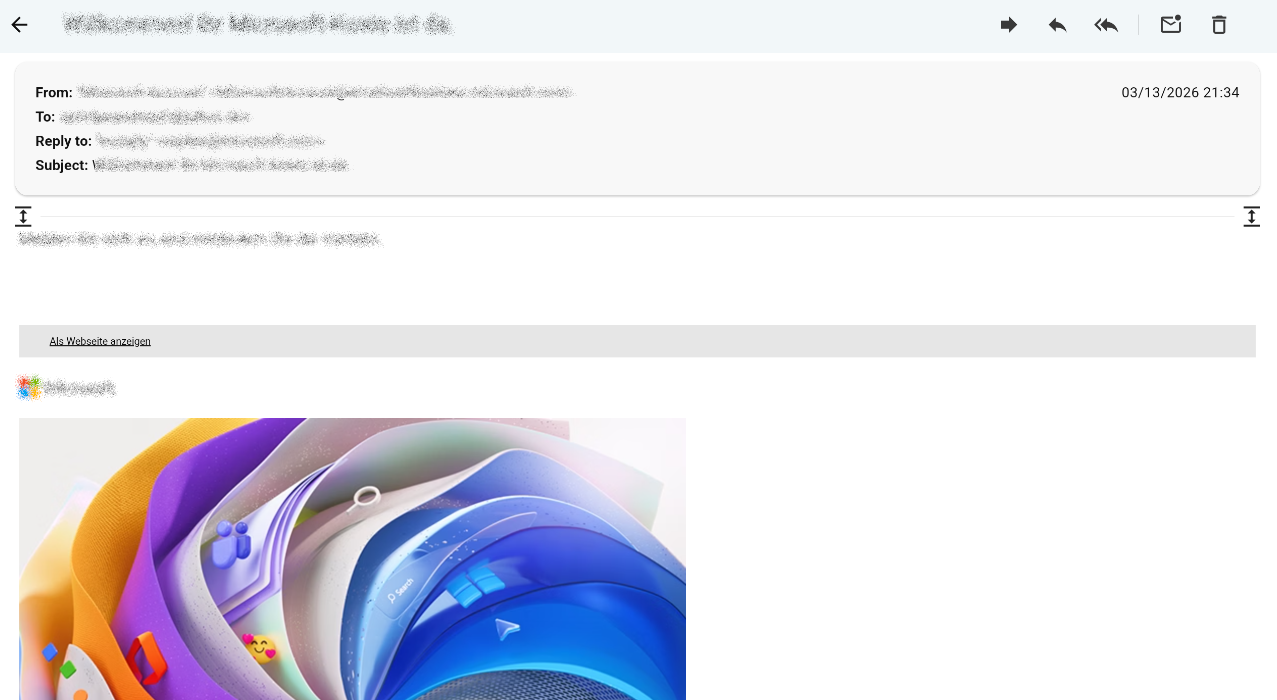
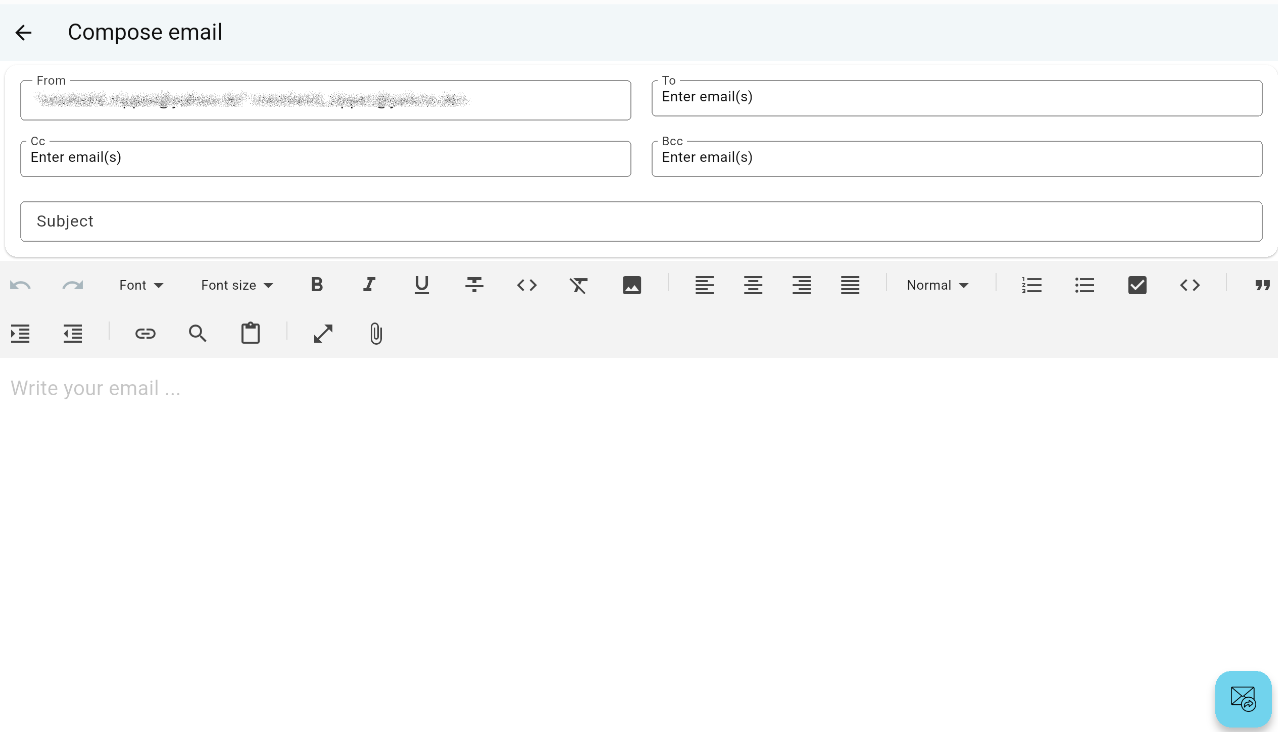
Slow Mail is an Android email client for reading and composing emails
Slow Mail is an Android email client for reading and composing emails.
As a key privacy feature, it does not store emails or message lists locally. All configurations can be exported to an (optionally encrypted) configuration file. These files can be imported into any Slow Mail client. You can either merge them with your existing settings or apply them as a temporary overlay, making the imported configuration (accounts, settings, PGP keys) valid only for the current session. Configuration files can be stored on any storage medium (local storage, network drives, USB sticks, etc.).
Features
- No local storage of emails or message lists
- Advantages: Enhanced privacy and reduced local storage usage
- Disadvantages: Requires an active internet connection and may result in slower load times
- Full IMAP and SMTP support
- Export and import configurations (accounts, settings, PGP keys) to external files
- Optional encryption for configuration files
- Session-only configuration overlays
- Built-in PGP encryption support
Screenshots
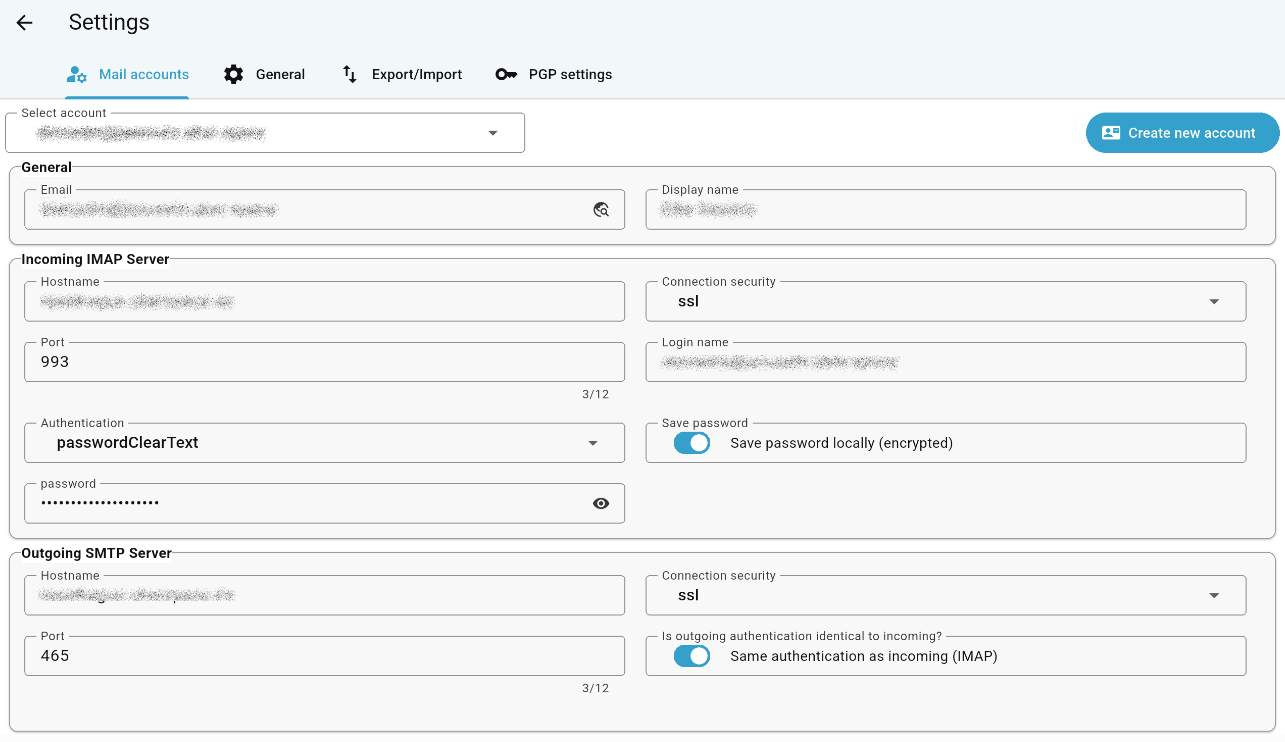
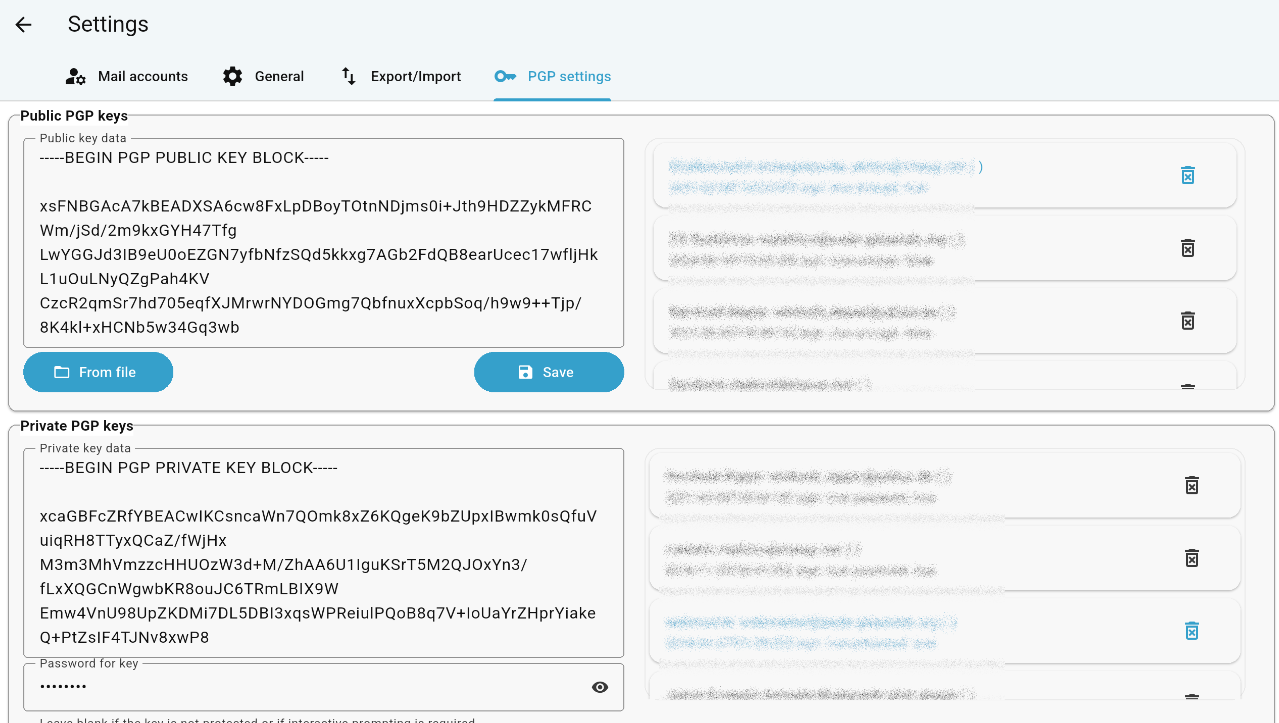
How to install
- Download the APK from the button at the top of this page.
- Allow “Install unknown apps” for your browser or file manager only, not for every app.
- Open the downloaded file and confirm the installation.
- If installation fails with “App not installed,” remove an earlier build of the same app first. A signature conflict is the usual cause.
Data safety
- Every file is checked against its published SHA-256 before it is listed.
- Files are scanned for malware on every update.
- The permissions each app requests are listed on its own page.
- Read the full safety policy for how we test, flag, and delist files.
Frequently asked questions
What is Slow Mail?
Slow Mail is an Android email client for reading and composing emails
Who develops Slow Mail?
Slow Mail is developed by TheRipper.
Which Android version does Slow Mail require?
Slow Mail requires Android API 24 or later.
What is the current version of Slow Mail?
The synchronized F-Droid version is 0.9.0.
Which license does Slow Mail use?
The signed F-Droid metadata lists MIT.
Where is the source code for Slow Mail?
https://github.com/printpagestopdf/slow_mail
Comments
Recent approved comments · sorted by newest
View all comments