Fullscreen kiosk browser for wall tablets, tied into FHEM over MQTT
FullScreendy turns an Android tablet into a fullscreen kiosk display for a smart-home dashboard — and makes the tablet itself a device in FHEM over MQTT.
Dashboards
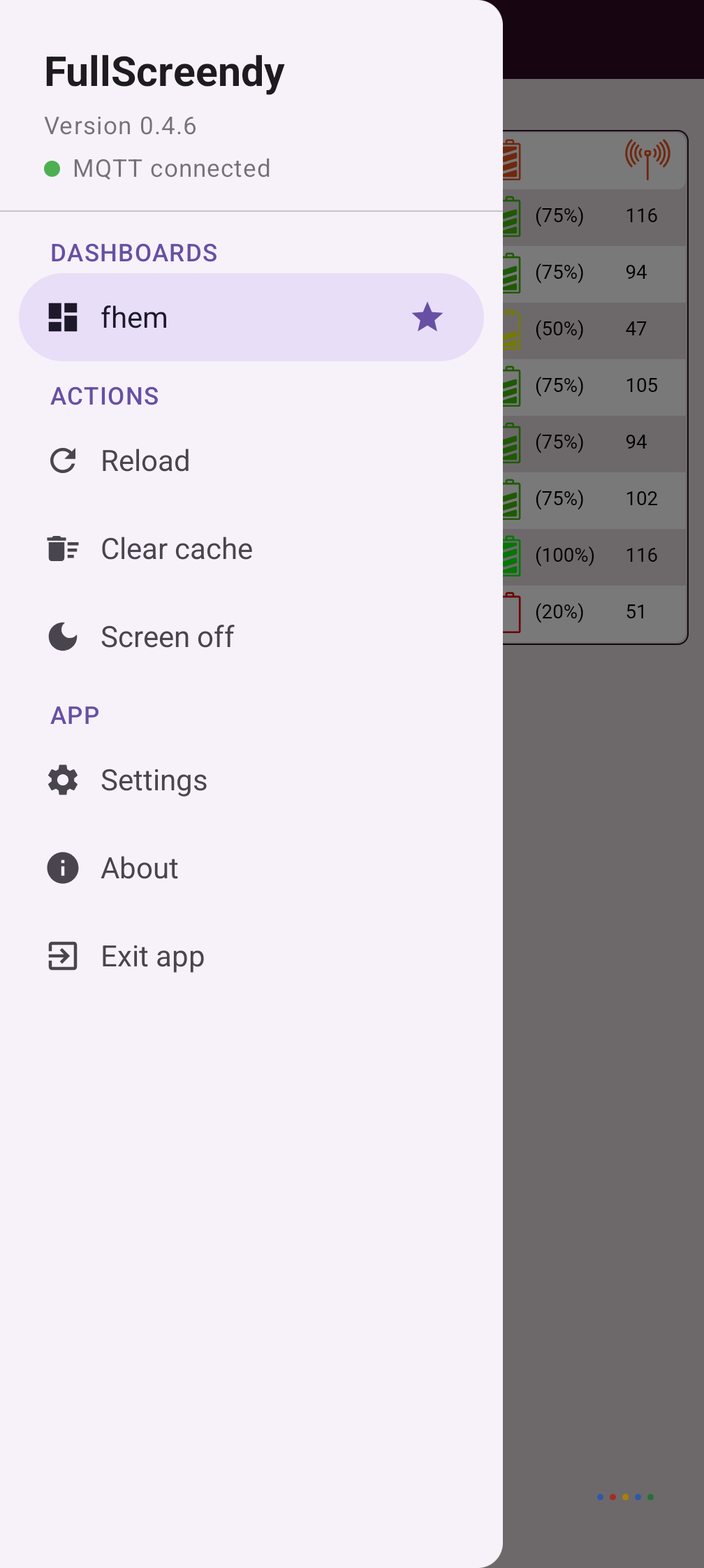
Up to three dashboards, each with its own name, URL, login (HTTP Basic Auth) and certificate setting, so different servers can be mixed. One of them is the default dashboard: it is shown at start and again every time the screen wakes up. The side menu lists them all for switching, and MQTT can switch them too.
The tablet as an FHEM device
Battery level, charging state and temperature, screen state, brightness and volume are reported over MQTT. Incoming commands let FHEM speak text through the tablet, play stored sound files, switch the screen on and off, change brightness and volume, load another URL, reload, clear the cache or vibrate. Everything runs in a persistent foreground service that reconnects to the broker on its own.
Presence and screen
Camera motion detection wakes the display — the image never leaves the device, only a motion flag is published. Instead of letting Android turn the screen off, the app dims it to black with an overlay, so camera and microphone keep running and a touch wakes it instantly, without a wallpaper flash. Optionally the screen can be turned off completely after an even longer idle time.
Voice control in the dashboard
The page can be granted microphone access for speech recognition, and a small JavaScript bridge (window.fullscreendy.textToSpeech) provides speech output, which Android's WebView itself cannot do.
Built for 24/7 operation
Periodic reload against WebView memory growth, memory released under pressure, and the display is brought back automatically if Android ever kills the app.
Why the app asks for these permissions
• Camera — motion detection only; no image is stored or transmitted.
• Microphone — either wake-on-sound (loudness only, no recording) or voice control in the dashboard. You choose which; both at once is impossible.
• Device admin — needed to lock the screen (cmd/lock and "turn screen off").
• Display over other apps — lets the service bring the dashboard back to the front after Android killed it for memory.
• Modify system settings — real hardware brightness over the full range.
• No storage permission at all: the sound folder is picked through the system folder picker, and the app is granted exactly that folder.
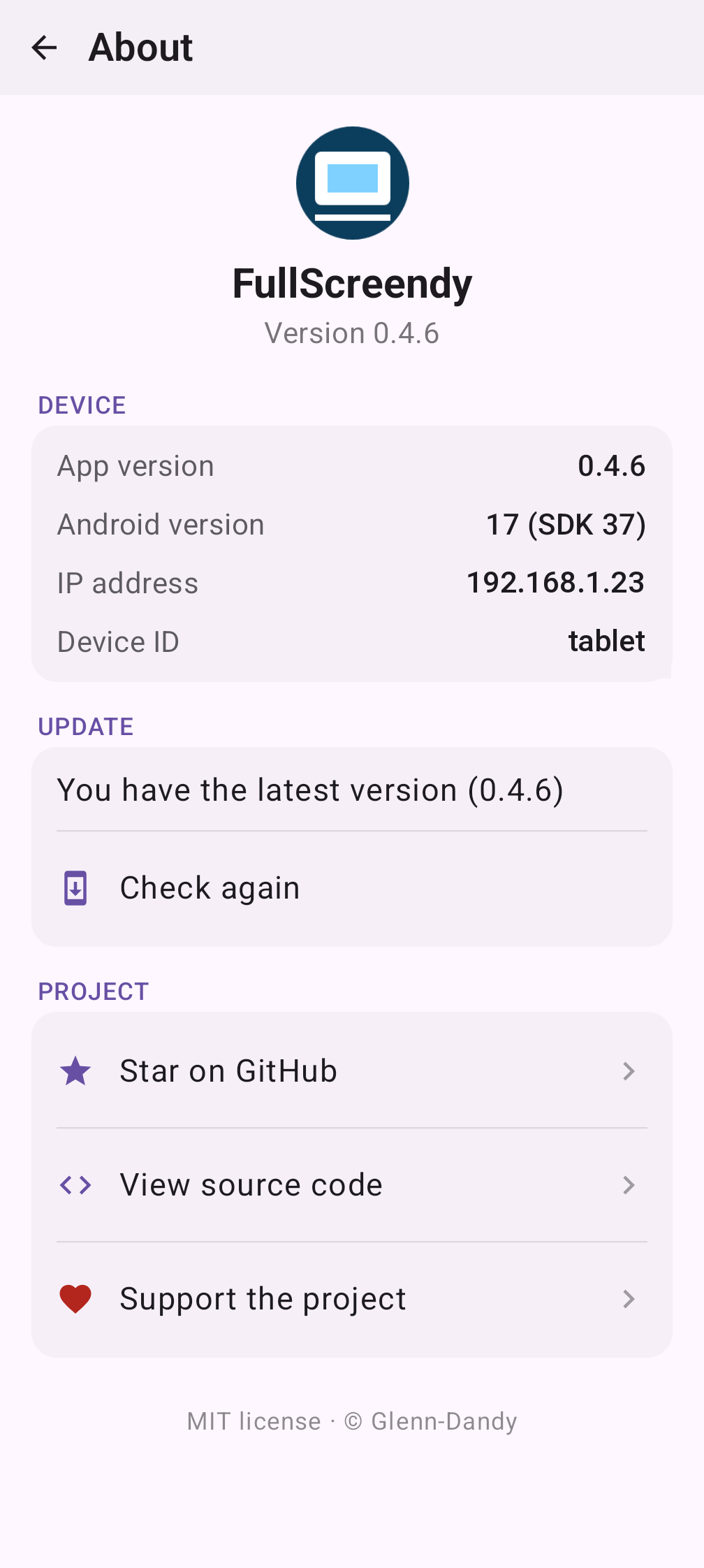
The app only talks to the dashboard and the MQTT broker you configure. The one exception is optional and off by default: if you turn on the update check, the About screen asks api.github.com whether a newer release exists. Nothing is downloaded or installed by the app itself.
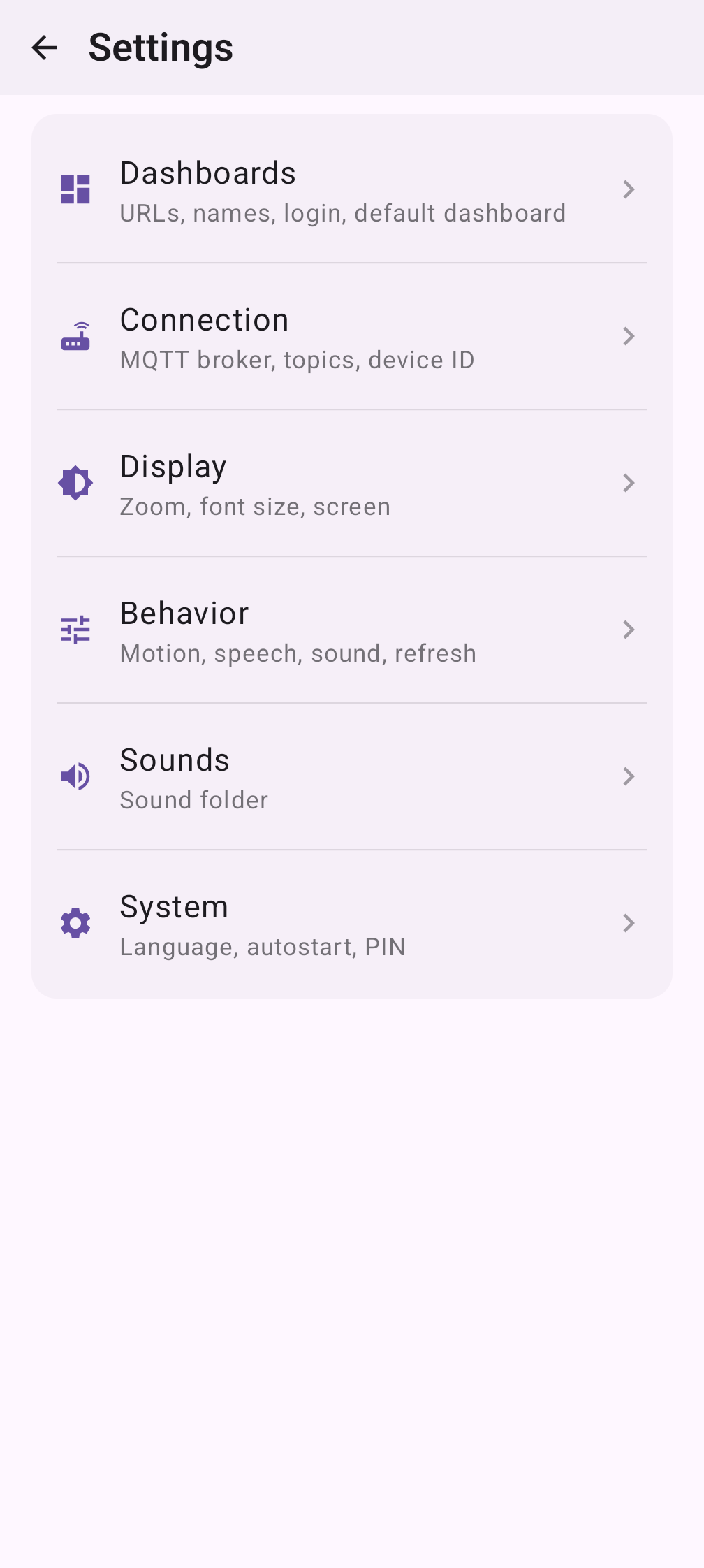
Free software, MIT licensed. Interface in English and German.
Screenshots
What’s new
• The WebView no longer talks to Google. Android enables Safe Browsing in every WebView by default, which reports each page address to Google; that is now switched off, together with the WebView usage metrics. Out of the box the app only connects to your dashboard and your MQTT broker. • Store description: the "All files access" line was wrong since 0.4.10 and now describes the folder picker.
How to install
Download the APK from the button at the top of this page.
Allow “Install unknown apps” for your browser or file manager only, not for every app.
Open the downloaded file and confirm the installation.
If installation fails with “App not installed,” remove an earlier build of the same app first. A signature conflict is the usual cause.
Data safety
Every file is checked against its published SHA-256 before it is listed.
Files are scanned for malware on every update.
The permissions each app requests are listed on its own page.
Read the full safety policy for how we test, flag, and delist files.
Frequently asked questions
What is FullScreendy?
Fullscreen kiosk browser for wall tablets, tied into FHEM over MQTT