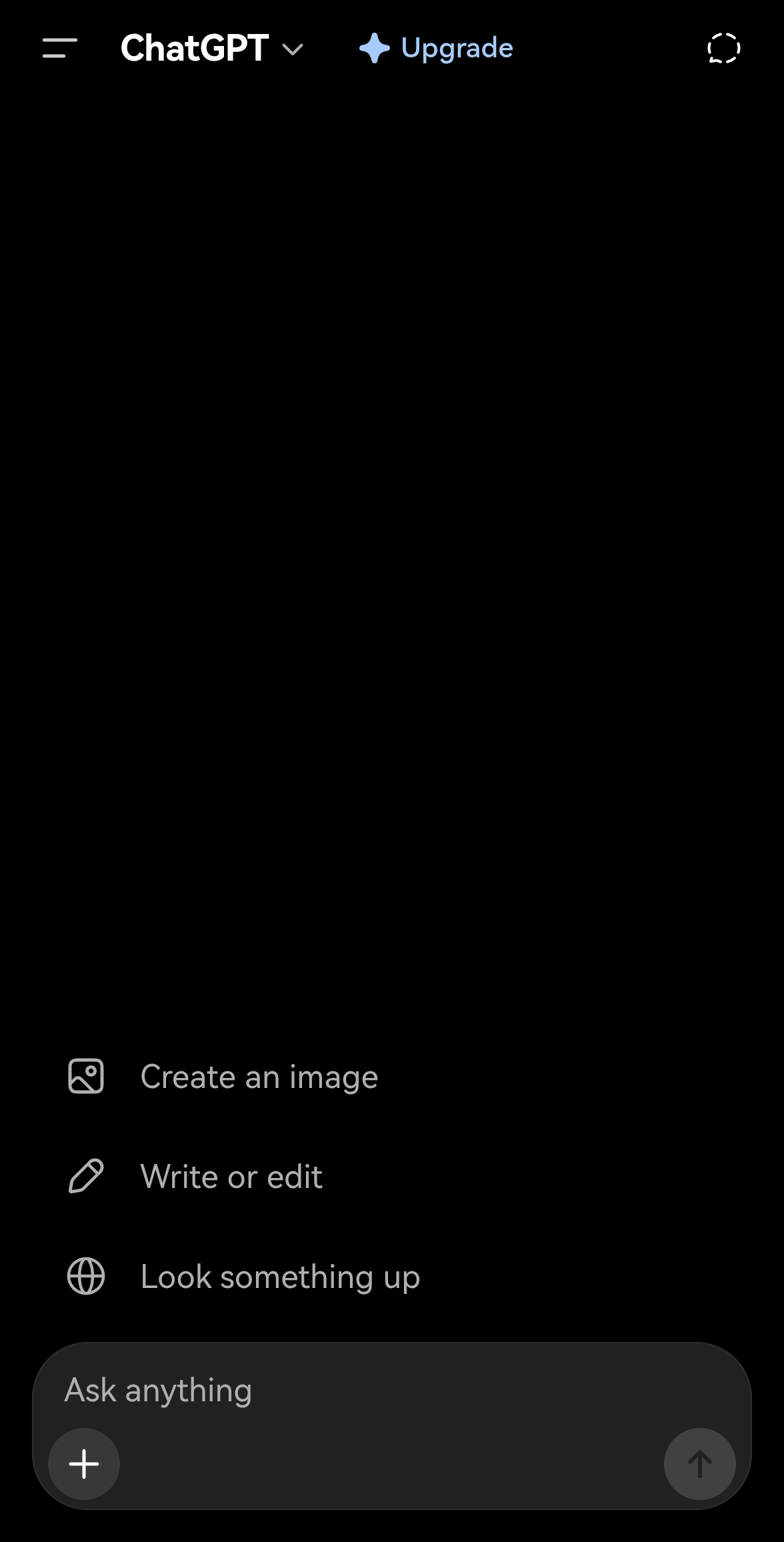
WebGPT is a feature-rich Android WebView wrapper that loads the ChatGPT website (chatgpt.com). It is designed for devices without Google Mobile Services (GMS) and gives the user fine-grained control over which WebView is used.
Independence & trademark notice
WebGPT is an independent, unofficial client, not affiliated with, endorsed by, or sponsored by OpenAI. The WebGPT name, icon and source code are this project's own and do not use the ChatGPT trademark or logo. WebGPT simply loads the public chatgpt.com website inside an Android WebView.
Key features
• WebView wrapping chatgpt.com with session cookie persistence.
• Clean User-Agent: removes the WebView X-Requested-With detection marker.
• Privacy: third-party cookies are blocked on the main page (cross-site trackers cannot follow you); OAuth popups keep them so Google sign-in still works.
• Material 3 design with a blue theme palette, full dark-mode support and pure-black dark mode (#000000).
• Vector adaptive launcher icon, theme-aware loading screen with smooth fade-out (no white flash in dark mode).
WebView Switcher (the headline feature)
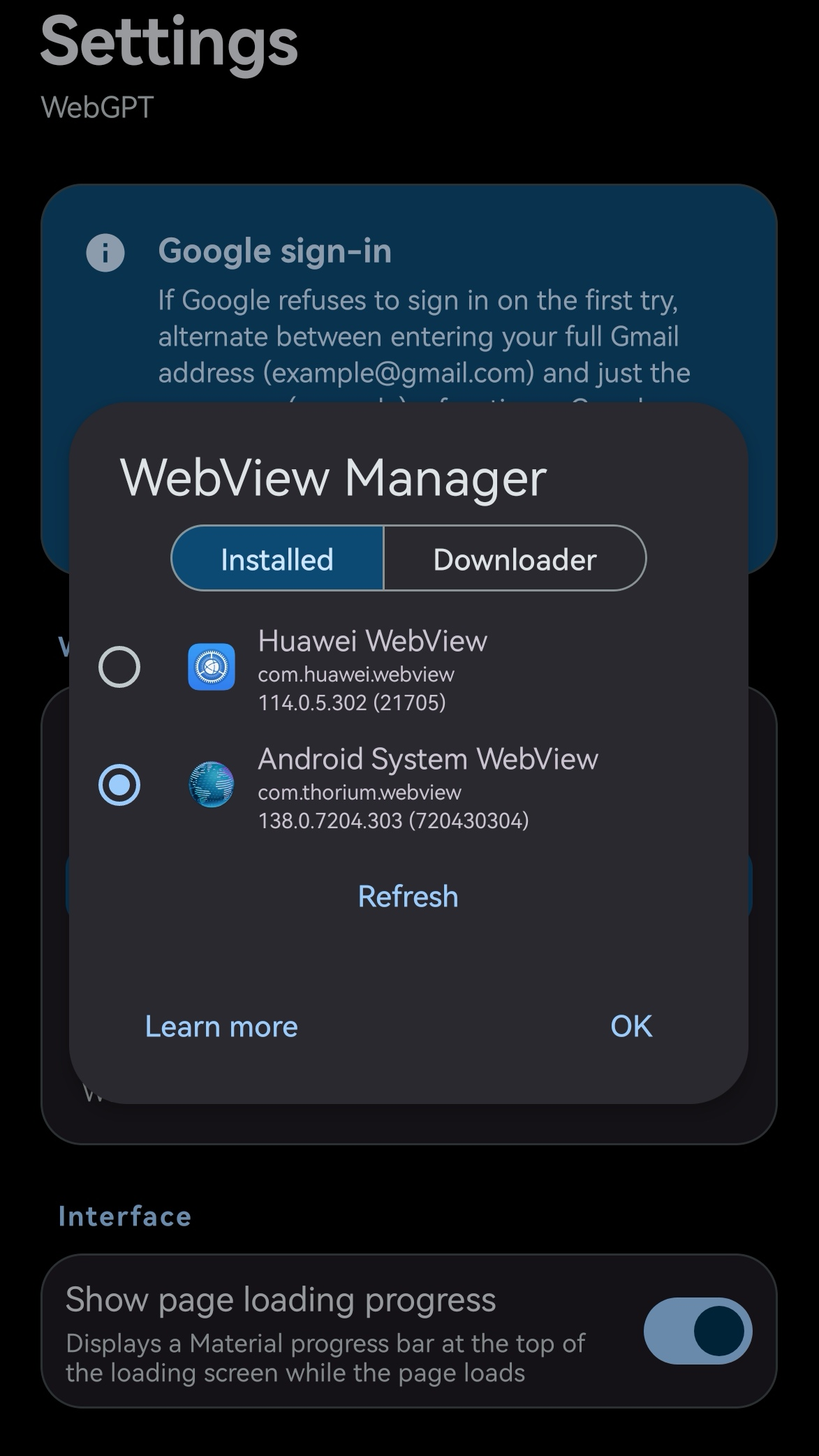
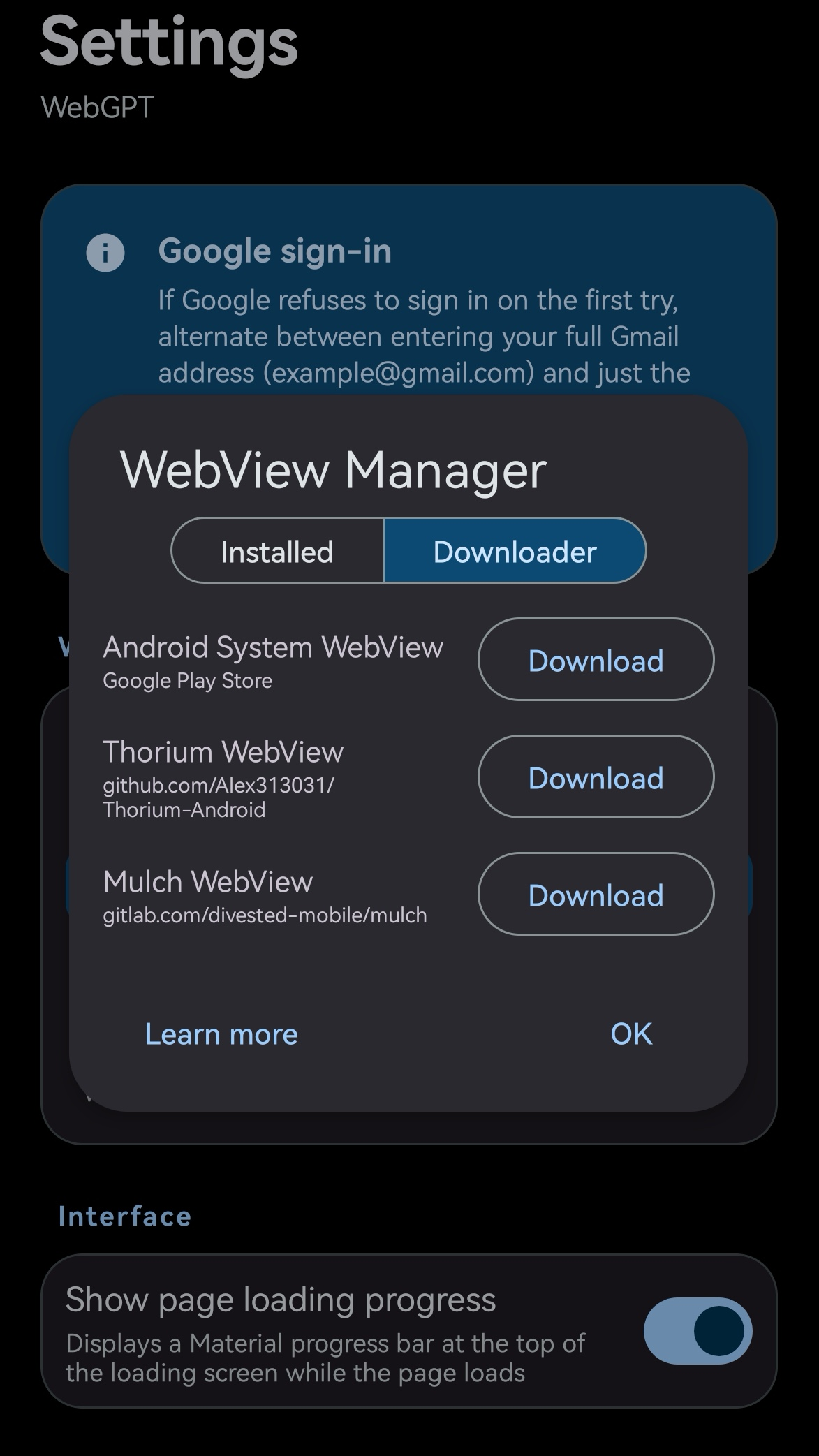
• In-app WebView provider picker: switch the WebView implementation at runtime without affecting any other app on the device.
• 13 supported providers: Android System WebView, Chrome (stable/beta/dev/canary), Thorium, Mulch, Huawei WebView, Amazon WebView.
• Built-in downloader tab with links to Google Play, Thorium and Mulch repos.
• Crash recovery: after 3 consecutive crashes, the app redirects to the WebView picker.
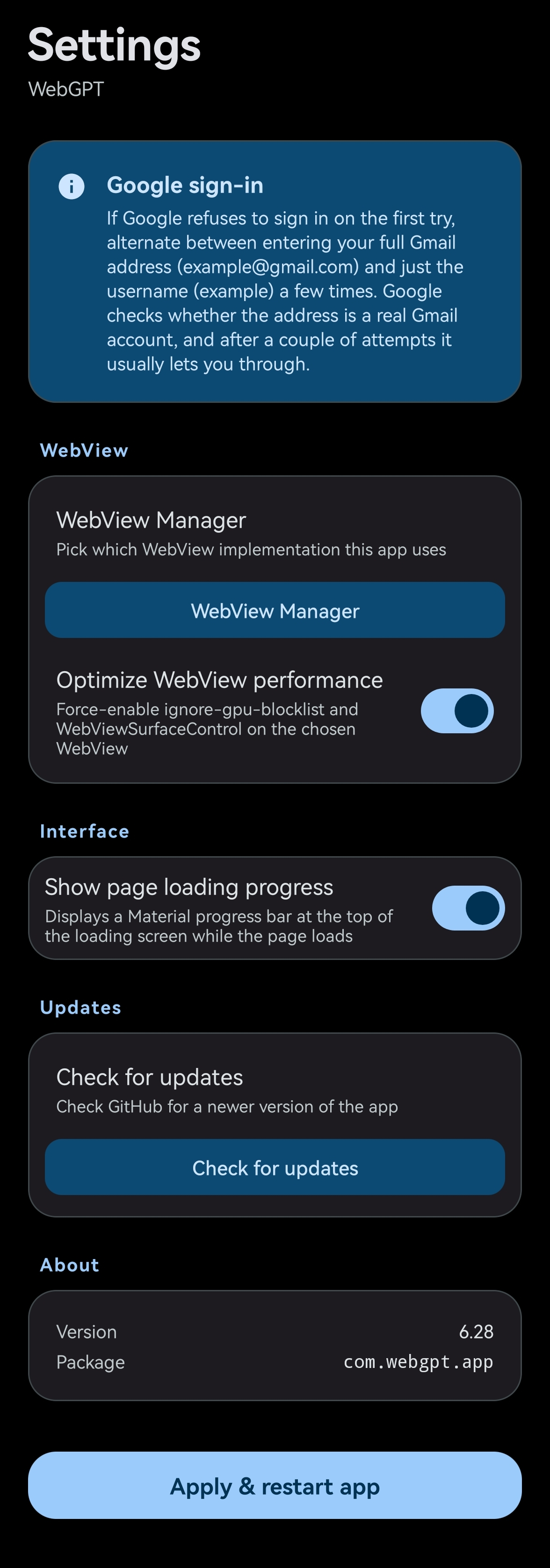
• Developer-mode flags: an optional "Optimize WebView performance" toggle enables ignore-gpu-blocklist and WebViewSurfaceControl.
Hidden Settings (Material 3 UI)
• Accessible via the gear icon in Android's App info screen.
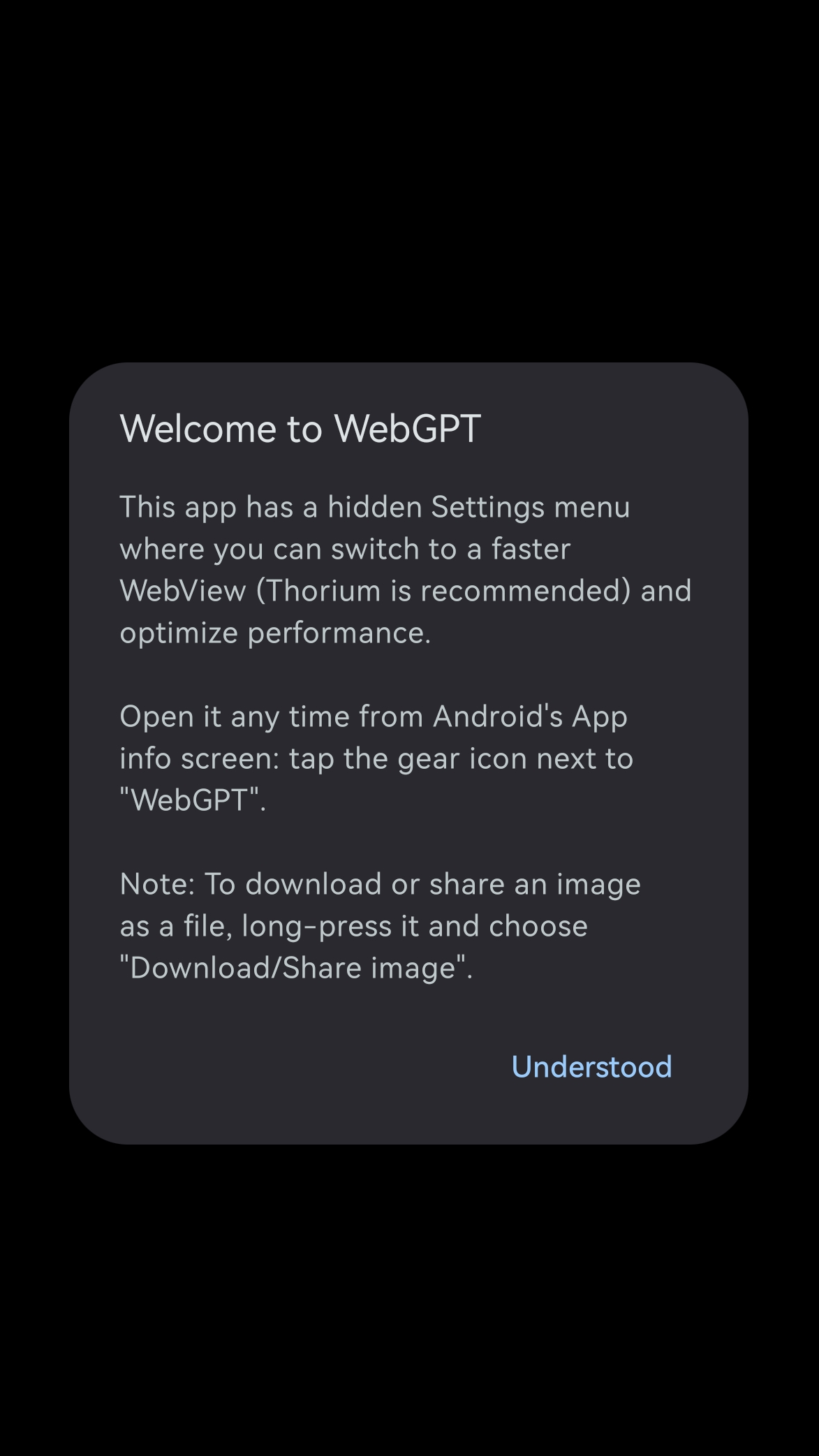
• First-launch welcome dialog with hidden settings menu info and known limitations.
• Optimize WebView performance toggle (GPU blocklist bypass + surface control).
• Check for updates button: queries GitHub releases and opens the download page in the user's browser.
File handling
• Downloads saved to the public Download/ folder (MediaStore API on Android 10+).
• Blob URL downloads: blobs are captured while still alive and saved with the correct extension — works for generated files and PDF/Word/Markdown exports.
• File upload with multi-select picker and camera capture (full resolution via FileProvider).
• Image context menu: long-press any image for a Material 3 dialog with "Share image" and "Download image".
Sharing
• Share to WebGPT: receive shared text/files from any app (ACTION_SEND). Files attach to the composer automatically.
• Ask WebGPT: appears in Android's text-selection menu (ACTION_PROCESS_TEXT), copies text to the clipboard.
• In-app Share button: navigator.share is bridged to Android's system share sheet (text, URLs and files).
• Copy button: the site's copy action delegates to the native clipboard.
• External links (X, Reddit, LinkedIn, etc.) open in the system browser.
Camera & microphone
• Camera/microphone permissions requested on demand when the site needs them, gated to allowlisted origins.
Popup WebView
• Proper popup support for OAuth flows (Google sign-in).
• Shared cookie jar via CookieManager.
• Native bridge JS interface injected for popup-frame communication (share/export UI).
Known limitations
• Chat/image sharing: the wrapped site's native Share button is unreliable on some devices. Long-press an image → "Share image" as the reliable alternative.
• Microphone dictation: voice input may refuse to start despite permissions. Selecting the alternative WebView could resolve the problem.
• Google sign-in: Google blocks OAuth in Android WebViews ("browser or app may not be secure"). Email sign-in works without issues.
WebGPT is free software under the MIT License.