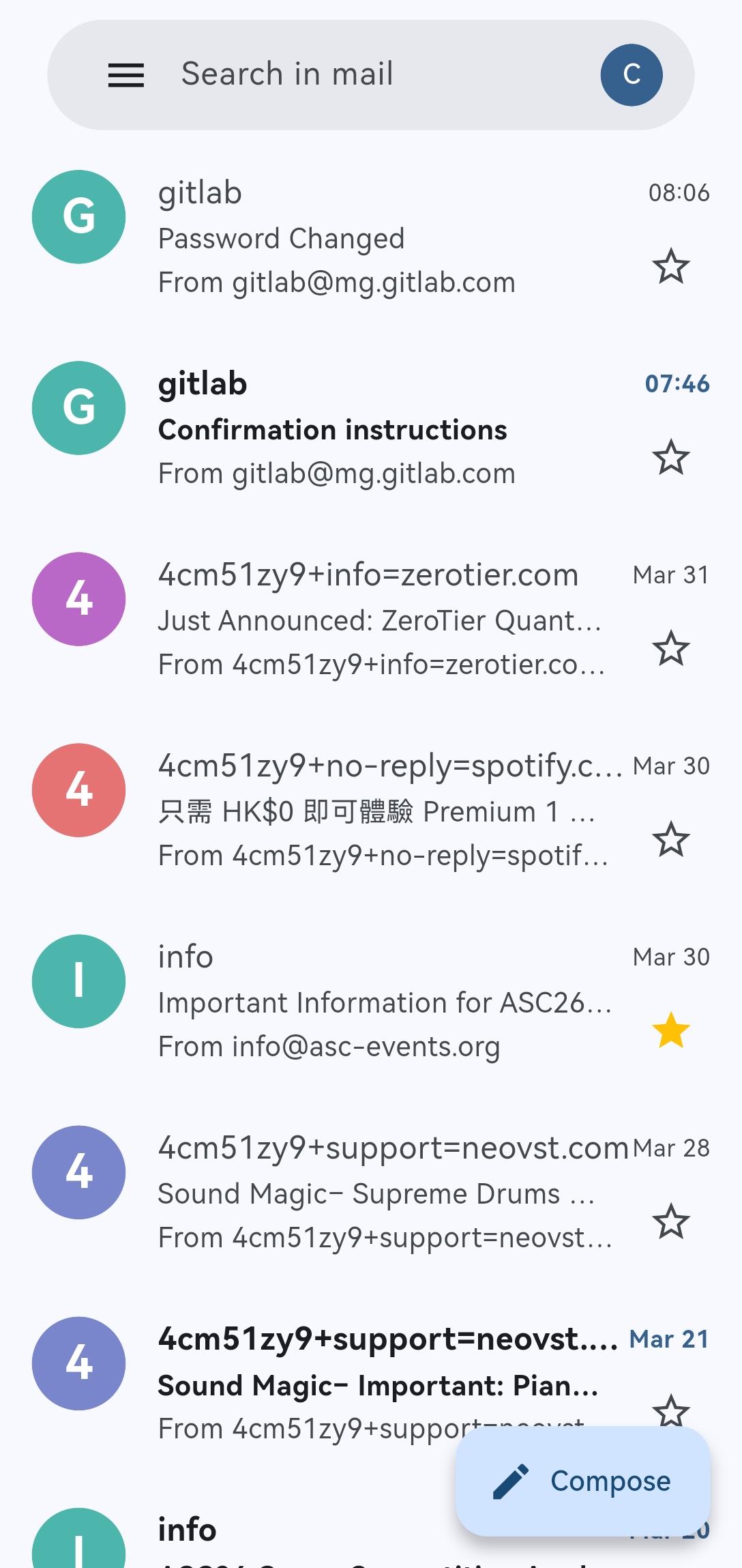
A clean, high-fidelity Gmail-inspired client for Resend.com.
Remail is a modern, open-source mobile client specifically designed for the Resend.com email platform. Inspired by the familiar Gmail interface, it brings an intuitive email experience to your fingertips.
Key Features:
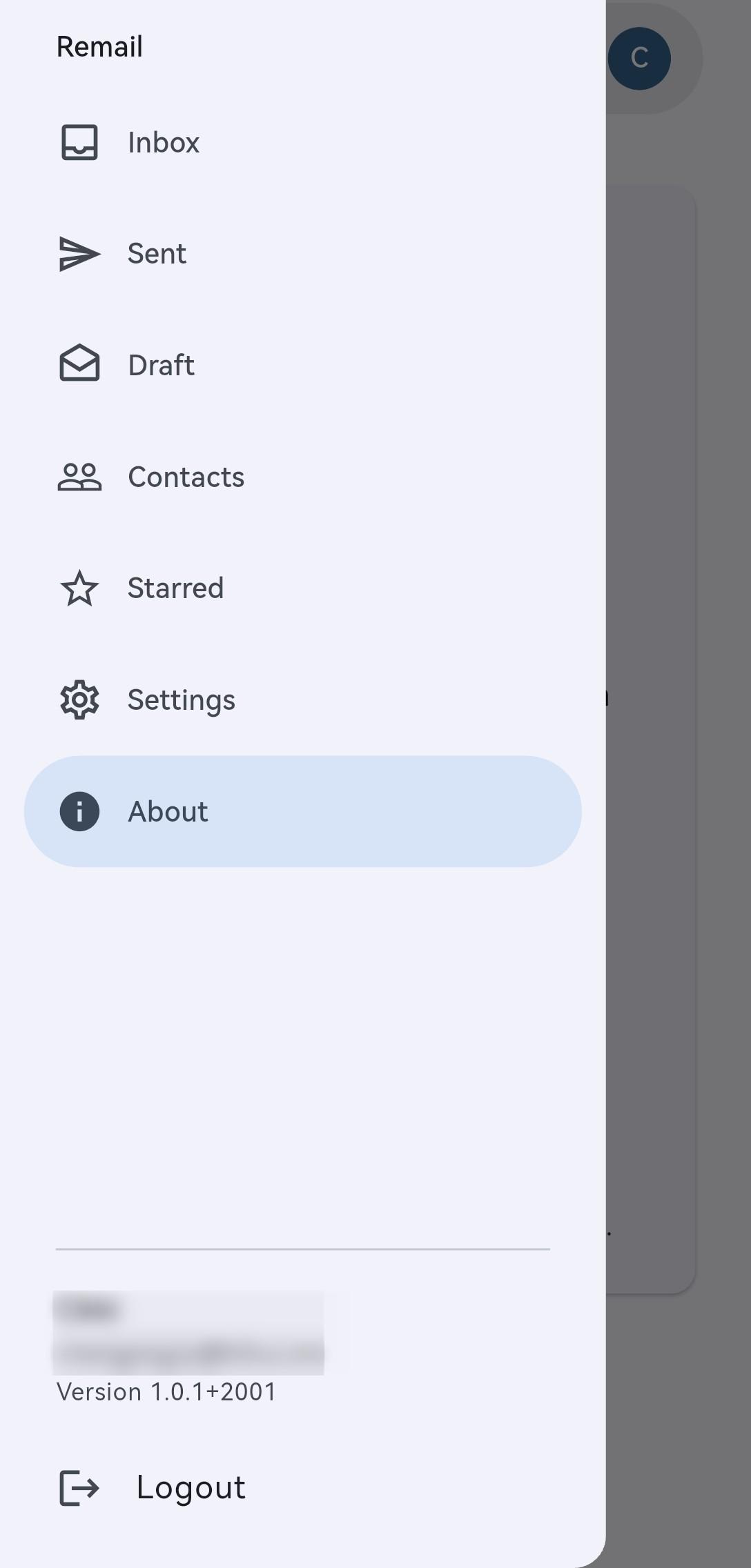
Gmail-inspired Interface: Navigate your emails with ease using a clean, familiar, and responsive design.
Complete Email Management: Effortlessly view your Resend.com email history.
Powerful Composer: Compose emails with support for attachments and multiple recipient fields.
Secure & Private: Your Resend API key is stored locally and securely.
How to Use:
Get your API Key: Log in to your Resend.com dashboard and generate a new API key with full permissions.
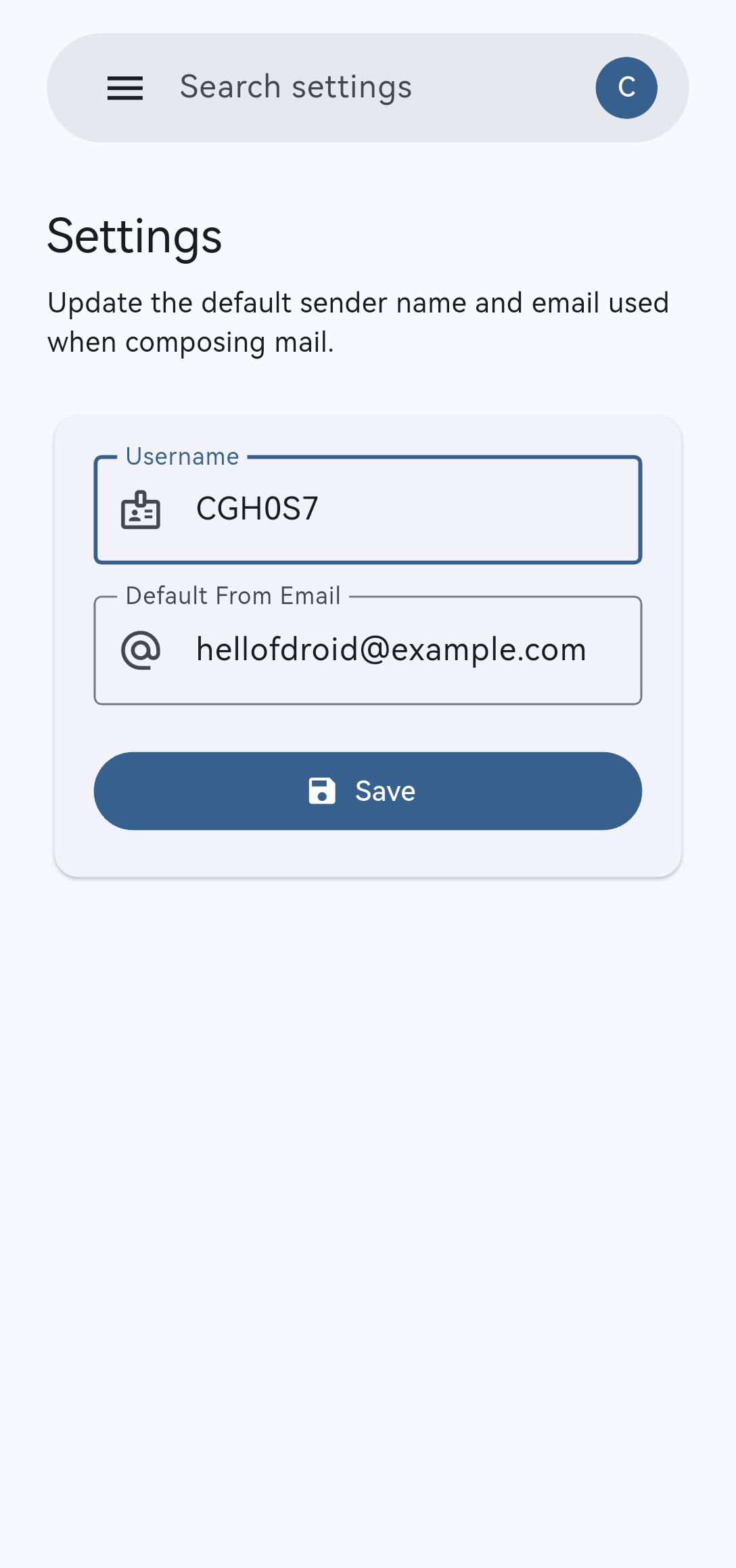
Authentication: Open Remail and enter your API key and default address to securely sync your account.
Start Sending: Use the compose button to send your first email through Resend's infrastructure.
Manage: Use the inbox and composer like a streamlined Gmail-style client for Resend.
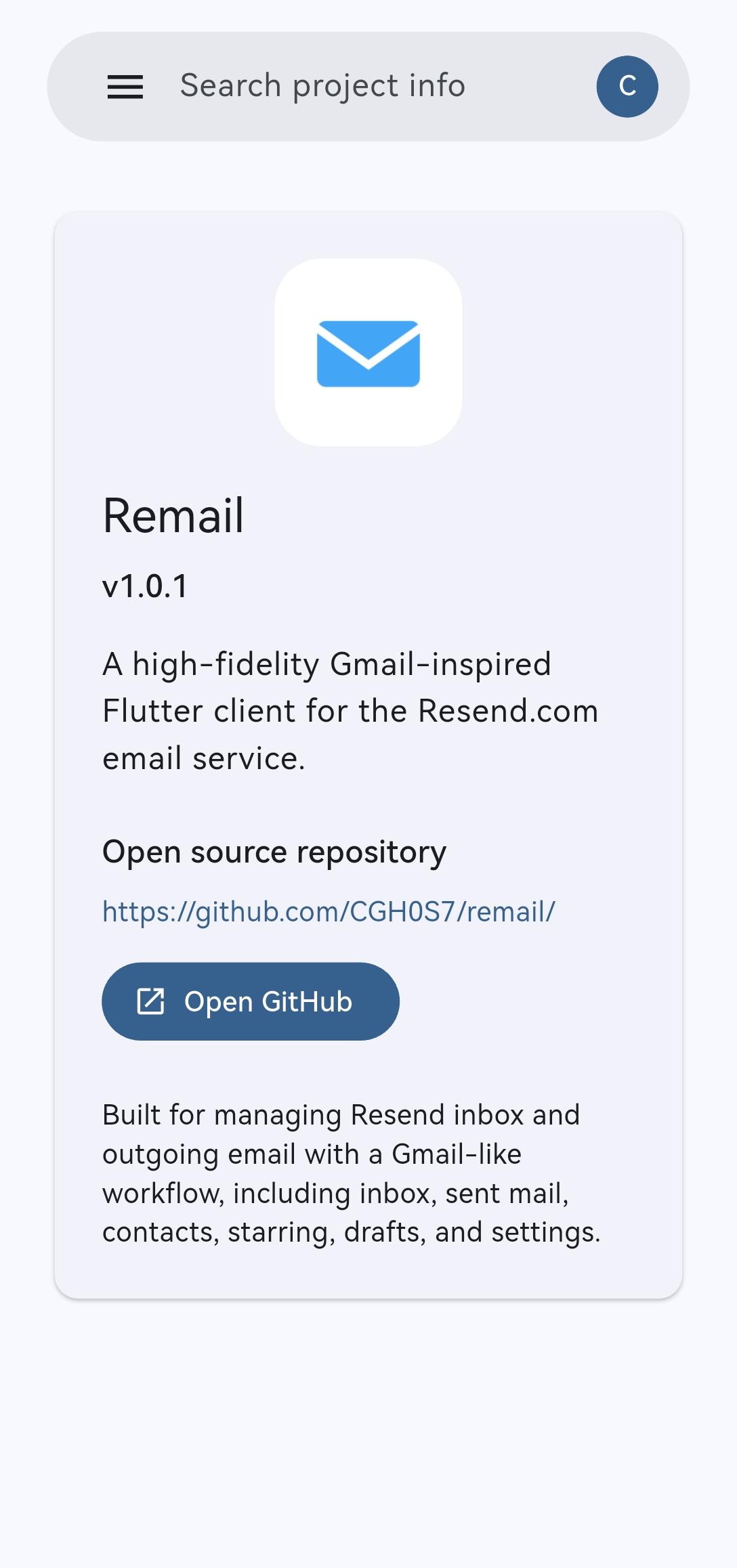
Screenshots
What’s new
Use a dedicated release signing key for Android release builds. Improve release metadata for F-Droid reproducible builds. Prepare the 1.0.3 release.
How to install
Download the APK from the button at the top of this page.
Allow “Install unknown apps” for your browser or file manager only, not for every app.
Open the downloaded file and confirm the installation.
If installation fails with “App not installed,” remove an earlier build of the same app first. A signature conflict is the usual cause.
Data safety
Every file is checked against its published SHA-256 before it is listed.
Files are scanned for malware on every update.
The permissions each app requests are listed on its own page.
Read the full safety policy for how we test, flag, and delist files.
Frequently asked questions
What is Remail?
A clean, high-fidelity Gmail-inspired client for Resend.com.