What’s new
- Add contact mentions in emails
- Download older messages automatically when the list becomes empty following an action
- Various fixes

Updated Oct 27, 2026
The secure messaging service for your emails
The Infomaniak Mail app requires your email addresses to be hosted by Infomaniak. This app allows you to manage your Infomaniak addresses in a completely secure environment.
With the Infomaniak Mail app, you can:
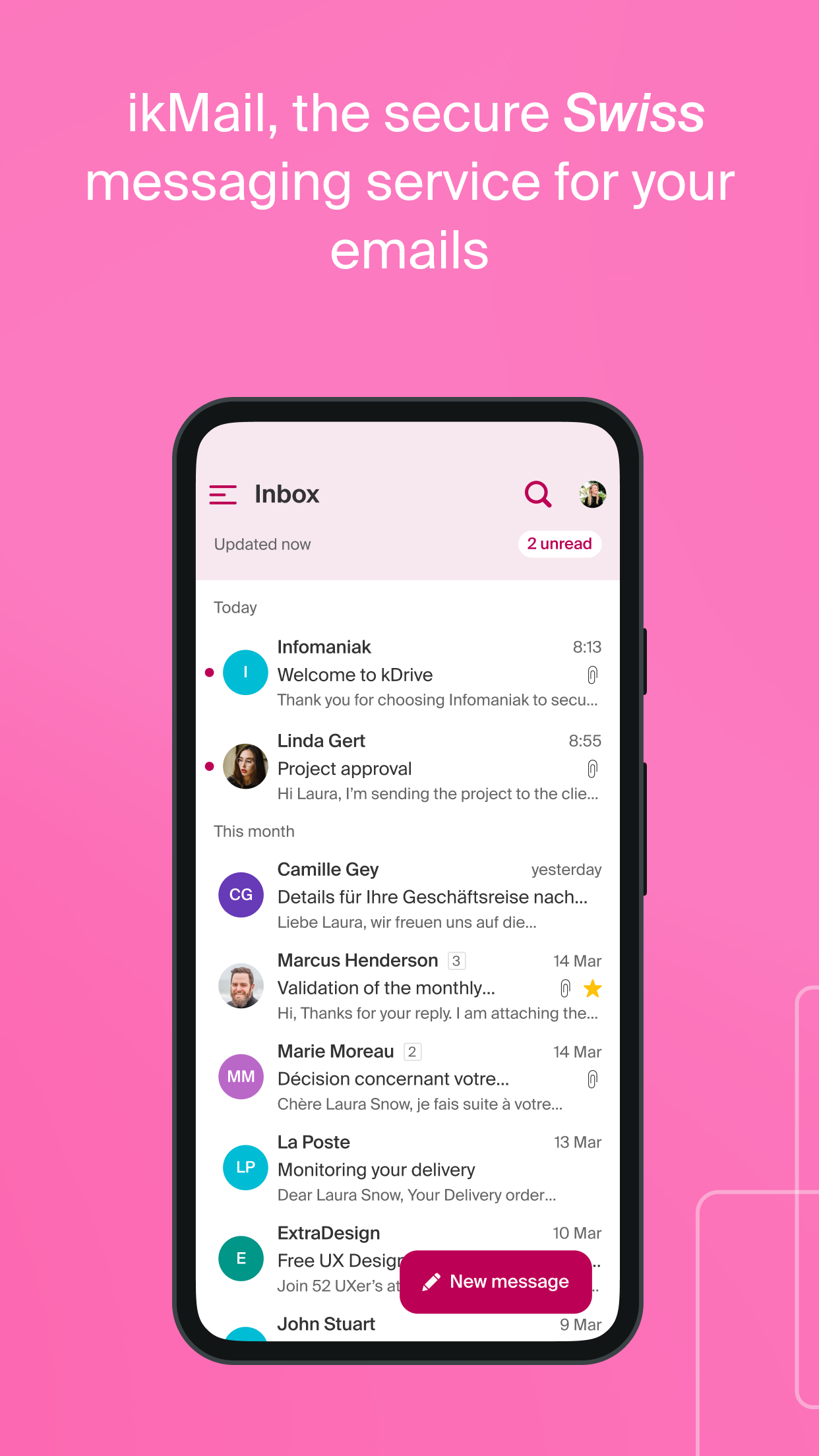
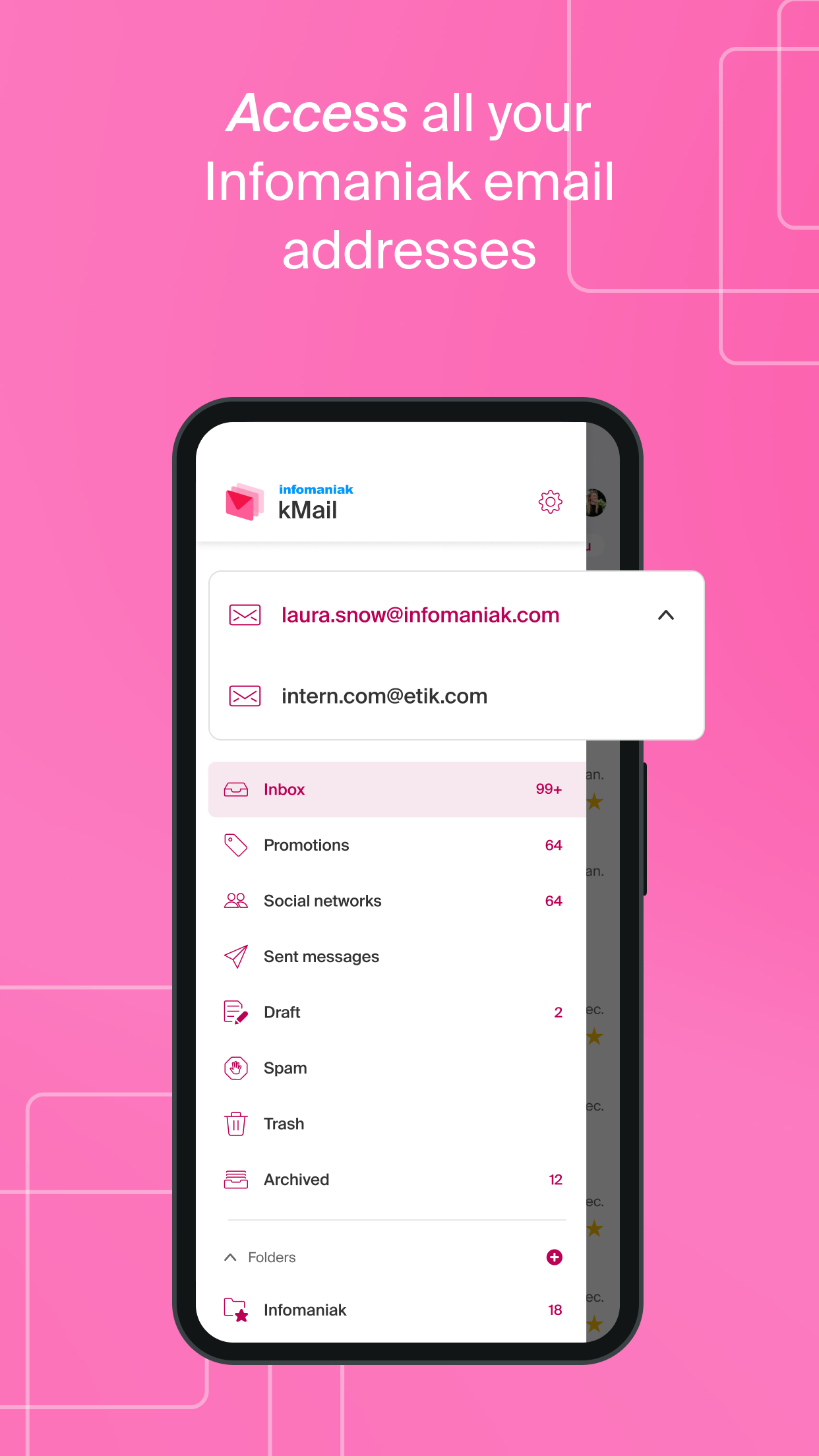
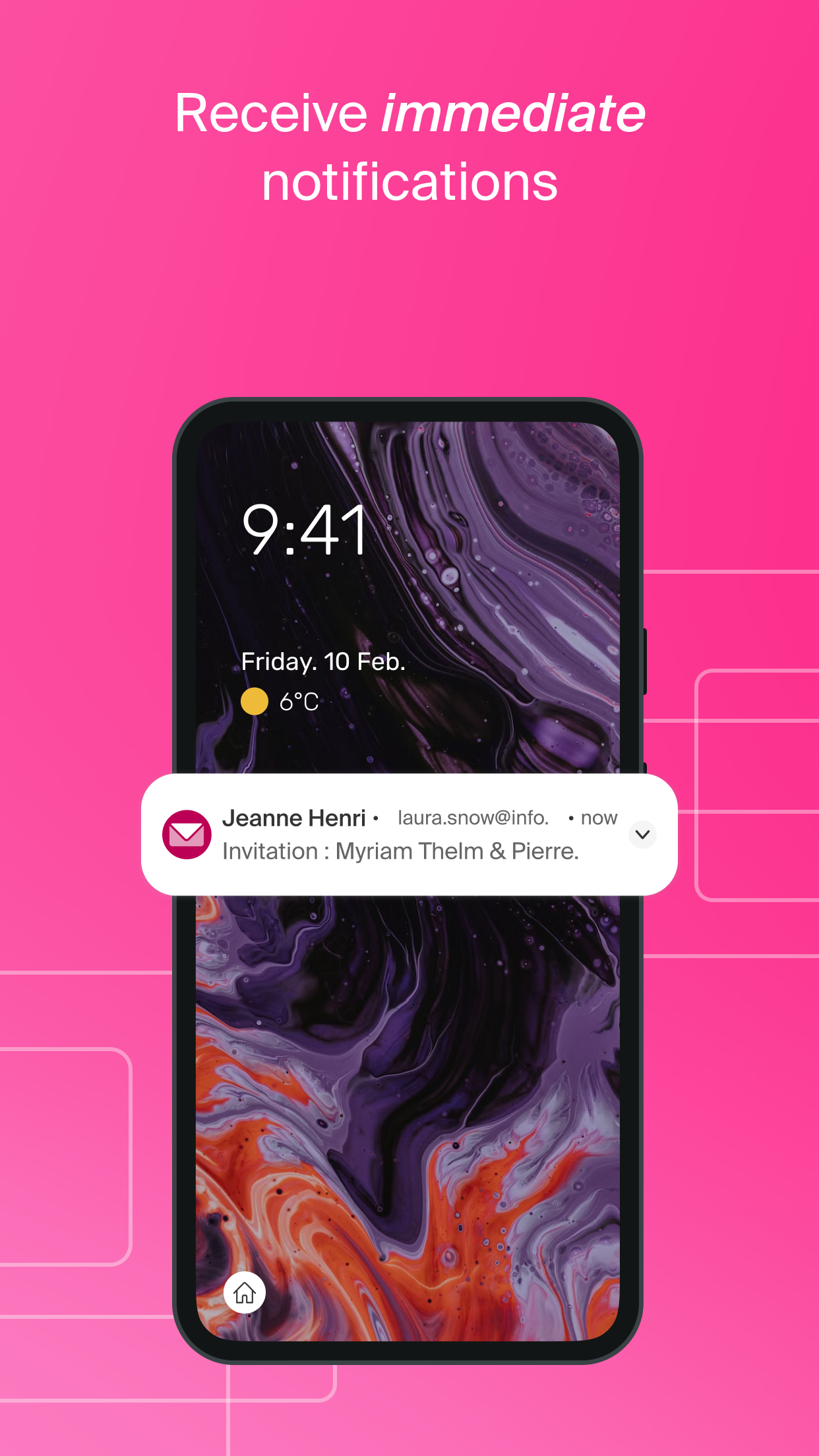
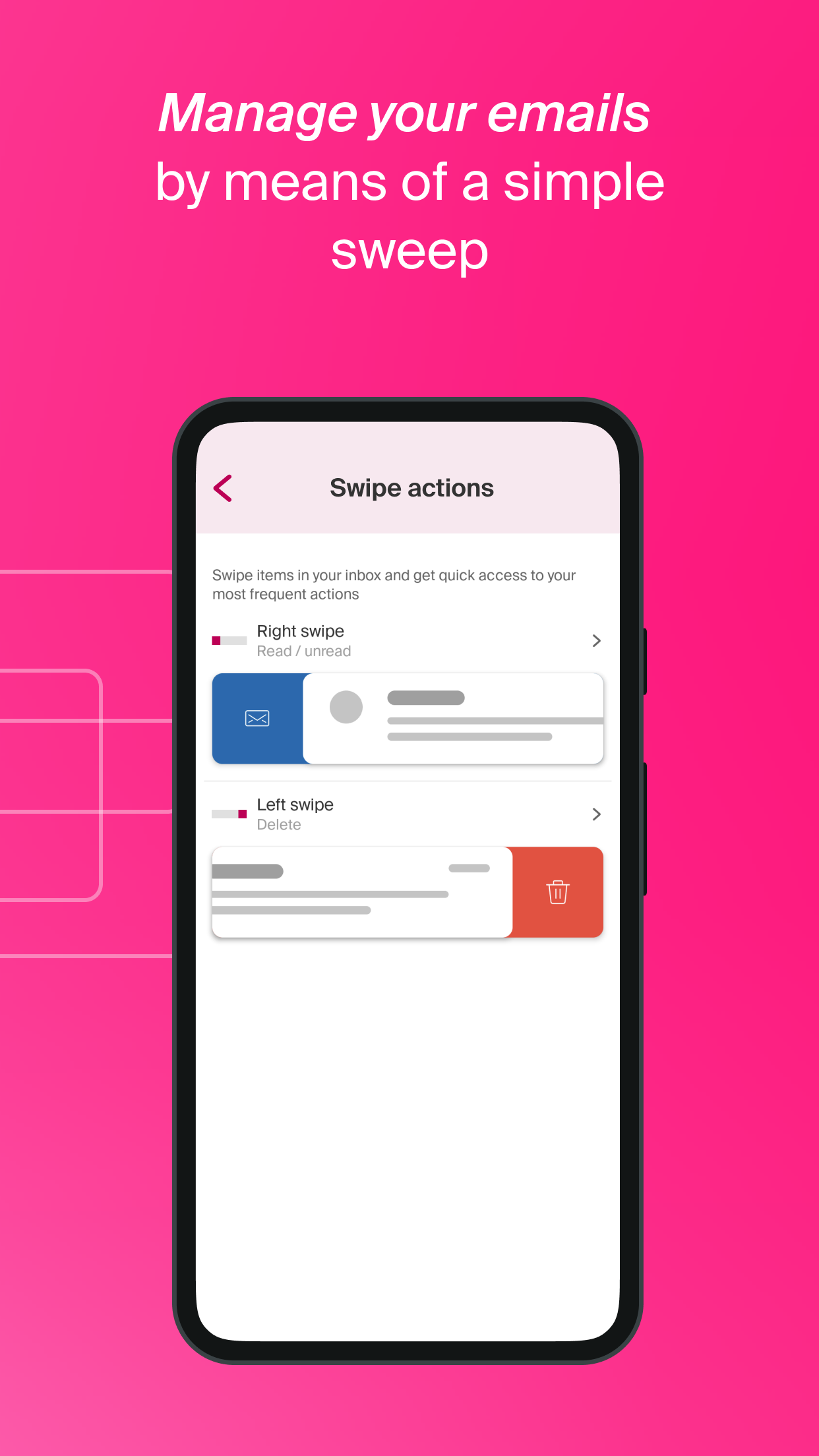
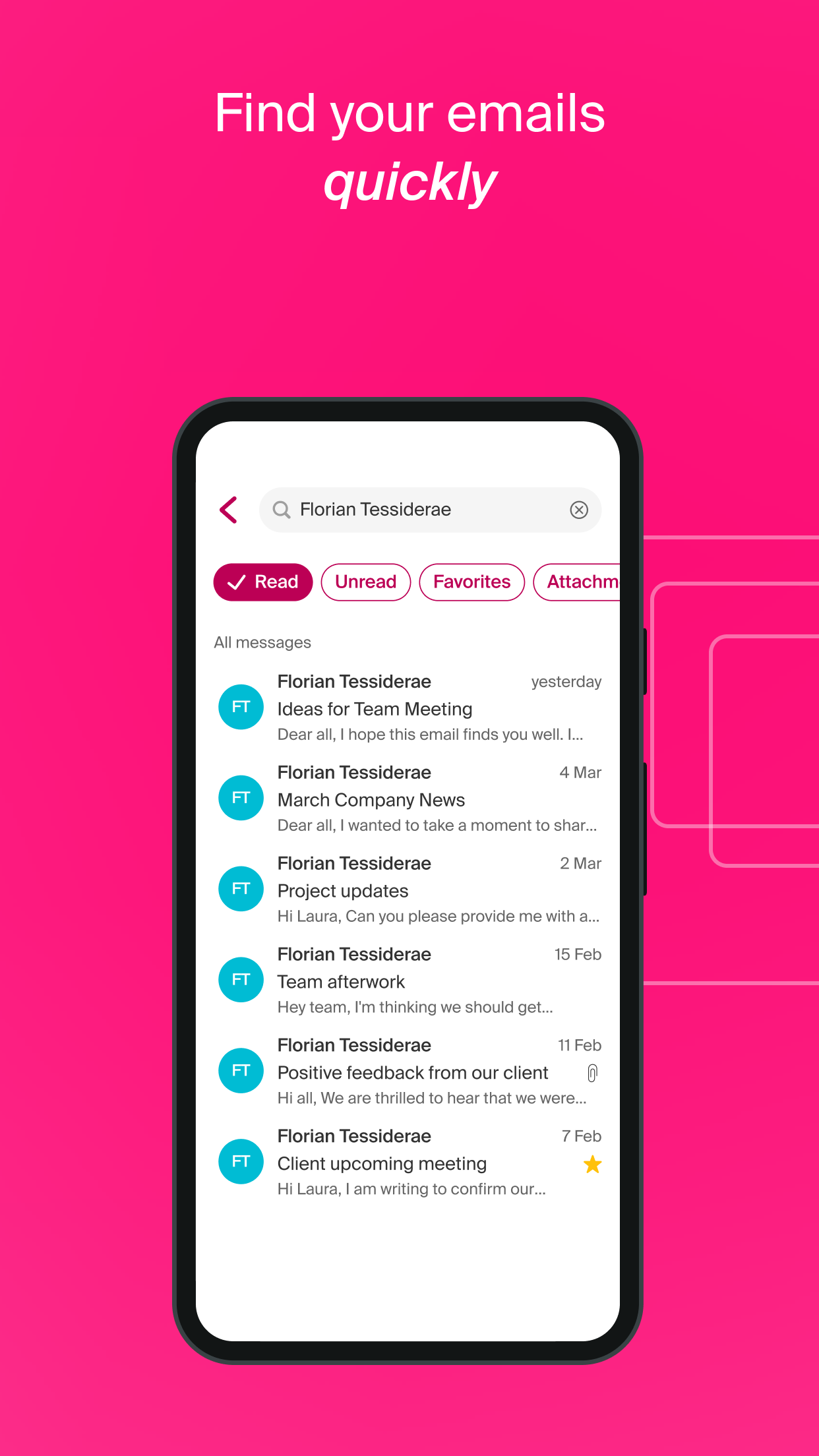
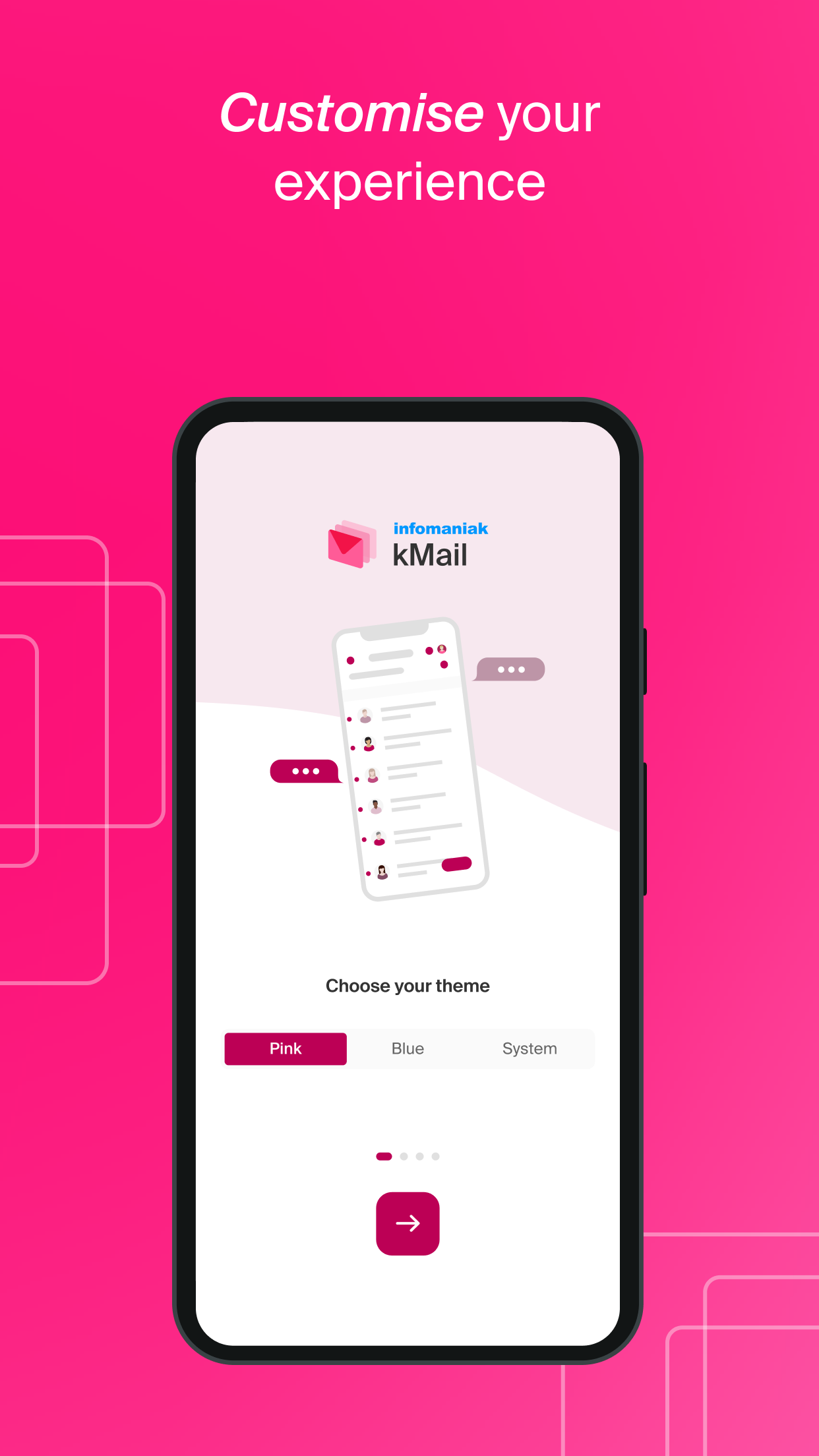
- create a free @ik.me @etik.com or @ikmail.com address with 20 GB storage and no advertising which is managed in Switzerland in accordance with the GDPR. - send and receive emails via your Infomaniak email addresses. - define Infomaniak Mail as the default messaging service app. - search for a specific message or your unread emails, favourite emails or emails with attachments. - switch from one account to another to access all your email addresses managed by Infomaniak. - be notified immediately of the arrival of new emails (push). - organise your emails in personalised folders. - scan mails to move, archive and delete them quickly. - personalise your experience (dark/light theme, accent colour, display density, scanning actions in the inbox, etc.). - protect access to the Infomaniak Mail app (according to your device’s locking method).
With Infomaniak Mail, you keep full control of your data and communicate in a secure, sovereign and constantly developing ecosystem. The Infomaniak Mail app is developed by Infomaniak and its code is open source and available on our GitHub.
Infomaniak has been a key cloud service provider in Europe and the foremost developer of productivity solutions in Switzerland for over 29 years. The company belongs exclusively to its employees and distinguishes itself by its commitment to privacy, the local economy and the environment.
- Add contact mentions in emails
- Download older messages automatically when the list becomes empty following an action
- Various fixes
Recent approved comments · sorted by newest
View all comments