Trace images through paper with touch switched off
AnDraw shows an image full screen and switches off touch, so you can put a sheet
of paper on the screen and trace the image without your palm scrolling, zooming
or opening something else.
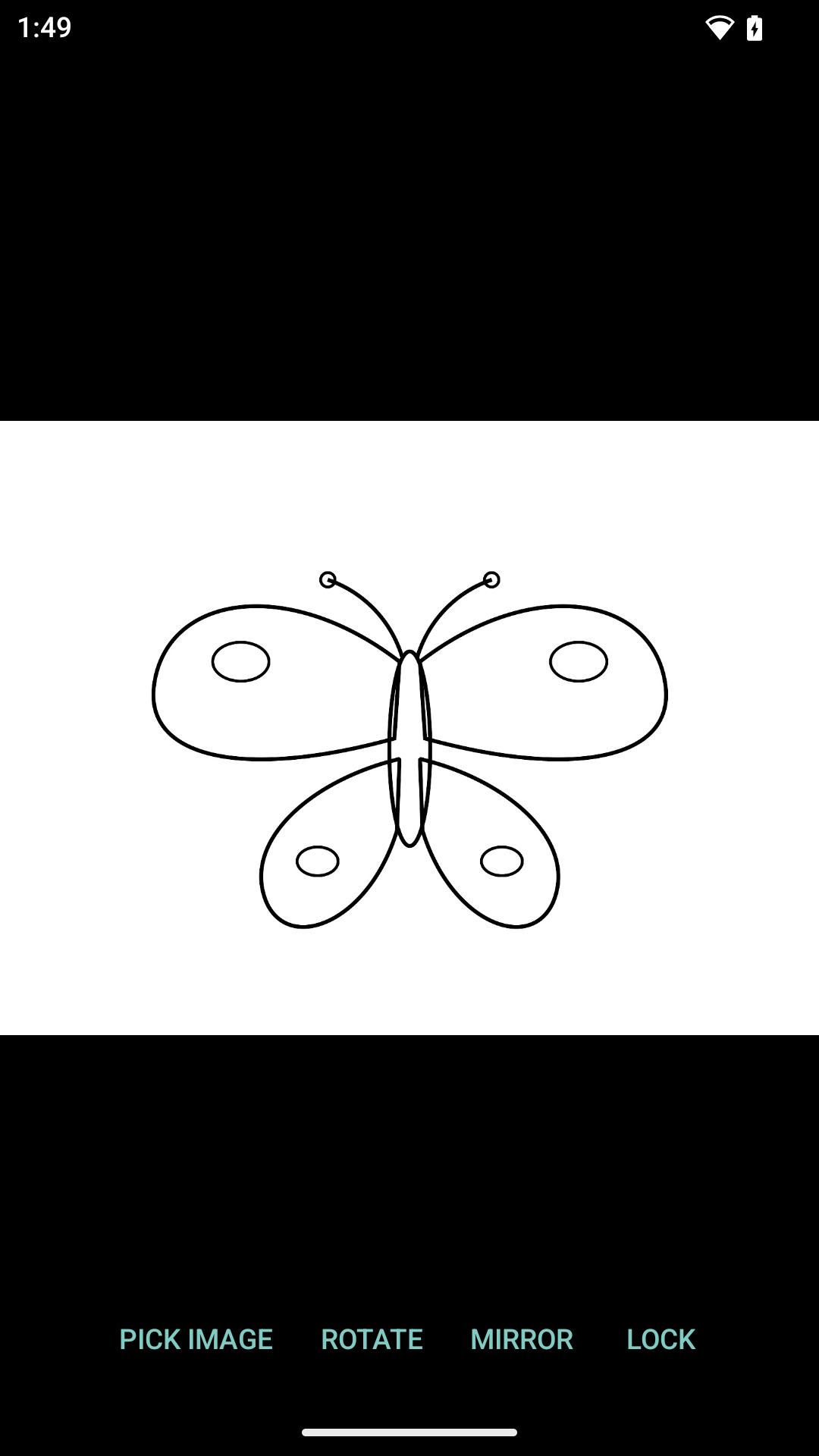
Adjust mode lets you place the image: pinch to zoom, drag to move, and buttons to
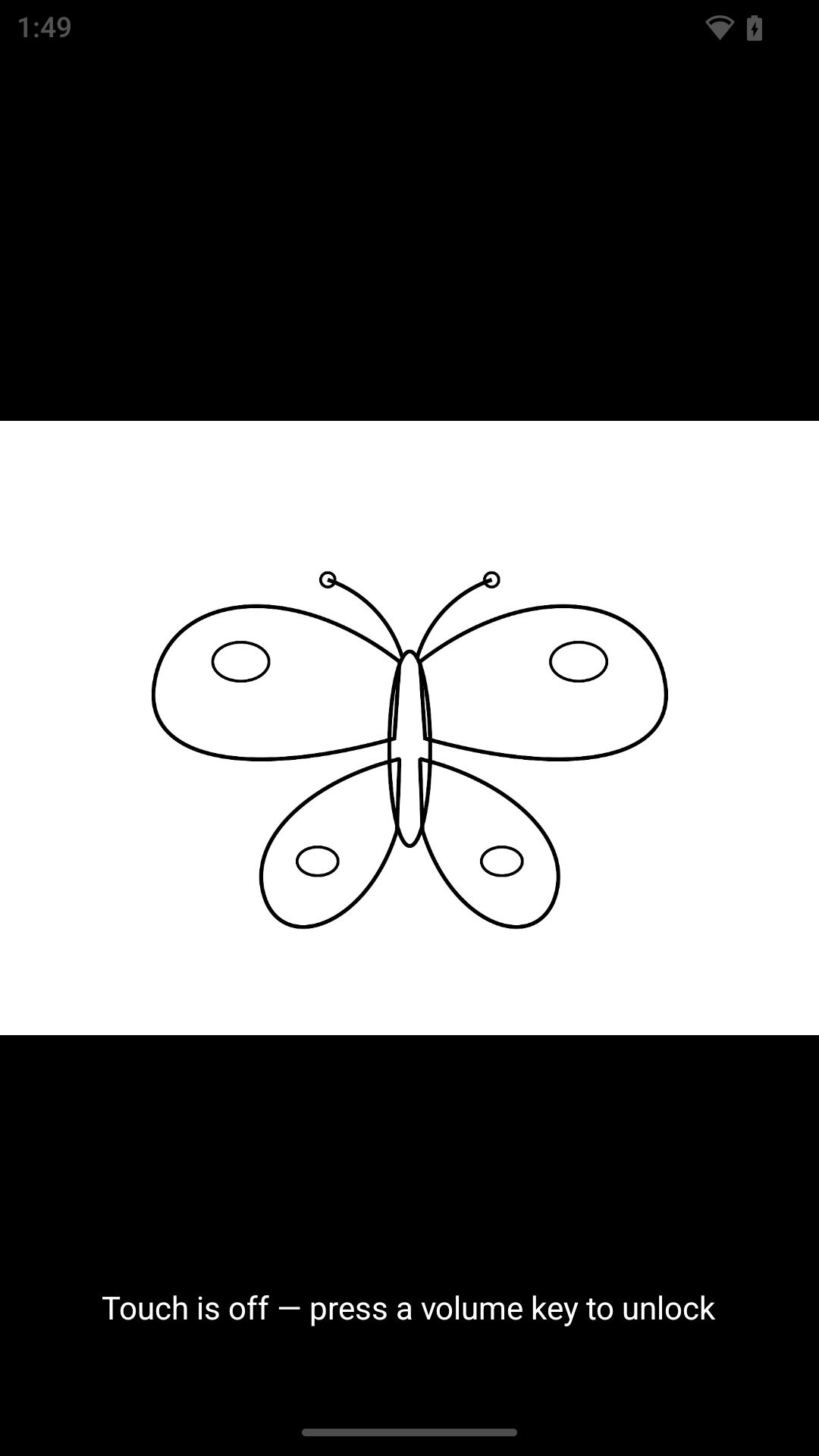
rotate and mirror. Press Lock to enter tracing mode, where every touch is
swallowed, the screen is kept awake, and brightness goes to maximum so the image
shines through the paper.
Any volume key switches between the two modes, and the volume itself never
changes.
AnDraw requests no permissions at all. Images are opened through the system file
picker, which gives the app access to the single file you choose and nothing
else.
Screenshots
What’s new
First release.
How to install
Download the APK from the button at the top of this page.
Allow “Install unknown apps” for your browser or file manager only, not for every app.
Open the downloaded file and confirm the installation.
If installation fails with “App not installed,” remove an earlier build of the same app first. A signature conflict is the usual cause.
Data safety
Every file is checked against its published SHA-256 before it is listed.
Files are scanned for malware on every update.
The permissions each app requests are listed on its own page.
Read the full safety policy for how we test, flag, and delist files.
Frequently asked questions
What is AnDraw?
Trace images through paper with touch switched off