Souvenirs icon

Souvenirs

Francois Valley
Multimedia Multimedia
Version
3.0.3
Size
7.7 MB
Requires
Android API 24+
4.4 / 5 · 18,822 ratings 124,678 downloads

Updated Oct 16, 2026

Quick answer

Make photo albums and share them on Nextcloud. Support for image, sound, video,

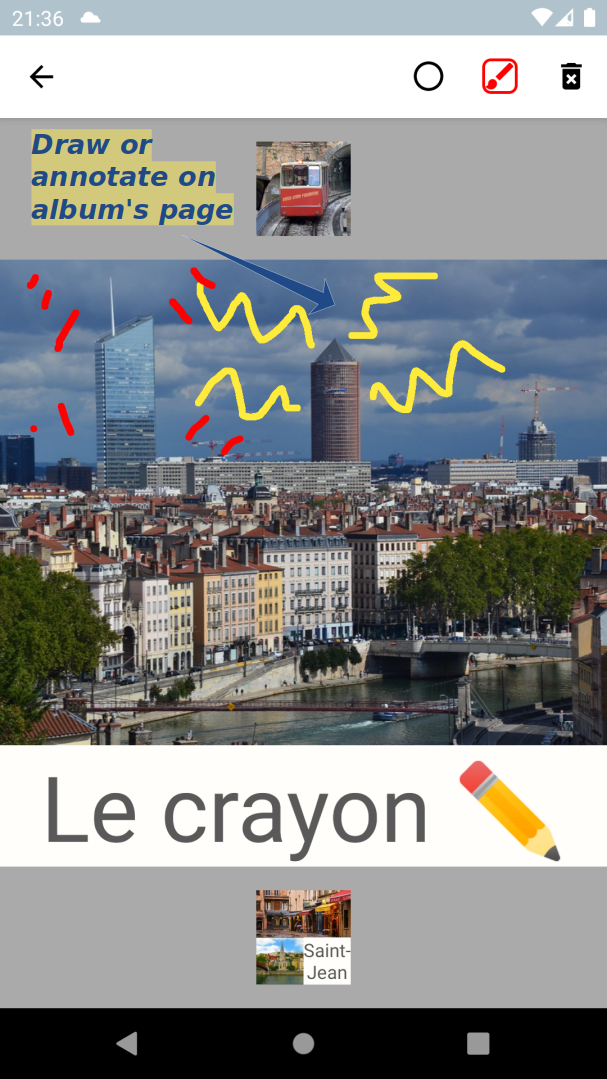
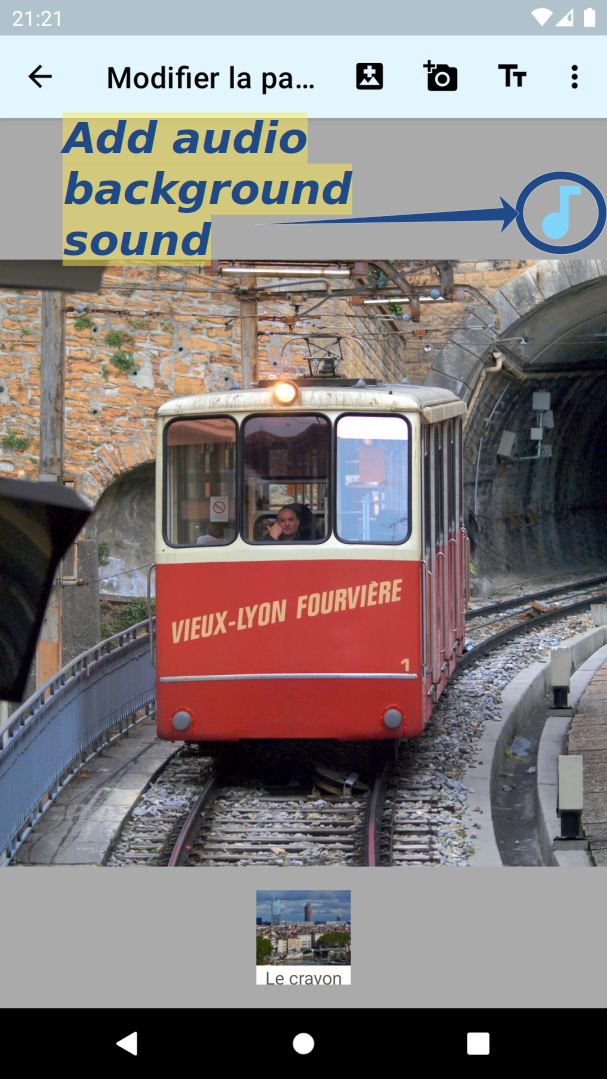
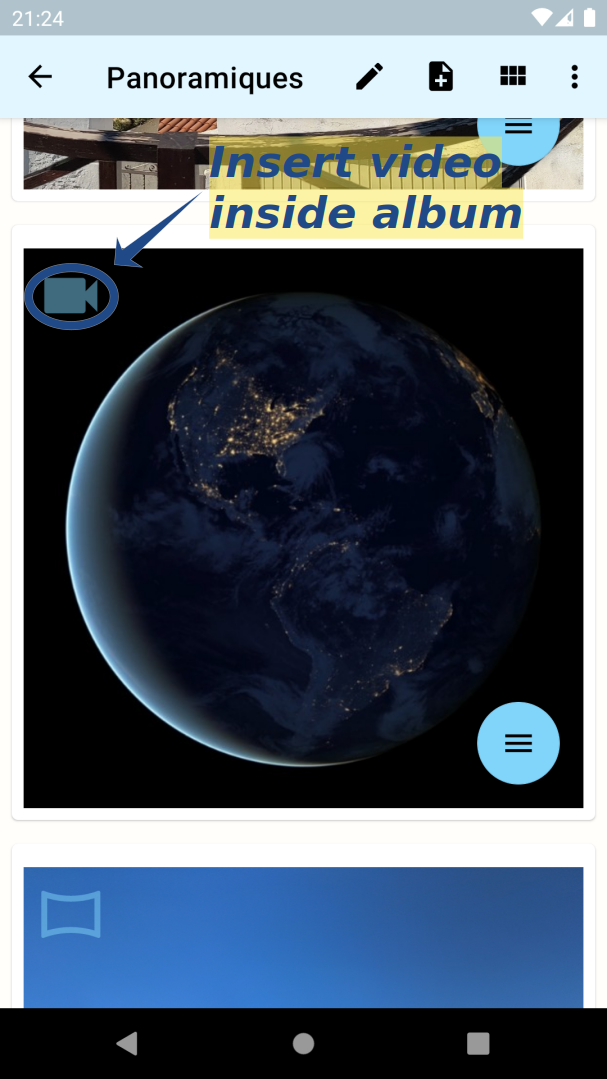
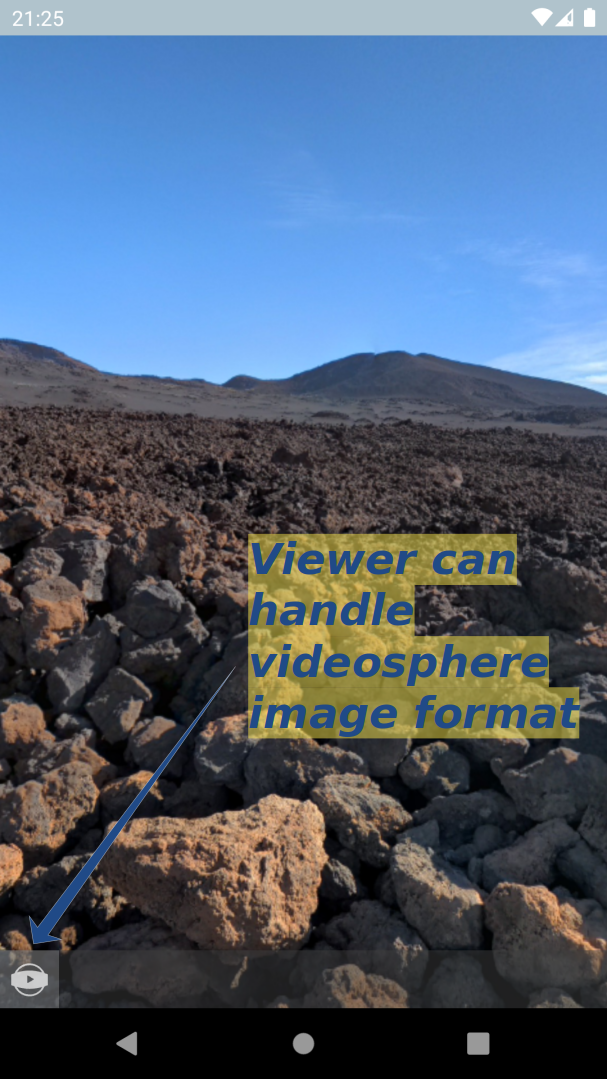
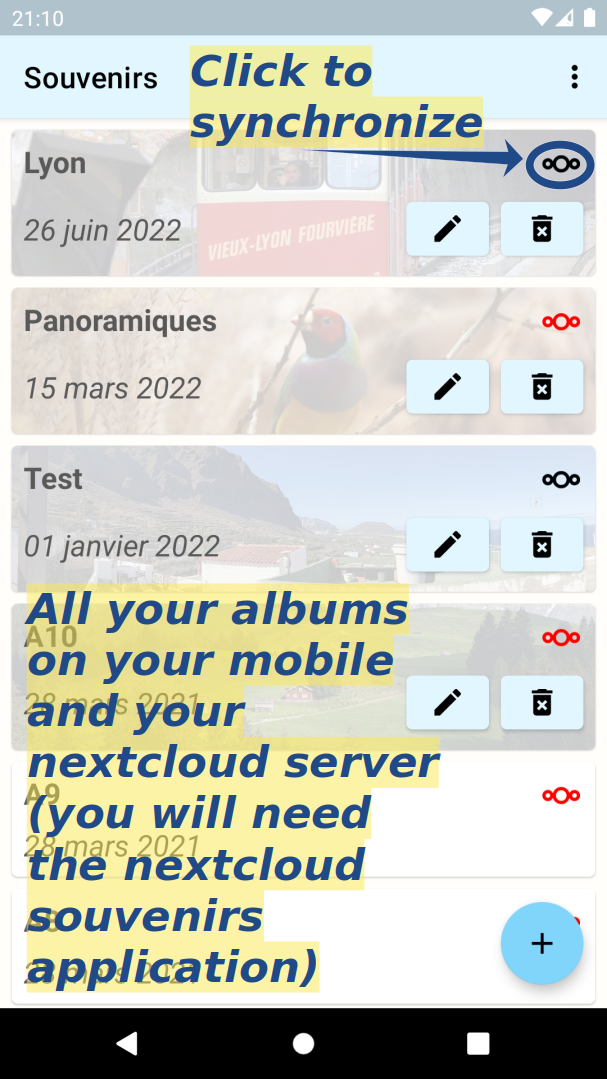
Make photo albums, add text, video, sound and handwritten annotations. Support for photosphere image format in viewer. Upload your albums on a Nextcloud server and share them with family and friends. To upload an album to a Nextcloud instance, you will need:
  • the Nextcloud Souvenir application installed on the instance
  • the Nextcloud Android client installed and configured on your Android device with at least one working account. Synchronisation with your Nextcloud account is done via this app on your device : on Souvenirs app, go to settings and select your Nextcloud account.
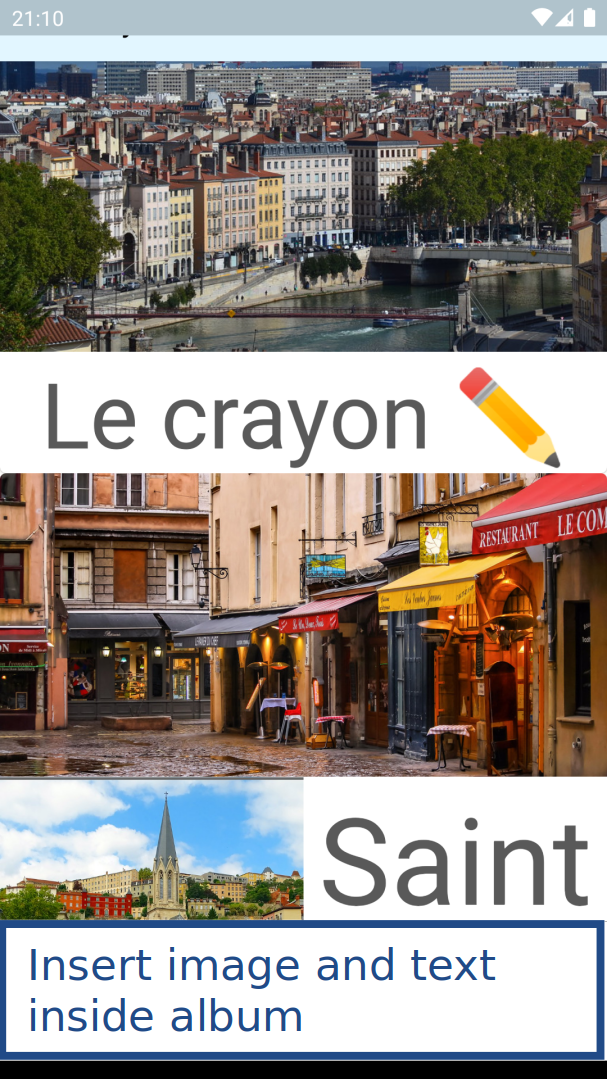
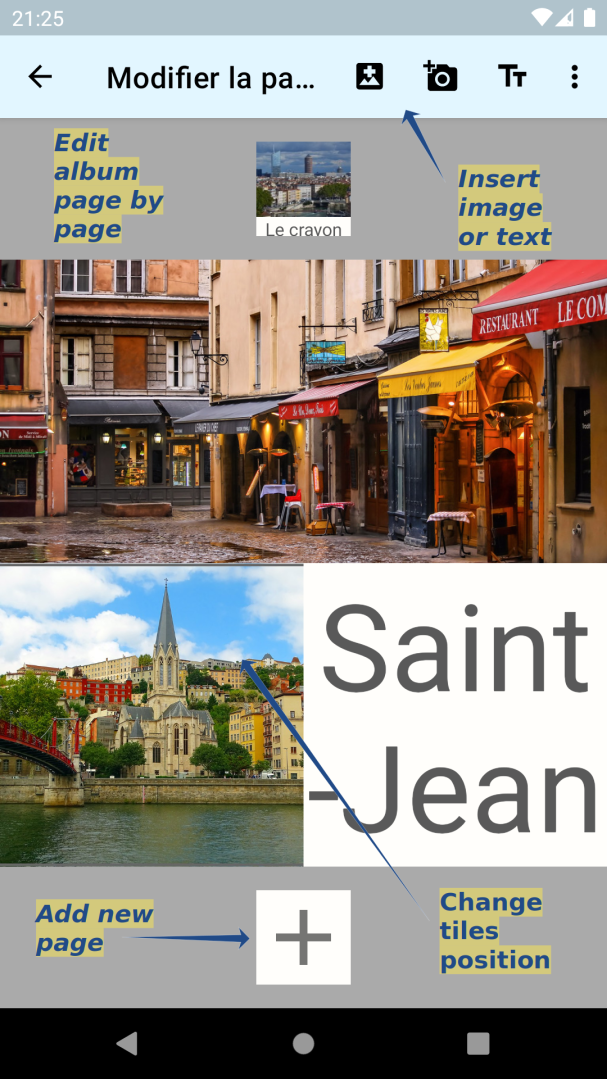
Yet an other gallery app Old school paper albums are not just a collection of time ordered photos, they are visuals and texts organised to tell a story, make you remember a moment in the past. The goal of this app is to mimic a full photo album though image spacial organisation, text and hand drawings, giving you the tools to express and store your memories ("souvenirs" in french). With a touch of more modern items such as video and sound. Well, at least trying to do it that way with my amateur android programming skills... Album structure Album are composed of several pages where you can include image or text blocs. Images and text blocs are organised in tiles fully covering the page. You can pan/zoom each images and handwritten annotations over them. You can also manually resize the tiles for a more custom layout. Permission explained : the application need the following permissions :
  • "INTERNET" : used exclusively to upload/download albums from the nextcloud server.
  • "WRITE_EXTERNAL_STORAGE" : optional, used only if you want to export your album in a PDF file.
  • "RECORD_AUDIO" : optional, only used if you want to insert sound from your microphone.
The following third party libraries are used by this app :

Screenshots

Souvenirs screenshot 1
Souvenirs screenshot 2
Souvenirs screenshot 3
Souvenirs screenshot 4
Souvenirs screenshot 5
Souvenirs screenshot 6
Souvenirs screenshot 7

What’s new

Fix: Menu bar overlapping the status bar when scrolling
Fix: Memory leak in panorama viewer

How to install

  1. Download the APK from the button at the top of this page.
  2. Allow “Install unknown apps” for your browser or file manager only, not for every app.
  3. Open the downloaded file and confirm the installation.
  4. If installation fails with “App not installed,” remove an earlier build of the same app first. A signature conflict is the usual cause.

Data safety

  • Every file is checked against its published SHA-256 before it is listed.
  • Files are scanned for malware on every update.
  • The permissions each app requests are listed on its own page.
  • Read the full safety policy for how we test, flag, and delist files.

Frequently asked questions

What is Souvenirs?
Make photo albums and share them on Nextcloud. Support for image, sound, video,
Who develops Souvenirs?
Souvenirs is developed by Francois Valley.
Which Android version does Souvenirs require?
Souvenirs requires Android API 24 or later.
What is the current version of Souvenirs?
The synchronized F-Droid version is 3.0.3.
Which license does Souvenirs use?
The signed F-Droid metadata lists GPL-3.0-or-later.
Where is the source code for Souvenirs?
https://github.com/zorgluf/souvenirs-android

Comments

Recent approved comments · sorted by newest

Verification code
Be specific and keep it about the app. No links. Comments are reviewed before publication. Device and Android details are recorded automatically. Privacy policy.

Loading recent comments...

View all comments