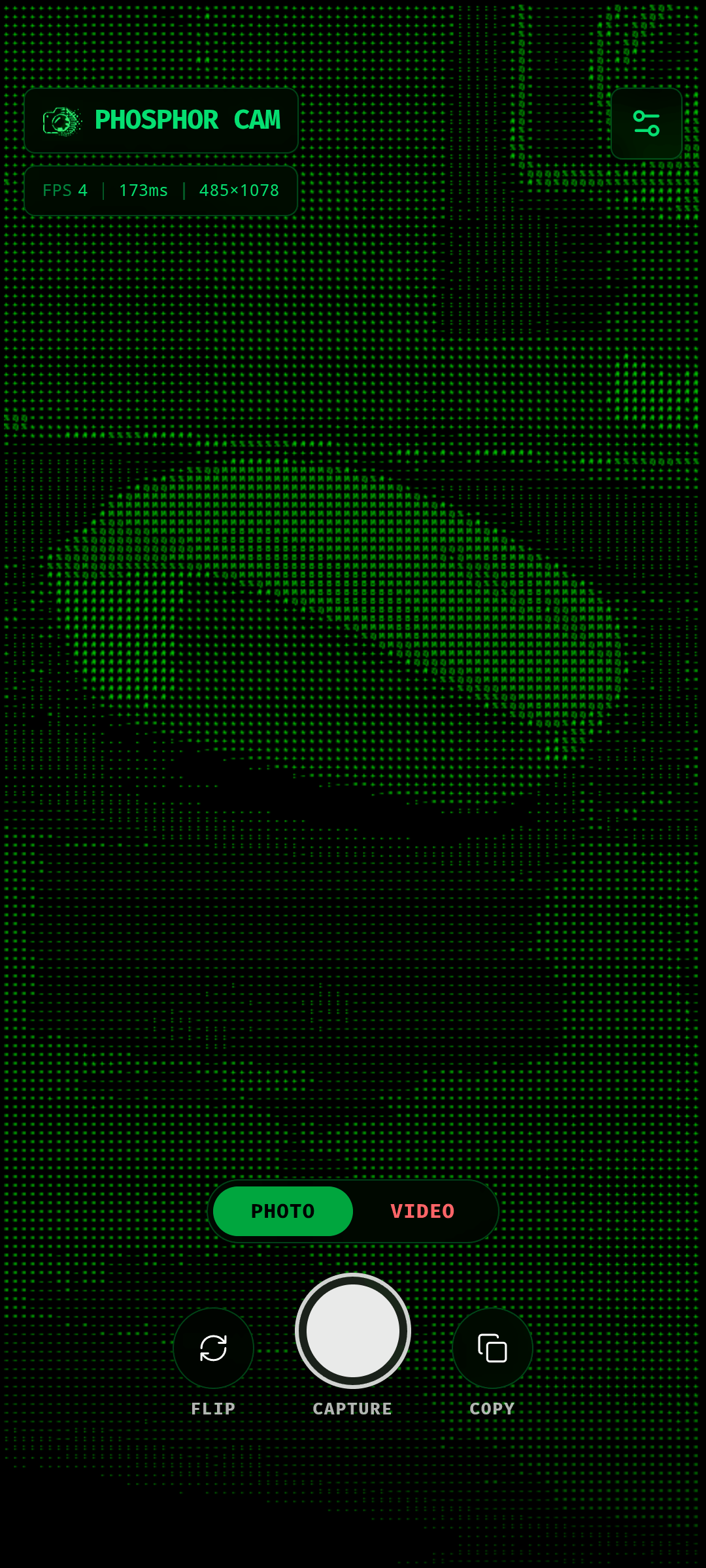
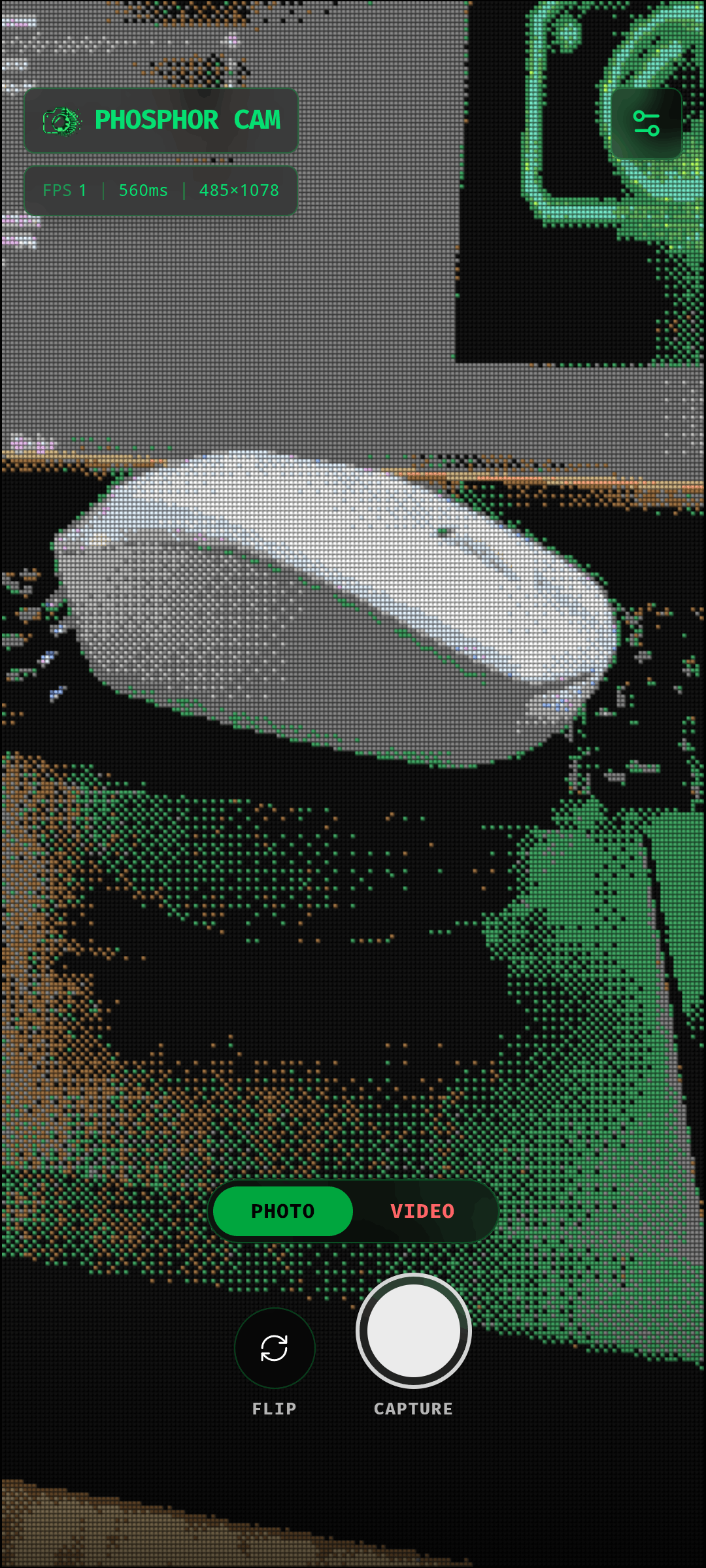
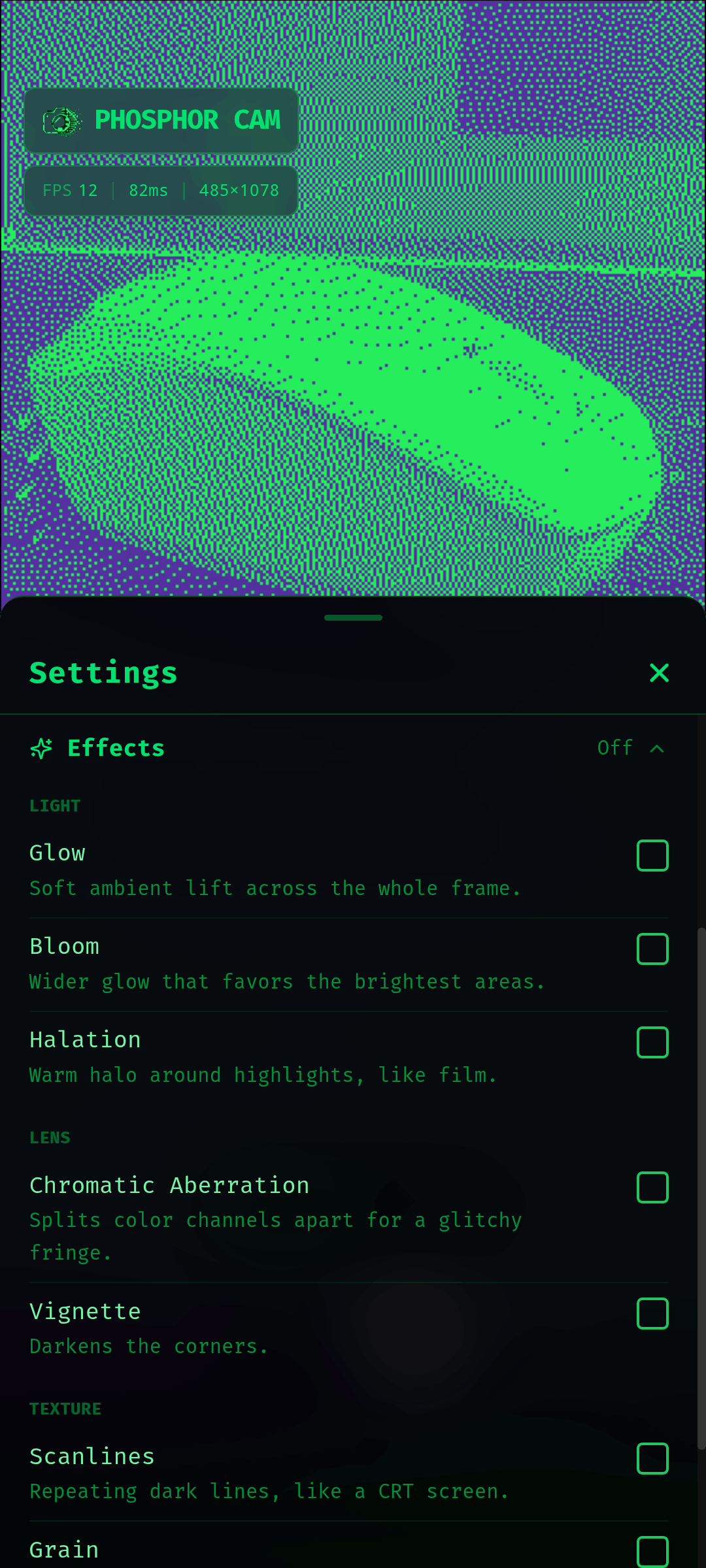
Phosphor Cam turns your live camera feed into ASCII art, dithering, halftone, lines and voxel visuals, in real time and entirely on your device.
Point your camera at anything, pick a style, and watch the world get redrawn as text, dots, ribbons or pixel blocks. Switch styles on the fly without restarting the camera, and fine-tune the look until it feels right.
Five visual styles
- ASCII: characters mapped to brightness, optionally tinted with the original colors
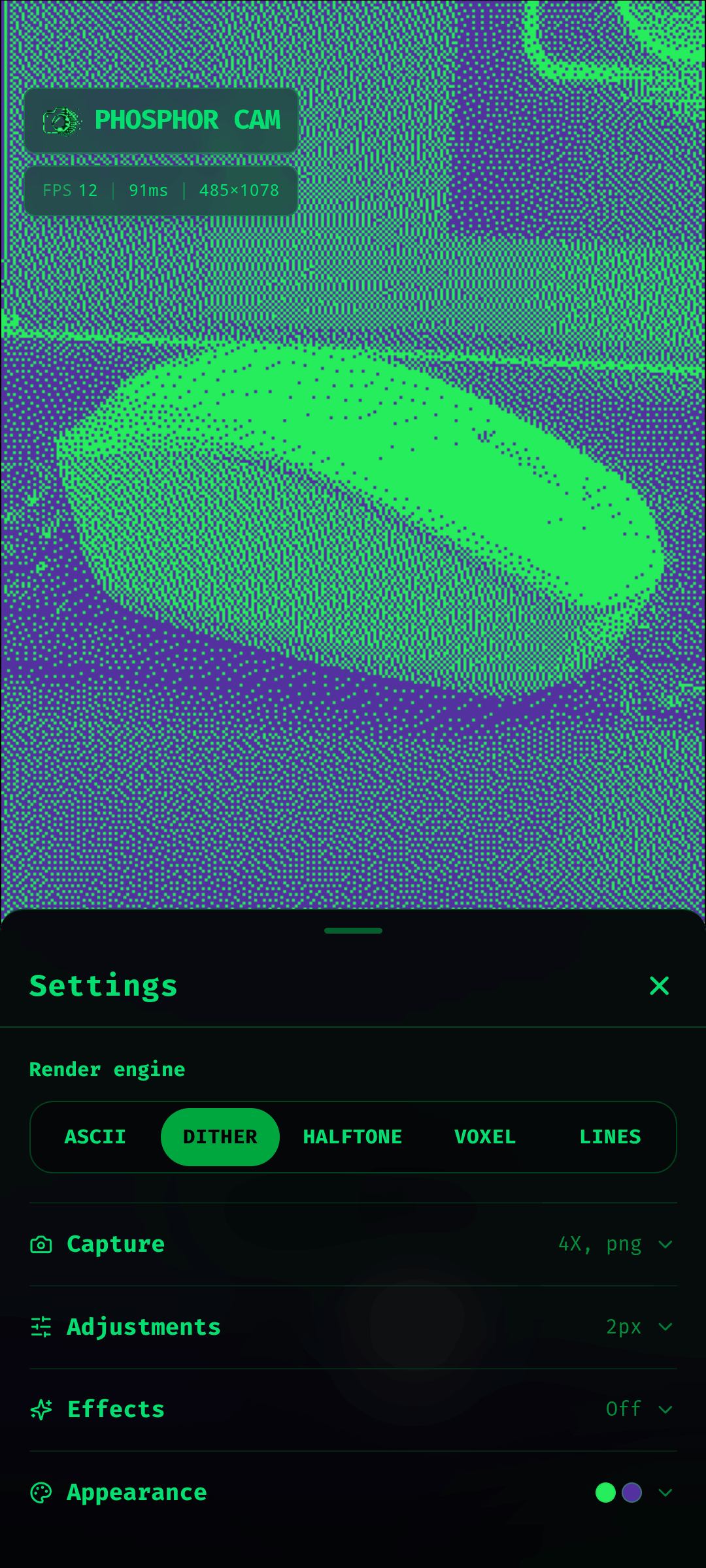
- Dither: a retro, print-like bitmap look
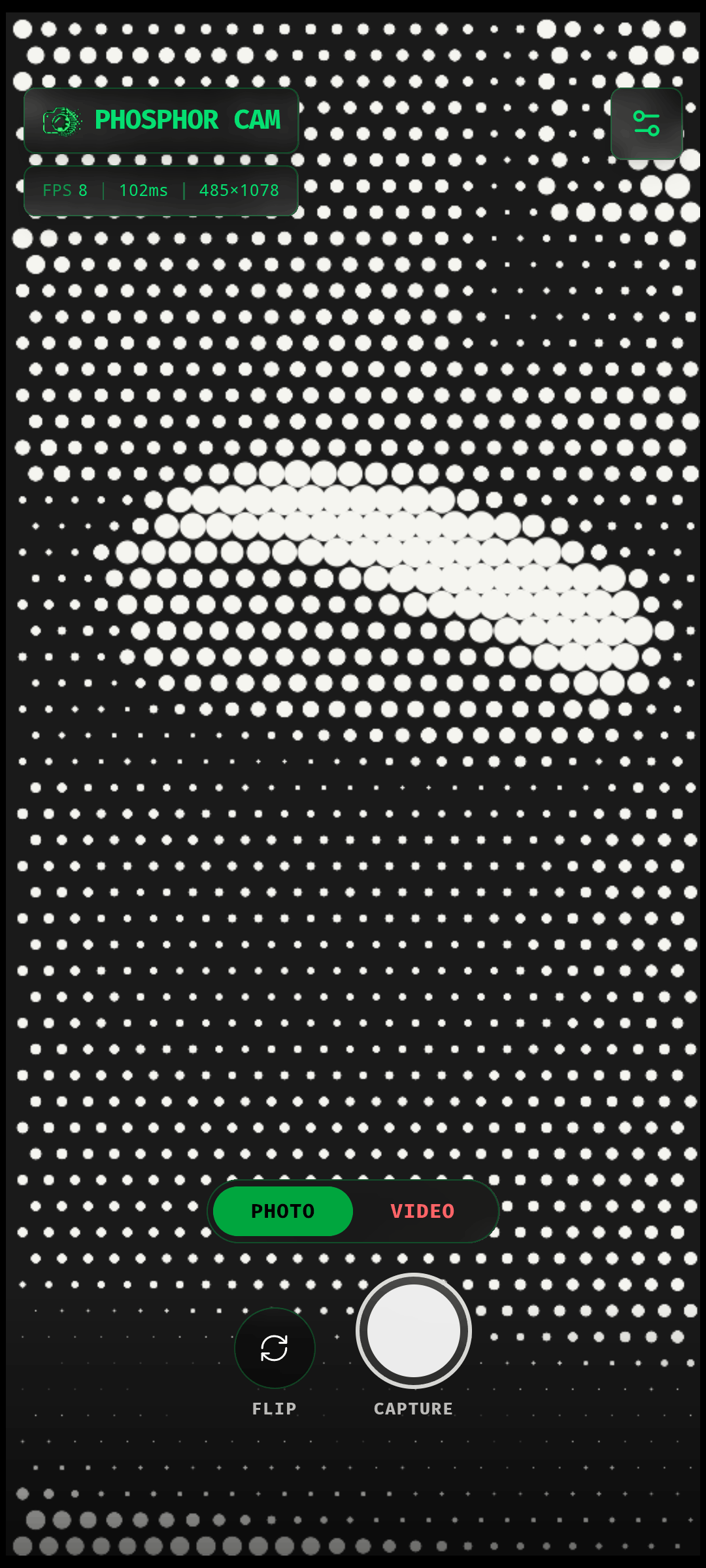
- Halftone: your image rebuilt as a grid of dots
- Voxel: chunky pixels with a 3D block effect
- Lines: every row drawn as one continuous ribbon
Make it yours
- Several ASCII character sets, including blocks, matrix and edges
- Adjustable cell size, contrast and brightness
- Color mode, invert, and custom foreground and background colors
- Live FPS and render time readout
Capture and share
- Save high-resolution images of what you see
- Record video of the rendered output
- Copy the current ASCII art to your clipboard as text
- Switch between front and back cameras
Private and offline
Everything runs locally. Your camera feed is never uploaded, and the app needs no account, no server and no internet connection. It contains no ads and no trackers.
Phosphor Cam is free and open source under the MIT license.
Screenshots
What’s new
Version: v1.1.2
- Front camera preview is now mirrored, like a normal selfie camera - Photos and videos now save to the same folder - Fixed saving on Android - New in-app notifications confirm when a photo or video is saved - Faster startup: the font is now bundled with the app instead of downloaded from Google Fonts - The app now runs only on Android 11 and above - Smaller, optimized build and other internal fixes - remove incorrect internet permission
How to install
Download the APK from the button at the top of this page.
Allow “Install unknown apps” for your browser or file manager only, not for every app.
Open the downloaded file and confirm the installation.
If installation fails with “App not installed,” remove an earlier build of the same app first. A signature conflict is the usual cause.
Data safety
Every file is checked against its published SHA-256 before it is listed.
Files are scanned for malware on every update.
The permissions each app requests are listed on its own page.
Read the full safety policy for how we test, flag, and delist files.