
Quick answer
Your pictures, your signature.
Introducing PicGuard – the ultimate solution for securing and customizing your digital photos. With our app, you can easily add watermarks to your images to protect your creative work and maintain your privacy.
PicGuard offers robust privacy protection features, ensuring your personal and sensitive information remains safeguarded. It’s highly customizable, allowing you to personalize watermarks with various fonts, styles, and designs to suit your needs.
Accessible on web, mobile, and desktop, you can seamlessly integrate and manage your watermarking tasks across all your devices. PicGuard, as an open-source tool, it’s not only free but also continuously improved by a community of developers dedicated to providing the best user experience.
Download PicGuard today and take control of your photo security and personalization like never before.
Screenshots
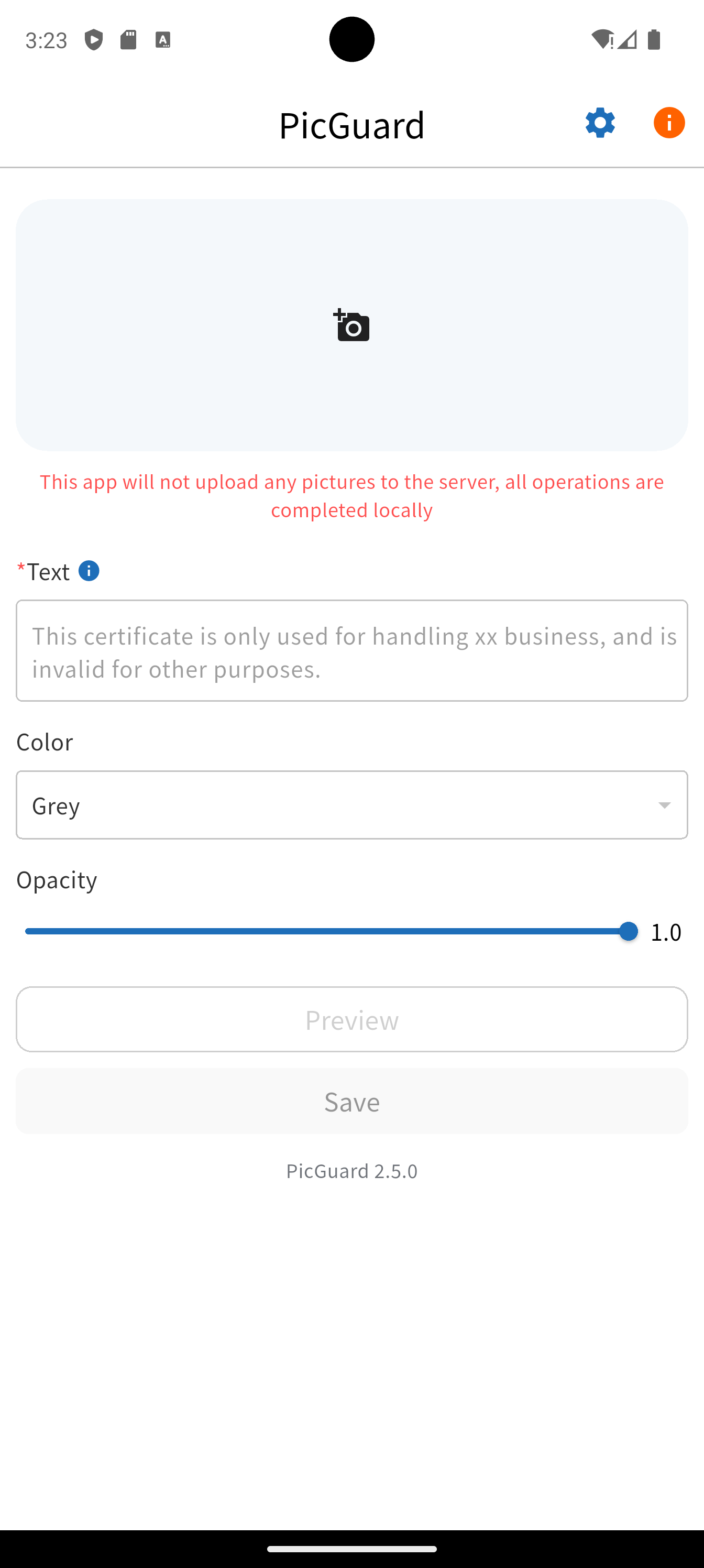
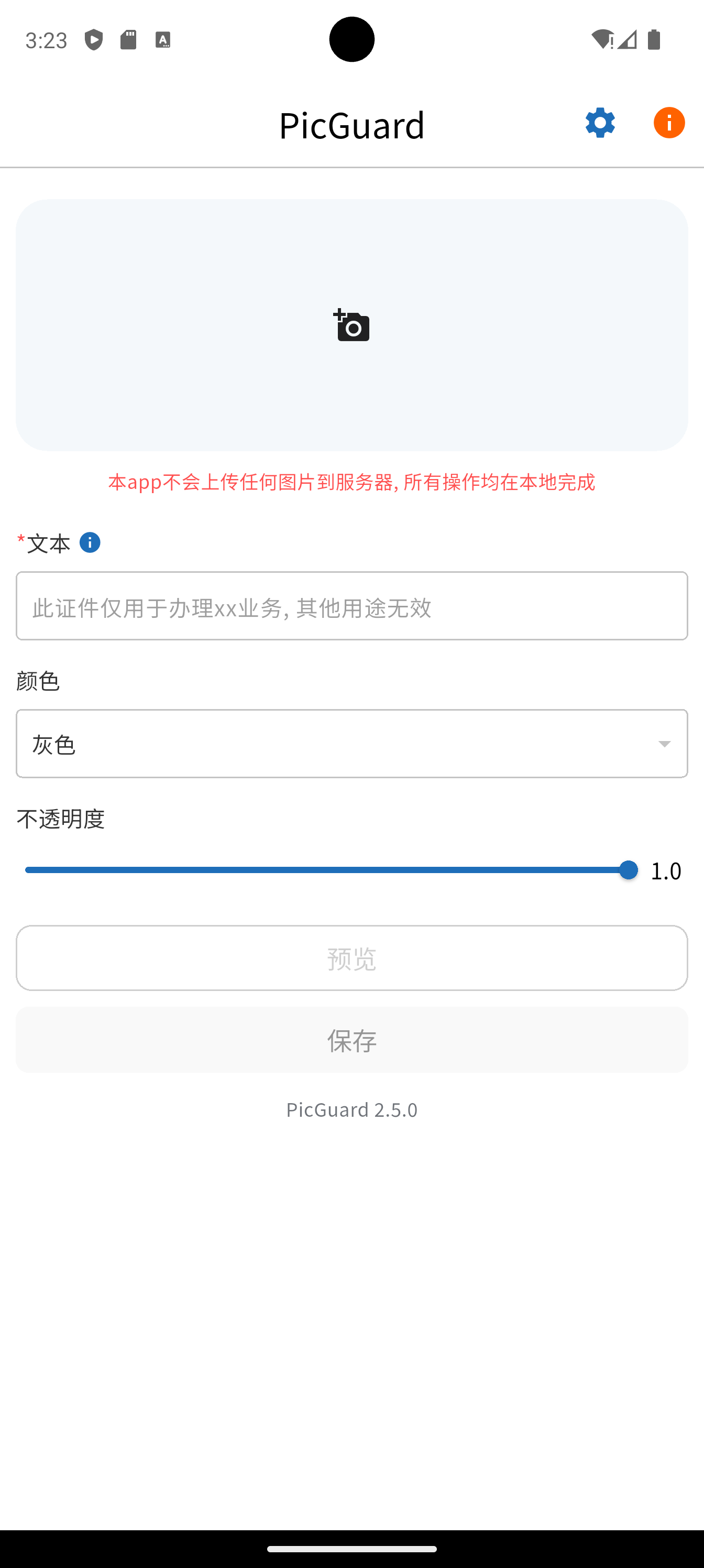
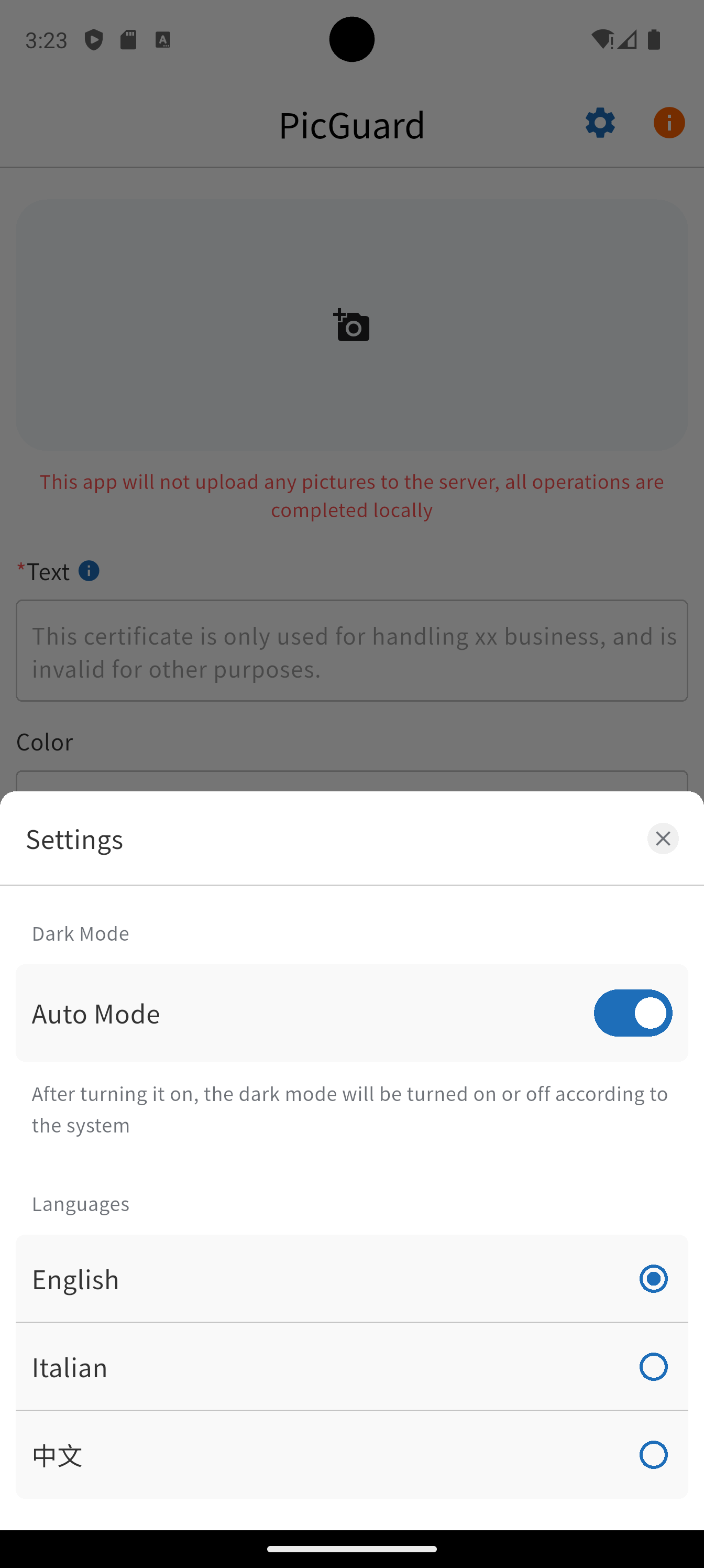
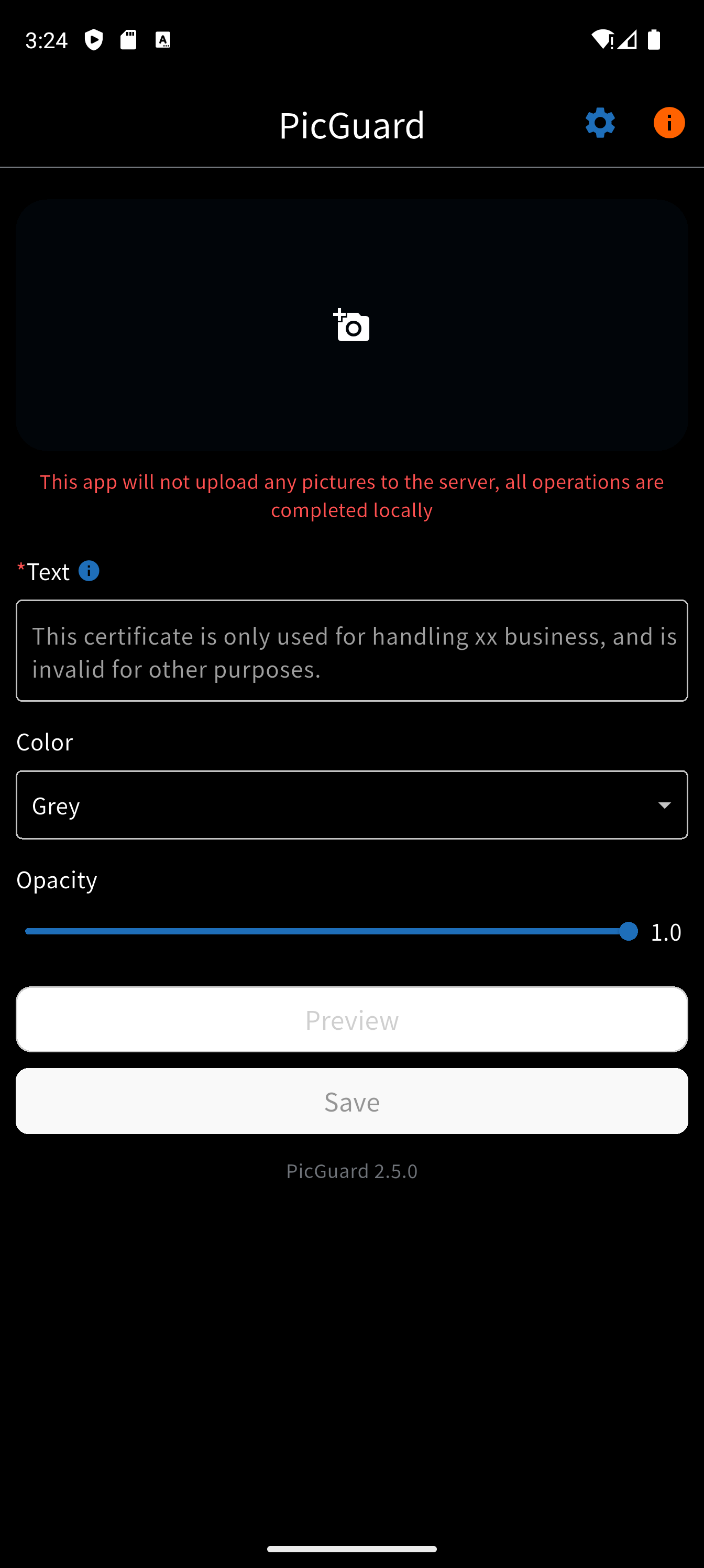
How to install
- Download the APK from the button at the top of this page.
- Allow “Install unknown apps” for your browser or file manager only, not for every app.
- Open the downloaded file and confirm the installation.
- If installation fails with “App not installed,” remove an earlier build of the same app first. A signature conflict is the usual cause.
Data safety
- Every file is checked against its published SHA-256 before it is listed.
- Files are scanned for malware on every update.
- The permissions each app requests are listed on its own page.
- Read the full safety policy for how we test, flag, and delist files.
Frequently asked questions
What is PicGuard?
Your pictures, your signature.
Who develops PicGuard?
PicGuard is developed by kjxbyz.
Which Android version does PicGuard require?
PicGuard requires Android API 24 or later.
What is the current version of PicGuard?
The synchronized F-Droid version is 5.7.2.
Which license does PicGuard use?
The signed F-Droid metadata lists GPL-3.0-only.
Where is the source code for PicGuard?
https://github.com/picguard/picguard
Comments
Recent approved comments · sorted by newest
View all comments