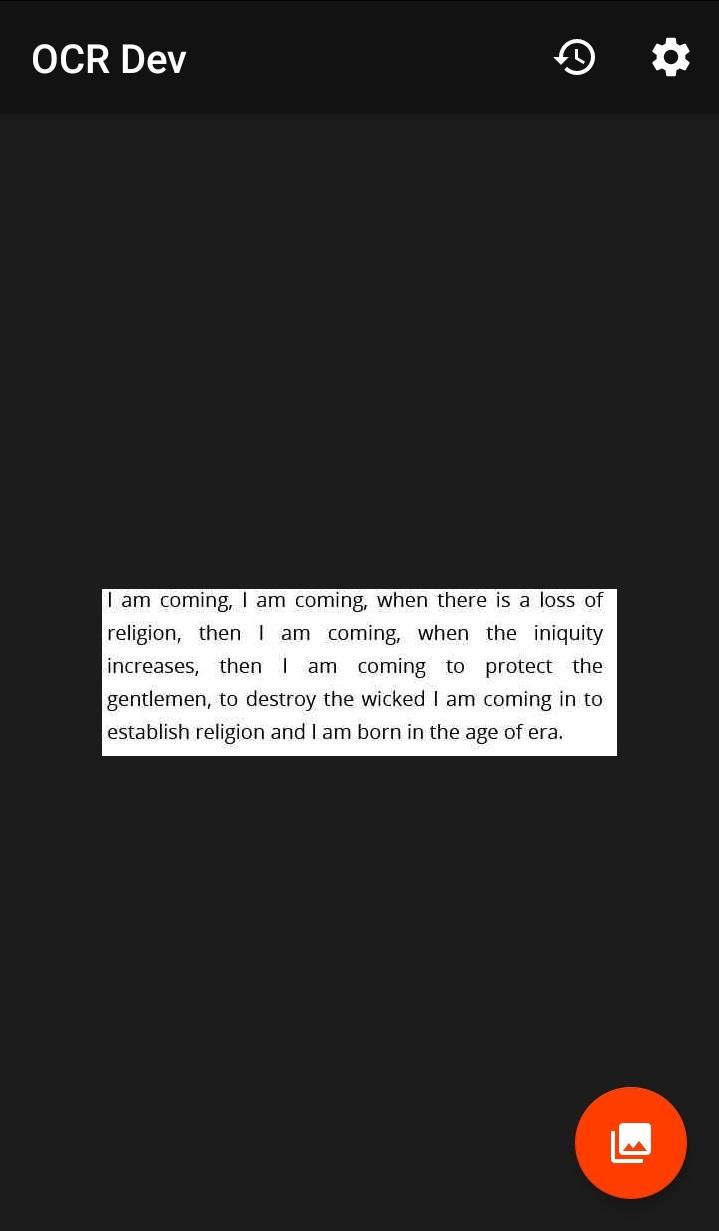
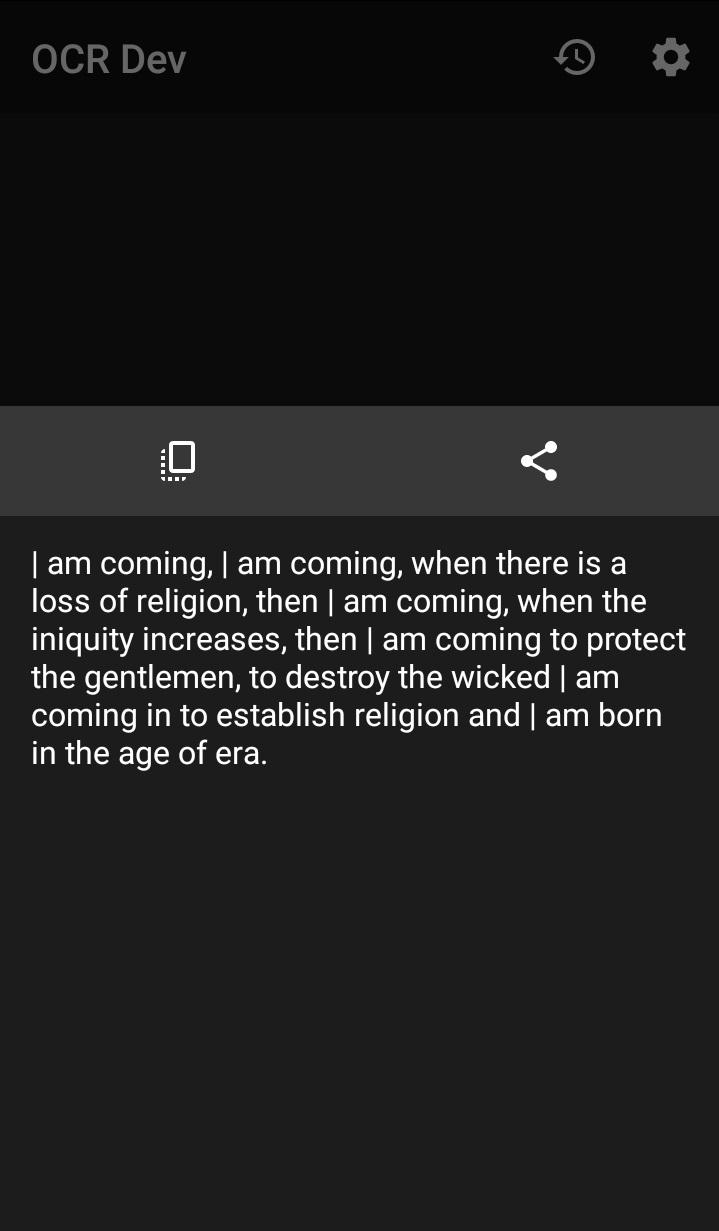
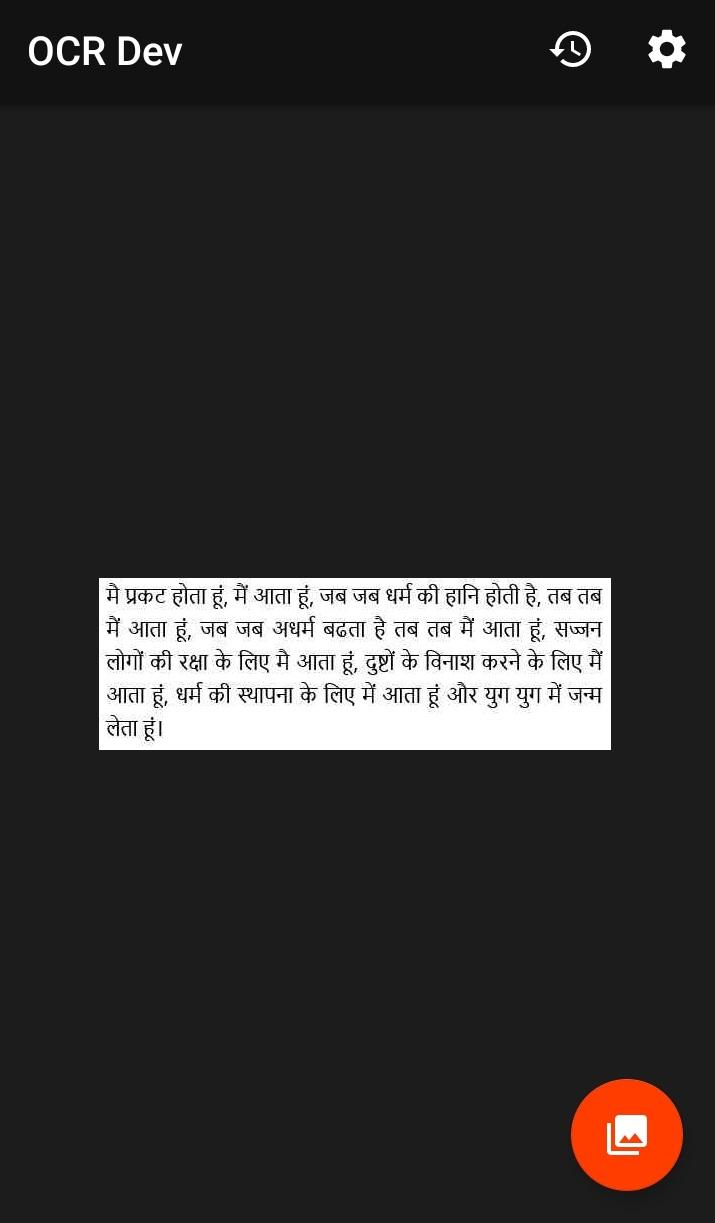
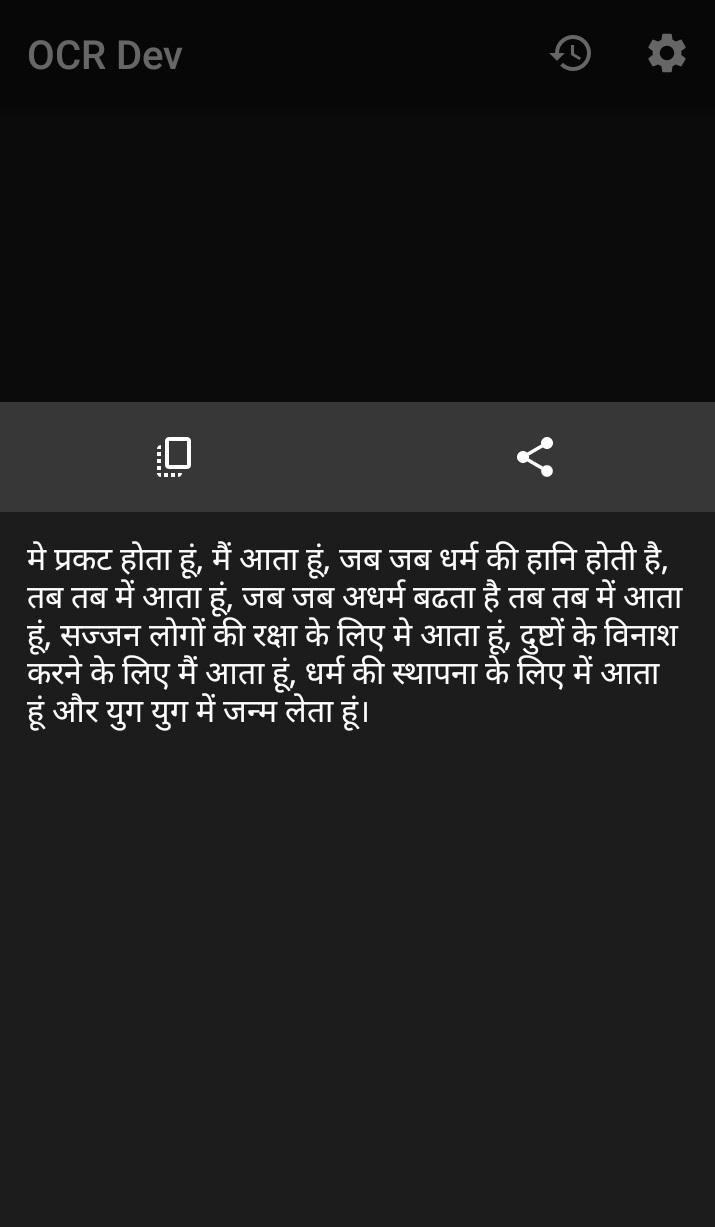
# OCR
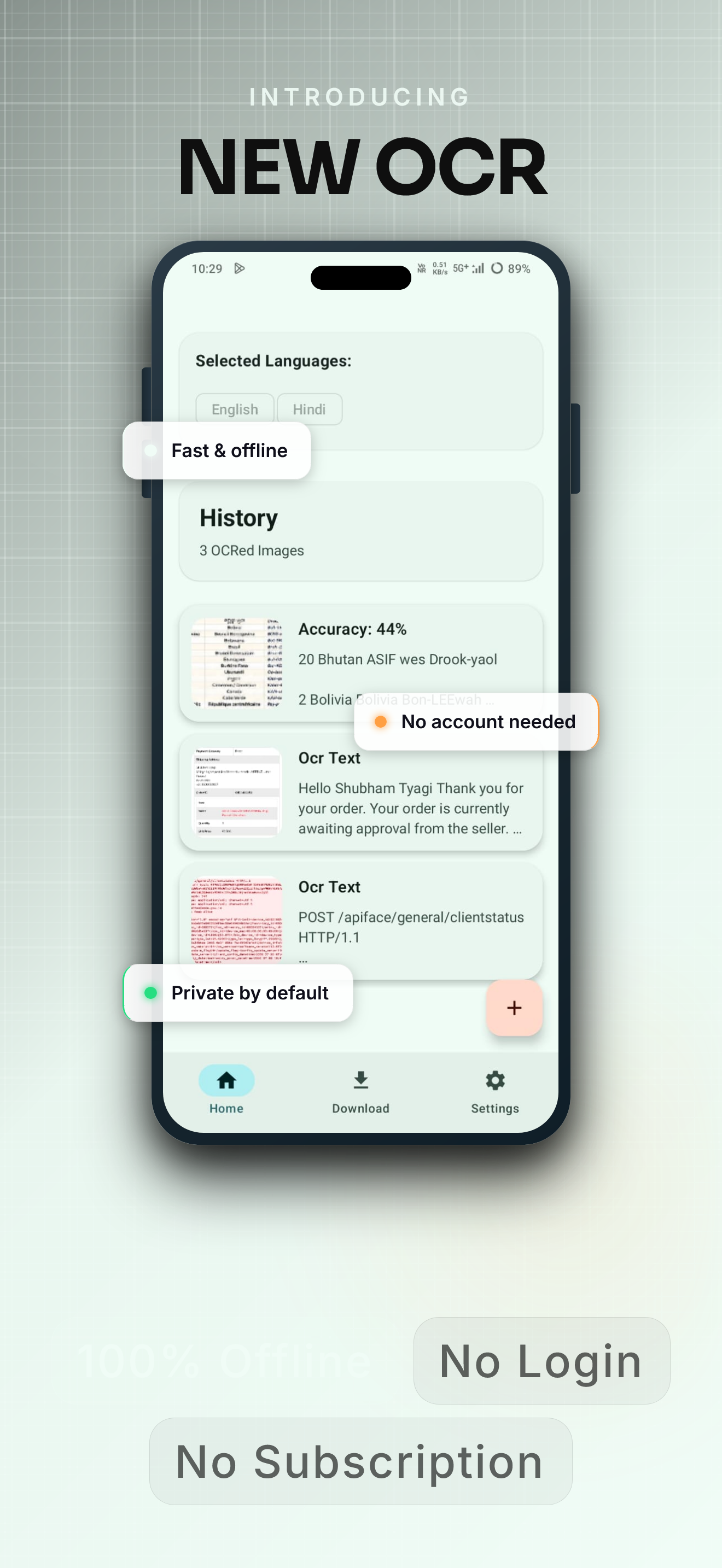
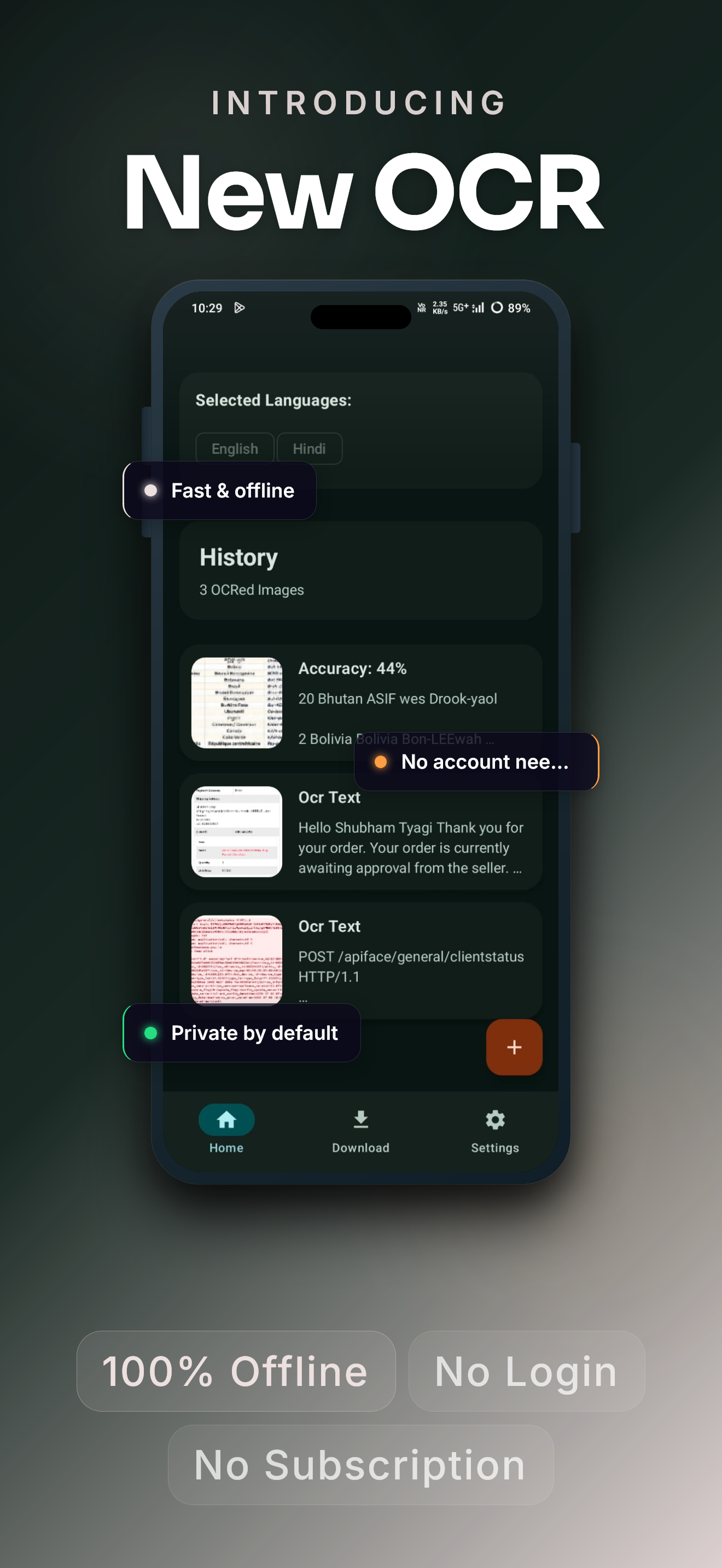
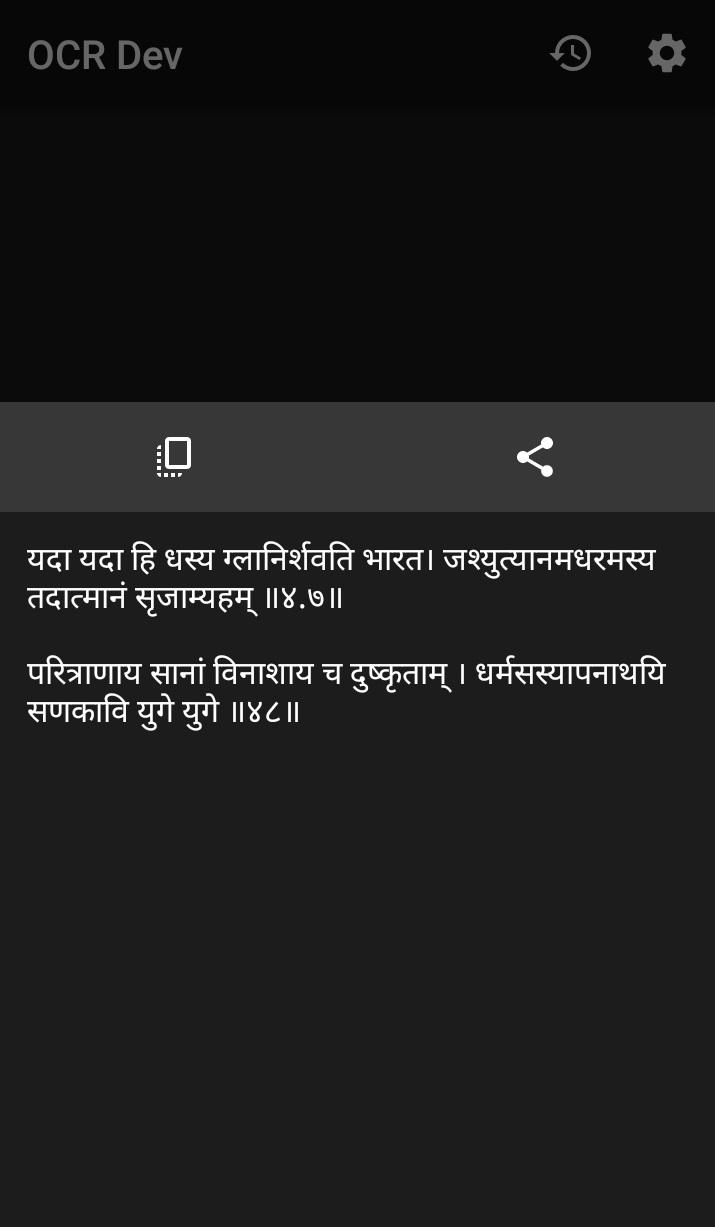
An Android OCR app based on Tesseract that can recognize texts on images.
This app is now based(Since v3.0) on Tesseract 5 and the first of android app which is based on Tesseract 5.
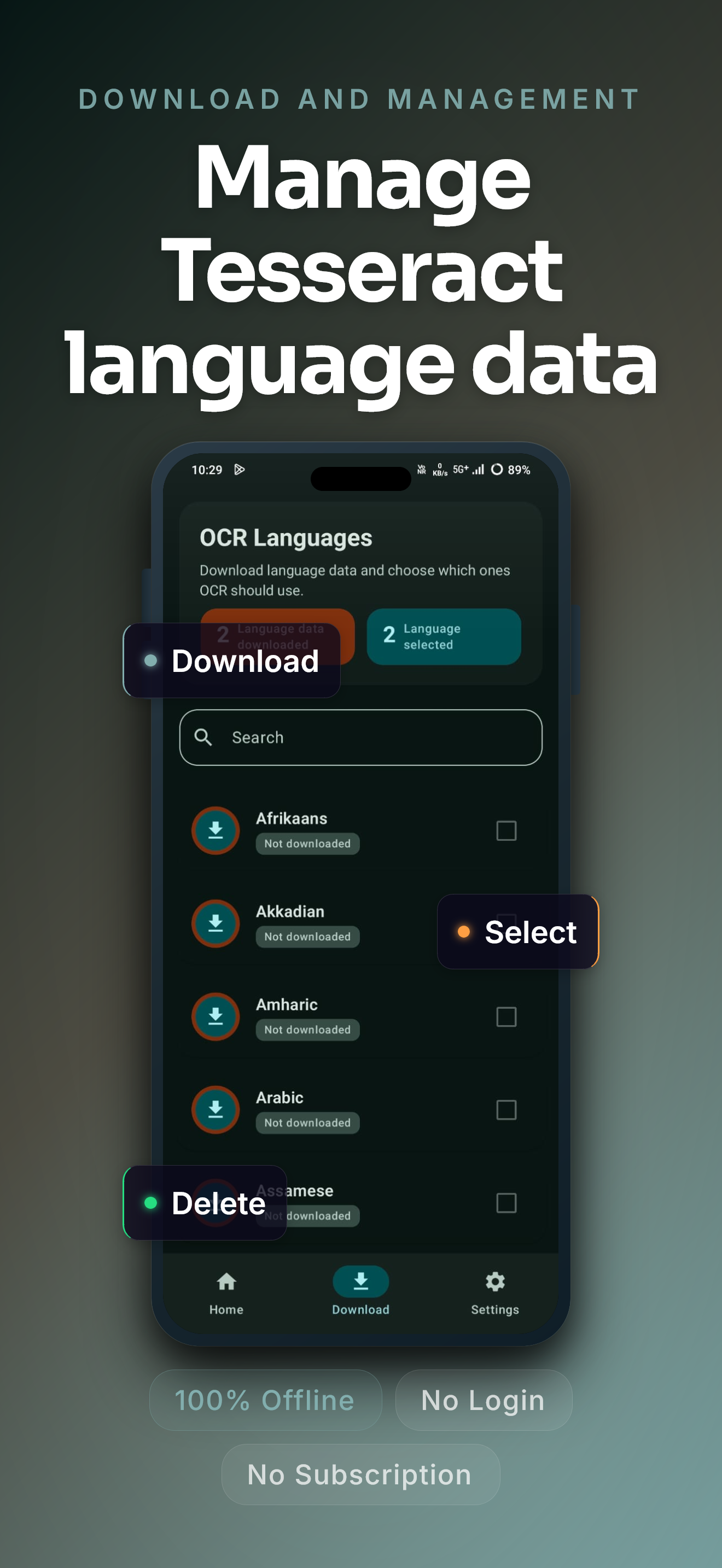
###After downloading the Training data, the app does everything offline on your device.
Translate this app on [Hosted Weblate](https://hosted.weblate.org/projects/android-ocr).
🚀 Features
* Highest accuracy and fastest result.
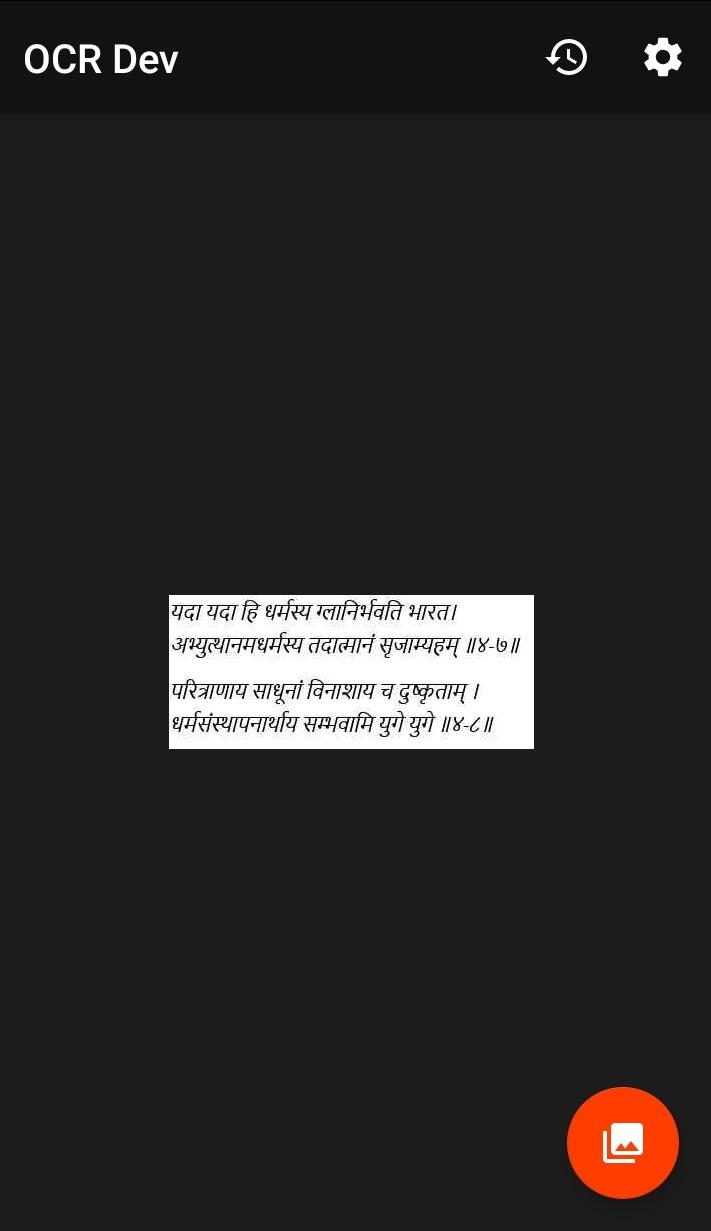
* Extract text from images.
* Copy data to clipboard.
* Select any part of the data.
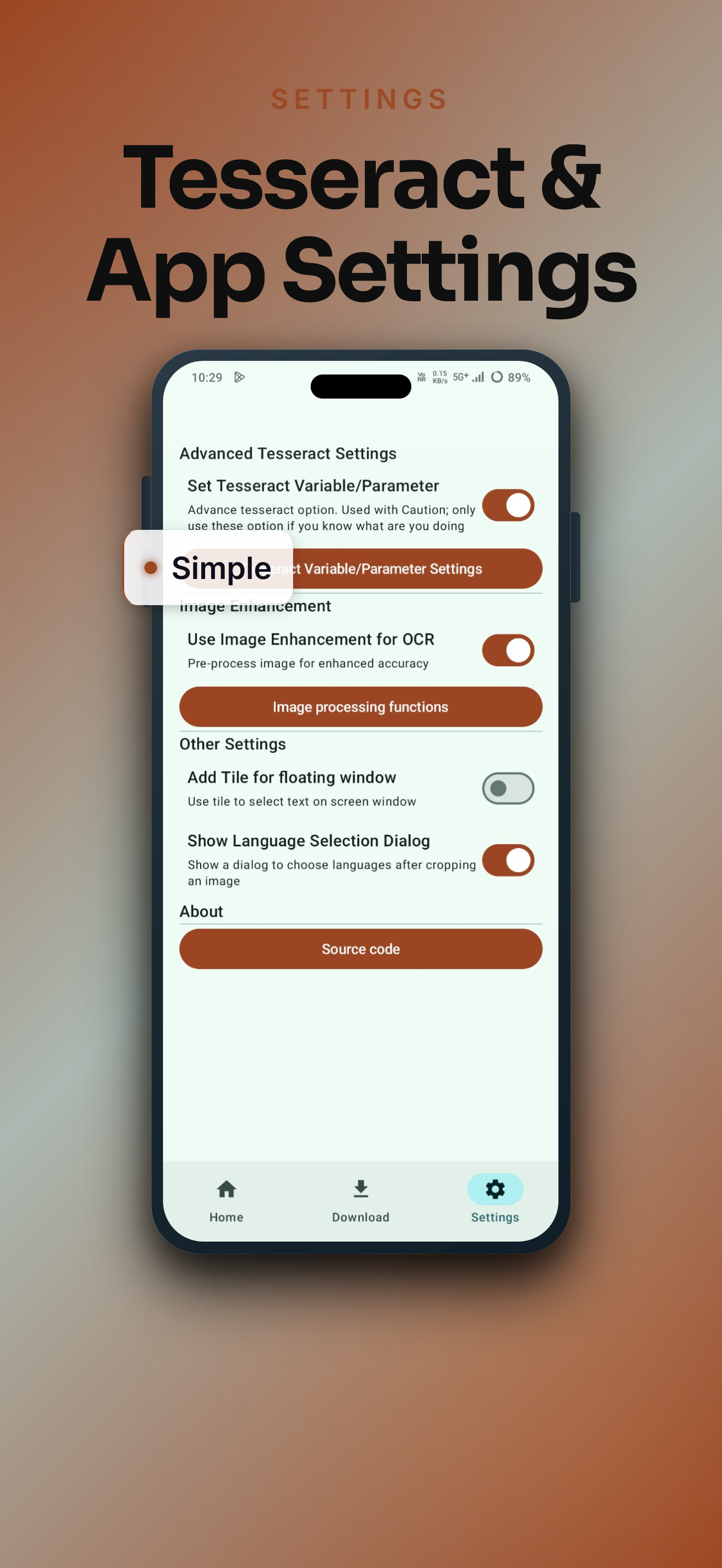
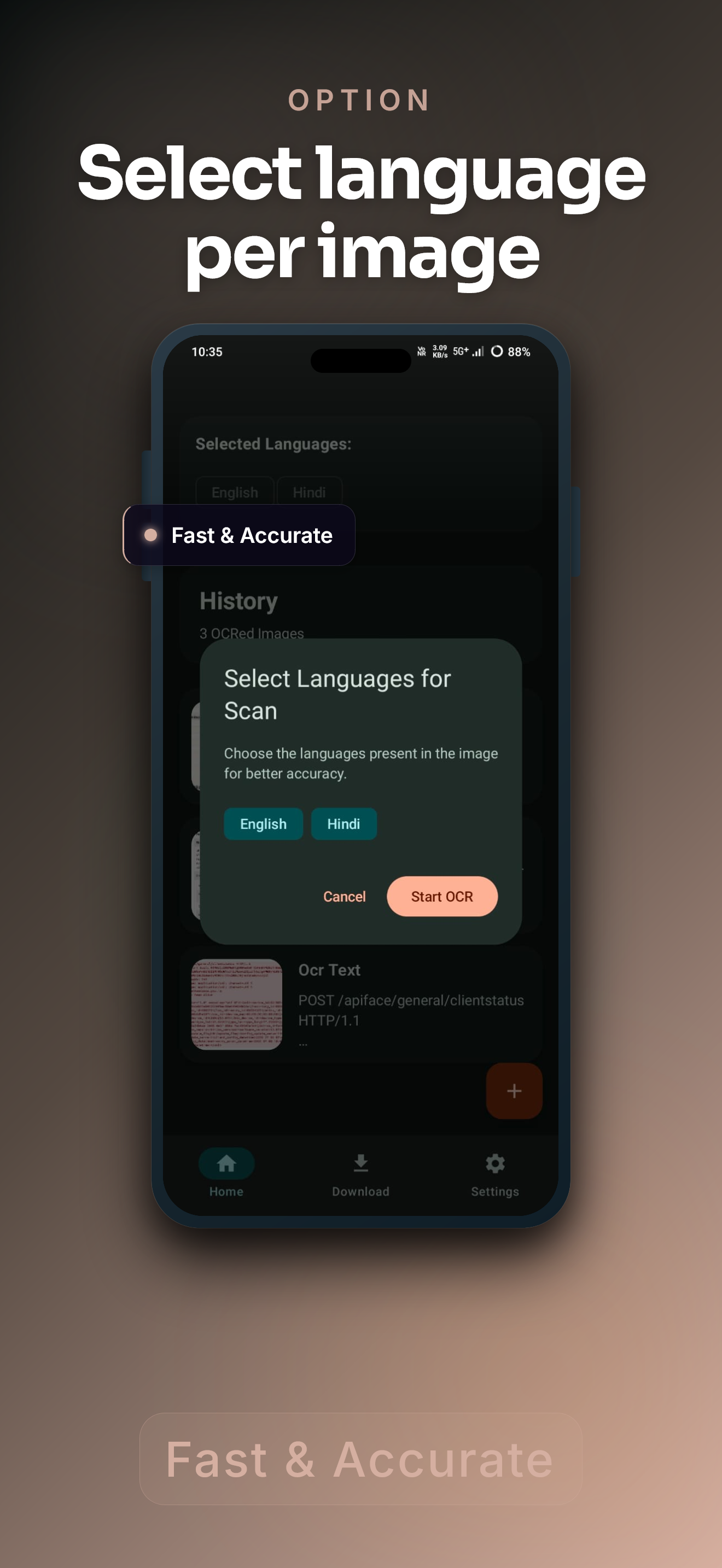
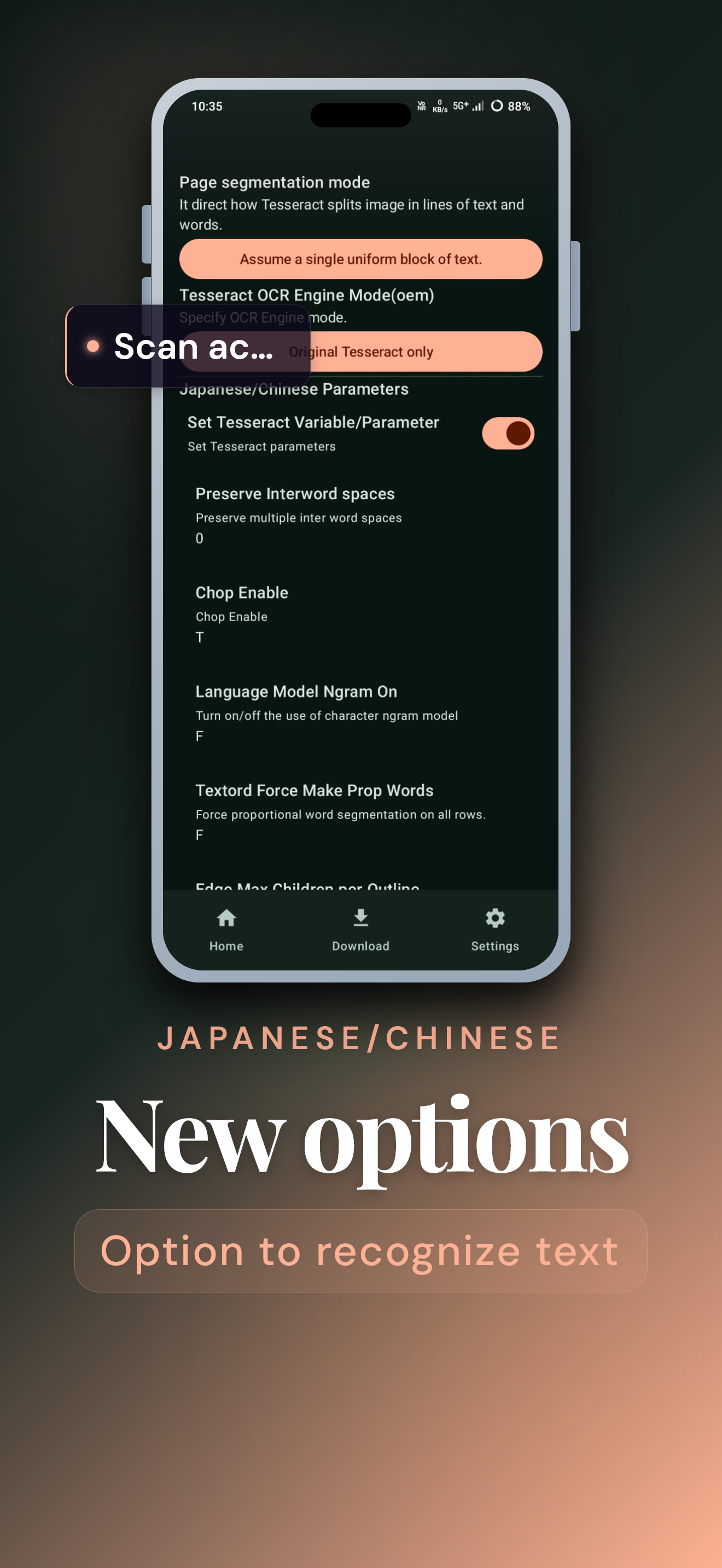
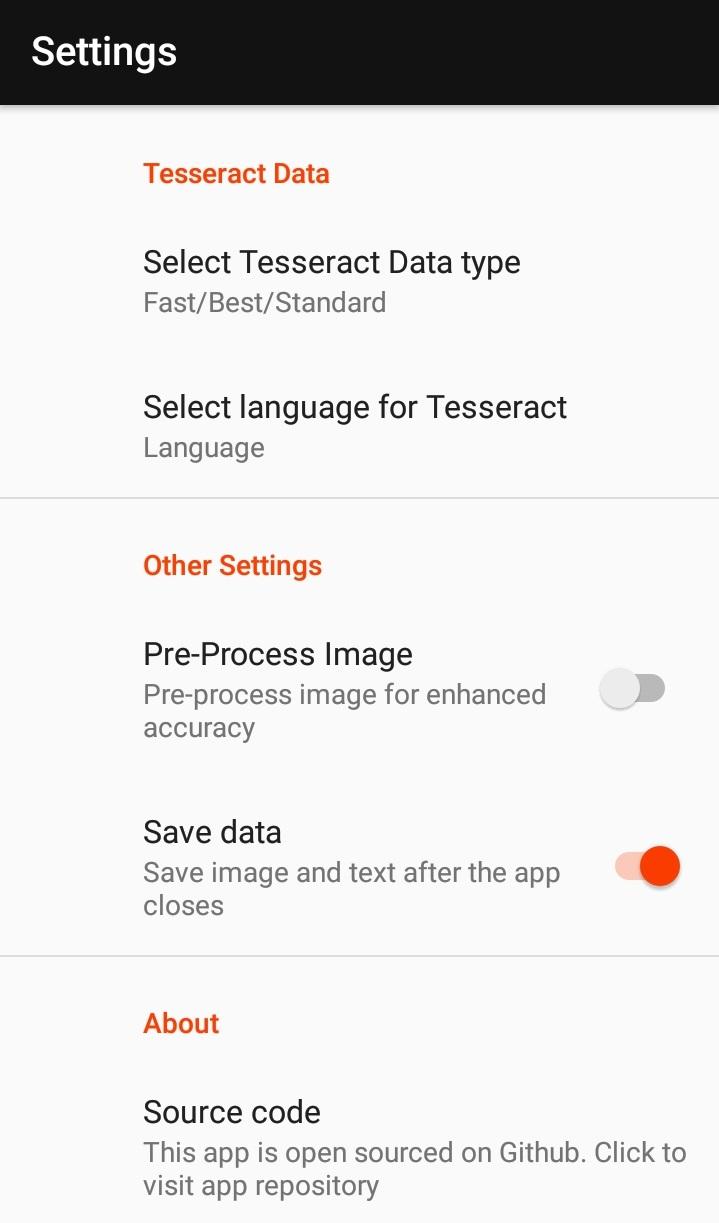
* Process multiple languages in single image(Required changes in settings).
* Based on latest Training Data.
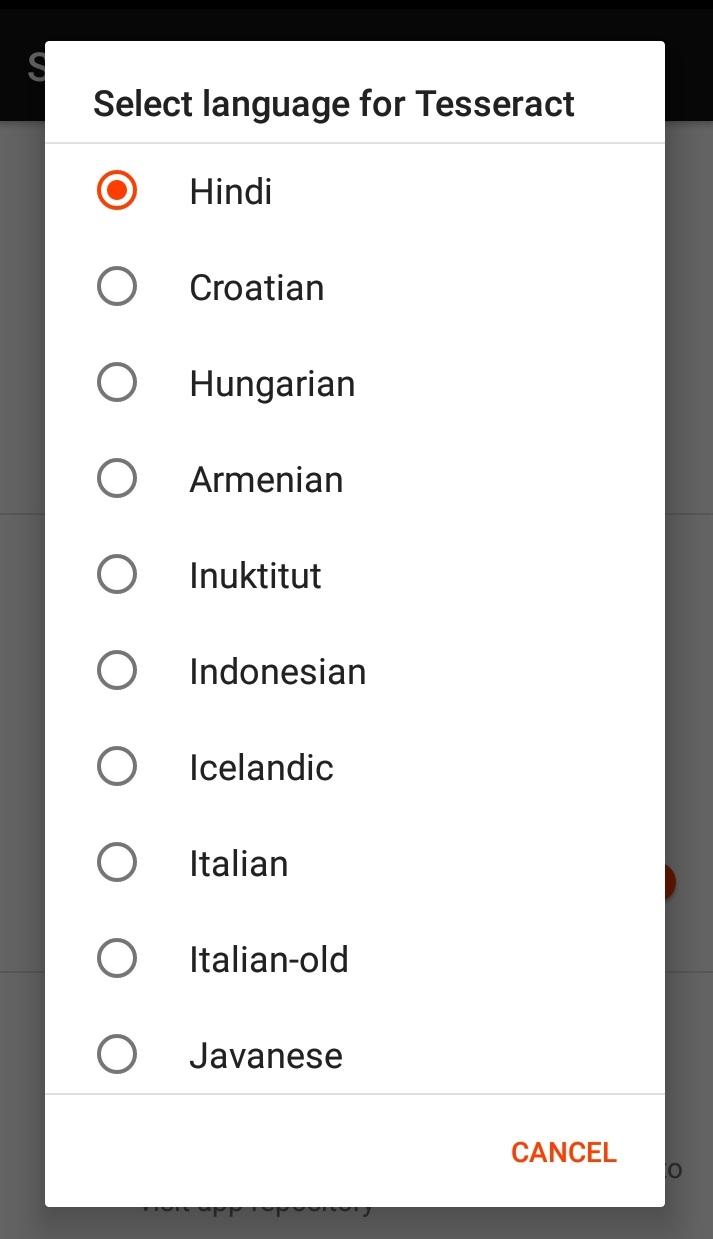
* 120+ recognized languages.
* 3 Type of data i.e Standard, best, fast for more info click here.
* Math recognition/equation detection(Not Tested yet).
* Process images directly from the gallery on your device via the share menu.
Required Permissions
* Internet: Downloading the training data
* Access Internet state: To download the training data.
* Note: None of your data is sent to anywhere.
📓 License
* Tesseract and Tesseract Data: Apache 2.0.
* Tesseract4Android: Apache 2.0.
* ImageCropper: Apache 2.0.
* SpinnerDialog: [Apache 2.0
Made possible by the Tesseract4Android library.
Screenshots
What’s new
Major Milestone: Jetpack Compose Migration
The app has undergone a complete architectural and UI overhaul, moving away from legacy XML-based layouts and Java-heavy logic to a modern, reactive Kotlin-first approach.
-Features & UI/UX Overhaul
•Material 3 Implementation: Fully adopted Material Design 3 (M3) standards, providing a modern, clean, and accessible user interface. •Complete UI Migration: All screens have been rebuilt from the ground up using Jetpack Compose. •Enhanced Home Experience
How to install
Download the APK from the button at the top of this page.
Allow “Install unknown apps” for your browser or file manager only, not for every app.
Open the downloaded file and confirm the installation.
If installation fails with “App not installed,” remove an earlier build of the same app first. A signature conflict is the usual cause.
Data safety
Every file is checked against its published SHA-256 before it is listed.
Files are scanned for malware on every update.
The permissions each app requests are listed on its own page.
Read the full safety policy for how we test, flag, and delist files.