Quick answer
CircleToSearch with multi search engine support for all android
F-Droid repository metadata
- WHAT IS CIRCLE TO SEARCH?
Ever wanted to search for something you see on your phone screen? Circle To Search brings that power to your fingertips on any Android device. Simply draw a circle around what you're looking for, and instantly get results from your favorite search engine.
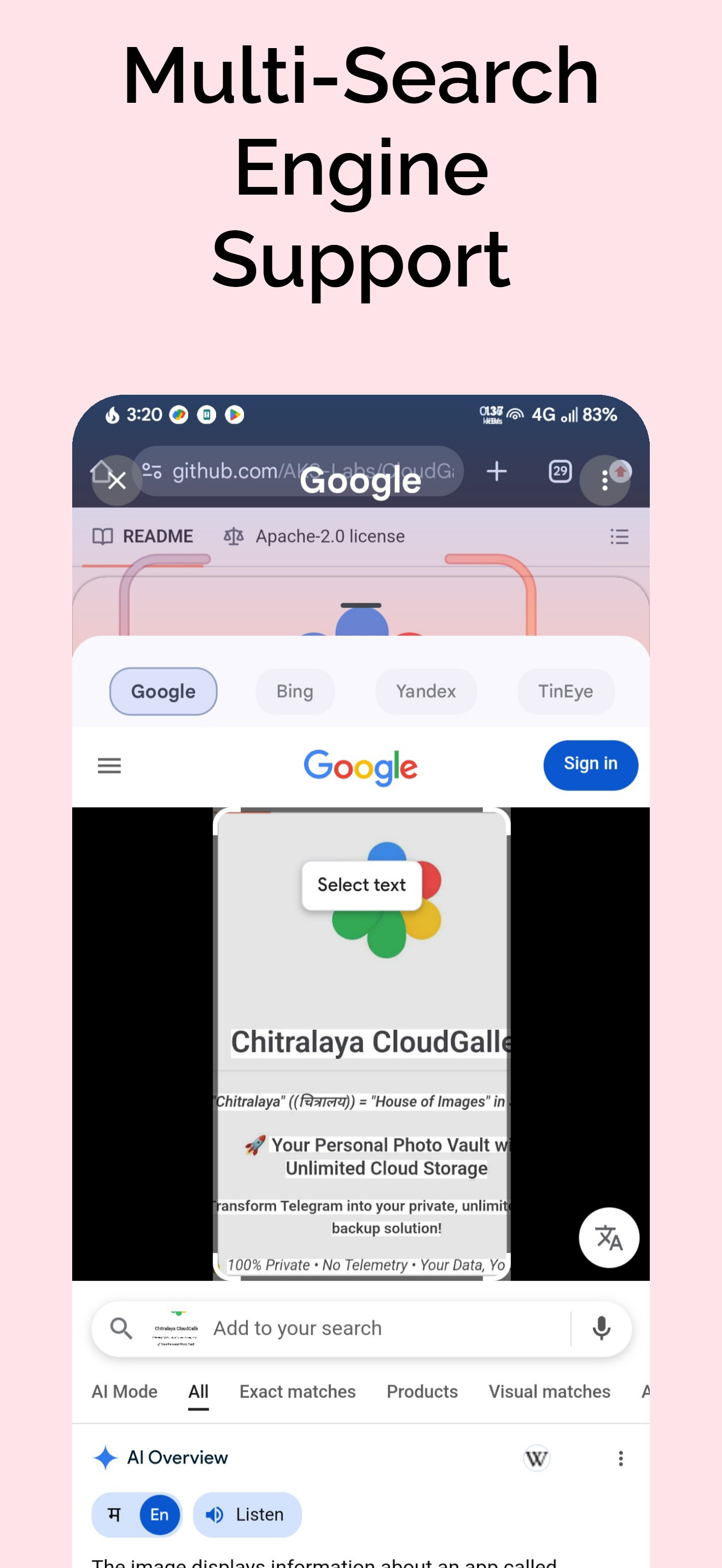
Think of it as having Google Lens, Bing Visual Search, Yandex, and TinEye all in one place—and it works everywhere.
WHY USE THIS CIRCLE TO SEARCH APP?
THE PROBLEM WITH GOOGLE'S CTS VERSION • Forced Cloud Syncing: Uploads your selection to servers even when you just want to copy text. • Gets accidentally triggered frequently, exposing sensitive data instantly to Google. • Ecosystem Lock-in: Restricted to Google Search—no support for Bing, Yandex, or AI models. • Missing Features: Useful features like "Share" and "Save" have been stripped out. • Hardware Exclusivity: Only available on expensive flagship devices (Pixel 8, Galaxy S24+).
WHAT WE DO DIFFERENTLY • Strict Privacy: Only what you circle gets processed—nothing else. • True Offline OCR: Text recognition works 100% locally on your device—no internet needed. • QR detection offline, Smart Scan offline—no unnecessary servers. • Universal Compatibility: Works with any search engine (Google, Bing, Yandex, TinEye, ChatGPT). • Restored Utility: We brought back the "Share" and "Save" features Google removed. • Works on any Android device, not just expensive flagships. • Works on De-Googled Devices: No Google programs needed.
100% Independent: Works flawlessly on any Android phone (Android 10+), without requiring Google Play Services or OEM-specific software.
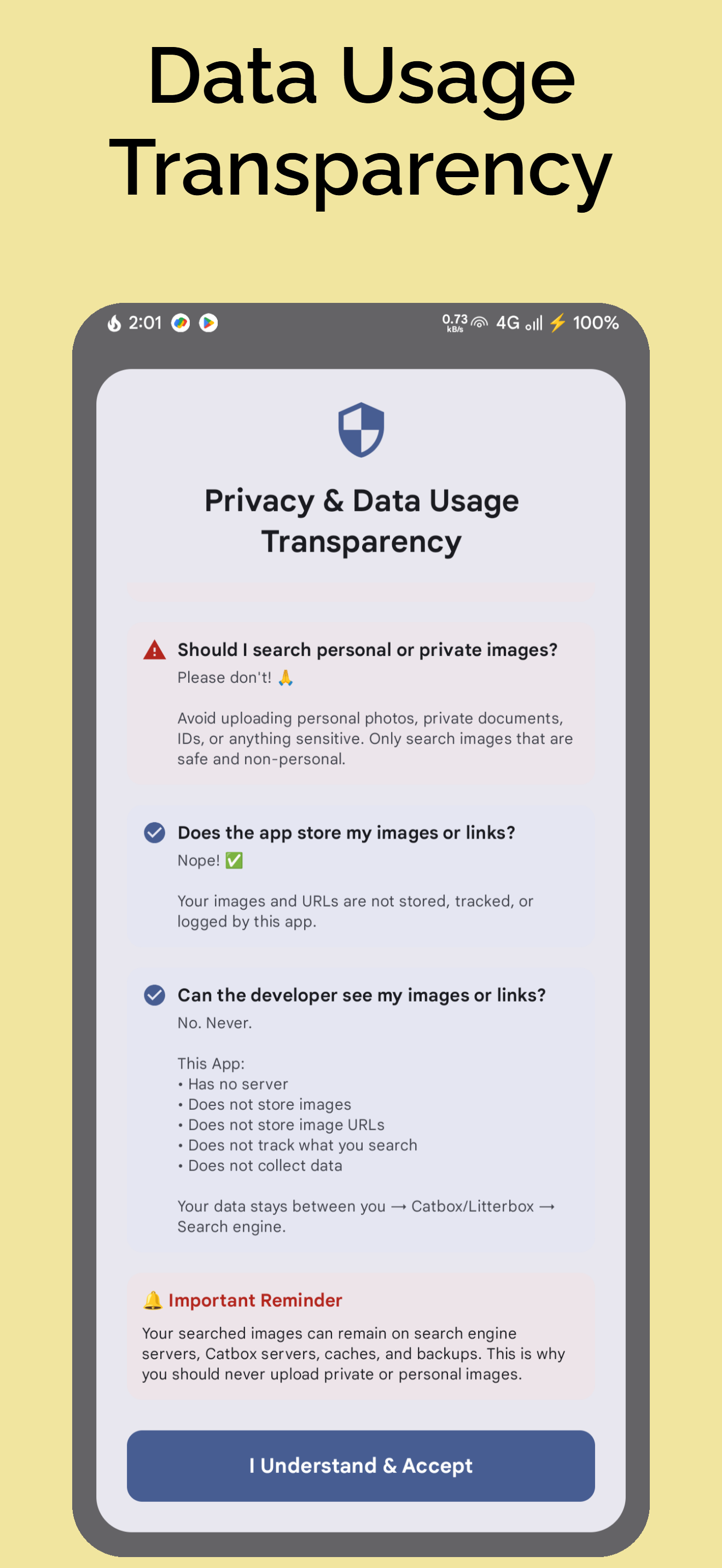
Privacy-First: No background tracking or logs—just pure on-device selection.
CORE FEATURES
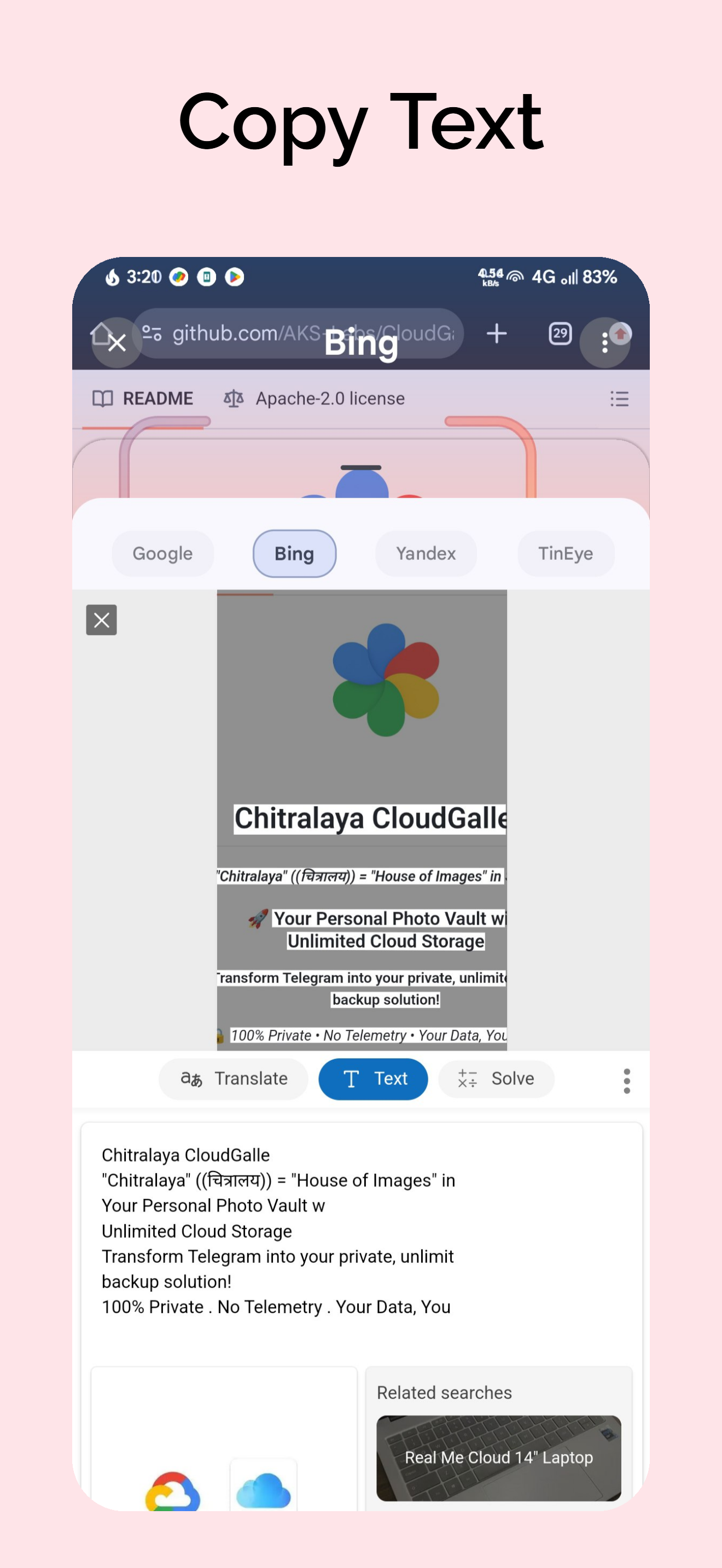
SMART SEARCH & AI • Multi-Engine Support: Instant reverse image search using Google Lens, Bing, Yandex, TinEye, ChatGPT, and Perplexity. • Smart Native "Copy Text": Extract and copy text from any screen using Offline OCR (Tesseract) or Hybrid Assist Mode. • Customizable OCR Models: Import external high-accuracy Tesseract language models for specialized detection. • Smart Entity Extraction: Intelligent on-device scanning to seamlessly detect and manage smart content (like barcodes or key info).
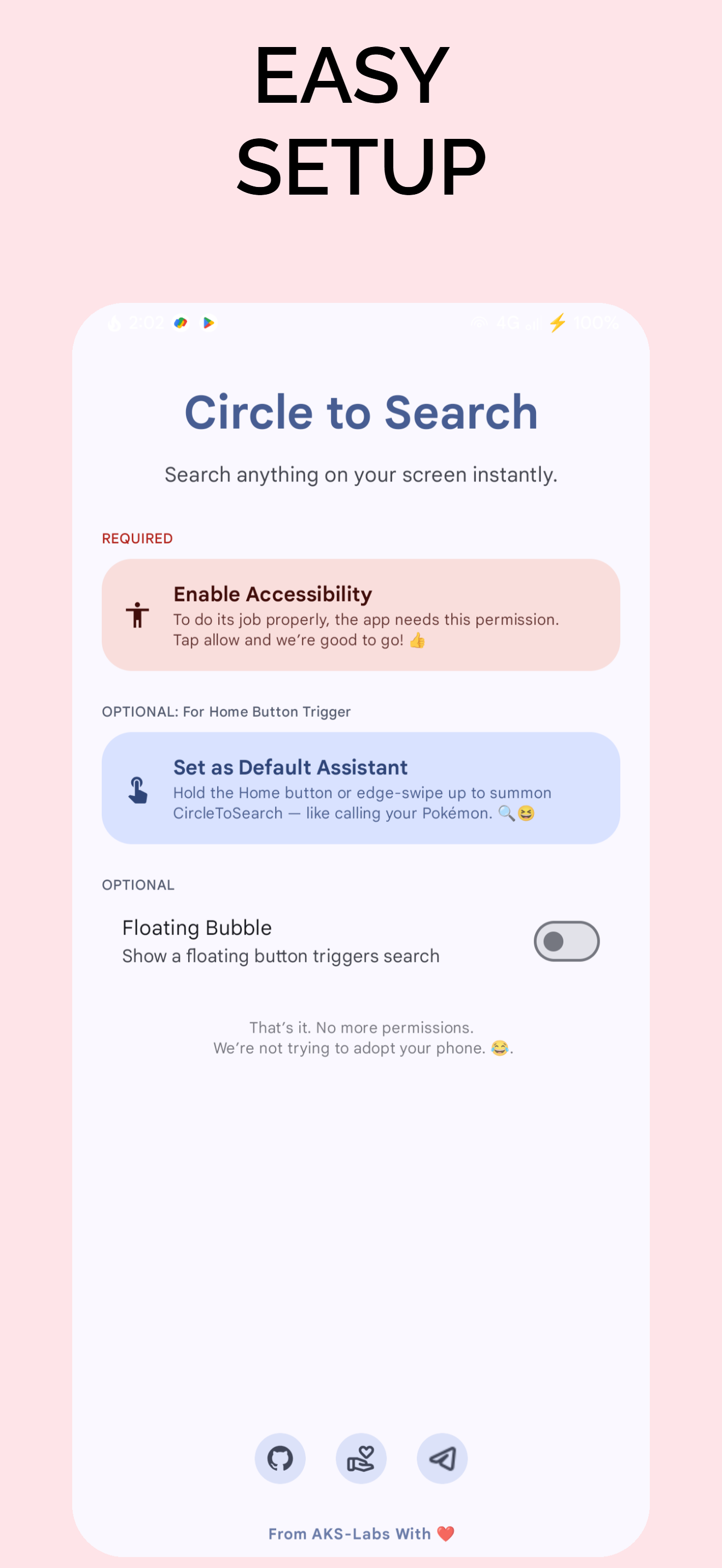
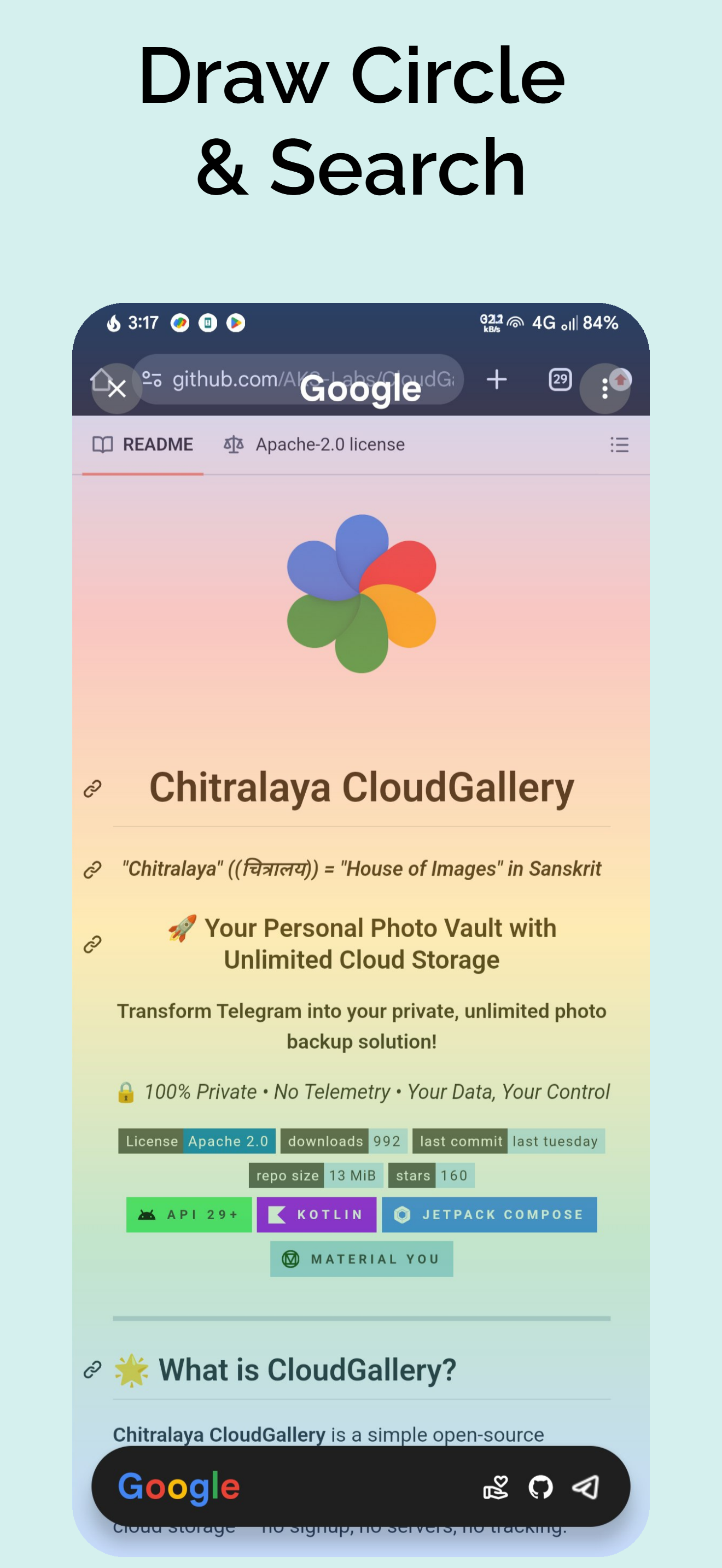
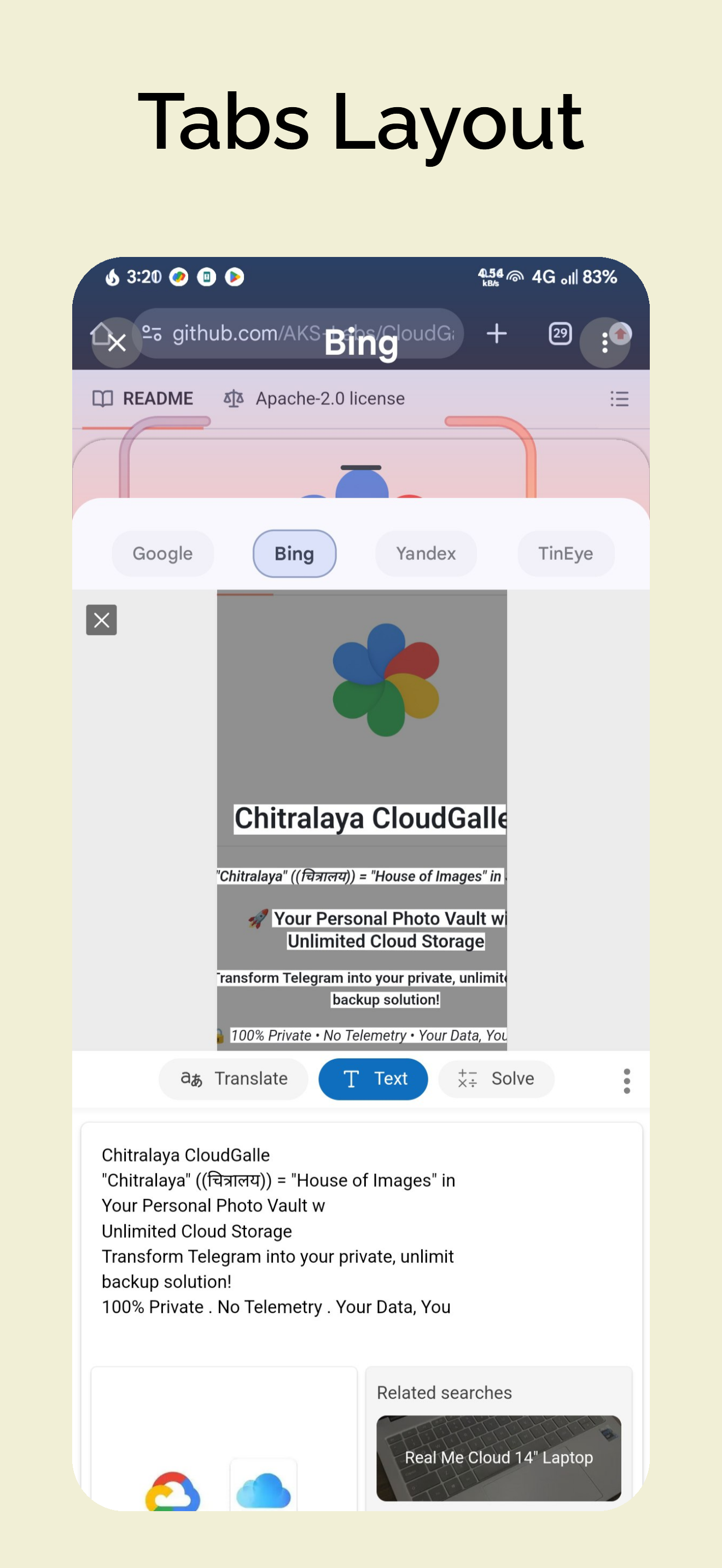
SEAMLESS OS INTEGRATION • Universal Trigger: Double-tap the status bar or configure the floating bubble to trigger instantly over any app. • Set As Default Assistant: Configure as your system's default Android Assistant to trigger directly via home button long-press or diagonal swipe. • Smart Selection: Draw a circle or scribble on the screen to seamlessly crop and select what you want to search.
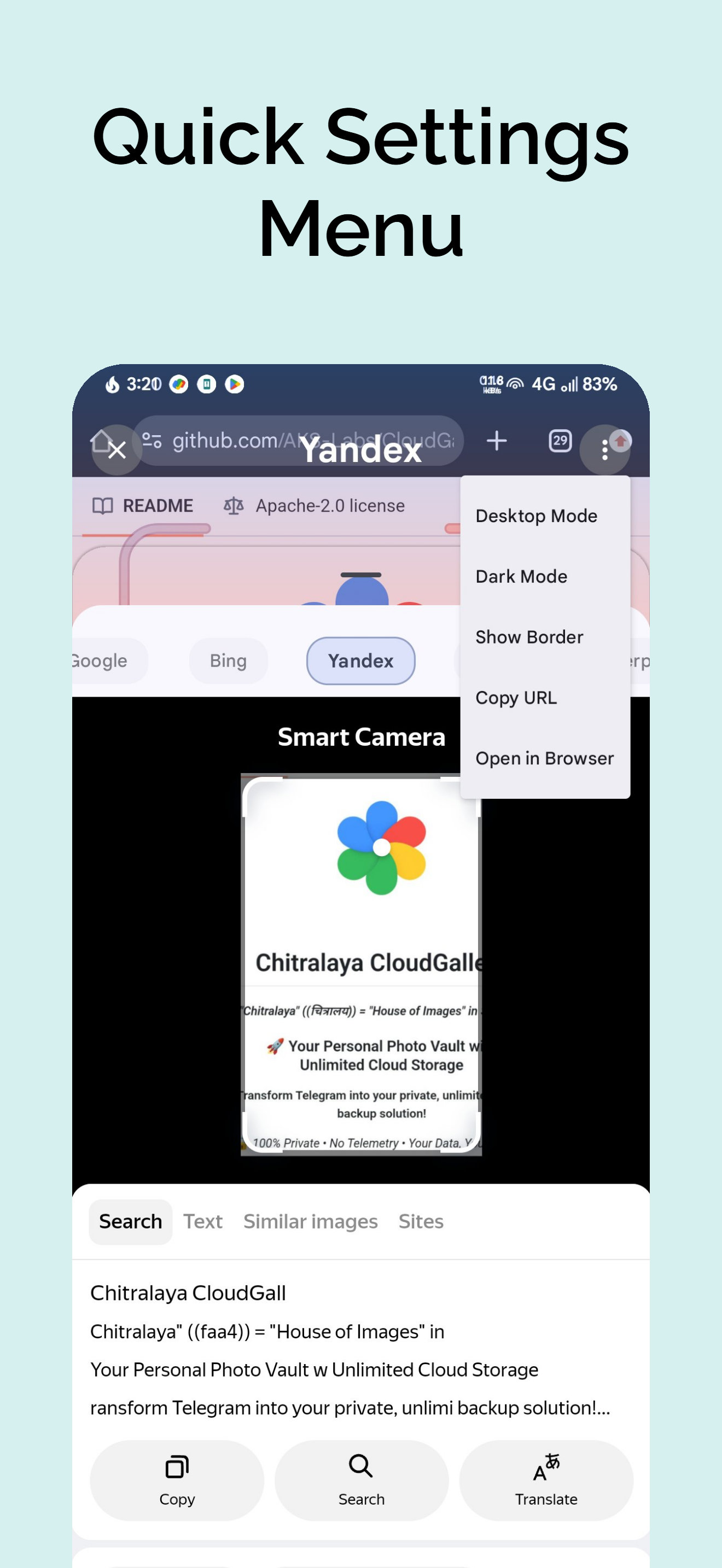
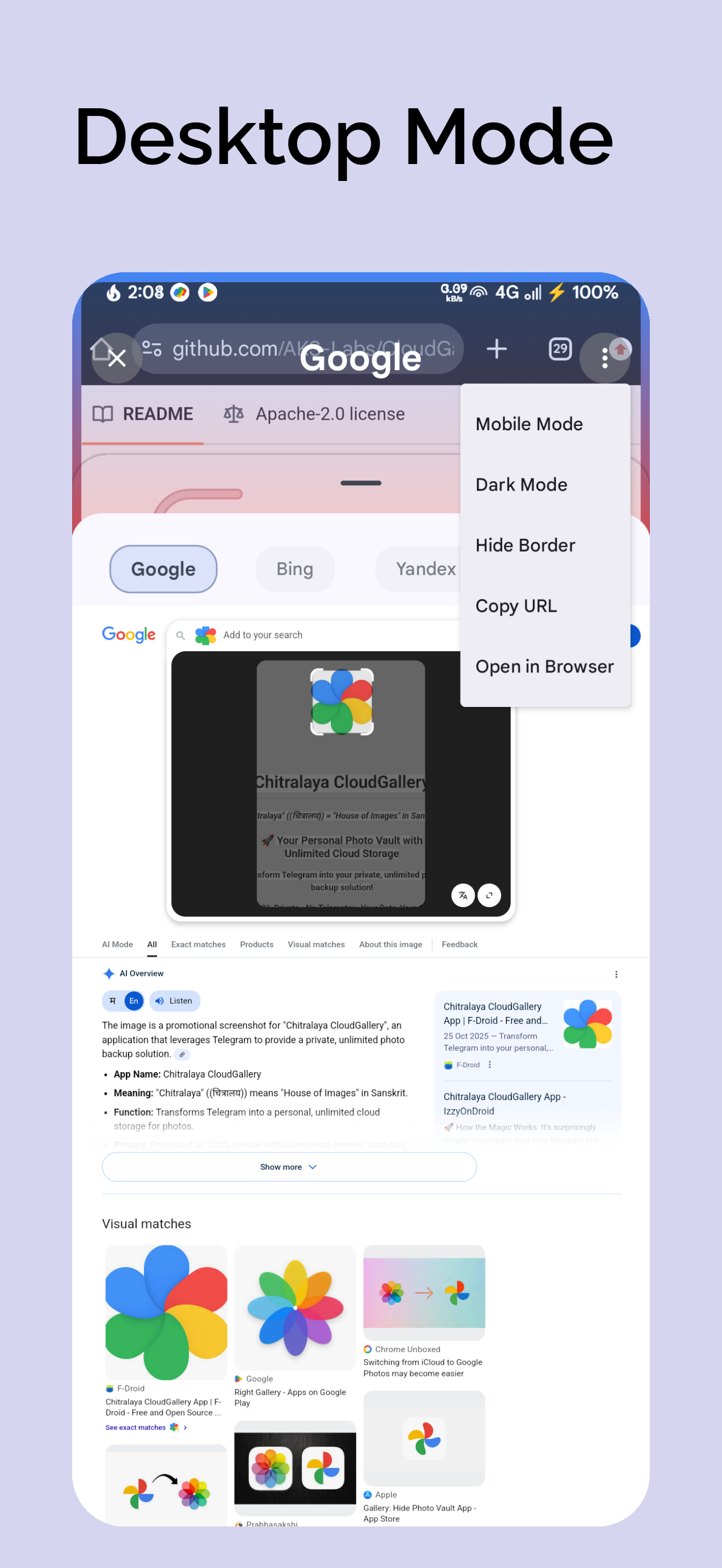
BEAUTIFUL & CUSTOMIZABLE UI • Modern Design: Built from the ground up with elegant Material 3 components, smooth animations, and a highly polished interface. • Playful Interactions: Shows friendly, playful, and humorous messages whenever you use the app. • Customizable Aesthetics: Toggle UI elements, gradient borders, Dark Mode, and Desktop Mode for rendering search results.
QUICK ACTIONS • Fast Sharing: Instantly copy URLs of search results. • Open In Browser: Bounce directly from the internal in-app viewer to your favorite external browser in one tap.
Screenshots
How to install
- Download the APK from the button at the top of this page.
- Allow “Install unknown apps” for your browser or file manager only, not for every app.
- Open the downloaded file and confirm the installation.
- If installation fails with “App not installed,” remove an earlier build of the same app first. A signature conflict is the usual cause.
Data safety
- Every file is checked against its published SHA-256 before it is listed.
- Files are scanned for malware on every update.
- The permissions each app requests are listed on its own page.
- Read the full safety policy for how we test, flag, and delist files.
Comments
Recent approved comments · sorted by newest
View all comments