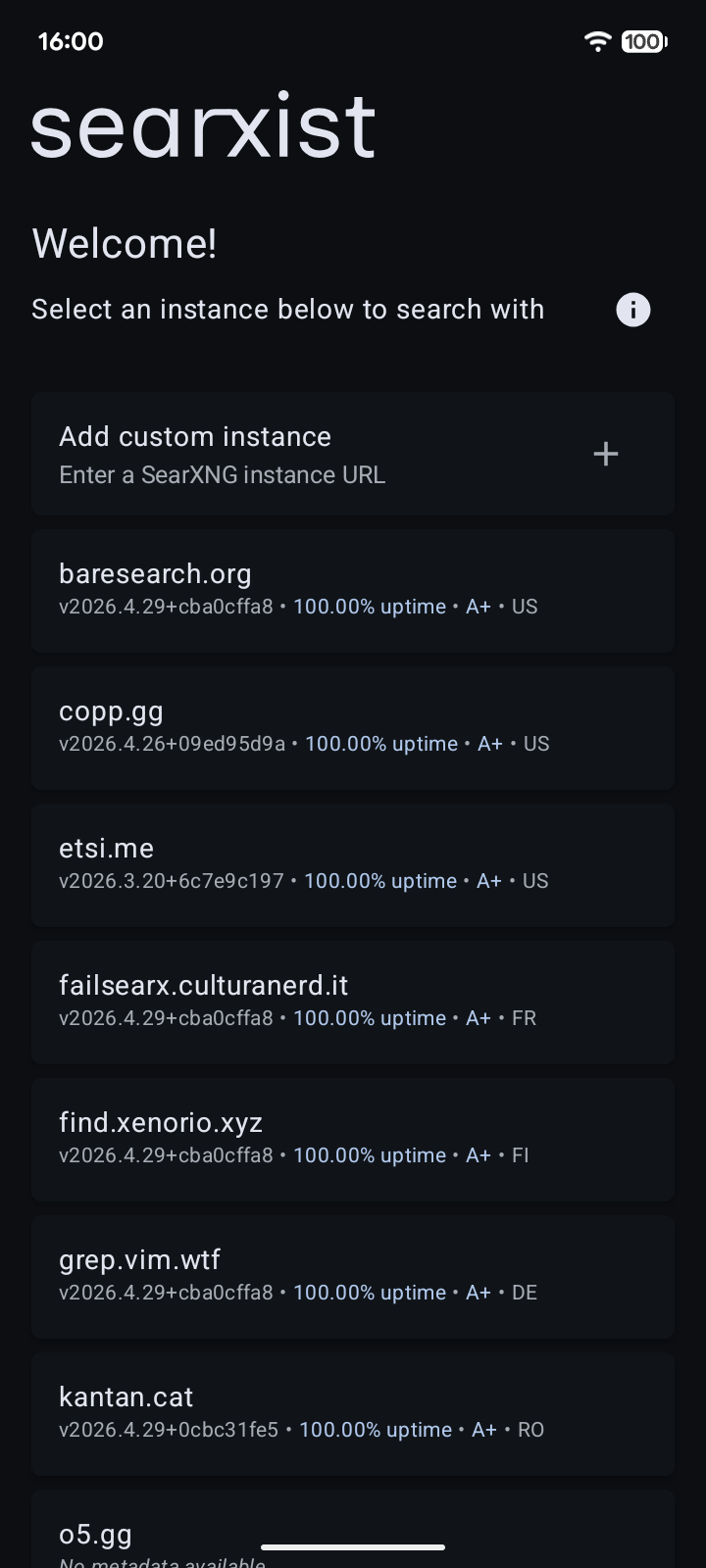
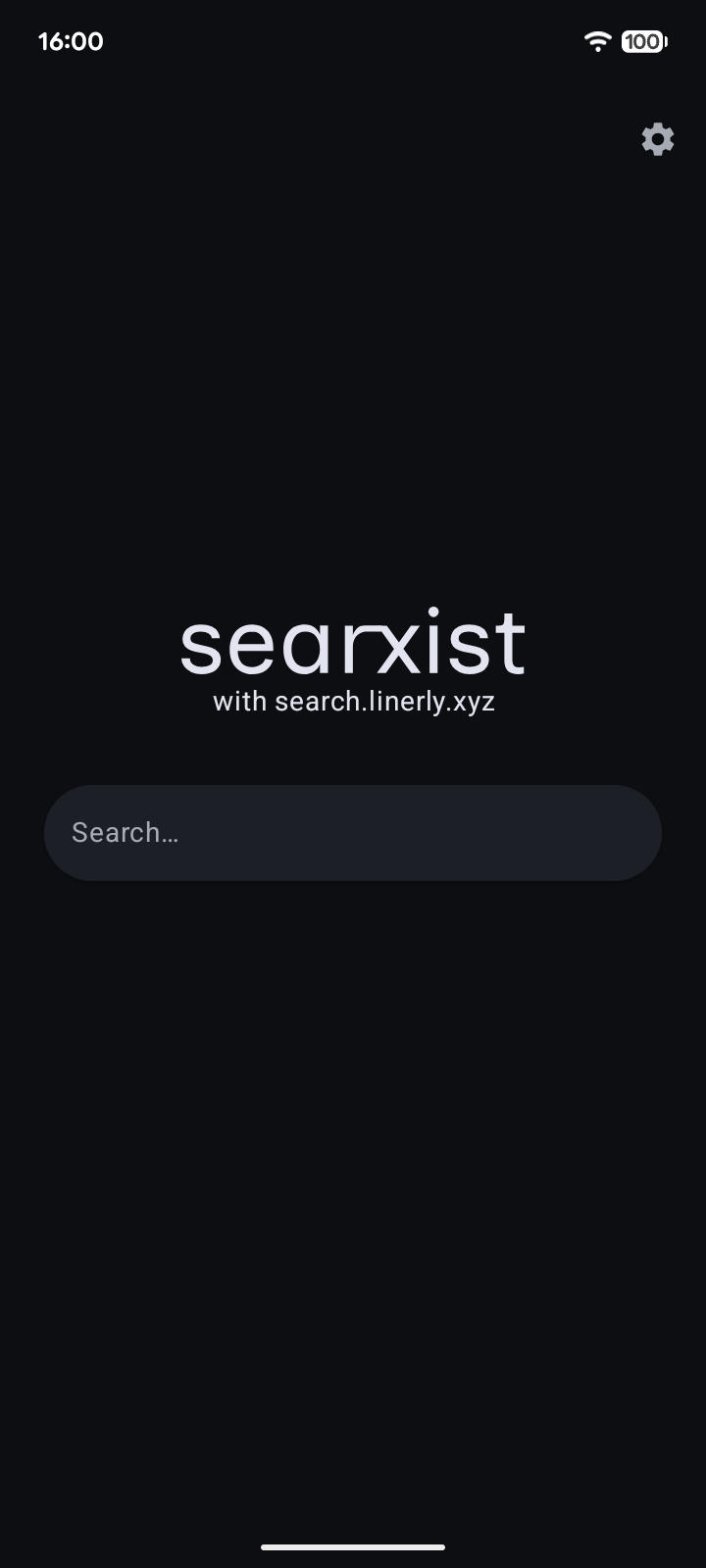
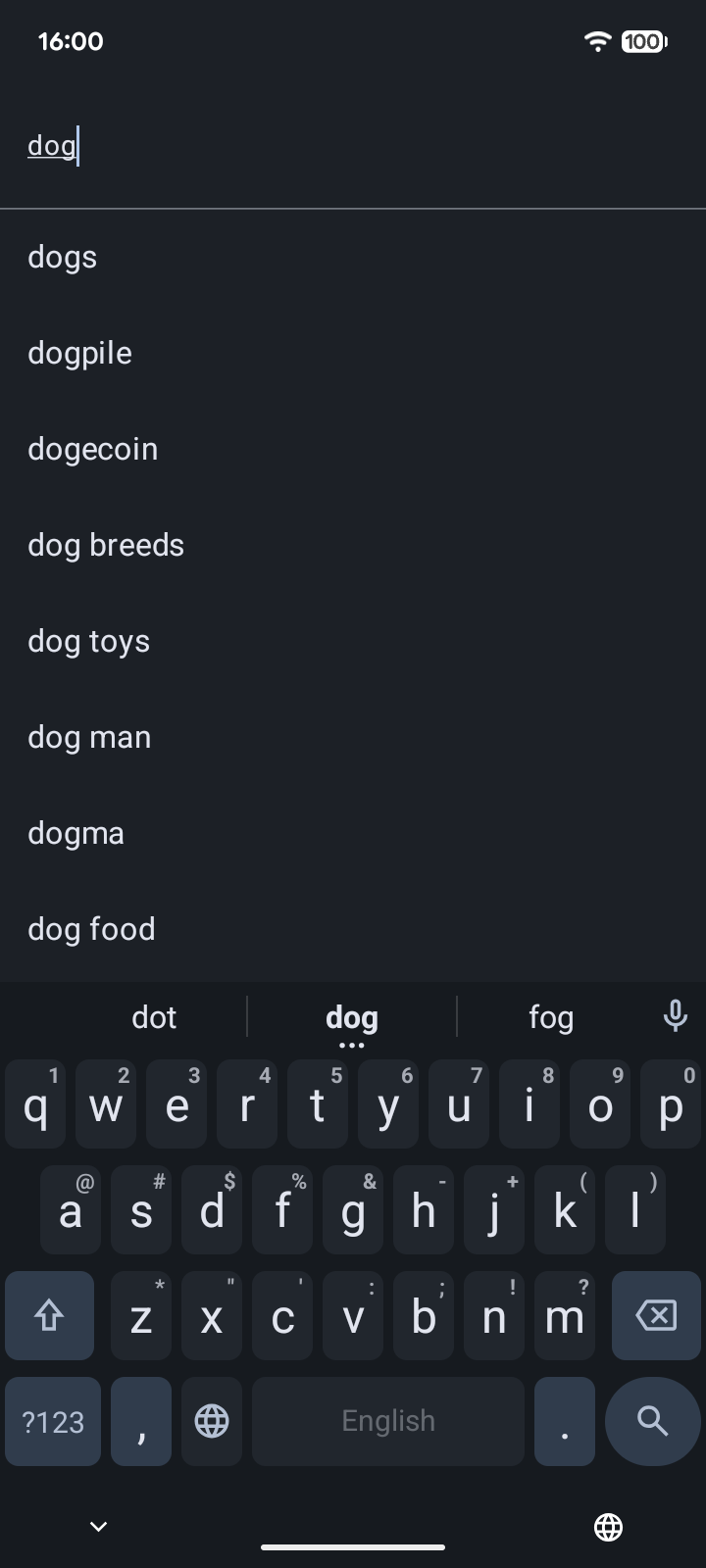
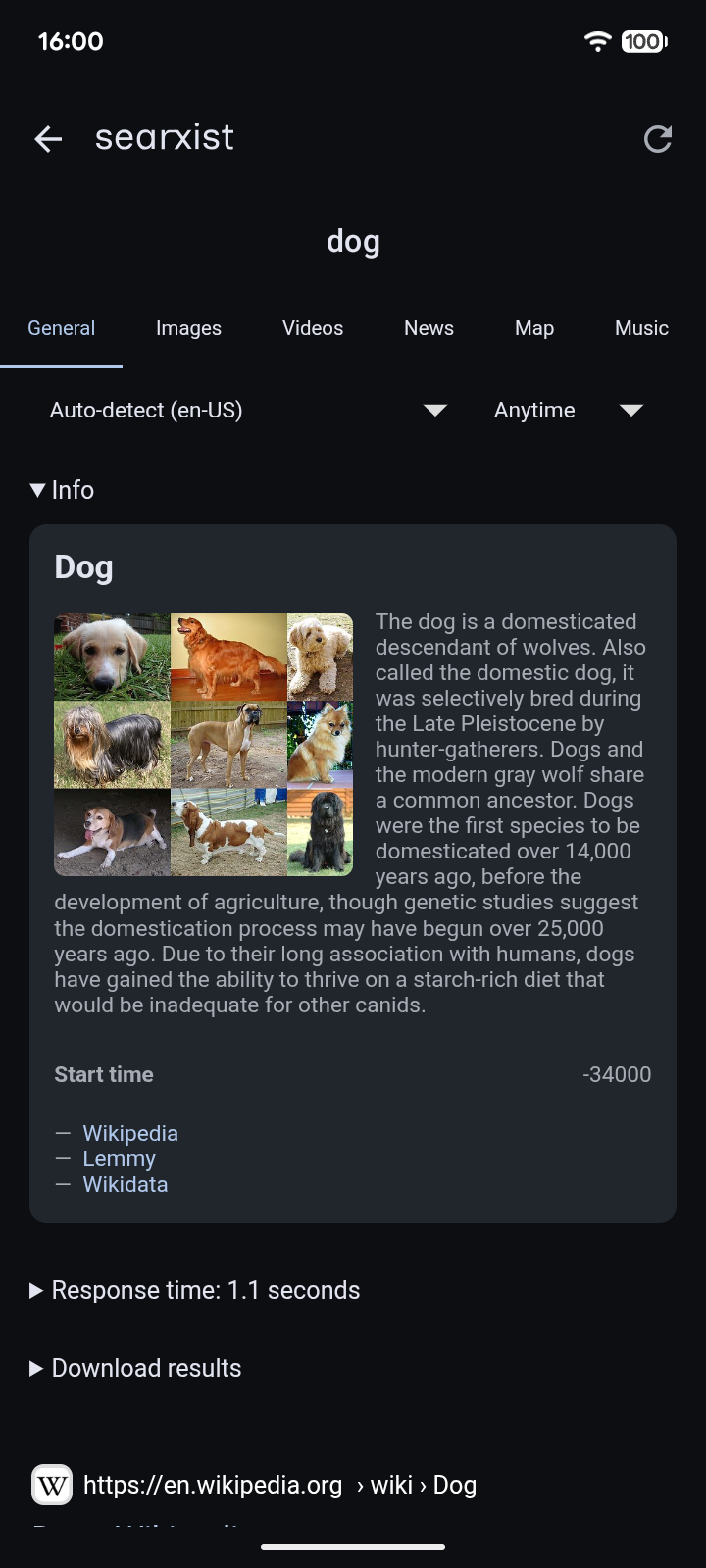
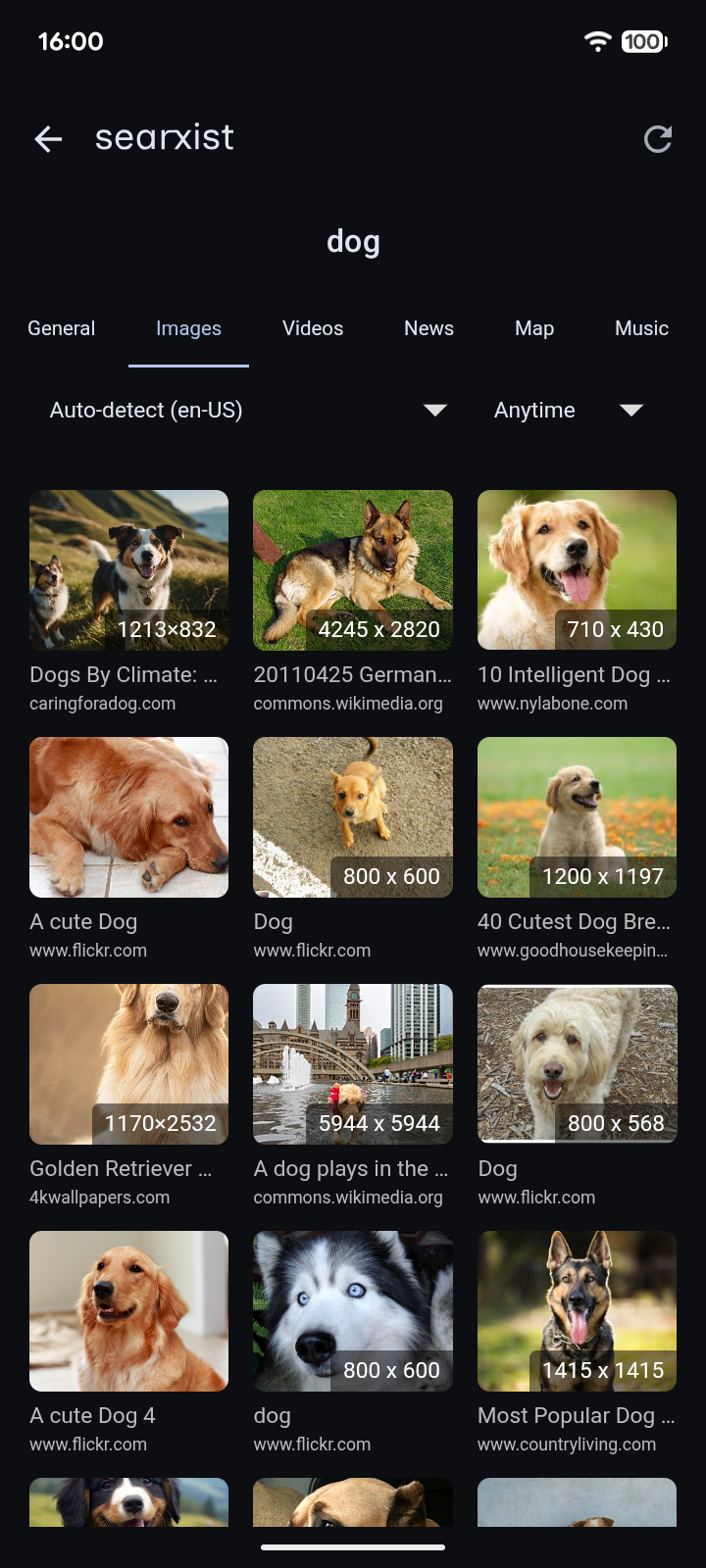
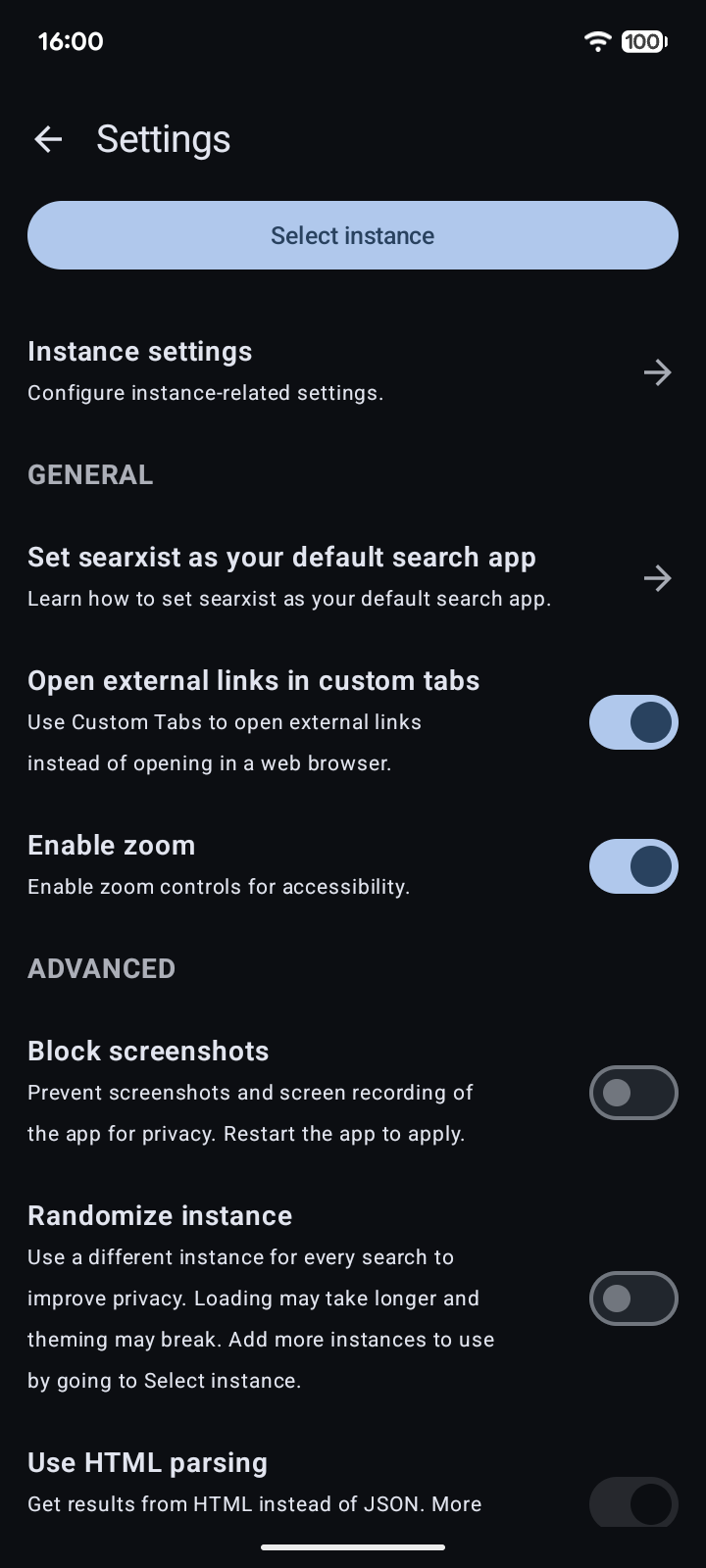
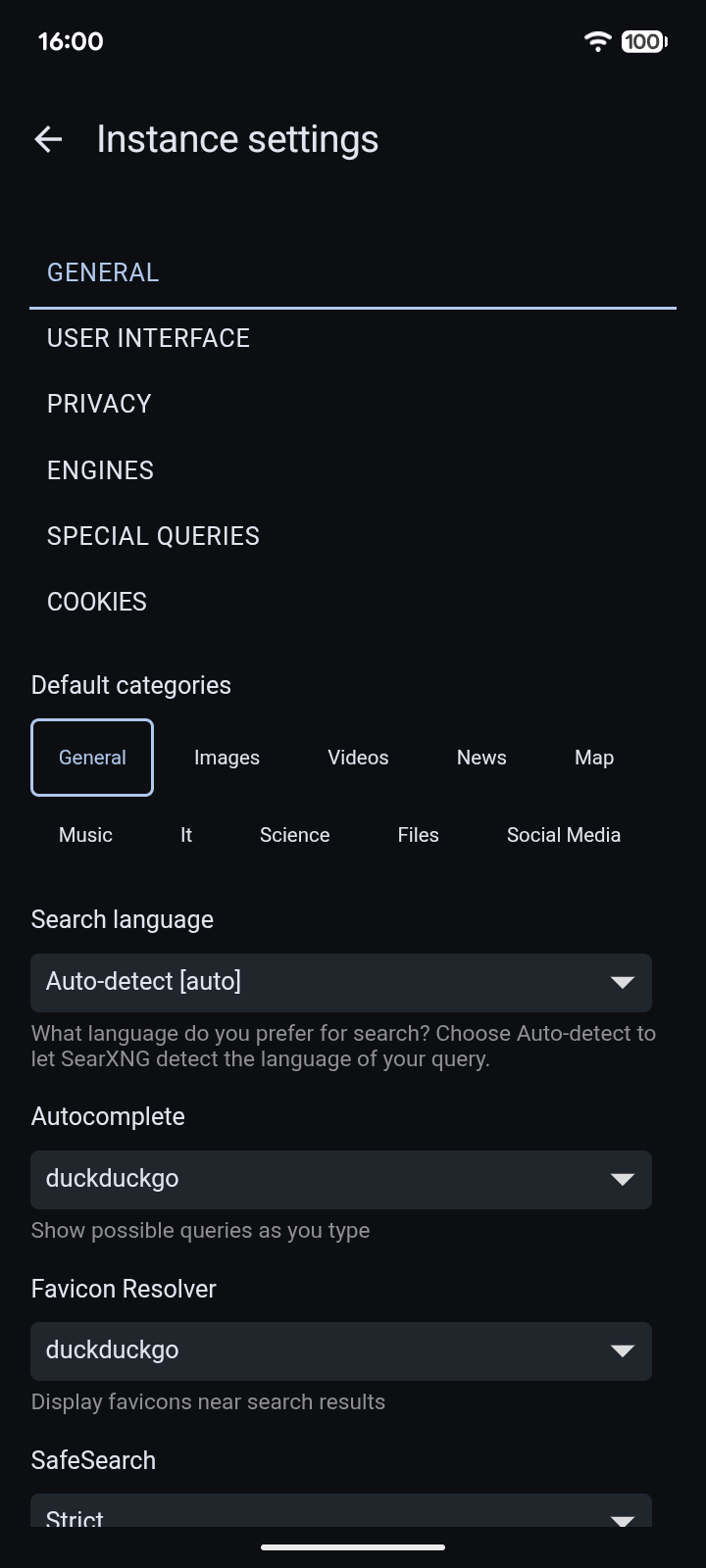
searxist (pronounced: searchist) is a simple Android app to wrap SearXNG in a WebView with Material You colors, plus some system integrations.
Features
🌙 Material You theming
🔍 System search integration (search bar widget, popup text action)
🌐 Choose from public SearXNG instances or add your own
🛡️ Privacy-focused (no unnecessary data collection!)
📱 Supports Android 5+
Why would I want to use this?
Unlike other search apps, this app uses SearXNG, which is a free and open-source metasearch engine (learn more at https://docs.searxng.org).
When you use SearXNG, your search queries get proxied before passing them to various search engines. Not only will you get various results, but it also preserves privacy since the searches aren't directly linked to you.
The app provides a list of public instances from https://searx.space for you to use. If you have an instance (either that you host yourself or hosted by someone else), you can add it as well.
If you do use your own instance, make sure other people are also using it to blend in. If the instance is used by only one person, search engines can still link the searches back to you.
The app does not collect any information; it only passes search queries to the SearXNG instance that you use.
Screenshots
What’s new
Yet another small release
NOTE: Due to the signing key being changed from now on since this release, please uninstall the app first, then install this new version.
— Enable predictive back — Translation updates
How to install
Download the APK from the button at the top of this page.
Allow “Install unknown apps” for your browser or file manager only, not for every app.
Open the downloaded file and confirm the installation.
If installation fails with “App not installed,” remove an earlier build of the same app first. A signature conflict is the usual cause.
Data safety
Every file is checked against its published SHA-256 before it is listed.
Files are scanned for malware on every update.
The permissions each app requests are listed on its own page.
Read the full safety policy for how we test, flag, and delist files.