
Quick answer
A thoughtfully crafted e-book reader for book lovers
F-Droid repository metadata
Anx Reader, a thoughtfully crafted e-book reader for book lovers. Featuring powerful AI capabilities and supporting various e-book formats, it makes reading smarter and more focused. With its modern interface design, we're committed to delivering pure reading pleasure.
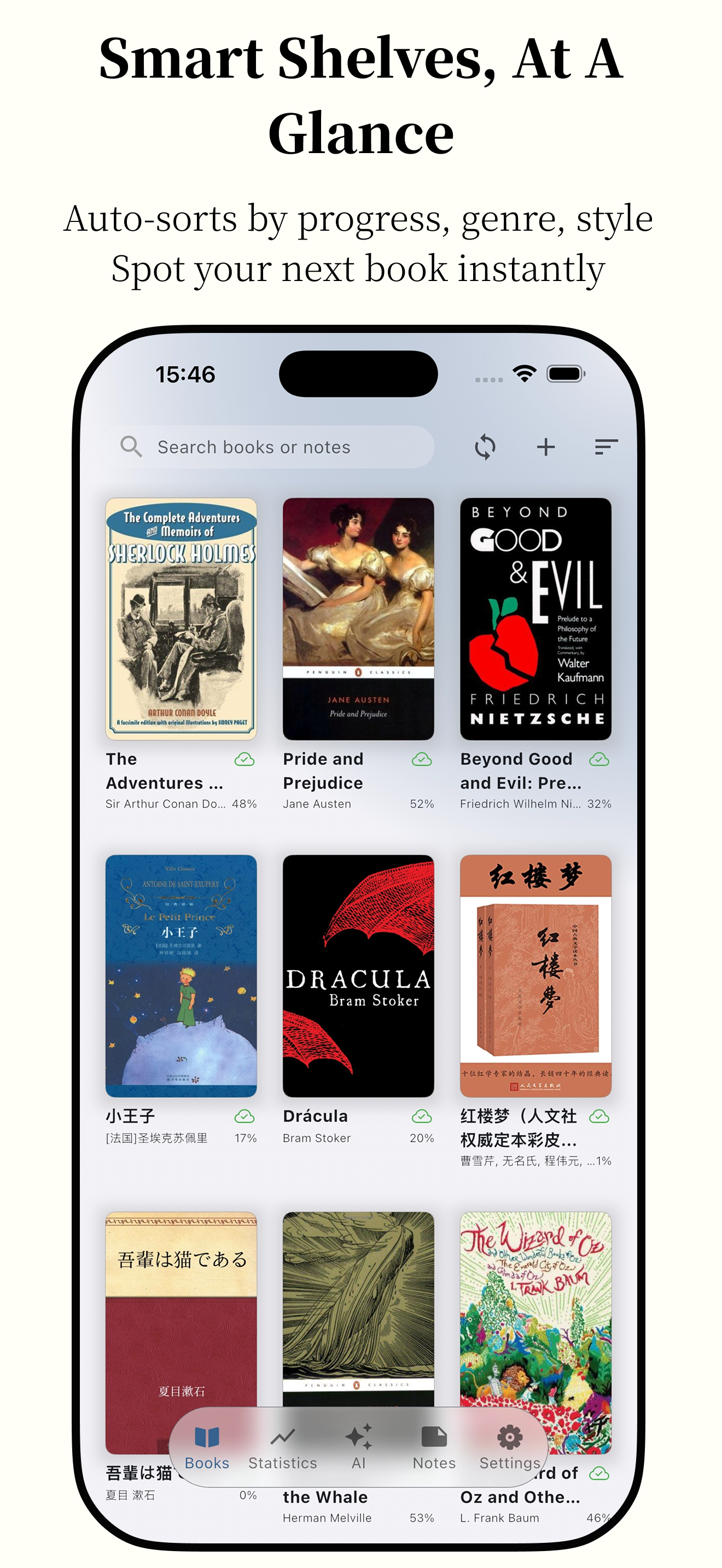
📚 Rich Format Support
- Support for major e-book formats: EPUB, MOBI, AZW3, FB2, TXT
- Perfect parsing for optimal reading experience
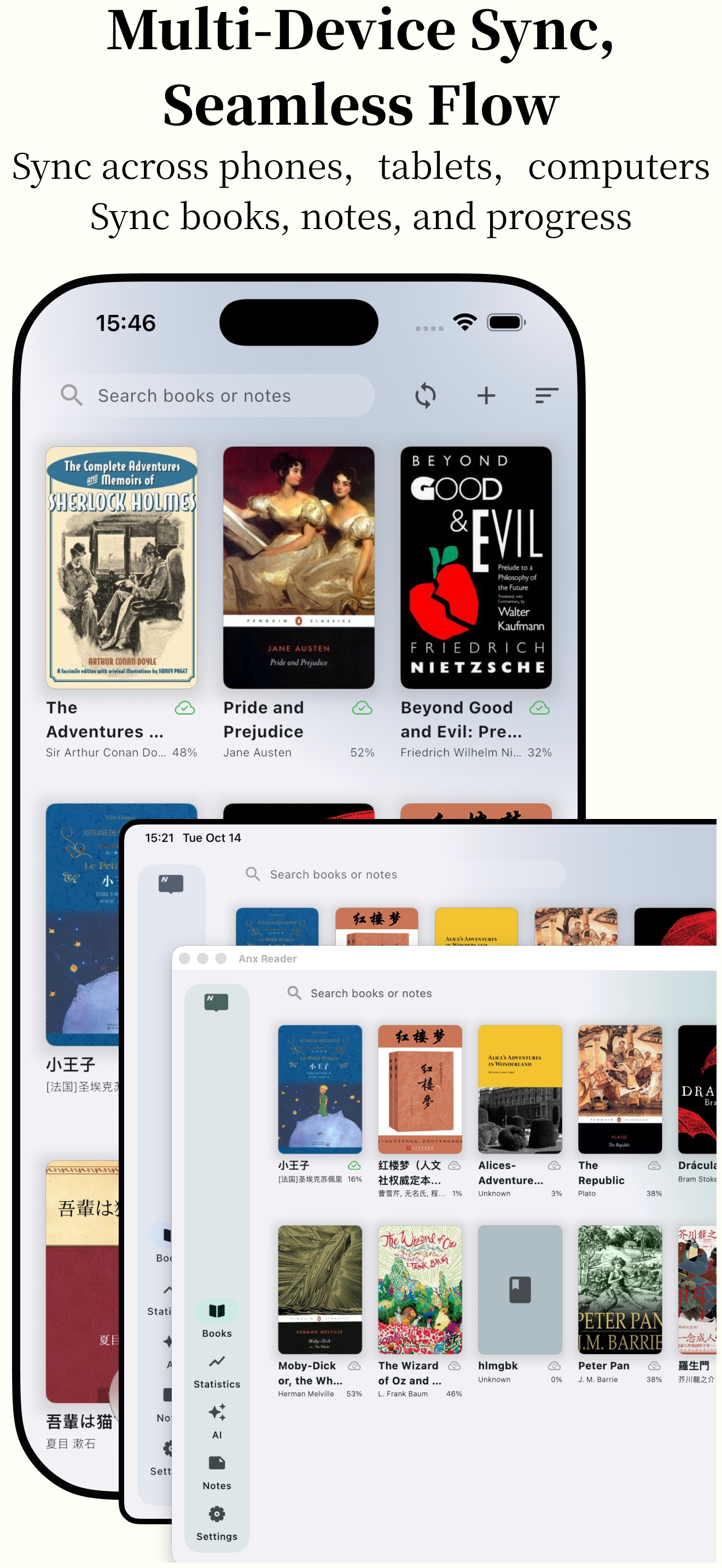
☁️ Seamless Sync
- Cross-device synchronization of reading progress, notes, and books via WebDAV
- Continue your reading journey anywhere, anytime
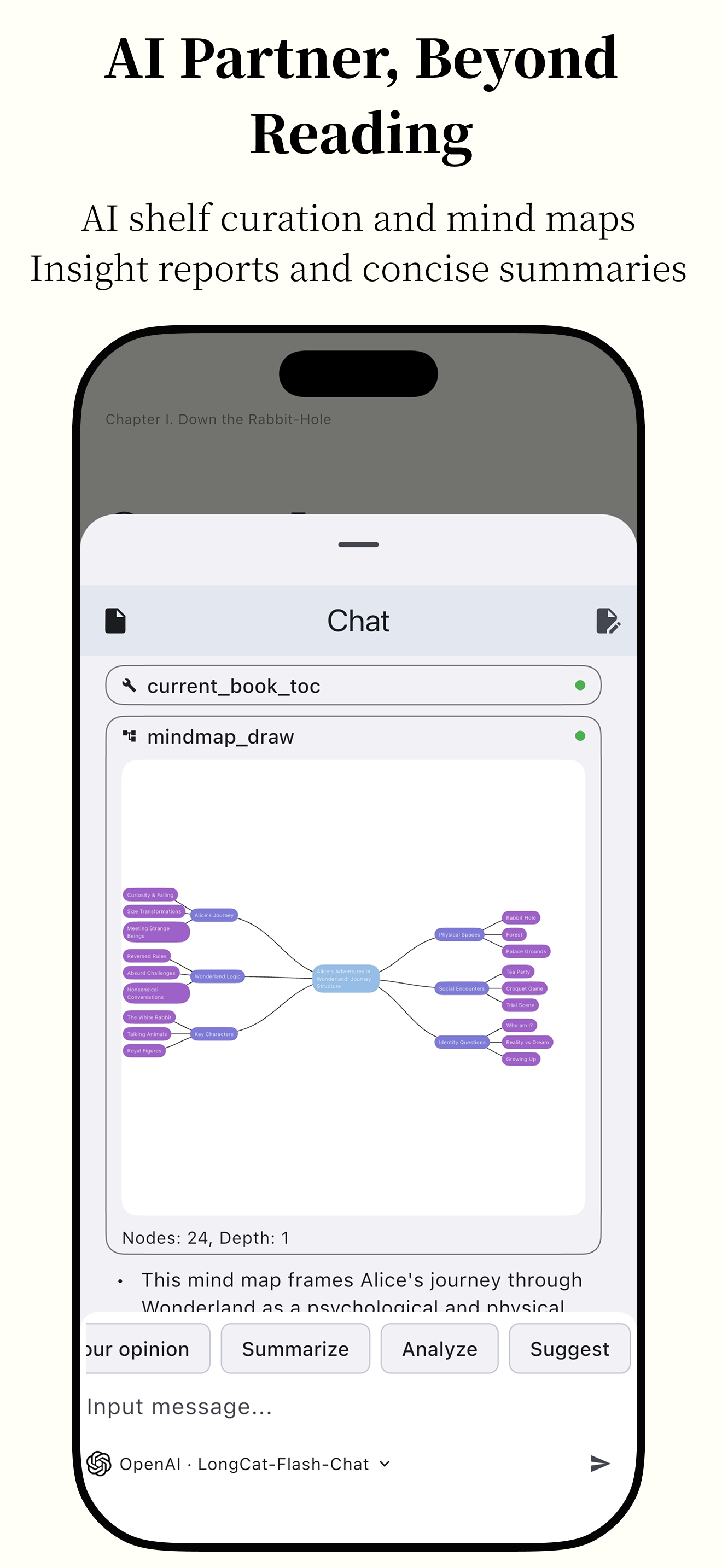
🤖 Smart AI Assistant
- Integration with leading AI services: OpenAI, DeepSeek, Claude, Gemini
- Intelligent content summarization and reading position recall for enhanced efficiency
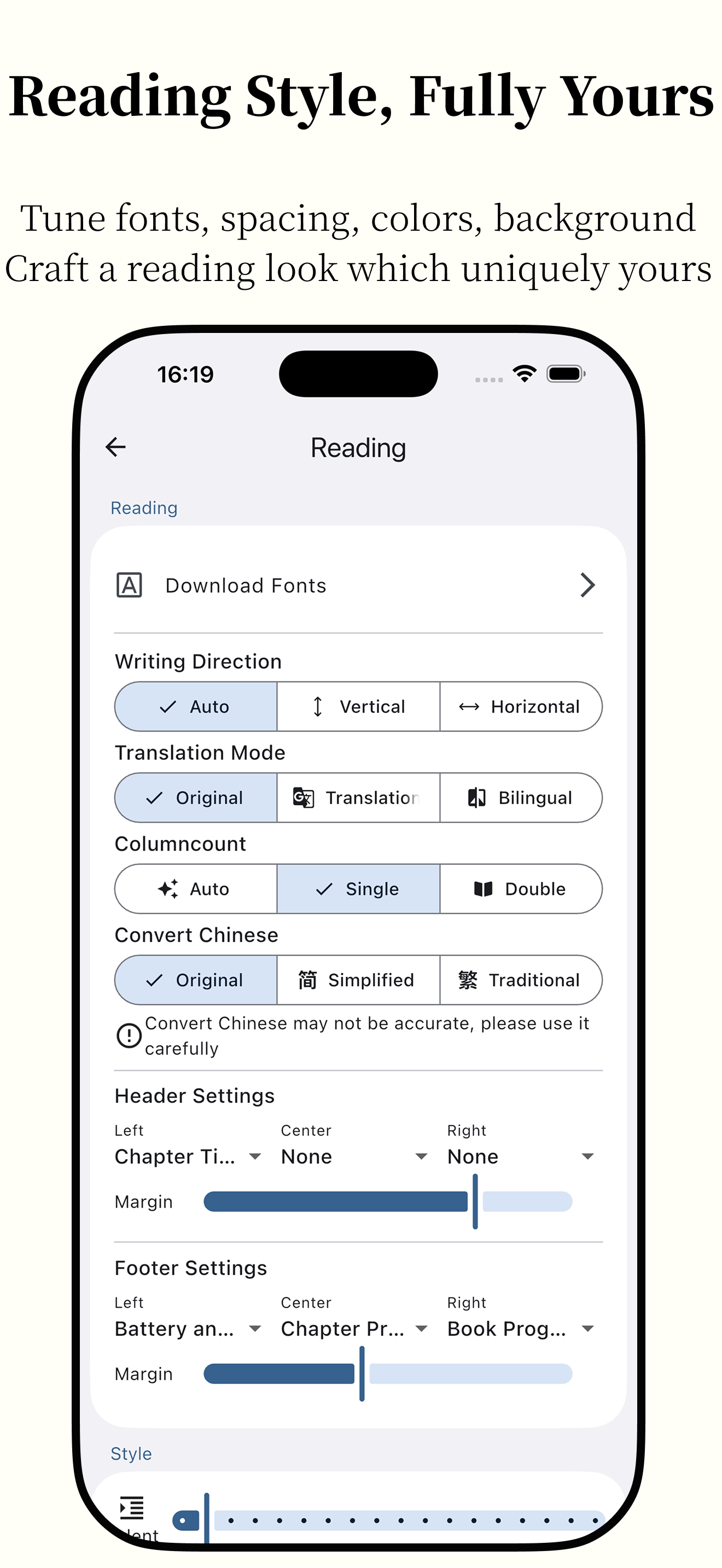
🎨 Personalized Reading Experience
- Carefully designed theme colors with customization options
- Switch freely between scrolling and pagination modes
- Import custom fonts to create your personal reading space
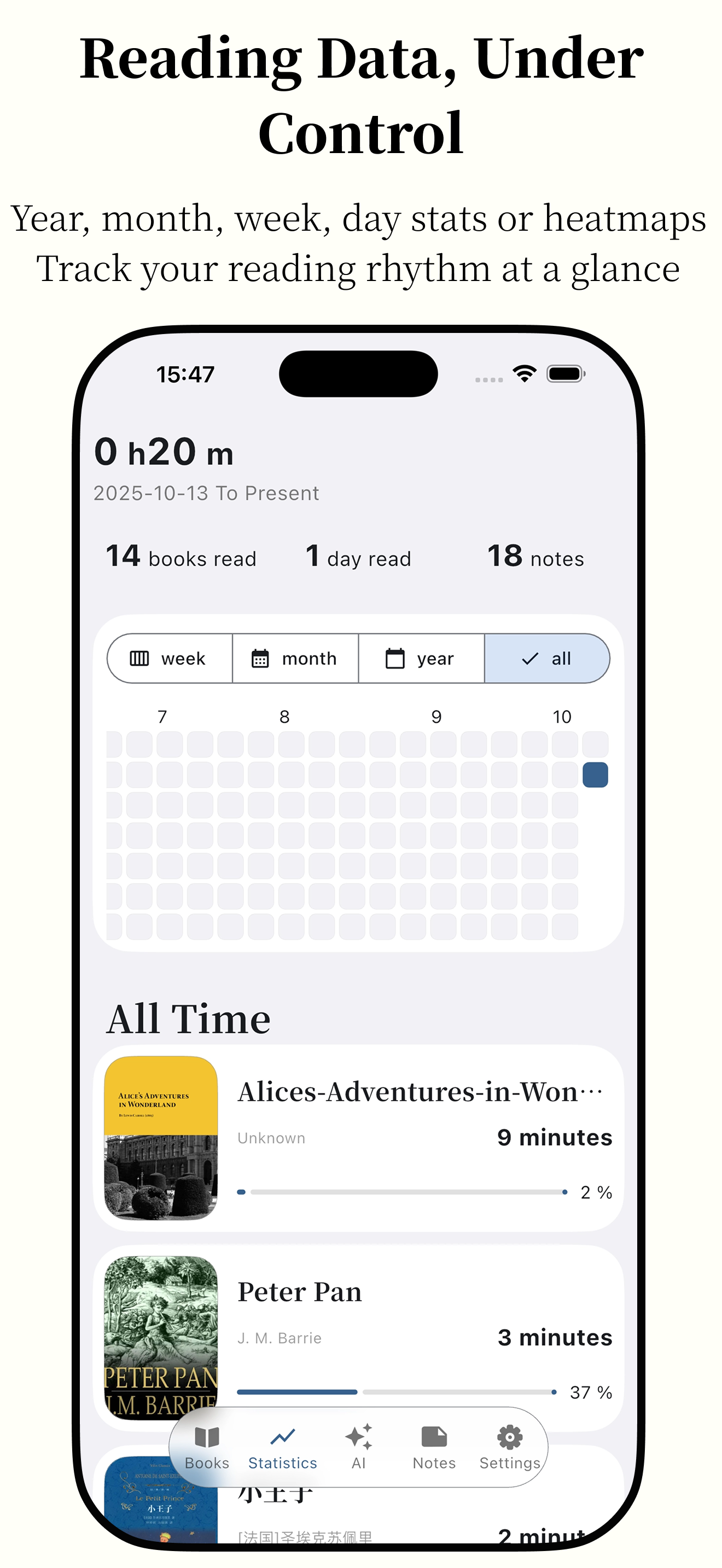
📊 Professional Reading Analytics
- Comprehensive reading statistics
- Weekly, monthly, and yearly reading reports
- Intuitive reading heatmap to track every moment of your reading journey
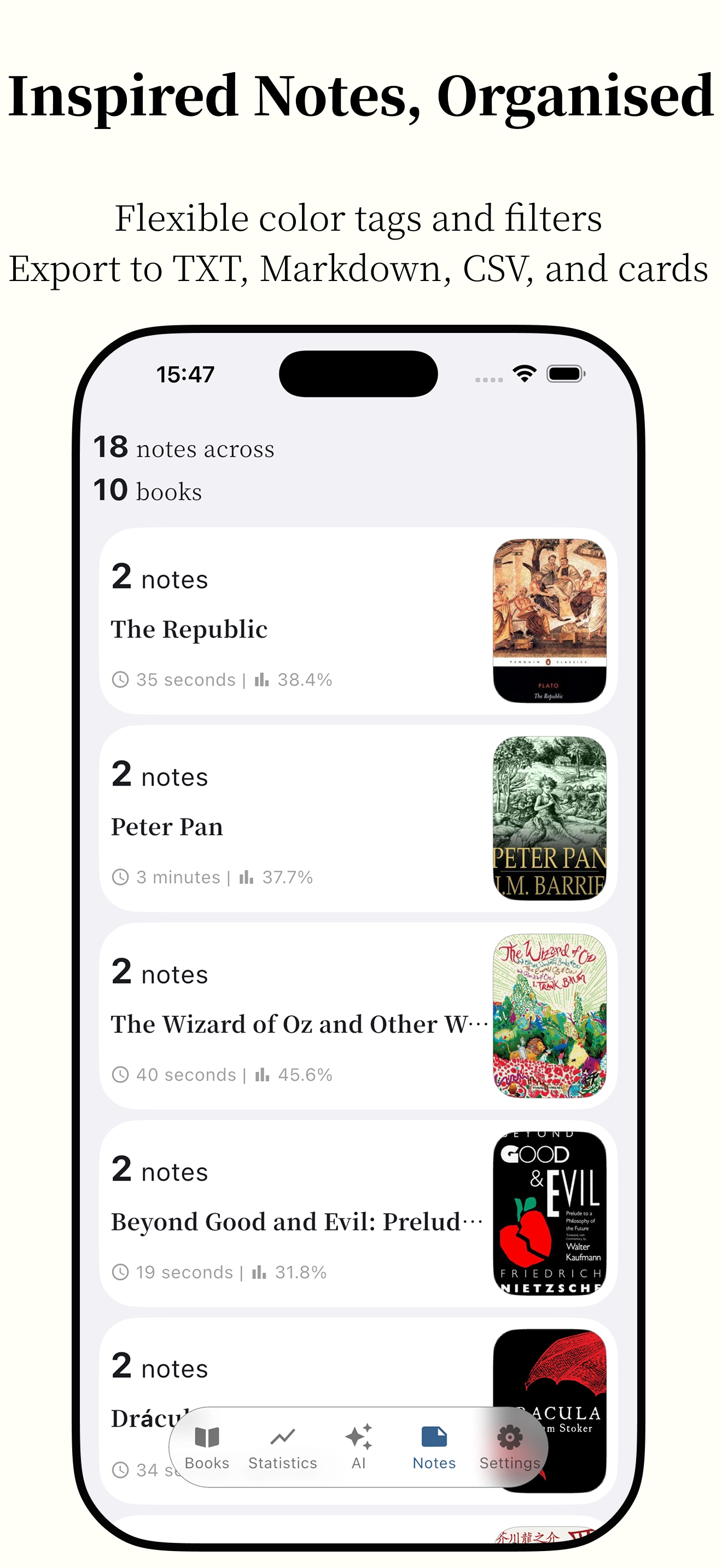
📝 Powerful Note System
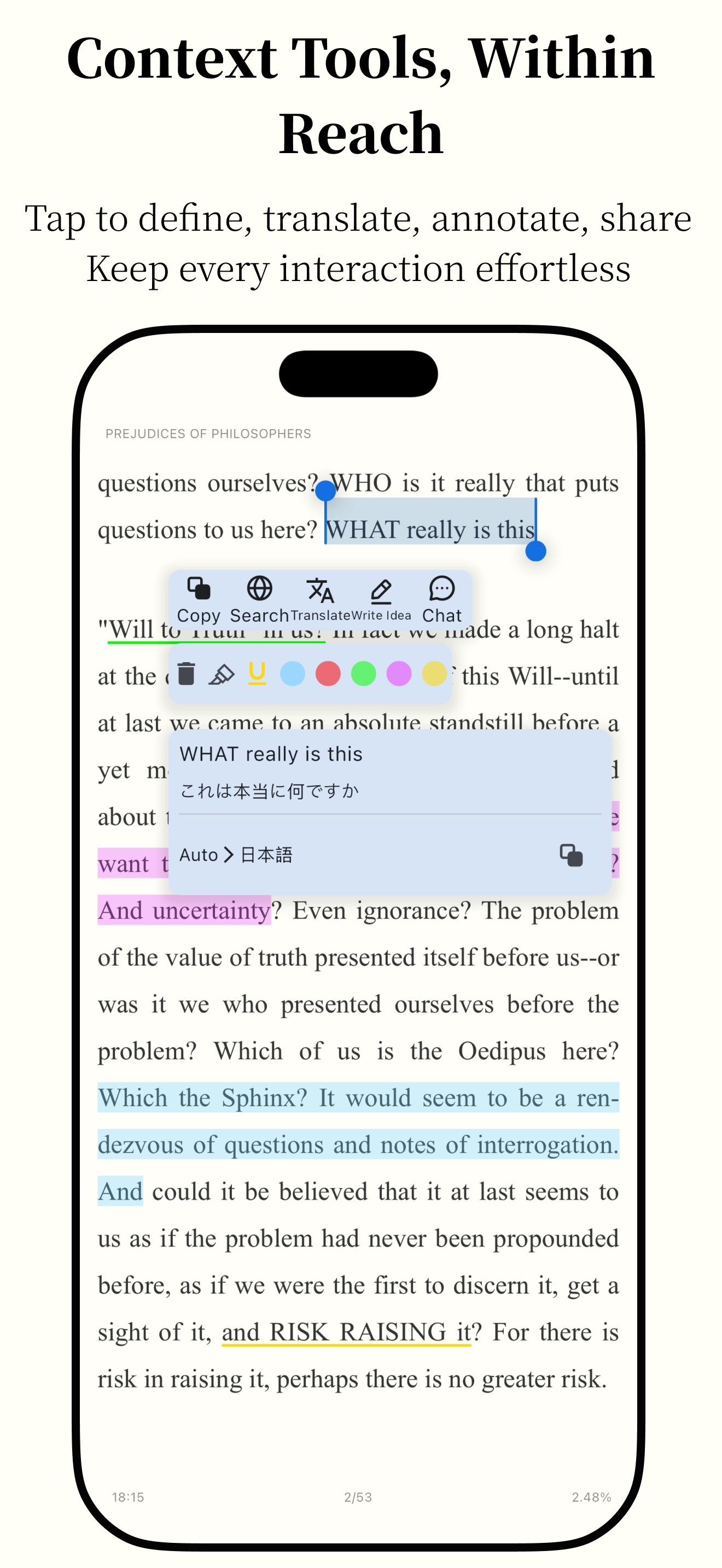
- Flexible text annotation features
- Export options in TXT, CSV, and Markdown formats
- Easily organize and share your reading insights
🛠️ Practical Tools
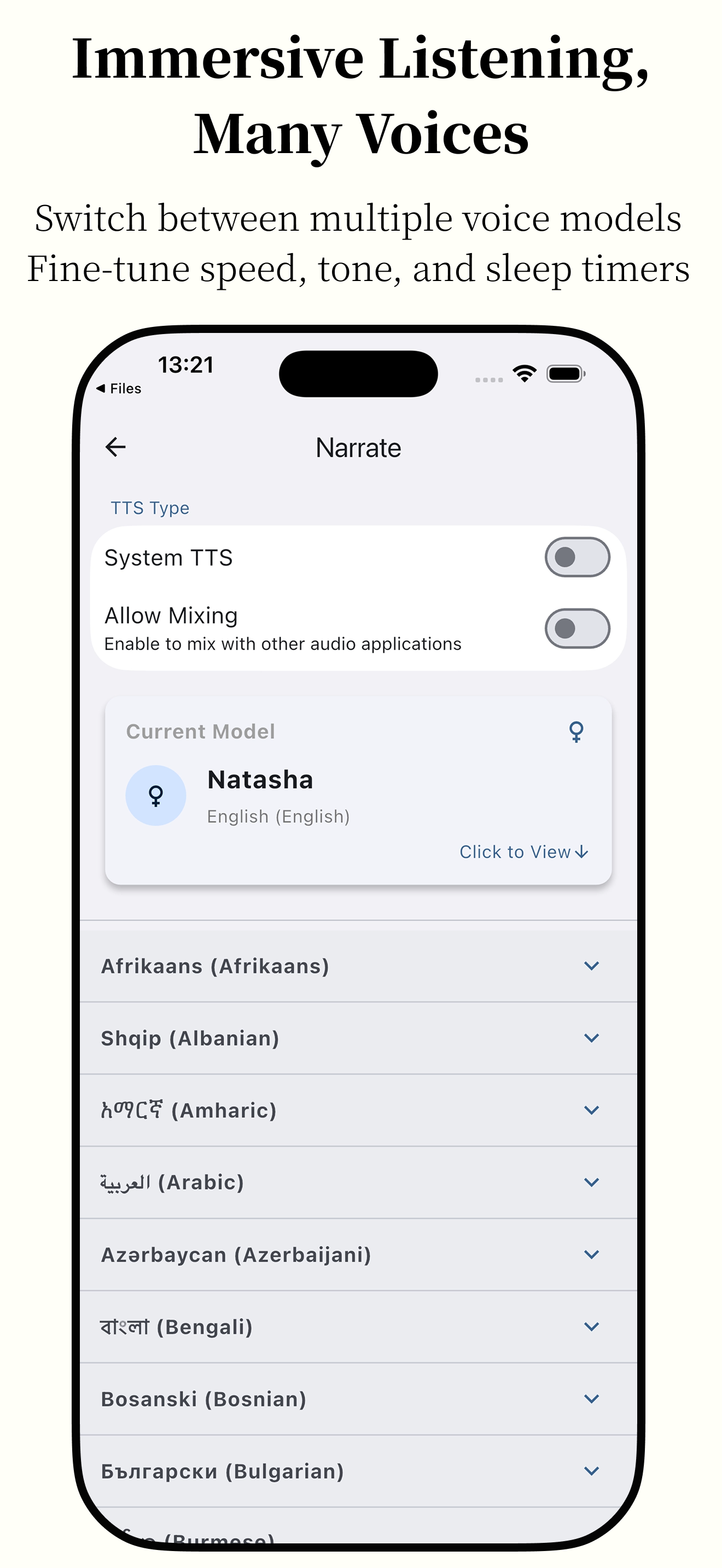
- Smart TTS reading to rest your eyes
- Full-text search for quick content location
- Instant word translation to enhance reading efficiency
💻 Cross-Platform Support
- Seamless experience on Android / Windows / MacOS / iOS
- Consistent user interface across devices
Screenshots

How to install
- Download the APK from the button at the top of this page.
- Allow “Install unknown apps” for your browser or file manager only, not for every app.
- Open the downloaded file and confirm the installation.
- If installation fails with “App not installed,” remove an earlier build of the same app first. A signature conflict is the usual cause.
Data safety
- Every file is checked against its published SHA-256 before it is listed.
- Files are scanned for malware on every update.
- The permissions each app requests are listed on its own page.
- Read the full safety policy for how we test, flag, and delist files.
Comments
Recent approved comments · sorted by newest
View all comments