What’s new
- Fix Twitter ref_url parameter
- Add Proxitok
- Fix wikipedia URL transformation
- Fix some crashes

Updated Sep 22, 2026
Transform Youtube, Twitter & Instagram links to their free and open source alter
F-Droid repository metadata
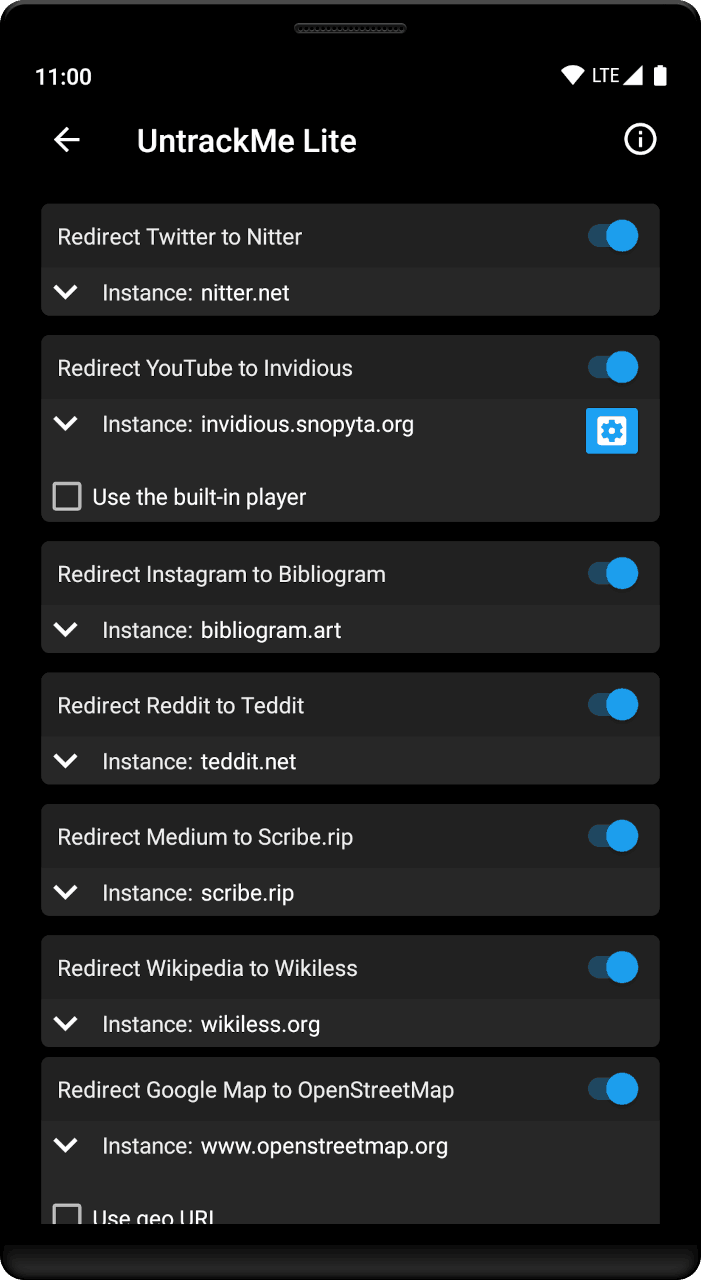
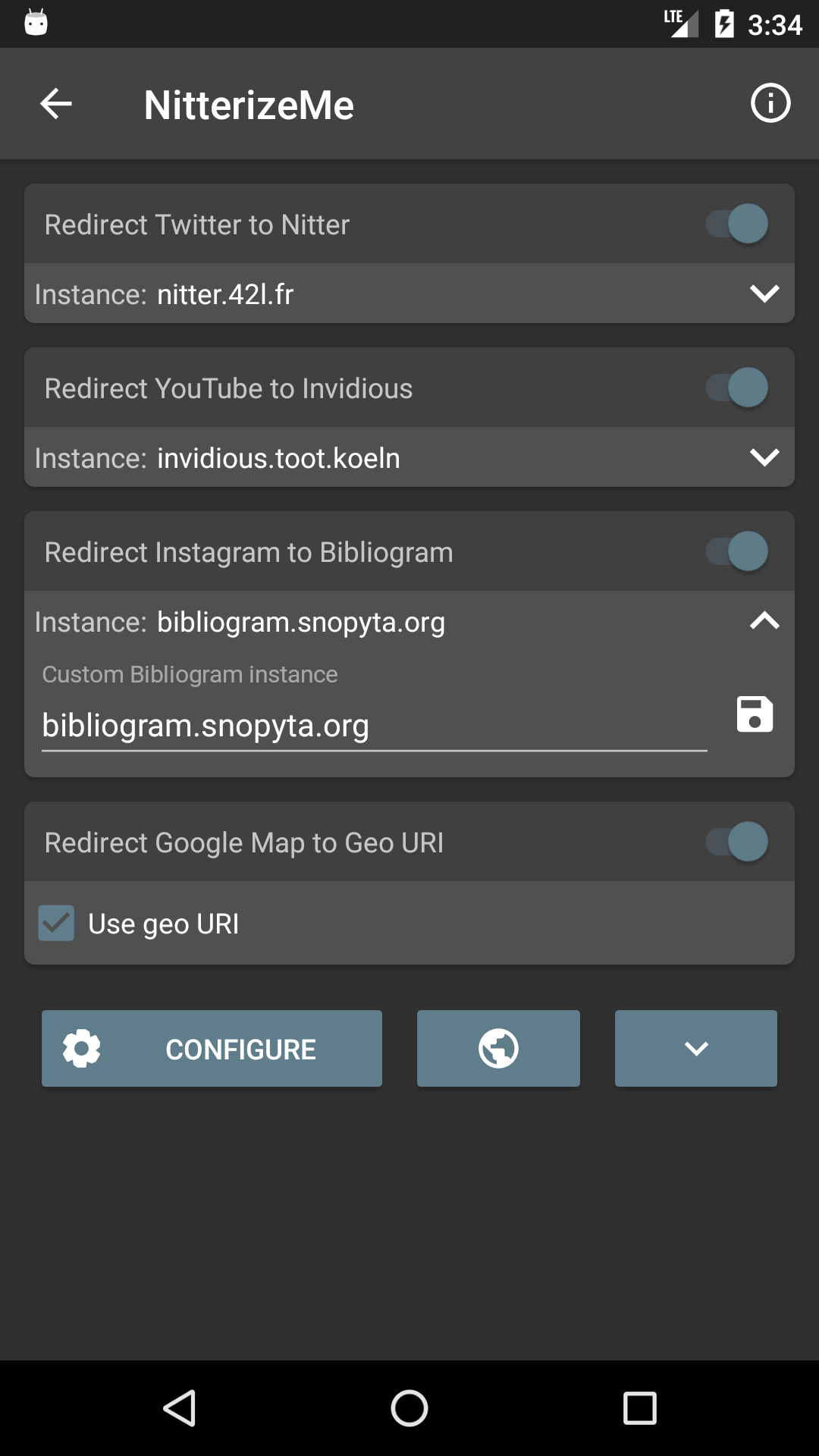
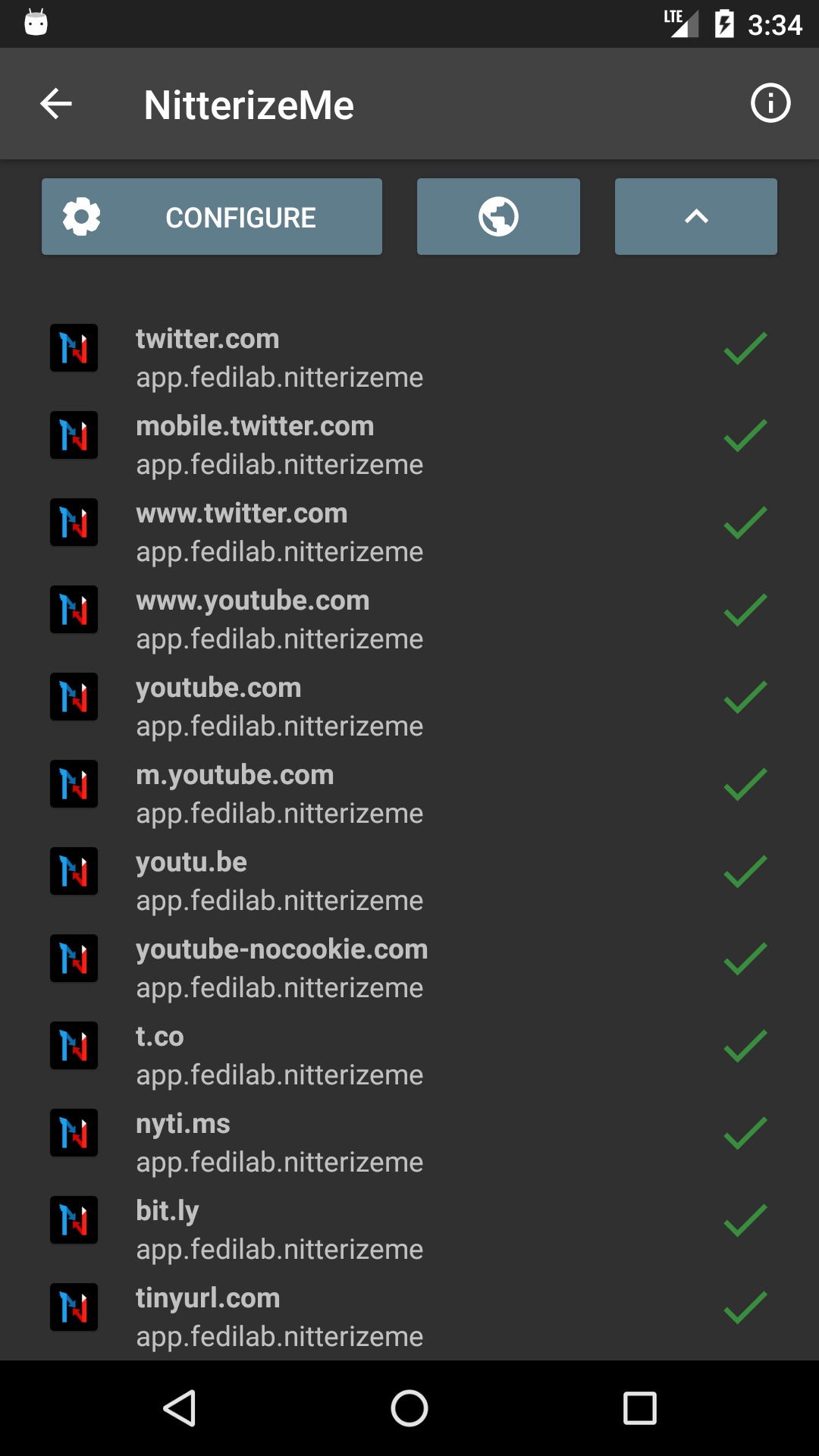
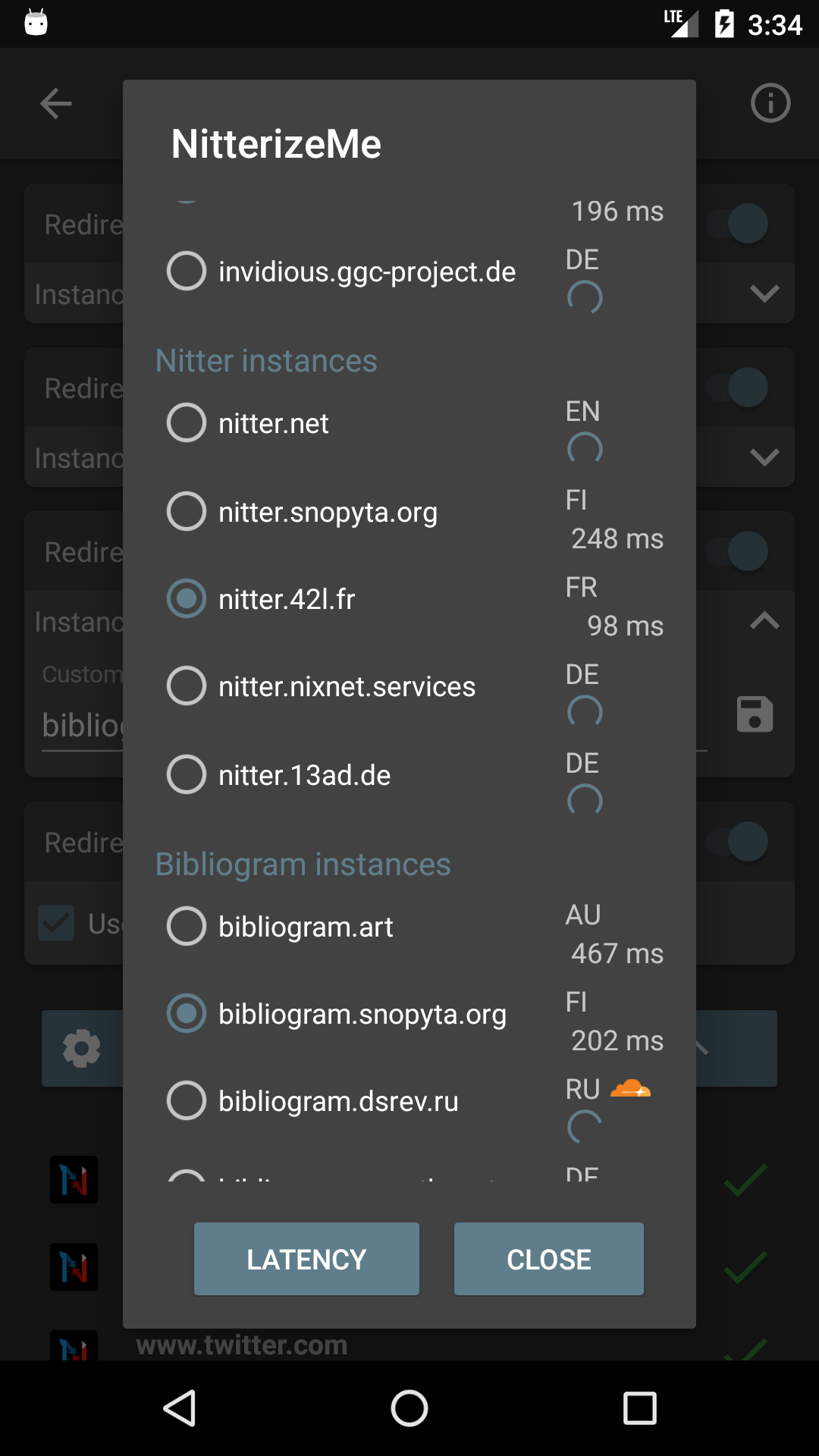
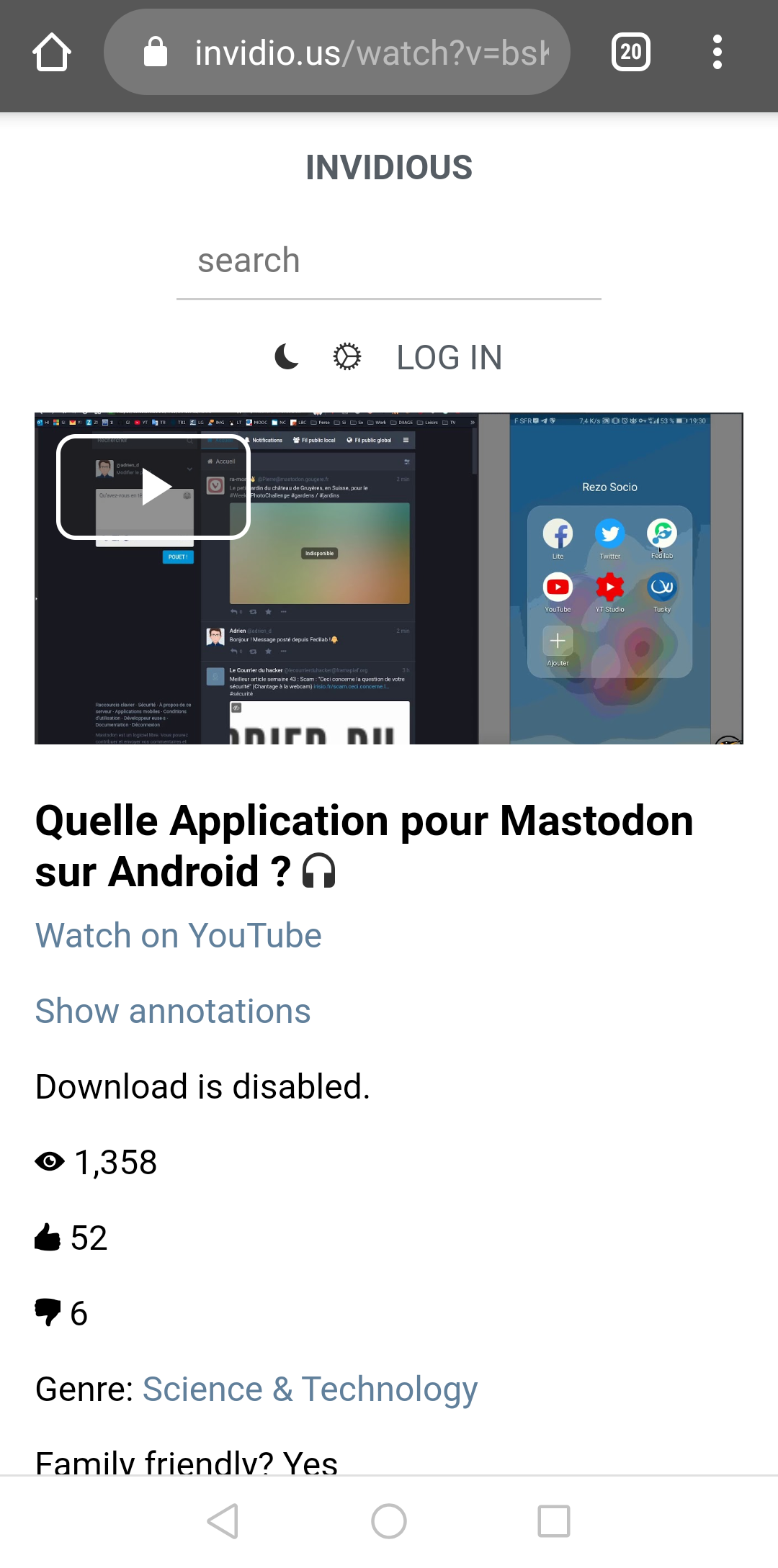
UntrackMe once set by default to open Twitter, YouTube and Instagram links will transform them into Nitter, Invidious and Bibliogram links and delegate the action to another app.
It also supports Google Maps links to transform them into OpenStreetMap links or Geo URI.
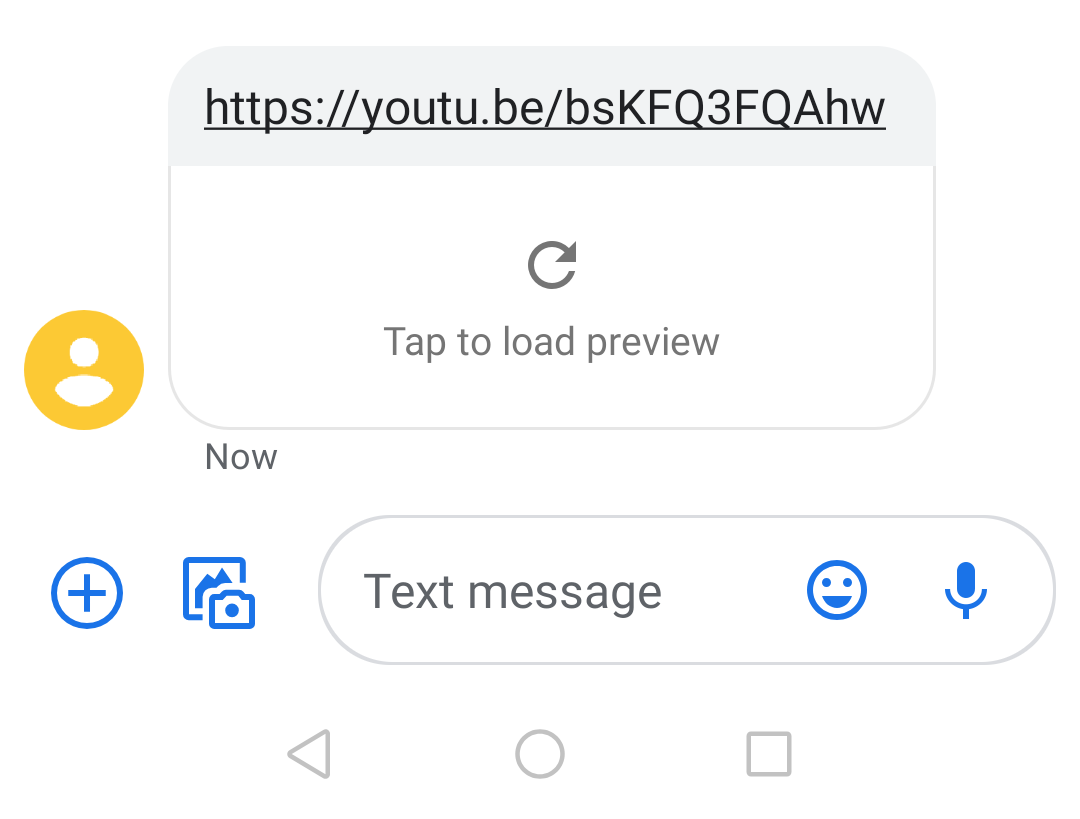
The app will detect shortened URLs and will display the full URL before visiting the site.
**Lite version:
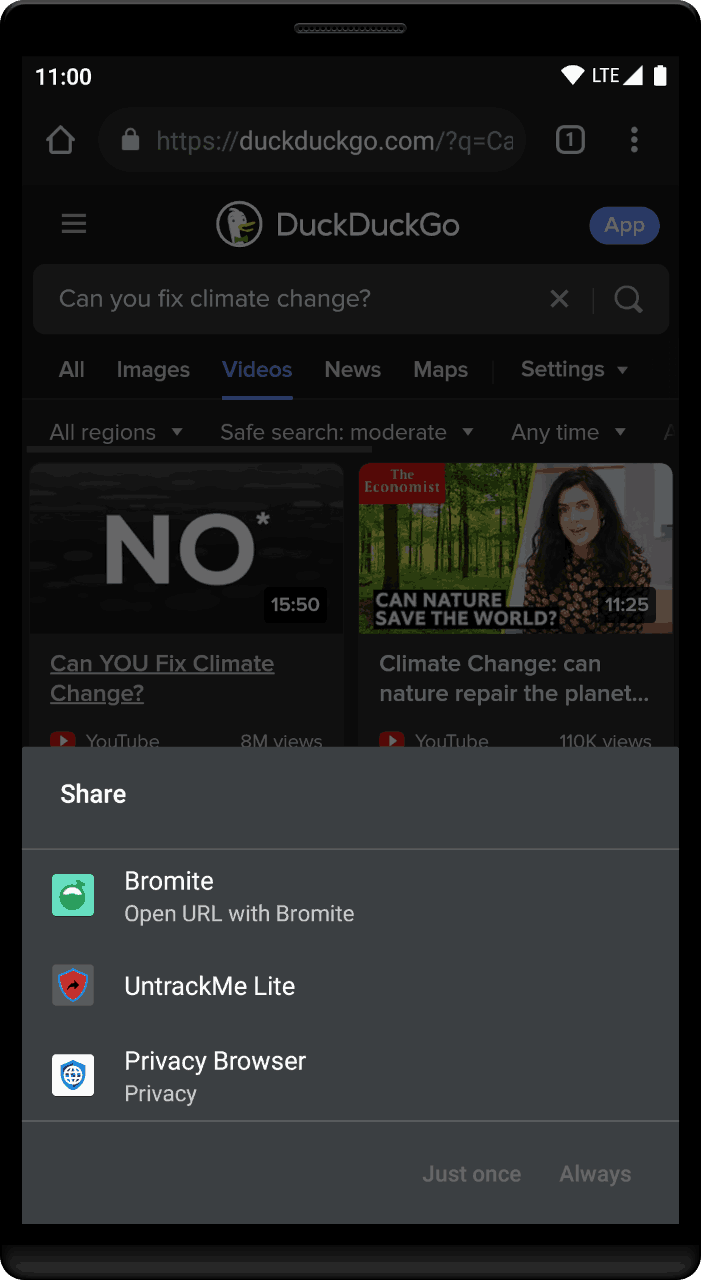
- When sharing a Twitter, YouTube or Google Maps link just pick up UntrackMe to transform it before sharing it with another app.
**Full version:
- Contains all features of the lite version and it also handle all links to remove tracking parameters. It uses its own app picker that display URLs before visiting them.
What is Nitter:
A free and open source alternative Twitter front-end focused on privacy. Github project: https://github.com/zedeus/nitter
What is Invidious:
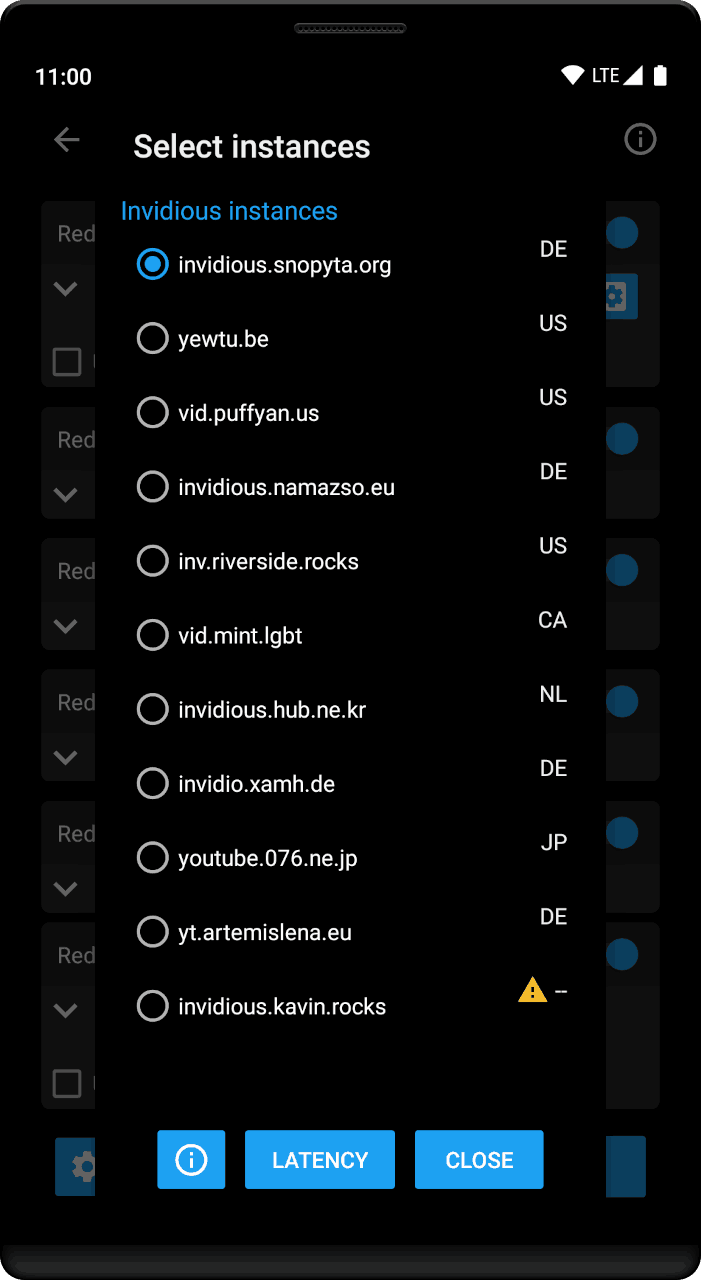
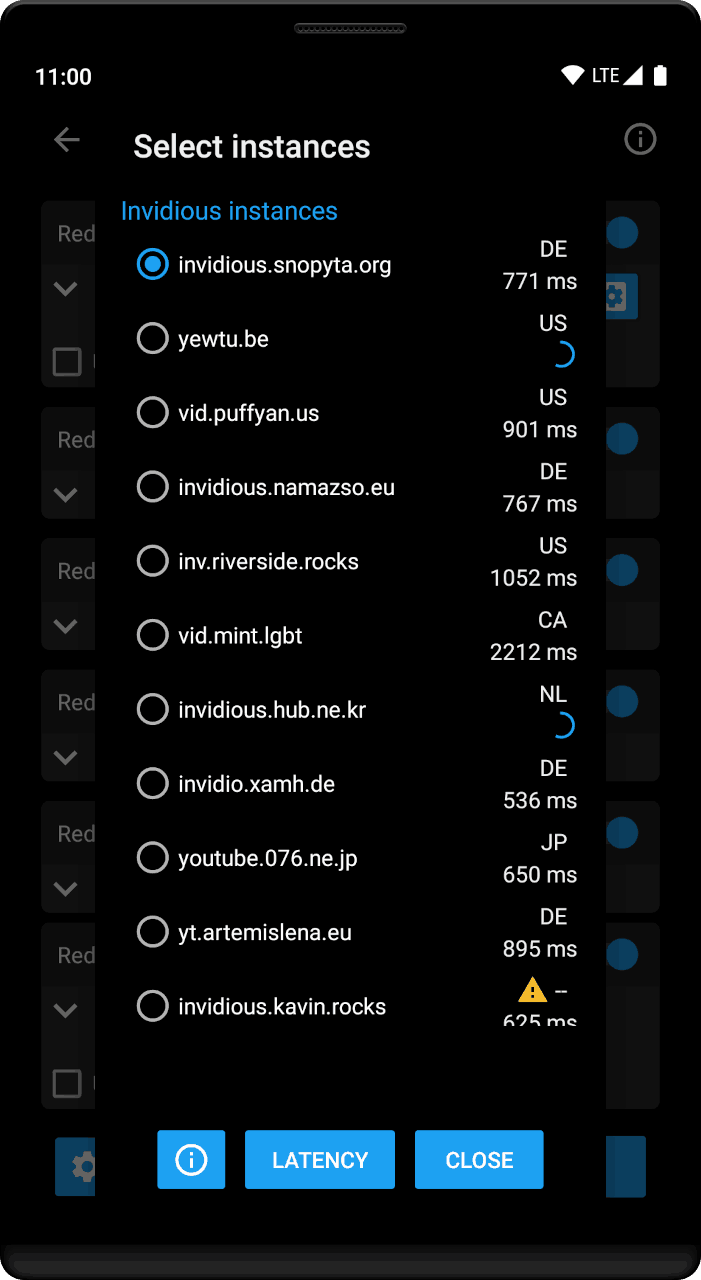
A free and open source alternative front-end to YouTube Github project: https://github.com/omarroth/invidious
What is Bibliogram:
A free and open source alternative front-end to Instagram Github project: https://github.com/cloudrac3r/bibliogram
What is Teddit:
A free and open source alternative Reddit front-end focused on privacy. Github project: https://github.com/teddit-net/teddit
What is Scribe:
An alternative Medium front-end Sources: https://git.sr.ht/~edwardloveall/scribe
What is Wikiless:
A free open source alternative Wikipedia front-end focused on privacy. Project: https://codeberg.org/orenom/Wikiless
- Fix Twitter ref_url parameter
- Add Proxitok
- Fix wikipedia URL transformation
- Fix some crashes
Recent approved comments · sorted by newest
View all comments