What’s new
First release

Updated Sep 22, 2026
Mobilizon is a tool to help manage your events, your profiles and your groups.
F-Droid repository metadata
What’s Mobilizon?
Mobilizon is an online tool to help manage your events, your profiles and your groups.
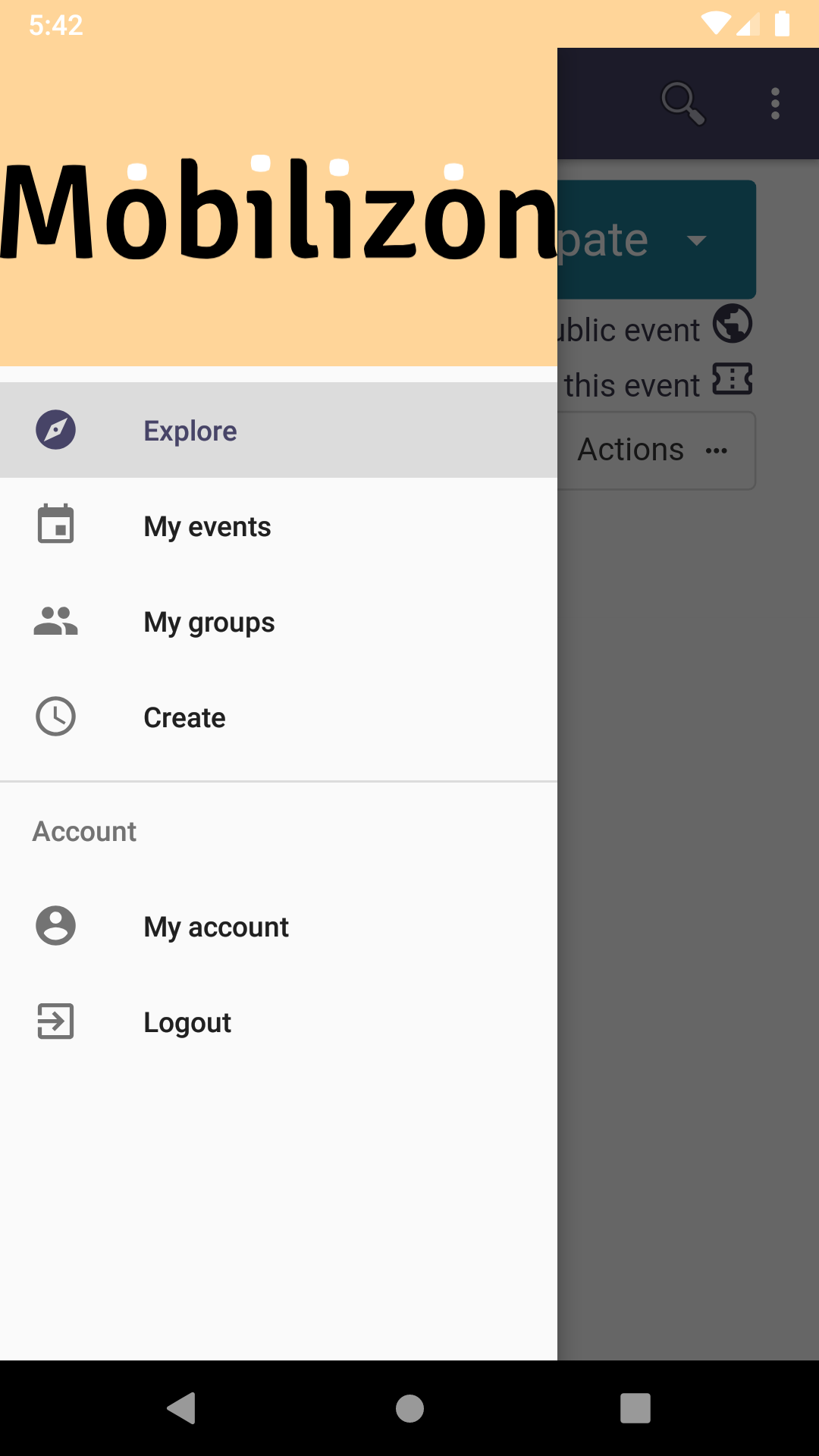
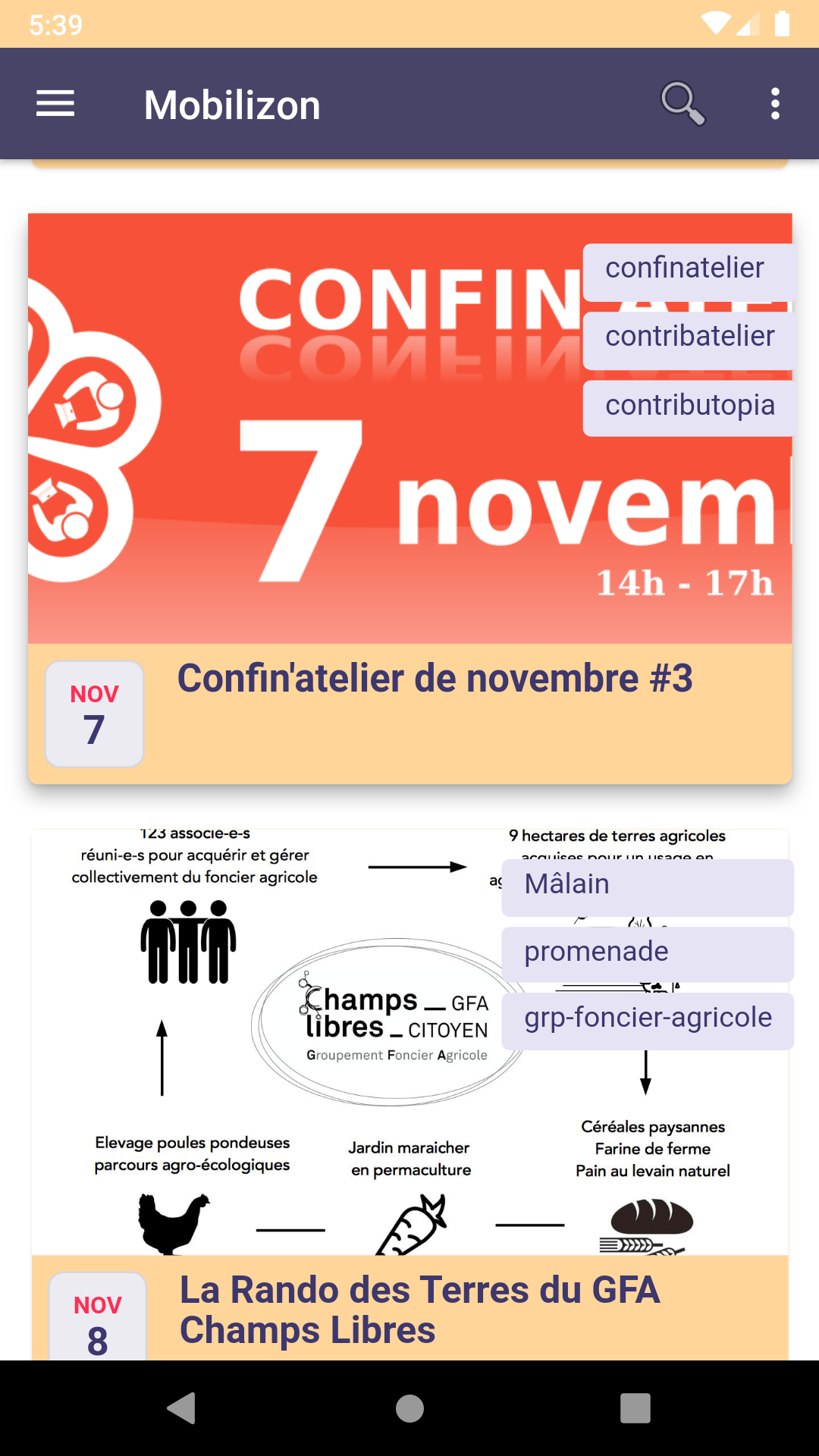
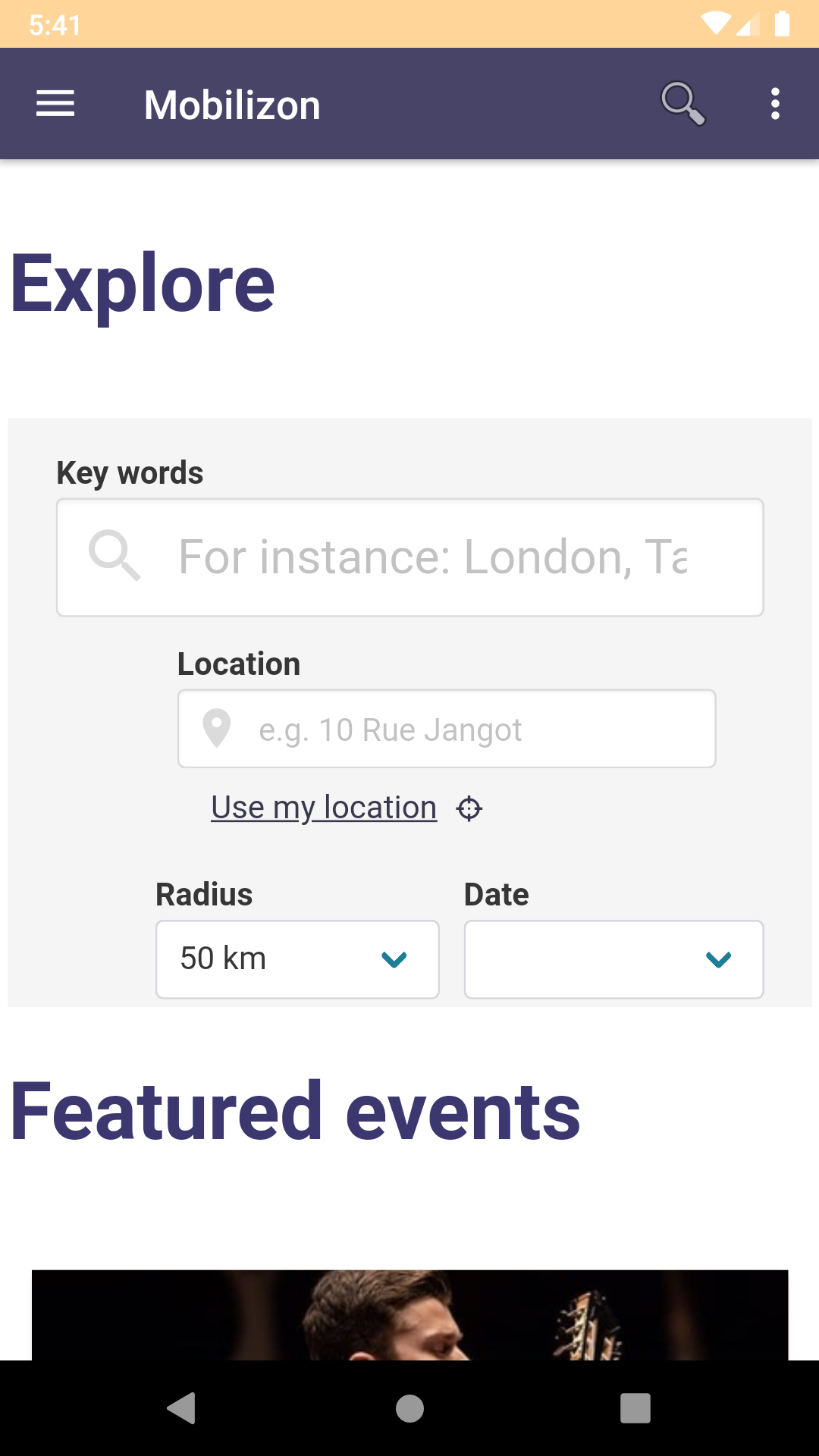
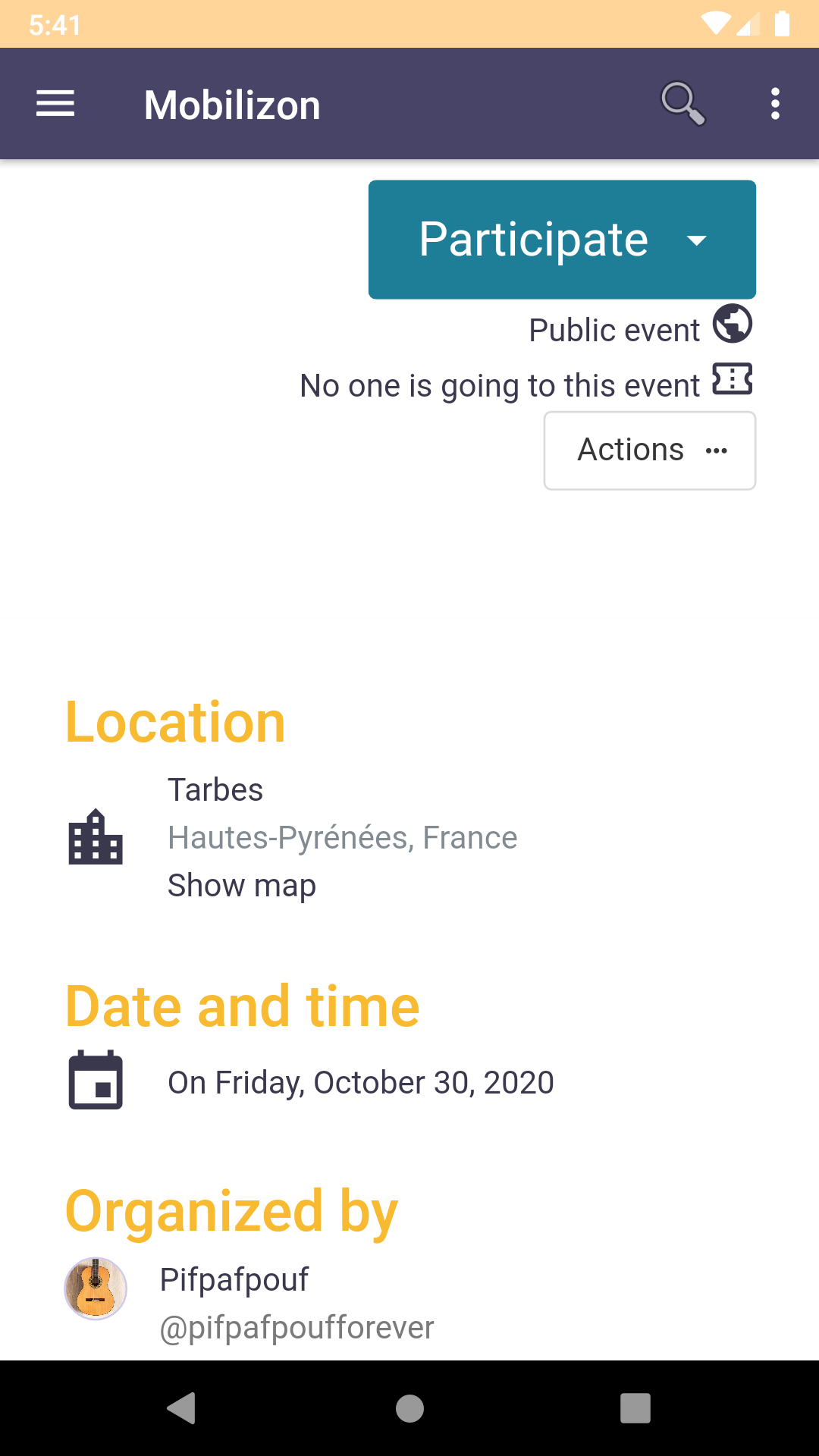
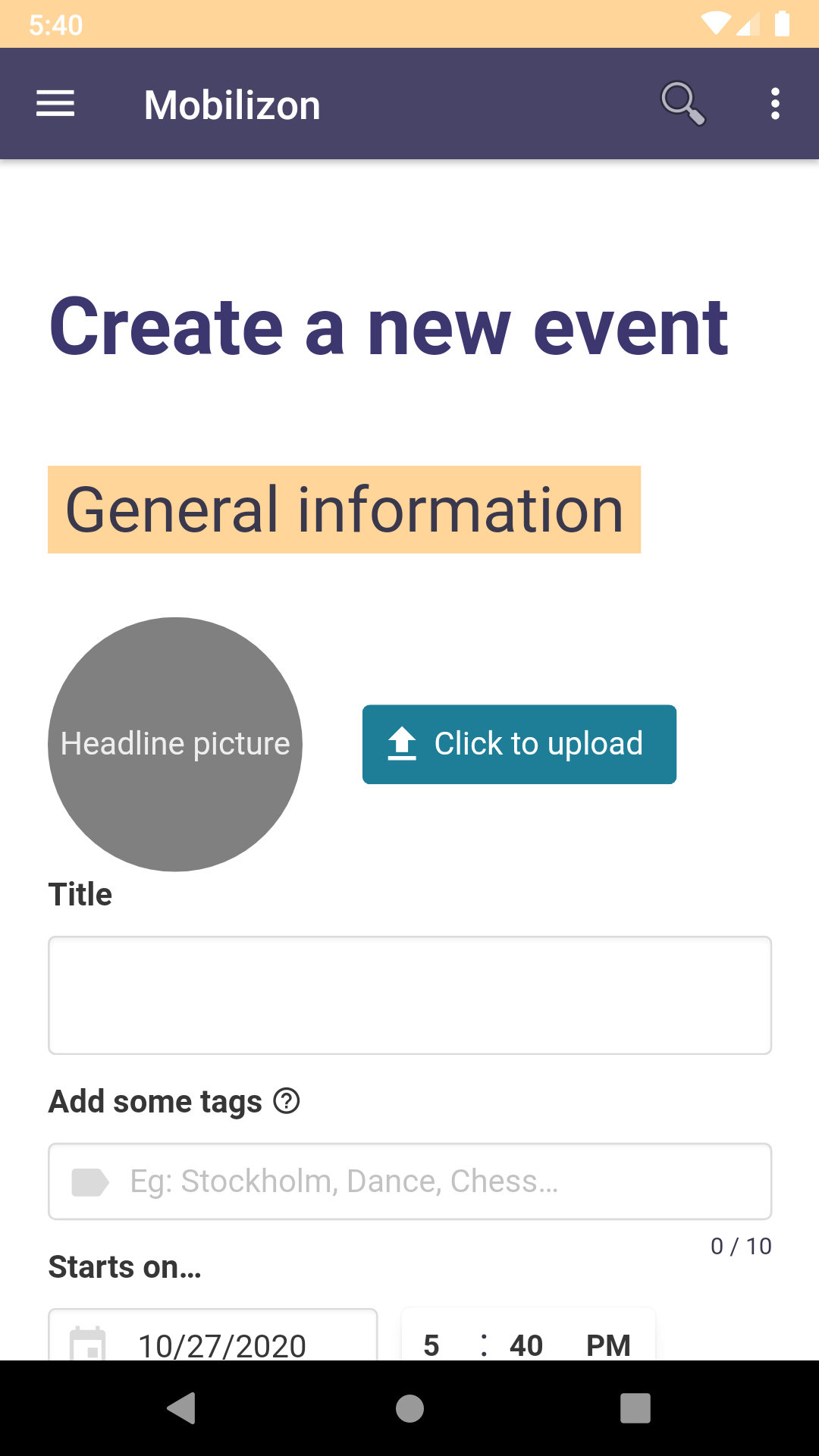
- Your events On Mobilizon you can create a detailed page for your event, publish and share it. You can also search for events by keyword, place or date, participate in events (even without an account) and add them to your agenda.
- Your profiles Setting up an account on a Mobilizon instance will allow you to create several profiles (i.e.: personal, professional, hobbies, activism, etc.), organise events and manage groups. Before you create an account on an instance, don't forget to discover how this instance works by reading its “about” page, to better understand its rules and policies.
- Your groups In Mobilizon, each group has a public page where you can consult the group’s latest posts and public events. When invited to join a group, members can participate in discussions, and manage a common resource folder (i.e. links to a collaborative writing tool, a wiki, etc.)
First release
Recent approved comments · sorted by newest
View all comments