
Quick answer
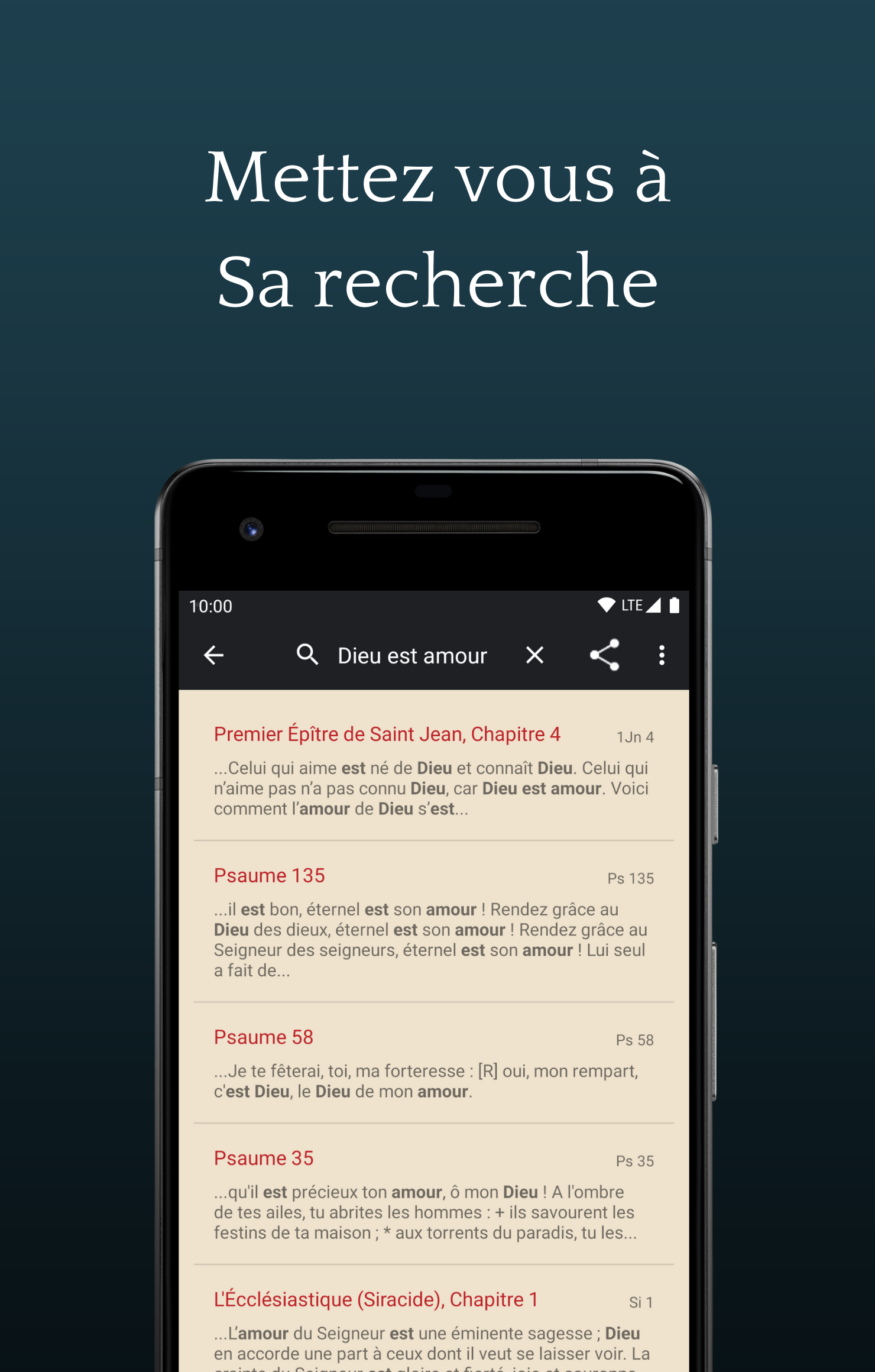
A simple and discrete daily reading application
F-Droid repository metadata
The Word of God, nothing but the Word of God
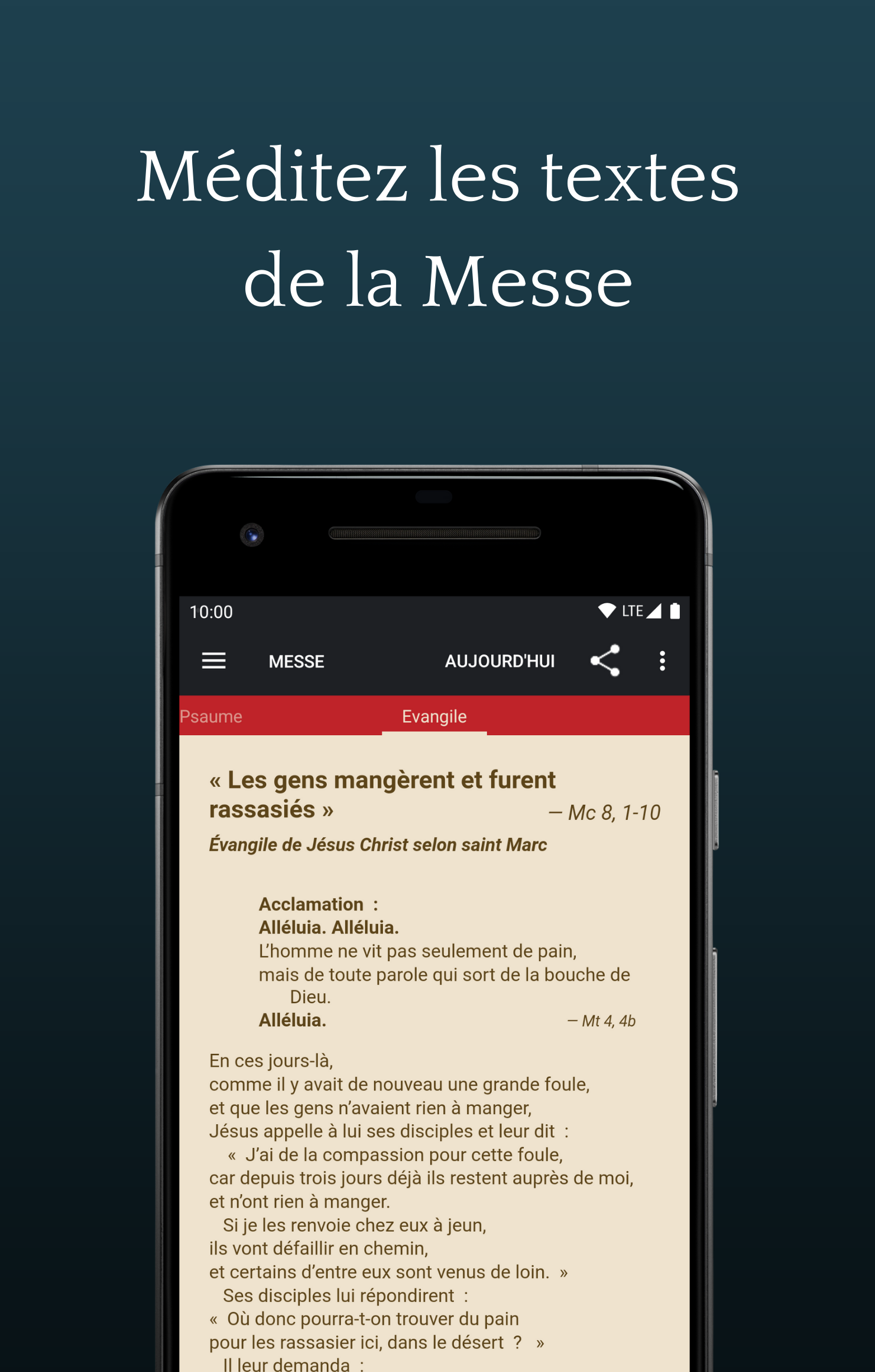
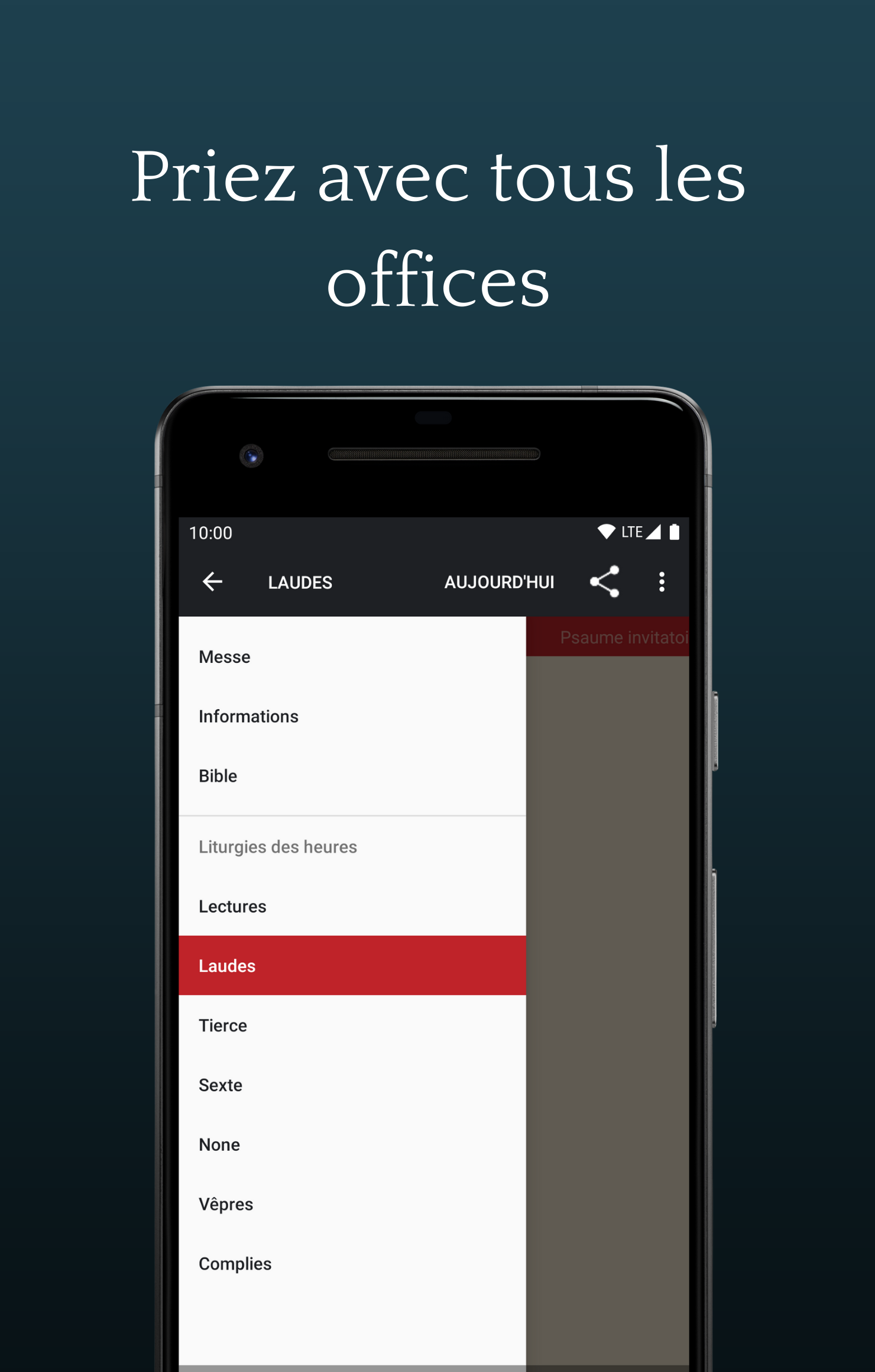
* Find the entire Mass and liturgy of the hours from the liturgical translation. Mass, readings, lauds, third, sexte, none, vespers, complies.
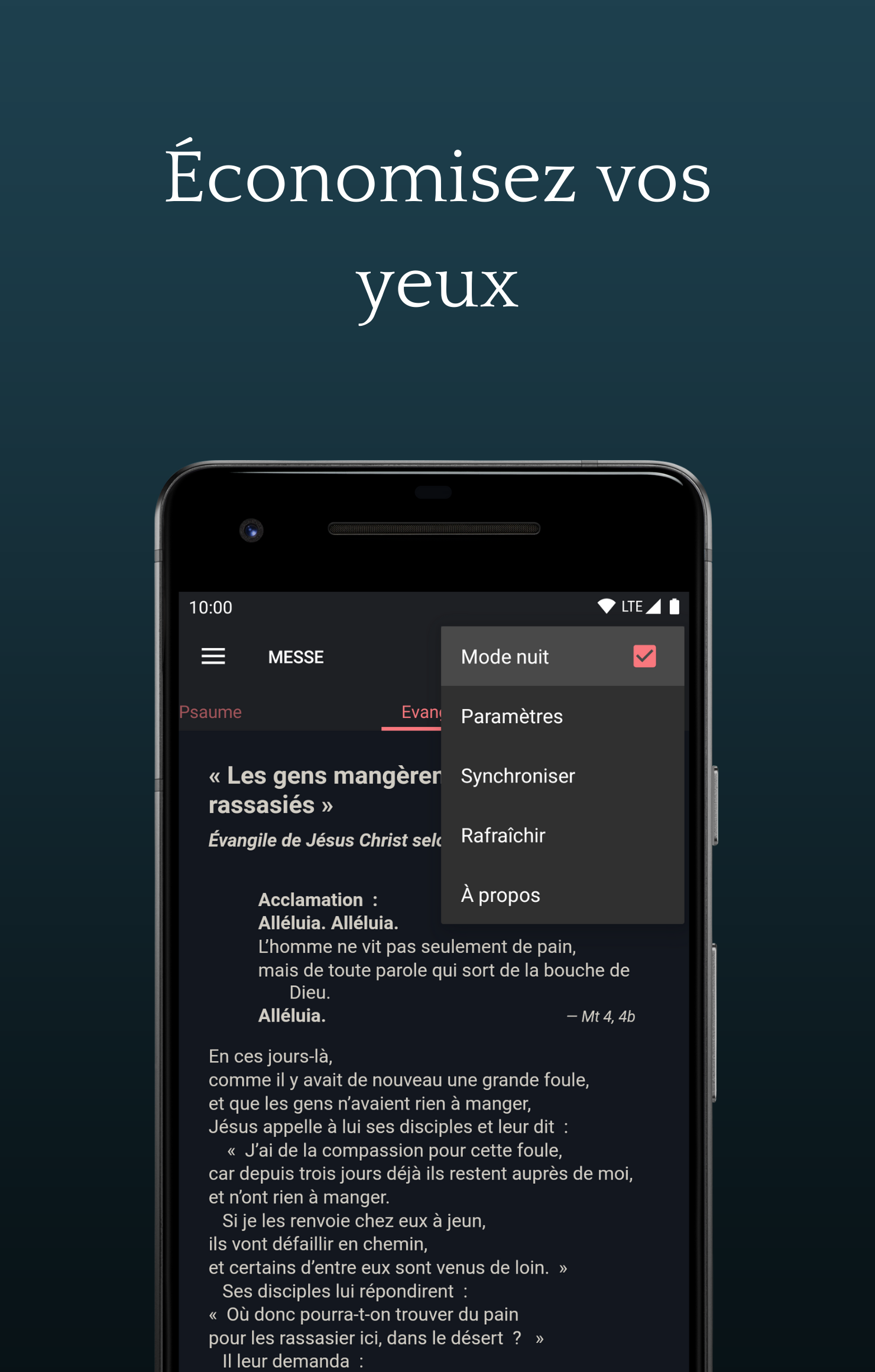
* Meditate on speech, without distractions. Sober and unique full screen display, with no risk of going into standby.
* Do not look, there is no flourish, no distraction, just the Word.
Accessible, for everyone
* Use your phone, it is compatible. Without sacrificing the look. (Android 2.2+ to Android 5.1)
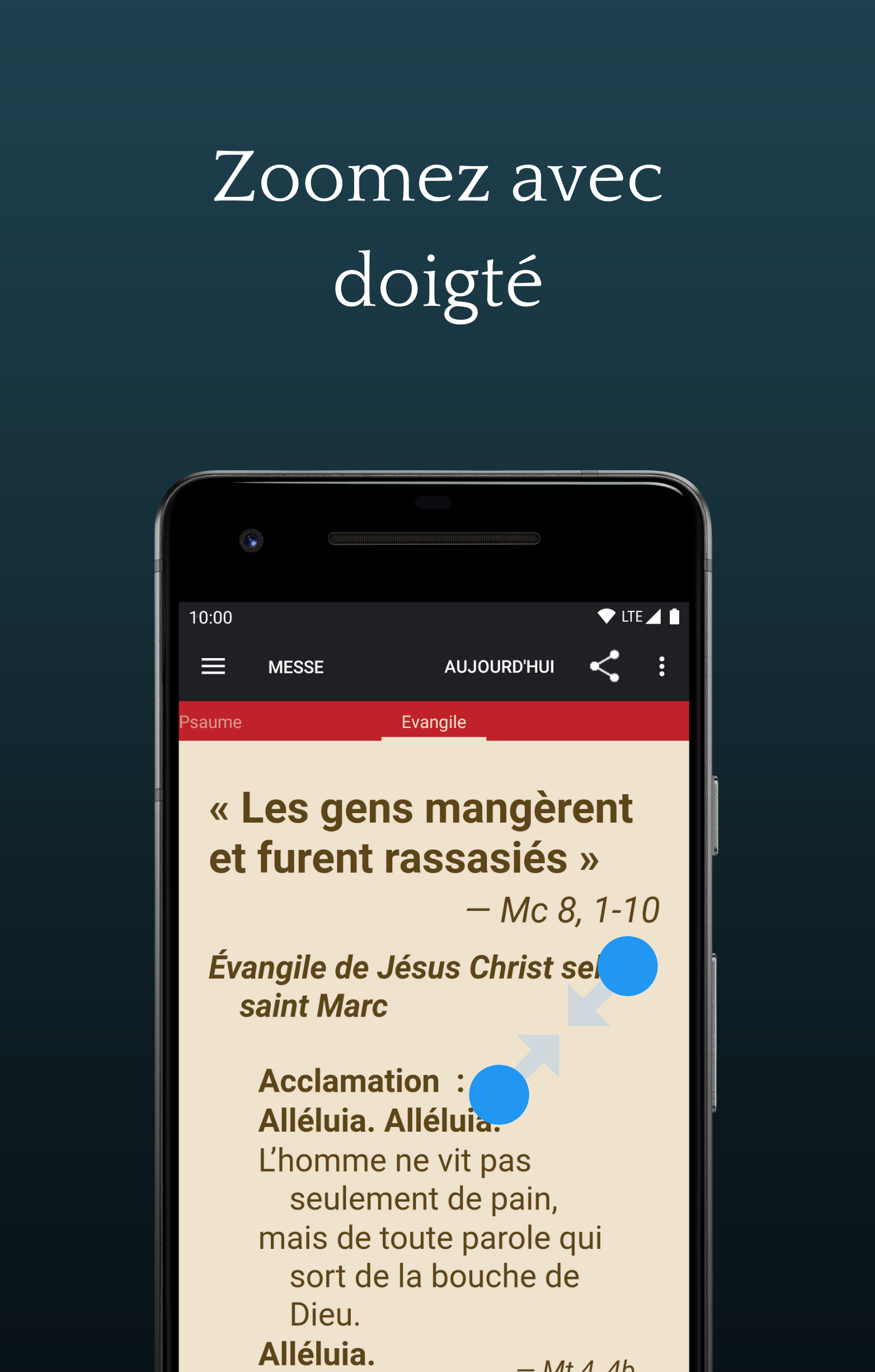
* Adjust the text size according to your preferences, depending on your screen.
* Let us guide you with "Talkback". The application is compatible.
* Read without suffering. The texts are formatted.
Anytime, anywhere
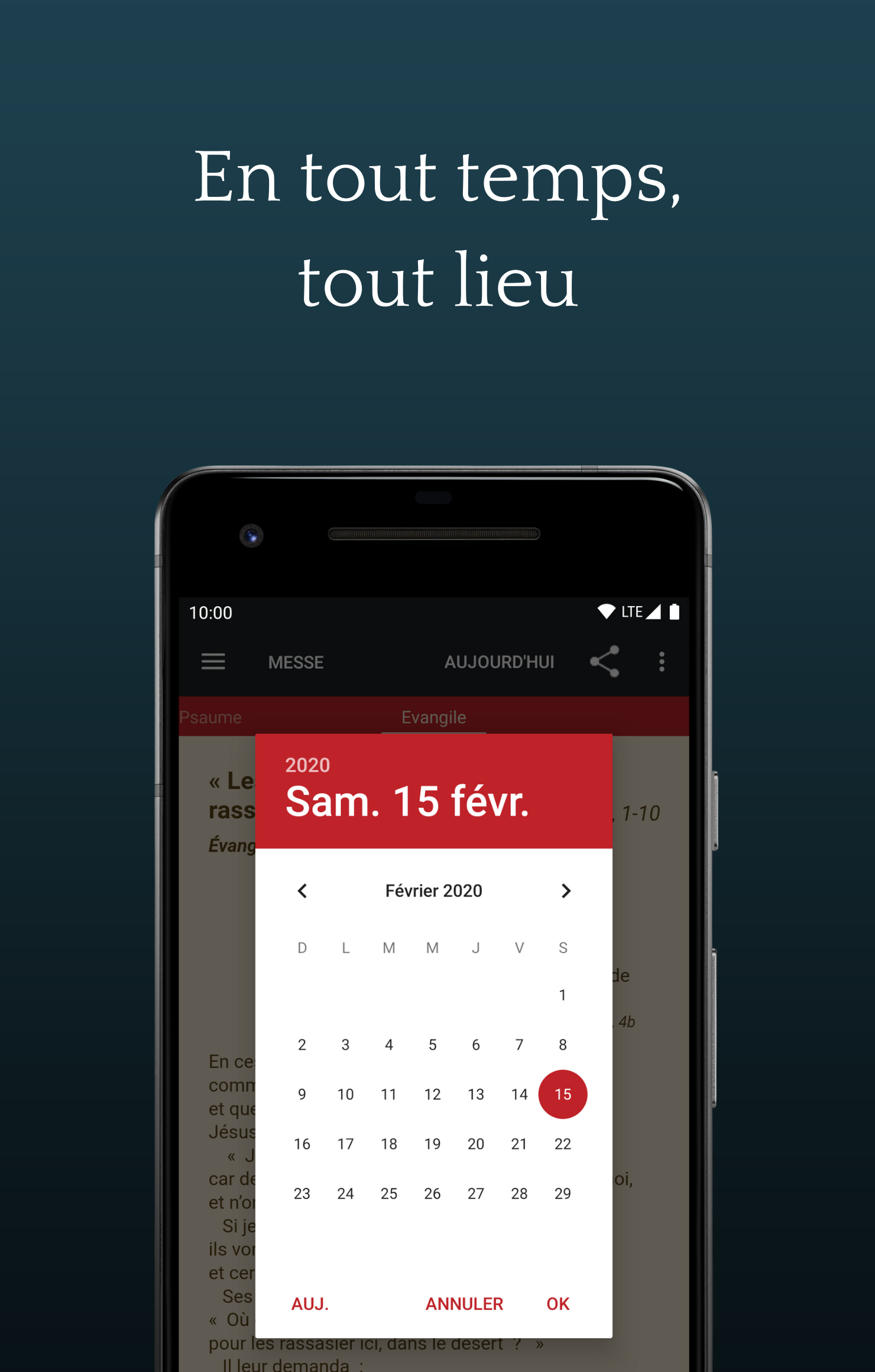
* Automatically synchronize texts to meditate on them even from a cave... or the countryside.
* Navigate through time, the date is adjustable at least one month in advance.
In a land of trust
* This application uses the Internet for only one thing: to load the texts of the Word. No data other than Android automatic error reports, whether personal or statistical, is transmitted by the application.
* Application proposed on a voluntary basis, without any publicity with the support of the Association épiscopale liturgique pour les pays francophones (http://www.aelf.org)
* Texts and logo reproduced with the kind permission of the AELF.
Screenshots
How to install
- Download the APK from the button at the top of this page.
- Allow “Install unknown apps” for your browser or file manager only, not for every app.
- Open the downloaded file and confirm the installation.
- If installation fails with “App not installed,” remove an earlier build of the same app first. A signature conflict is the usual cause.
Data safety
- Every file is checked against its published SHA-256 before it is listed.
- Files are scanned for malware on every update.
- The permissions each app requests are listed on its own page.
- Read the full safety policy for how we test, flag, and delist files.
Comments
Recent approved comments · sorted by newest
View all comments