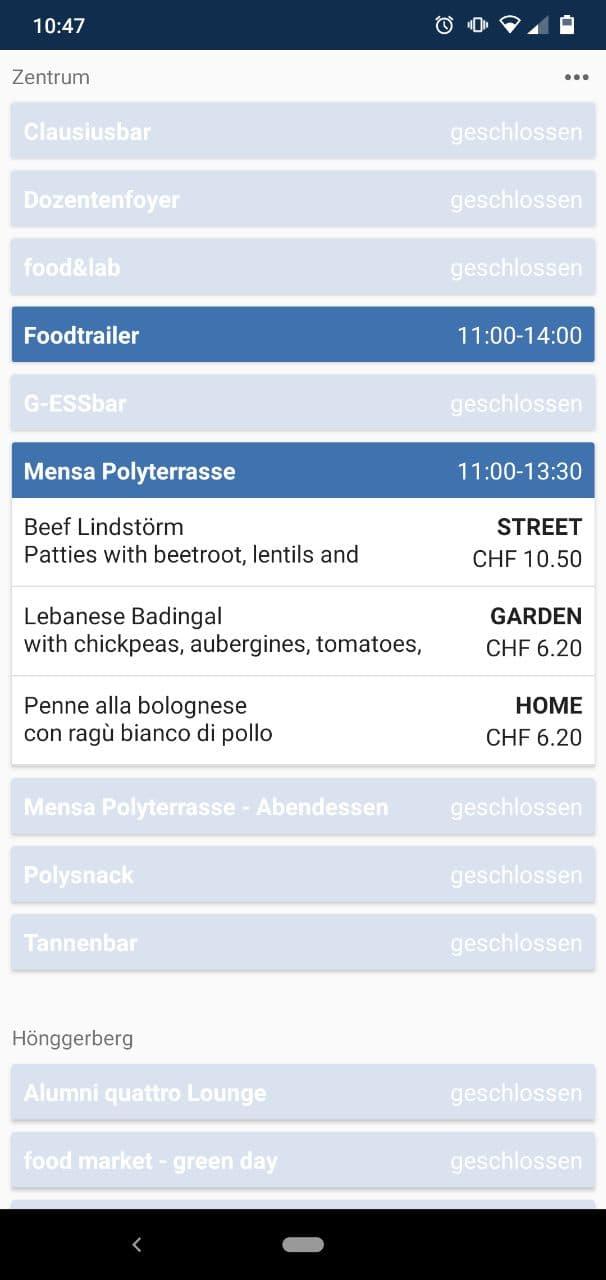
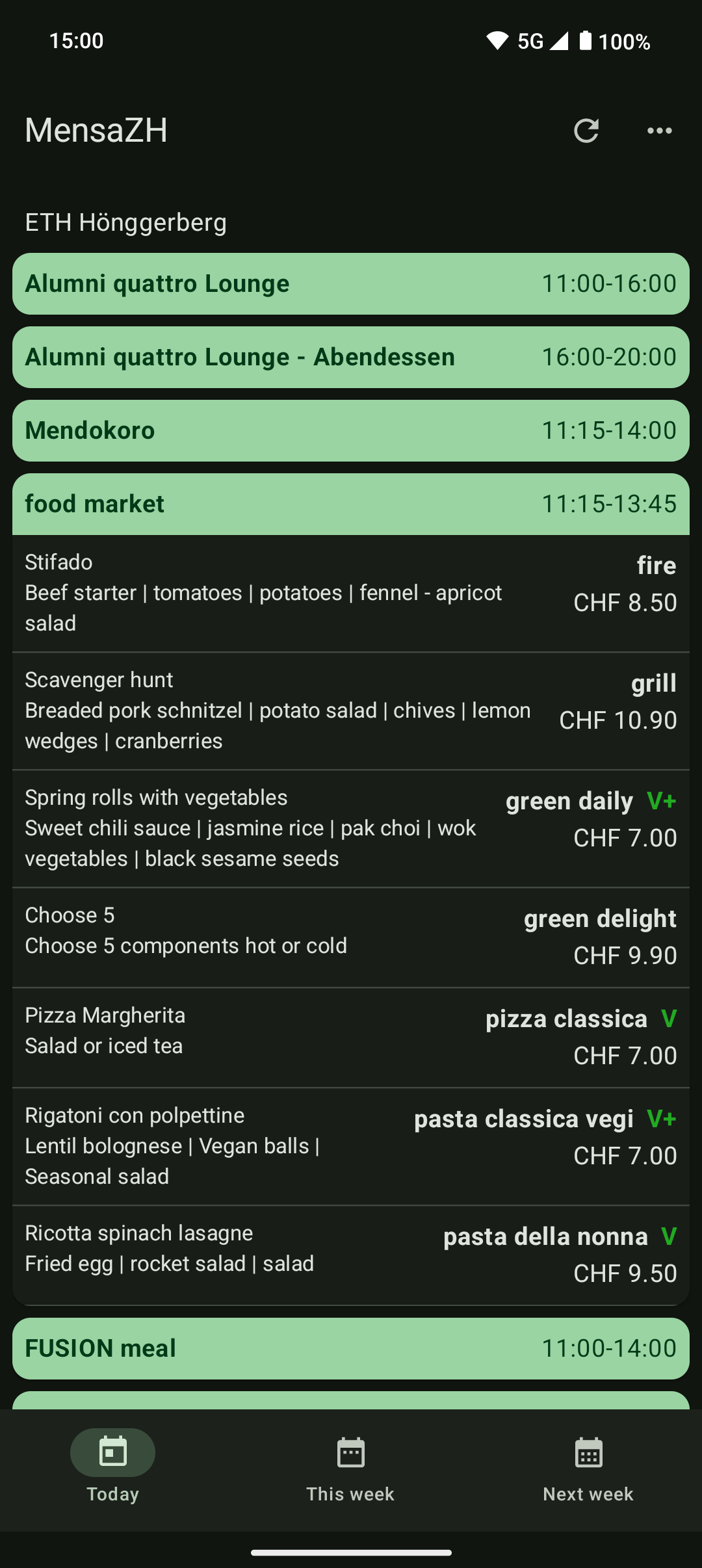
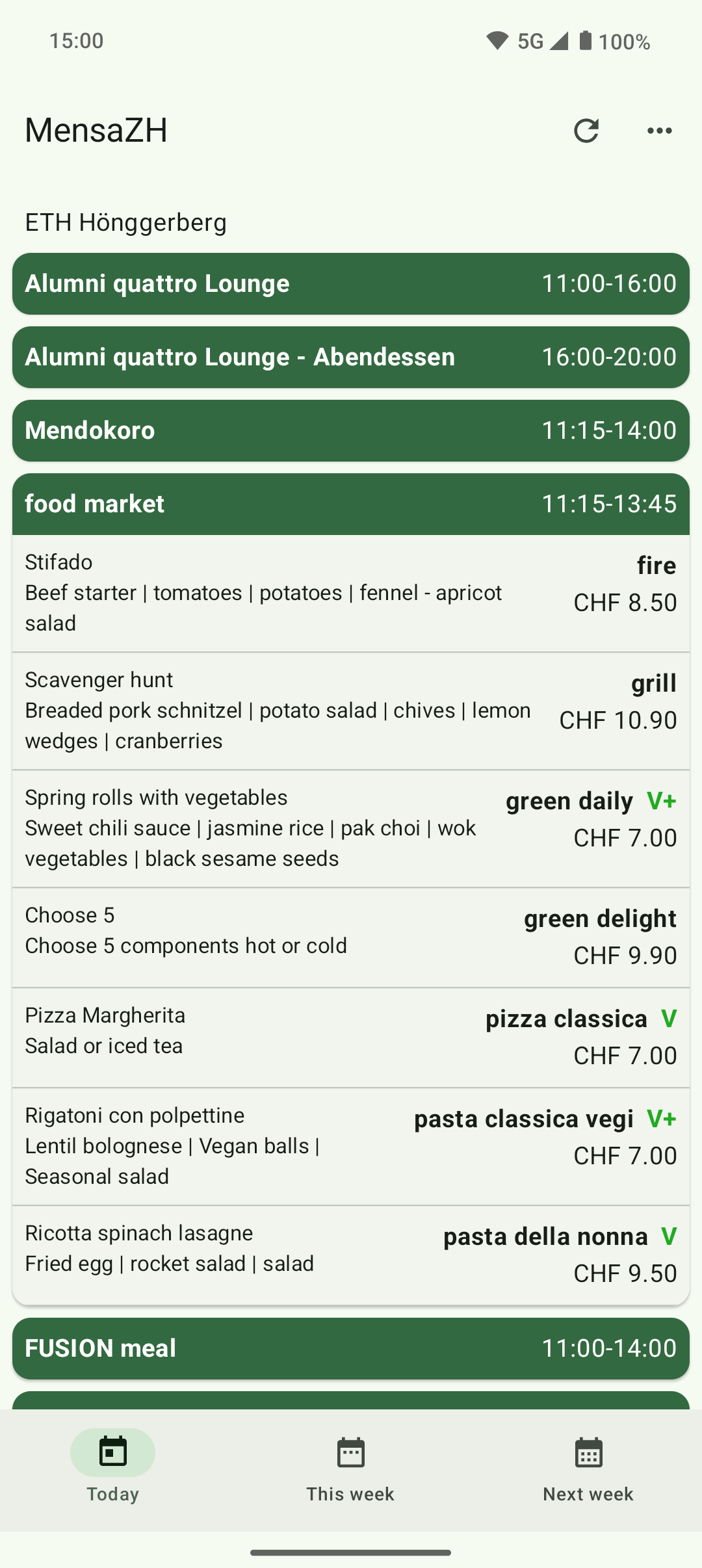
Get an overview of today's, this week's or next week's menus.
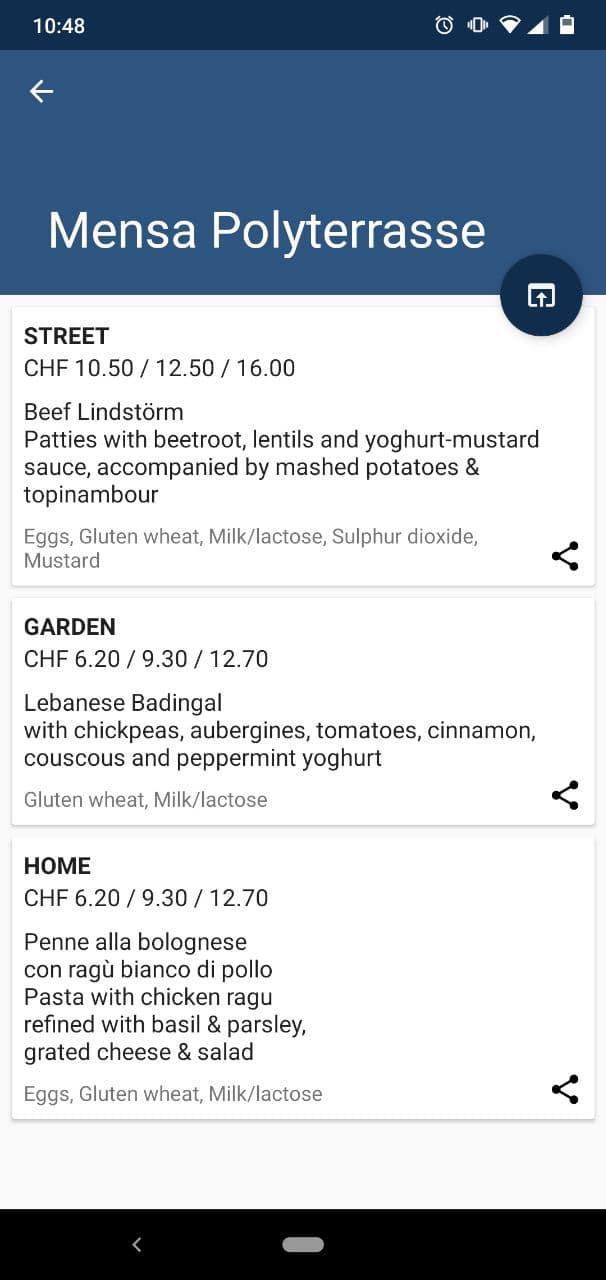
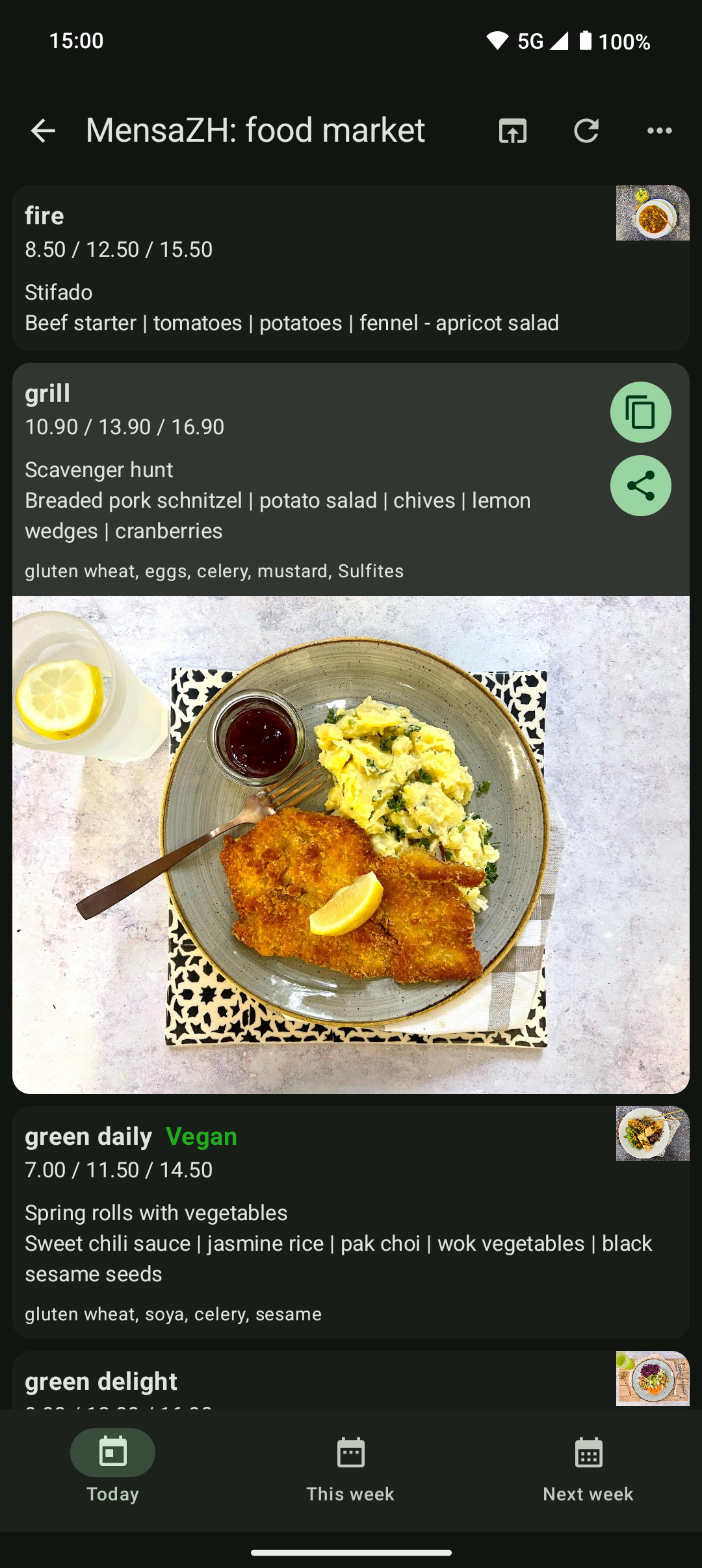
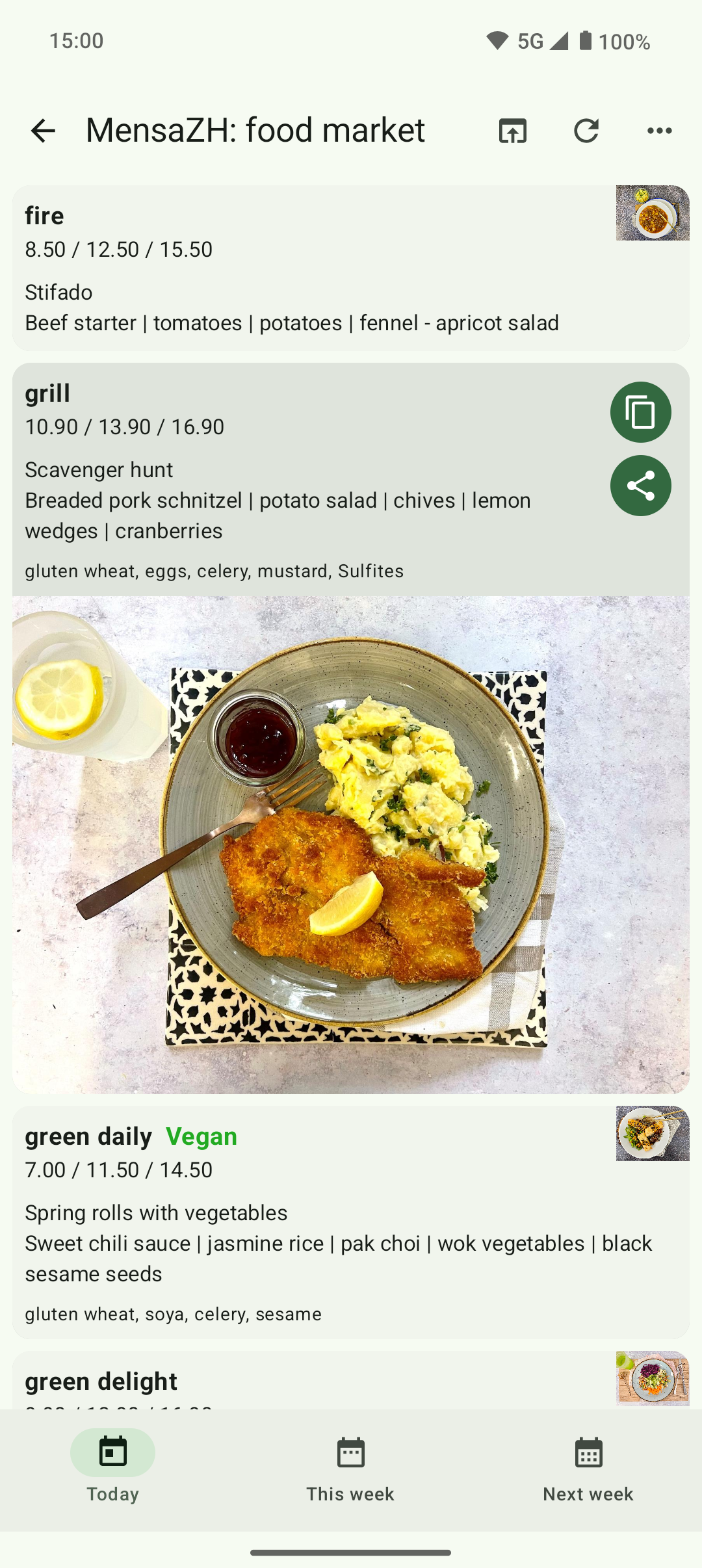
Find pictures and details such as allergy information in the details.
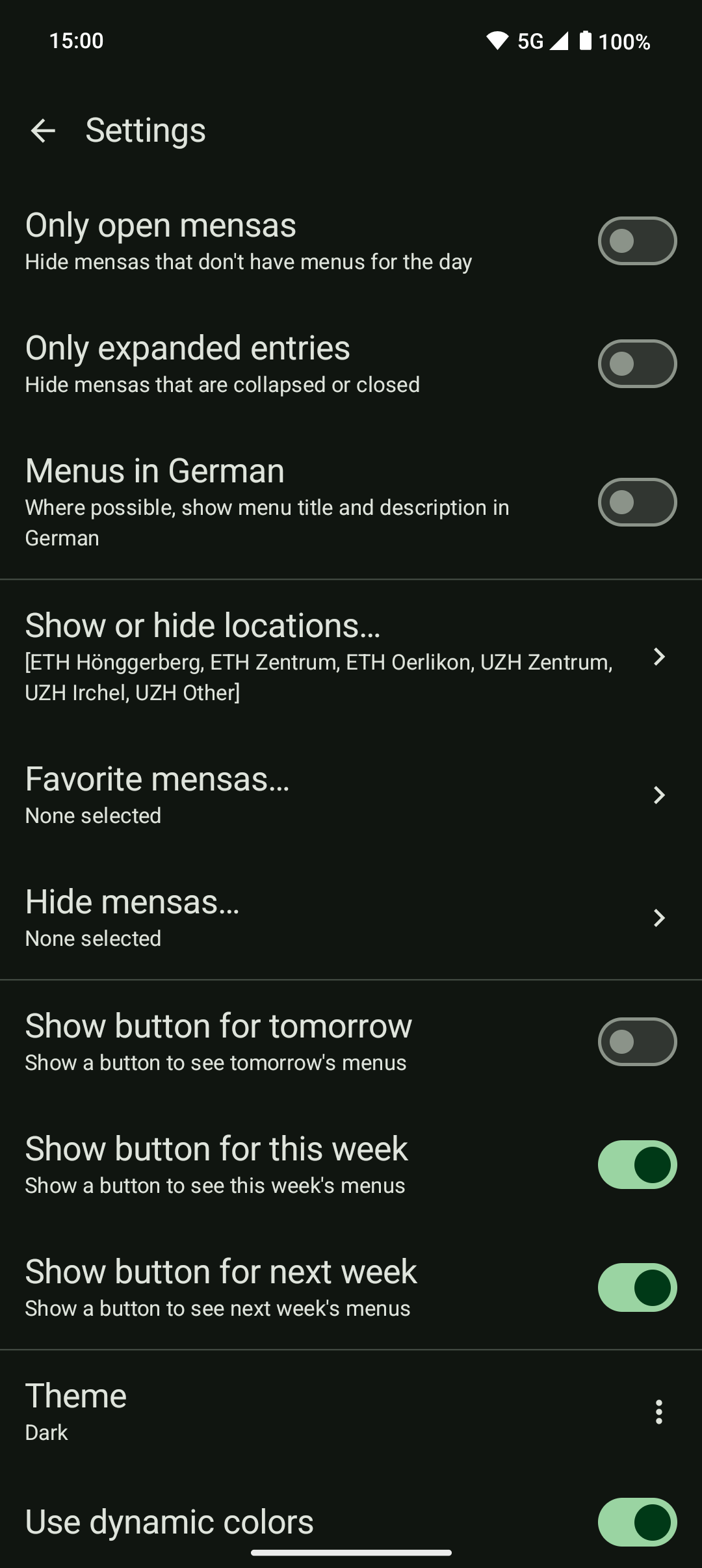
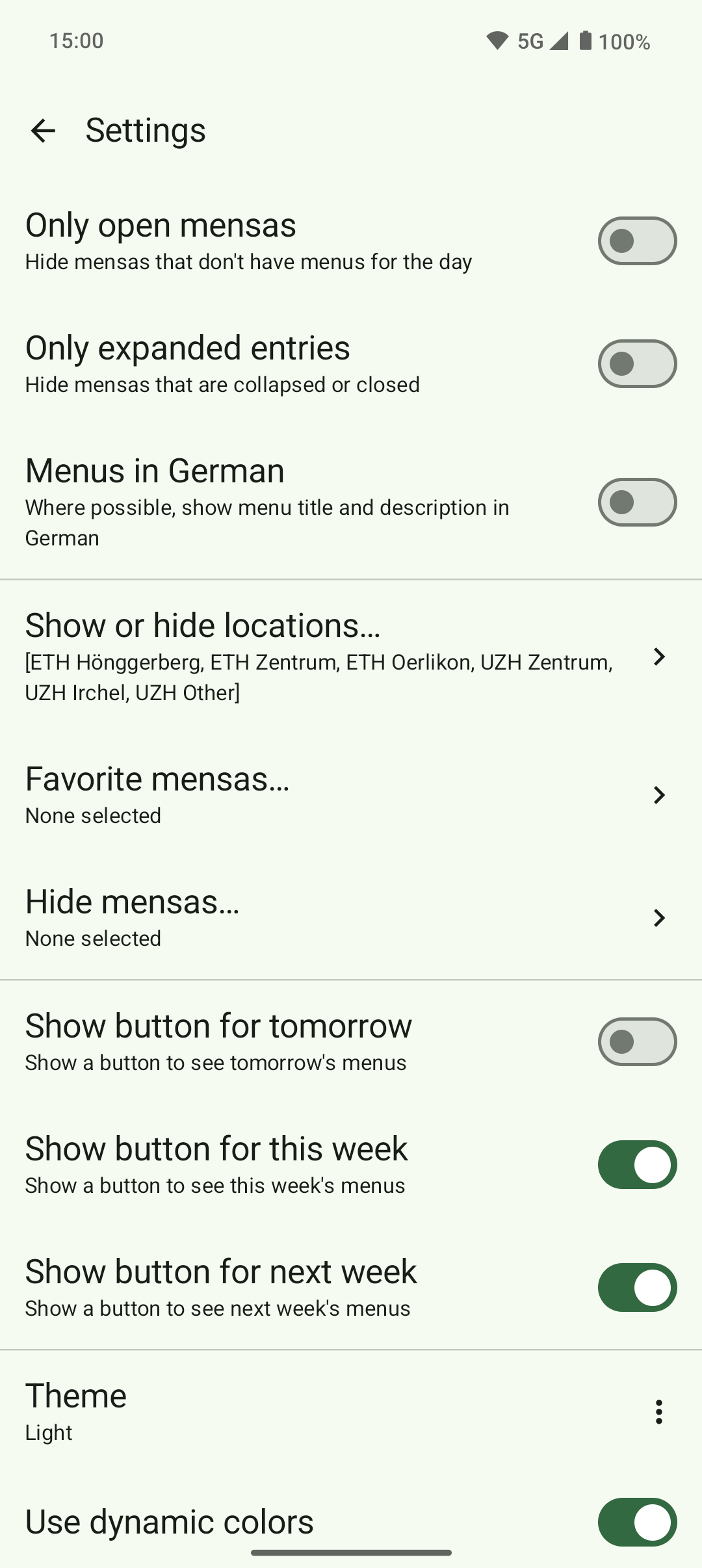
Customise the display to suit your needs: sort locations, favourite mensas, hide them, and more in the settings.
Screenshots
What’s new
New features and settings (some requested by you, thanks!), bugfixes and performance improvements!
New settings to fit your needs:
* Choose between 2 or 3 lines of detail in list overview * Enable allergen display in list overview * Choose to automatically show the image of the tapped menu * Sort or hide menus by types (standard (meat, fish etc.), vegetarian, vegan) [Warning: labeling not done by the app, may be inconsistent or wrong] * Choose the app language in your system settings (translat
How to install
Download the APK from the button at the top of this page.
Allow “Install unknown apps” for your browser or file manager only, not for every app.
Open the downloaded file and confirm the installation.
If installation fails with “App not installed,” remove an earlier build of the same app first. A signature conflict is the usual cause.
Data safety
Every file is checked against its published SHA-256 before it is listed.
Files are scanned for malware on every update.
The permissions each app requests are listed on its own page.
Read the full safety policy for how we test, flag, and delist files.