Mirror applications for HUD display with horizontal flip.
F-Droid repository metadata
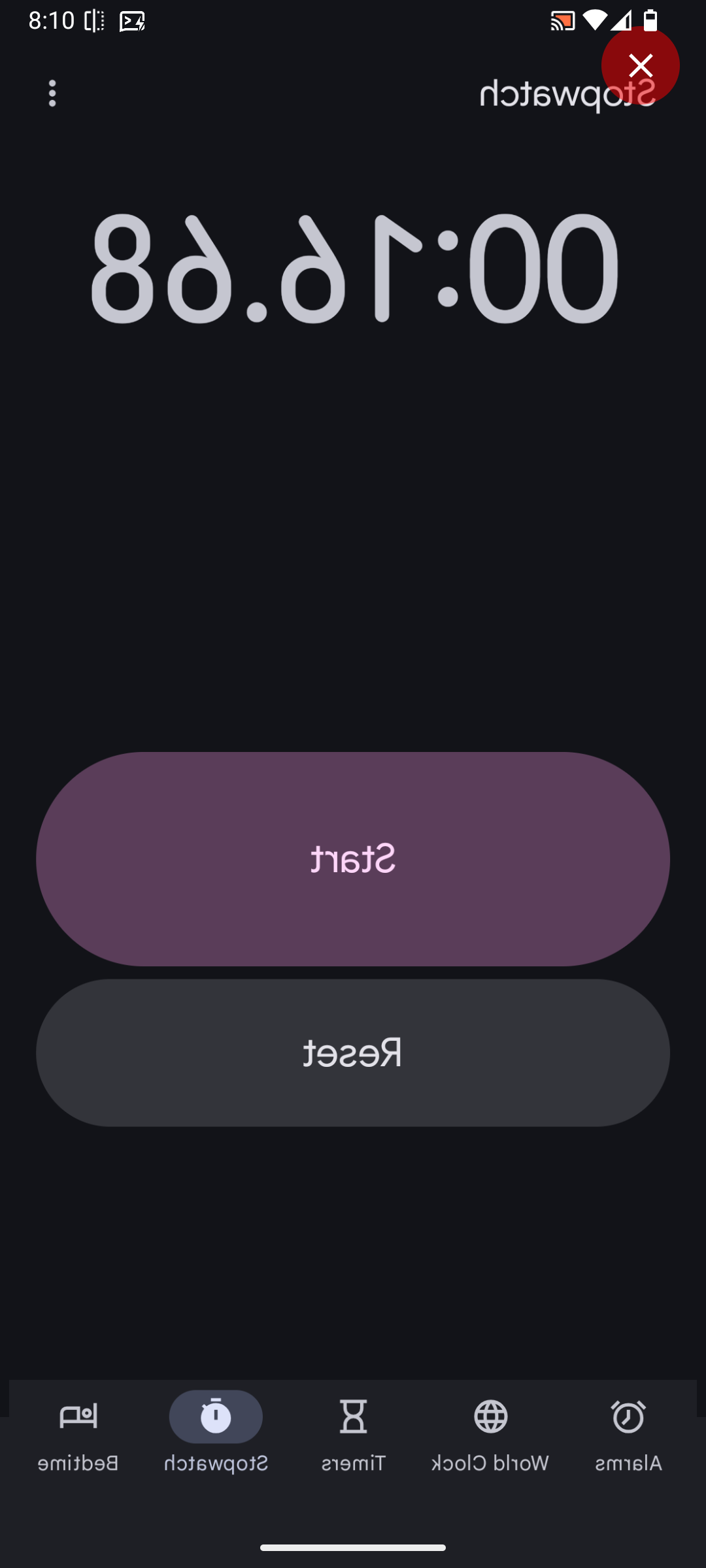
Middor is a free and open-source Android application for mirroring apps on your device.
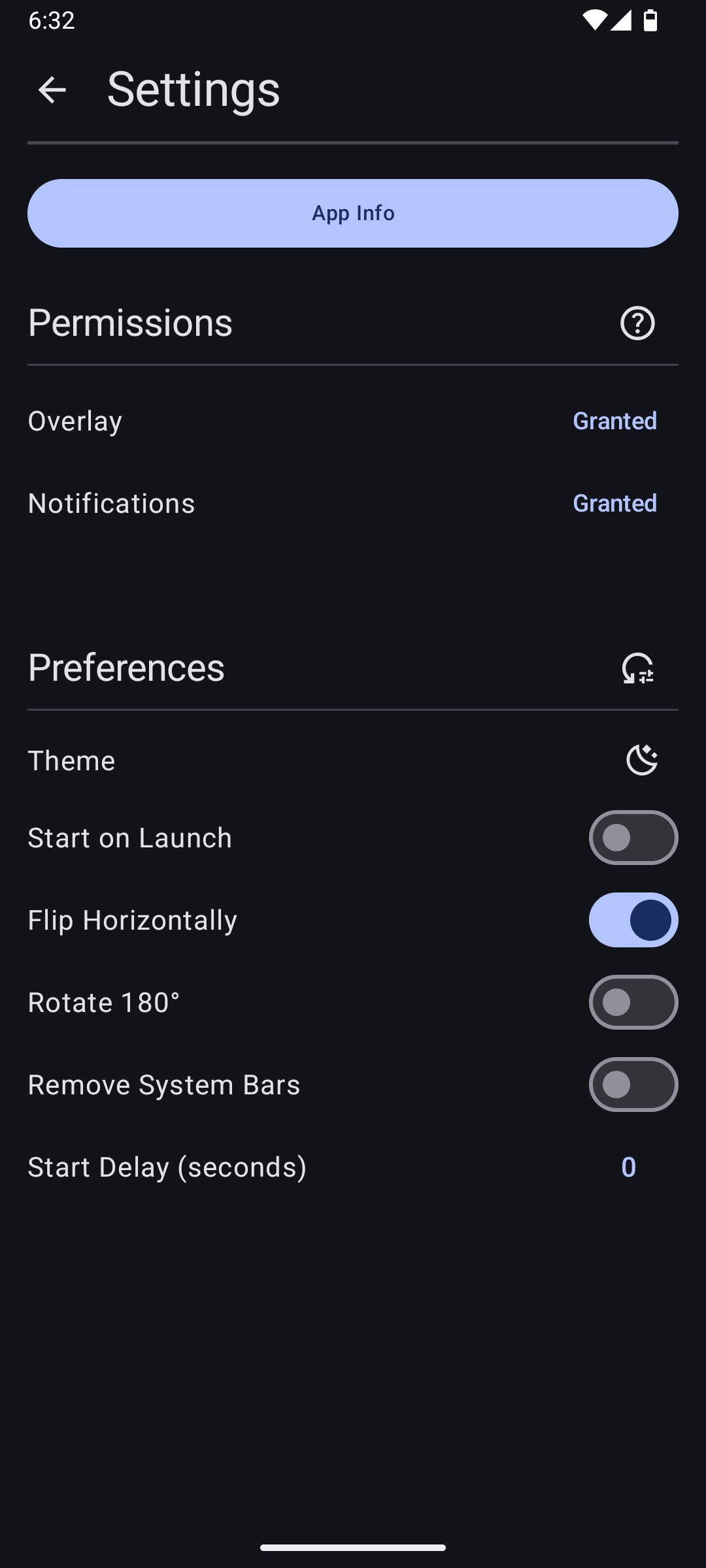
With built-in support for horizontal flip and 180° rotation, Middor can be used to:
Display apps on a HUD
Project content onto a car windscreen (e.g. Google Maps navigation)
View mirrored images and videos
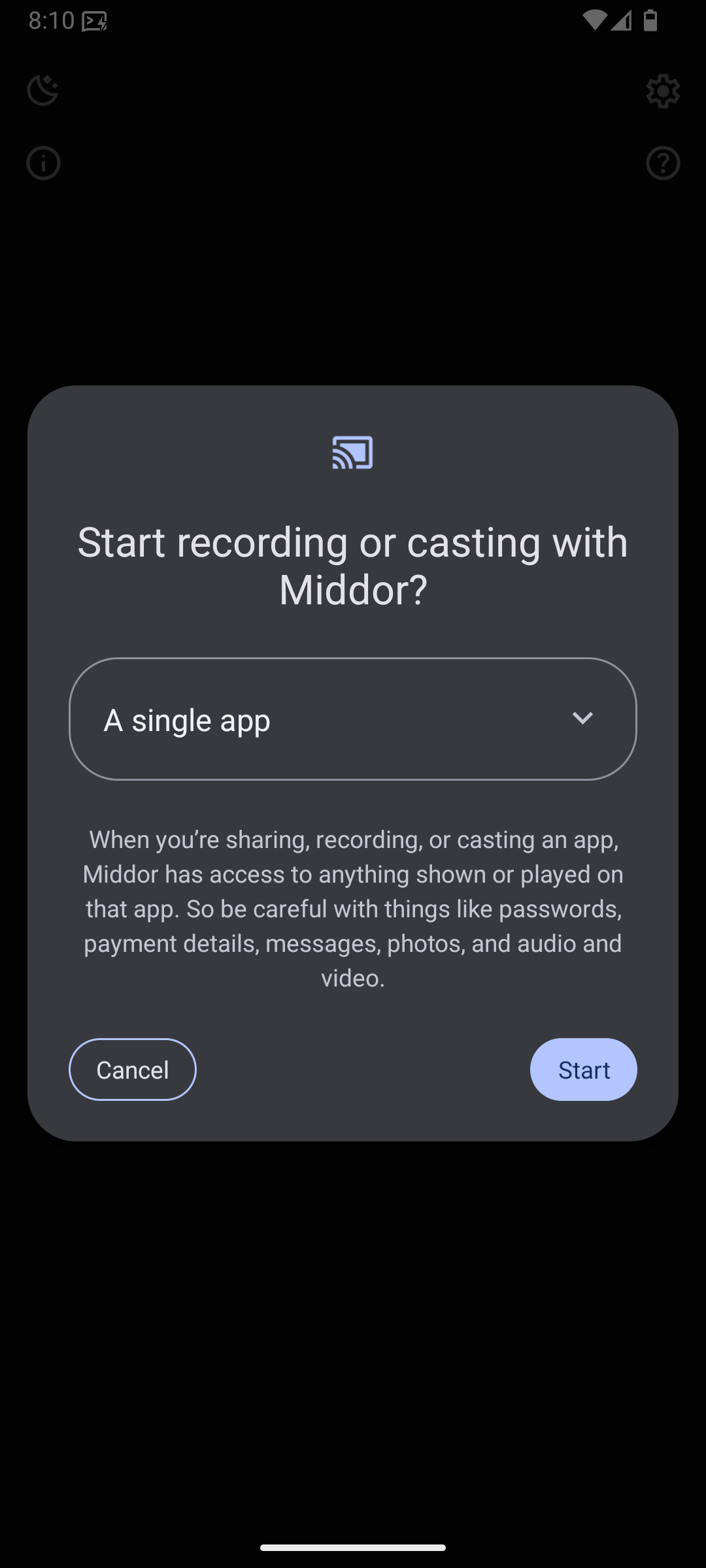
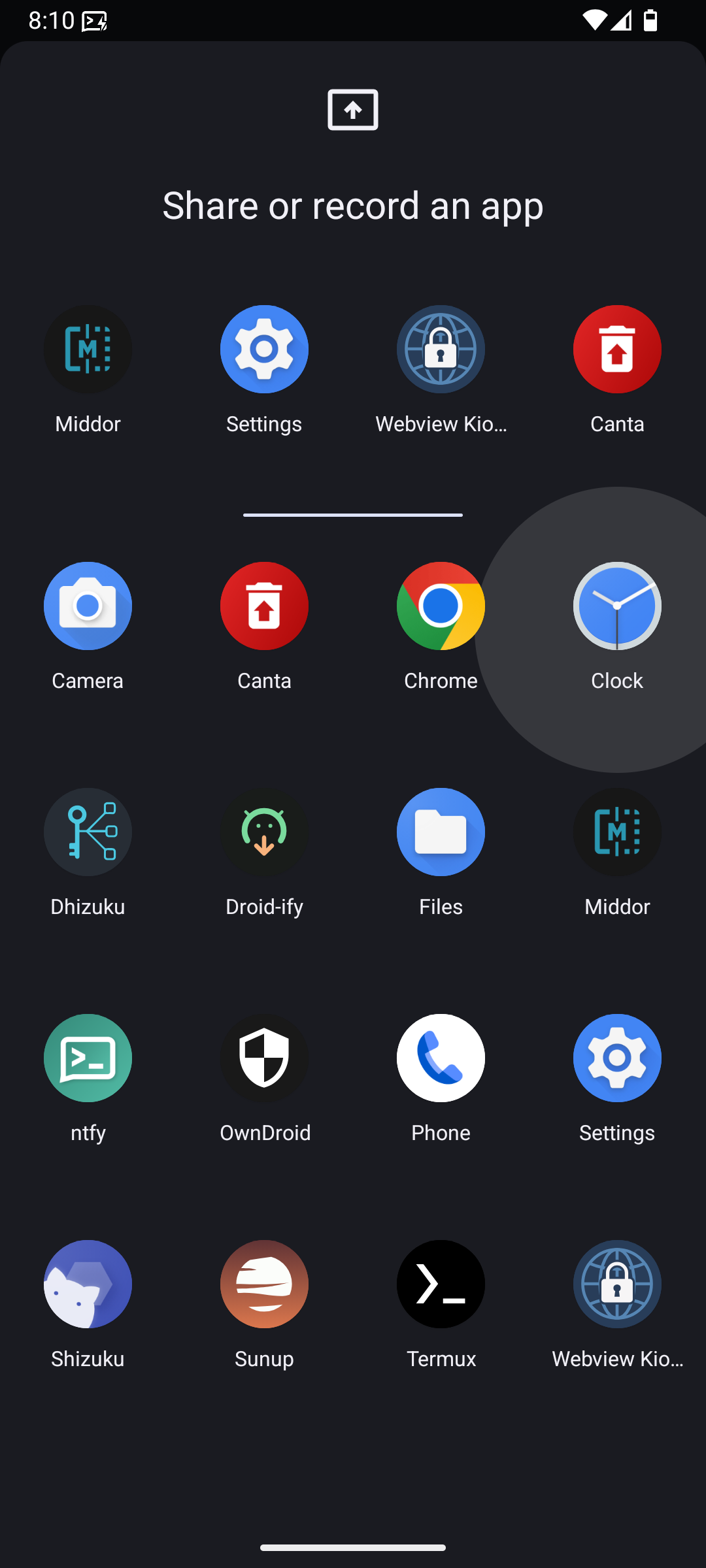
Middor only supports devices running Android 14 QPR2 or higher, as it relies on the single app screen sharing feature. For more details, see Android 14 - App Screen Sharing: https://developer.android.com/about/versions/14/features/app-screen-sharing
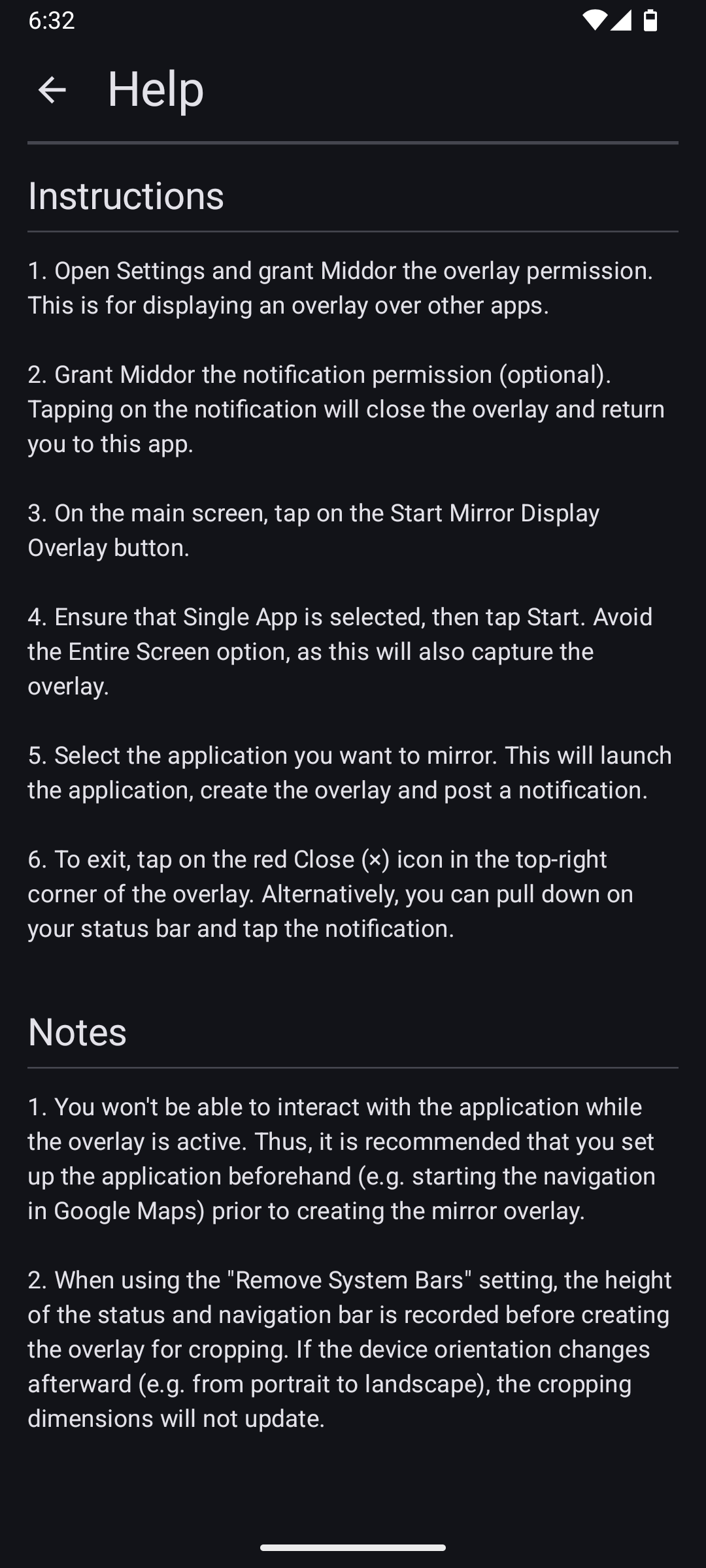
For usage instructions, see https://github.com/nktnet1/middor/discussions/2
Permissions
SYSTEM_ALERT_WINDOW: to draw a mirror overlay on top of other apps
FOREGROUND_SERVICE: to run the mirror service continuously while the overlay is active
FOREGROUND_SERVICE_MEDIA_PROJECTION: for capturing the screen content of the underlying app
POST_NOTIFICATIONS: (optional) to display the mirror service notification with additional actions
Contact
Questions/Feature Requests
Create a Q&A for questions and Ideas for feature requests on GitHub discussions: https://github.com/nktnet1/middor/discussions
Bugs/Issues
Report bugs by creating a GitHub issue describing the problem and how it can be reproduced: https://github.com/nktnet1/middor/issues
Please also include your device model, app version and android version.
Other
For all other inquiries, please reach out to: [email protected]
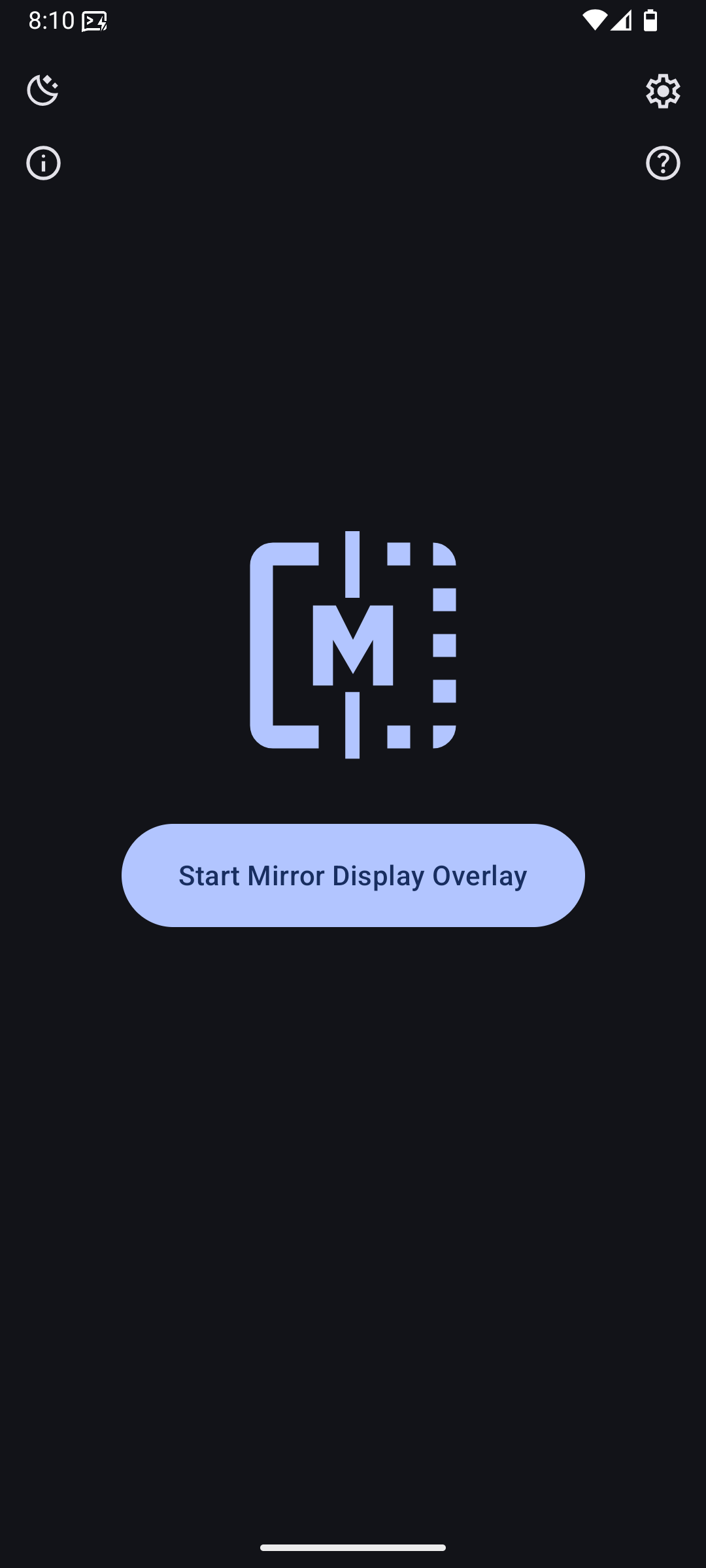
Screenshots
What’s new
## Changes
- feat: setting to remove system bars
How to install
Download the APK from the button at the top of this page.
Allow “Install unknown apps” for your browser or file manager only, not for every app.
Open the downloaded file and confirm the installation.
If installation fails with “App not installed,” remove an earlier build of the same app first. A signature conflict is the usual cause.
Data safety
Every file is checked against its published SHA-256 before it is listed.
Files are scanned for malware on every update.
The permissions each app requests are listed on its own page.
Read the full safety policy for how we test, flag, and delist files.