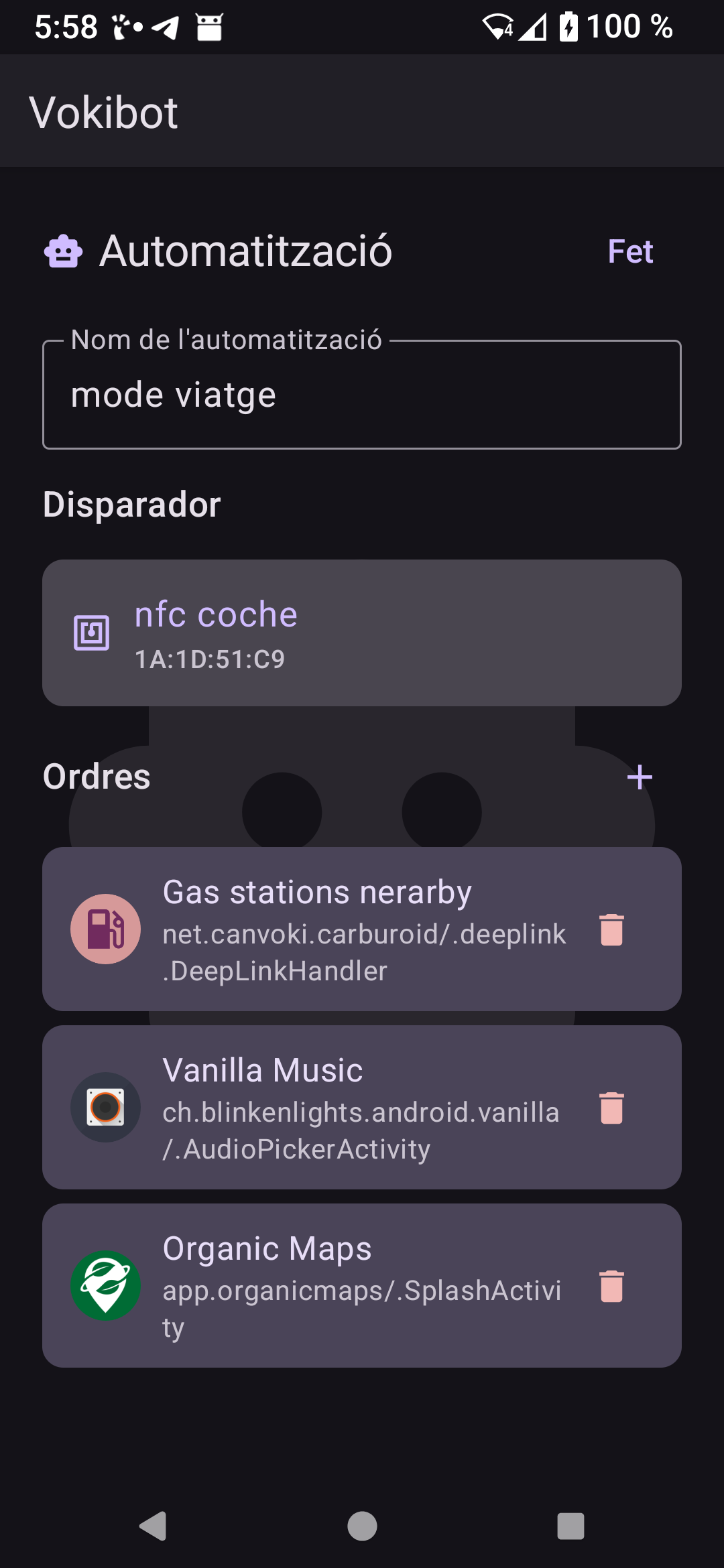
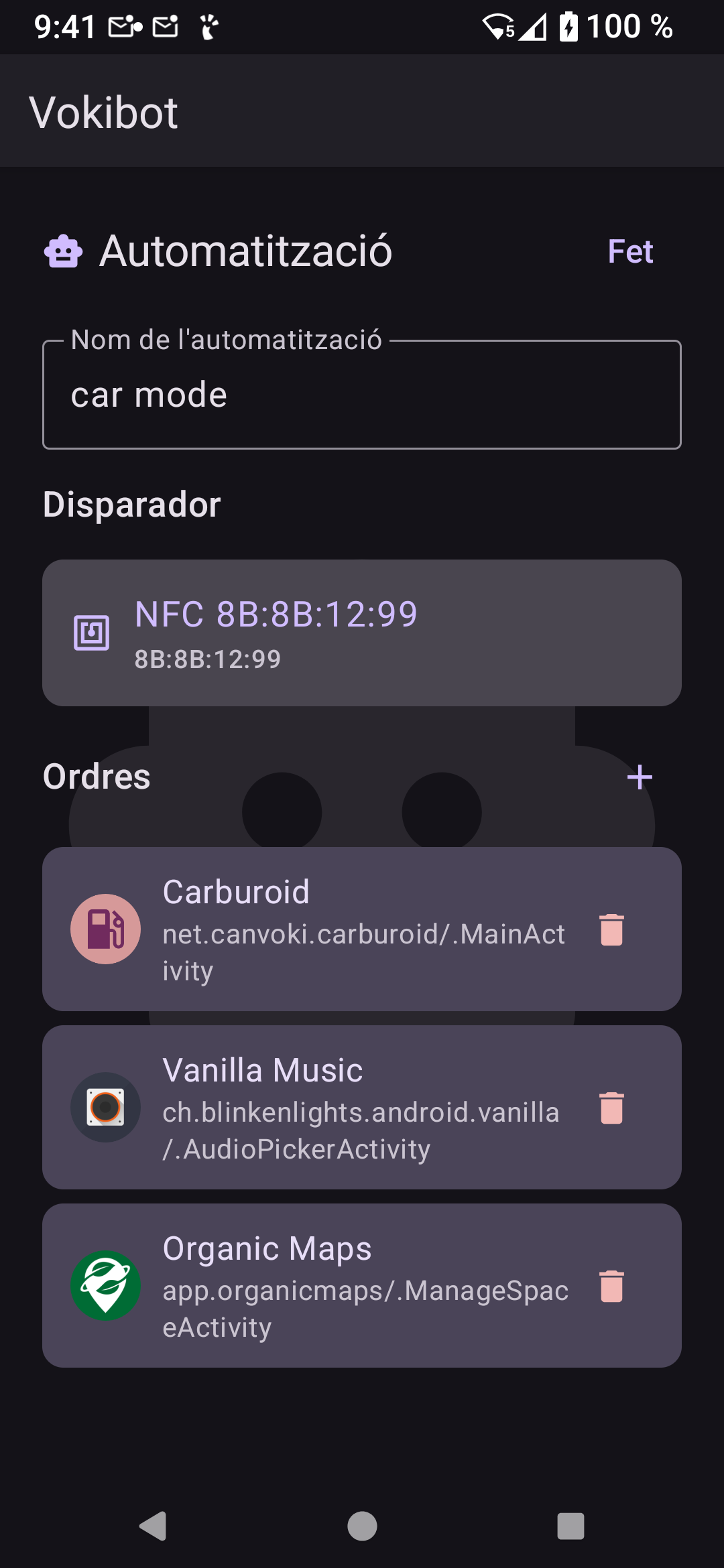
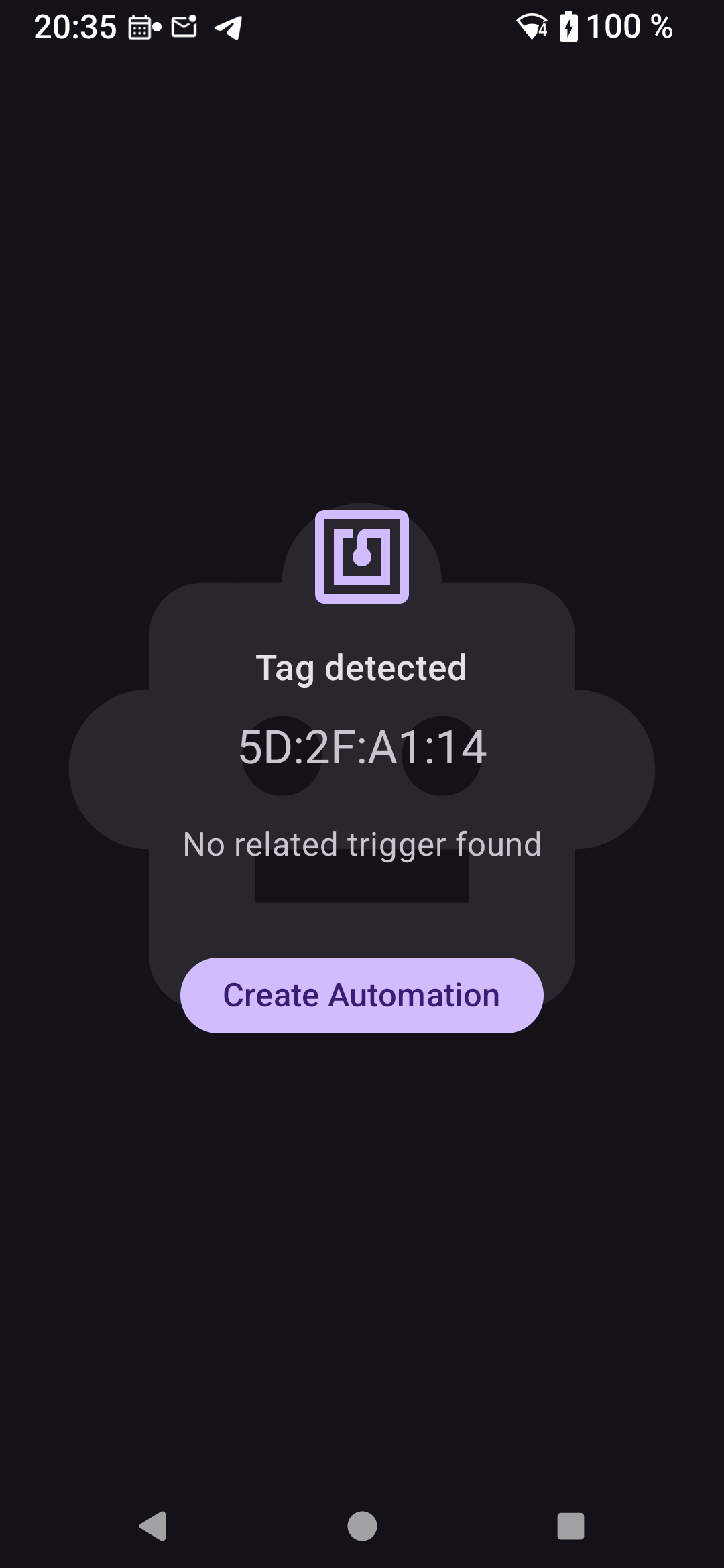
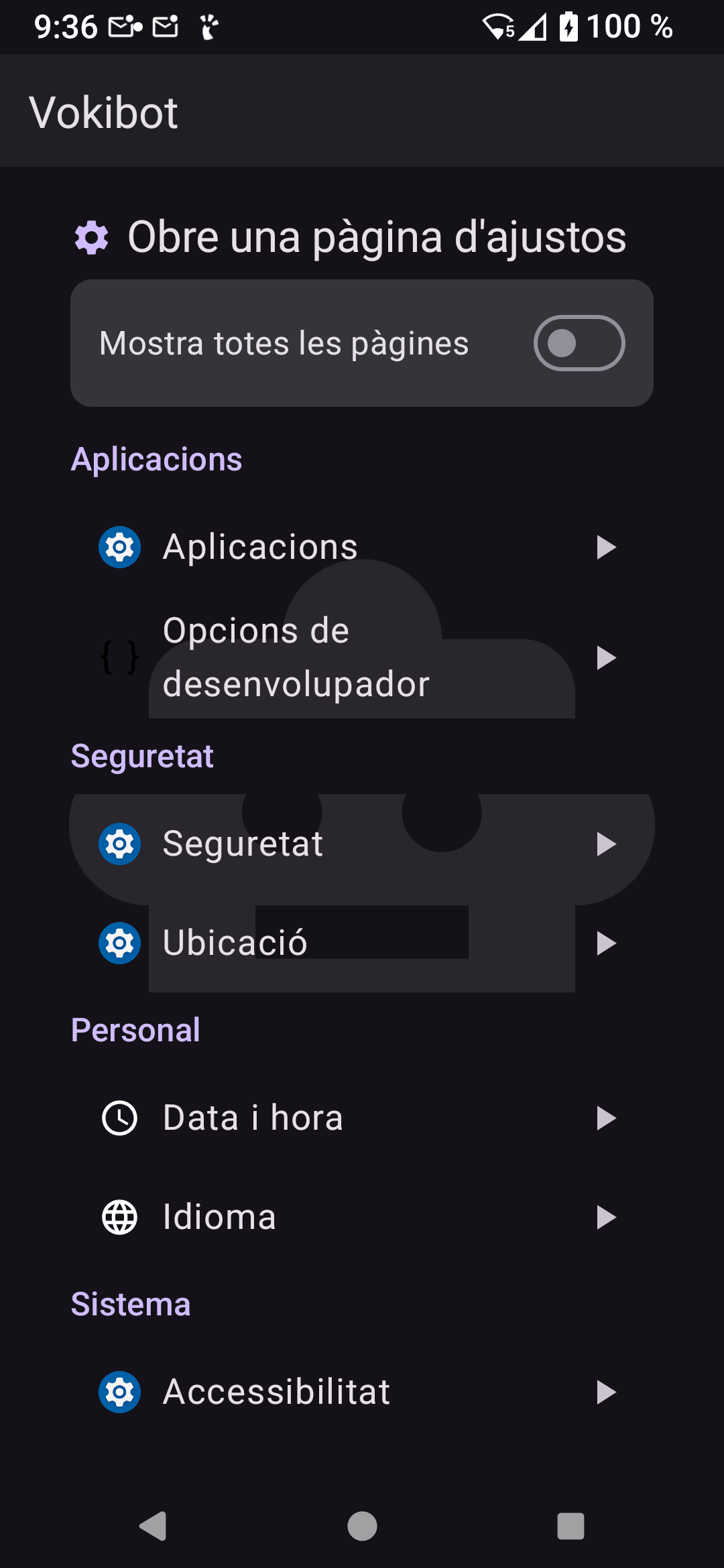
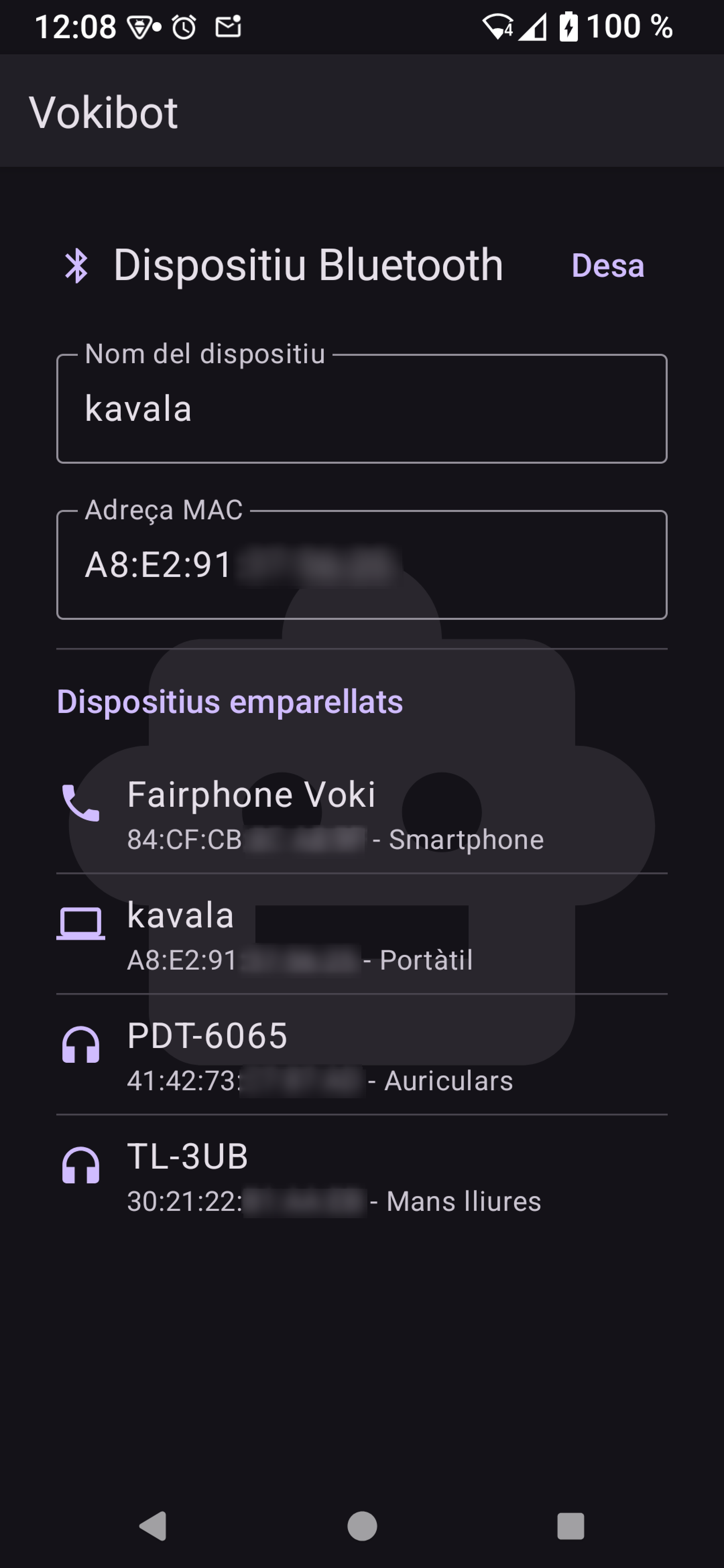
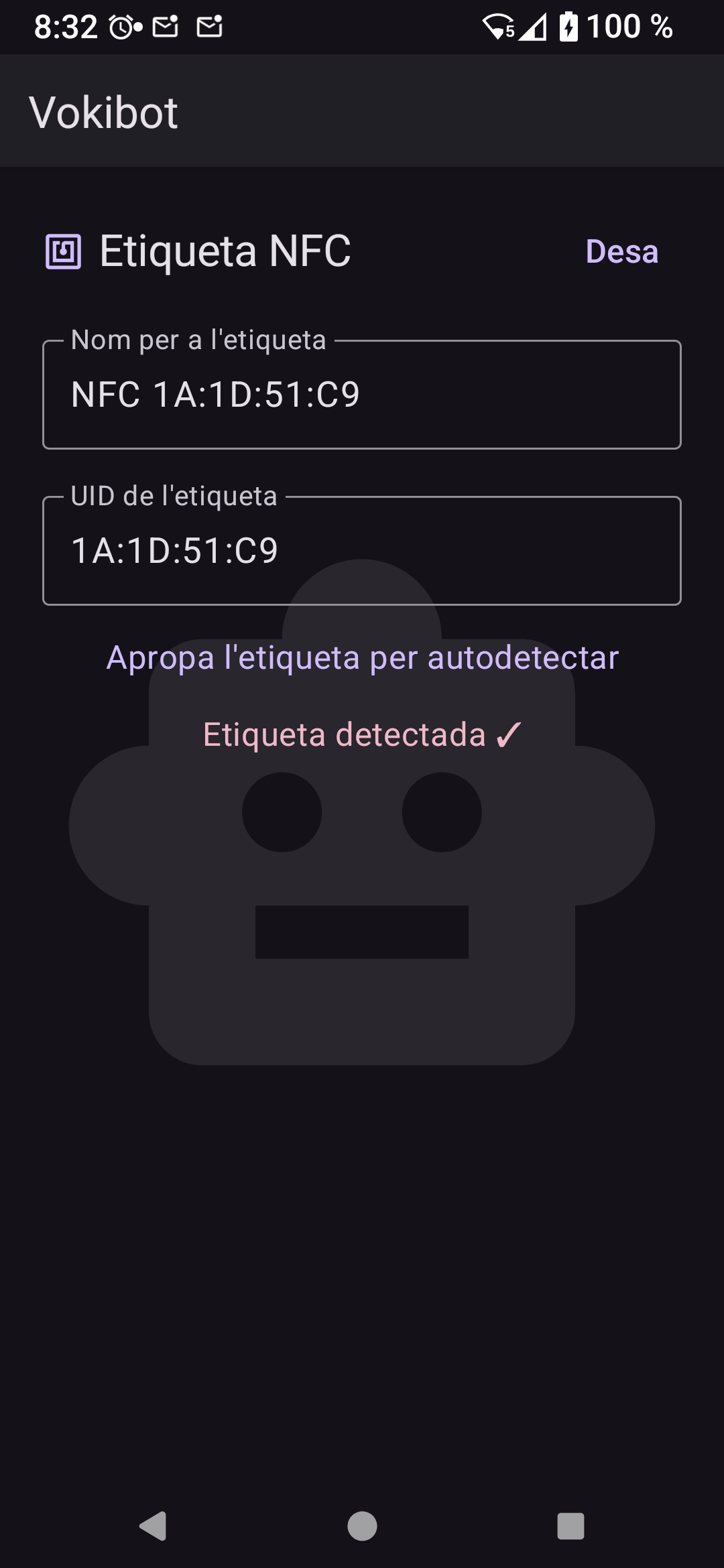
Makes your Android device perform actions (commands) whenever something happens (triggers).
Implemented triggers:
- NFC tags (configure by tapping)
- Shortcuts (creates launcher icons)
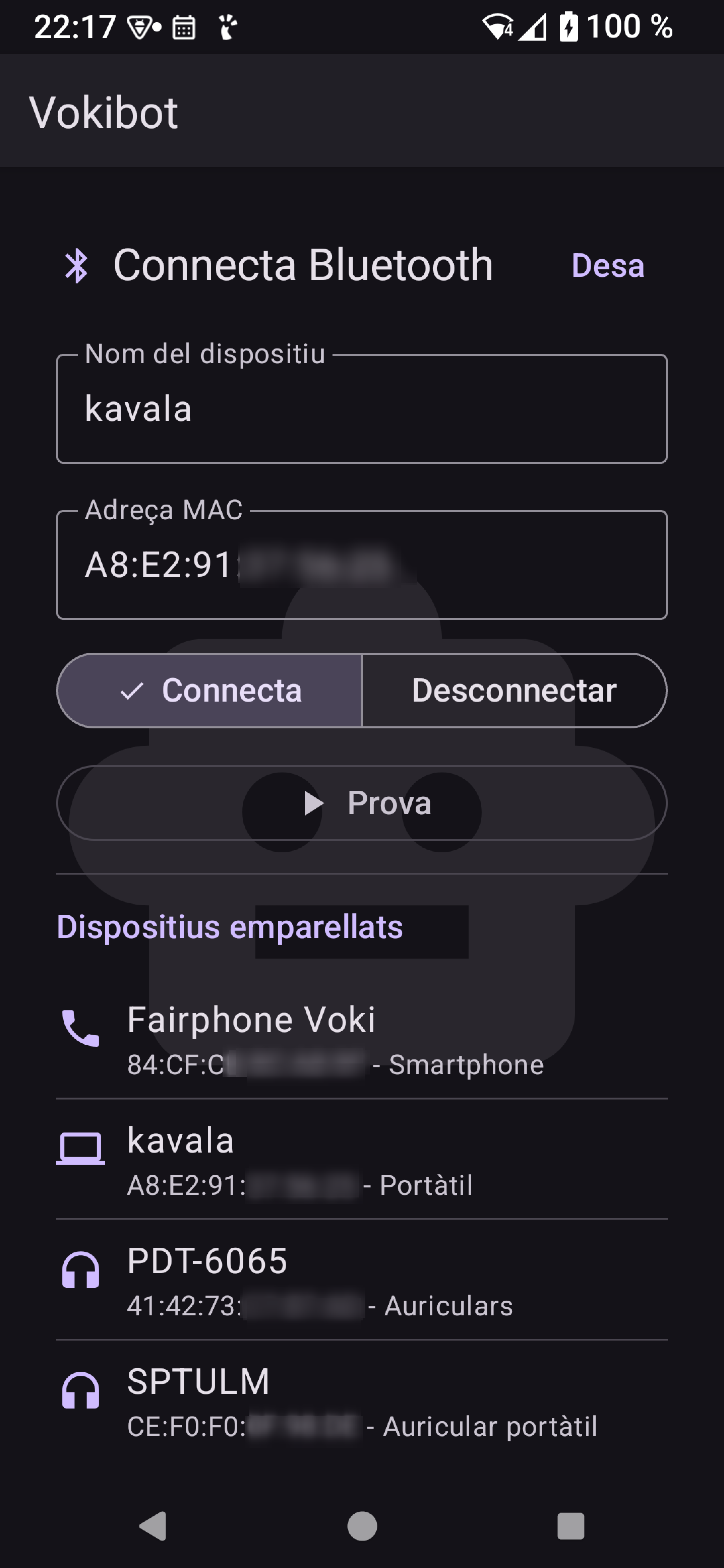
- Bluetooth device (on connect to it)
Implemented commands:
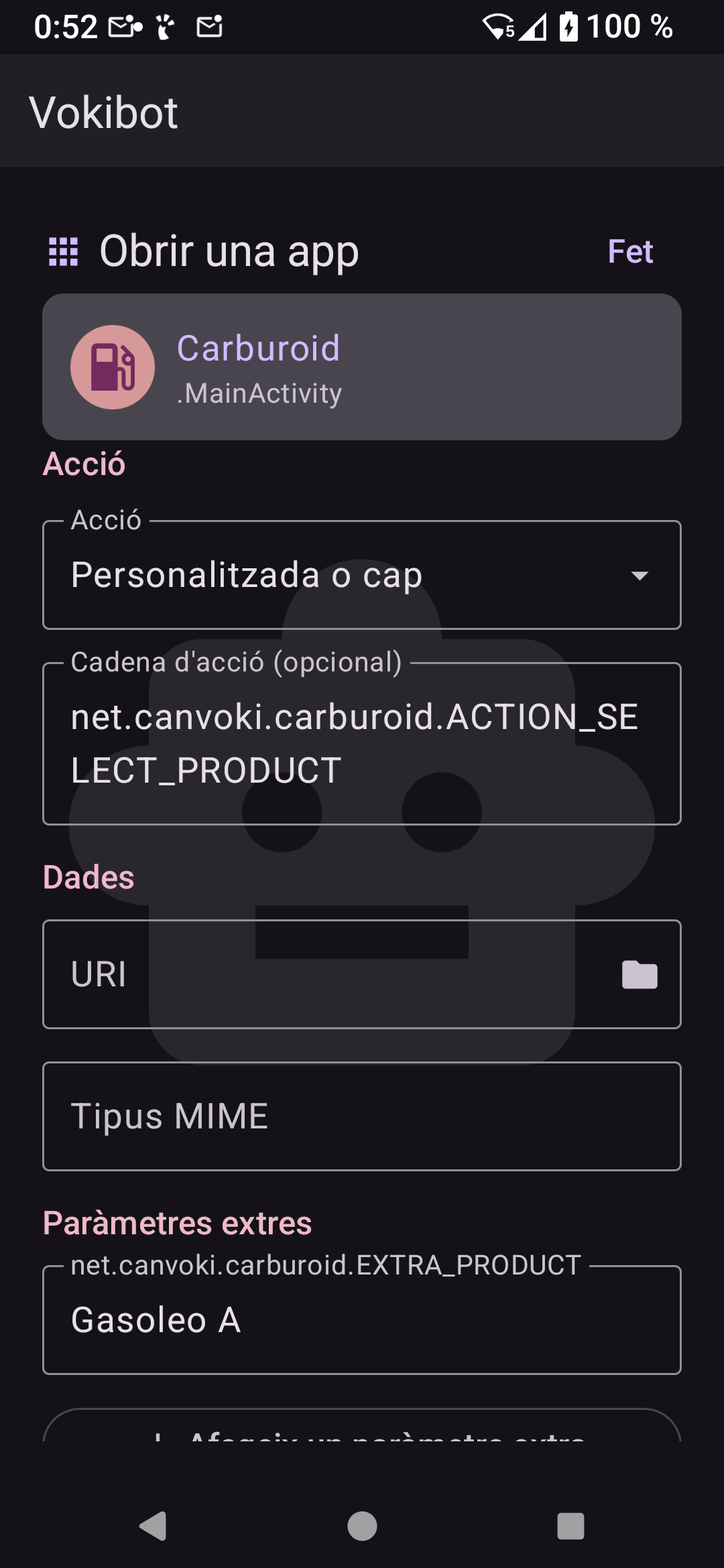
- Activate application components: Activities, Services, Receivers
- Open system configuration pages
- Connect or disconnect Bluetooth devices
Screenshots
What’s new
## 0.7.0 (2026-06-30)
Change system settings and quick settings panels
- ✨ Using nfc panel instead settings page, when available, to enable NFC - ✨ Quick panels for Internet, Wifi, Nfc and Volume available as Settings Page - ✨ Change system settings command Solves: #1 #2 #3 - ✨ Type dependant setting value editor: Selects, Multiselects, Ranges... - ✨ Alternative raw value editor for user freedom - ✨ Asks regular permission to write settings - ✨ Assistant to help user to obtain secure settings
How to install
Download the APK from the button at the top of this page.
Allow “Install unknown apps” for your browser or file manager only, not for every app.
Open the downloaded file and confirm the installation.
If installation fails with “App not installed,” remove an earlier build of the same app first. A signature conflict is the usual cause.
Data safety
Every file is checked against its published SHA-256 before it is listed.
Files are scanned for malware on every update.
The permissions each app requests are listed on its own page.
Read the full safety policy for how we test, flag, and delist files.