
Quick answer
Extend is an all-purpose display manager for any physical or virtual display.
F-Droid repository metadata
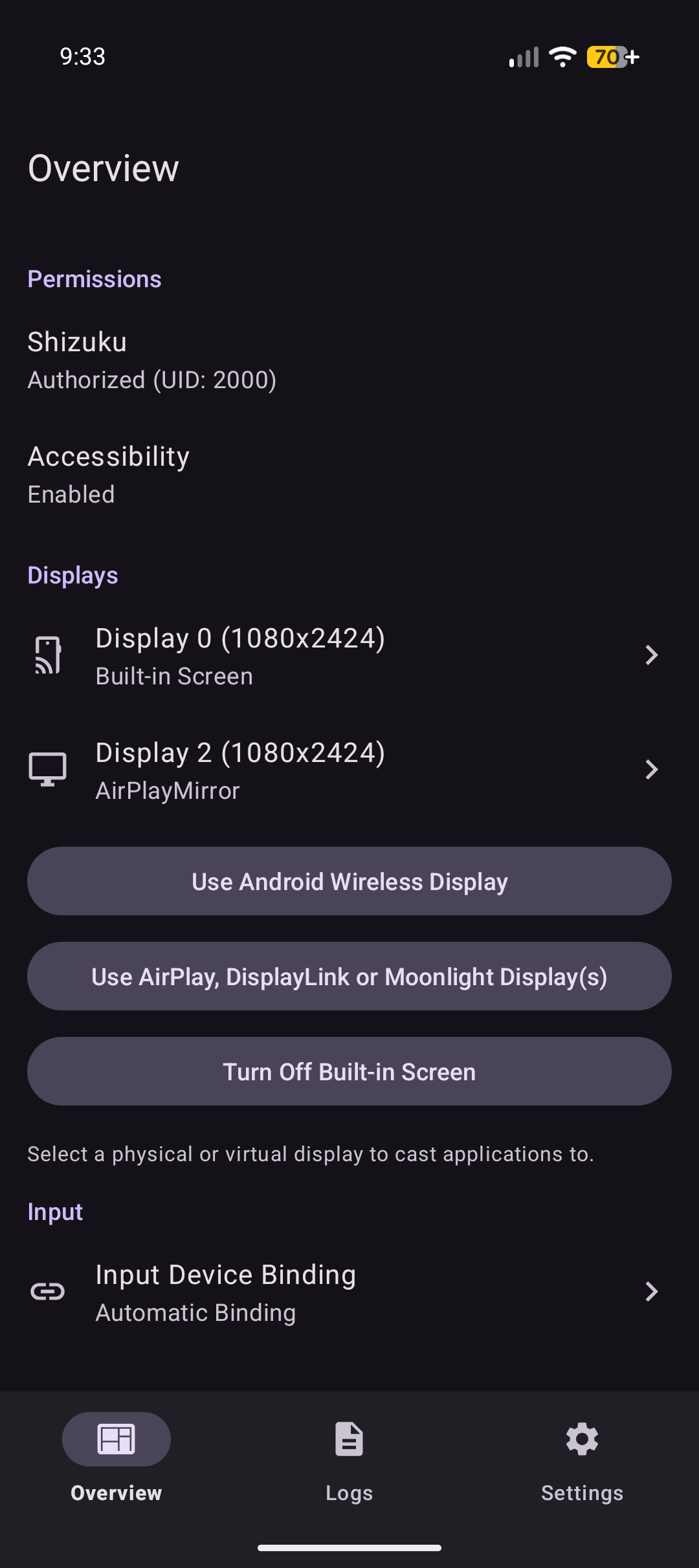
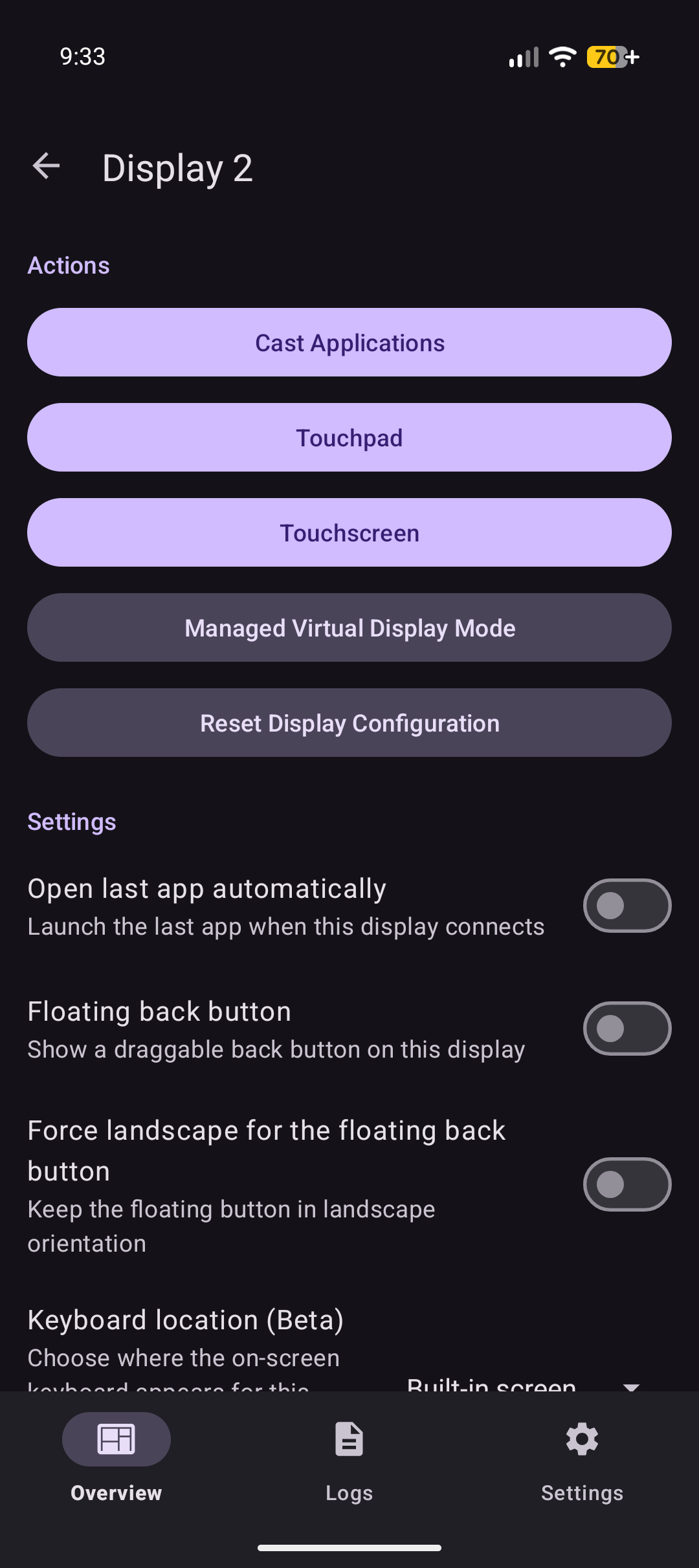
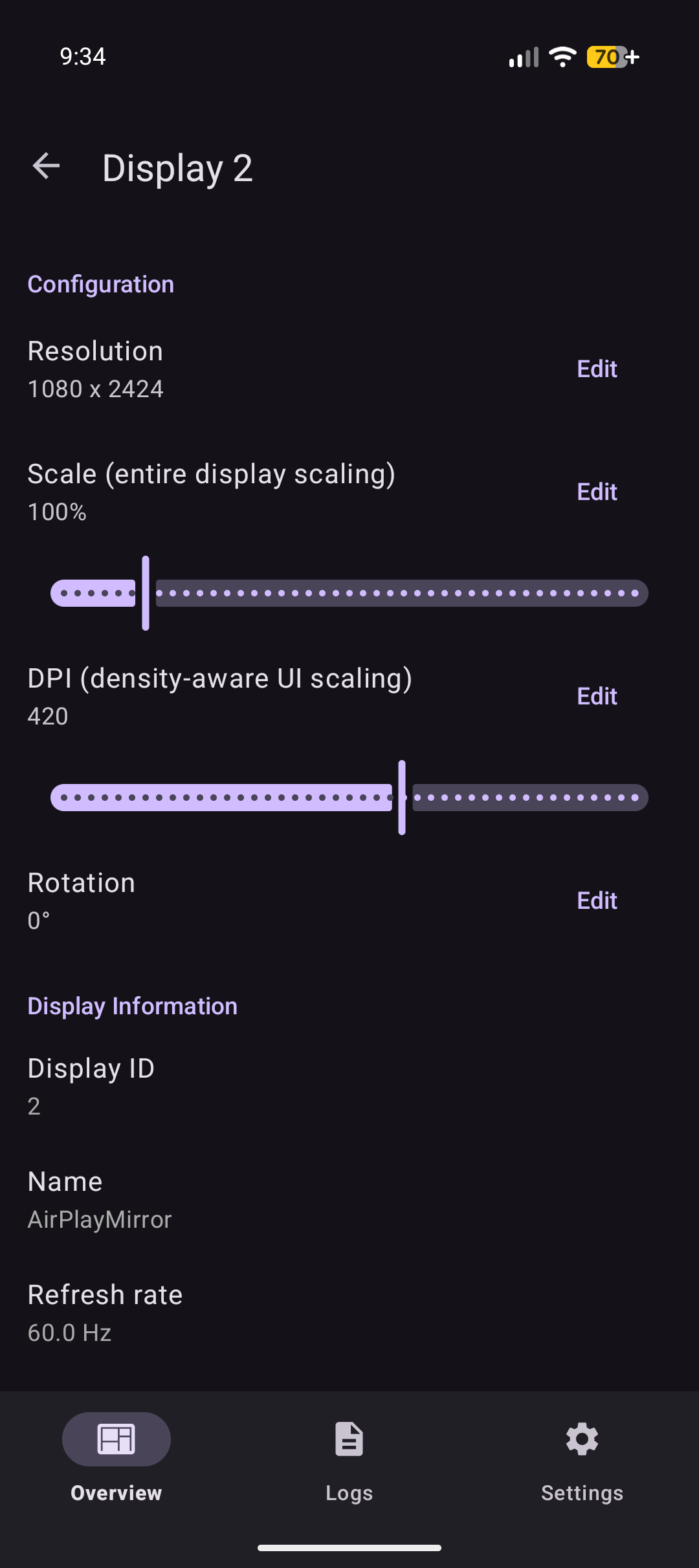
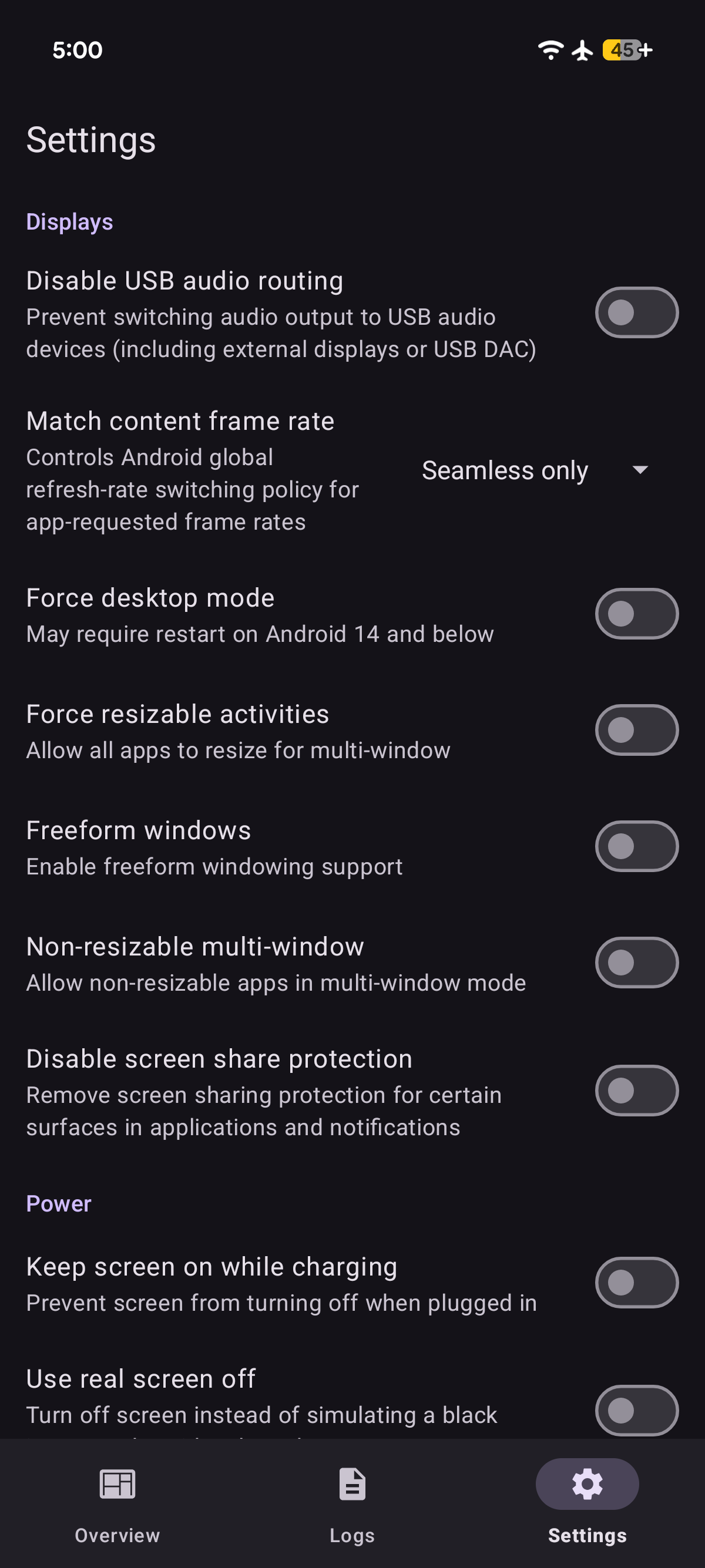
- Launch any application on any external display in full screen - Fully customizable resolution, scaling, DPI, and rotation for any display - Reset any per-display configuration back to system defaults - Built-in on-screen touchpad and keyboard for controlling any display - Touchpad control with support for multi-touch, rotation, digitizer only mode - External input device to display routing per input and display combination - Navigation controls including Back and Home buttons for content on external displays - Turning off built-in screen while keeping external displays active - Managed virtual display mode with customizable on-screen keyboard routing and window behavior
Accessibility Service API may be used to support additional features on external displays. With your consent, it can: - Simulate navigation actions for the on-screen touchpad and floating button - Draw the on-screen cursor - Read window details to direct your input to the focused window on the correct display
This information is used only on your device and is never collected, stored, or shared.
Screenshots
How to install
- Download the APK from the button at the top of this page.
- Allow “Install unknown apps” for your browser or file manager only, not for every app.
- Open the downloaded file and confirm the installation.
- If installation fails with “App not installed,” remove an earlier build of the same app first. A signature conflict is the usual cause.
Data safety
- Every file is checked against its published SHA-256 before it is listed.
- Files are scanned for malware on every update.
- The permissions each app requests are listed on its own page.
- Read the full safety policy for how we test, flag, and delist files.
Comments
Recent approved comments · sorted by newest
View all comments