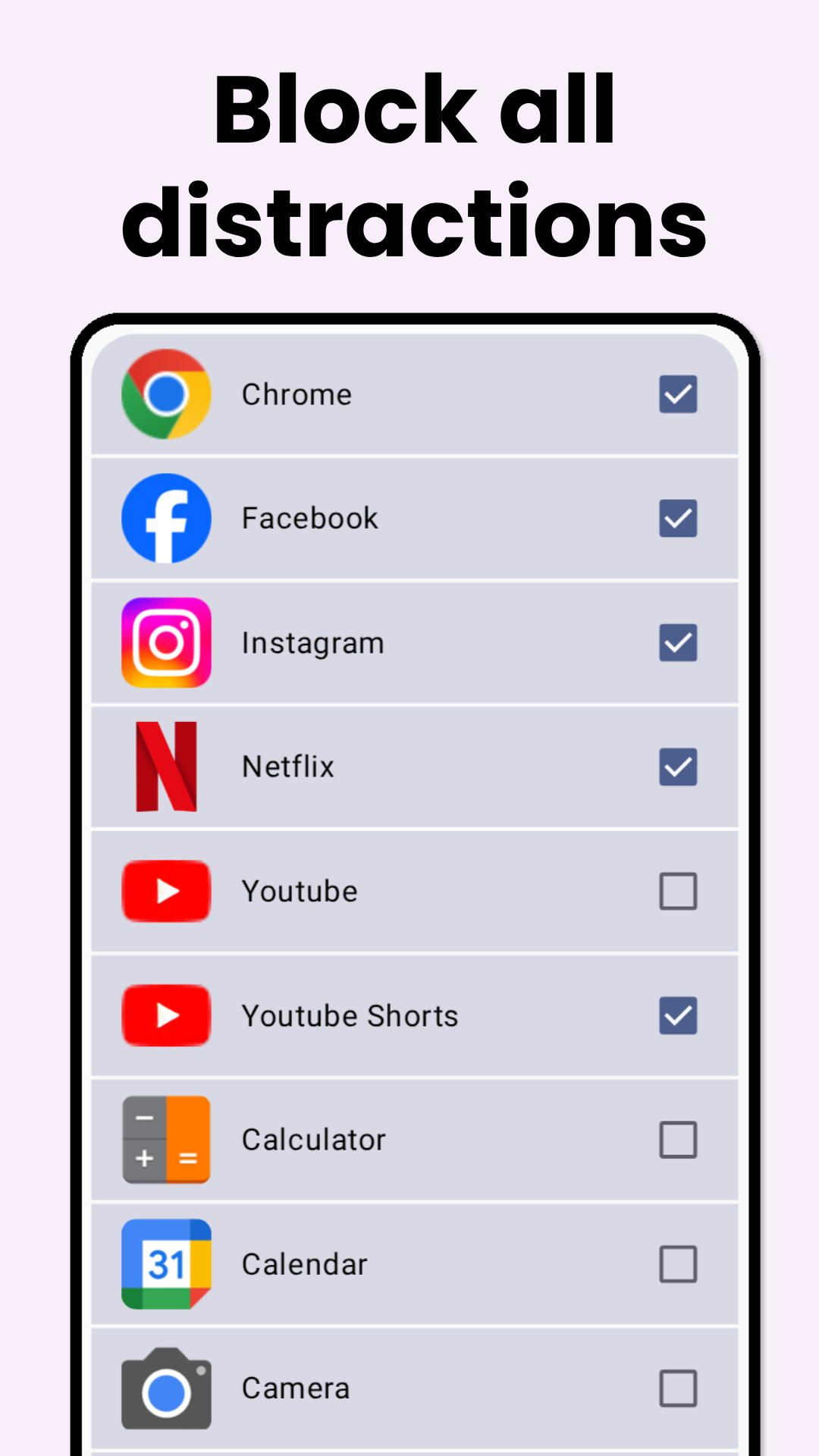
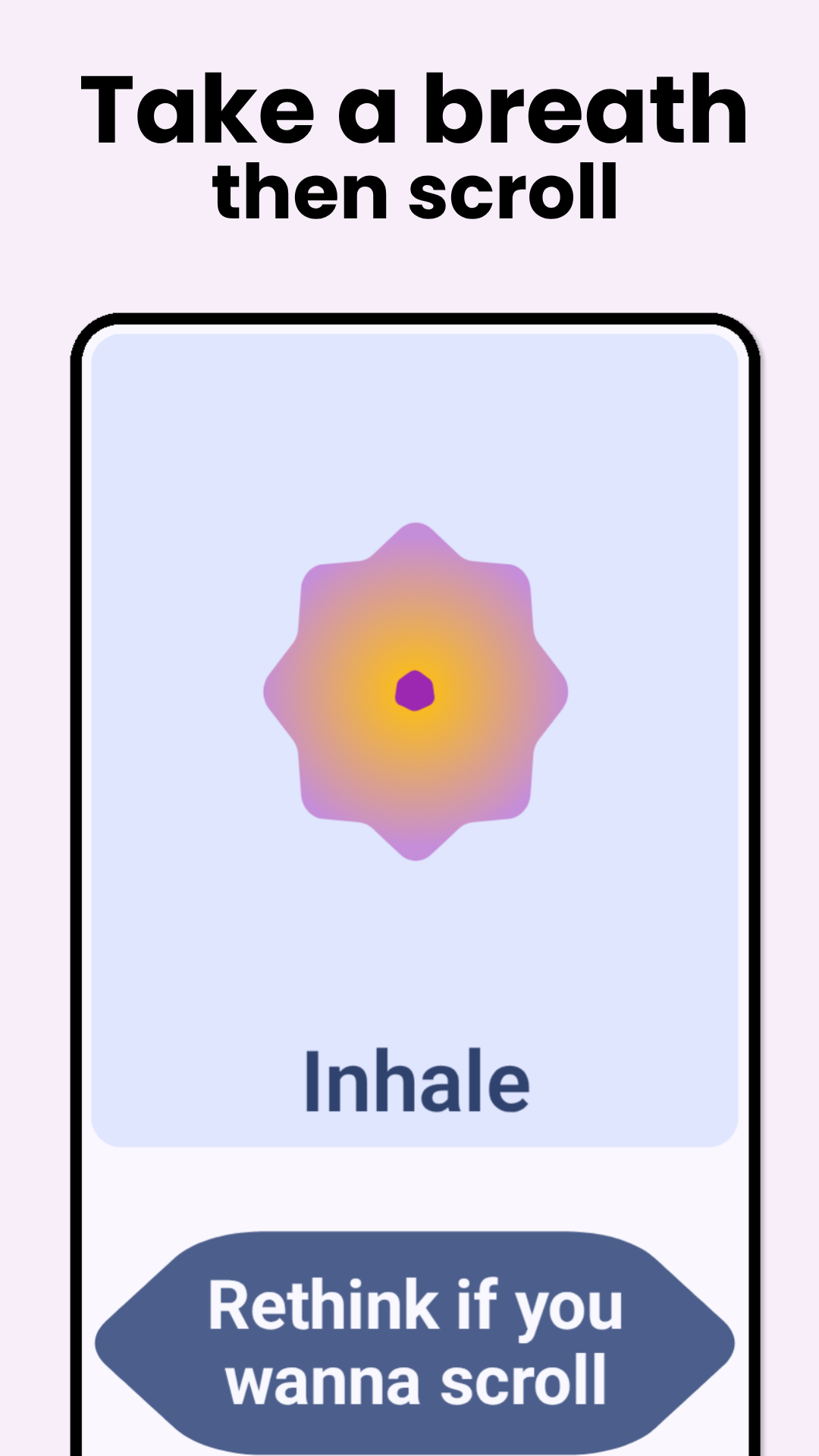
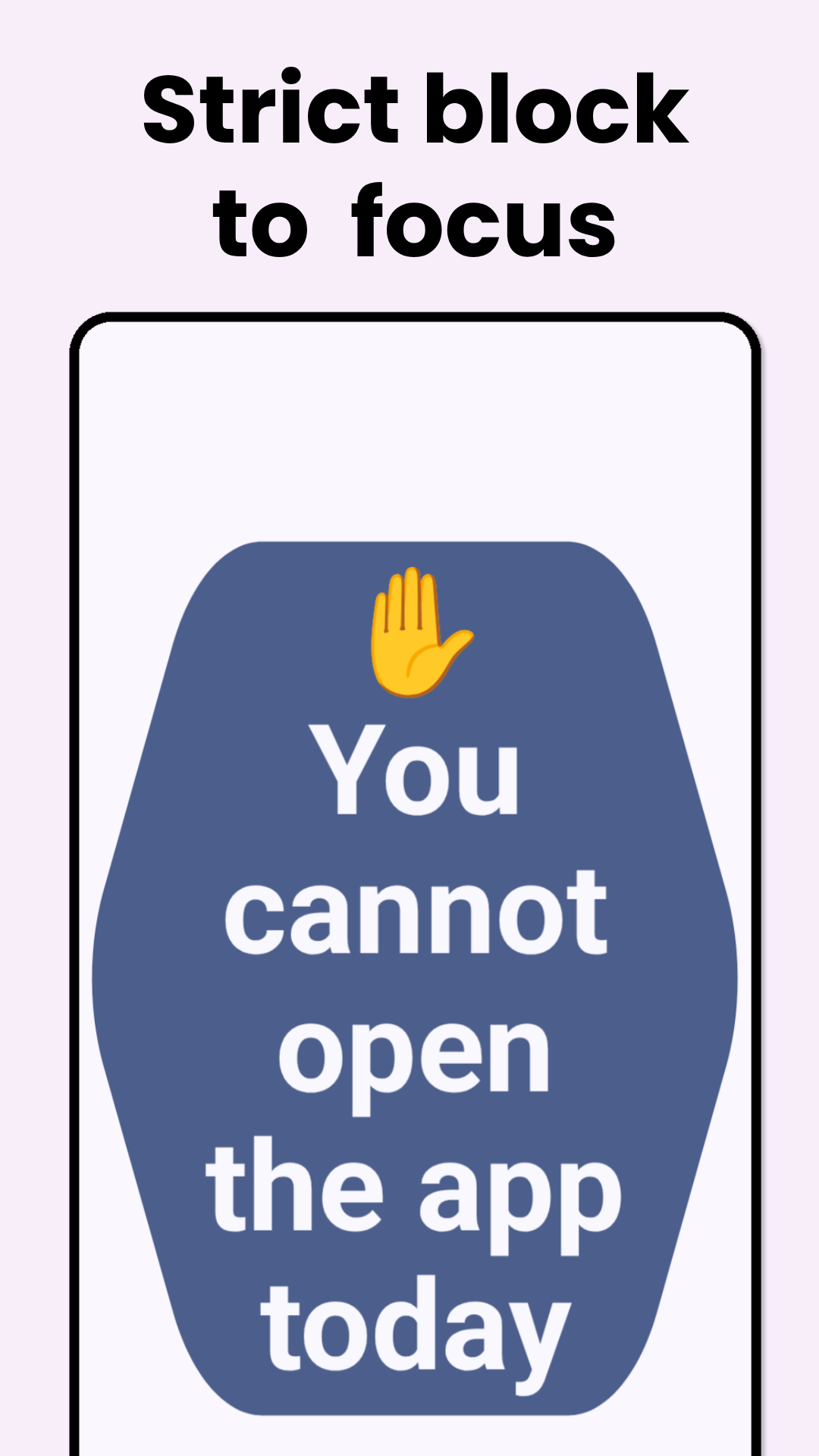
Zenwell helps you break the cycle of mindless doomscrolling and reduce screentime. Select which apps you want to block(Eg: Instagram, Youtube Shorts) and Zenwell would not allow you open the app, unless you solve some hard math problems or practice breathing.
🚀 Key Features
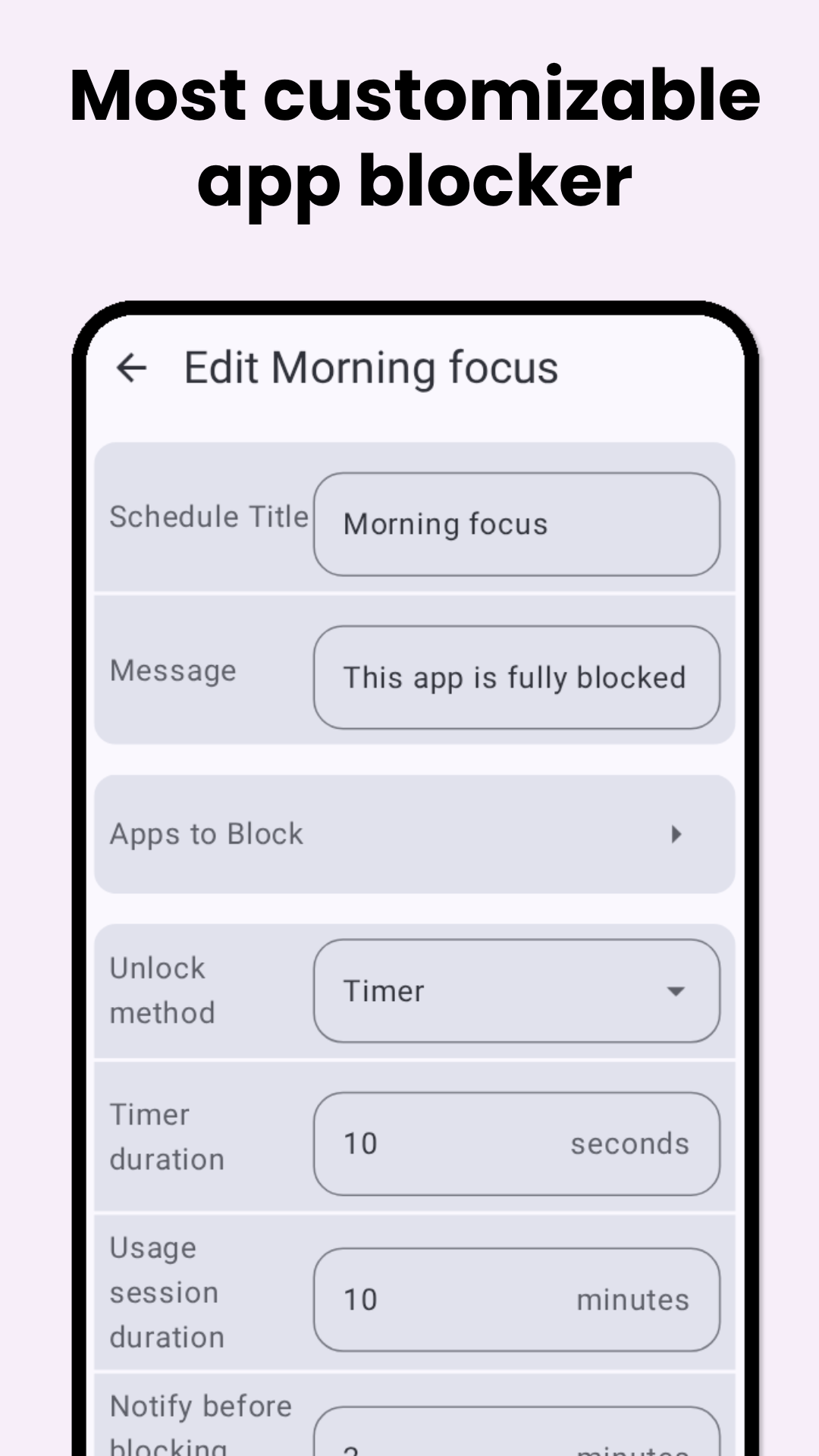
• Customizable Schedules: Select specific apps to block and set active windows (e.g., 9:00 AM – 5:00 PM) and specific weekdays.
• Dynamic Unlock Methods: Choose your level of friction to regain focus:
• Strict Block: No entry allowed during restricted hours.
• Timer: Wait for a set countdown before the app opens.
• Breathing Timer: A guided pause to calm the "scroll reflex."
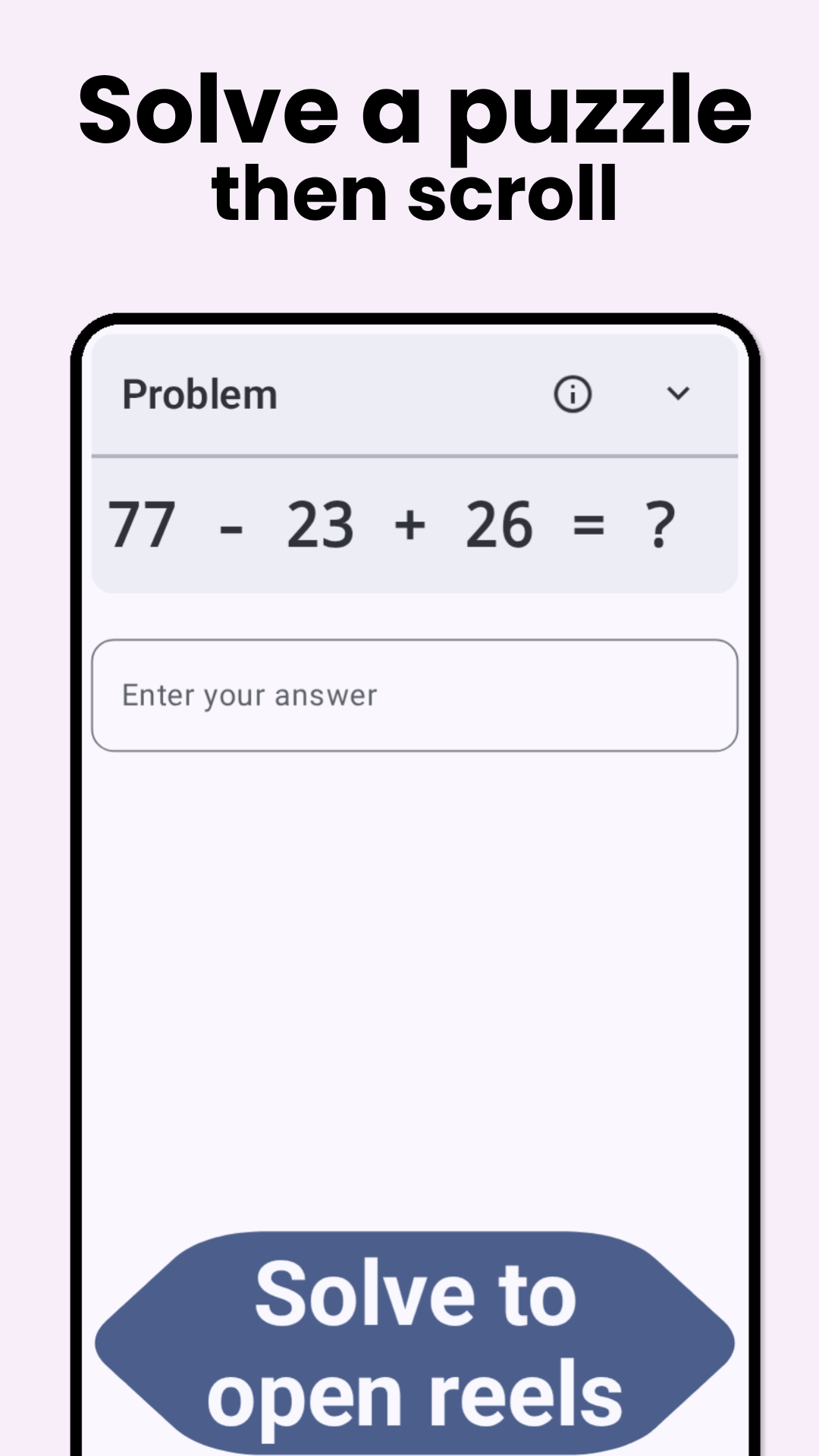
• Math Problems: Solve math equations or multiplication tables.
• Intentional Typing: Type a custom message to proceed.
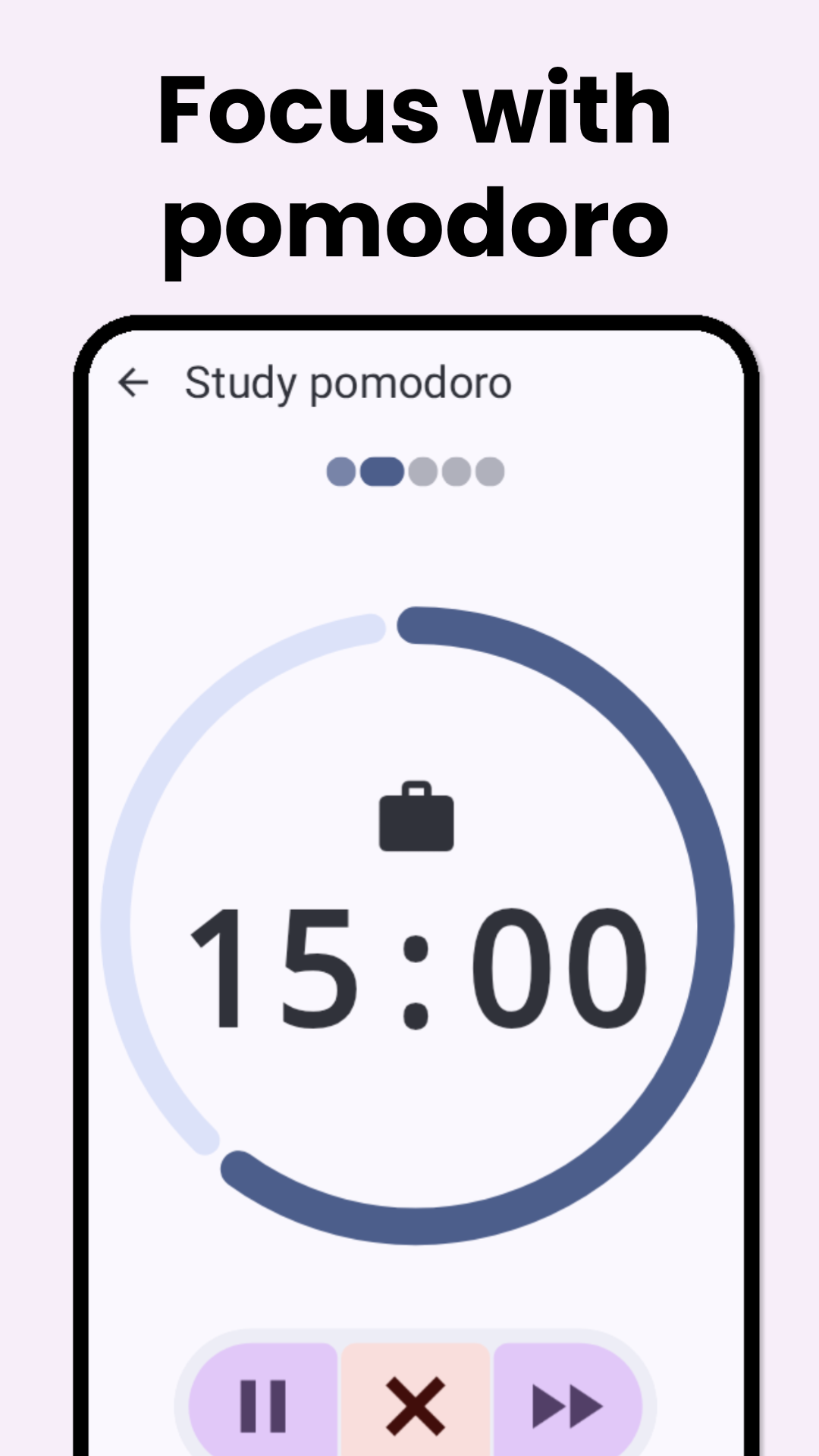
• Pomodoro Mode: Integrated focus sessions to balance work and rest.
• Privacy First: No Internet permission. Your data stays on your device.
This project is in active development and various bugs are expected. Please report any issues at GitHub.
Permissions Required
• Accessibility Service: To run in background and check for distracting apps to block them.
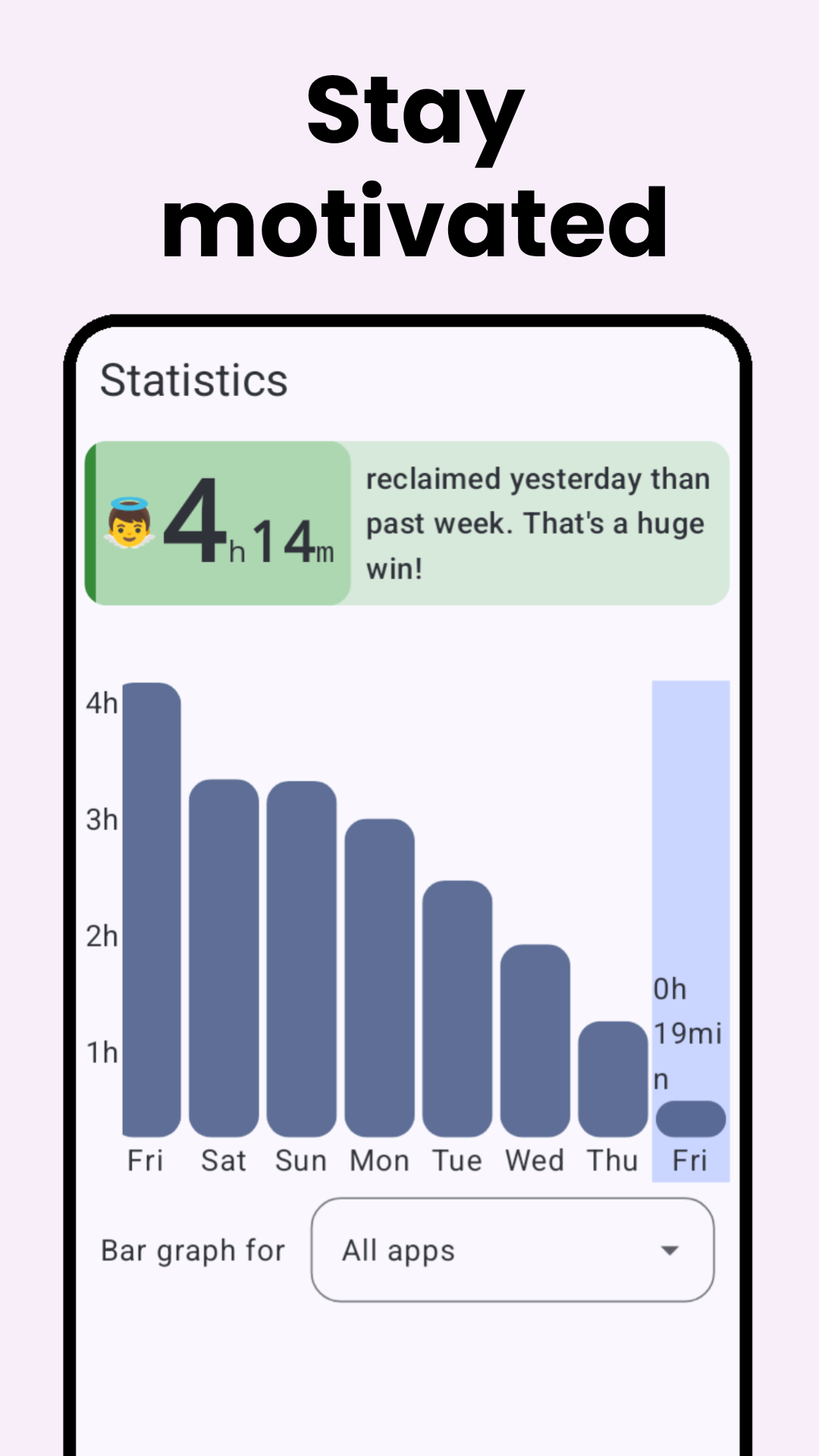
• Usage Statistics (Optional): To check your smartphone usage statistics.
Screenshots
What’s new
- Add a guide for new users - Minor bug fixes and feature improvements
How to install
Download the APK from the button at the top of this page.
Allow “Install unknown apps” for your browser or file manager only, not for every app.
Open the downloaded file and confirm the installation.
If installation fails with “App not installed,” remove an earlier build of the same app first. A signature conflict is the usual cause.
Data safety
Every file is checked against its published SHA-256 before it is listed.
Files are scanned for malware on every update.
The permissions each app requests are listed on its own page.
Read the full safety policy for how we test, flag, and delist files.