
Quick answer
AI-powered accessibility assistant for intelligent text transformations.
F-Droid repository metadata
TypeAssist is an AI-powered accessibility assistant that works directly within any Android text field. It leverages the Accessibility Service API to detect triggers and perform intelligent text transformations without you ever needing to leave the app you're in.
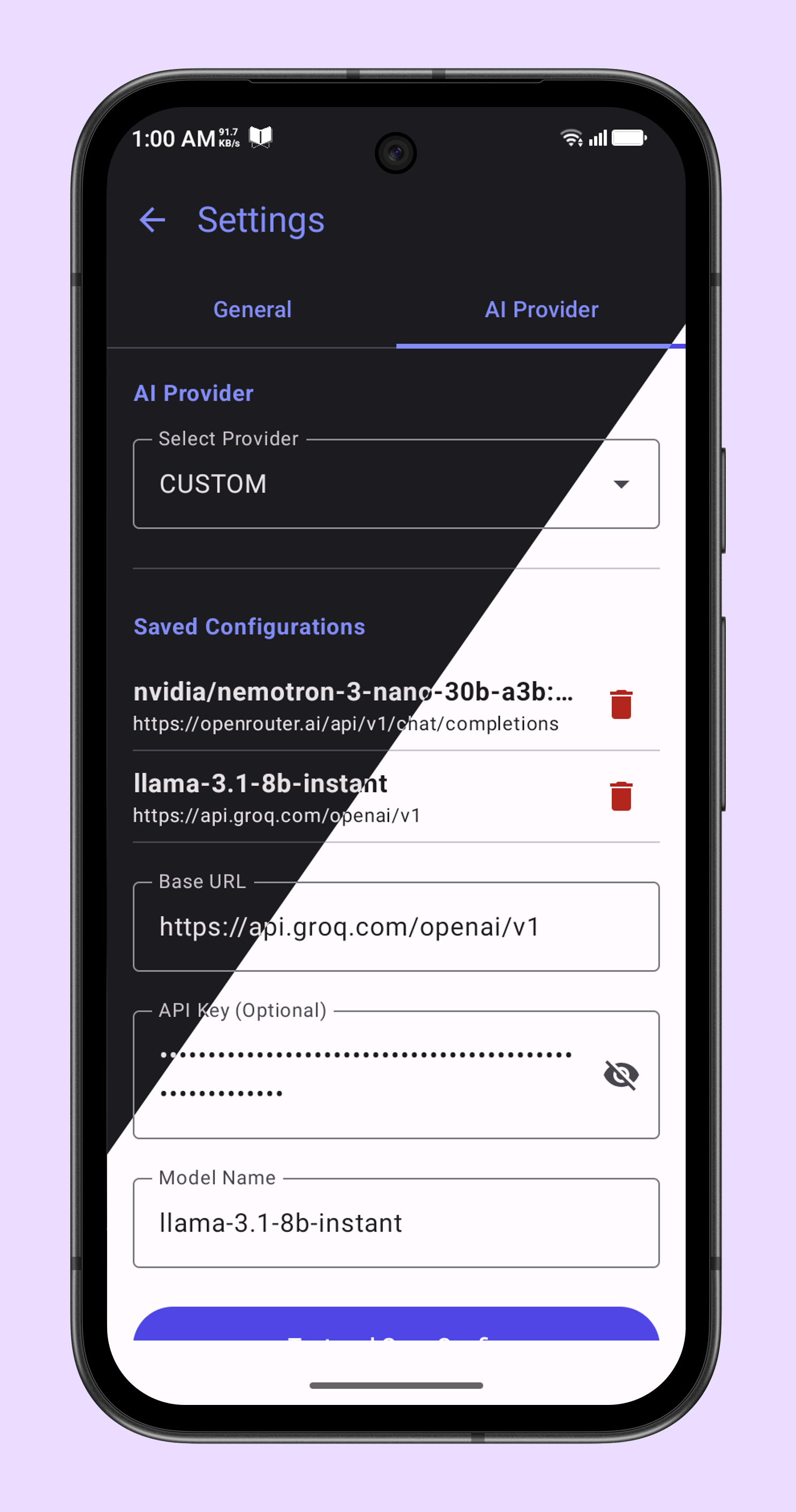
Key Features: - AI Capabilities: Query Google Gemini, Cloudflare Workers AI, or any OpenAI-compatible API to fix grammar, translate, adjust tone, or answer questions. - Global Rewrite: Use custom instructions to transform entire text fields instantly. - Utility Belt: Offline tools for math calculations, snippets (text expansion), date/time insertion, and password generation. - Privacy First: Data is sent directly to your chosen API provider. No intermediate servers are used, and text is only processed when you use a trigger. - Safety: Global undo feature and a history manager to recover original text from the last few minutes.
TypeAssist is open-source and respects your privacy.
Screenshots
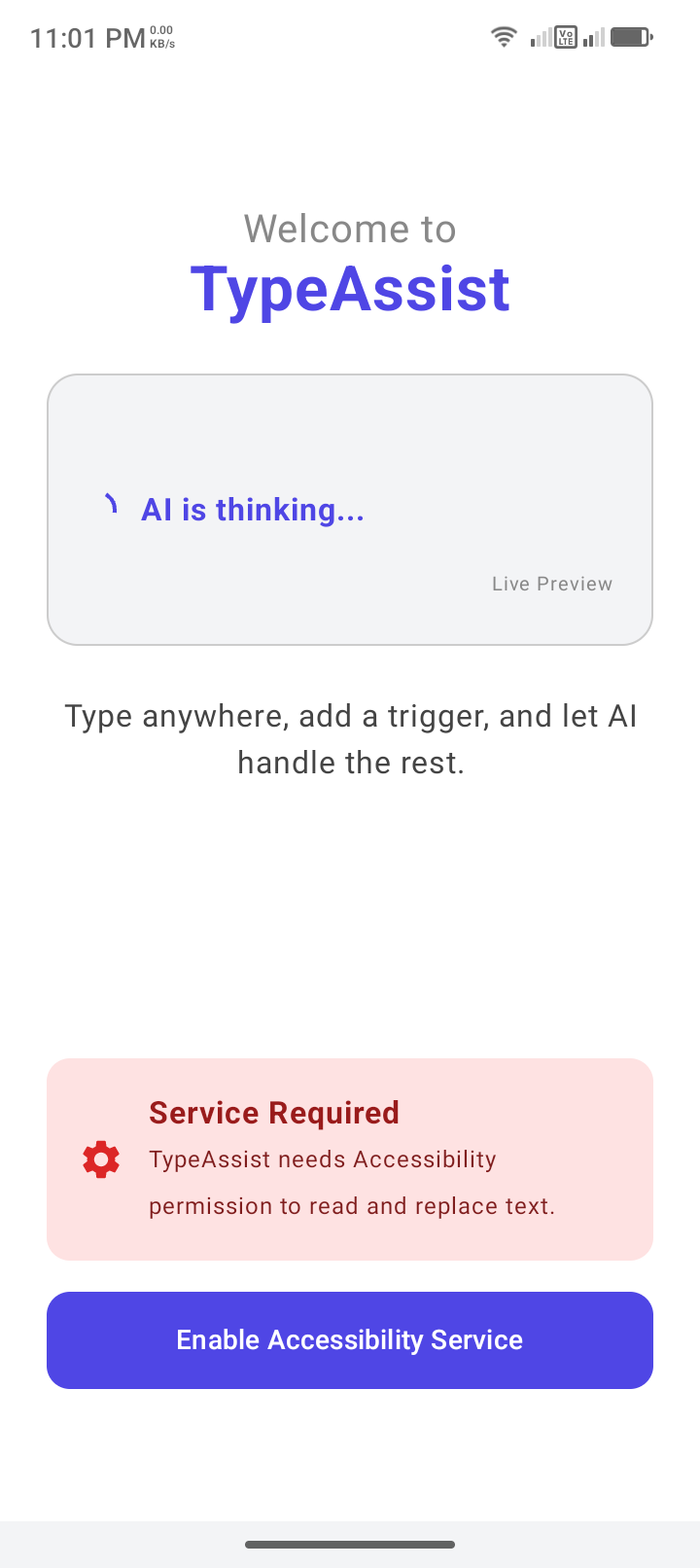
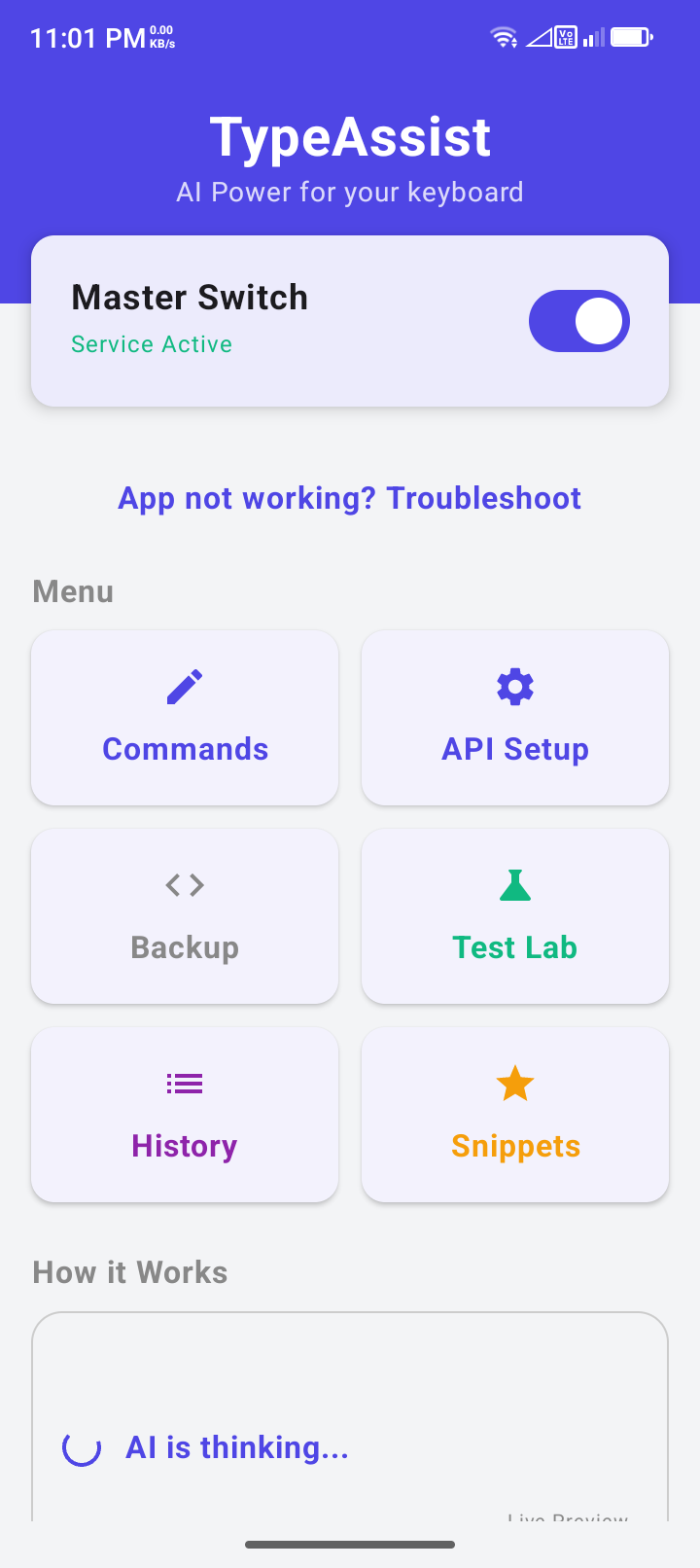
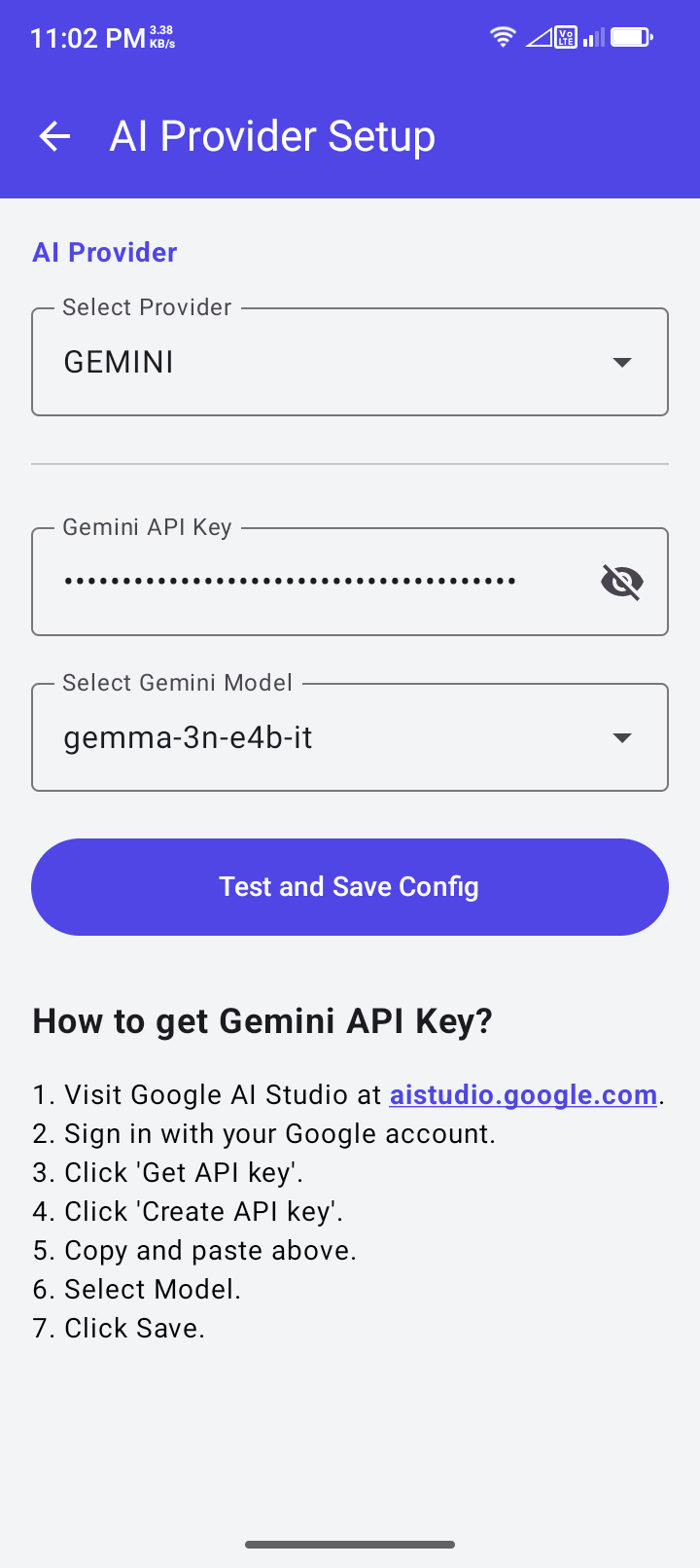
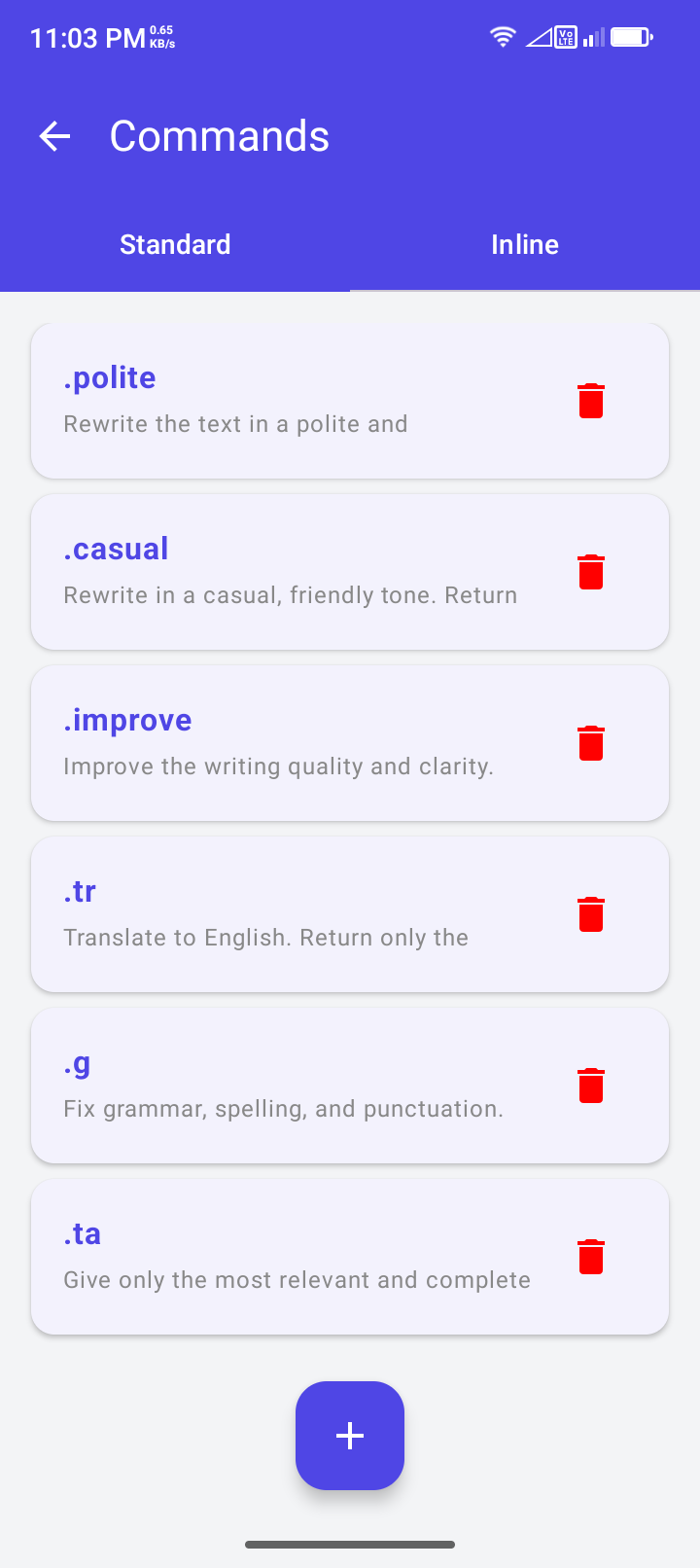
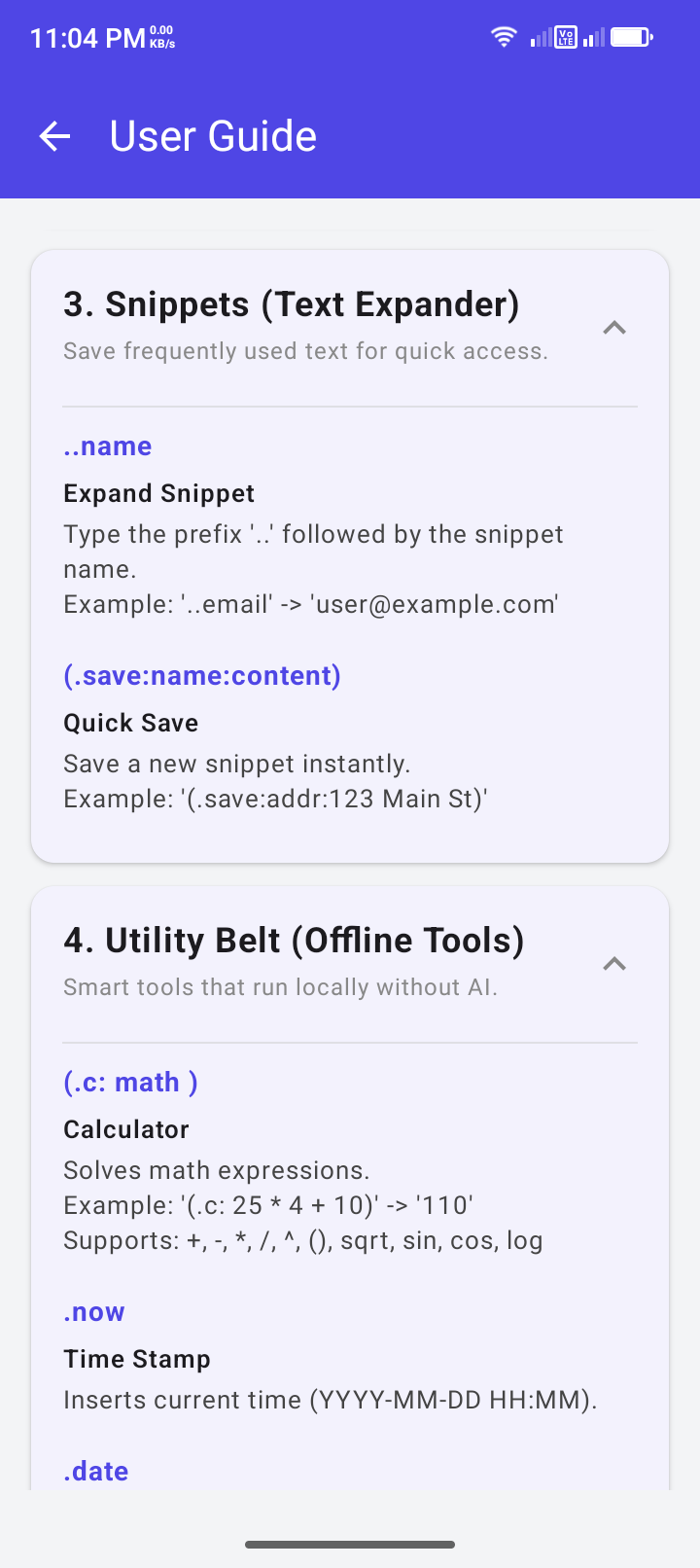
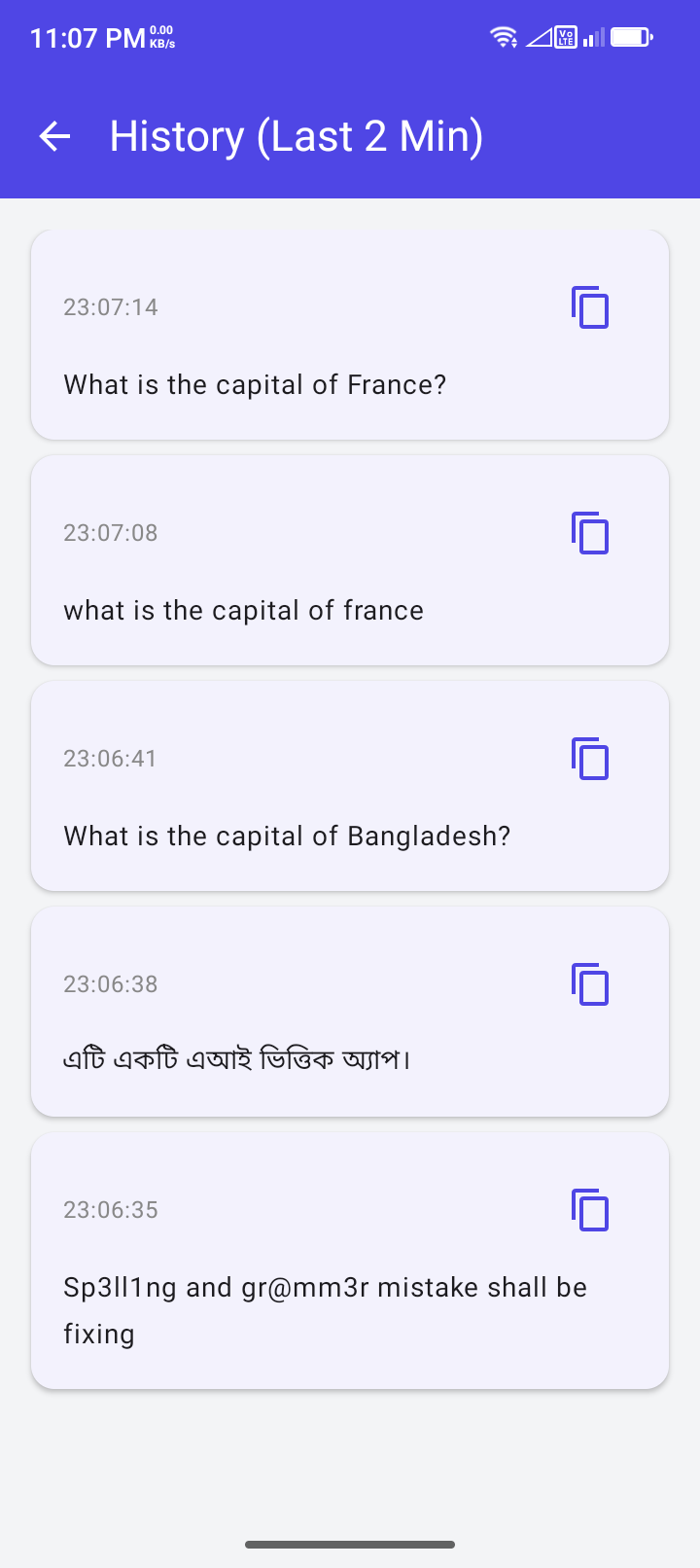
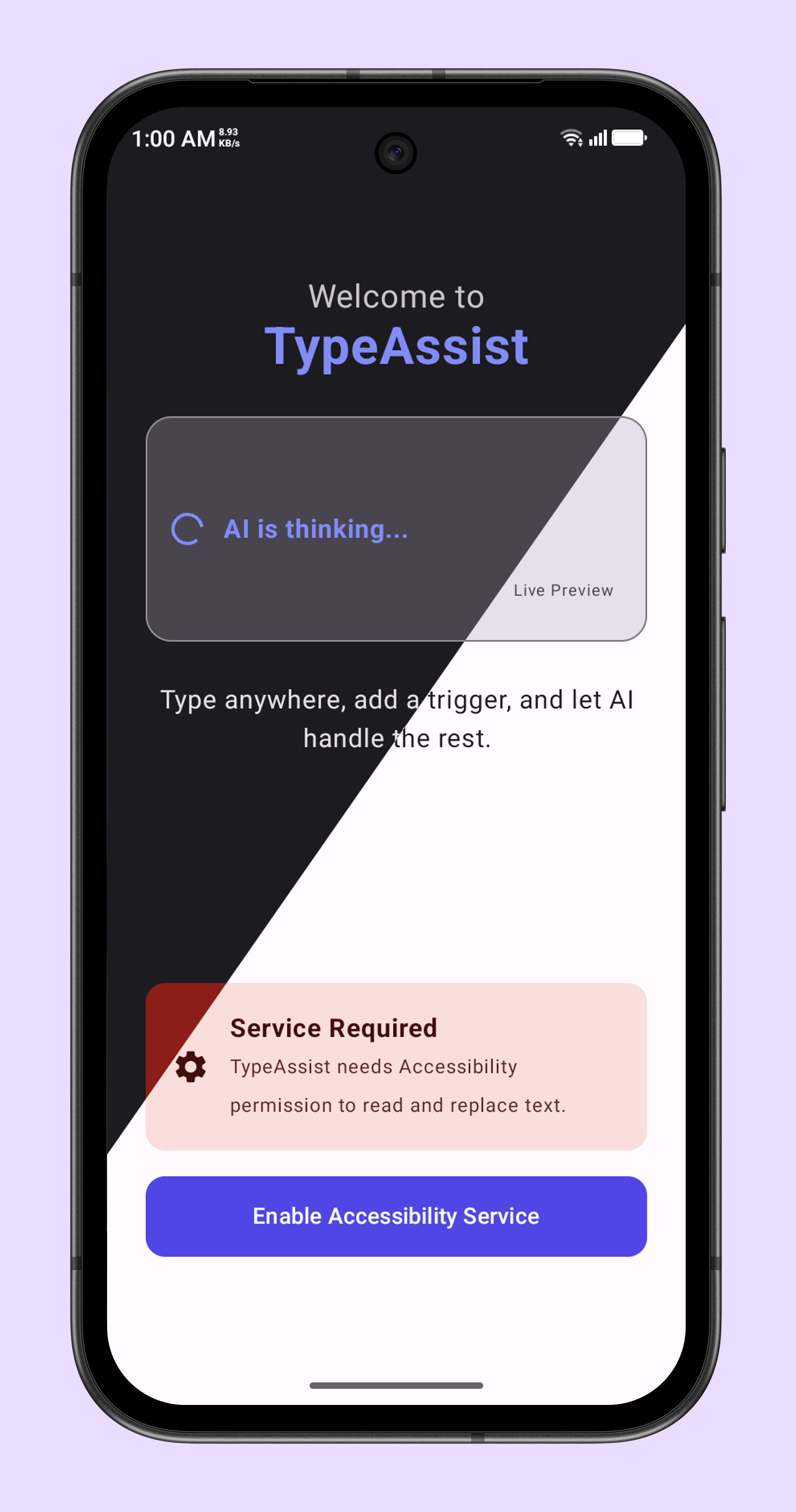
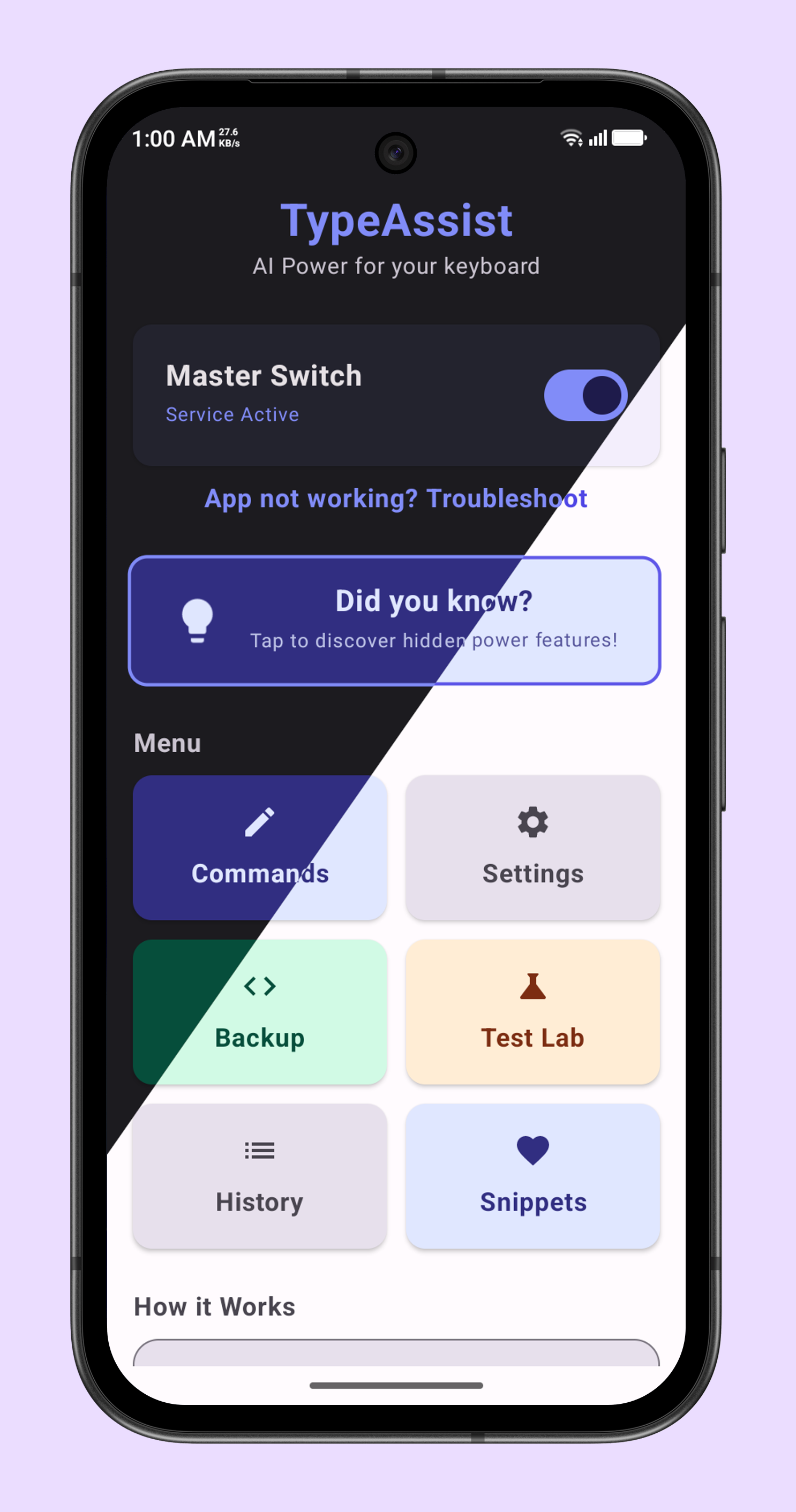
How to install
- Download the APK from the button at the top of this page.
- Allow “Install unknown apps” for your browser or file manager only, not for every app.
- Open the downloaded file and confirm the installation.
- If installation fails with “App not installed,” remove an earlier build of the same app first. A signature conflict is the usual cause.
Data safety
- Every file is checked against its published SHA-256 before it is listed.
- Files are scanned for malware on every update.
- The permissions each app requests are listed on its own page.
- Read the full safety policy for how we test, flag, and delist files.
Comments
Recent approved comments · sorted by newest
View all comments