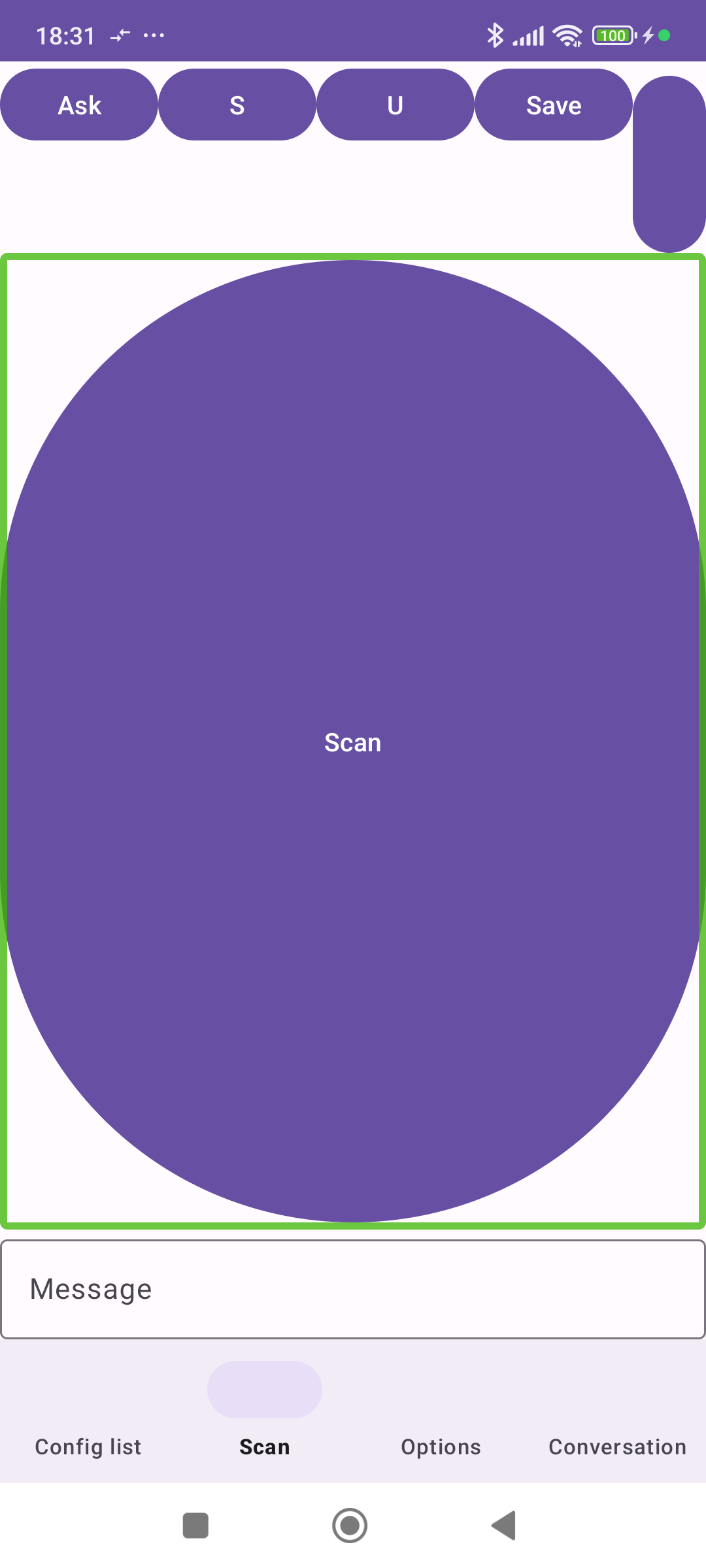
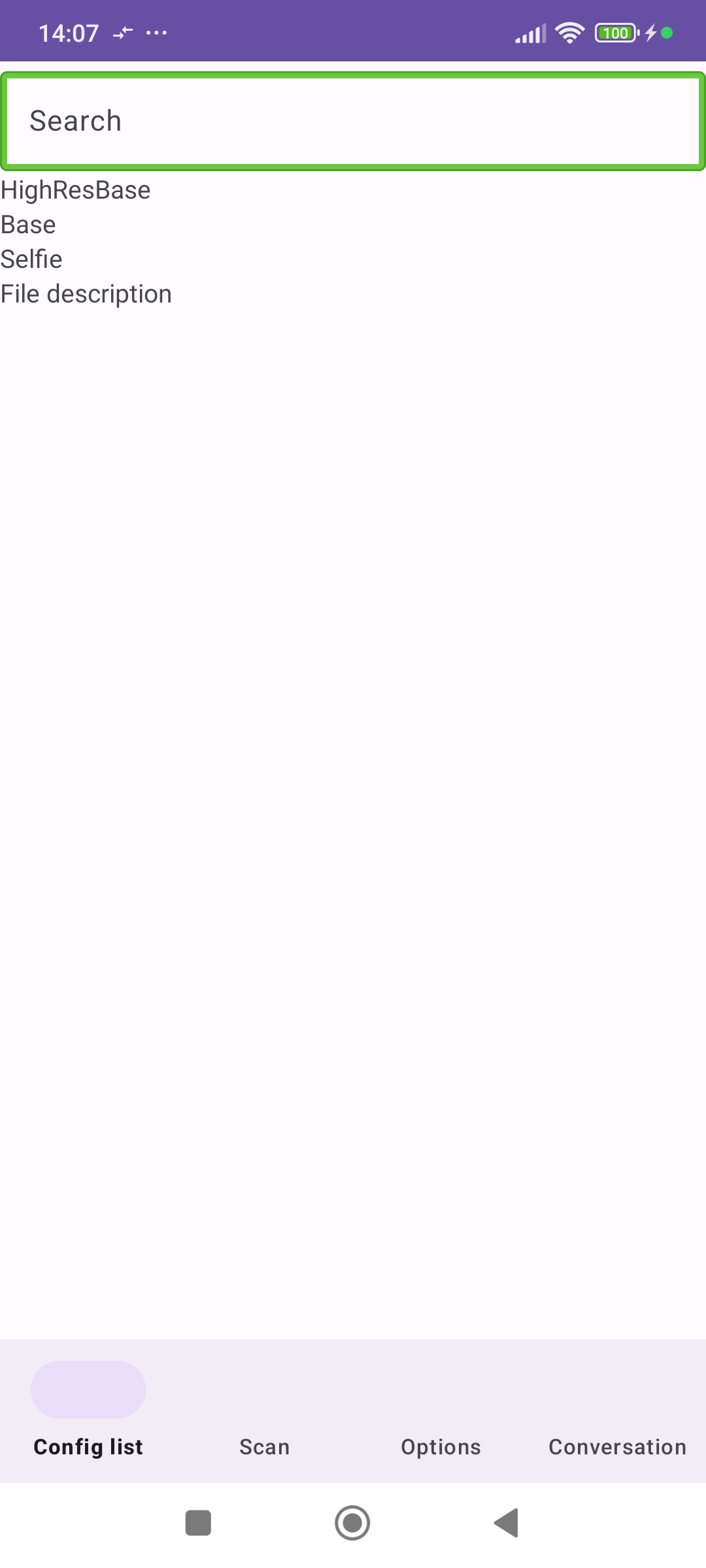
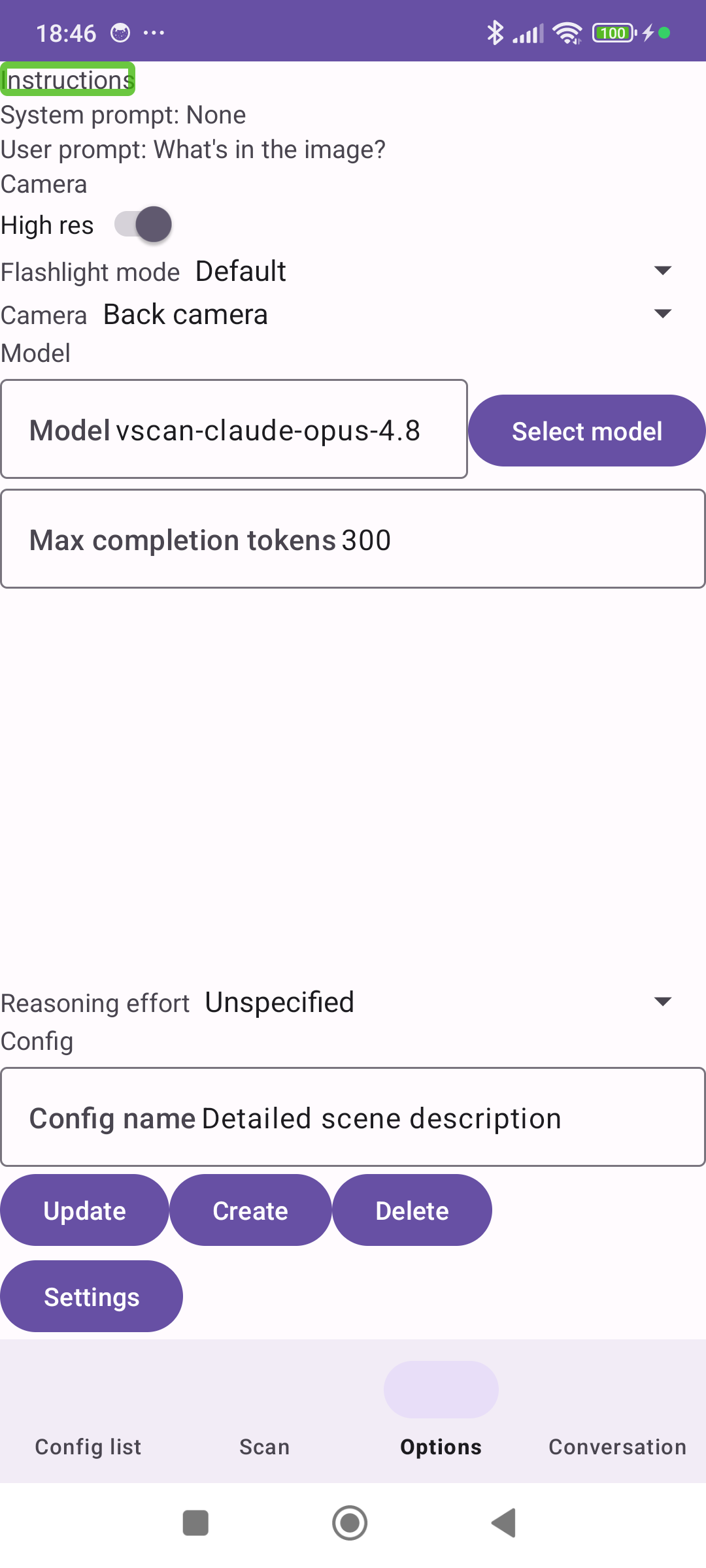
This is a little project of mine aiming to research how vision LLMs could help out blind people on travel and in their every-day life by substituting eyesight for various visual tasks. VScan turns your smartphone's camera into a device for visual perception. You can define various optical cognitive functions, like looking for objects, signs, evaluating a scene or simply mediating visual impressions. You can afterwards use these functions on the camera view, just like a sighted person would use their eyes to achieve a specific goal in the physical world.
Each cognitive tool consists of two major parts:
• The camera to be used - front / back, as well as camera parameters - resolution, flashlight etc.
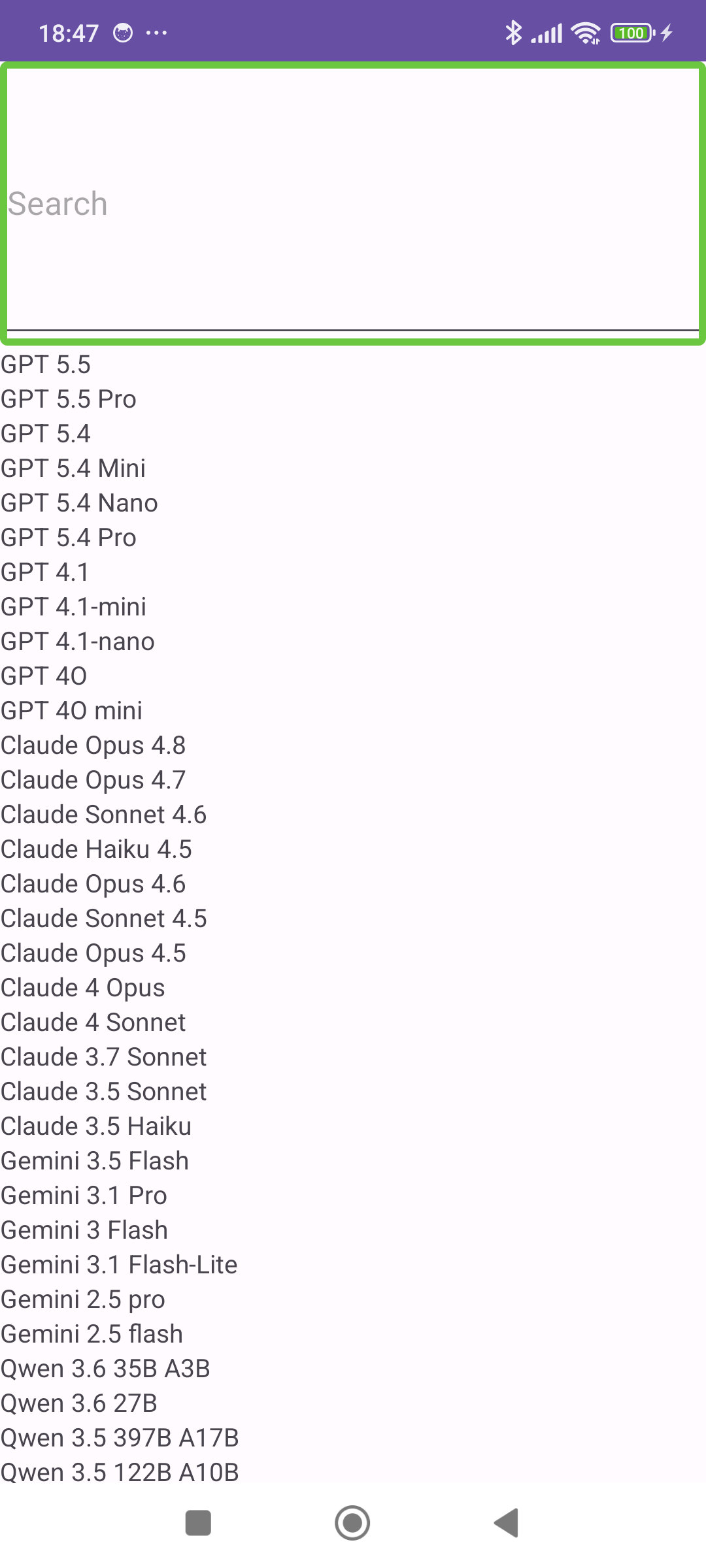
• The prompts used for LLM processing. LLM is the bridge between raw pixel data and your interpretation of it, and in the user/system prompt, you can specify what exactly are you interested in for the particular function and how should it be communicated, as well as the LLM model that should be used.
Camera input in combination with an LLM processing prompt forms a cognitive function, which can be used to serve various visual tasks.
VScan is open-source software. Visit the project's official repository to learn more about its background, motivation, specific usage examples and setup instructions.
Screenshots
What’s new
- There is now a standalone editor for entering the system prompt and user prompt. This editor has a large text field, which should make it easy to work with long and complex prompts. - Various UI improvements and bug fixes.
How to install
Download the APK from the button at the top of this page.
Allow “Install unknown apps” for your browser or file manager only, not for every app.
Open the downloaded file and confirm the installation.
If installation fails with “App not installed,” remove an earlier build of the same app first. A signature conflict is the usual cause.
Data safety
Every file is checked against its published SHA-256 before it is listed.
Files are scanned for malware on every update.
The permissions each app requests are listed on its own page.
Read the full safety policy for how we test, flag, and delist files.