Hermes Agent Fork icon

Hermes Agent Fork

MobileFork
Speech Recognizer Internet
Version
0.13.156
Size
315.7 MB
Requires
Android API 24+
4 / 5 · 5,477 ratings 0 downloads

Updated Sep 22, 2026

Quick answer

Independent fork for local AI chat and Android workflows

F-Droid repository metadata

Hermes Agent Fork is an independent community fork for running local models and practical Android workflows on your phone.

Fork status: this Android app is a fork. It is not official Nous Research or Teknium software, and it is published under the com.mobilefork.hermesagent application ID to avoid confusion with the original Hermes project.

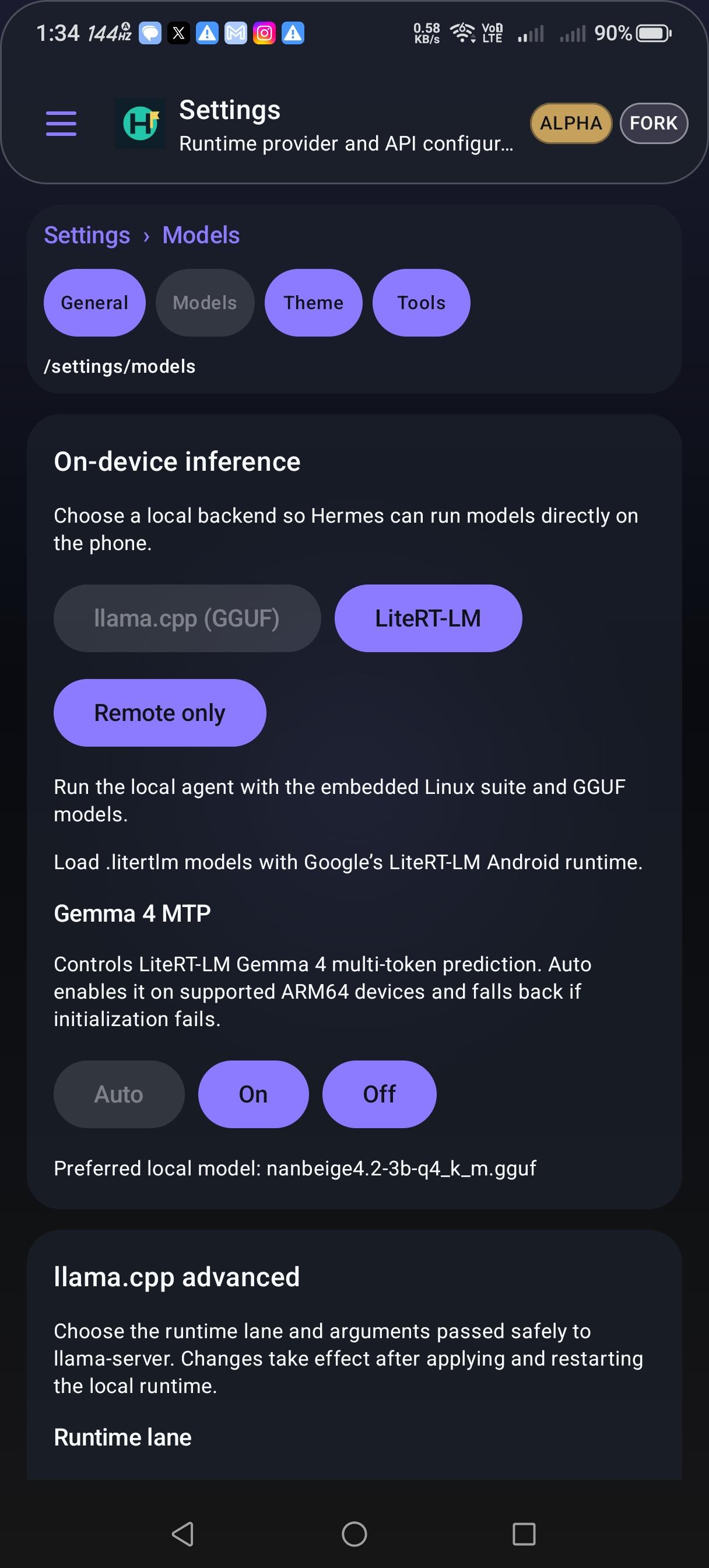
Use the app to chat with local Gemma LiteRT-LM or Qwen GGUF models, attach files, dictate by voice, and keep model downloads resumable through Android DownloadManager. A remote OpenAI-compatible provider can be configured when you want API-backed chat while local models are downloading or unavailable.

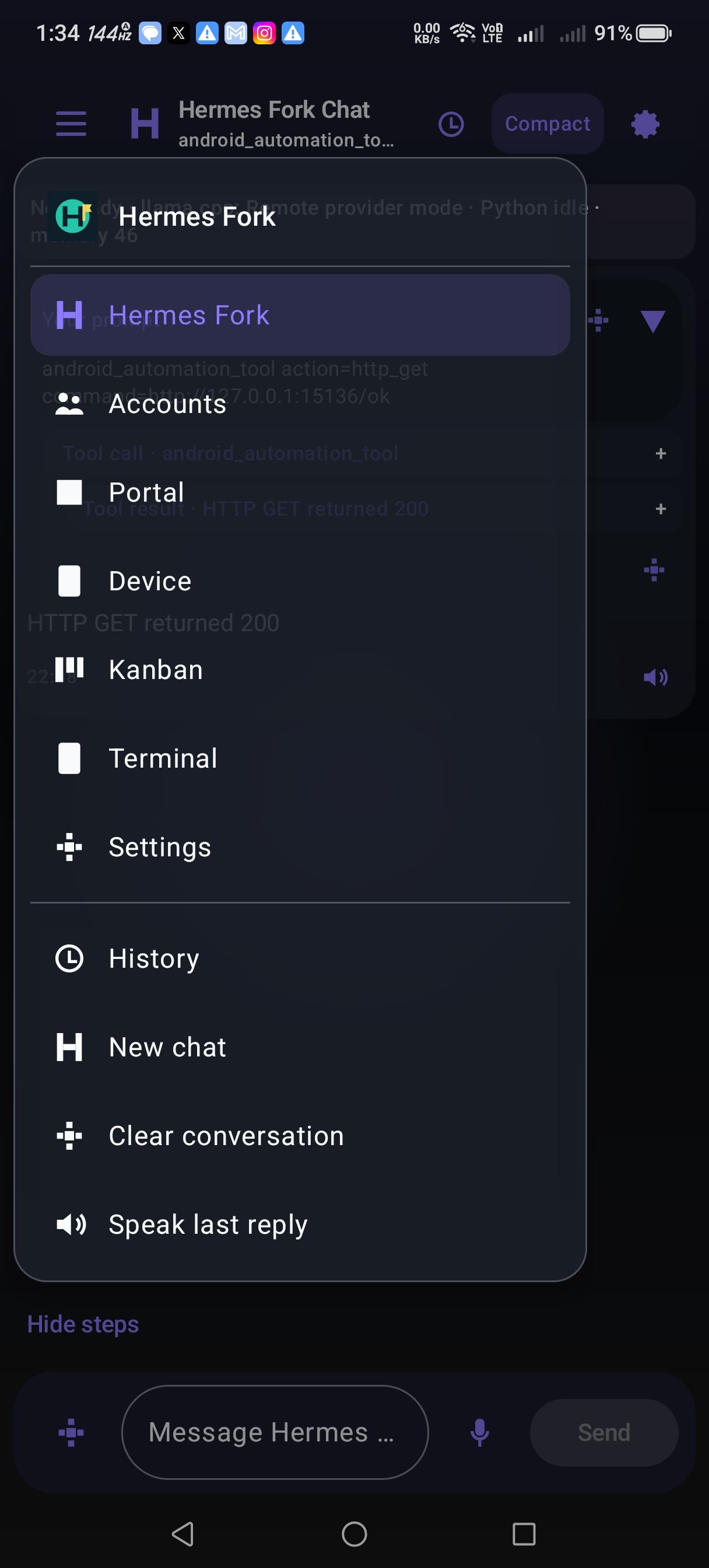
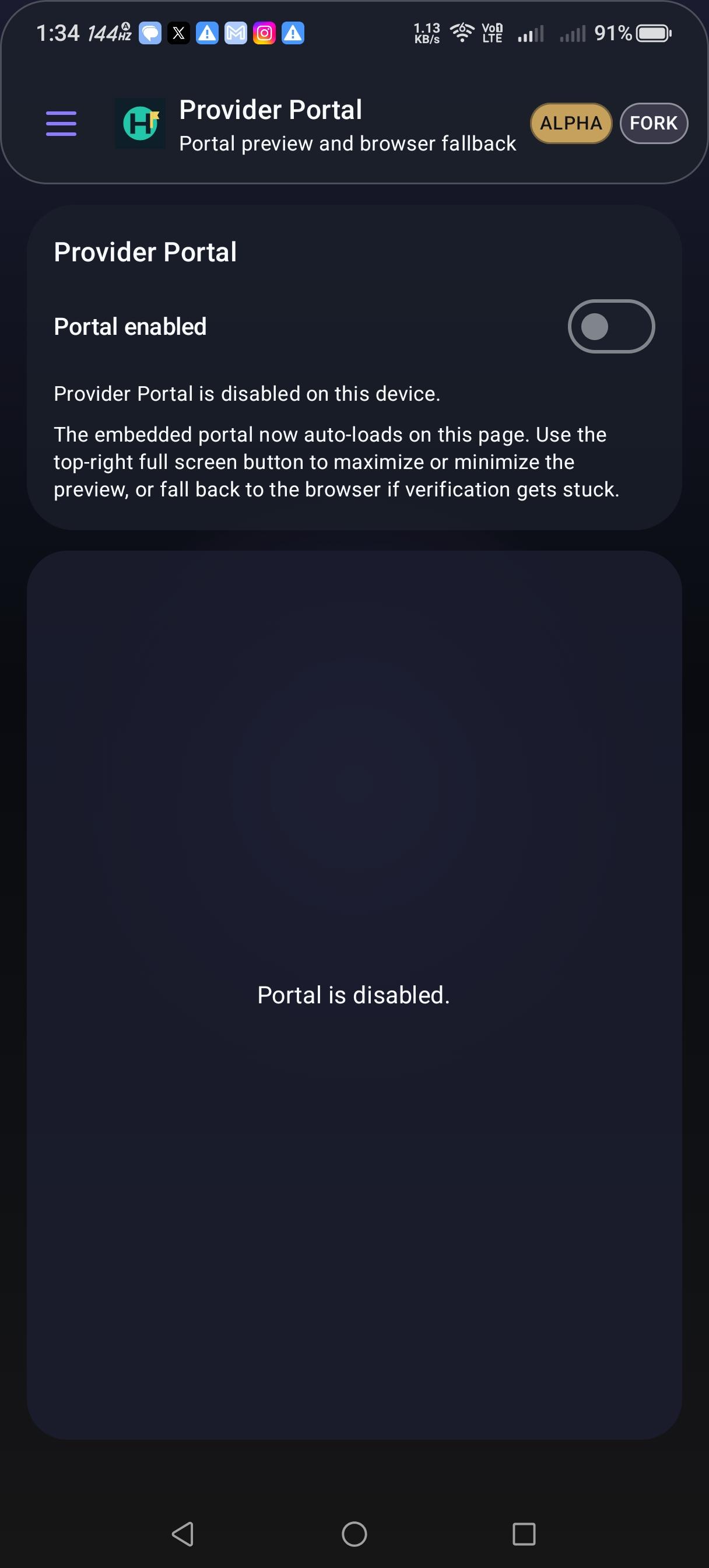
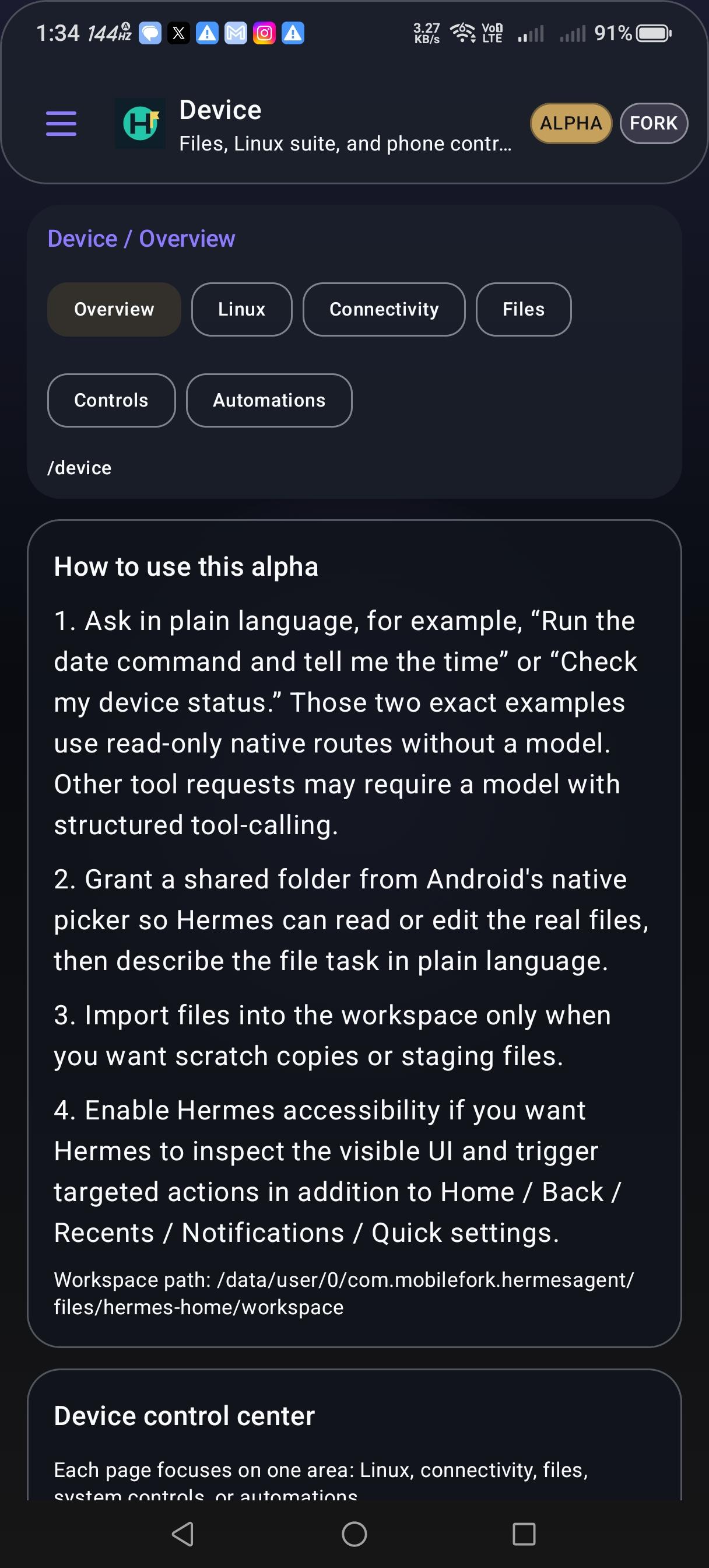
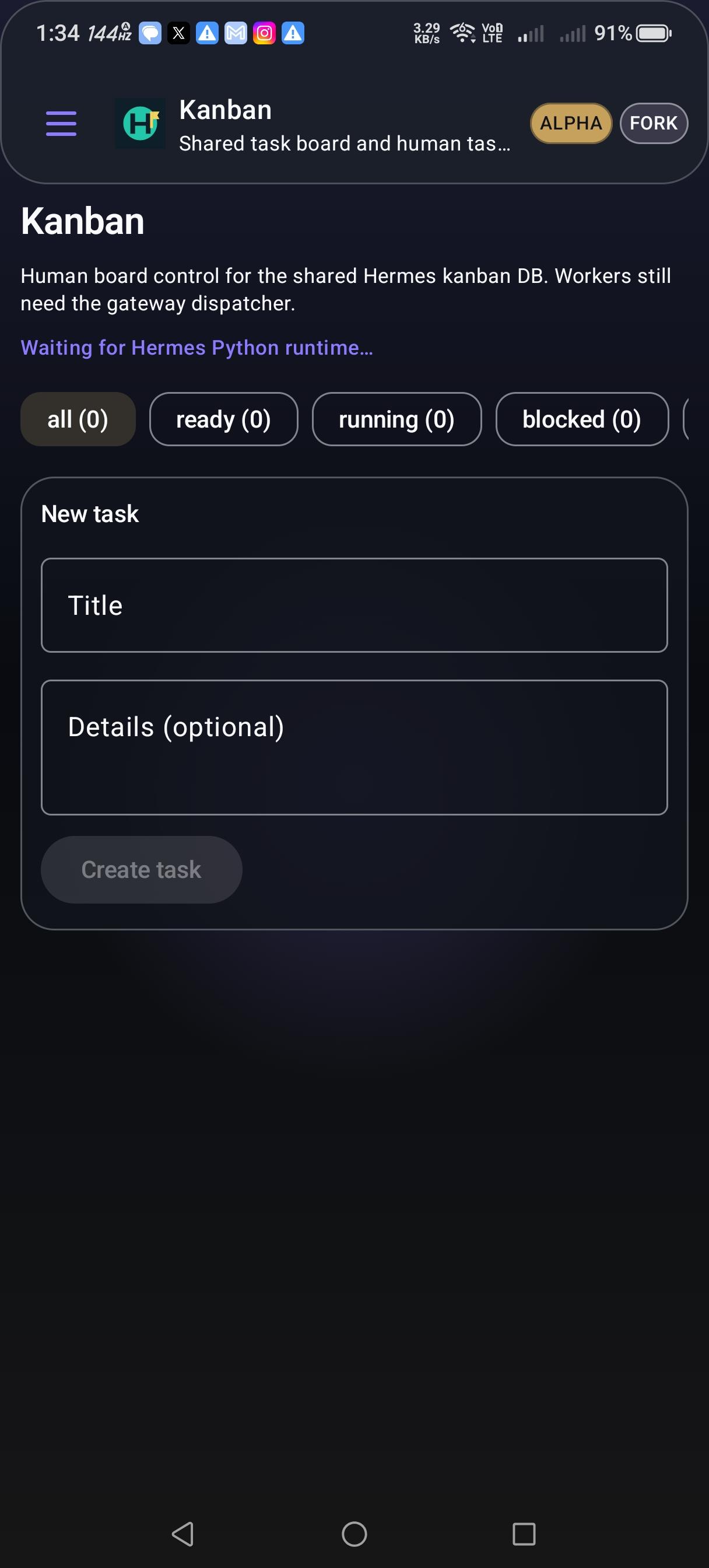
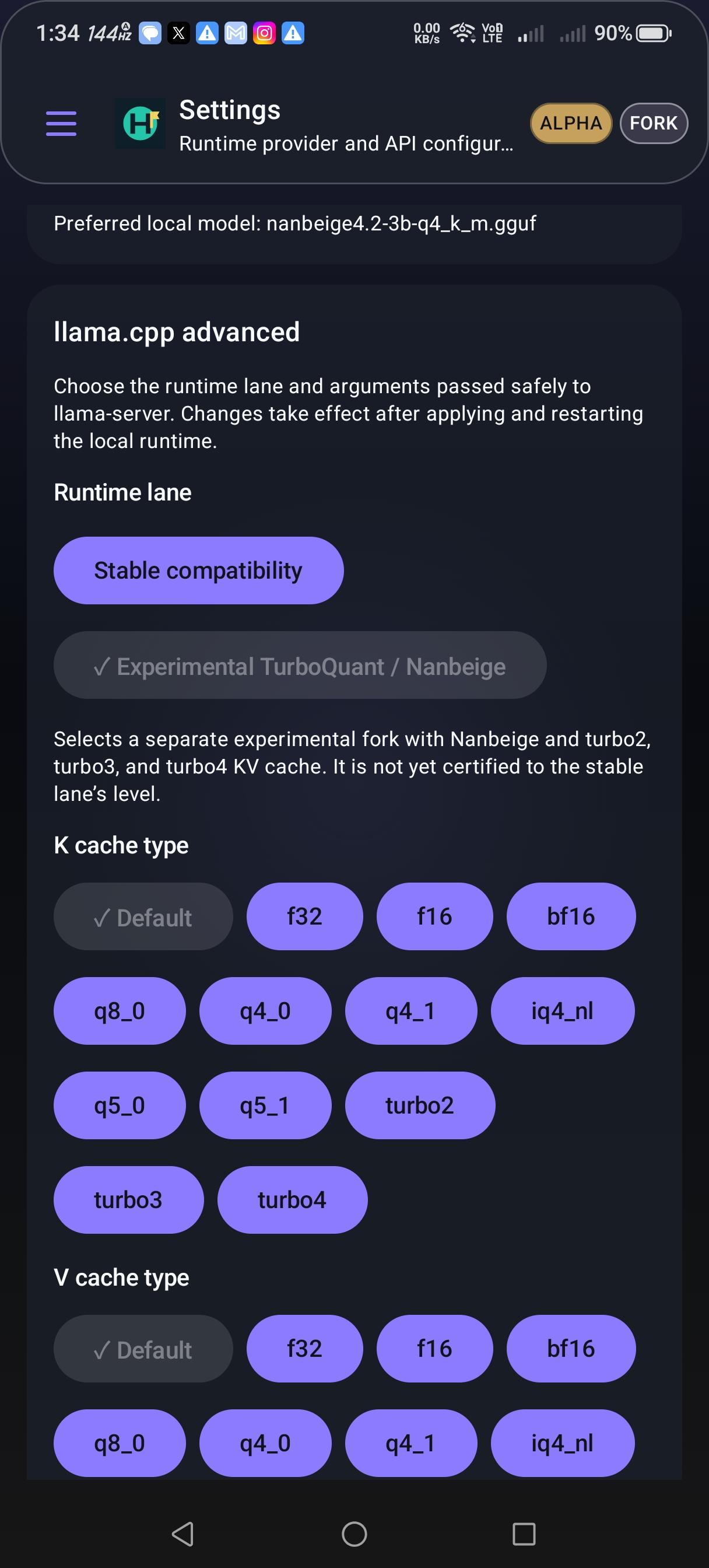
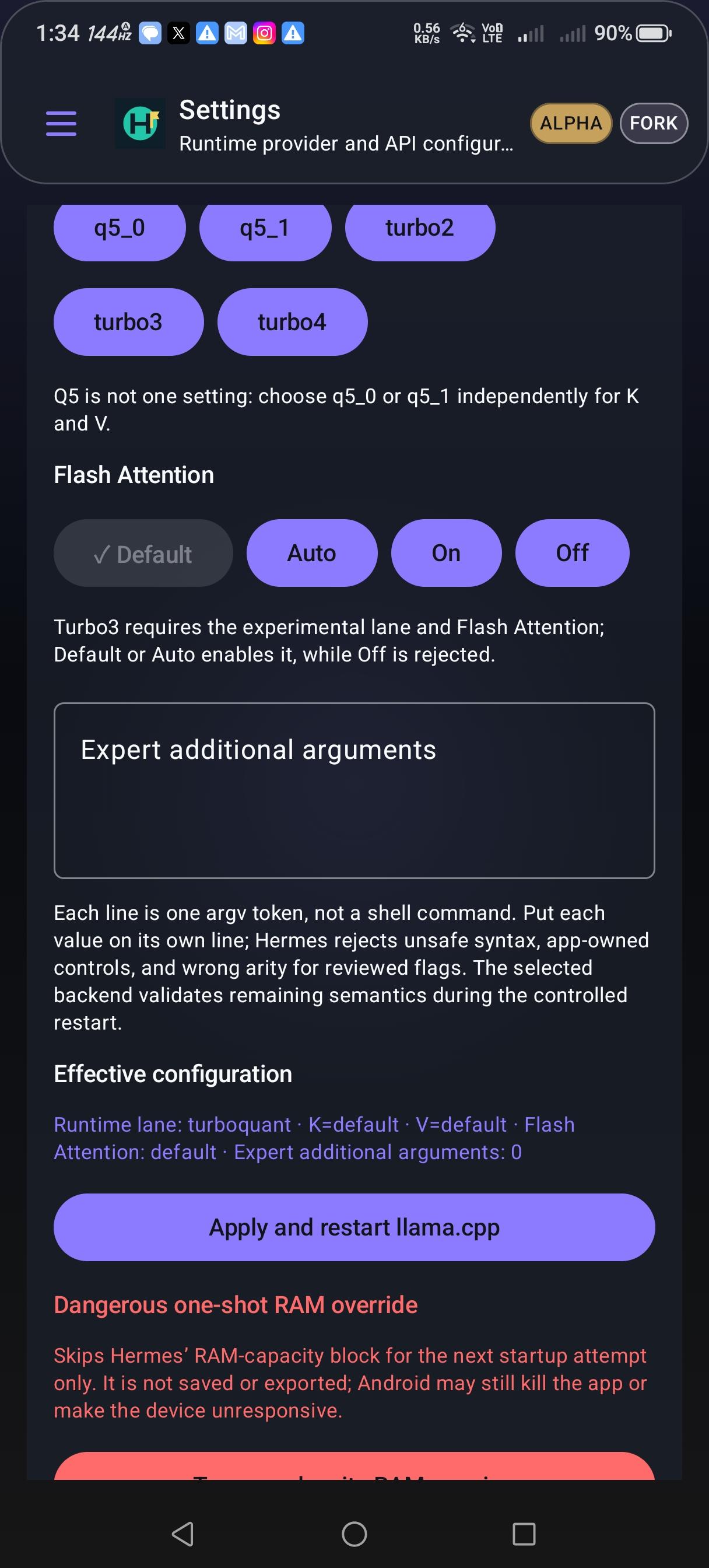
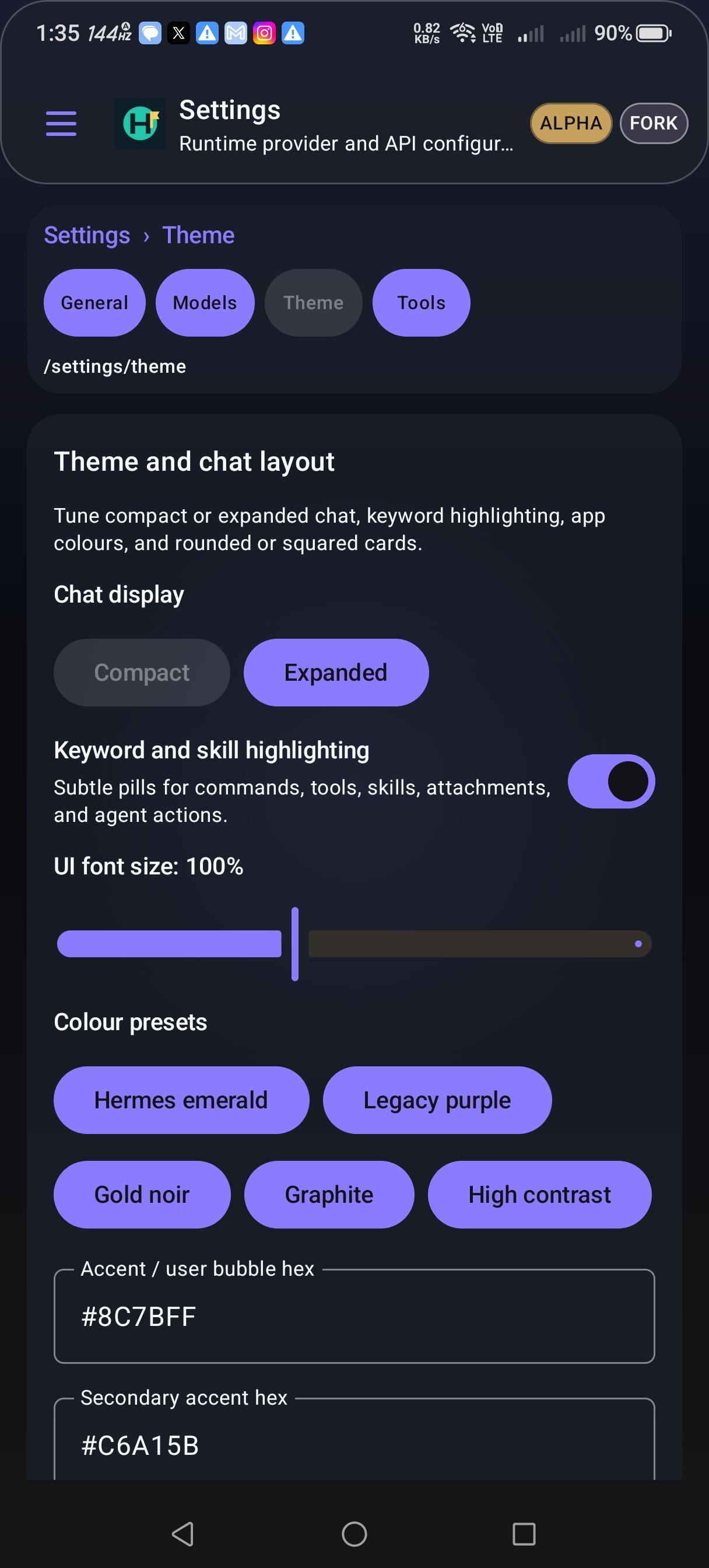
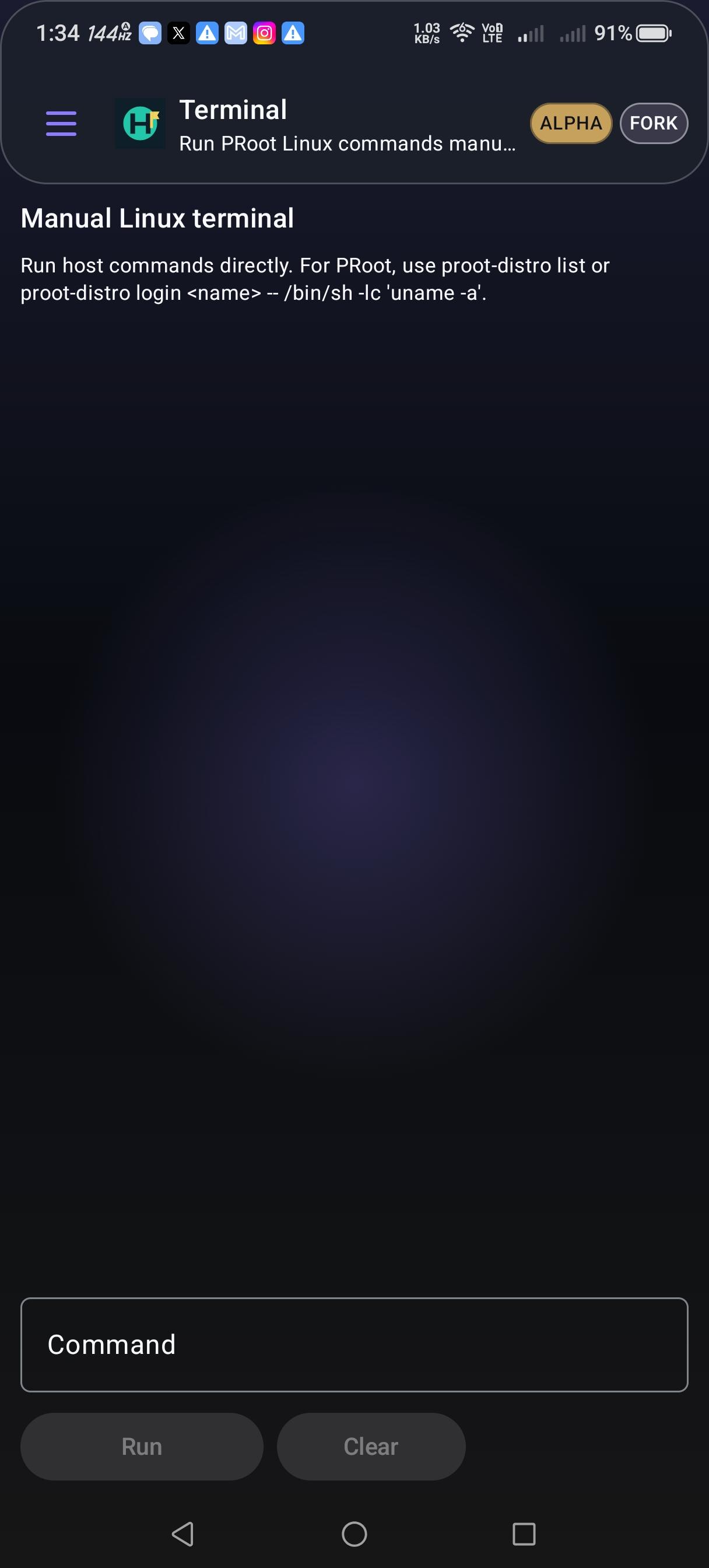
Hermes Agent Fork includes native Android tool bridges for files, browser and portal fallback, app launch, accessibility-assisted UI actions, notifications, settings helpers, shortcuts, widgets, and automation records. The settings screen repeats the fork status and exposes one-tap model downloads, local import, preferred-model selection, and offline controls so you can keep work local when needed.

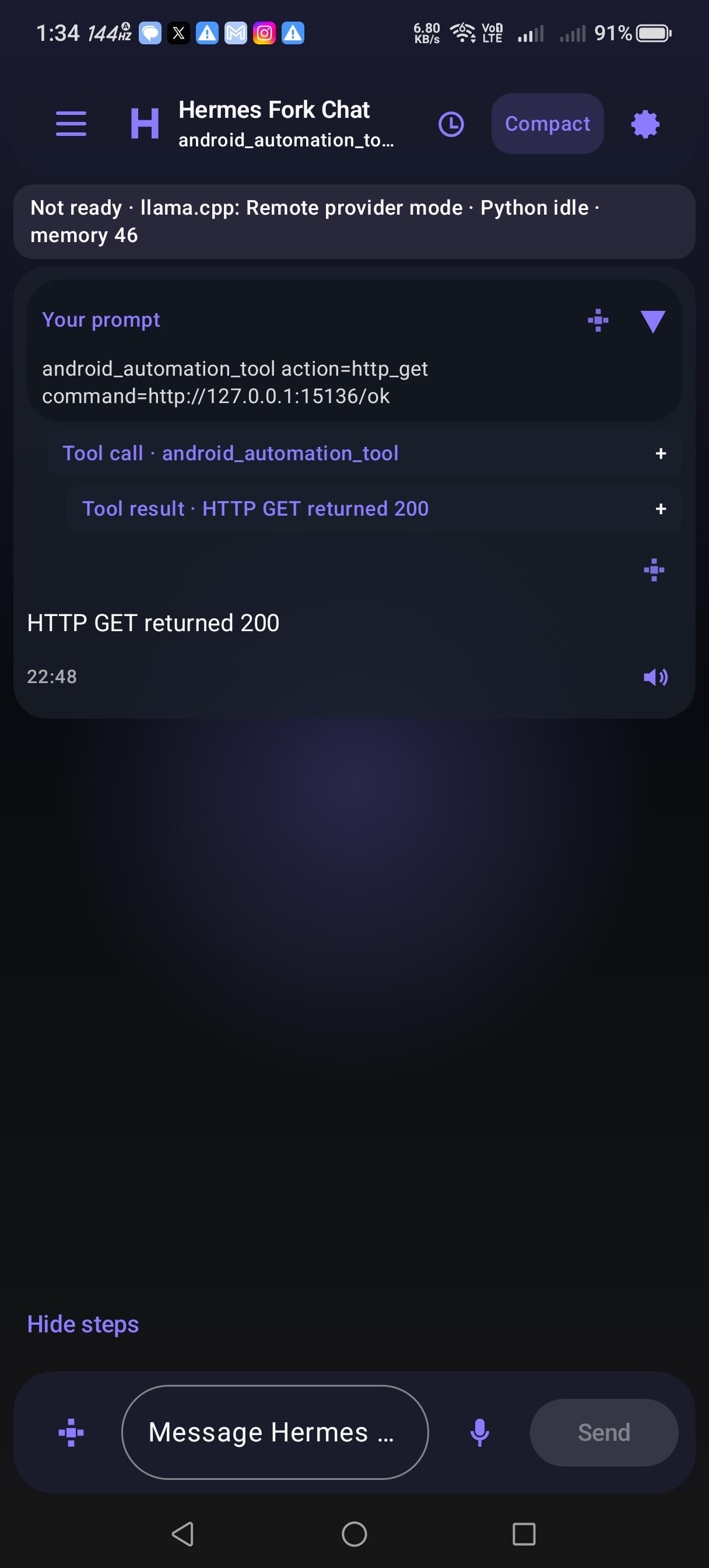
Screenshots

Hermes Agent Fork screenshot 1
Hermes Agent Fork screenshot 2
Hermes Agent Fork screenshot 3
Hermes Agent Fork screenshot 4
Hermes Agent Fork screenshot 5
Hermes Agent Fork screenshot 6
Hermes Agent Fork screenshot 7
Hermes Agent Fork screenshot 8
Hermes Agent Fork screenshot 9
Hermes Agent Fork screenshot 10

What’s new

Privacy controls now explain remote processing, voice input, and accessibility access before use. Preview and voluntarily submit AI-content reports, revoke consent, delete submitted reports, or erase private app data. The full GitHub/F-Droid edition retains Android tools and Linux features. A separately labelled Play edition provides foreground chat and packaged local inference. Tracks the Windows bootstrap installer's Cargo lockfile for F-Droid scanning.

How to install

  1. Download the APK from the button at the top of this page.
  2. Allow “Install unknown apps” for your browser or file manager only, not for every app.
  3. Open the downloaded file and confirm the installation.
  4. If installation fails with “App not installed,” remove an earlier build of the same app first. A signature conflict is the usual cause.

Data safety

  • Every file is checked against its published SHA-256 before it is listed.
  • Files are scanned for malware on every update.
  • The permissions each app requests are listed on its own page.
  • Read the full safety policy for how we test, flag, and delist files.

Comments

Recent approved comments · sorted by newest

Verification code
Be specific and keep it about the app. No links. Comments are reviewed before publication. Device and Android details are recorded automatically. Privacy policy.

Loading recent comments...

View all comments