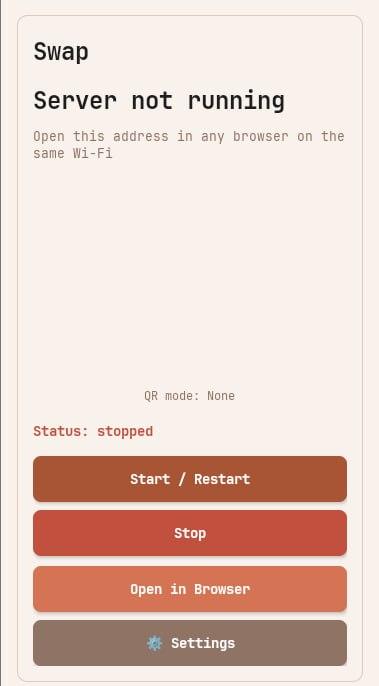
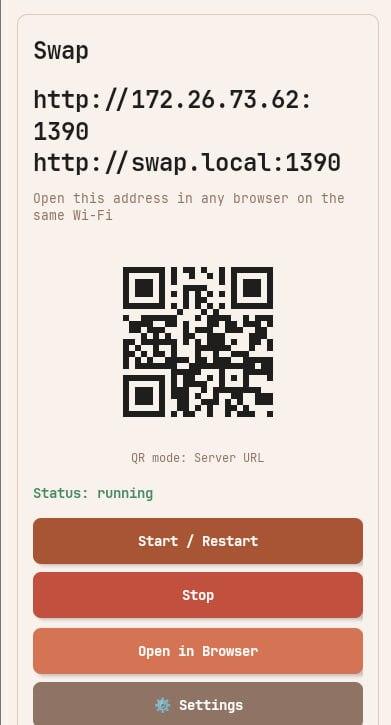
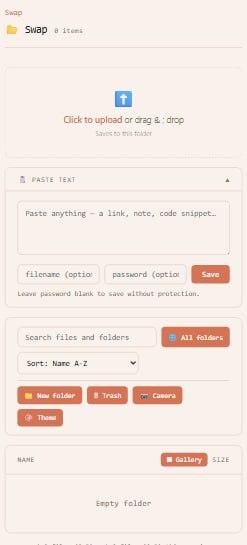
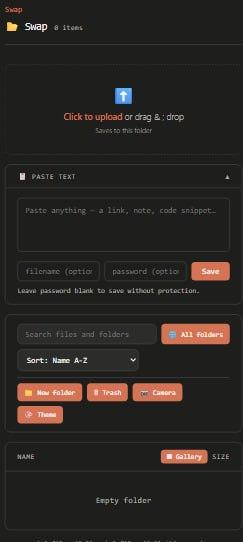
Swap runs a local HTTP server on Android so devices on the same Wi-Fi can browse, upload, and download files directly in a browser.
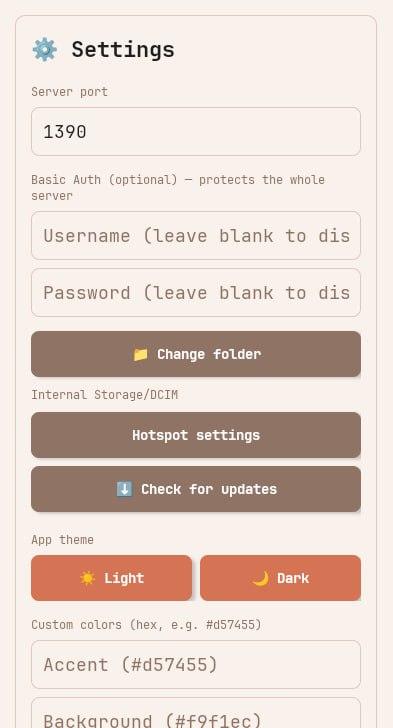
Features include search and sorting in the web UI, ZIP downloads, queued downloads, drag-and-drop uploads, Unicode filename support, and optional password protection for files.
Screenshots
What’s new
Swap 1.1.0
New file tools (web UI): - Recursive "all folders" search across the whole shared tree - Thumbnails + gallery grid view for images and videos - In-browser preview for images, video, audio, PDF, and text (with seeking) - Copy text-file contents to clipboard - Camera capture upload - New folder, rename, and move - Trash with restore / empty (delete is now undoable) - Expiring / one-time share links that work without the file password - Session transfer stats
Reachability: - mDNS: open
How to install
Download the APK from the button at the top of this page.
Allow “Install unknown apps” for your browser or file manager only, not for every app.
Open the downloaded file and confirm the installation.
If installation fails with “App not installed,” remove an earlier build of the same app first. A signature conflict is the usual cause.
Data safety
Every file is checked against its published SHA-256 before it is listed.
Files are scanned for malware on every update.
The permissions each app requests are listed on its own page.
Read the full safety policy for how we test, flag, and delist files.