An alarm clock you can only stop with a QR code or a math problem
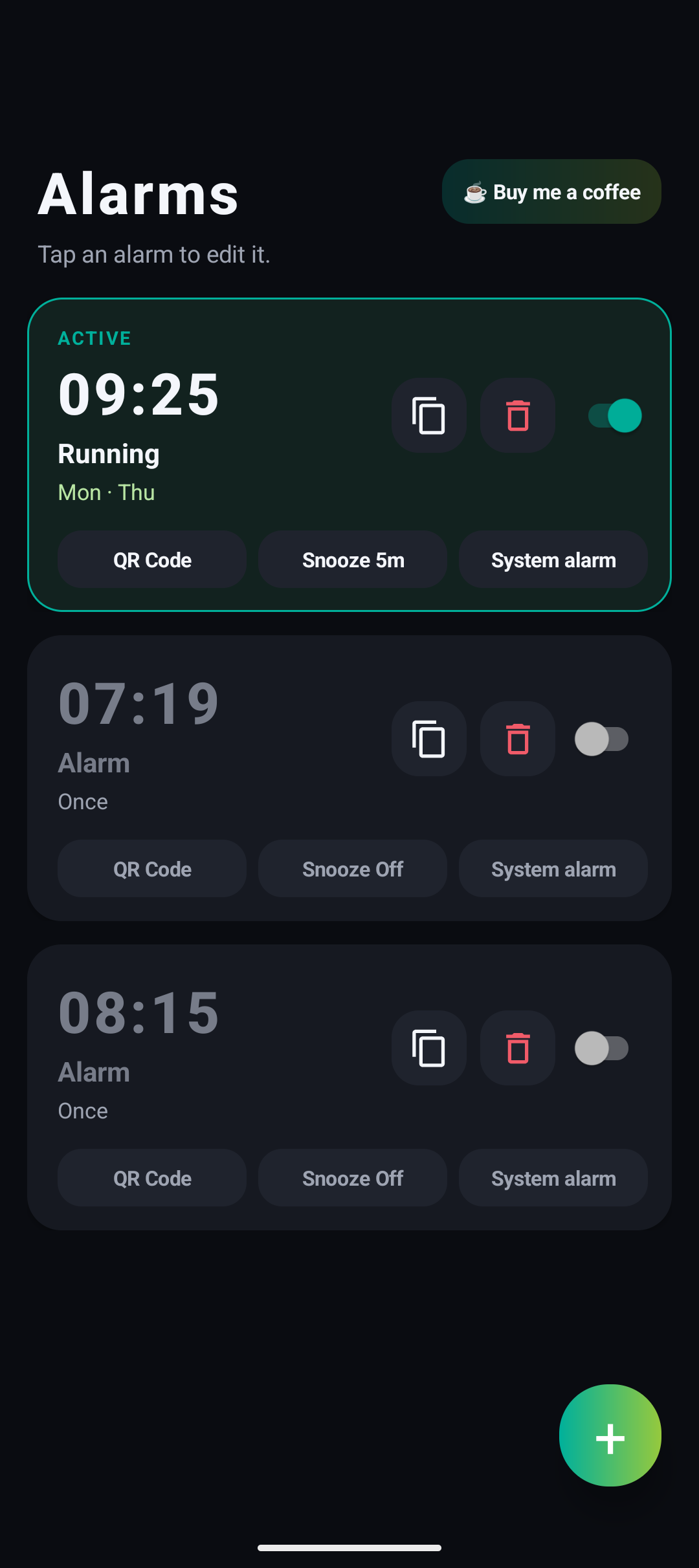
NoChoice Alarm is an alarm clock designed so you can't go back to sleep: to stop the ringing, you must scan a QR code and/or solve a math problem.
Features:
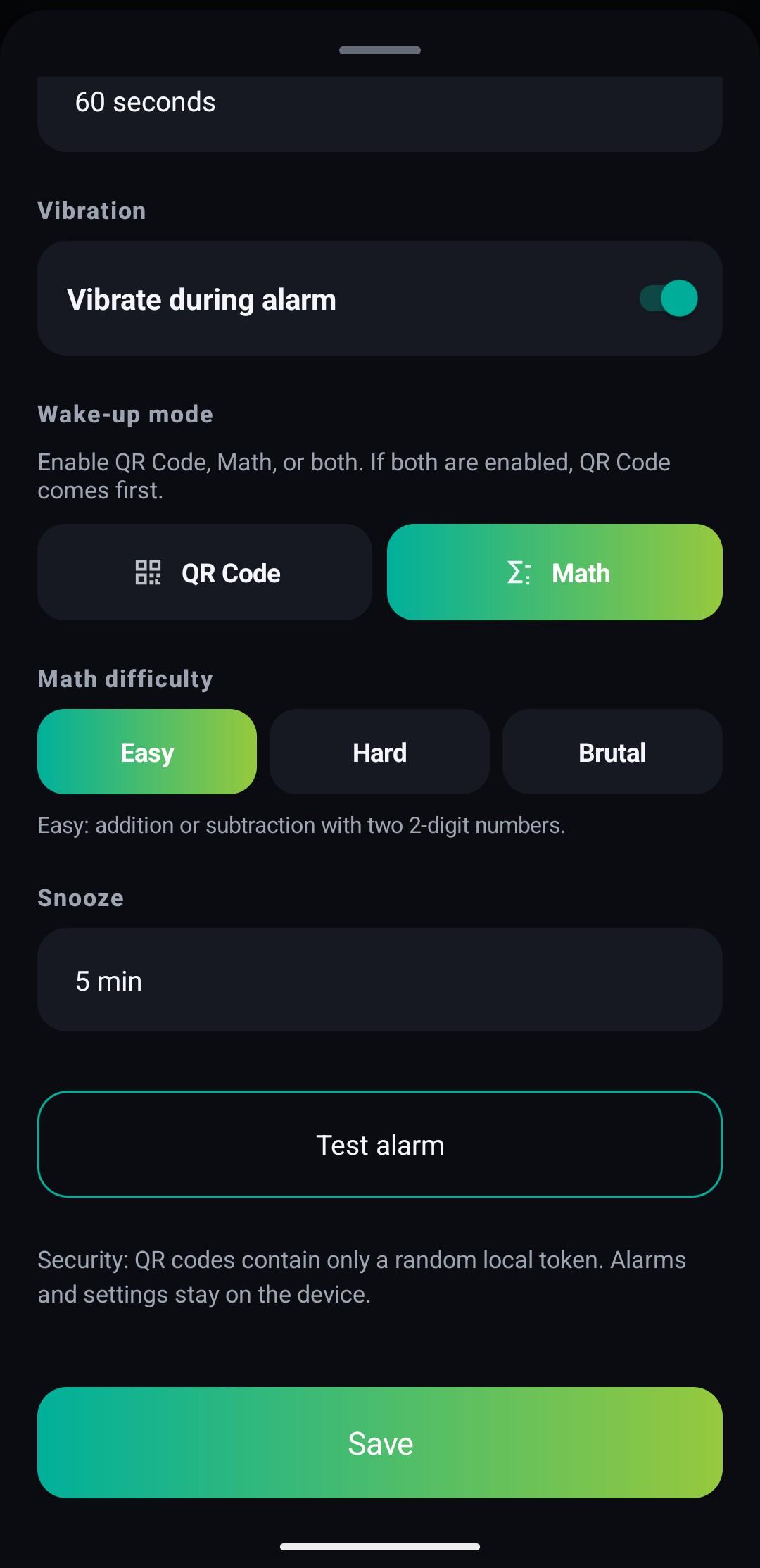
- Stop the alarm with a QR code, a math problem, or both
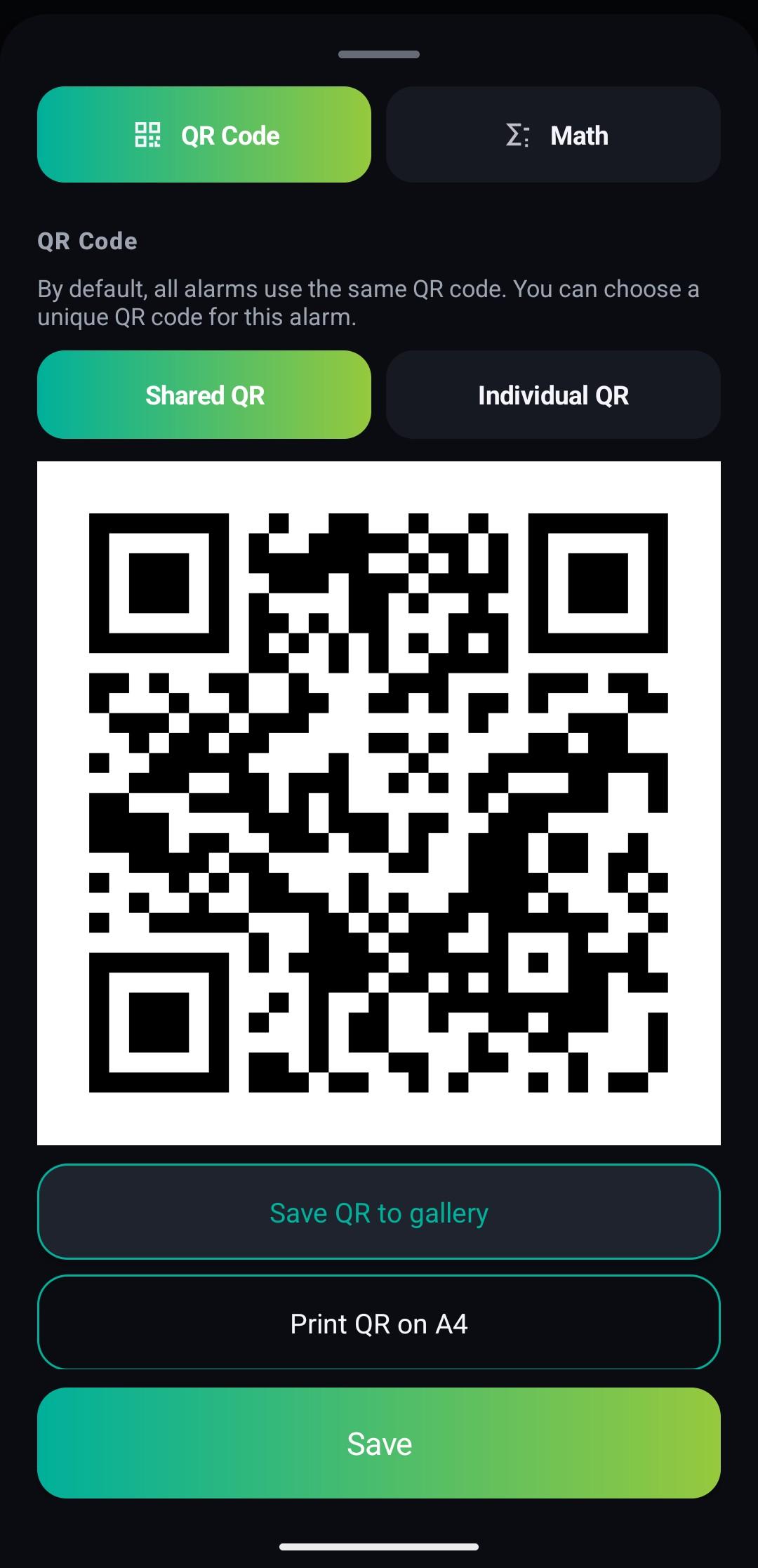
- One shared QR code for all alarms, or an individual QR code per alarm
- Save the QR code to your gallery or print it on an A4 page
- Works on top of the lock screen without ever unlocking your phone
- Built-in flash button in the scanner for scanning in the dark
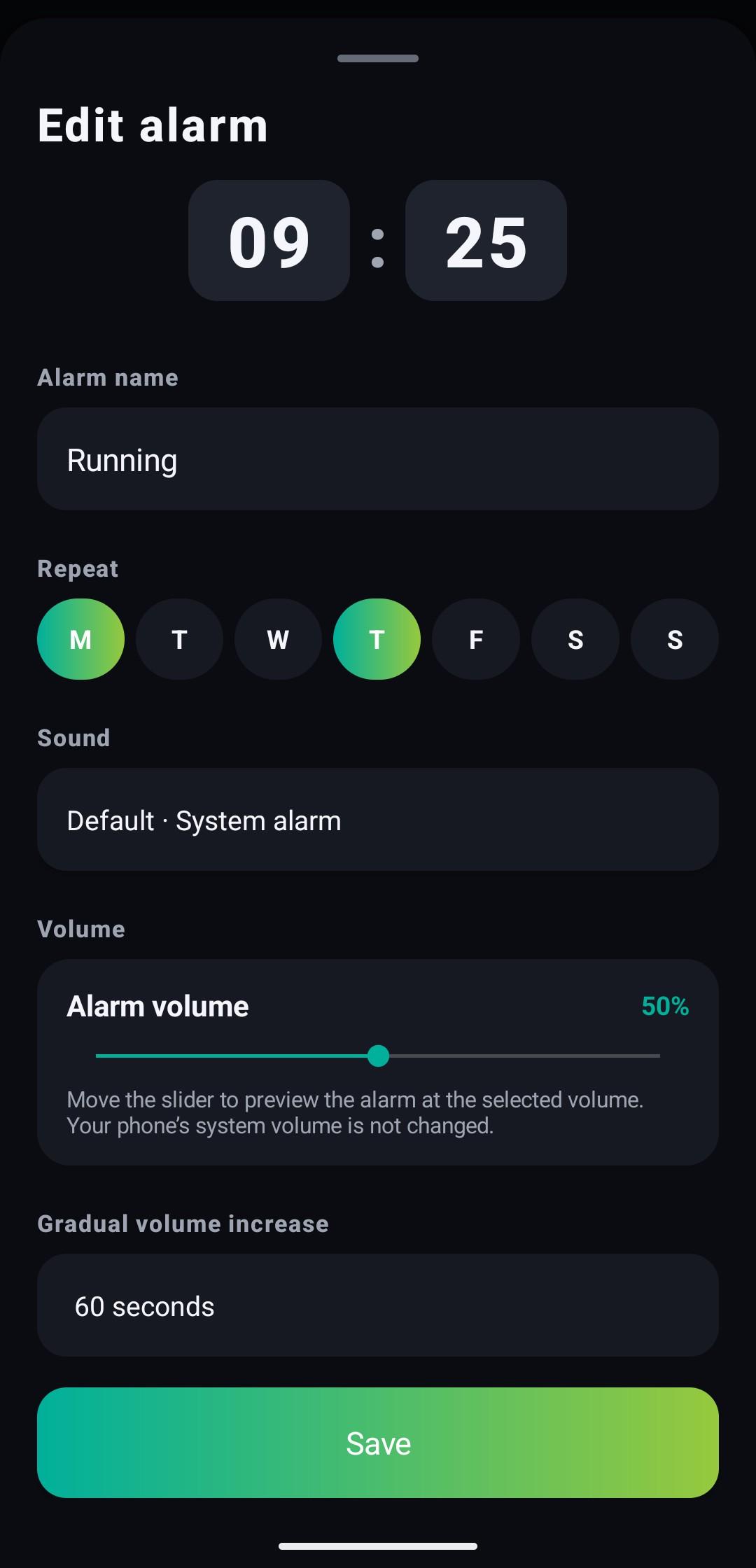
- Gradual volume, optional vibration, snooze and test mode
- Duplicate alarms in one tap
- Interface in English and French
Privacy:
- No Internet permission: the app never sends any data
- No ads, no trackers
- All data stays on your phone
Screenshots
What’s new
- Alarms can be edited right away, without swiping the sheet up first - The time picked in the clock dialog is kept even if you tap Save without pressing OK - When an alarm is turned on or saved, a short message shows how long until it rings - Larger Flash button in the QR scanner
How to install
Download the APK from the button at the top of this page.
Allow “Install unknown apps” for your browser or file manager only, not for every app.
Open the downloaded file and confirm the installation.
If installation fails with “App not installed,” remove an earlier build of the same app first. A signature conflict is the usual cause.
Data safety
Every file is checked against its published SHA-256 before it is listed.
Files are scanned for malware on every update.
The permissions each app requests are listed on its own page.
Read the full safety policy for how we test, flag, and delist files.
Frequently asked questions
What is NoChoice Alarm?
An alarm clock you can only stop with a QR code or a math problem
Who develops NoChoice Alarm?
NoChoice Alarm is developed by ElementBrome.
Which Android version does NoChoice Alarm require?