
Quick answer
Easily and securely send things from one computer to another
crocson — croc for Android, Windows, Linux, macOS.
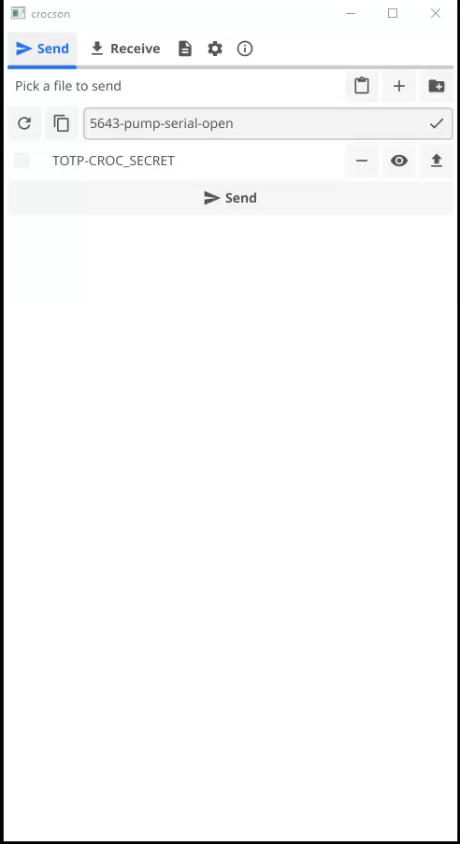
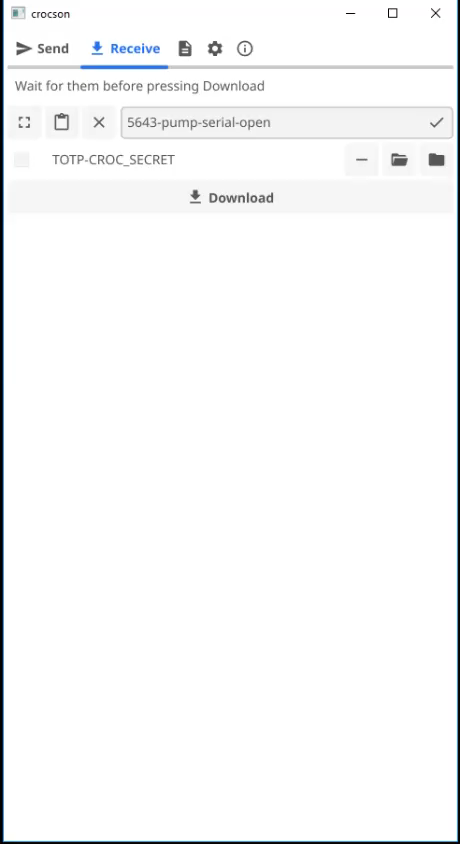
File transfer from sender to receiver - Via relay without port forwarding - Desktop: drag-and-drop, command line, stdin pipe, queue holds only file and directory references - Android: "Share" and "Open with" from file managers
WebDAV — two-way file transfer - Built-in HTTP/HTTPS server - File browsing via browser, streaming audio/video - Tunneling through encrypted tunnel
Chat - Web chat with session history - Video calls, video messages, desktop screen sharing - Server-side recording of webcam/microphone/screenshots (WebM/MP4/PNG) with chat publishing
Security - End-to-end encryption (PAKE), one-time passwords (TOTP) - Secret from input field or CROC_SECRET - Choice of elliptic curve, relay password not disclosed to the other party
QR code and Deep Links - QR code generation/scanning, support for Android scanners - Deep Links for settings and WebDAV
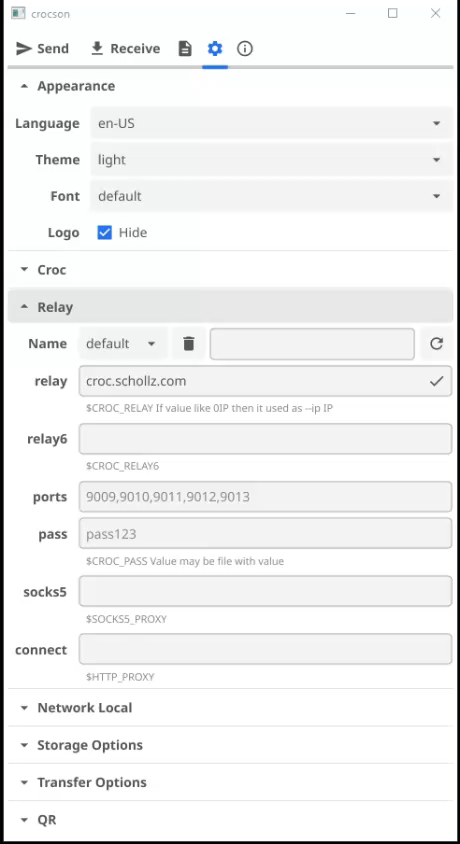
Relay profiles - Switching, local management from GUI or CLI - Proxy: SOCKS5 (Tor), HTTP
Transfer settings - .gitignore, file overwrite, compression, protection from deletion via WebDAV link - Multiplexing, folder ZIP, speed limit
Interface - Themes: system/light/grey/dark/black - Font selection, 5 languages
CLI mode - Pipes, text sending, transfer resuming, quiet mode
Screenshots
How to install
- Download the APK from the button at the top of this page.
- Allow “Install unknown apps” for your browser or file manager only, not for every app.
- Open the downloaded file and confirm the installation.
- If installation fails with “App not installed,” remove an earlier build of the same app first. A signature conflict is the usual cause.
Data safety
- Every file is checked against its published SHA-256 before it is listed.
- Files are scanned for malware on every update.
- The permissions each app requests are listed on its own page.
- Read the full safety policy for how we test, flag, and delist files.
Frequently asked questions
What is crocson?
Easily and securely send things from one computer to another
Who develops crocson?
crocson is developed by Konstantin Abakumov.
Which Android version does crocson require?
crocson requires Android API 23 or later.
What is the current version of crocson?
The synchronized F-Droid version is 1.11.77.
Which license does crocson use?
The signed F-Droid metadata lists ISC.
Where is the source code for crocson?
https://github.com/abakum/crocson
Comments
Recent approved comments · sorted by newest
View all comments