Morse code by flashlight and camera, optionally encrypted. No network.
Send text as Morse code with the flashlight and read it back with the camera, optionally encrypted with a master password.
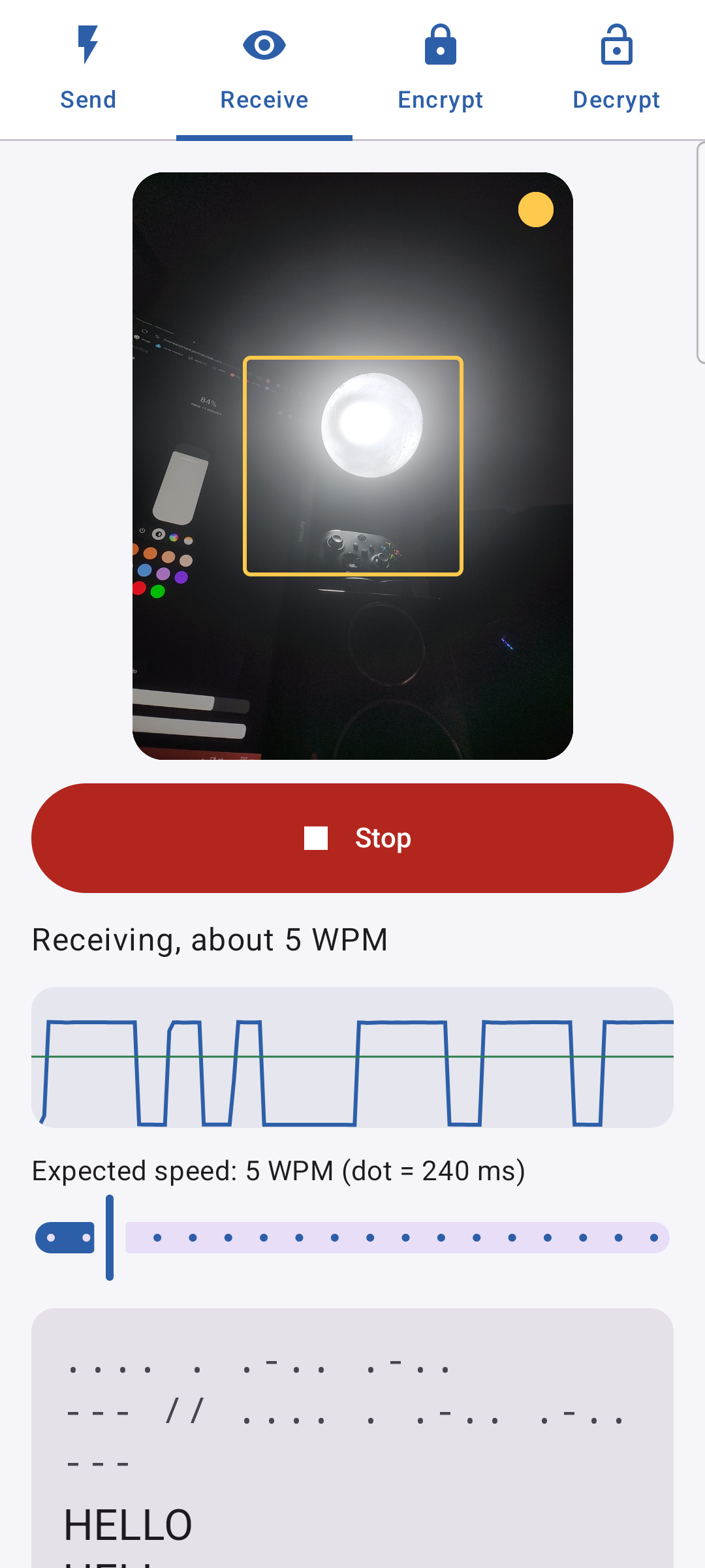
One phone flashes, another one points its camera at the light and turns the pulses back into text. It also reads any other blinking light: a lamp, a screen, a torch in the distance.
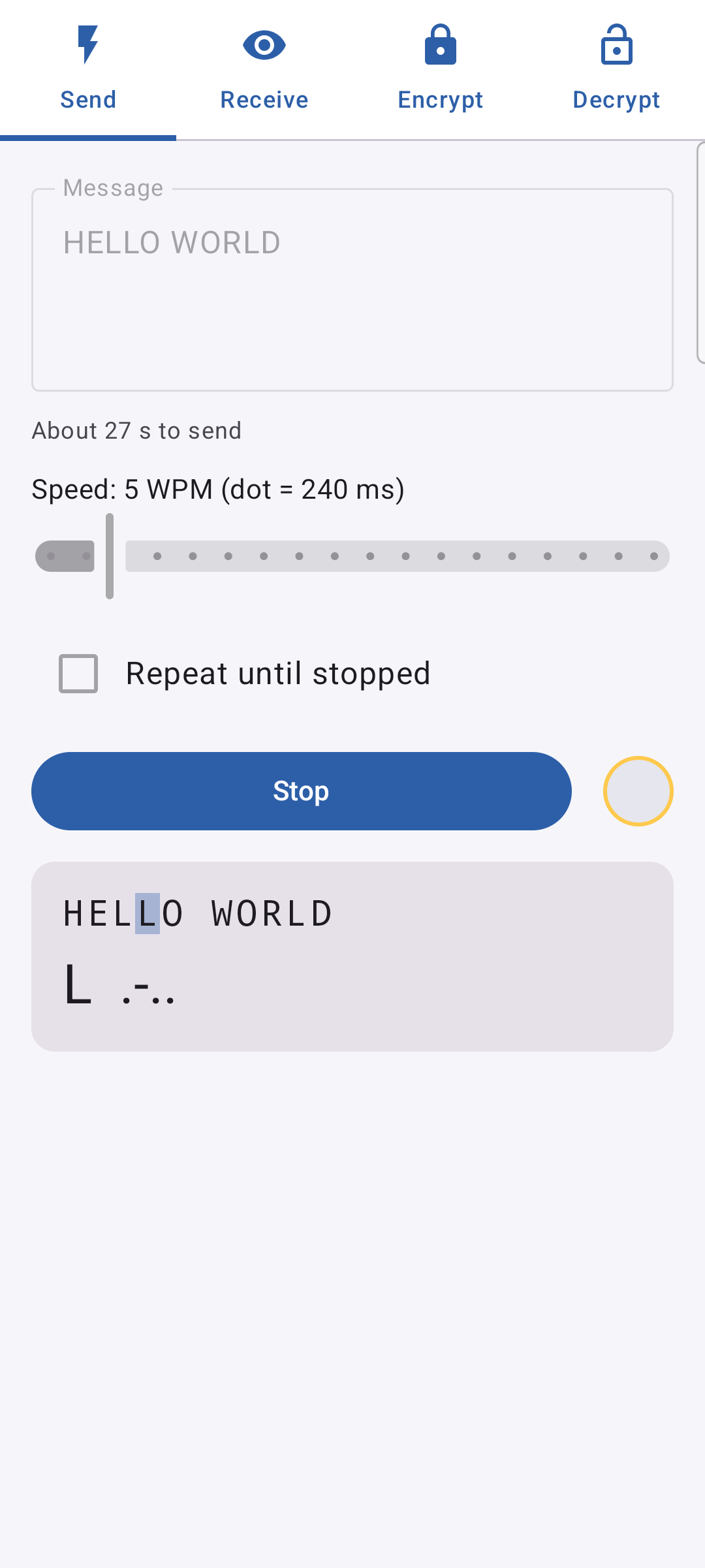
Send: type, pick the speed, flash. Repeat in a loop so the receiver has time to get settled.
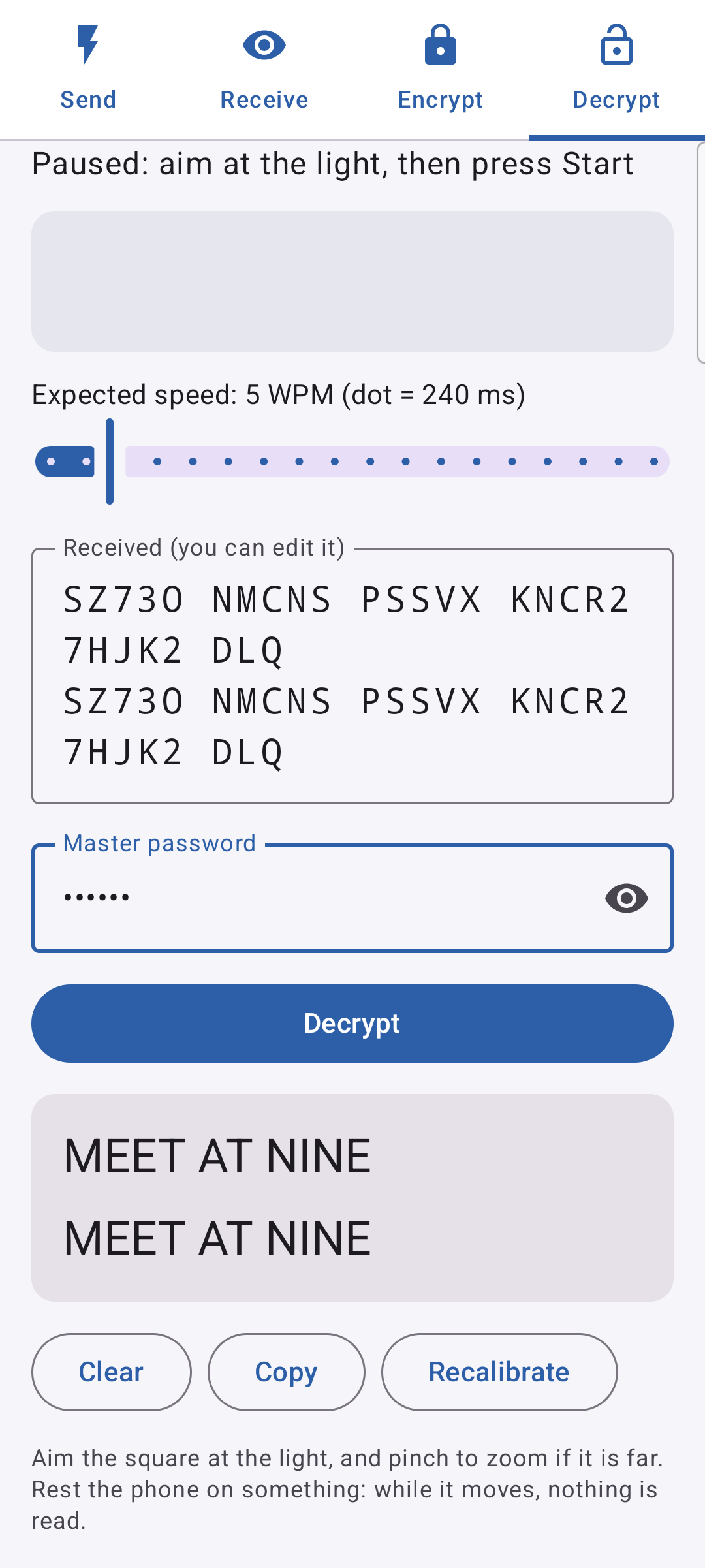
Receive: aim and press Start. Pinch to zoom on distant lights. Each repeat lands on its own line, and the received text can be edited by hand.
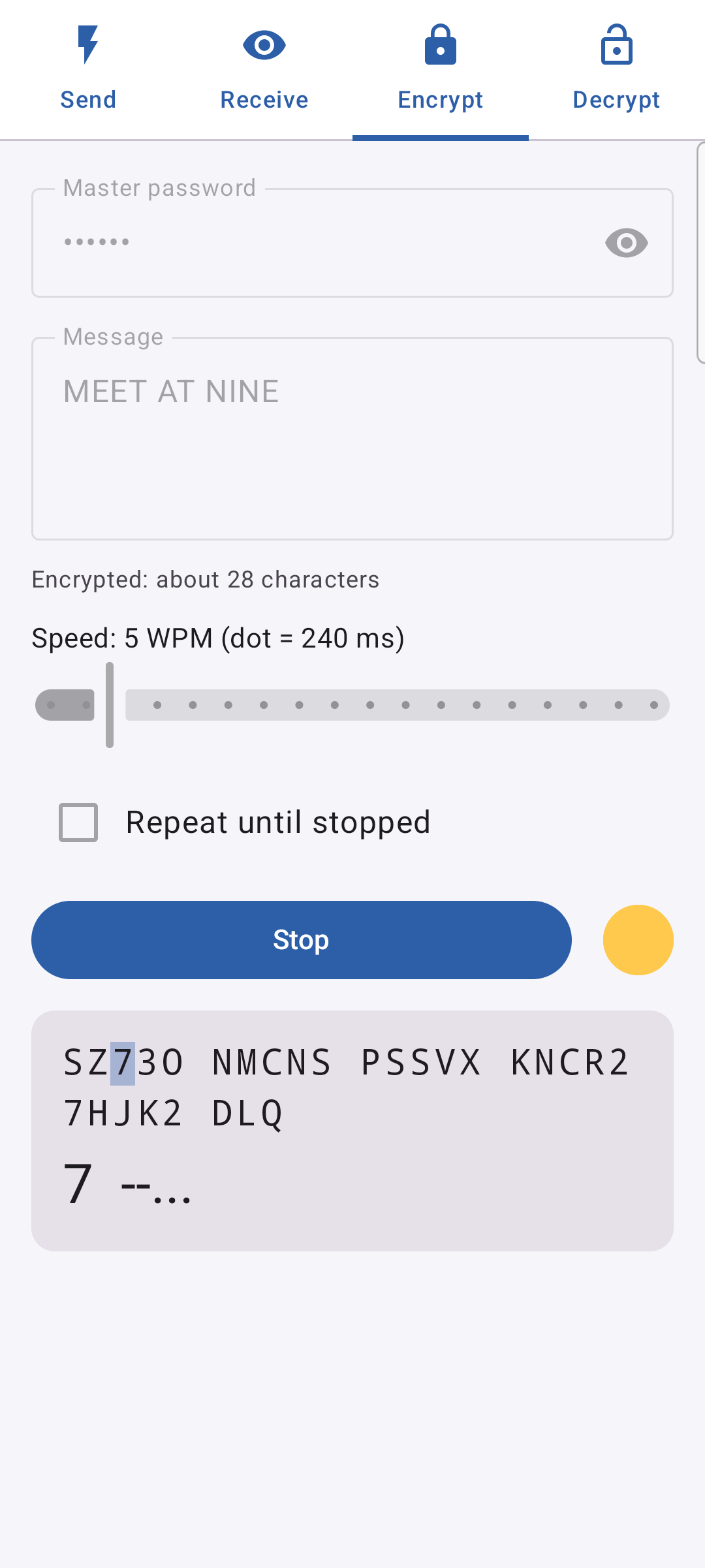
Encrypt / Decrypt: AES-256 with a master password, in a compact format of letters and digits made for Morse: "HOLA MUNDO" becomes 26 characters.
The receiver follows only what blinks, so a bright screen next to the lamp does not blind it. It measures the sender's speed by itself, tolerates a hand holding the phone and pauses while the phone moves.
No network permission: nothing leaves the phone except light. Nothing is stored.
Sending needs a phone with a flashlight; receiving needs a camera.
Screenshots
What’s new
The Receive and Decrypt tabs no longer ask for the camera before a received message can be typed in by hand.
How to install
Download the APK from the button at the top of this page.
Allow “Install unknown apps” for your browser or file manager only, not for every app.
Open the downloaded file and confirm the installation.
If installation fails with “App not installed,” remove an earlier build of the same app first. A signature conflict is the usual cause.
Data safety
Every file is checked against its published SHA-256 before it is listed.
Files are scanned for malware on every update.
The permissions each app requests are listed on its own page.
Read the full safety policy for how we test, flag, and delist files.
Frequently asked questions
What is MorseLightCrypt?
Morse code by flashlight and camera, optionally encrypted. No network.
Who develops MorseLightCrypt?
MorseLightCrypt is developed by javimentallab.
Which Android version does MorseLightCrypt require?