
SayWhen icon

SayWhen

dmi3dmi3
Tools
Version
3.1.0
Size
1.9 MB
Requires
Android API 26+
4.6 / 5 · 18,623 ratings 120,071 downloads

Updated Oct 8, 2026

Quick answer

One phrase — and it's on your calendar. No forms, no fields.

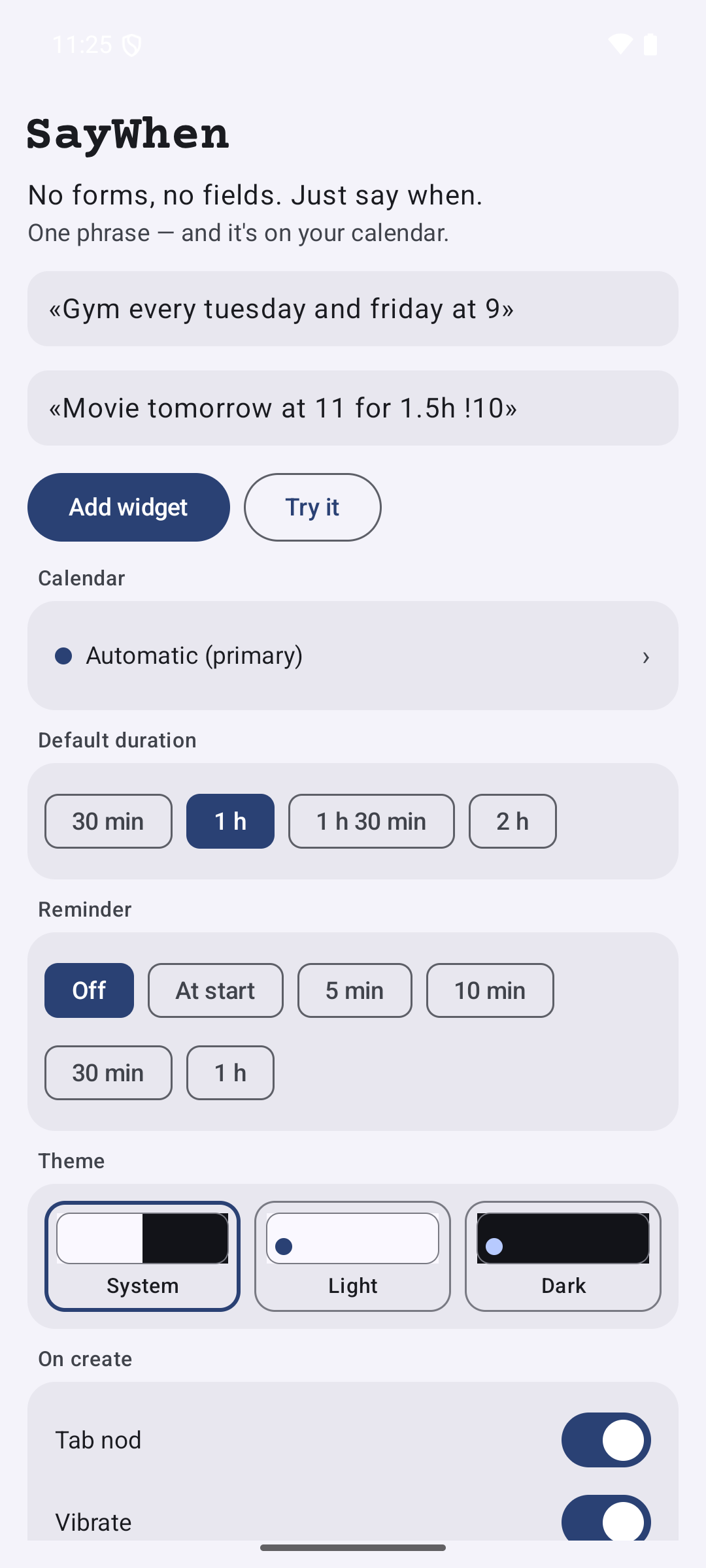
No forms, no fields. Just say when.

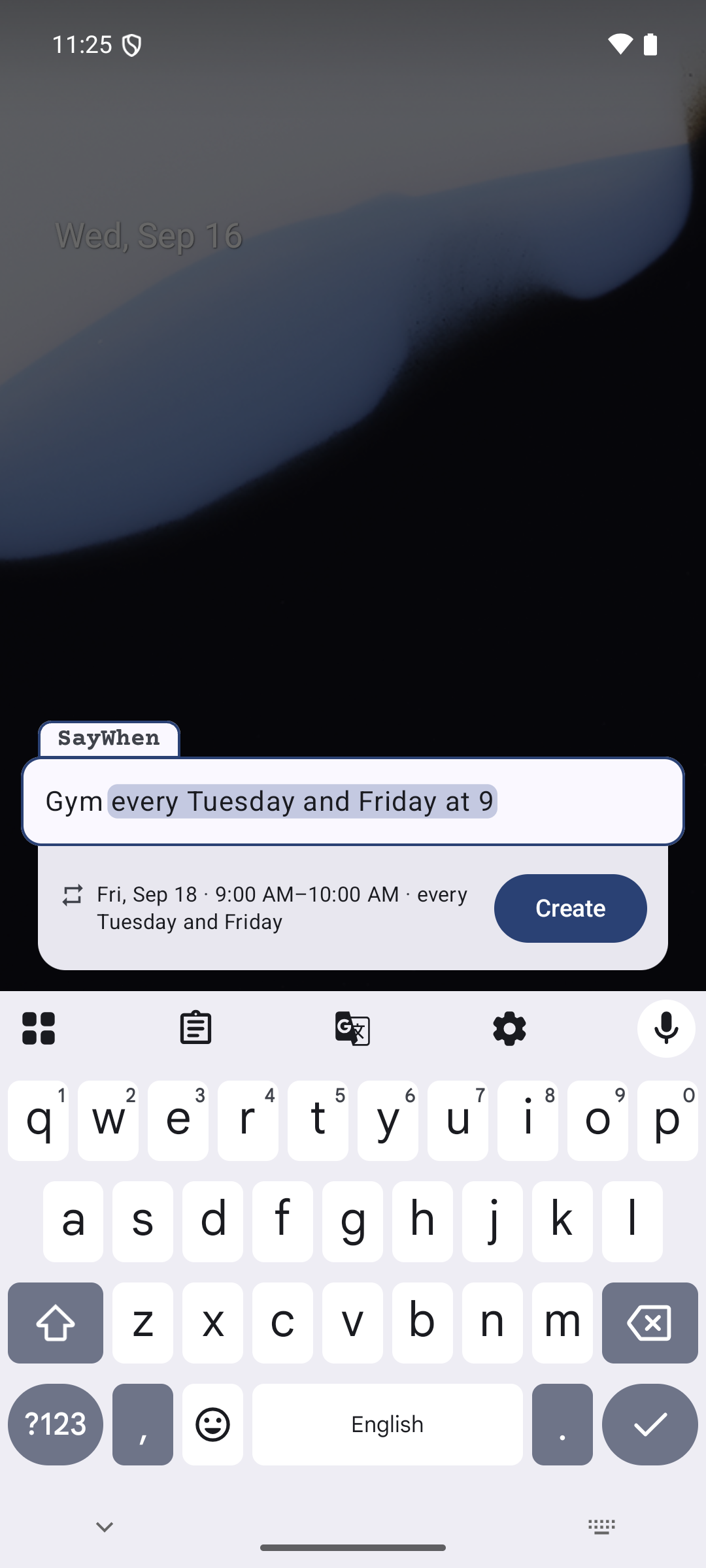
Type an event the way you'd say it, in English, Russian, Italian, Spanish, German, or French:

• Gym every tuesday and friday at 9 • Movie tomorrow at 11 for 1.5h !10 • Dentist june 3 at 12:30

SayWhen parses the phrase as you type: date, time, duration, recurrence, a “!10” reminder. It shows a live preview of what it understood and writes the event straight to the calendar you chose. Tap the home-screen widget, type, done.

Private by construction:

• No sign-up, no server, no analytics, no identifiers • No network access at all — the app doesn't even declare the INTERNET permission • Two permissions total: read your calendar list, write the event you asked for

Events go to your calendar and nowhere else. If your calendar belongs to a synced account, its own sync engine uploads the event, exactly as with any other calendar app.

Screenshots

SayWhen screenshot 1
SayWhen screenshot 2
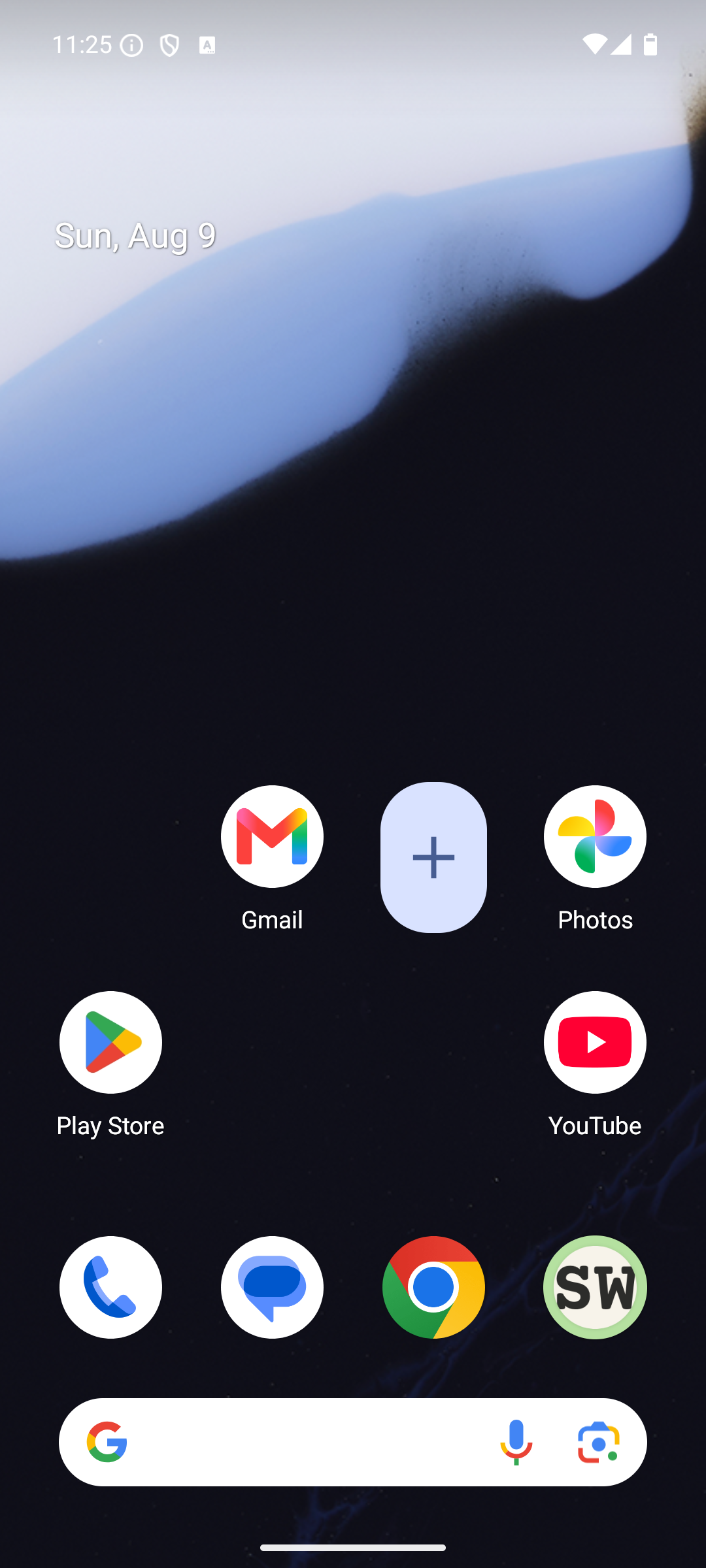
SayWhen screenshot 3

What’s new

SayWhen now understands French phrases. The interface and the store listing are translated too; thanks to acress1 for starting this and helping with the interface translation.

• French. Write it the way you would say it: "réunion demain à 15h30", "tous les lundis à 9h", "dans 15 jours", "rappelle-moi 10 minutes avant". Recognition turns on with the interface language, or separately in Advanced settings.
• "+ event" icon. A second icon in the app list opens the input window right away. Turn it o

How to install

  1. Download the APK from the button at the top of this page.
  2. Allow “Install unknown apps” for your browser or file manager only, not for every app.
  3. Open the downloaded file and confirm the installation.
  4. If installation fails with “App not installed,” remove an earlier build of the same app first. A signature conflict is the usual cause.

Data safety

  • Every file is checked against its published SHA-256 before it is listed.
  • Files are scanned for malware on every update.
  • The permissions each app requests are listed on its own page.
  • Read the full safety policy for how we test, flag, and delist files.

Frequently asked questions

What is SayWhen?
One phrase — and it's on your calendar. No forms, no fields.
Who develops SayWhen?
SayWhen is developed by dmi3dmi3.
Which Android version does SayWhen require?
SayWhen requires Android API 26 or later.
What is the current version of SayWhen?
The synchronized F-Droid version is 3.1.0.
Which license does SayWhen use?
The signed F-Droid metadata lists GPL-3.0-only.
Where is the source code for SayWhen?
https://github.com/dmi3dmi3/saywhen

Comments

Recent approved comments · sorted by newest

Verification code
Be specific and keep it about the app. No links. Comments are reviewed before publication. Device and Android details are recorded automatically. Privacy policy.

Loading recent comments...

View all comments