Quick answer
Open-source Stable Diffusion client for Android and iOS workflows.
SDAI (Stable Diffusion AI) is an open-source mobile AI image generation client for Android and iOS. It gives artists, hobbyists, and builders one clean workflow for prompting, tuning generation settings, reviewing results, and switching between the providers they already use.
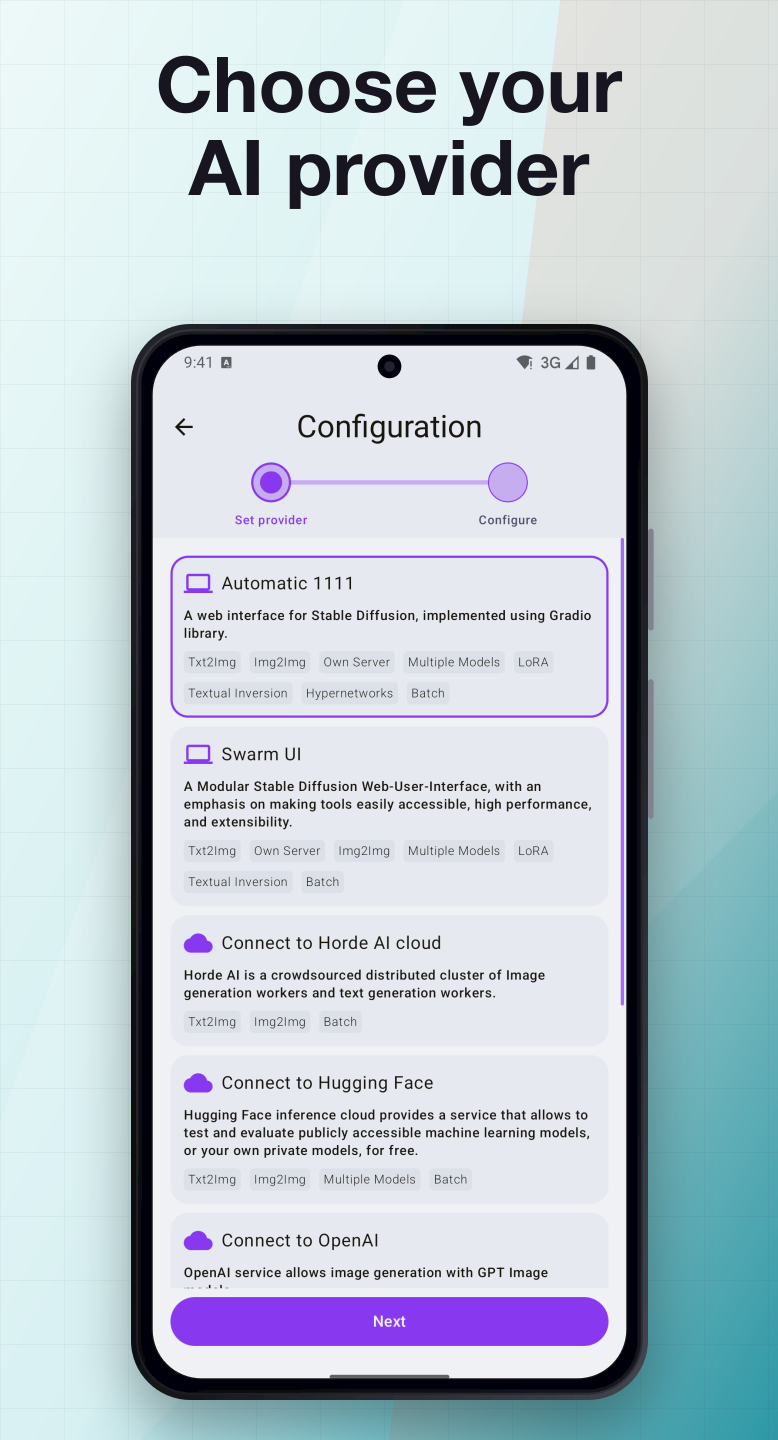
Choose the backend that fits the moment: - Your own AUTOMATIC1111 or SwarmUI server - AI Horde community workers - Hugging Face Inference API - OpenAI Images API - Stability AI / DreamStudio API - Android local diffusion with ONNX where available
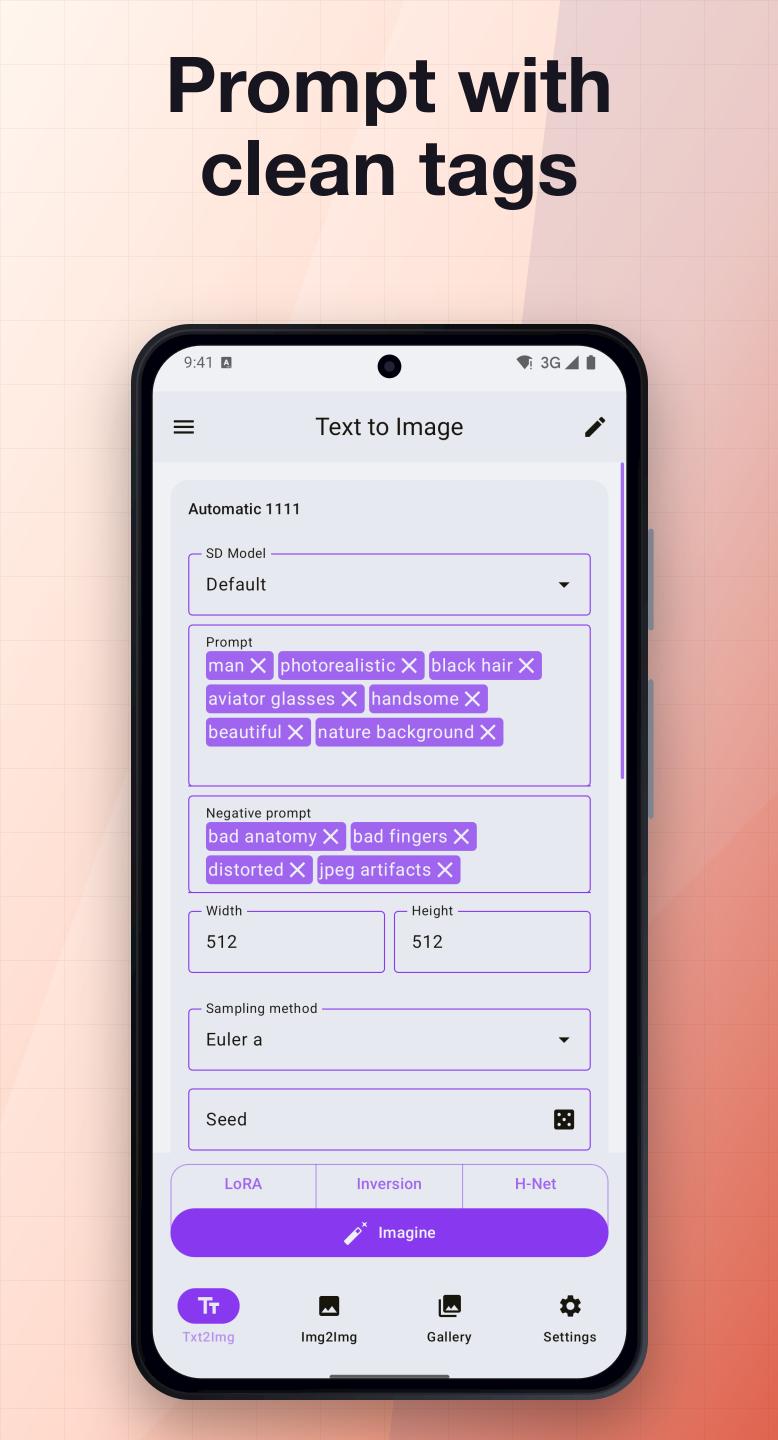
SDAI keeps familiar Stable Diffusion controls close at hand: positive and negative prompts where supported, seed, steps, CFG scale, image size, sampler, model or engine selection, LoRA, embeddings, hypernetworks, Img2Img, Inpaint, batch generation, and provider-specific options.
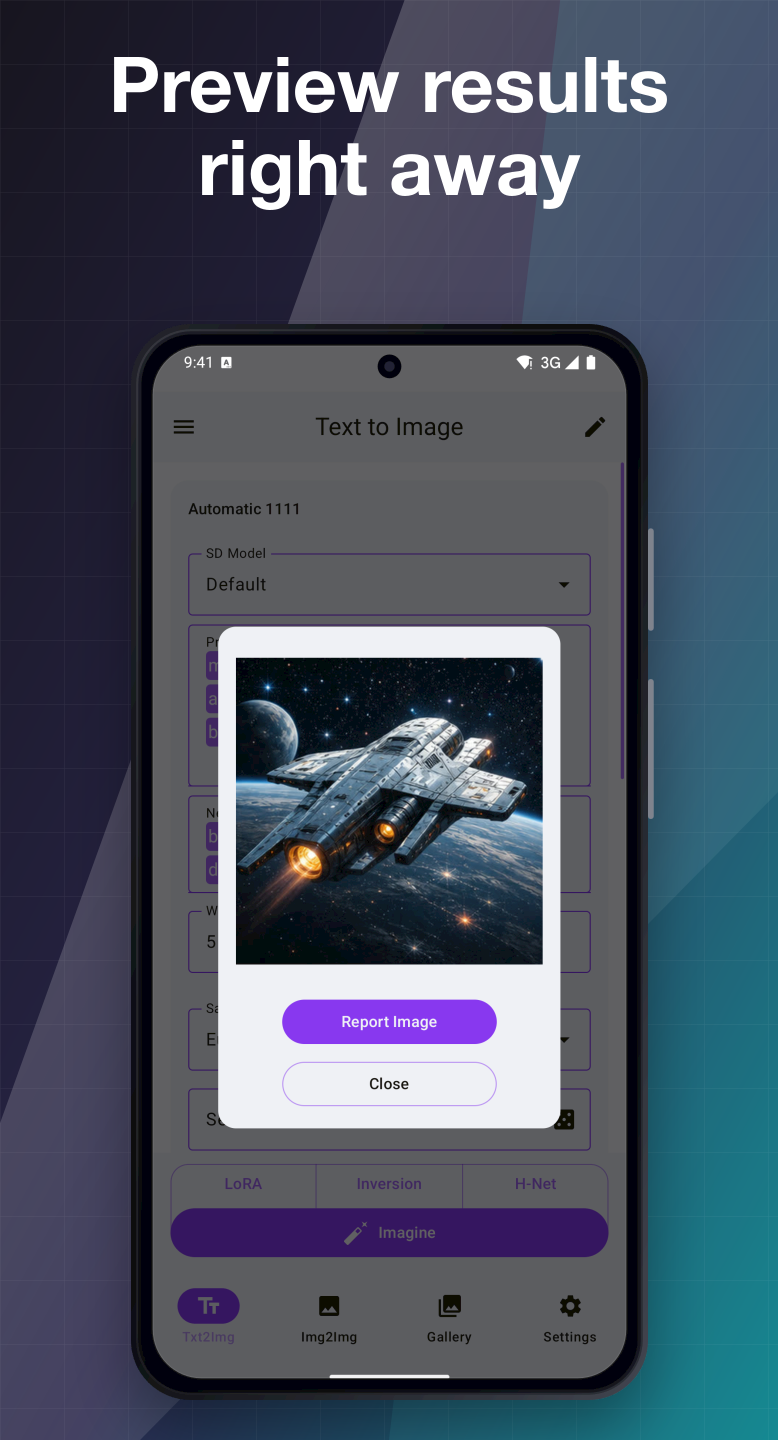
The app is built for mobile instead of locking you into a single cloud service. You can use your own server, connect API keys for hosted providers, or generate on device with supported Android local engines. Generated images stay in the in-app gallery with details, zoom, sharing, native save/export flows, and ZIP export.
No ads. No telemetry. No provider lock-in. SDAI is community-driven free software, so you can inspect the code, report issues, translate the app, and help improve the next mobile Stable Diffusion workflow.
Note: this F-Droid listing is for the Android FOSS build. iOS uses the shared SDAI mobile experience for remote generation providers, while some local diffusion features are Android-only.
Screenshots
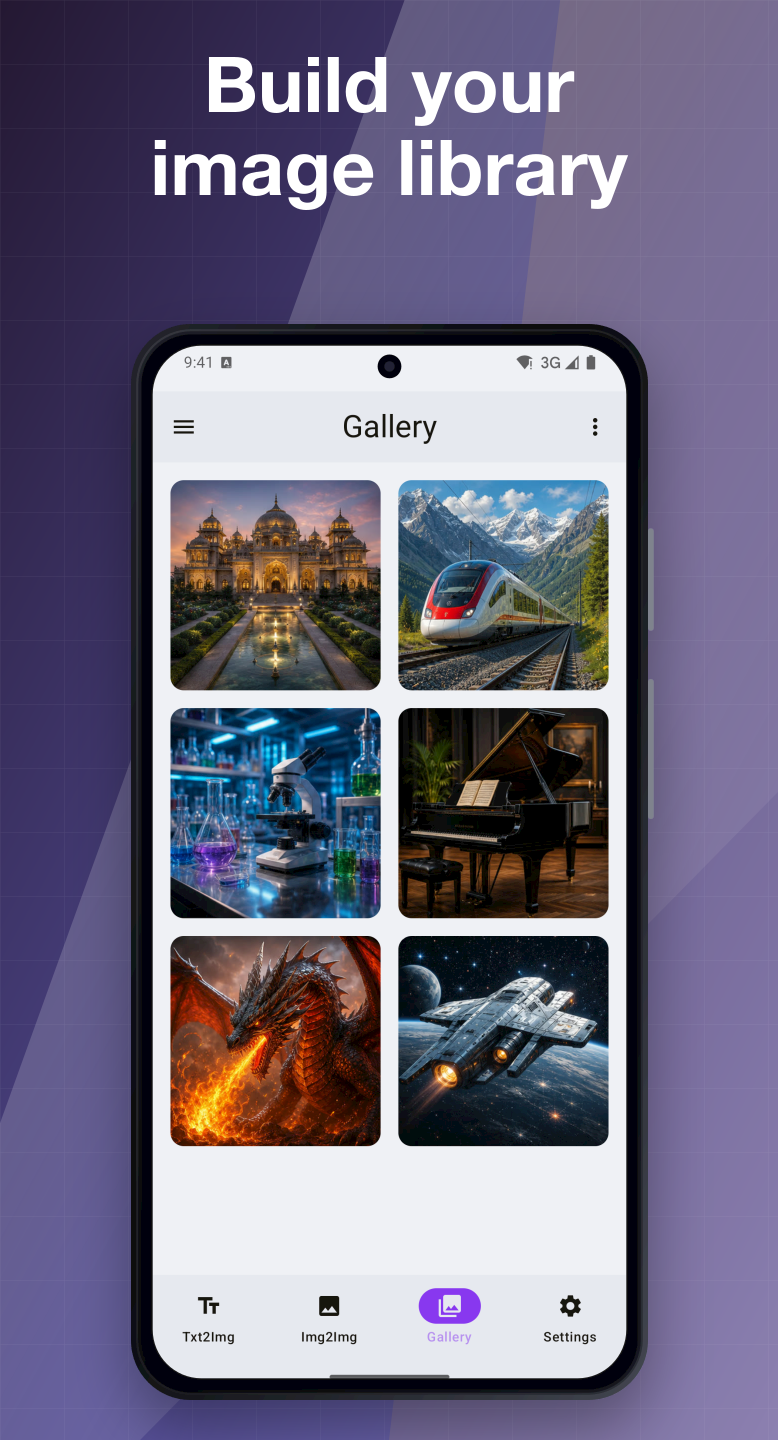
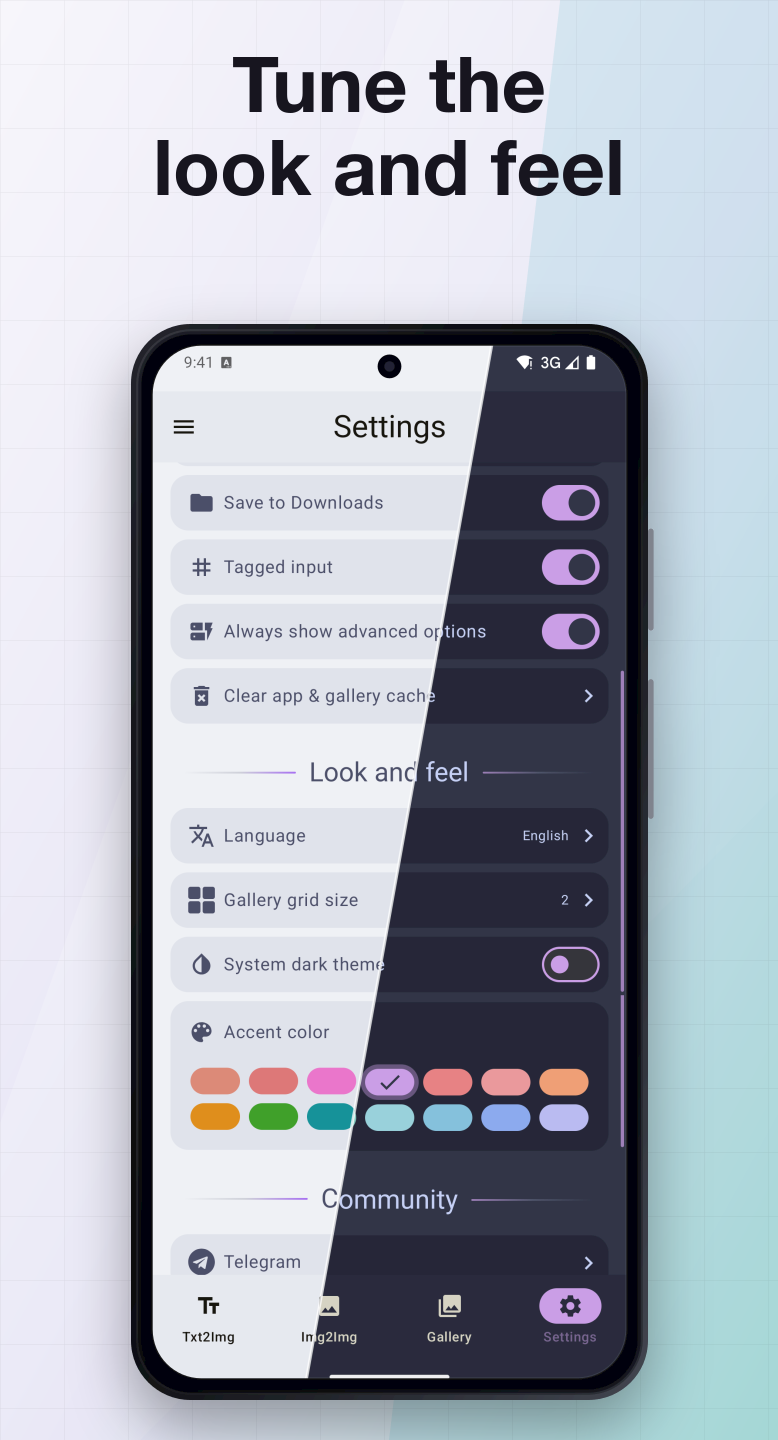
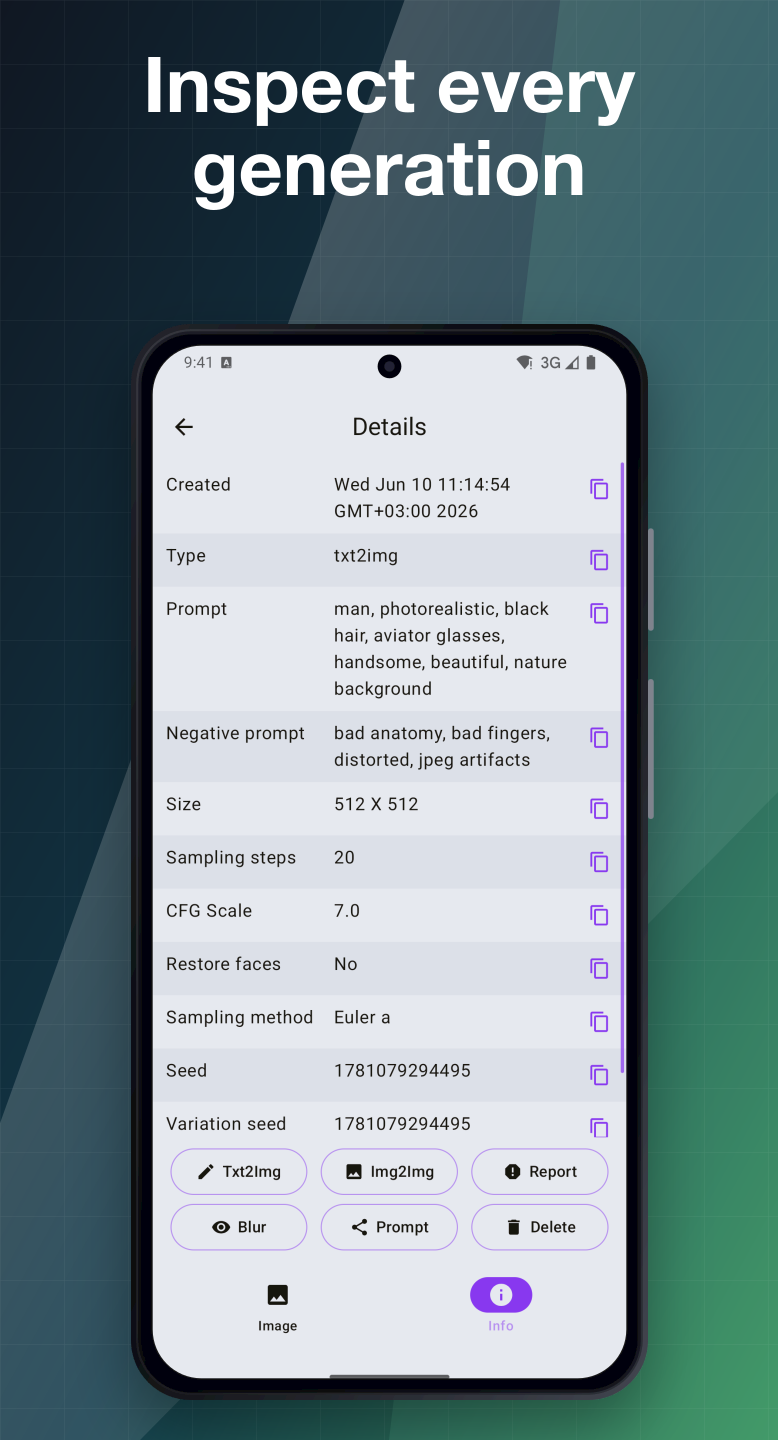
How to install
- Download the APK from the button at the top of this page.
- Allow “Install unknown apps” for your browser or file manager only, not for every app.
- Open the downloaded file and confirm the installation.
- If installation fails with “App not installed,” remove an earlier build of the same app first. A signature conflict is the usual cause.
Data safety
- Every file is checked against its published SHA-256 before it is listed.
- Files are scanned for malware on every update.
- The permissions each app requests are listed on its own page.
- Read the full safety policy for how we test, flag, and delist files.
Frequently asked questions
What is SDAI - Stable Diffusion AI?
Open-source Stable Diffusion client for Android and iOS workflows.
Who develops SDAI - Stable Diffusion AI?
SDAI - Stable Diffusion AI is developed by Dmitriy Moroz.
Which Android version does SDAI - Stable Diffusion AI require?
SDAI - Stable Diffusion AI requires Android API 24 or later.
What is the current version of SDAI - Stable Diffusion AI?
The synchronized F-Droid version is 1.1.2.
Which license does SDAI - Stable Diffusion AI use?
The signed F-Droid metadata lists AGPL-3.0-only.
Where is the source code for SDAI - Stable Diffusion AI?
https://github.com/ShiftHackZ/Stable-Diffusion-Android
Comments
Recent approved comments · sorted by newest
View all comments