Turn your phone into a secure, on-demand MCP server for AI clients
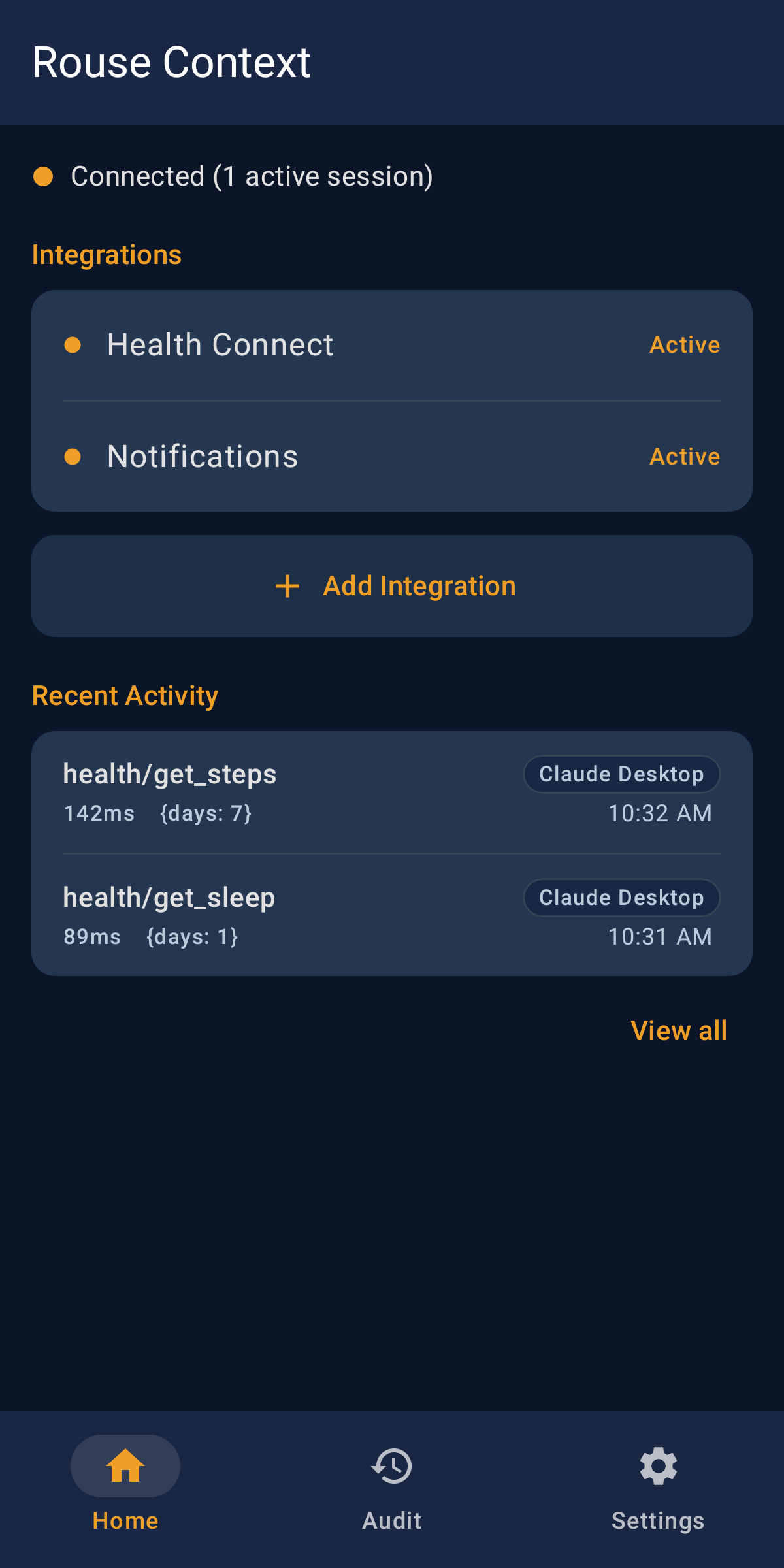
Rouse Context turns your Android phone into an on-demand MCP (Model Context Protocol) server. An AI client connects to a URL, your phone wakes up, and a direct encrypted session is established. The client asks for what it needs — health data, notifications, app usage — your phone answers, then goes back to sleep.
Your data stays on the device. The session runs end-to-end encrypted between the AI client and your phone; the relay that connects them only forwards that encrypted traffic and can't read it.
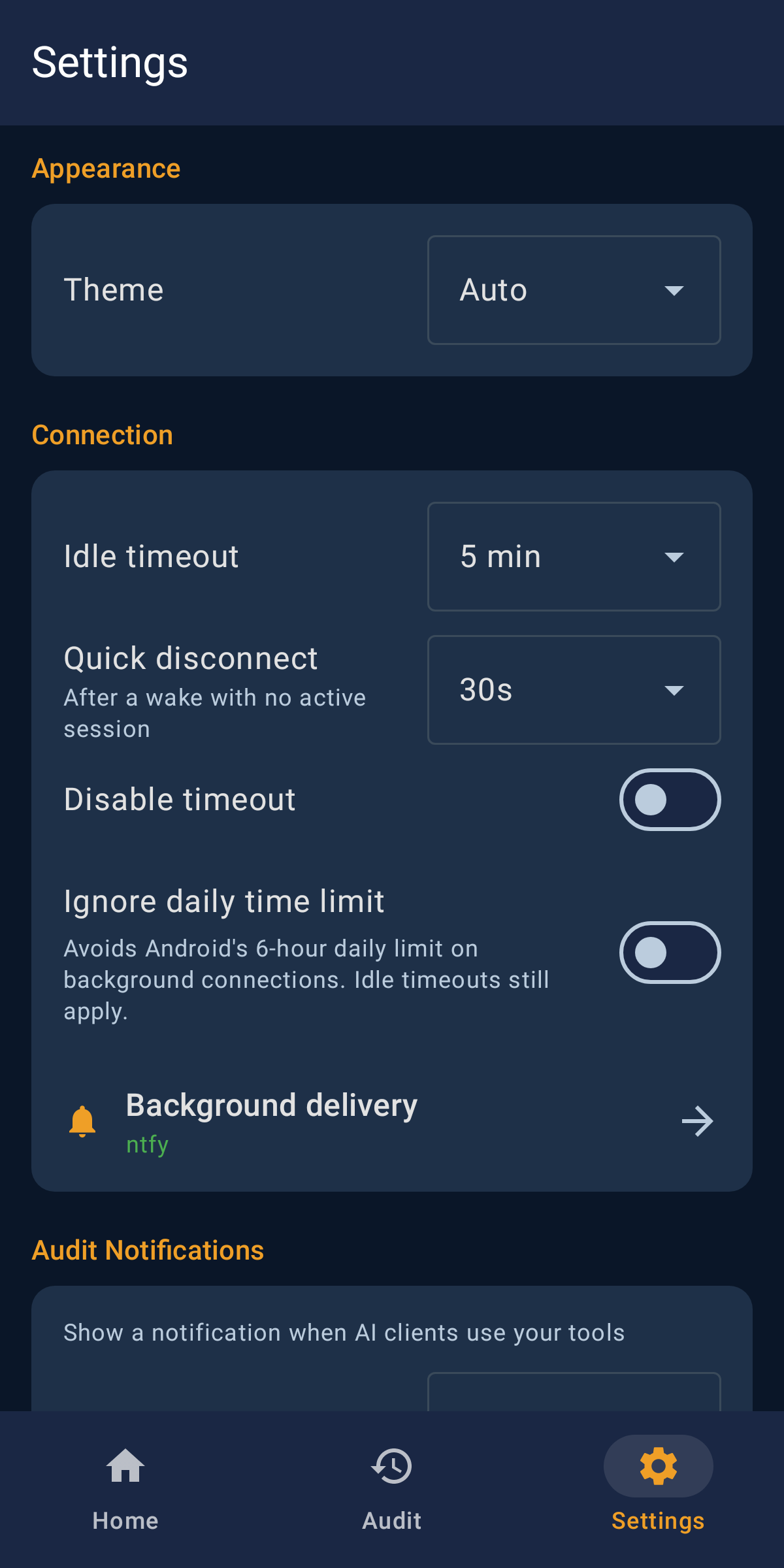
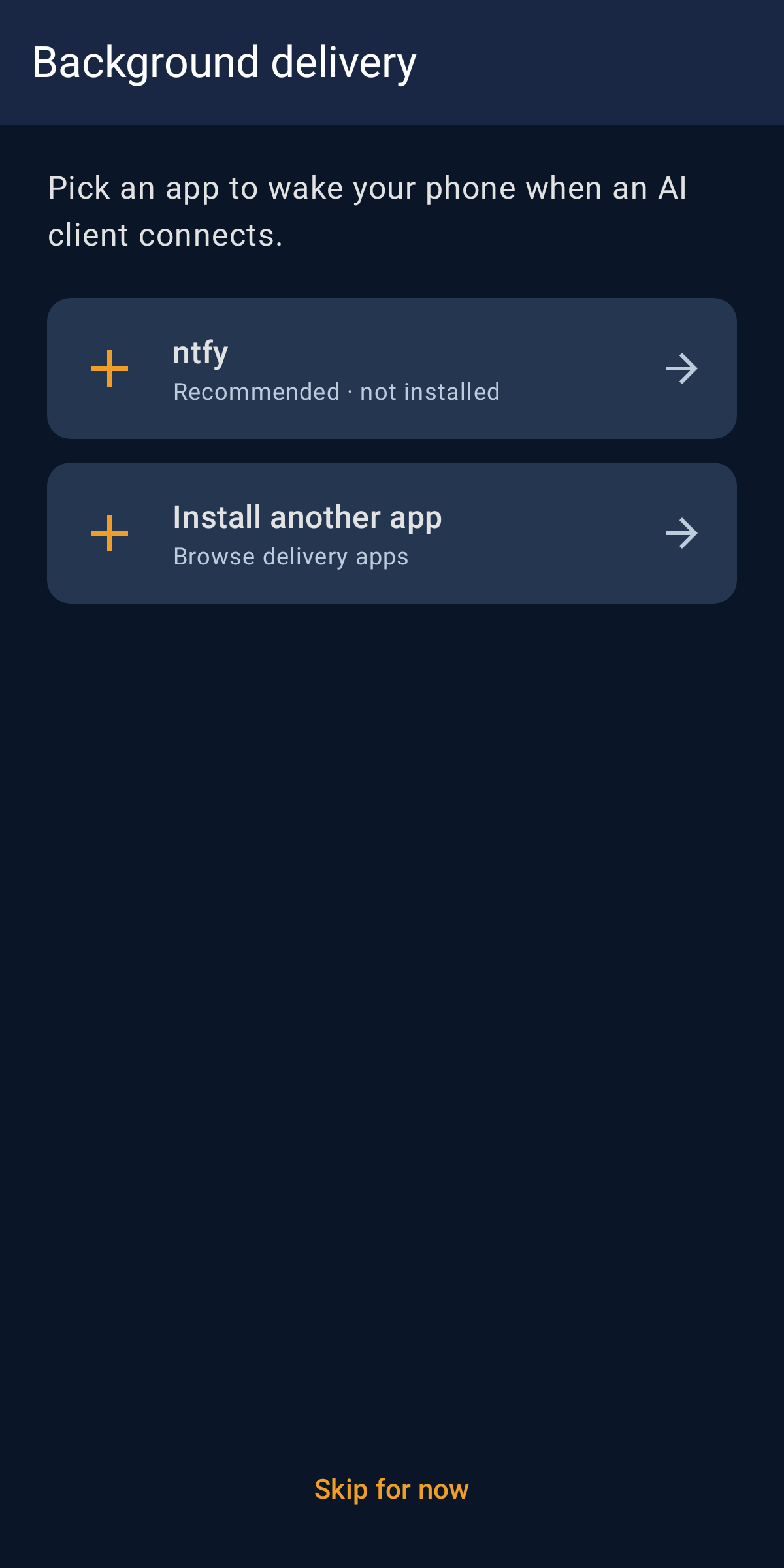
Wake-ups use UnifiedPush, so install a UnifiedPush distributor (for example ntfy) to be reached while the app is in the background.
Features:
On-demand — your phone is only reachable while a client is connected, then sleeps again. No always-on background service draining the battery.
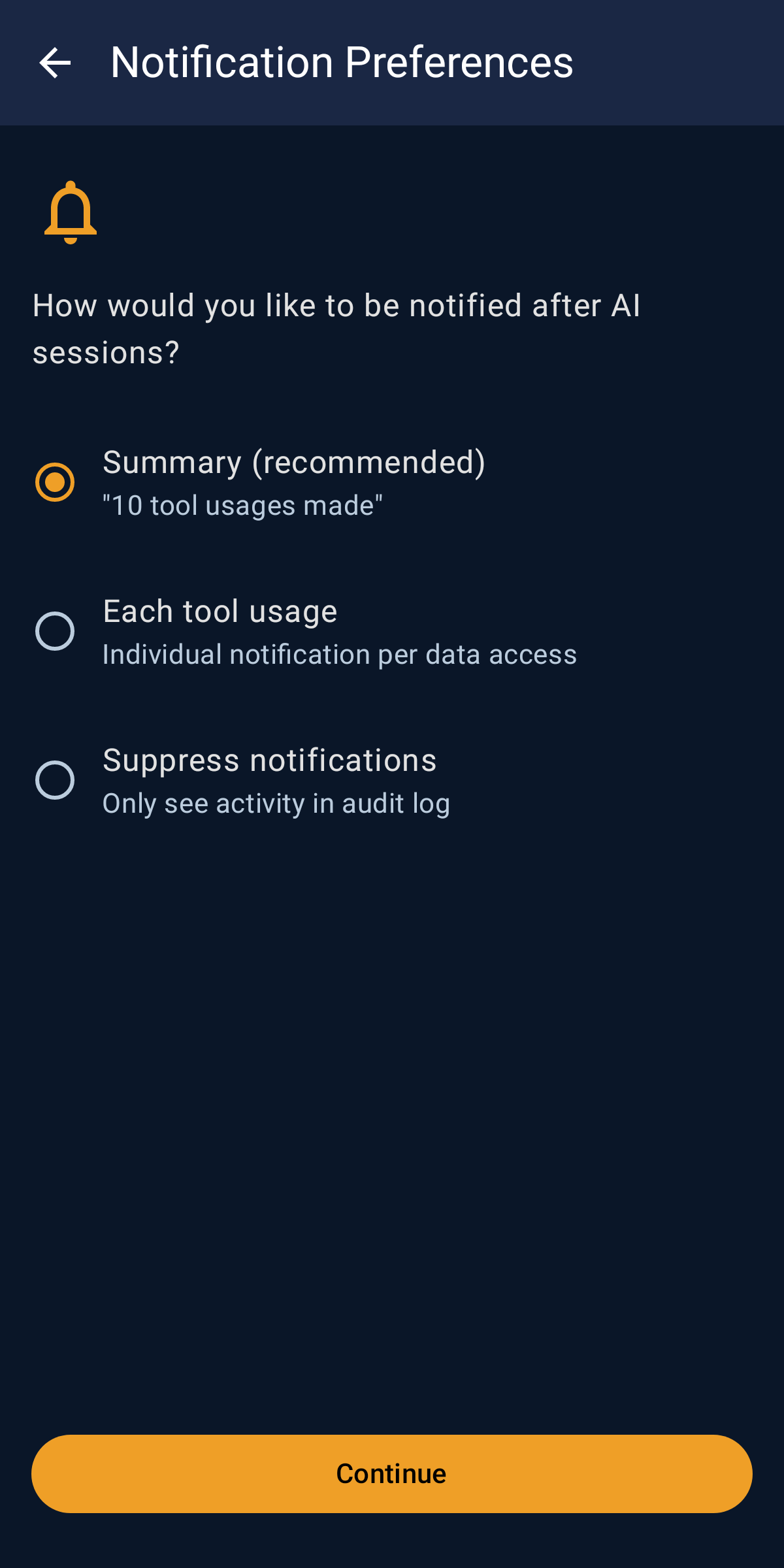
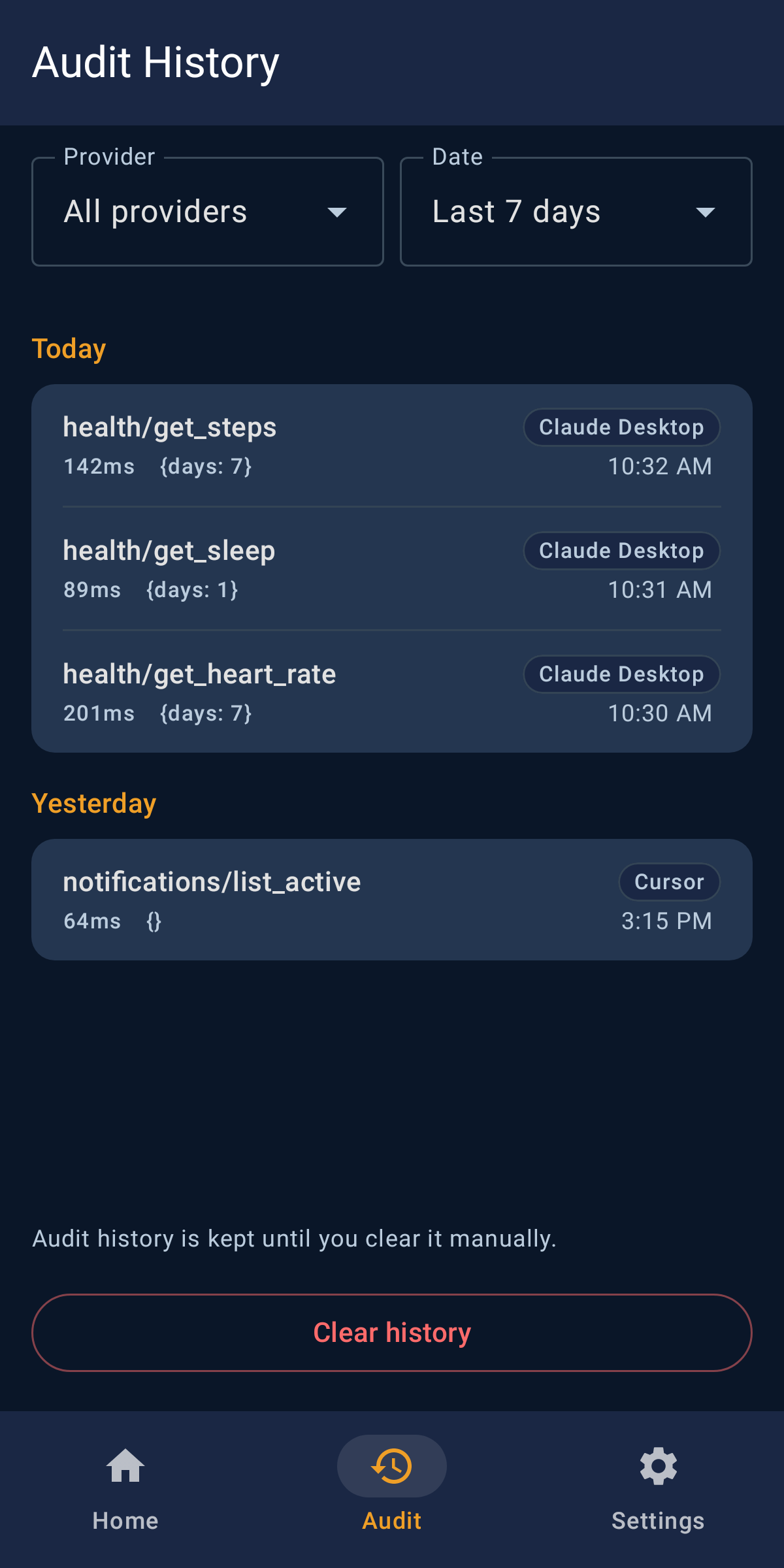
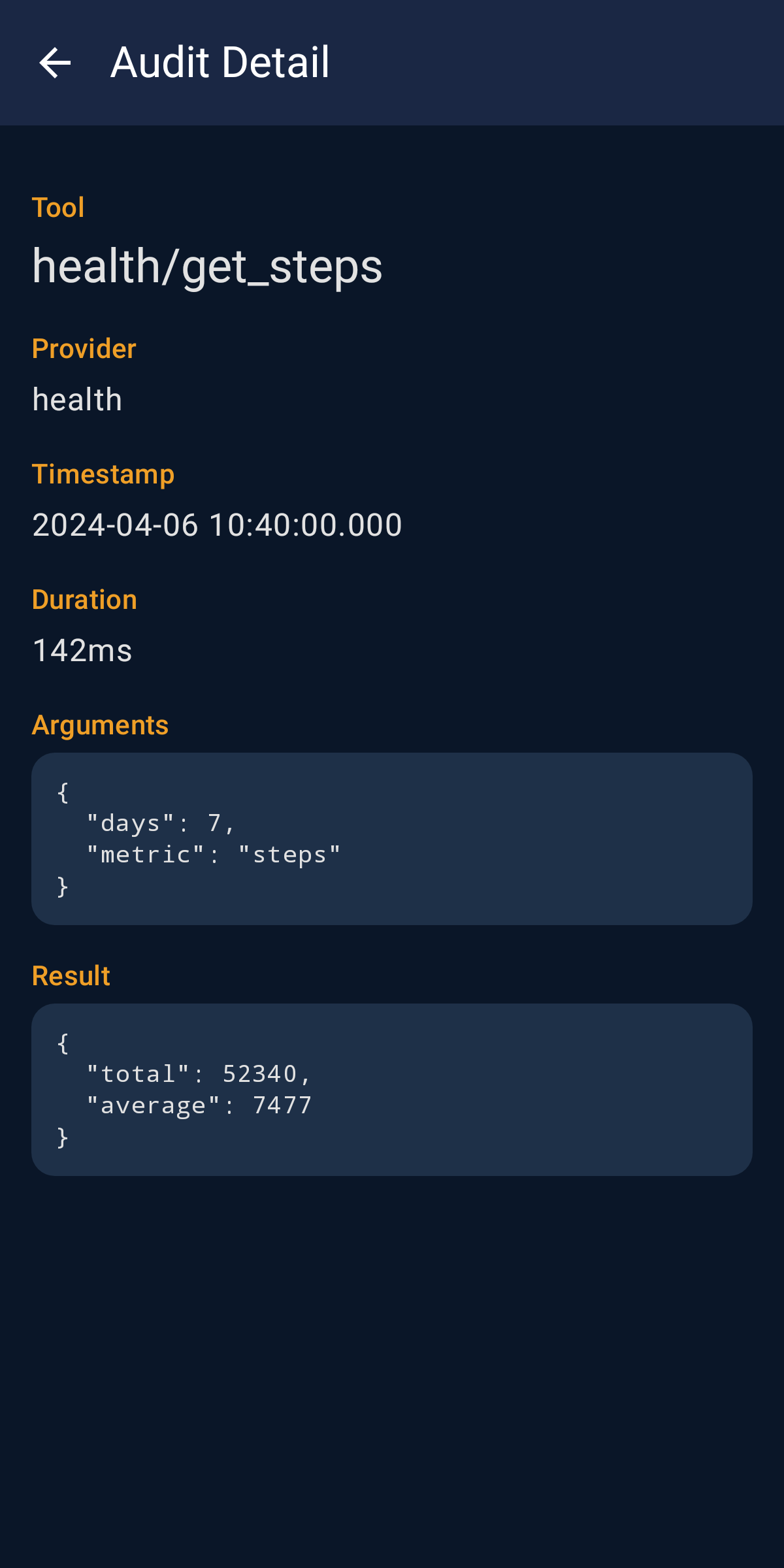
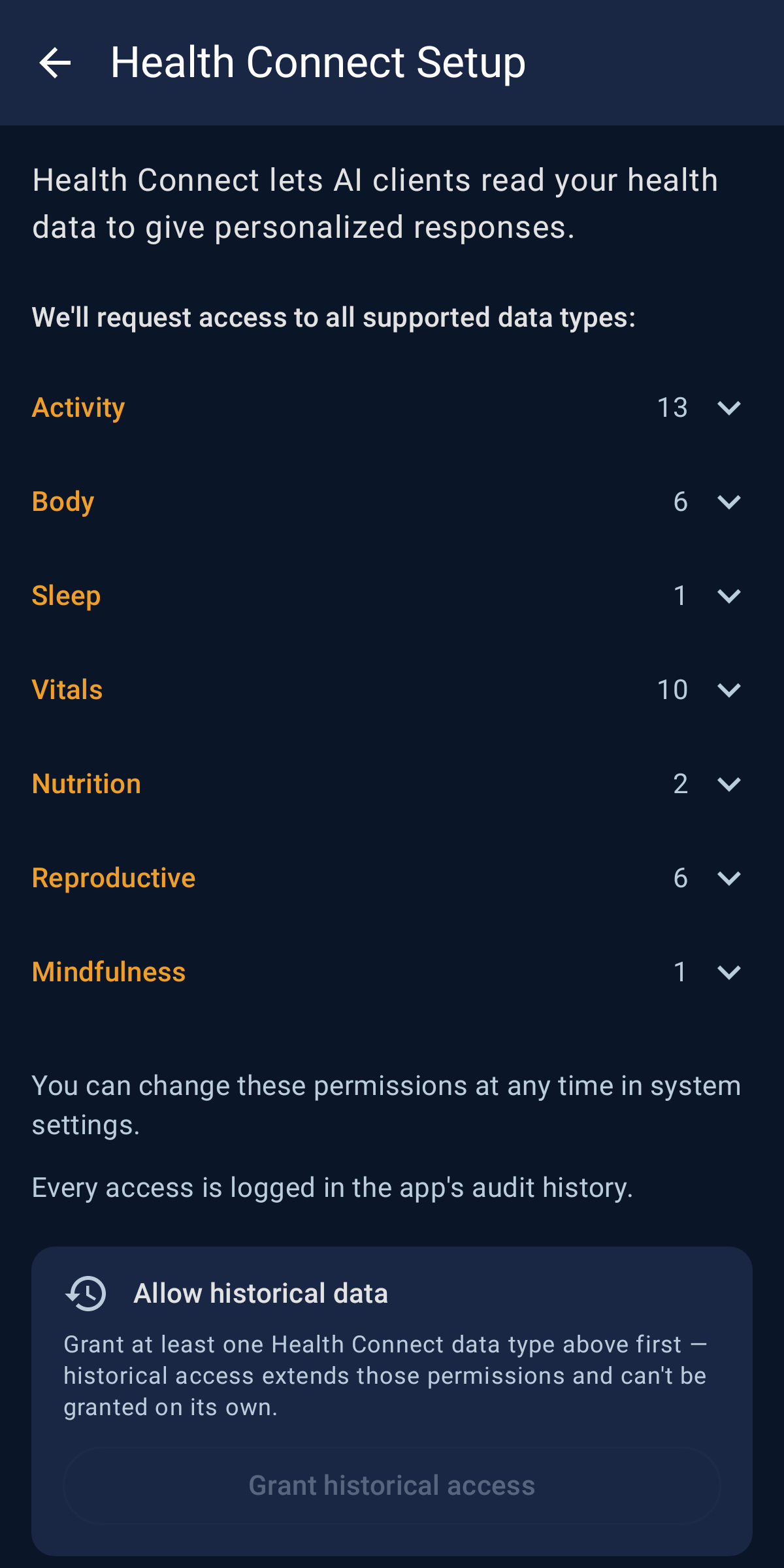
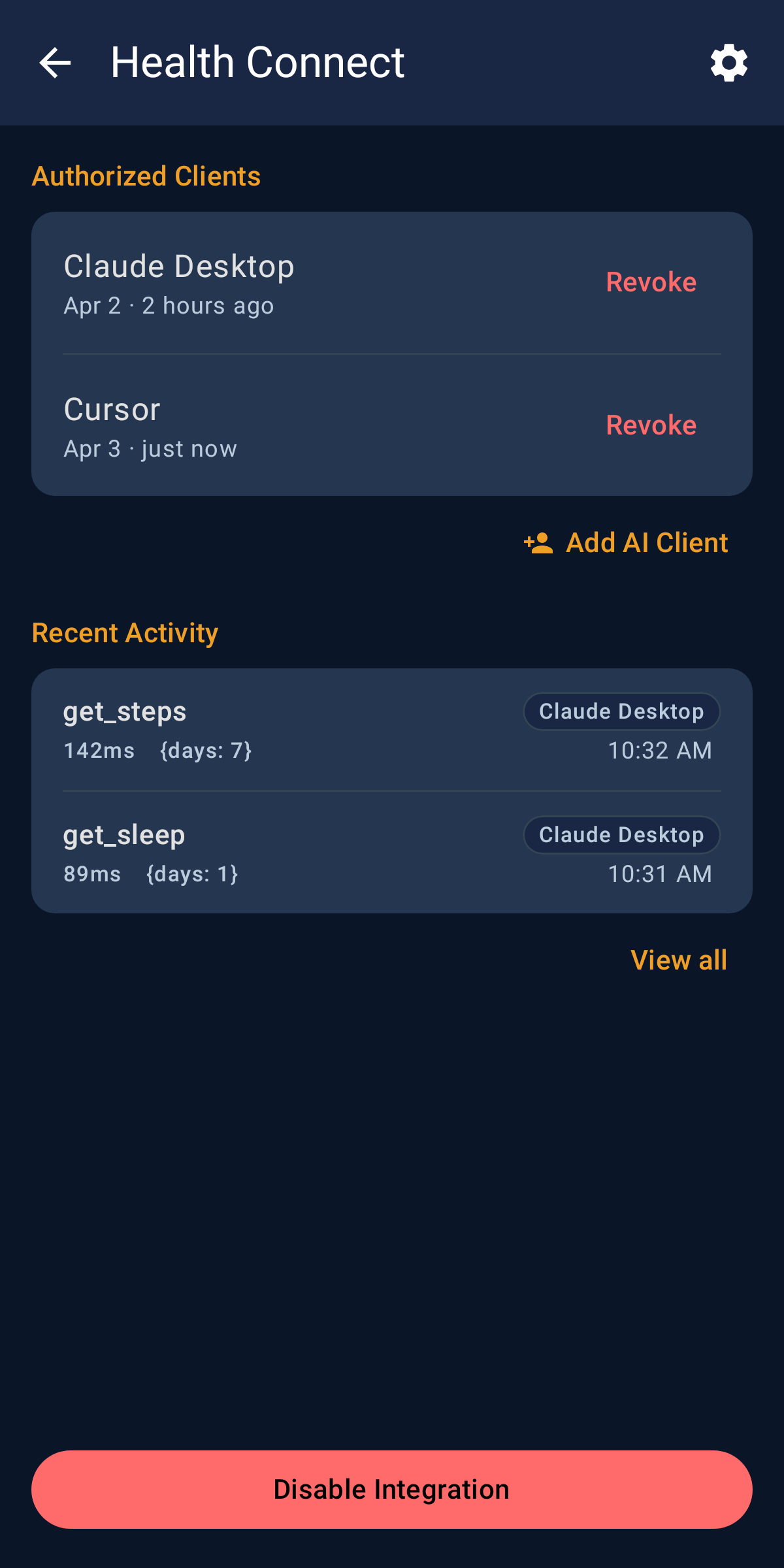
You stay in control — you enable each integration explicitly, and every tool call an AI client makes is recorded in an on-device audit history you can review.
Private by design — data never leaves the device except through a live, user-approved session.
Certificate monitoring — the app checks public transparency logs (crt.sh, or Certspotter as backup) for certificates issued to your device's address, so a forged one doesn't go unnoticed. Runs every 12 hours by default; change the interval or turn it off in Settings.
Free and open source, with no analytics or tracking in the app.
Screenshots
What’s new
Security fixes from an outside audit of 1.0.11.
Turning a consent switch off could leave the matching tool waiting forever instead of refusing, when the setting itself could not be read.
Detecting a reused refresh token now revokes that whole token family in one step, so a replacement can no longer slip in just after the revocation.
The sign-in token endpoint now refuses oversized or stalled requests.
How to install
Download the APK from the button at the top of this page.
Allow “Install unknown apps” for your browser or file manager only, not for every app.
Open the downloaded file and confirm the installation.
If installation fails with “App not installed,” remove an earlier build of the same app first. A signature conflict is the usual cause.
Data safety
Every file is checked against its published SHA-256 before it is listed.
Files are scanned for malware on every update.
The permissions each app requests are listed on its own page.
Read the full safety policy for how we test, flag, and delist files.
Frequently asked questions
What is Rouse Context?
Turn your phone into a secure, on-demand MCP server for AI clients