Calm, private news from the sites you choose. No account, works offline.
Curate. Read. Breathe.
Whisper is a calm, private reader for the news and blogs you choose. No account, no tracking: everything stays on your phone, and it works fully offline.
Reading
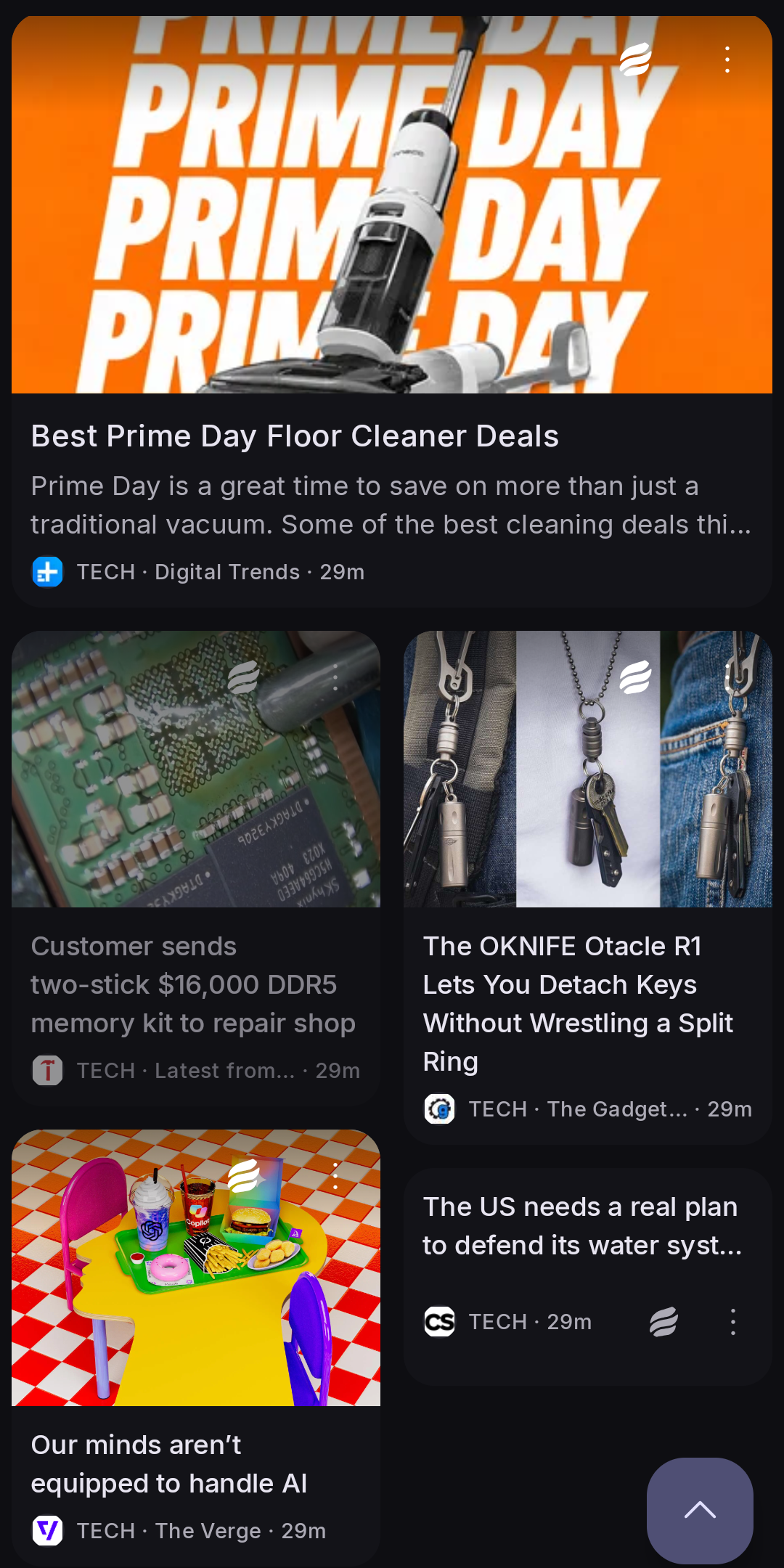
Four layouts: Cards, Magazine, List and Mosaic, in light or dark
A clean reader view, with the full article fetched per feed or for all of them
Read later keeps the whole article, pictures included, for reading offline
Several sources covering one story become one lead card
Mark read as you scroll, with read articles dimmed or hidden
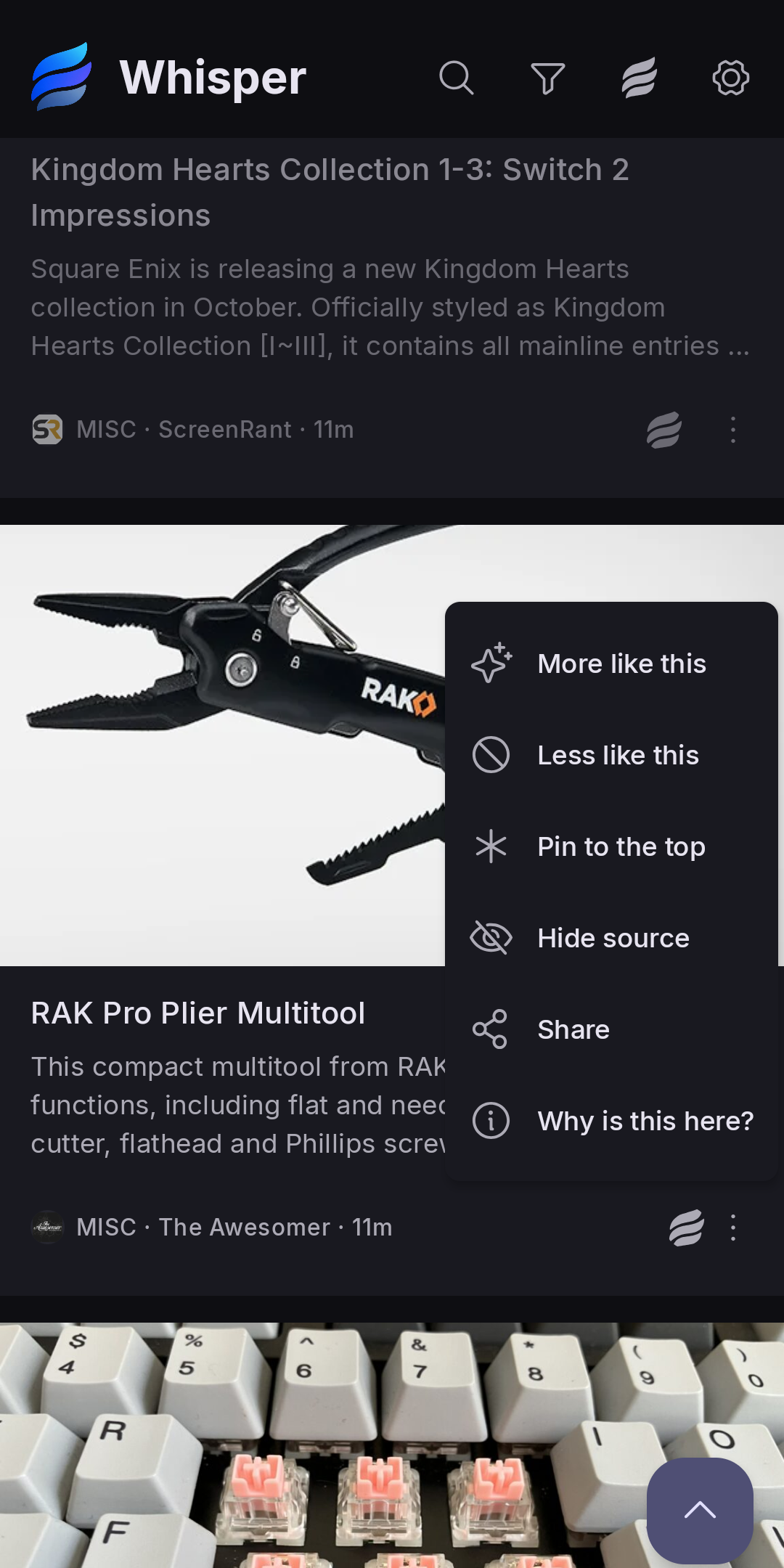
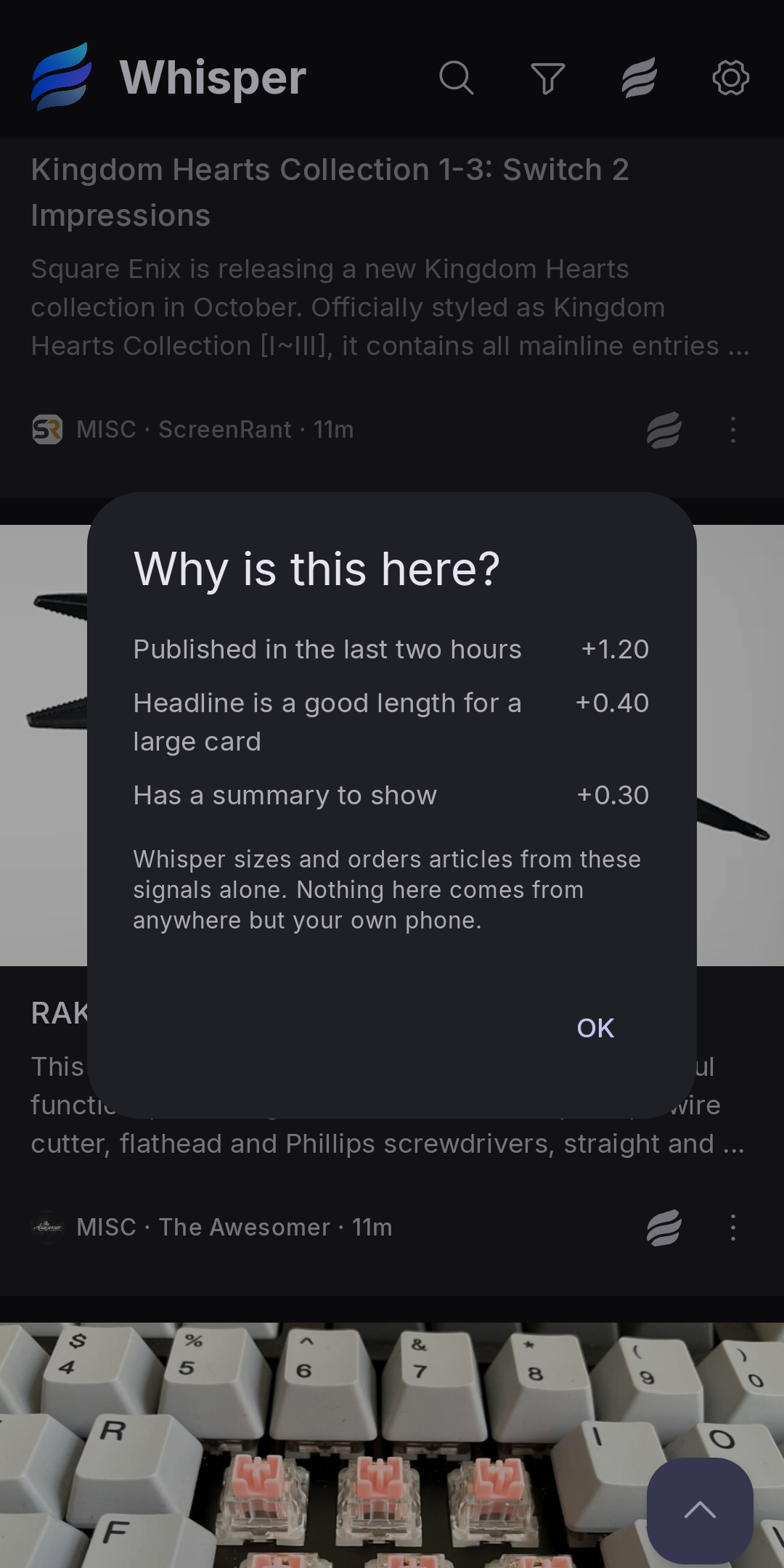
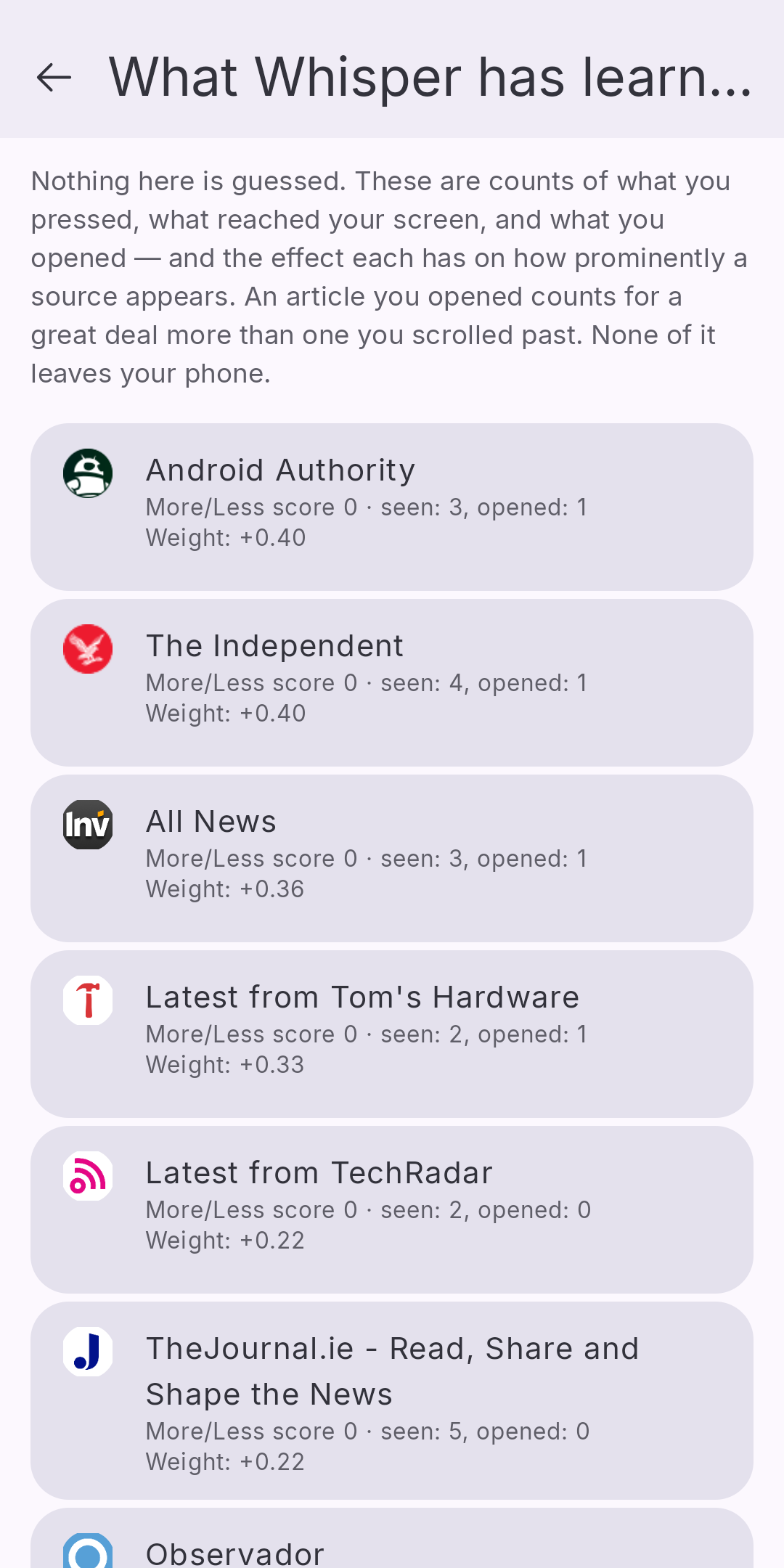
Chronological by default; or let Whisper give more room to what you read most, and see why for any article
On a tablet the feed spreads into columns, and an article opens beside it
Sources you control
Add a feed by address, or paste a website and Whisper finds the feed
Import OPML, or your browser's bookmarks, and it works out which sites publish feeds
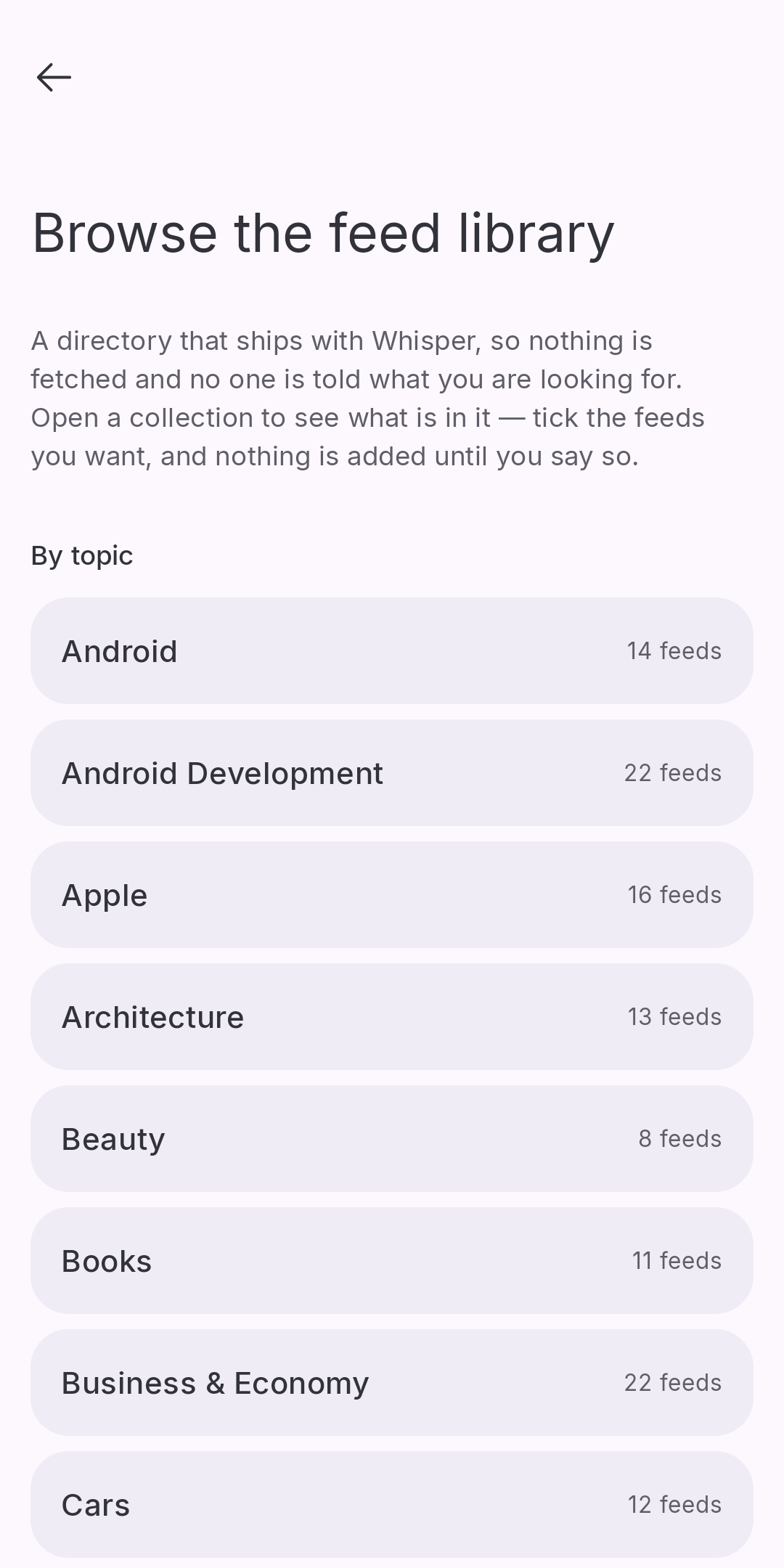
A feed library built into the app: 39 topics and 50 countries, browsed without telling anyone what you're looking for
Broken feeds are flagged, with their last five fetches and the error from each
Private by design
No trackers, no ads, no analytics
Weather in the glance row is off by default and needs no location permission: you type a place name, and the forecast comes from Open-Meteo (open-meteo.com)
Settings → Export diagnostics writes a report you can read before you share it. It holds counts and settings, never what you searched for or the addresses you typed
Optional extras
Two-way sync with your own FreshRSS server: subscriptions, read state and saved articles
Scheduled backups of your feeds and settings to a folder you choose
If you use Lawnchair, Whisper can live on its left-most home-screen page
Screenshots
What’s new
- Contact us in About: the email address, the website, and where to file a bug report. - Every link in About can be seen; none run off the side of the screen. - From 1.0.3: much faster FreshRSS matching, source cards that lead with the name, buttons that say what they do, undo for deleting a category, and a comfortable line length in the reader on wide screens.
How to install
Download the APK from the button at the top of this page.
Allow “Install unknown apps” for your browser or file manager only, not for every app.
Open the downloaded file and confirm the installation.
If installation fails with “App not installed,” remove an earlier build of the same app first. A signature conflict is the usual cause.
Data safety
Every file is checked against its published SHA-256 before it is listed.
Files are scanned for malware on every update.
The permissions each app requests are listed on its own page.
Read the full safety policy for how we test, flag, and delist files.
Frequently asked questions
What is Whisper: RSS Reader?
Calm, private news from the sites you choose. No account, works offline.
Who develops Whisper: RSS Reader?
Whisper: RSS Reader is developed by Nyancat Labs.
Which Android version does Whisper: RSS Reader require?
Whisper: RSS Reader requires Android API 26 or later.
What is the current version of Whisper: RSS Reader?
The synchronized F-Droid version is 1.0.4.
Which license does Whisper: RSS Reader use?
The signed F-Droid metadata lists GPL-3.0-or-later.