Lightweight, privacy-focused WebView wrapper for Duck.ai
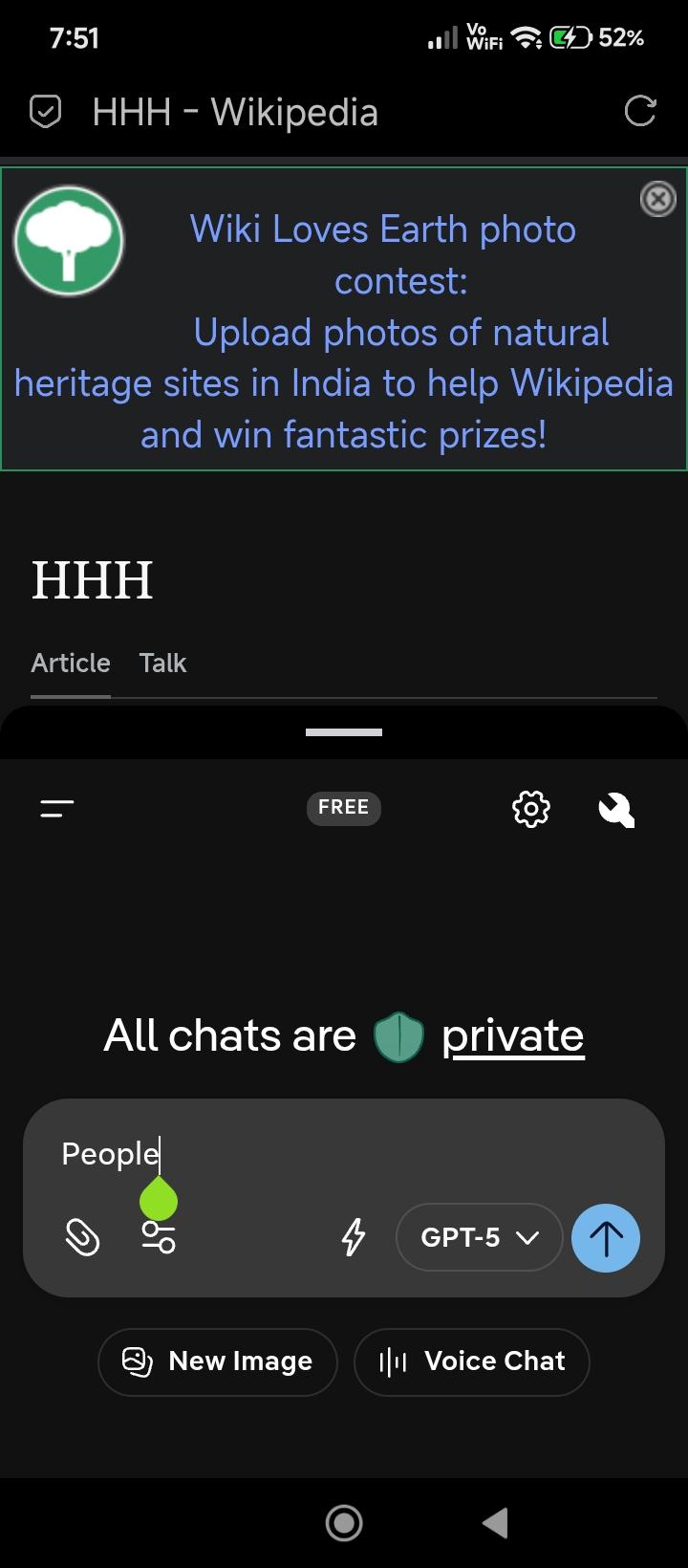
duckAssist is a lightweight, privacy-focused Android WebView wrapper designed specifically for Duck.ai (DuckDuckGo's private AI chat service). It bridges the gap between web and native by providing advanced integration features while maintaining the core privacy principles of DuckDuckGo.
Key Features:
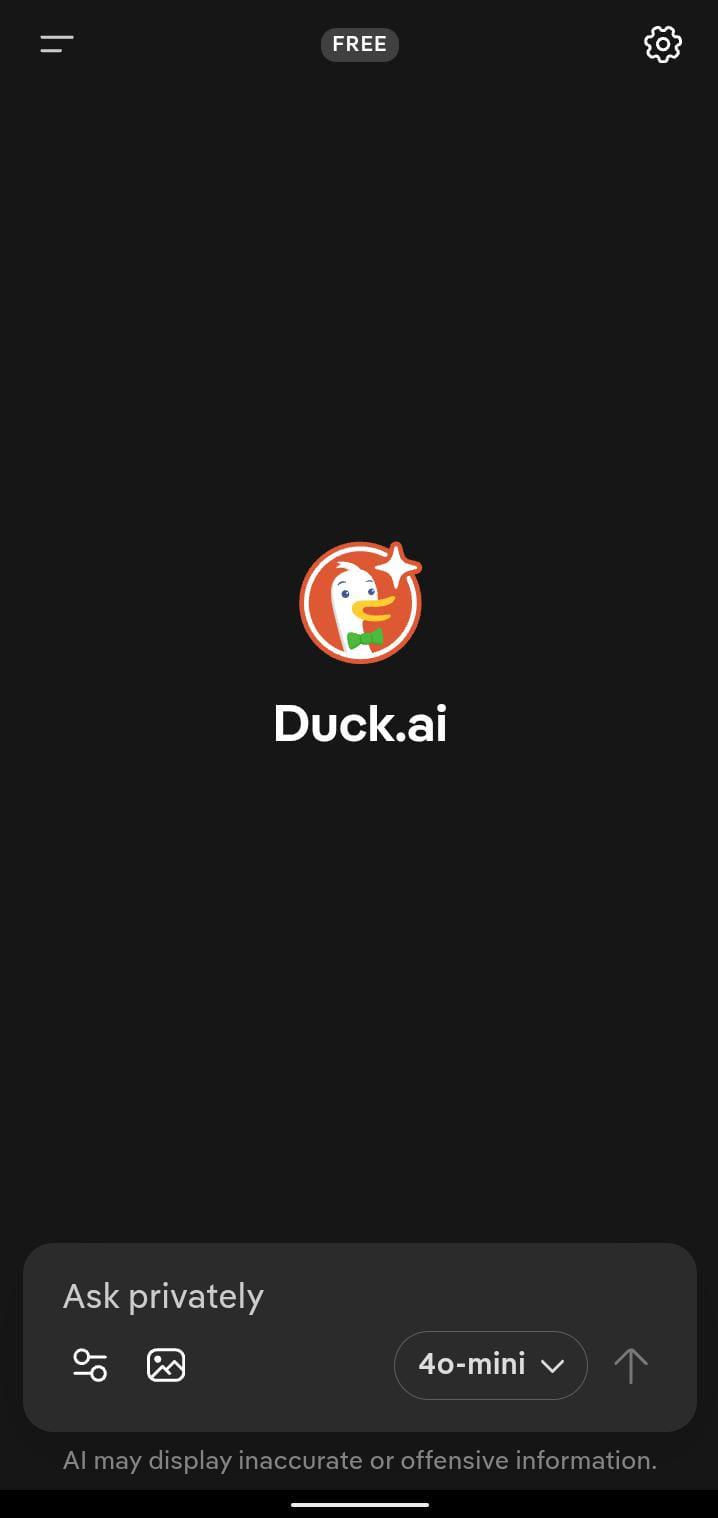
- Focused Interface: A clean, distraction-free environment tailored for AI chat, complete with a native progress bar.
- Digital Assistant Integration: Set duckAssist as your device's default digital assistant app for instant access.
- Auto-Voice Activation: Launching via the assistant shortcut automatically triggers a new voice chat.
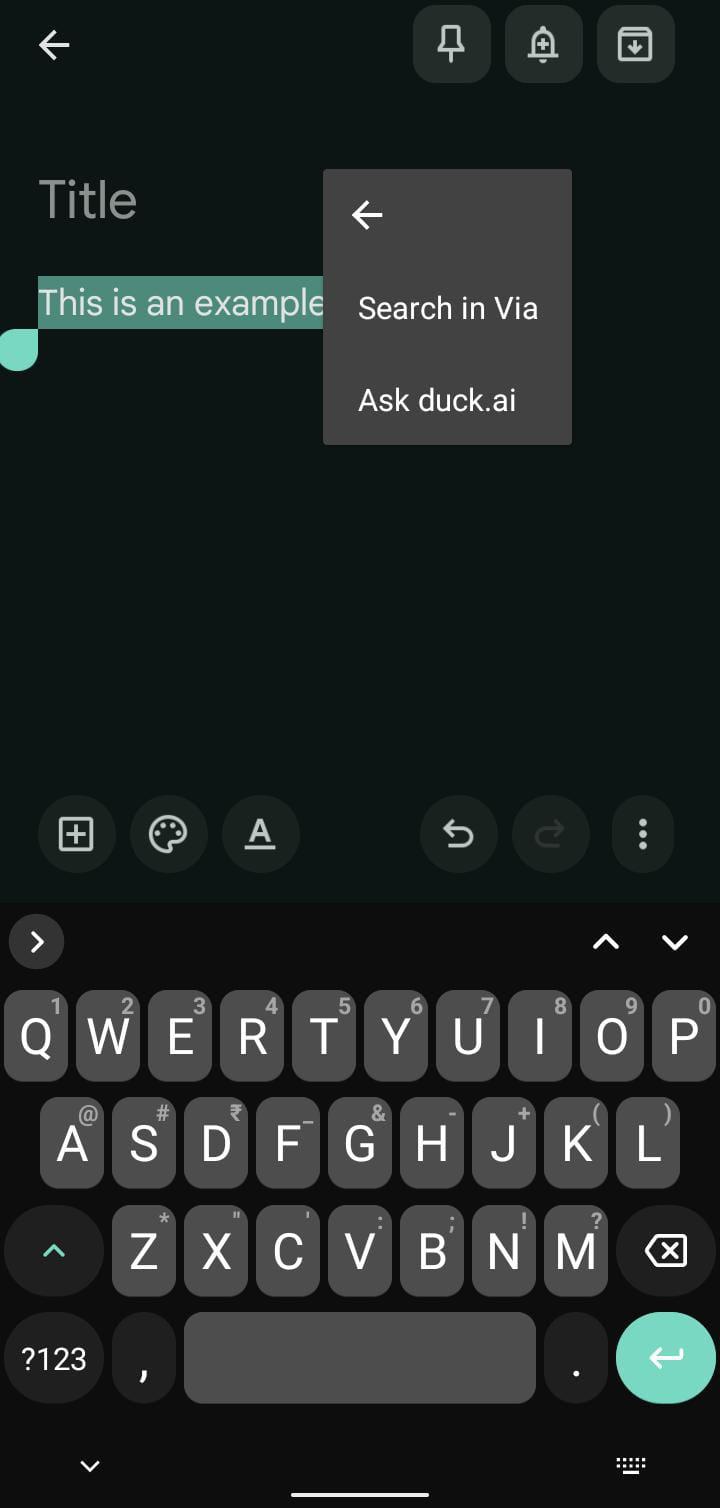
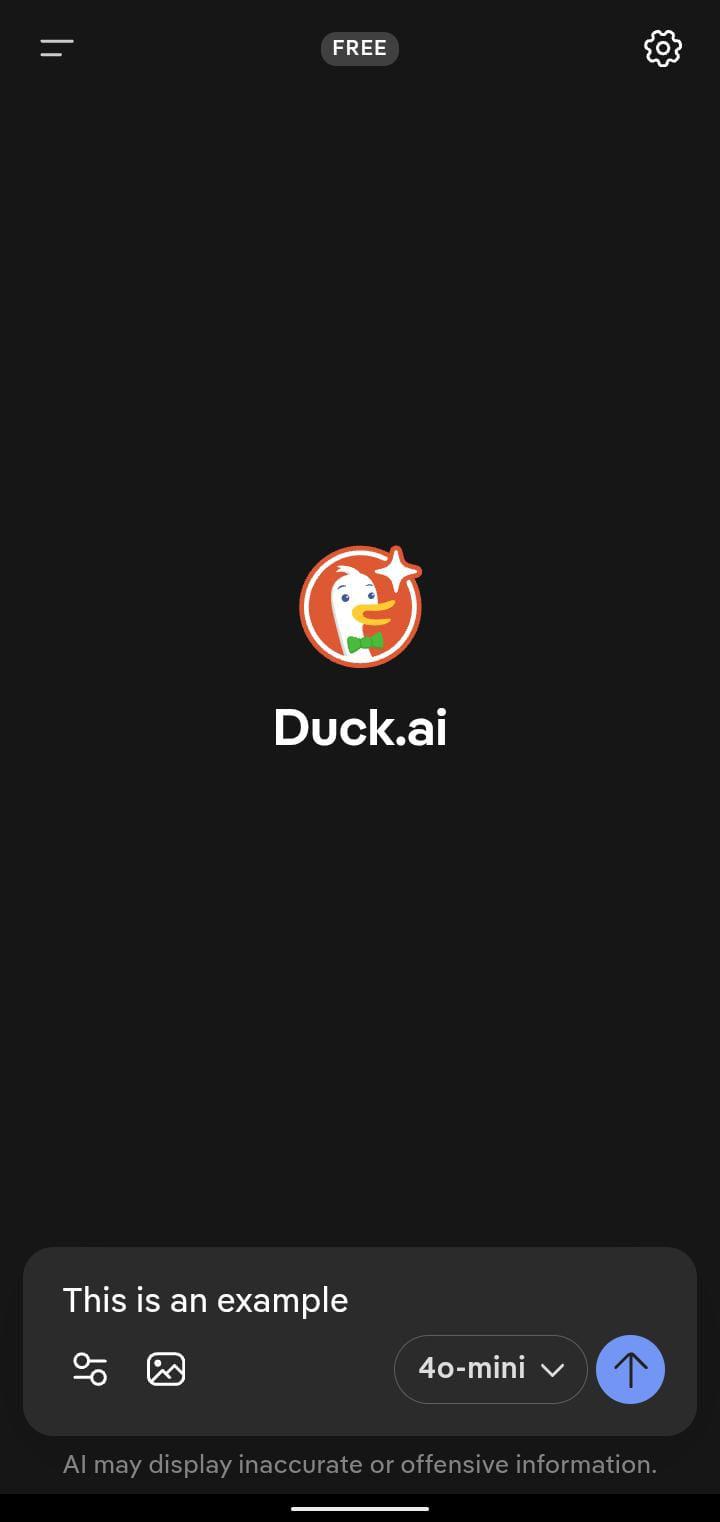
- "Ask duck.ai" Integration: Select text in any application and choose "Ask duck.ai" from the context menu to paste your query directly.
- Smart Link Handling: External links open automatically in your system's default browser.
- Enhanced Privacy: Session persistence is preserved, and the application cache is automatically purged when leaving/closing the app.
- Native File Support: Seamlessly upload documents and download attachments.
- Bottom Drawer Interface: Slide up a convenient bottom sheet drawer when using assistant shortcuts or sharing content to interact with the AI without losing your background app context.
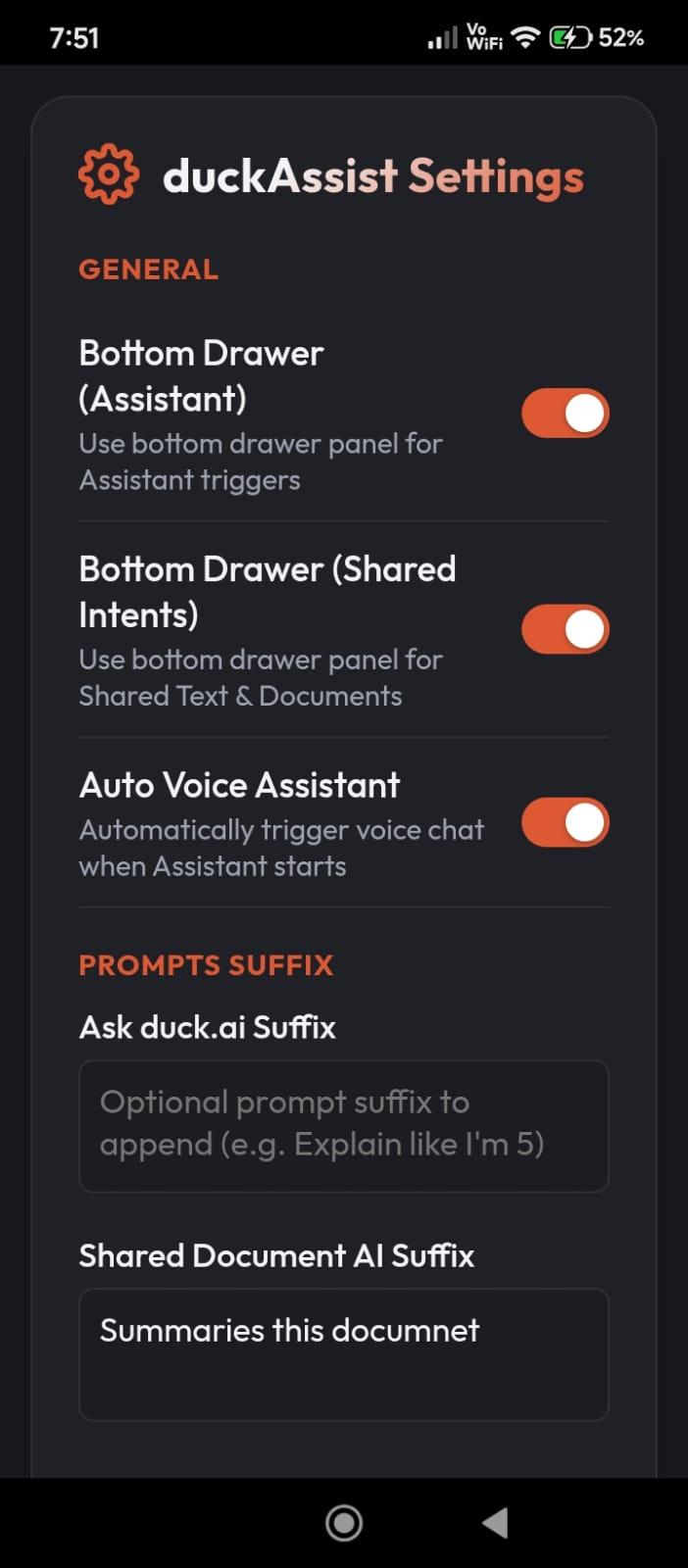
- Customizable Prompts & UI Settings: Configure bottom drawer panel behavior, assistant voice options, and default prompt suffixes for text and document sharing via a custom-styled HTML settings page.
Screenshots
What’s new
- Added 100% private, on-device document conversion (Word, PowerPoint, Excel, ePub, text, code) to PDF. - Added automatic 15-page splitting for large PDFs and documents to fit Duck.ai upload limits. - Added Settings toggle to switch between New Upload Mechanism and Standard Upload. - Optimized text density and rendering with high-capacity digital layout. - Improved app startup speed and eliminated background cache lag.
How to install
Download the APK from the button at the top of this page.
Allow “Install unknown apps” for your browser or file manager only, not for every app.
Open the downloaded file and confirm the installation.
If installation fails with “App not installed,” remove an earlier build of the same app first. A signature conflict is the usual cause.
Data safety
Every file is checked against its published SHA-256 before it is listed.
Files are scanned for malware on every update.
The permissions each app requests are listed on its own page.
Read the full safety policy for how we test, flag, and delist files.
Frequently asked questions
What is duckAssist?
Lightweight, privacy-focused WebView wrapper for Duck.ai