A private AI agent that runs on your Android phone, with real on-device tools
PocketClaw is a private AI agent that runs on your Android phone. The language model is remote — you bring an API key for the provider you choose — but everything else lives on the device: the agent's gateway, its tools, its workspace and your credentials.
What it does
An on-device agent gateway, bound to loopback only. The background core uses about 20 MB of memory (PSS) while idle and roughly 26–33 MB during active agent work on our Android 16 test phone; the app's screens and web view use more while they are open.
A Managed Runtime of real command-line tools compiled for the phone and shipped inside the APK: python 3.14, git 2.51, gh 2.101, curl 8.11, ripgrep 14.1, sqlite3 3.50 and jq 1.7. PocketClaw never downloads its runtime after install; the tools reach the network only when the agent uses them for something you asked.
Skills: reusable instruction and tool bundles. The agent can find and install them from the ClawHub registry or GitHub when you ask it to.
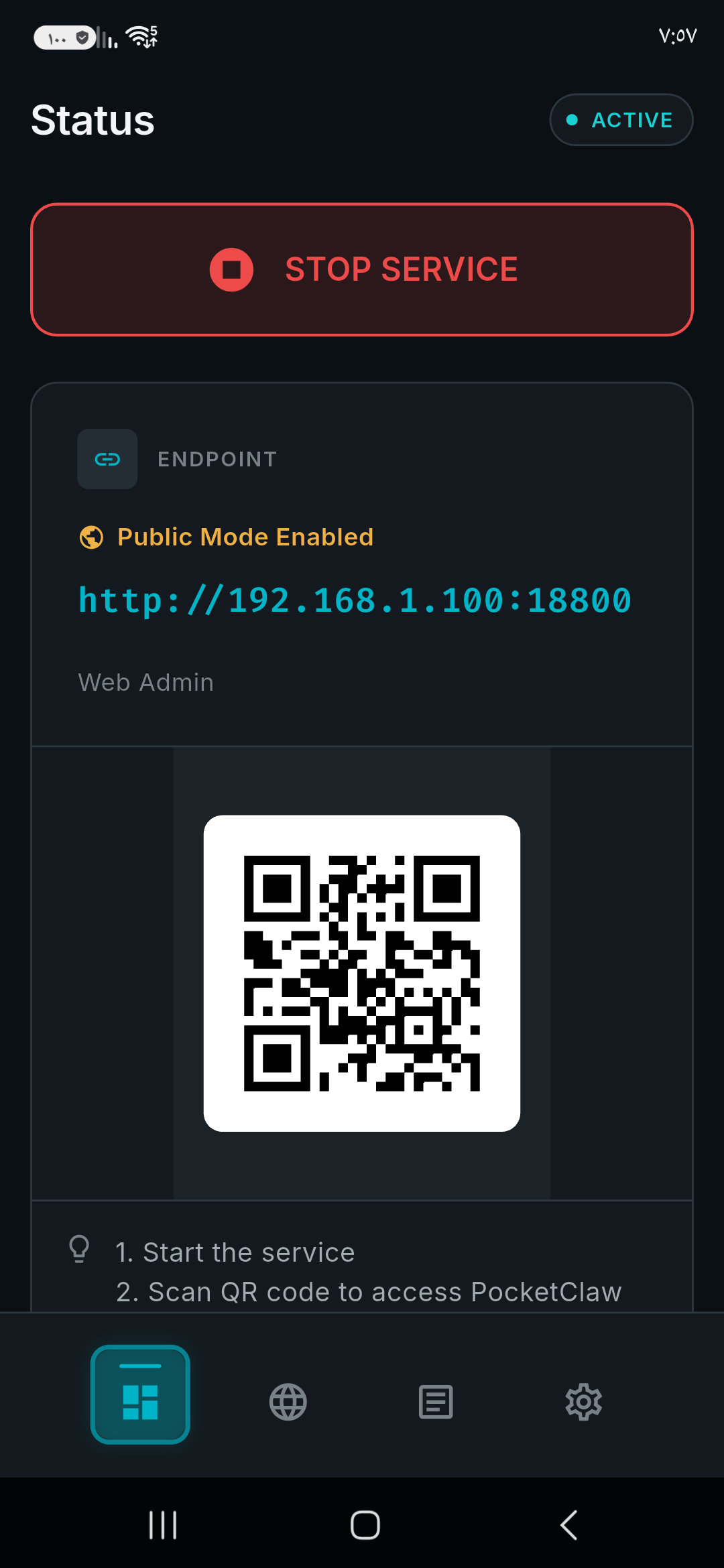
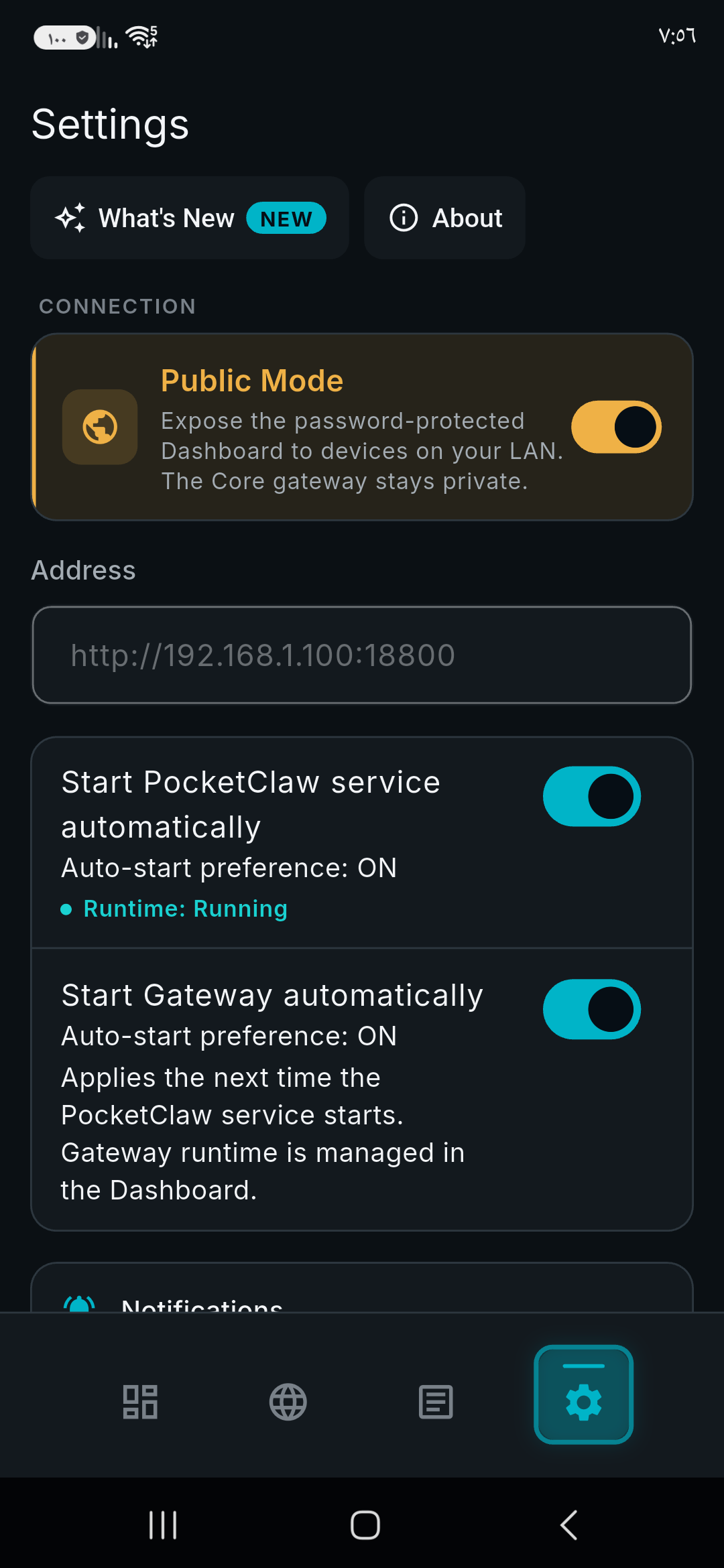
A local web dashboard for providers, models, channels, skills and logs, in 14 languages. It opens inside the app, and in a browser on your own network if you turn on Public Mode.
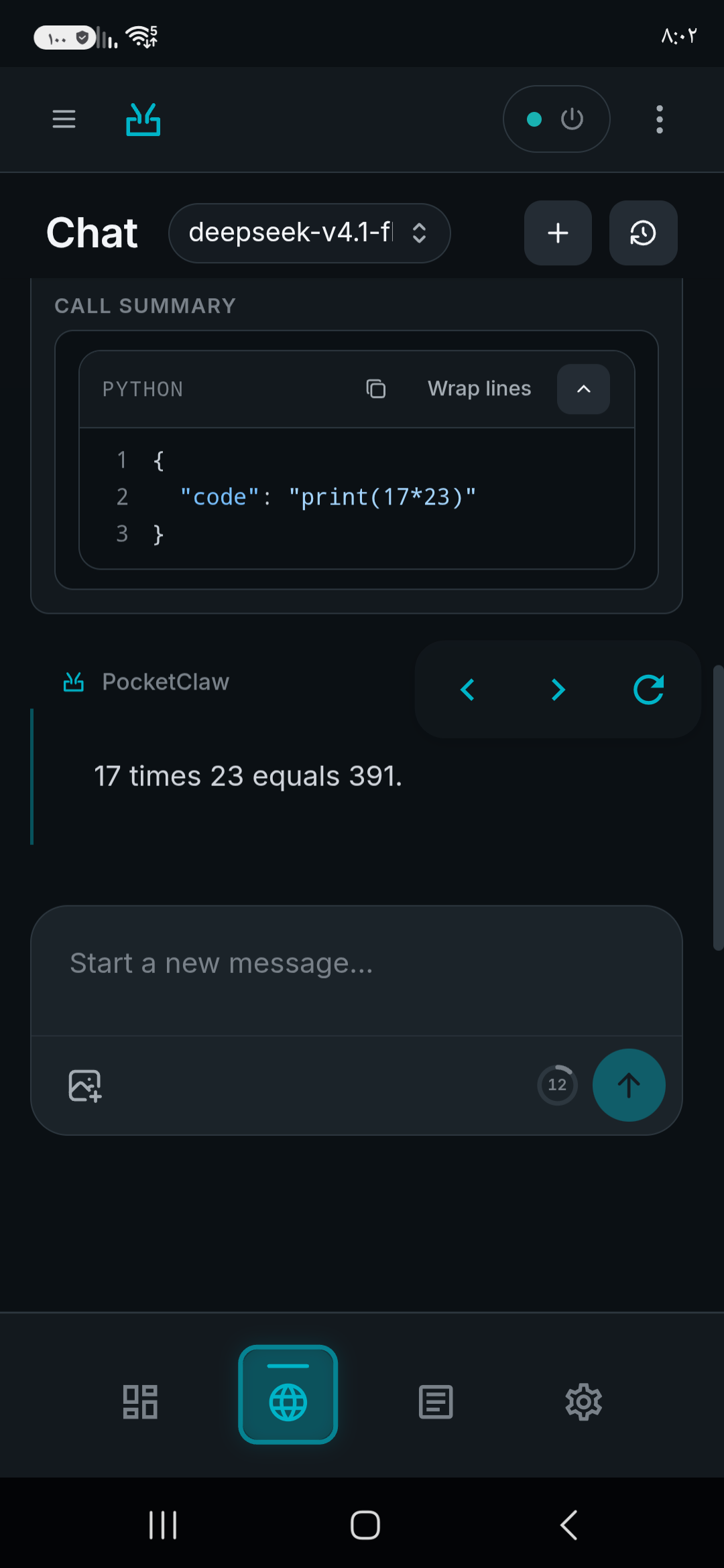
Chat with the agent in the app, or over Telegram.
A workspace directory in the app's own storage that the agent reads and writes.
The app itself in 12 languages, right-to-left included.
Requirements
An arm64-v8a device with Android 8.0 or newer. The bundled tools and the agent runtime exist for arm64 only.
An API key for a model provider, or an OpenAI-compatible endpoint you run yourself.
Network services
PocketClaw contacts nothing until you configure it. It then talks only to what you set up:
The model provider you choose. Built-in templates include proprietary services (Anthropic, OpenAI, Google Gemini, AWS Bedrock, Azure OpenAI and others) and self-hosted ones (Ollama, vLLM, any OpenAI-compatible server).
Telegram, if you connect it. One-tap setup uses PocketClaw's onboarding service, whose source is published under the MIT licence; a manual bot token works without it.
Whatever the agent's tools reach when you ask them to: web search (Sogou by default; SearXNG and others are selectable), git remotes, GitHub, the ClawHub skill registry, URLs you give it.
There are no analytics, no crash reporting and no update checks.
Anti-feature: non-free network services
PocketClaw promotes and integrates with proprietary network services: hosted AI model providers, Telegram and other chat platforms, web search and the ClawHub skill registry. None of them is required — a self-hosted OpenAI-compatible model server and the in-app chat are enough.
PocketClaw's own code is MIT licensed. The agent core is based on PicoClaw.
Screenshots
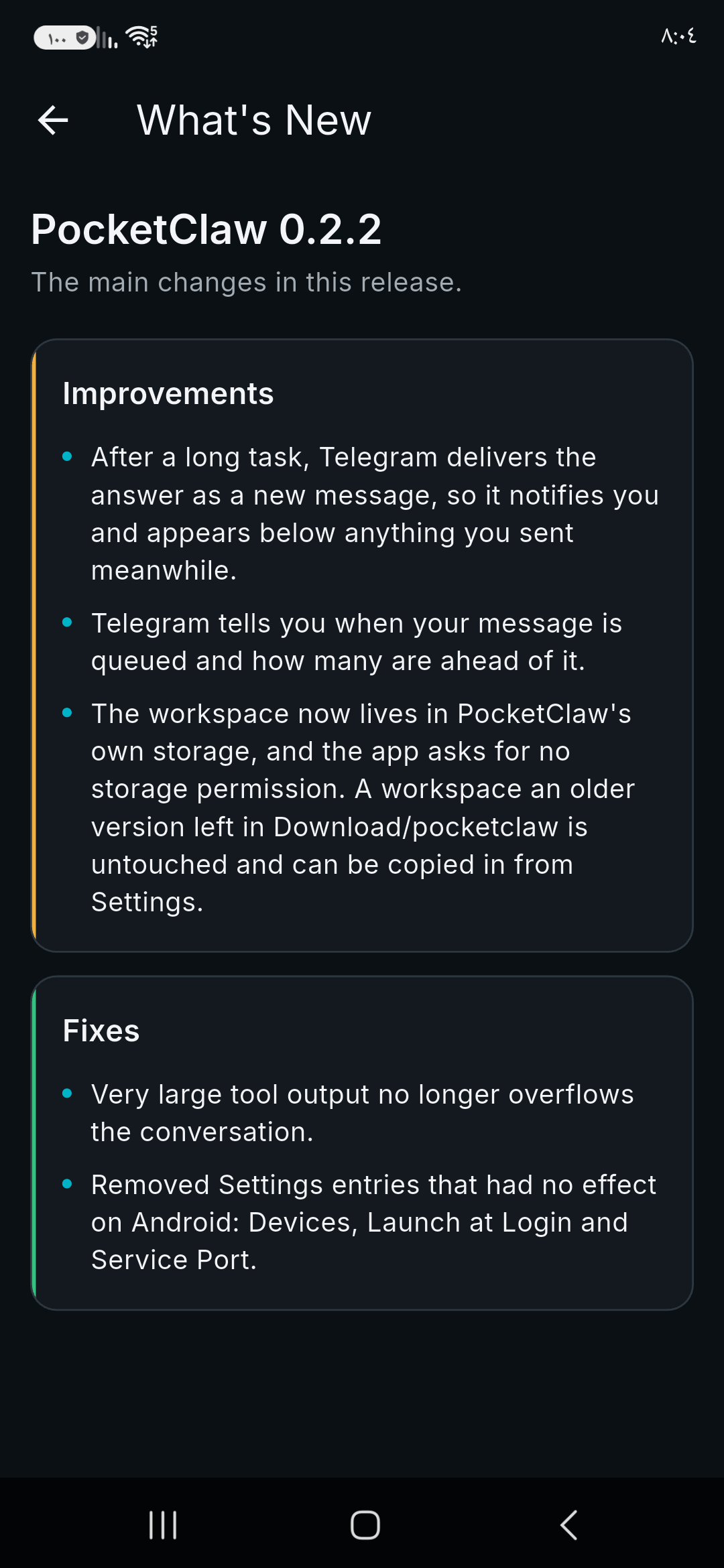
What’s new
• Security update: the background core is built with a current, supported Go release and patched libraries. • The bundled GitHub CLI is updated to 2.101. • Build hardening for F-Droid: the app and its bundled tools are built from source in a pinned, repeatable environment.
How to install
Download the APK from the button at the top of this page.
Allow “Install unknown apps” for your browser or file manager only, not for every app.
Open the downloaded file and confirm the installation.
If installation fails with “App not installed,” remove an earlier build of the same app first. A signature conflict is the usual cause.
Data safety
Every file is checked against its published SHA-256 before it is listed.
Files are scanned for malware on every update.
The permissions each app requests are listed on its own page.
Read the full safety policy for how we test, flag, and delist files.
Frequently asked questions
What is PocketClaw?
A private AI agent that runs on your Android phone, with real on-device tools