What’s new
see: https://github.com/tutao/tutanota/releases

Updated Oct 9, 2026
Encrypted email & calendar service - easy to use, secure by design.
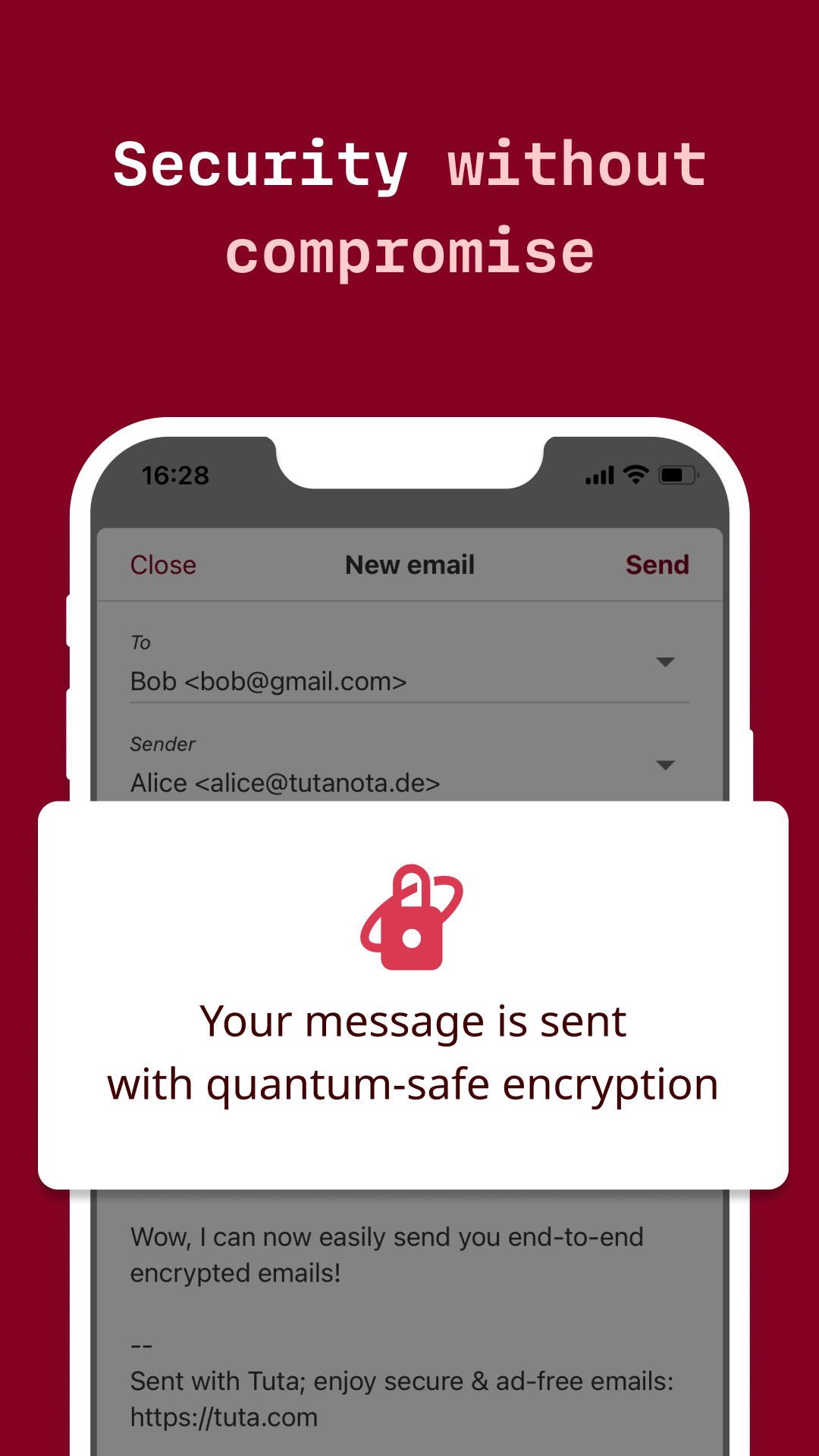
Tutanota enables you to use the benefits of the cloud - availability, flexibility, automatic back-up - without compromising on security. With Tutanota's built-in encryption you own your data, no one else can access it. Tutanota comes with a light & beautiful GUI, dark theme included, with instant push notifications, auto-sync, full-text search, swipe gestures and more.
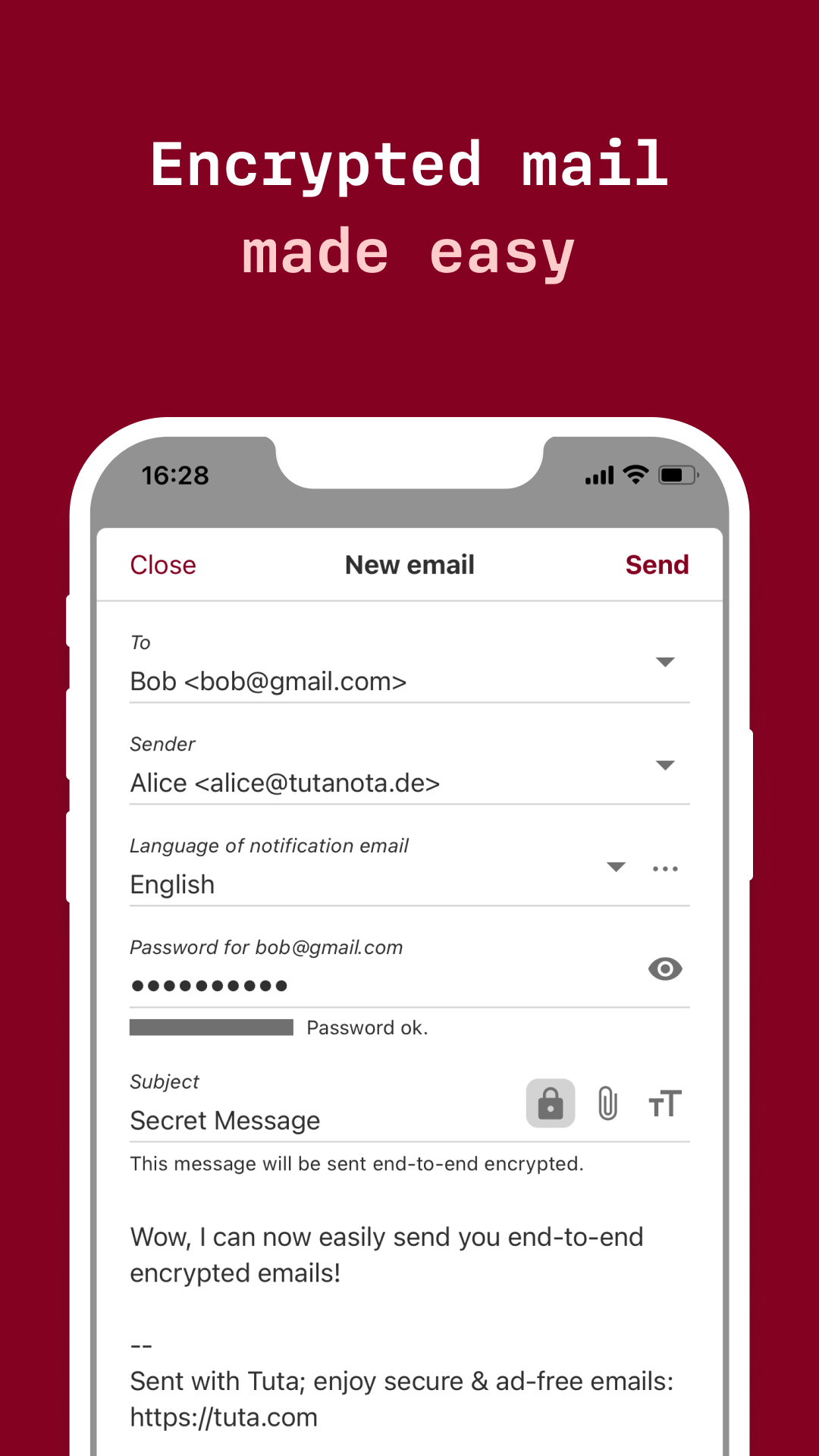
The open source email app Tutanota enables you to send end-to-end encrypted emails to anybody. Even emails that are being sent without end-to-end encryption and all your contacts are stored securely encrypted on the Tutanota servers.
Our passion for privacy.
Tutanota is being built by a team passionate about everybody's right to privacy. We are supported by an amazing community, which enables us to grow our team continuously making Tutanota a success without depending on venture capital interests.
Tutanota respects you & your data:
- Only you can access your encrypted emails & contacts.
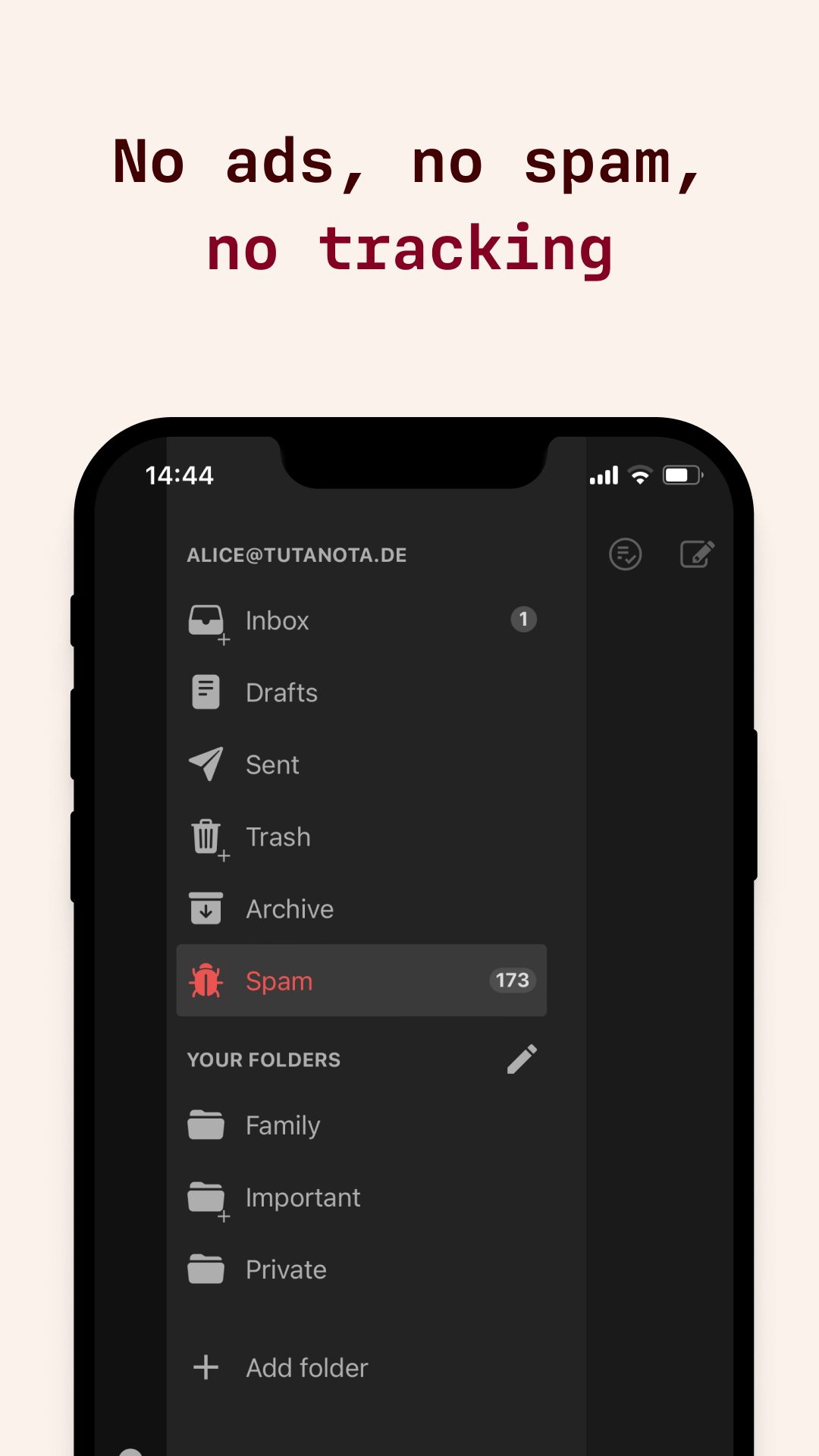
- Tutanota does not track or profile you.
- Open source client & apps.
- Innovative full-text search feature lets you easily search your mailbox.
- TLS with support of PFS, DMARC, DKIM, DNSSEC and DANE.
- Secure password reset that gives us absolutely no access.
- 100% developed and located in Germany under strict Data Protection Laws (GDPR).
Official website: https://tutanota.com Source code: https://github.com/tutao/tutanota With the Tutanota app, you can:
- create your own Tutanota email address (ending in @tutanota.com, @tutanota.de, @tutamail.com, @tuta.io or @keemail.me) with 1 GB of free storage. - create your custom domain email address for €1 per month. - send and receive end-to-end encrypted emails to anybody. - send and receive old-fashioned emails (not end-to-end encrypted). Even these emails are stored encrypted on the Tutanota servers. - automatically encrypt subject, content and attachments. - get push notifications instantly. - auto-complete email addresses as you type from your Tutanota or your phone contacts.
The Tutanota app asks for very few permissions to keep your level of privacy to a maximum:
- Full network access: Used to send and receive emails. - Receive data from the internet: To notify you when you receive a new email. - View network connections: To find out if an internet connection exists. - Read your contacts: This enables you to select recipients from your phone's contacts. - Read from SD card: To allow adding of attachments from the SD card to emails. - Control vibration: To notify you when you receive a new email. - Deactivate sleeping mode: To notify you when you receive a new email.
see: https://github.com/tutao/tutanota/releases
Recent approved comments · sorted by newest
View all comments