Quick answer
One reader. Every device. Local-first RSS reader with optional cloud sync.
One reader. Every device.
Keryx is a local-first, cross-platform RSS reader. By default, all of your data lives on your device; turn on cloud sync only if you want the same subscriptions, read/starred status, and articles to follow you between your phone and your desktop.
FEATURES
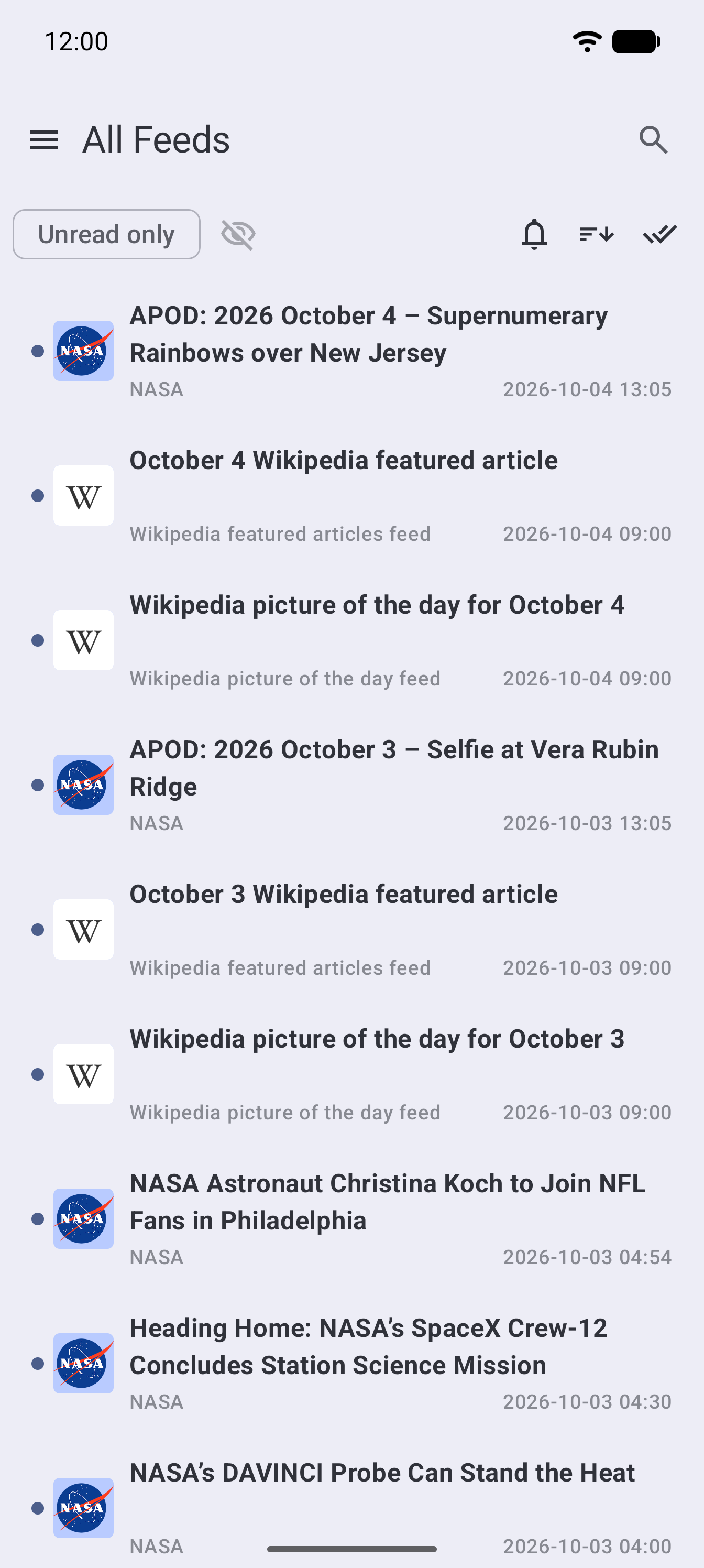
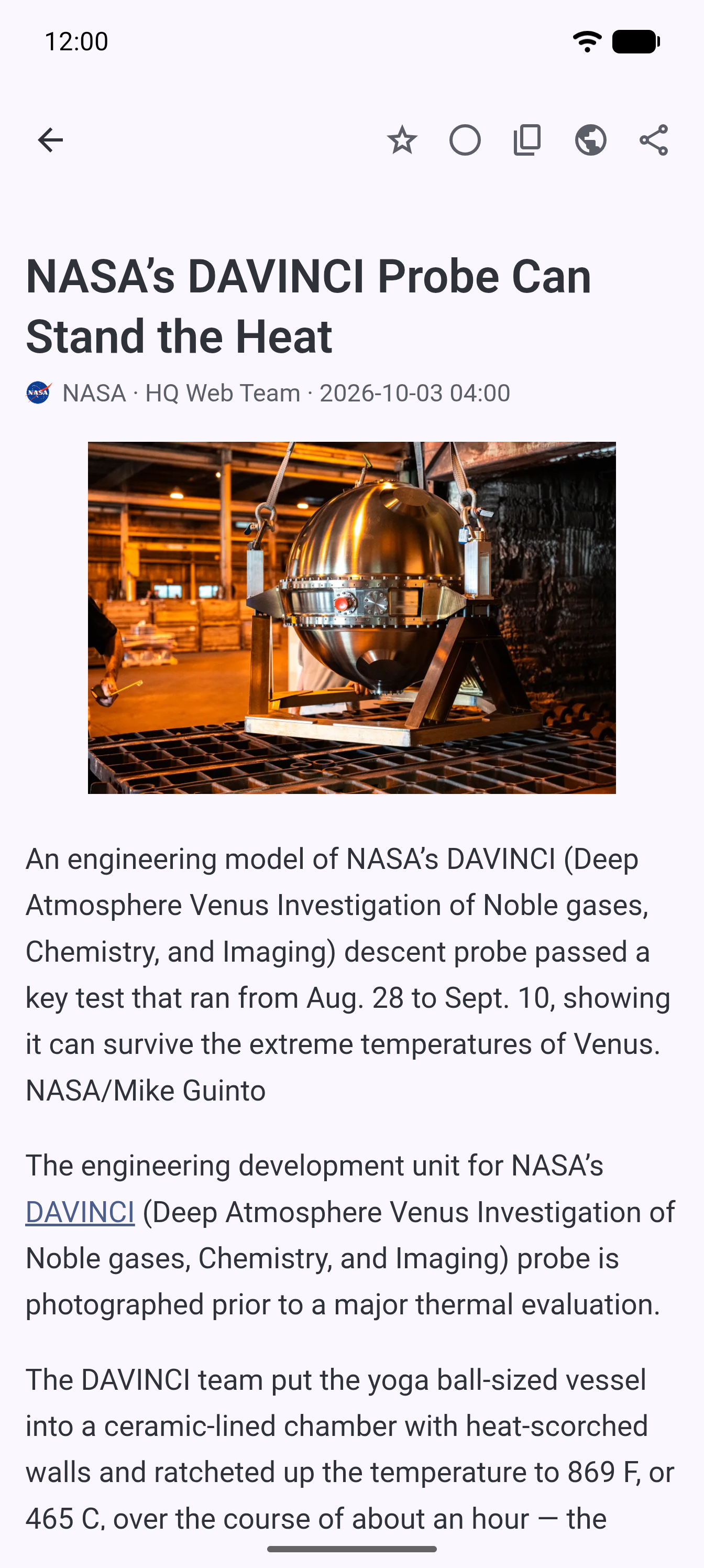
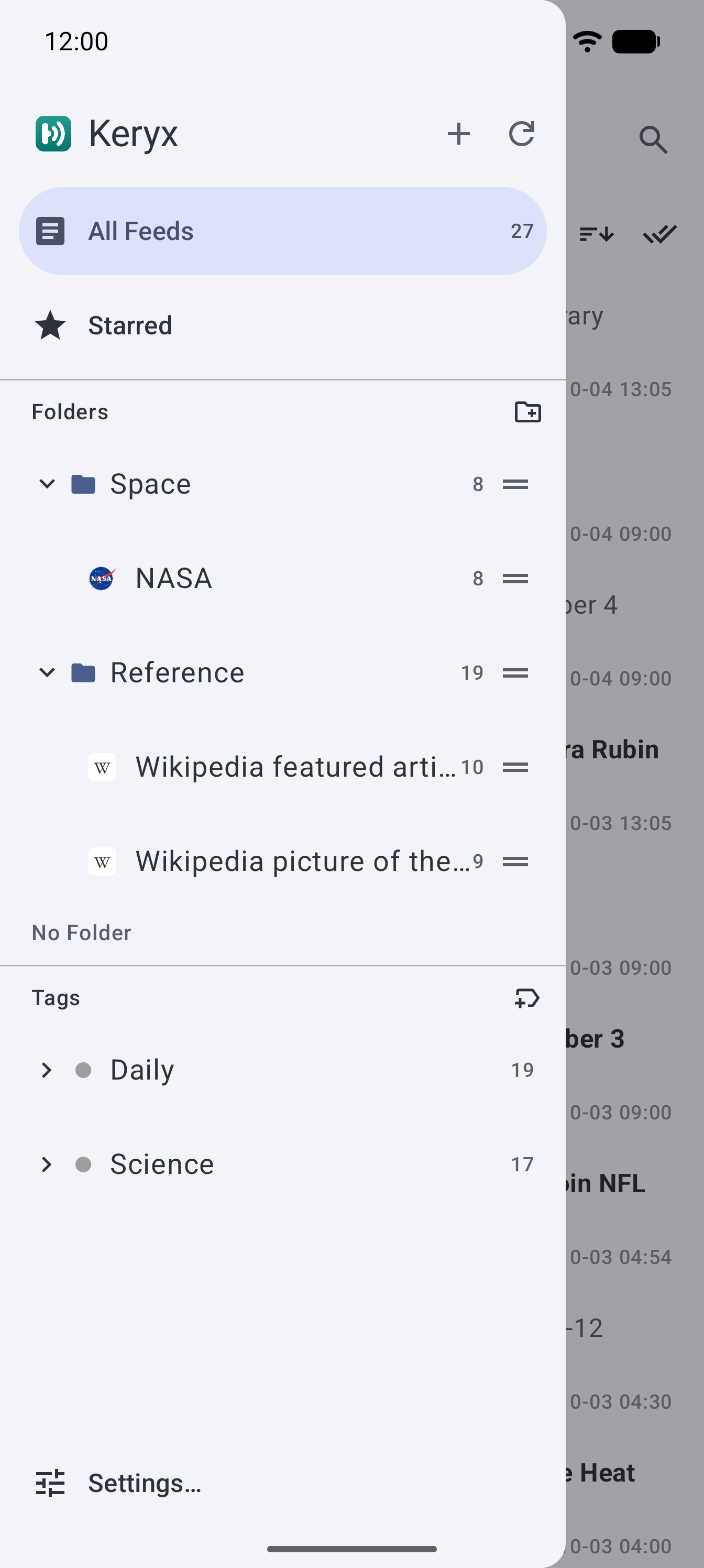
• Multi-device sync via your own cloud storage (Dropbox or OneDrive) — no account with Keryx itself, ever. (Google Drive sync, available in the Google Play and GitHub builds, is not part of the F-Droid build because it needs Google Play services.) • Local-first: works fully offline, with no sync required • Fast local full-text search across article titles and content • Organize feeds with tags (cross-cutting labels) and folders (hierarchical grouping) • RSS 2.0 and Atom 1.0 support (RSS 1.0/RDF is also loosely parsed) • OPML import and export, for moving to or from other RSS readers and for backing up your subscriptions • Completely free — no freemium tiers, no trial period, no ads • Open source — the full source code is public and can be inspected or modified by anyone
PRIVACY
Keryx has no user accounts and no server operated by its developer. There is nothing to sign up for, and nothing that its developer's own infrastructure ever receives. The app includes no analytics, telemetry, crash reporting, advertising, or tracking of any kind. The F-Droid build contains no Google Play services and never checks for updates itself — F-Droid does that.
Keryx talks only to servers directly relevant to what you're doing: the feeds you subscribe to (and their favicons) and — only if you connect one — Dropbox or OneDrive for sync. Nothing else.
Learn more, including the full privacy policy, at https://keryx.merc.works
Screenshots
How to install
- Download the APK from the button at the top of this page.
- Allow “Install unknown apps” for your browser or file manager only, not for every app.
- Open the downloaded file and confirm the installation.
- If installation fails with “App not installed,” remove an earlier build of the same app first. A signature conflict is the usual cause.
Data safety
- Every file is checked against its published SHA-256 before it is listed.
- Files are scanned for malware on every update.
- The permissions each app requests are listed on its own page.
- Read the full safety policy for how we test, flag, and delist files.
Frequently asked questions
What is Keryx?
One reader. Every device. Local-first RSS reader with optional cloud sync.
Who develops Keryx?
Keryx is developed by shimataro.
Which Android version does Keryx require?
Keryx requires Android API 26 or later.
What is the current version of Keryx?
The synchronized F-Droid version is 0.25.0.
Which license does Keryx use?
The signed F-Droid metadata lists MIT.
Where is the source code for Keryx?
https://github.com/shimataro/keryx
Comments
Recent approved comments · sorted by newest
View all comments