What’s new
First release.
Updated Oct 17, 2026
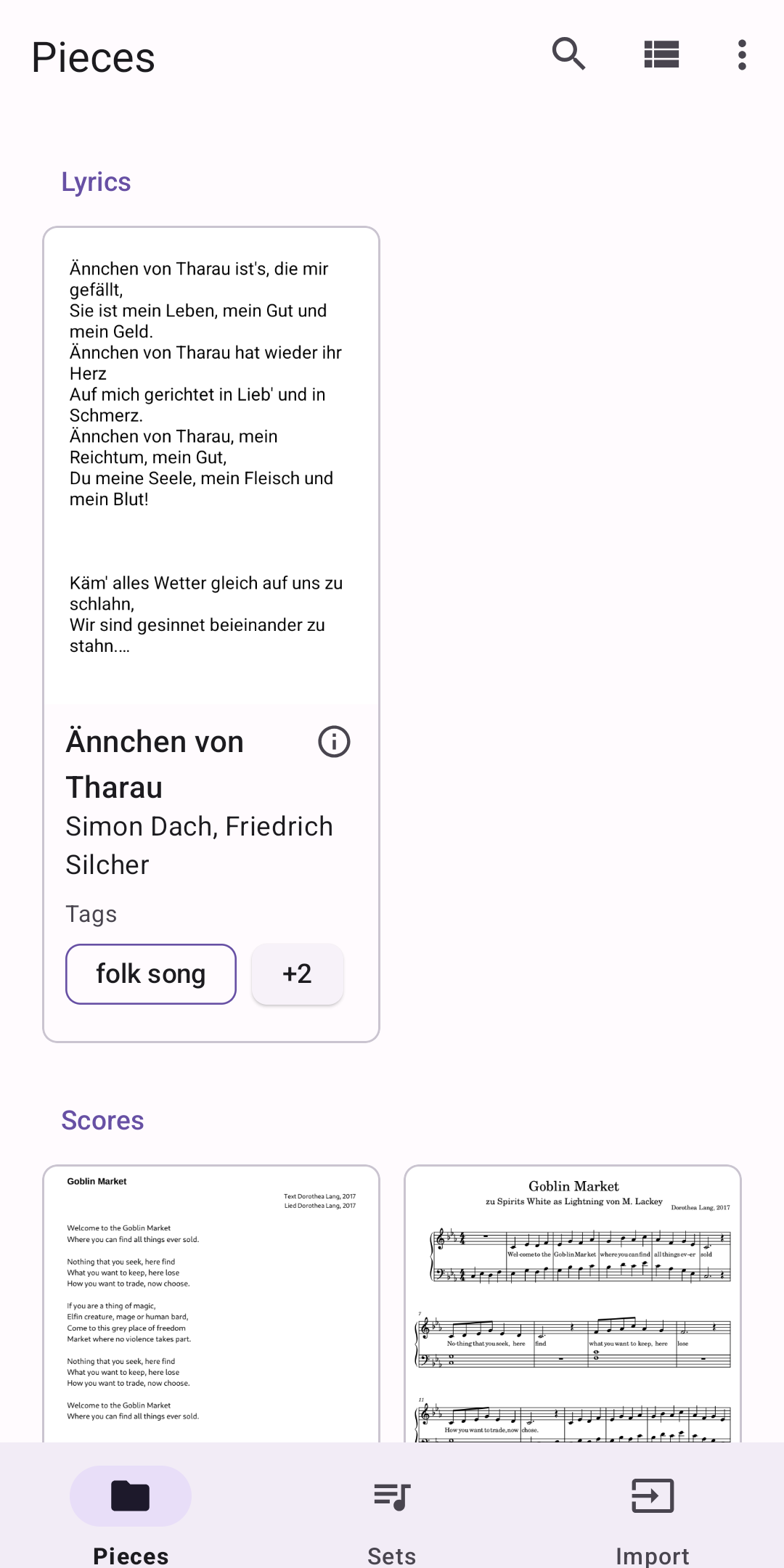
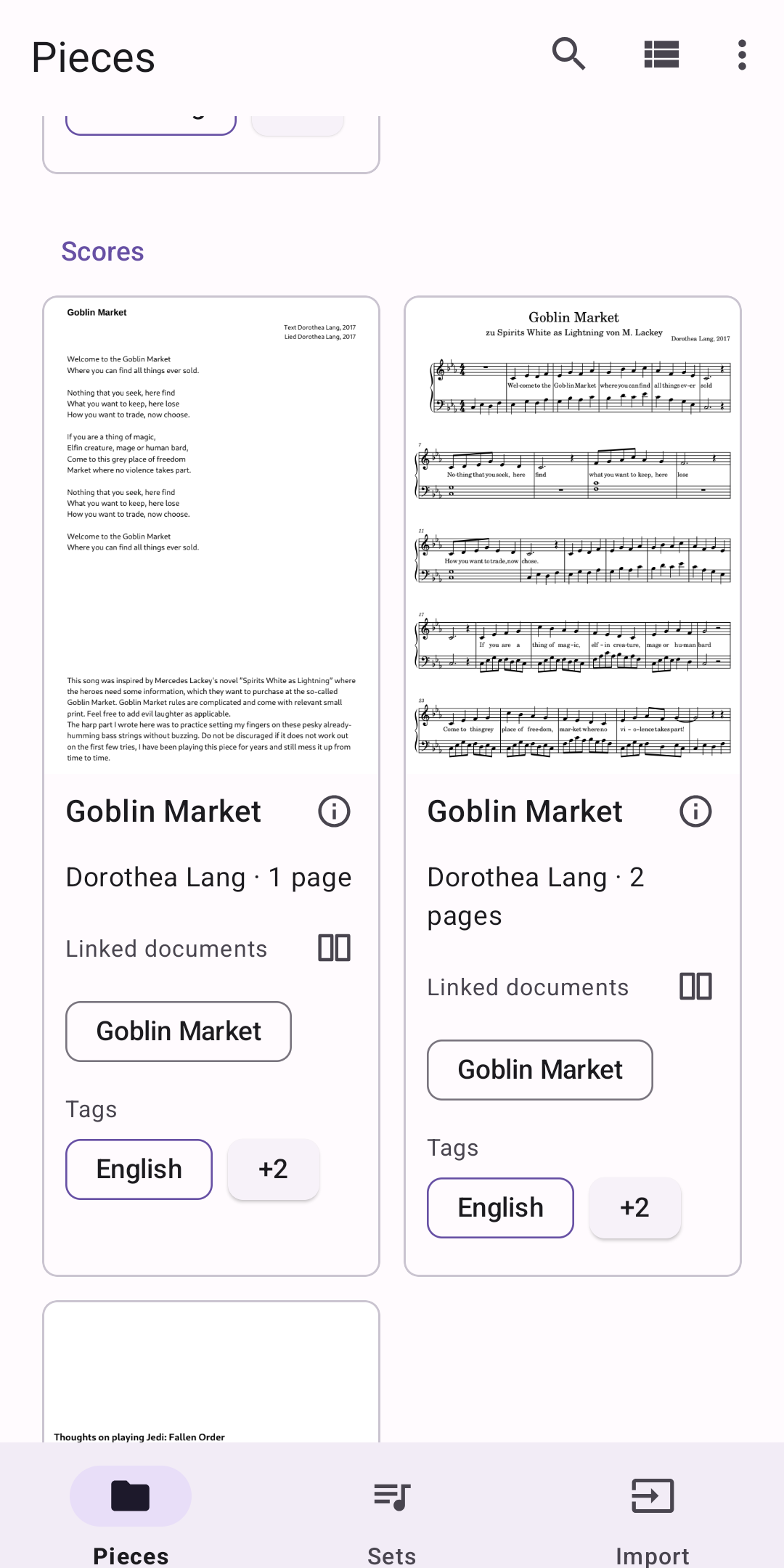
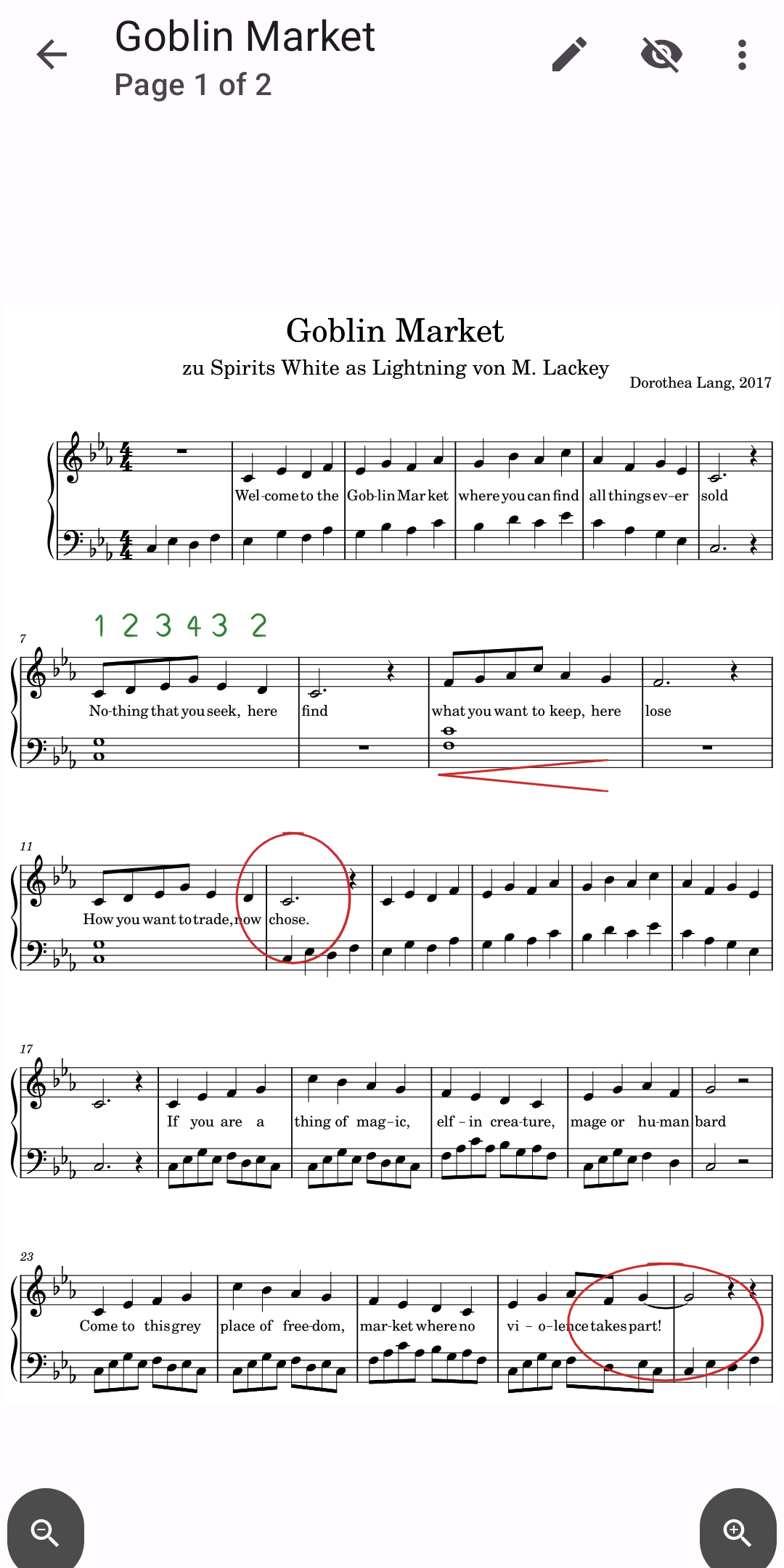
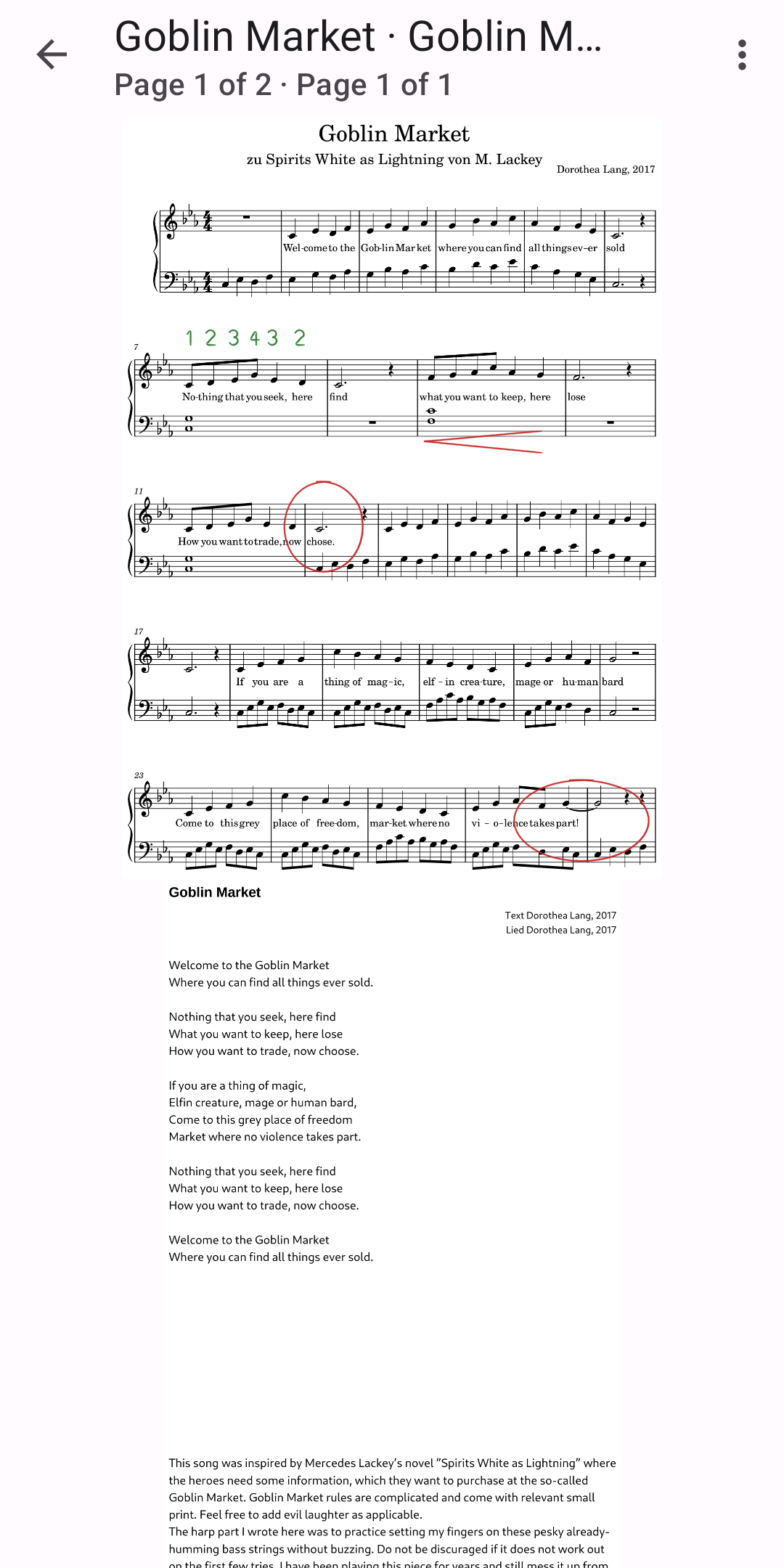
Photograph and import sheet music, read it while you play, write notes on it
Notenkladde photographs and imports sheet music and shows it for reading while you play, with your handwritten notes. All your music stays in one folder that you can take to any device.
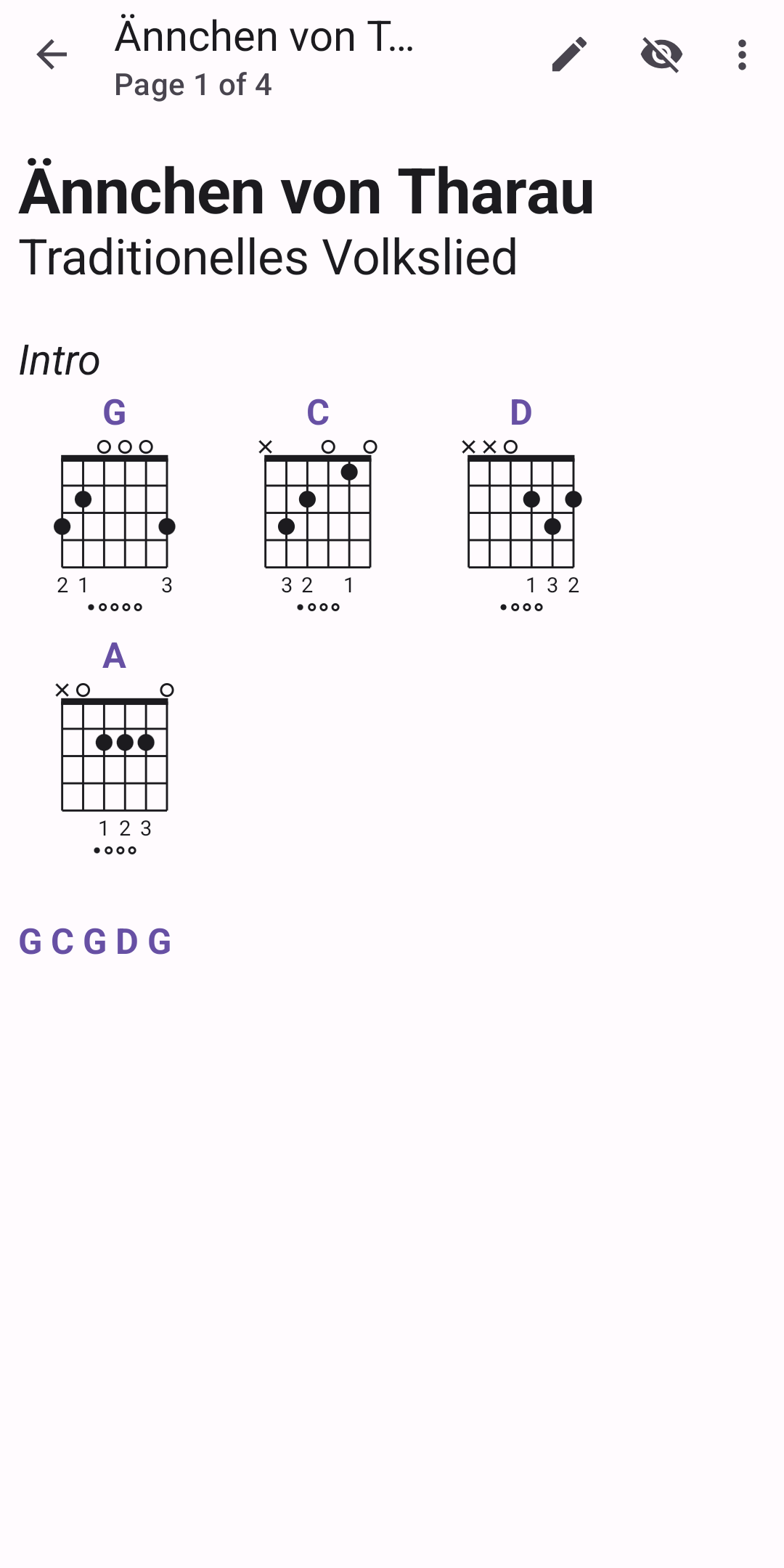
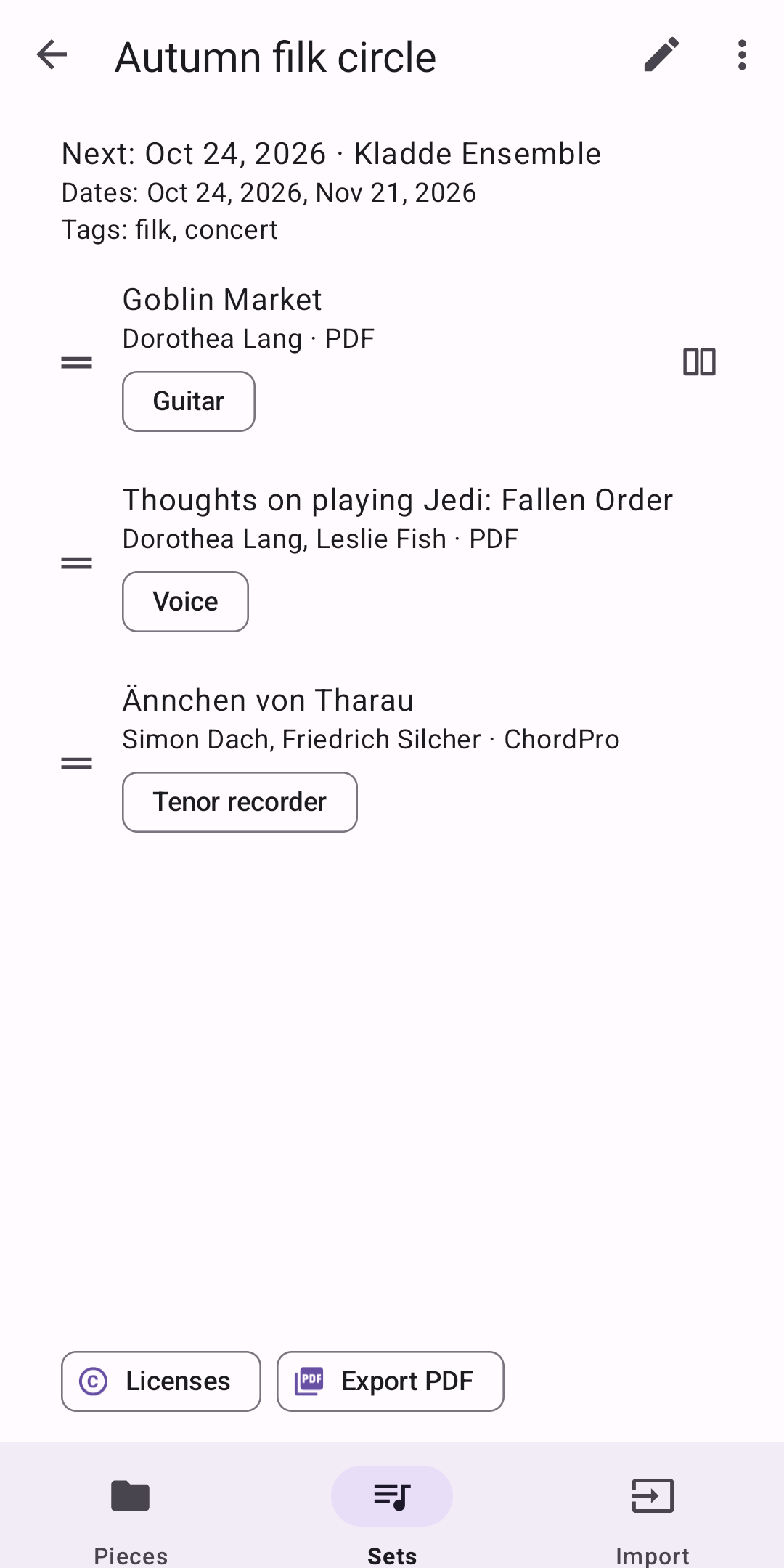
• Photograph pages: the app straightens and crops them. A piece can have many pages. • Import PDF and MusicXML scores and song lyrics (ChordPro, Markdown or plain text). • Read without distractions: one, two or three pages side by side; MusicXML scores and lyrics are laid out anew for your screen. Turn pages with a tap at the edge or with a Bluetooth page turn pedal. • Read two works together, such as a score and its lyrics, on one screen, each turning on its own. • Chords stand above the words, with chord diagrams for guitar, ukulele or piano. • Write on the music with a stylus or a finger, on layers such as “Fingering” or “Teacher”, each in its own colour. Your notes stay in place at every zoom. • Keep the details of each piece: composer or author, dates, tags, license, work number, publications and linked works. • Put pieces together in sets for concerts and rehearsals, with their dates, who you play with and the instrument for each piece. • Make a PDF of pieces or of a set, with a table of contents, to print or share.
Your folder, your files: the music is kept as ordinary files (photos, PDF, MusicXML, lyrics), its details in an open JSON file, so other programs can use them too. Rename the folder, back it up or take it to another device. No account, no internet access, no ads.
Made for every language and script, right to left included. The app speaks English, German, French, Spanish, Hebrew and Japanese.
First release.
Recent approved comments · sorted by newest
View all comments