What’s new
- Localization updates
- New Dark Rock Studios section on the About screen
- Library upgrades

Updated Oct 15, 2026
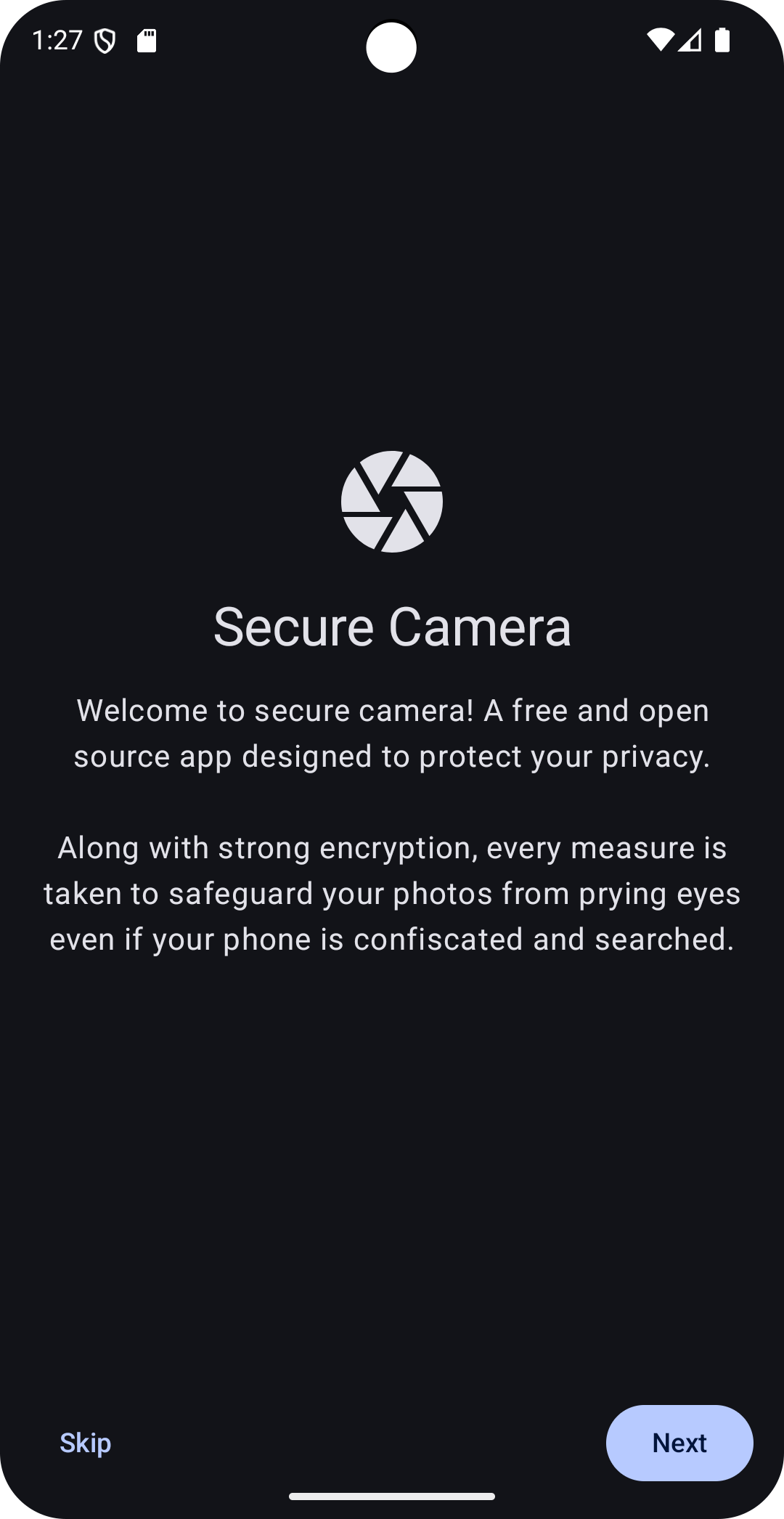
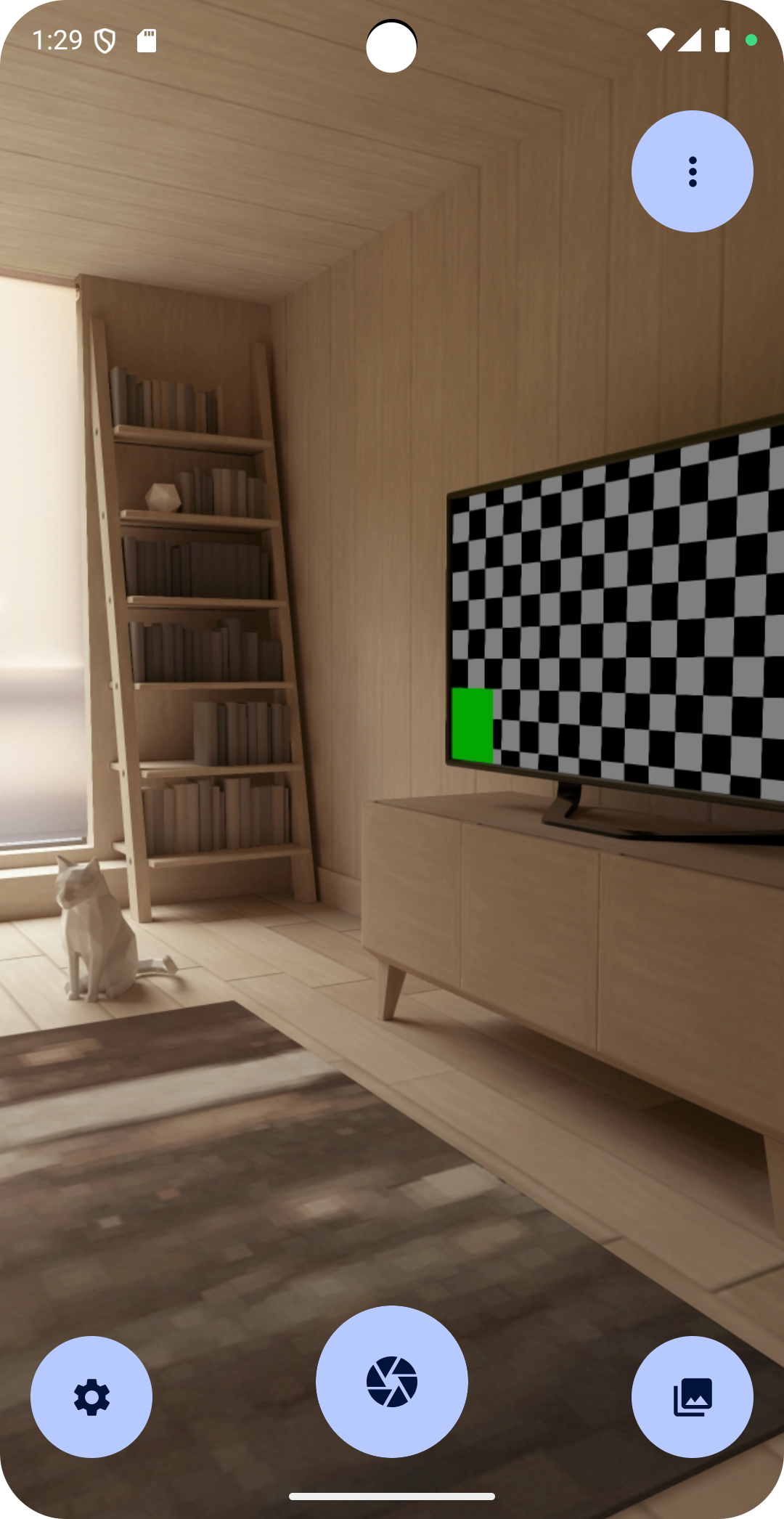
Snap pics of anything, safely.
SnapSafe is a camera app that keeps every pixel—and every byte of data—exactly where it belongs: on YOUR device.
Why SnapSafe? We capture photos locally, encrypt everything in private storage, let YOU decide if GPS tags are added, and strip out tell‑tale metadata automatically.
Free and Open Source, forever.
We NEVER phone home or talk to servers, slurp analytics or usage stats, sprinkle ads or trackers in the code, or read files outside our sandbox.
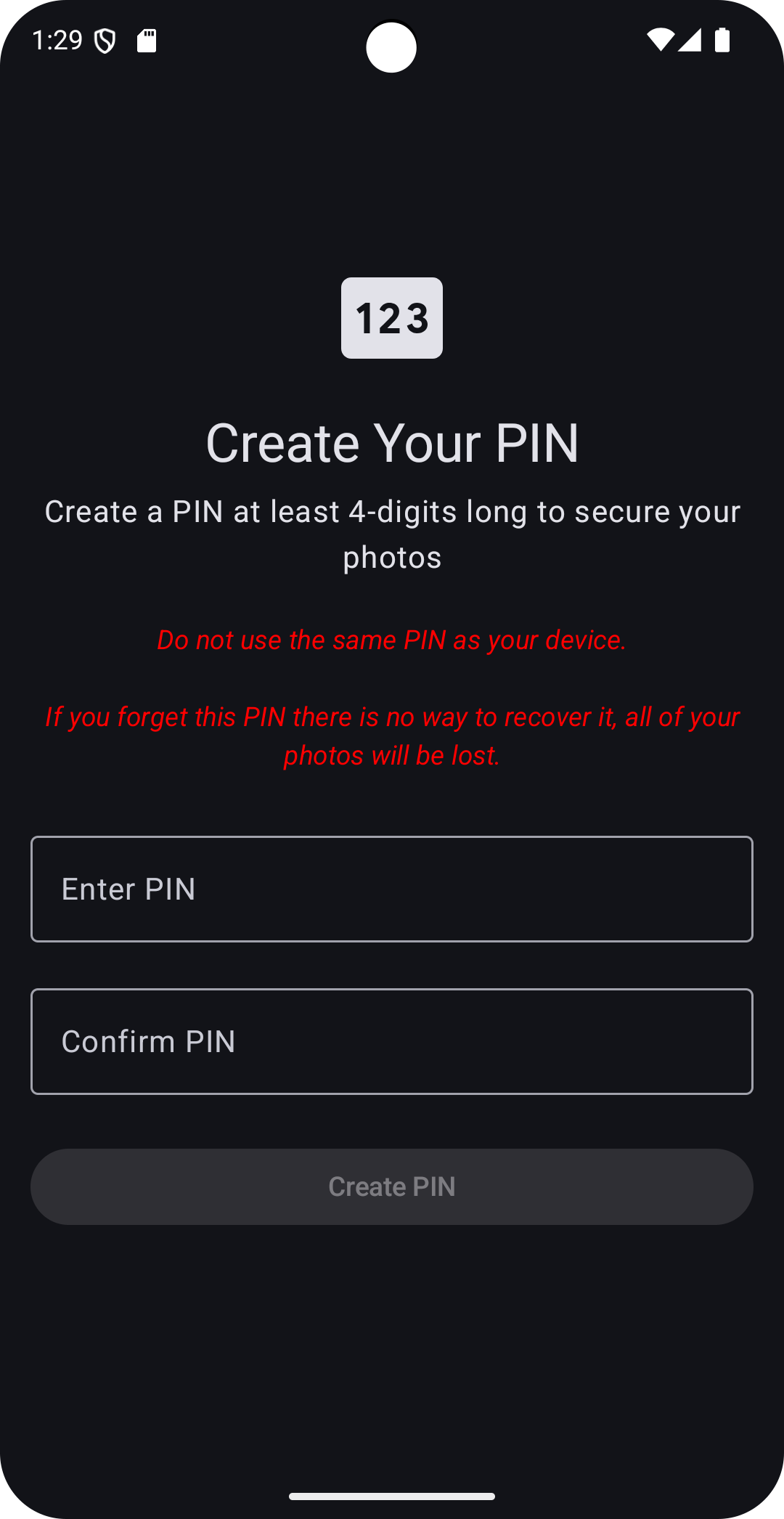
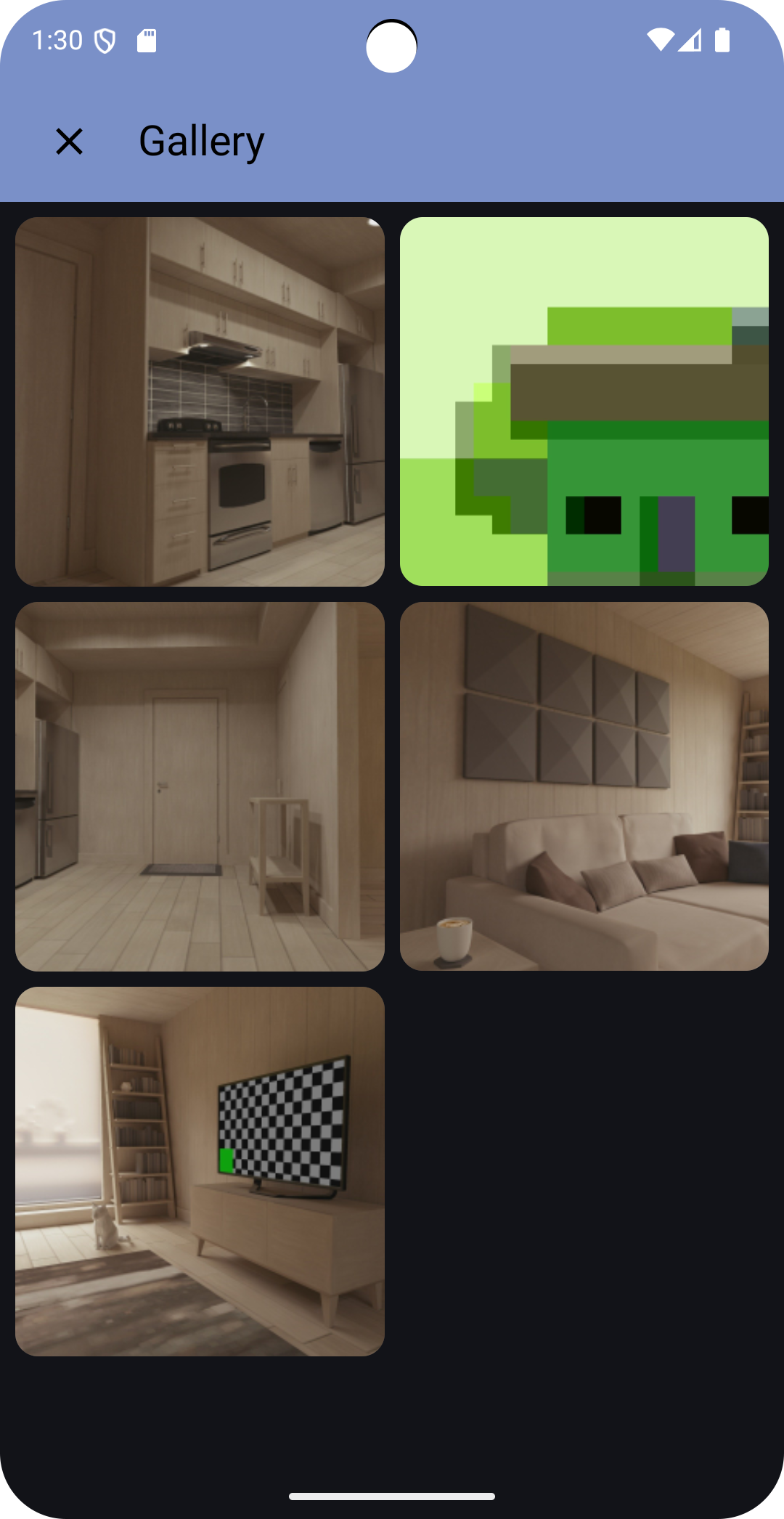
Key Features: • Zero‑Leak Design – The manifest skips android.permission.INTERNET; nothing leaves your device. • Fully Encrypted – Shots are written to app‑private storage using strong encryption. • Metadata Scrub‑A‑Dub – EXIF and other identifiers are wiped the instant you hit Share. • Secure Sharing – When you do share, we hand the file off via Android's native share sheet—no detours. • Anti-Doxing – Automatically Blur faces before sharing photos • PIN‑Locked Gallery – A separate PIN stands between curious thumbs and your photos. • Granular Location – Add coarse, fine, or zero location data—your call. • 100% Open Source – Auditable code in plain sight. • Poison Pill – Set a special PIN, that when entered, appears to work normally but actually deletes your existing photos. • Decoy Photos – Select innocuous decoy photos, these will be preserved when your Poison Pill is activated. That way your Gallery is not suspiciously empty.
Privacy Policy: We collect nothing.
- Localization updates
- New Dark Rock Studios section on the About screen
- Library upgrades
Recent approved comments · sorted by newest
View all comments