Quick answer
Scan & turn photos into clean PDFs. Fits size limits. Offline, no ads.
Turn photos and paper documents into clean, ready-to-submit PDFs in seconds — completely offline.
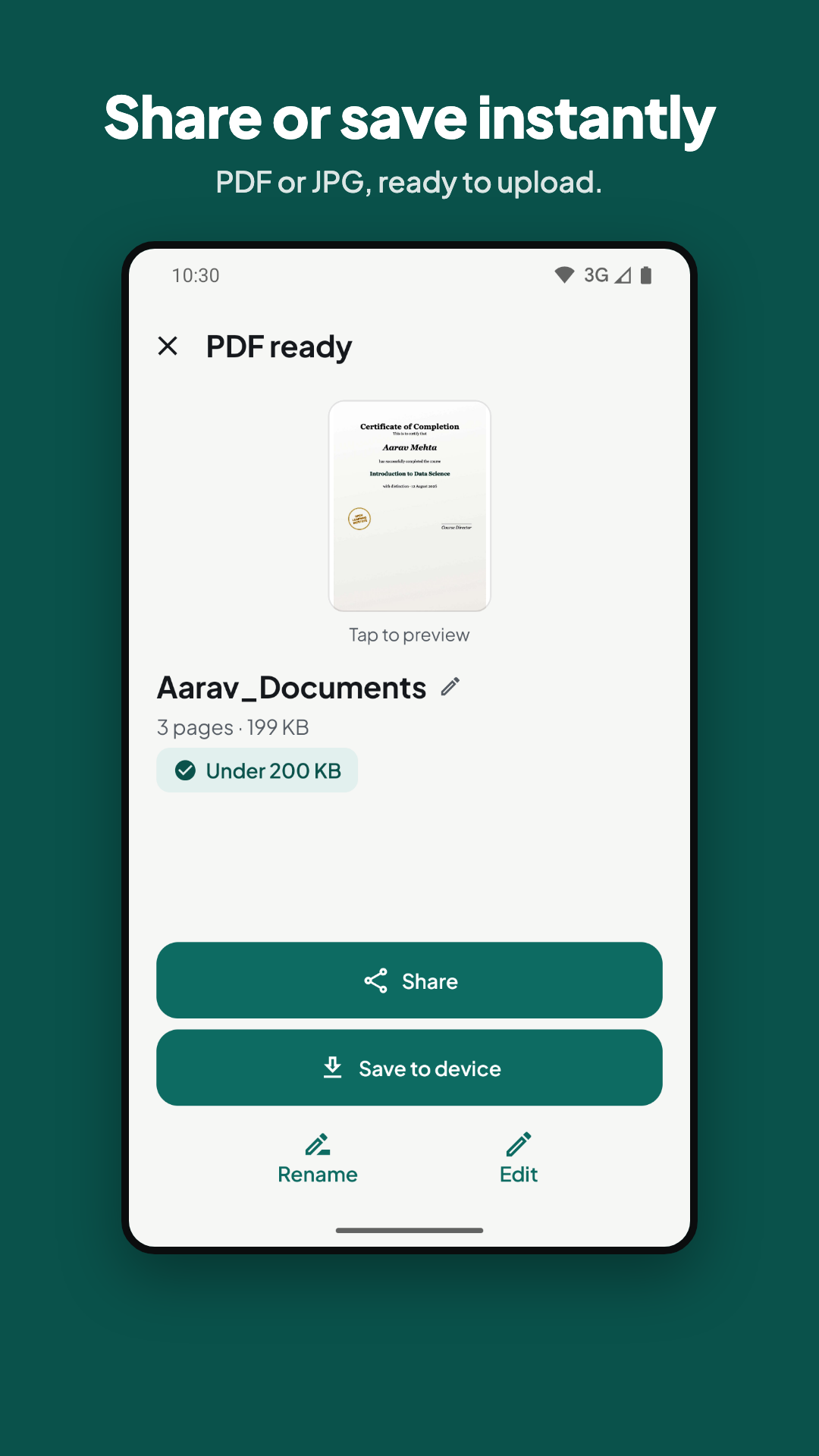
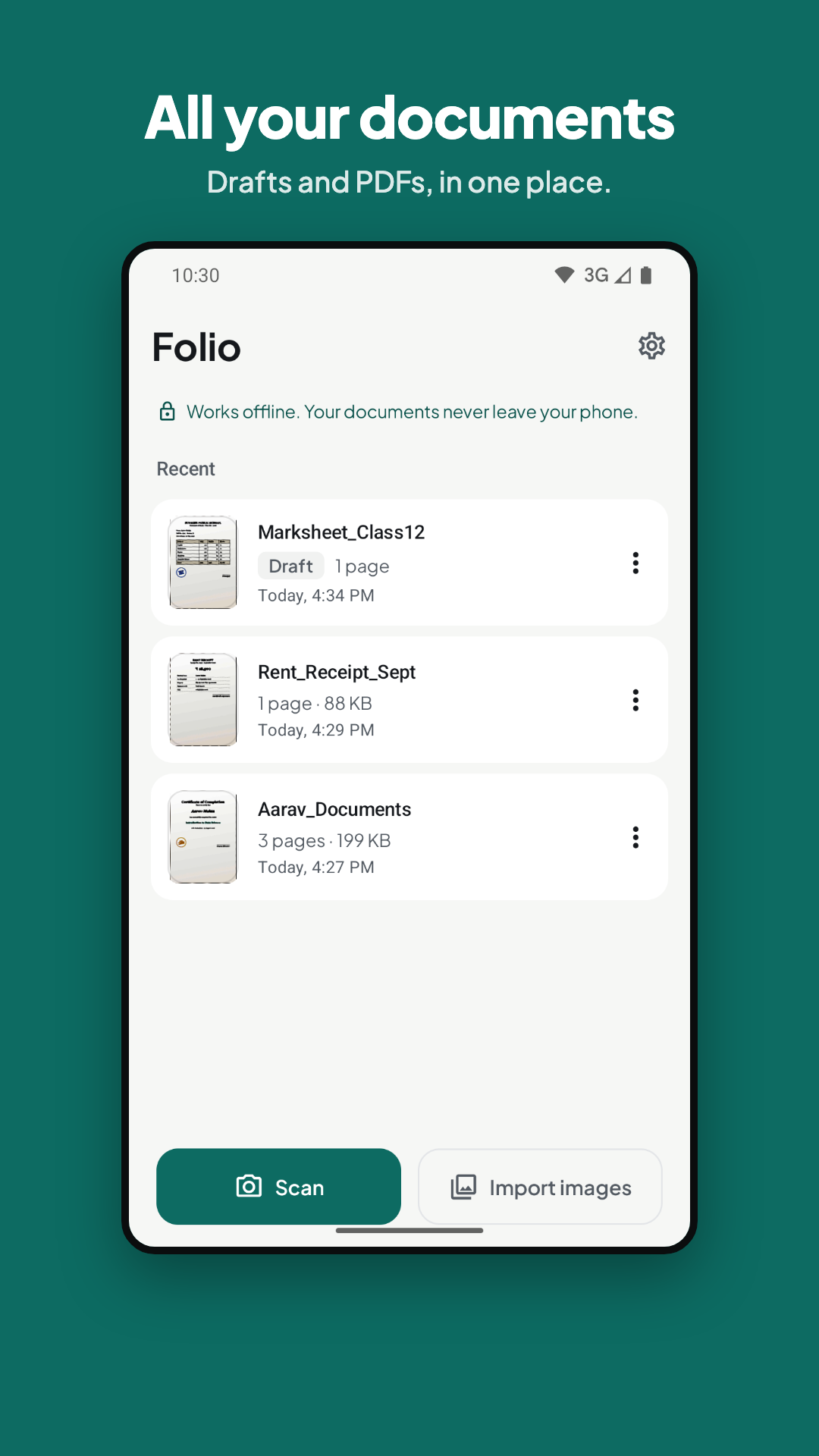
Scan or import
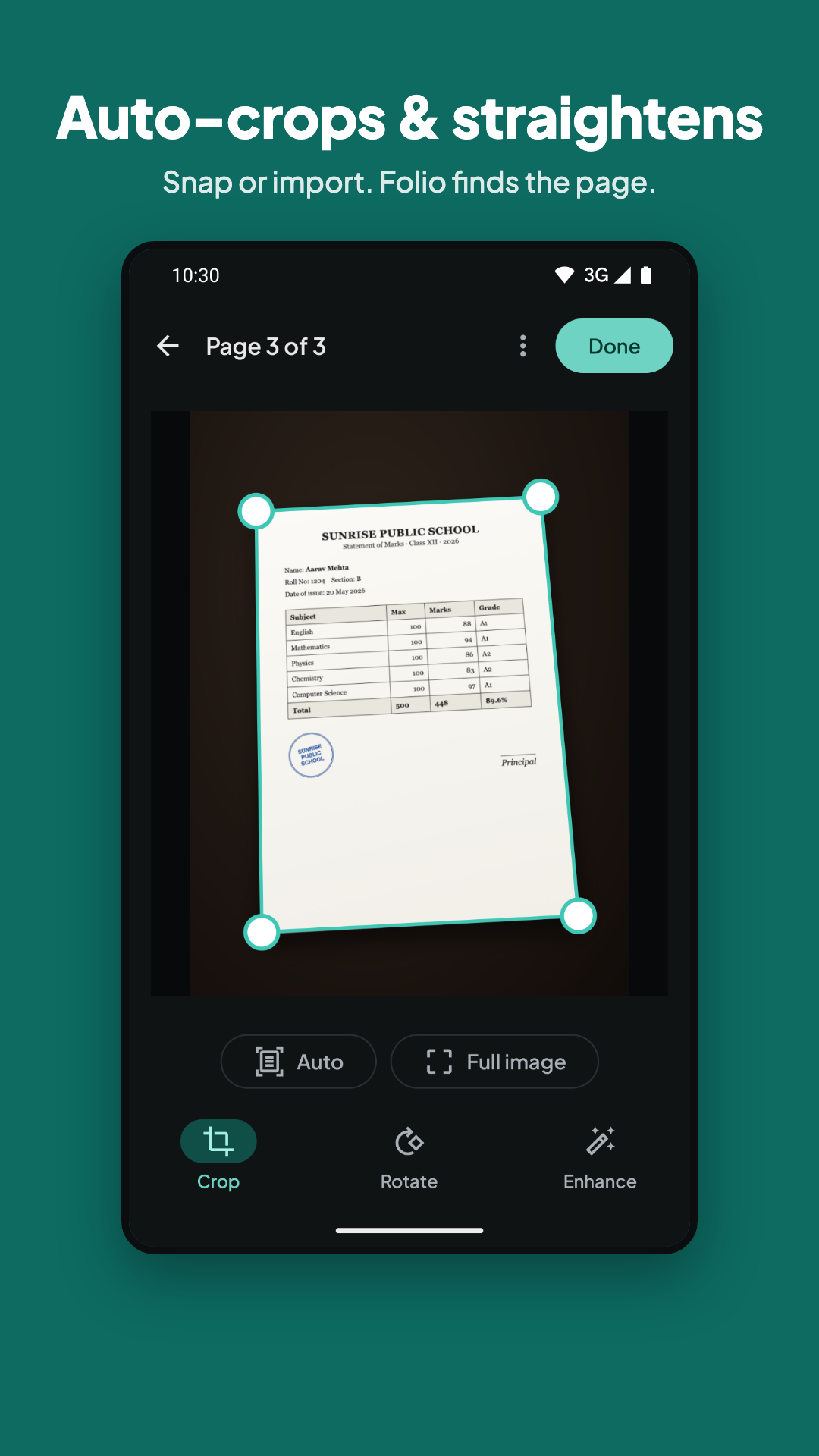
Scan with your camera with automatic edge detection, or import photos from your gallery. You can even share photos to Folio from WhatsApp or any app.
Fix it fast
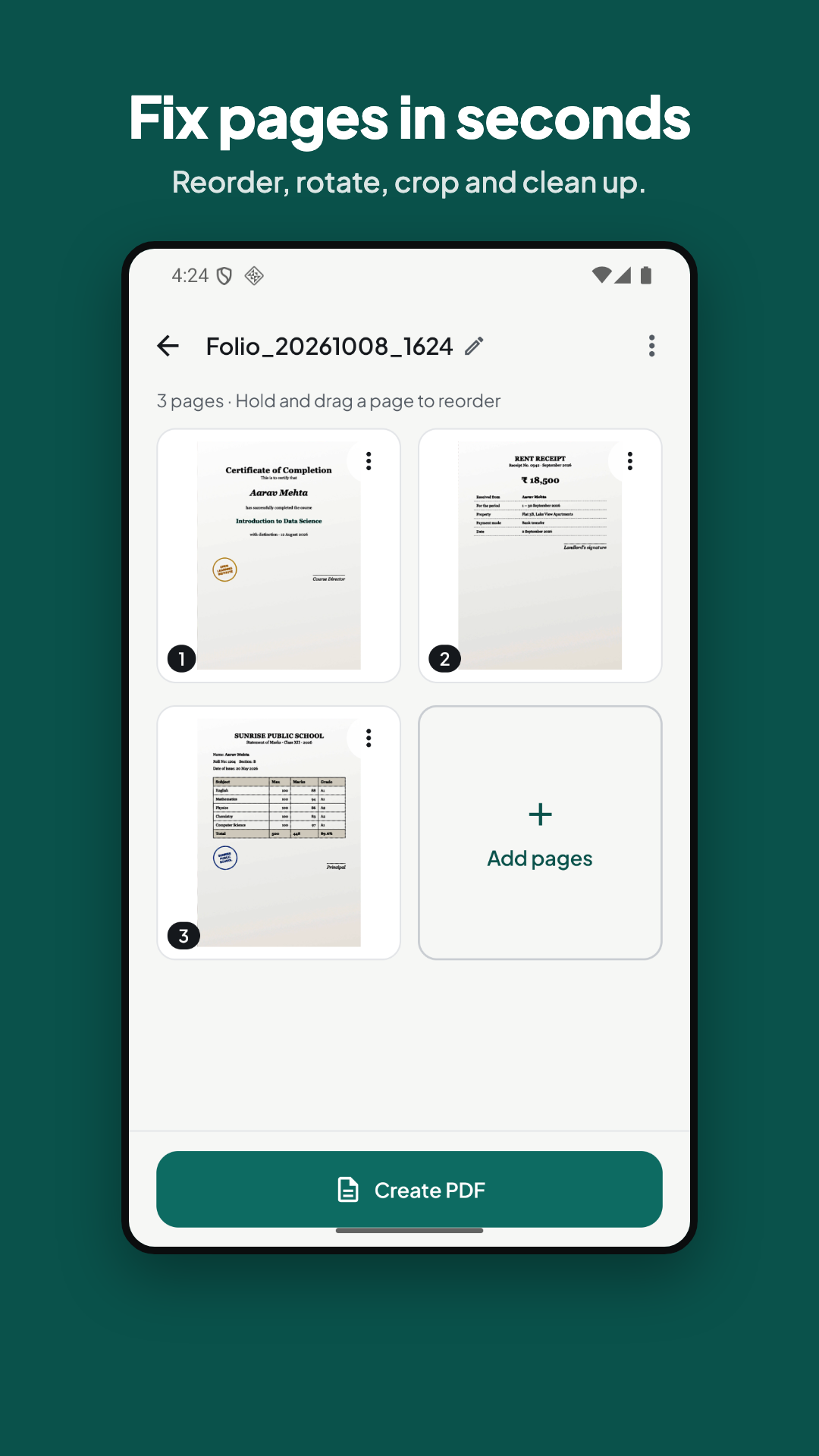
Auto-crop and straighten pages, rotate, reorder, duplicate or delete pages. Make text clearer with Auto, Grayscale or B&W modes.
Fit any size limit
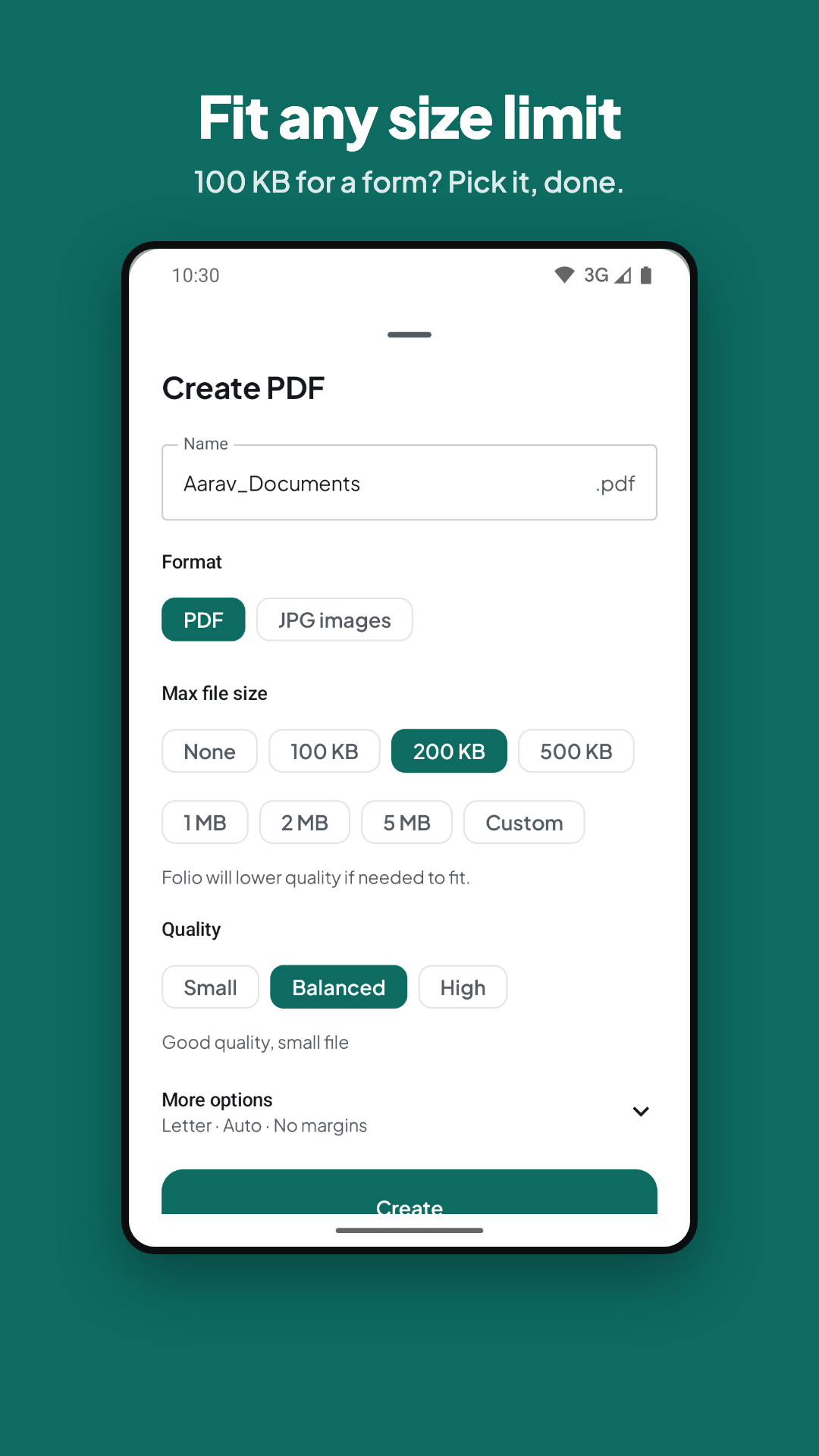
Need a PDF under 100 KB, 200 KB or 1 MB for an exam, job or government form? Pick the limit and Folio does the rest. Export as PDF or JPG images.
Truly private
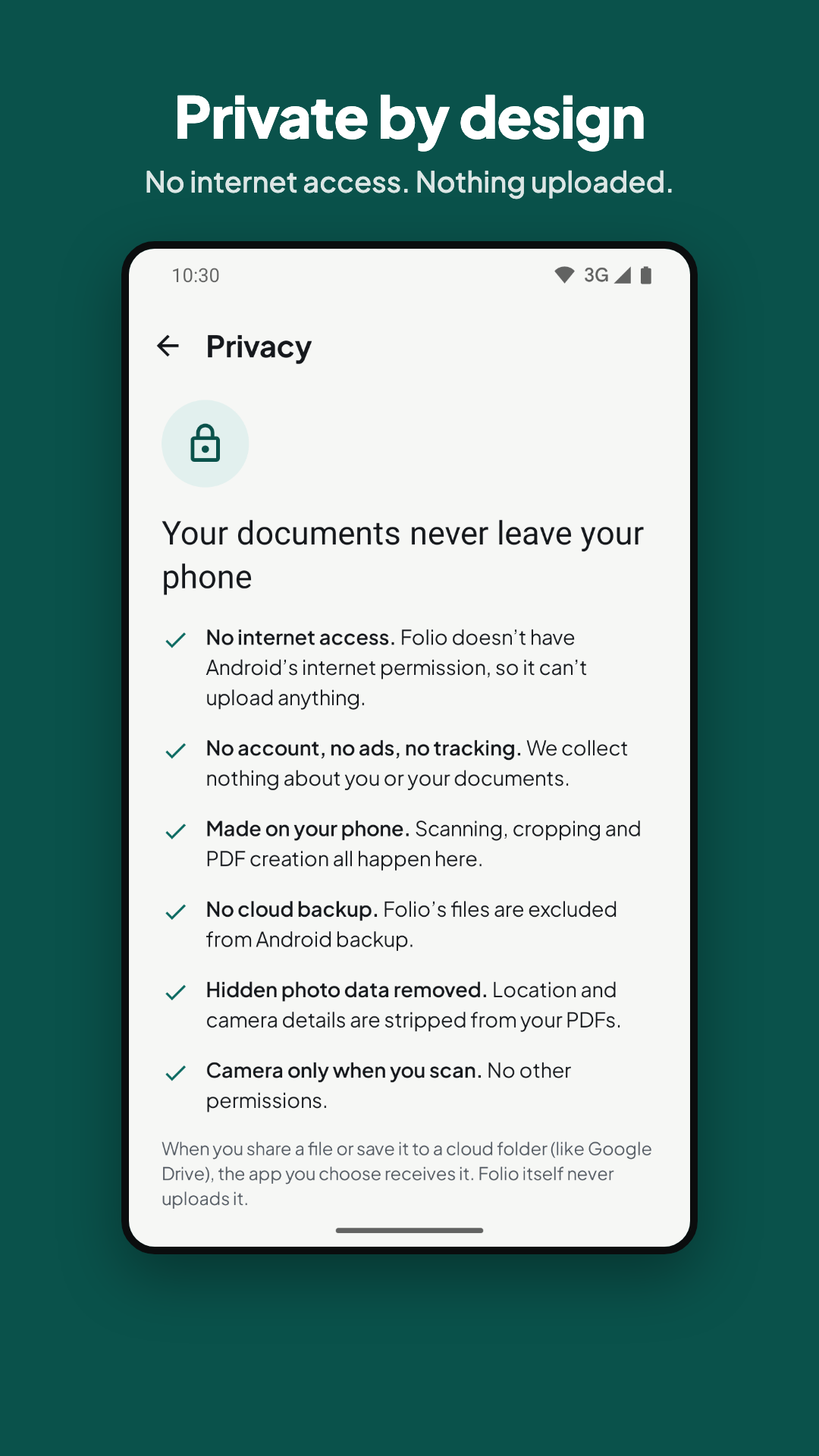
Folio has no internet permission, so your documents never leave your phone. No account. No ads. No tracking. Free and open source (GPL-3.0).
Screenshots
How to install
- Download the APK from the button at the top of this page.
- Allow “Install unknown apps” for your browser or file manager only, not for every app.
- Open the downloaded file and confirm the installation.
- If installation fails with “App not installed,” remove an earlier build of the same app first. A signature conflict is the usual cause.
Data safety
- Every file is checked against its published SHA-256 before it is listed.
- Files are scanned for malware on every update.
- The permissions each app requests are listed on its own page.
- Read the full safety policy for how we test, flag, and delist files.
Frequently asked questions
What is Folio: Doc Maker?
Scan & turn photos into clean PDFs. Fits size limits. Offline, no ads.
Who develops Folio: Doc Maker?
Folio: Doc Maker is developed by Pratik Ukey.
Which Android version does Folio: Doc Maker require?
Folio: Doc Maker requires Android API 26 or later.
What is the current version of Folio: Doc Maker?
The synchronized F-Droid version is 1.0.1.
Which license does Folio: Doc Maker use?
The signed F-Droid metadata lists GPL-3.0-or-later.
Where is the source code for Folio: Doc Maker?
https://github.com/ukpratik/folio
Comments
Recent approved comments · sorted by newest
View all comments