A privacy-friendly video recorder with clip management, effects, and merging
ClipRecorder is a free and open-source video recorder for Android that focuses on clip management and editing — with no ads, no tracking, and no cloud dependency.
Recording
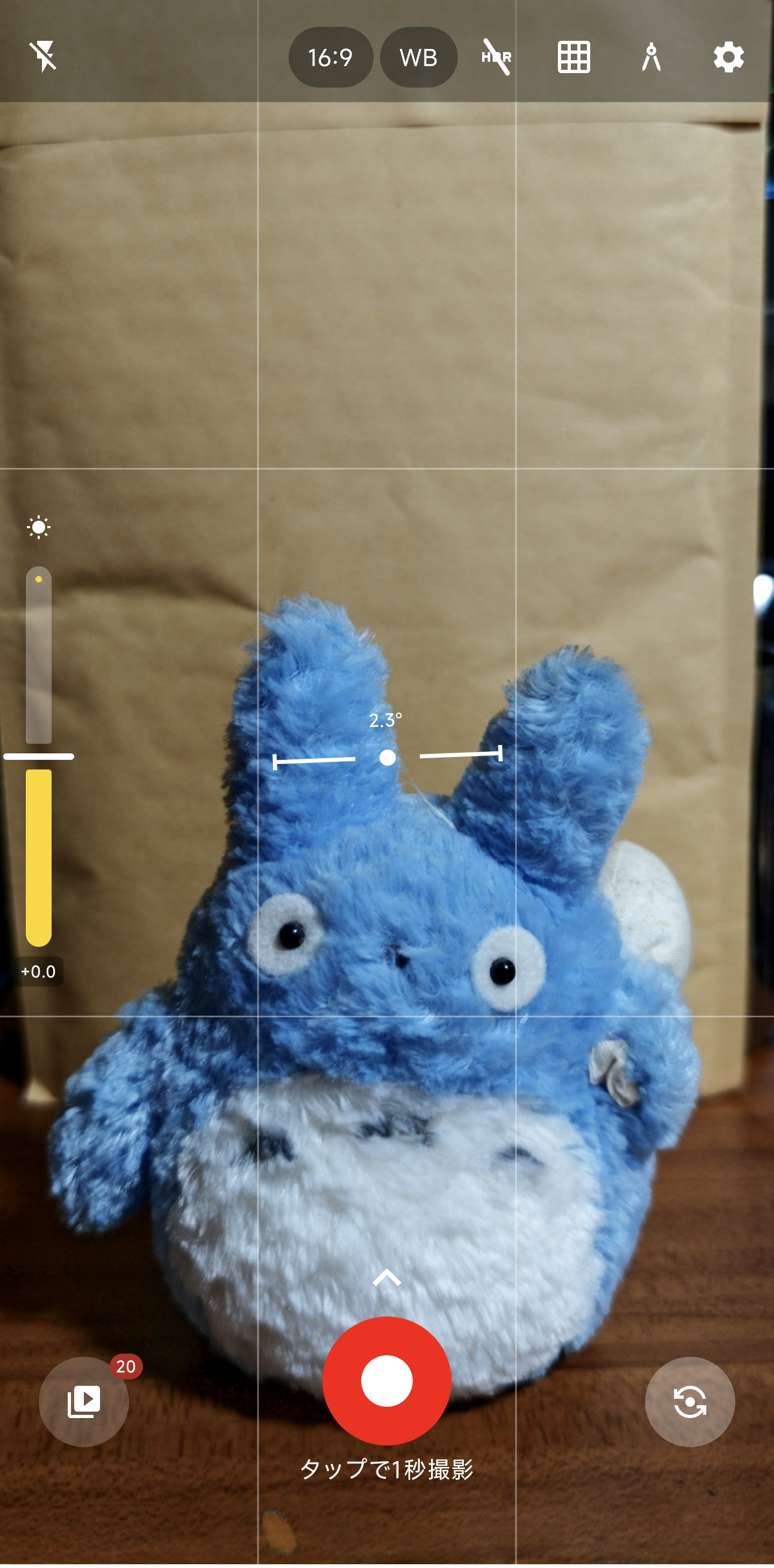
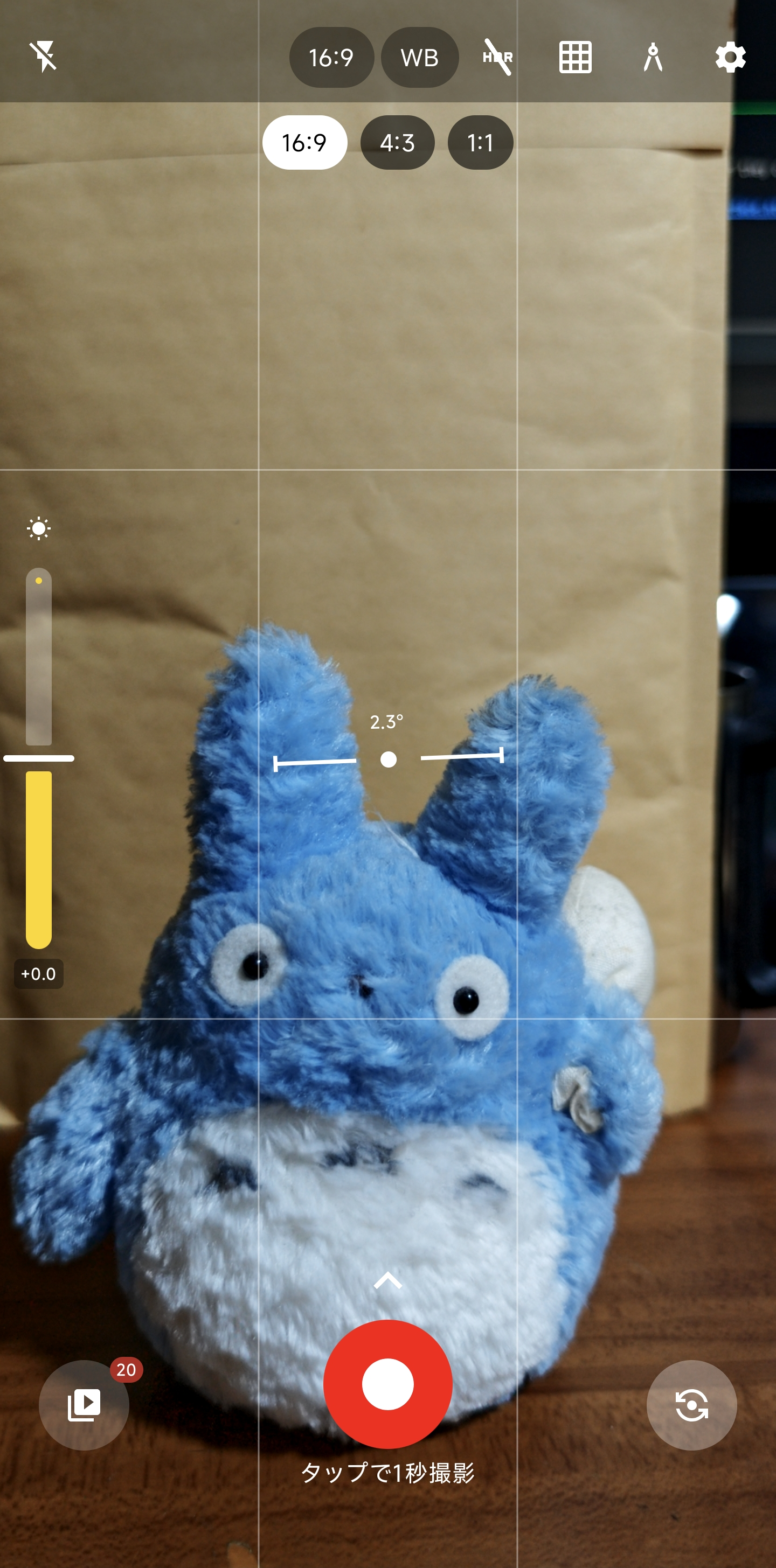
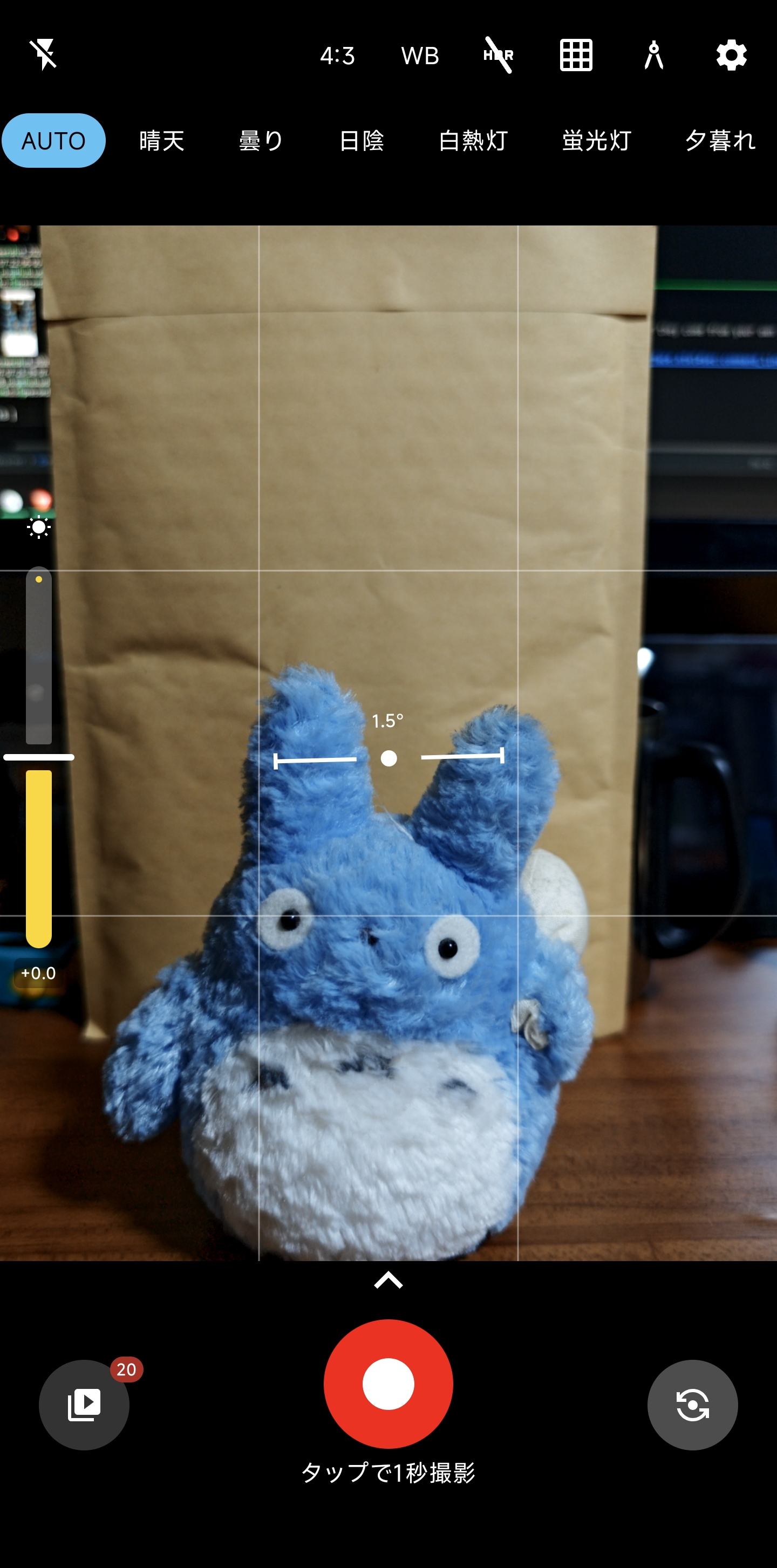
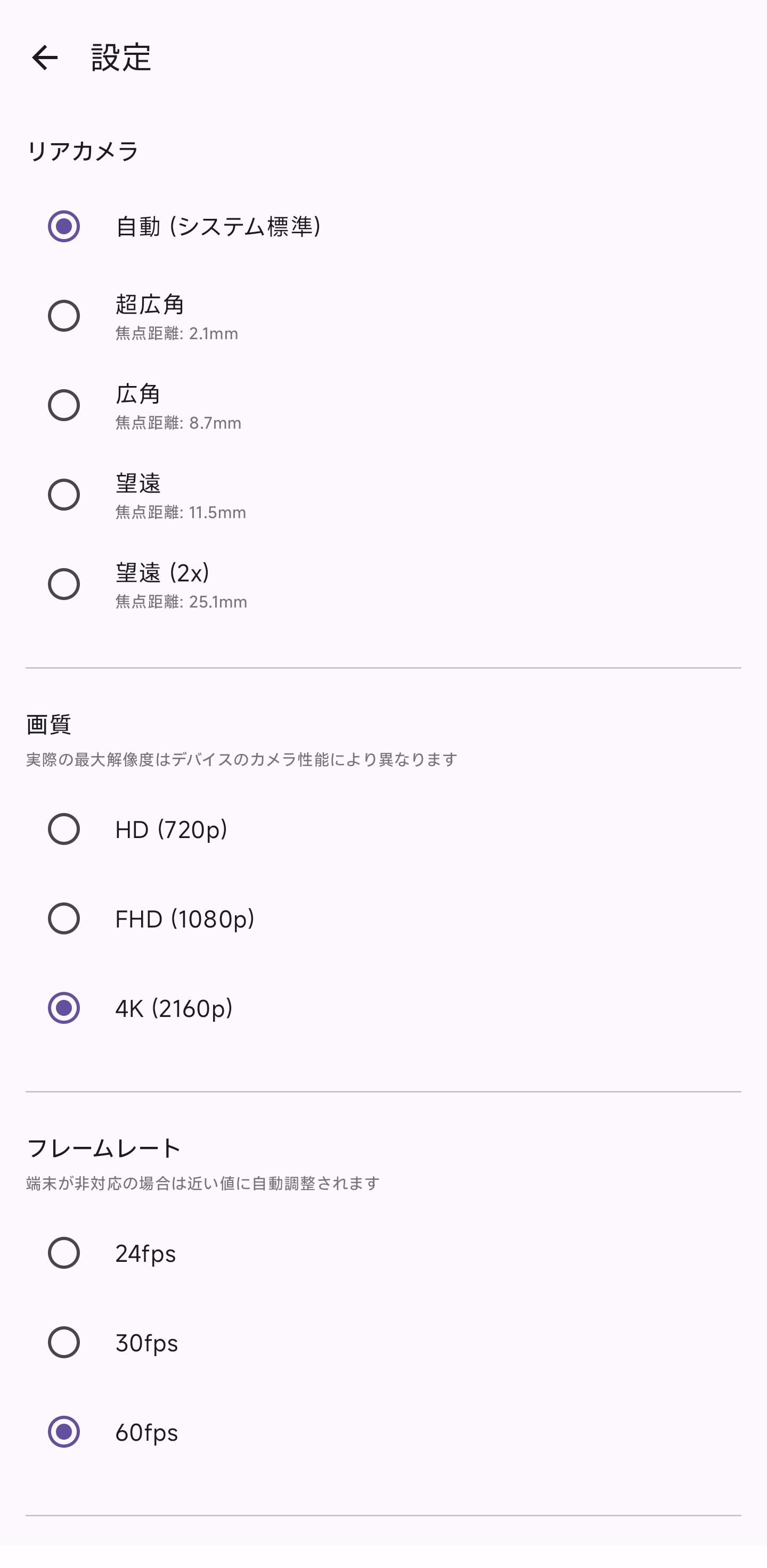
• Portrait and landscape recording
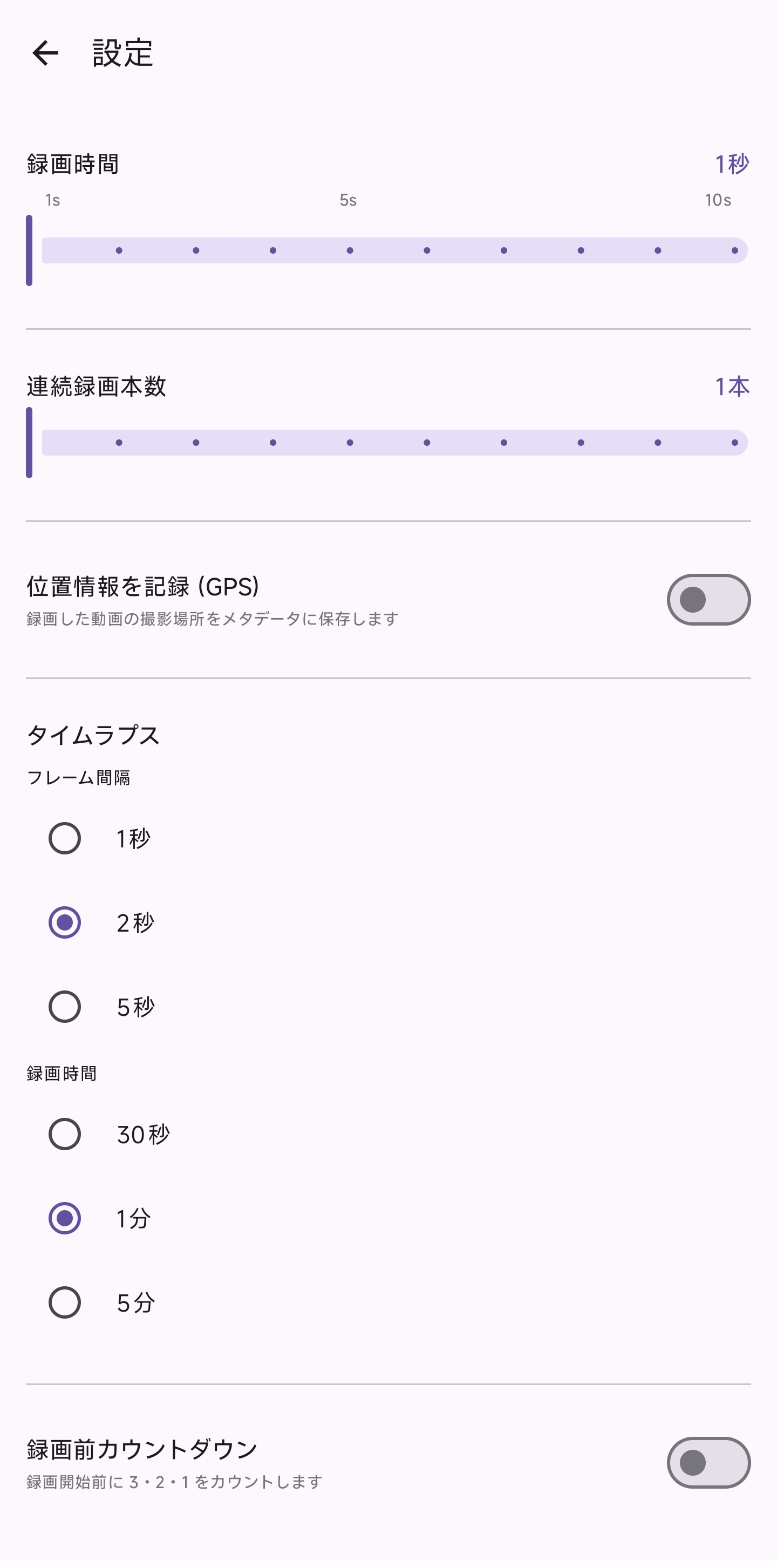
• Slow motion and timelapse modes
• Countdown timer before recording starts
• Optional GPS tagging in video metadata
• Home screen widget to start recording instantly
Clip Management
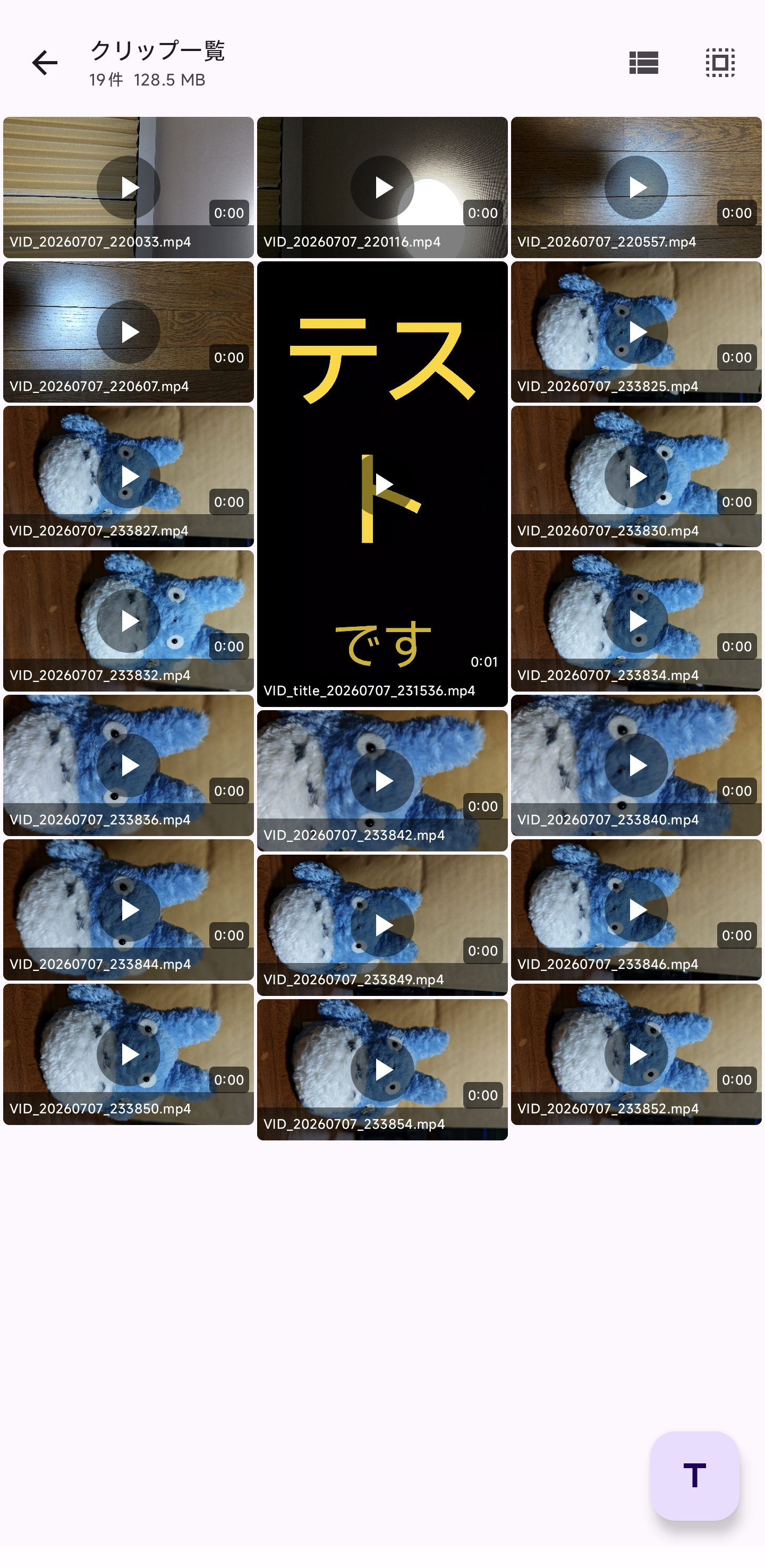
• List and grid thumbnail views with duration display
• Drag-and-drop reordering
• Correct portrait/landscape thumbnail orientation
Editing
• 16 video effects: Grayscale, Sepia, Brightness, Contrast, Saturation, Warm, Cool, Vivid, Matte, Film Grain, Chromatic Aberration, Vignette, Cinematic, Ken Burns, Fade In/Out
• Background music (BGM) mixing
• GIF export
Title Cards
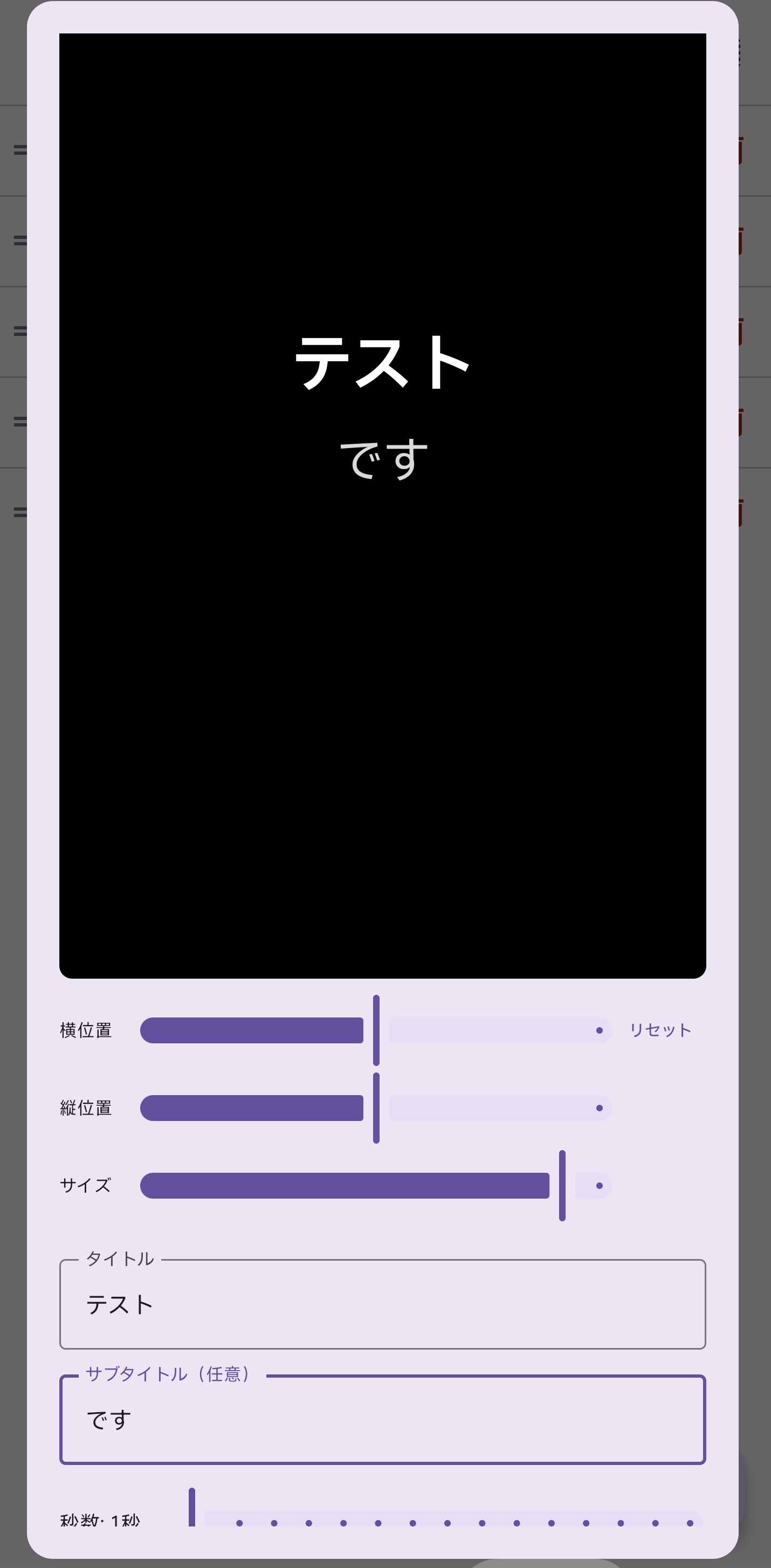
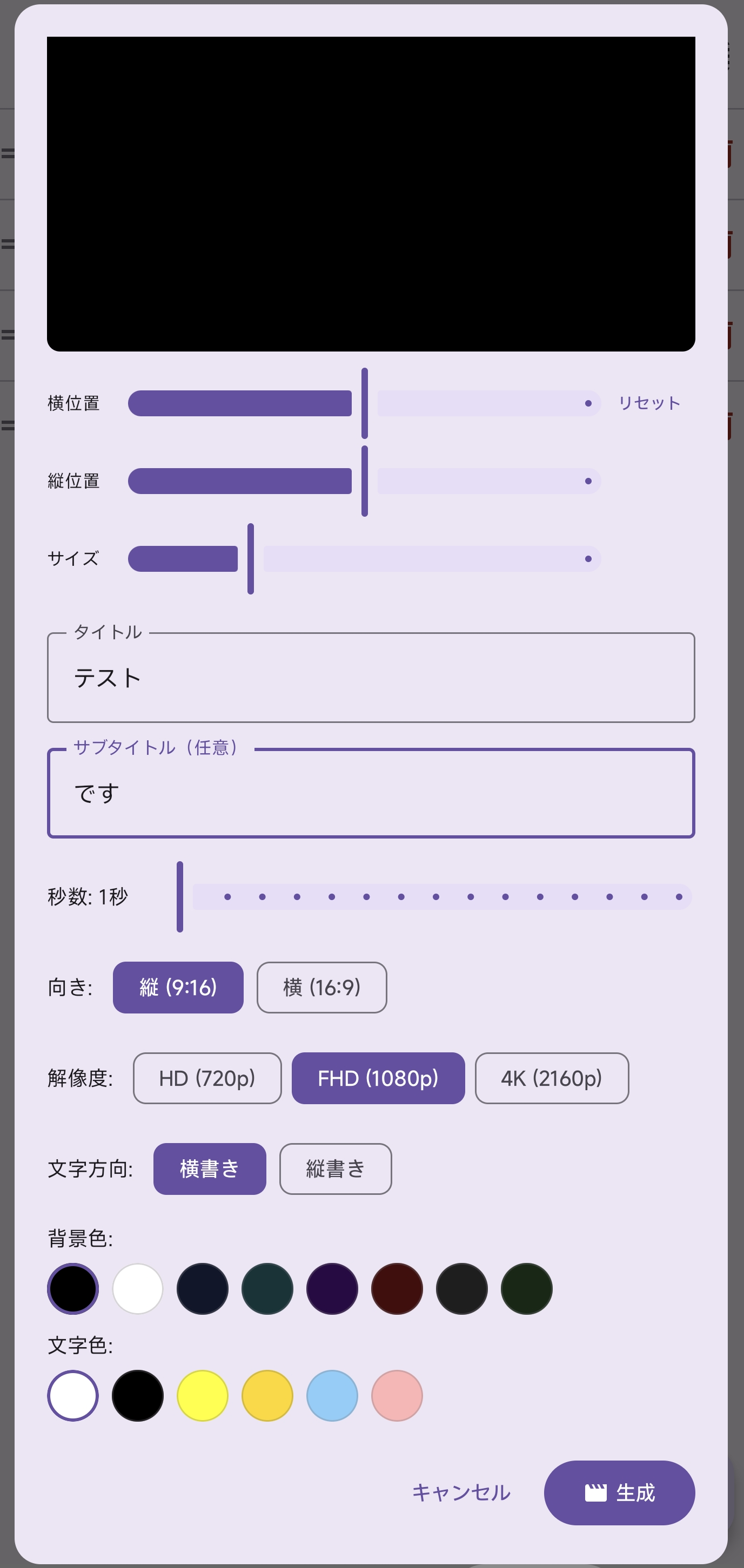
• Generate video title cards with custom text, subtitle, and background color
• Configure duration (1–15 sec), orientation, and text color
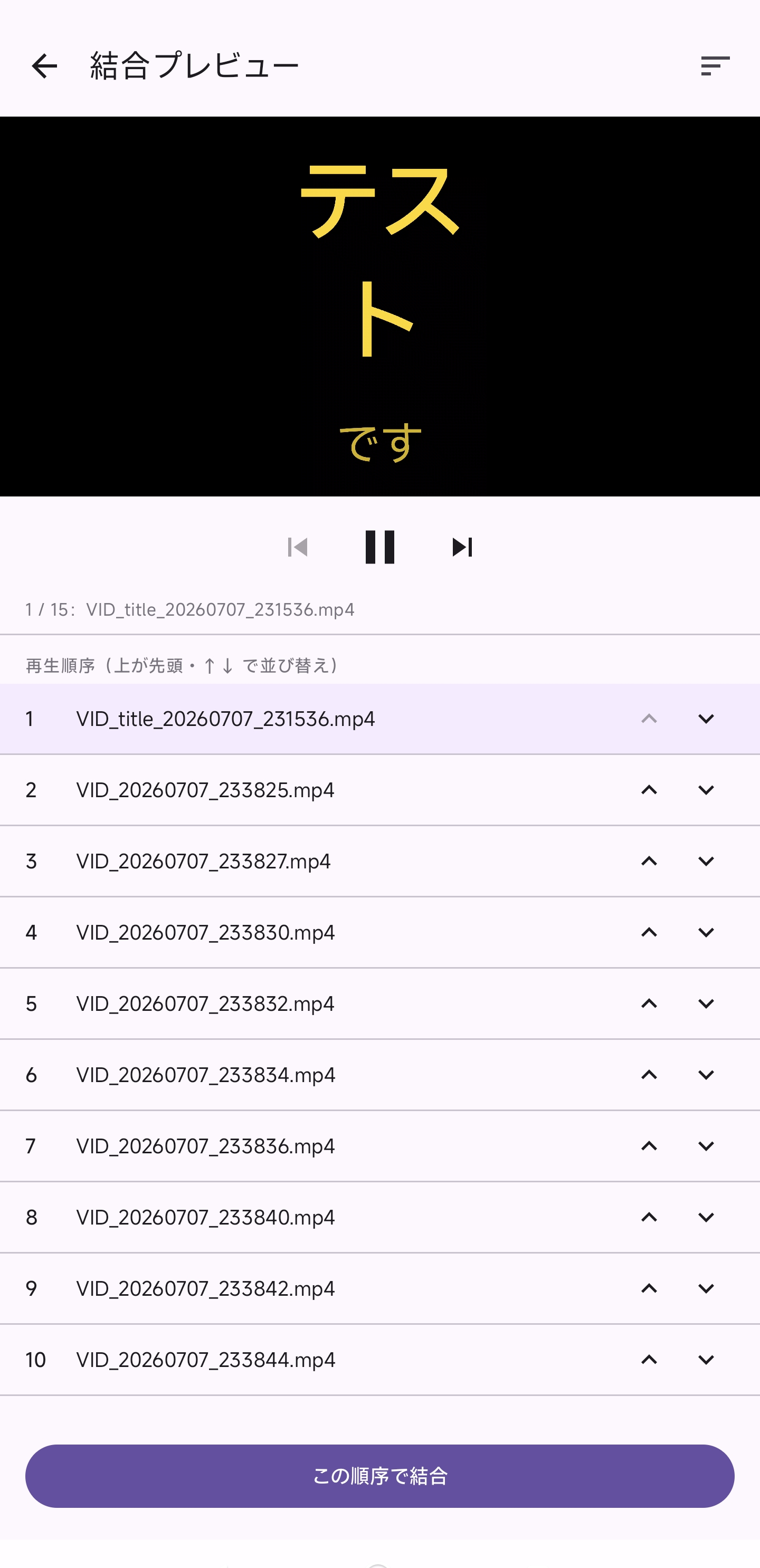
• Add generated title cards to the clip list, reorder and merge them
Merging
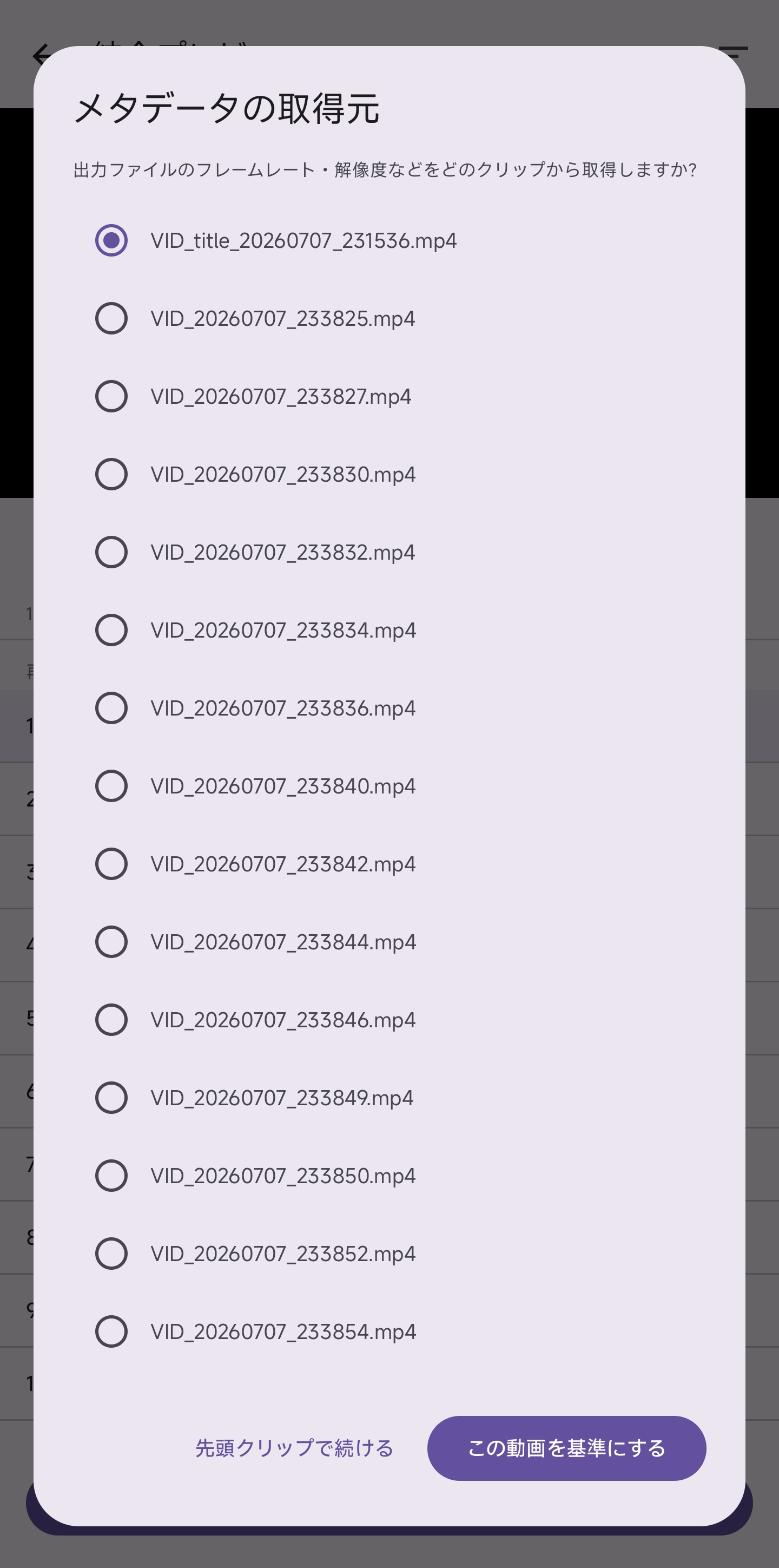
• Merge multiple clips in a custom order
• Preview clips before merging
• Reorder with timeline reset
Privacy
• No internet permission
• No analytics or crash reporting
• All processing done on-device
Note: The app interface is currently available in Japanese only.
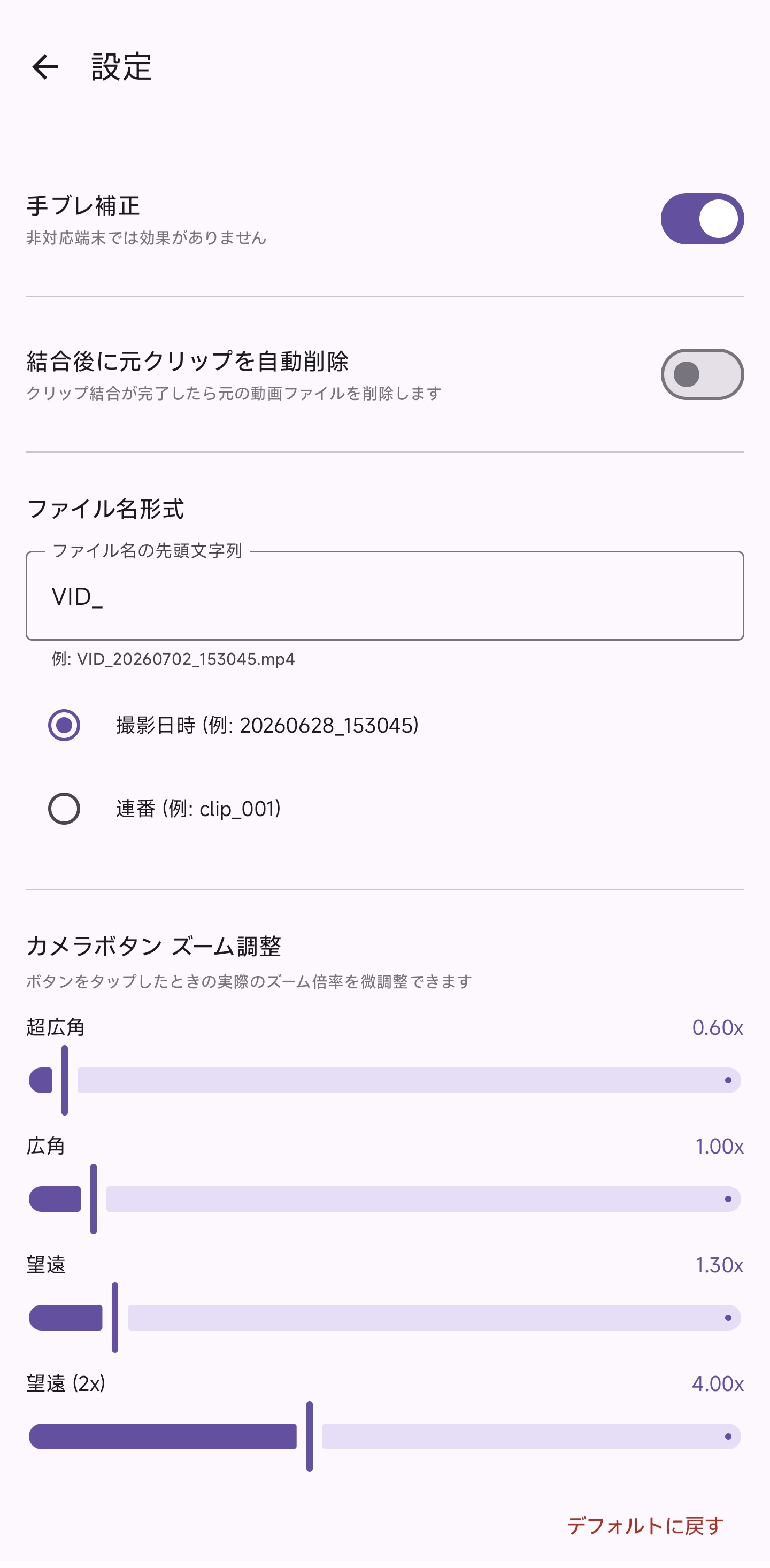
Screenshots
What’s new
Initial release.
How to install
Download the APK from the button at the top of this page.
Allow “Install unknown apps” for your browser or file manager only, not for every app.
Open the downloaded file and confirm the installation.
If installation fails with “App not installed,” remove an earlier build of the same app first. A signature conflict is the usual cause.
Data safety
Every file is checked against its published SHA-256 before it is listed.
Files are scanned for malware on every update.
The permissions each app requests are listed on its own page.
Read the full safety policy for how we test, flag, and delist files.
Frequently asked questions
What is ClipRecorder?
A privacy-friendly video recorder with clip management, effects, and merging