
Quick answer
A third-party Pixiv Android client. (Android 5.0+)
!!this app requires an existing Pixiv account (No registration in app).
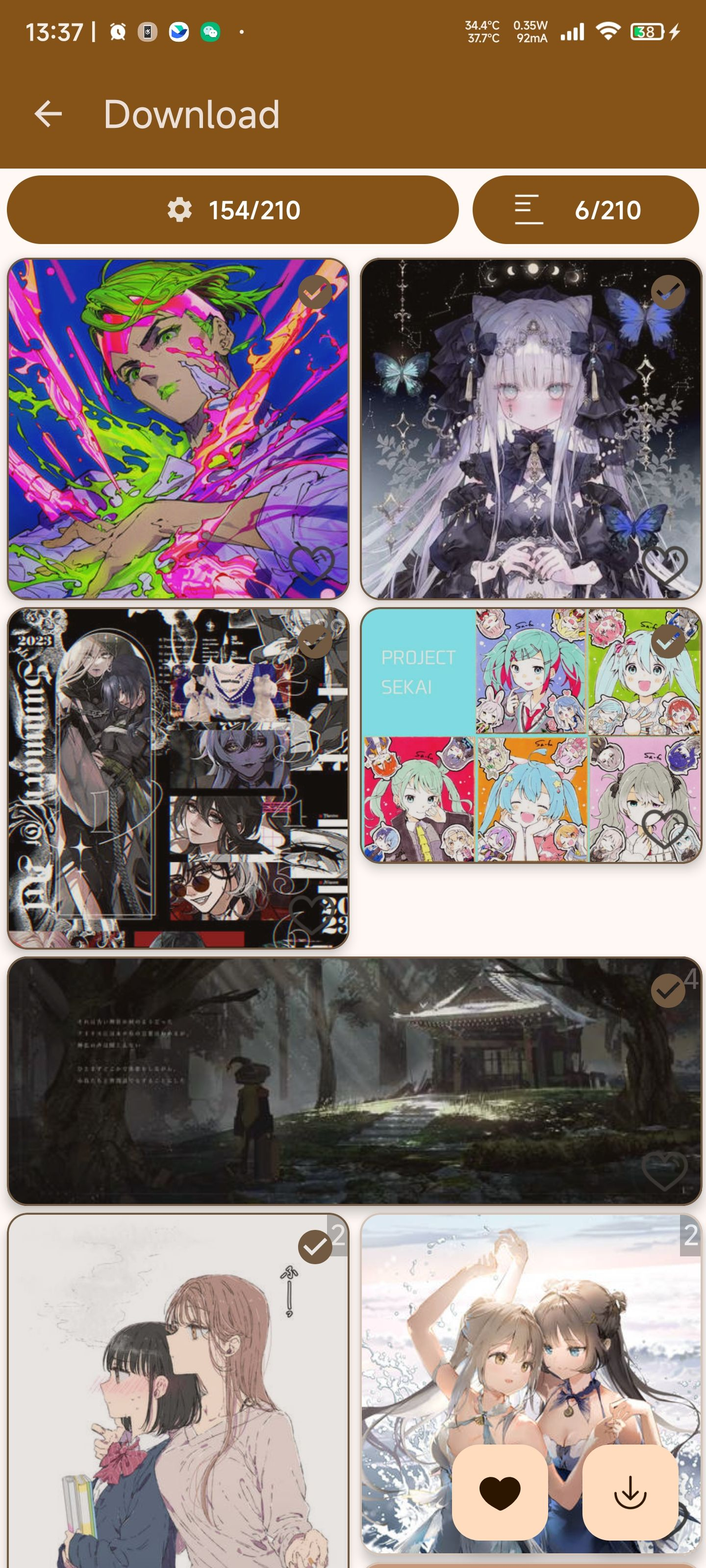
A third-party Pixiv.net Android client. (Android 5.0+) with: * Multilingual support (zh-cn, zh-tw, ja-jp, en-us) * Material 2/3 UI, dark mode, custom theme color * Custom UI, horizontal view, top/bottom navbar * image filter, batch download * original size image preview, zoom in/out * view history, download history * one-click collection mode * multi-user support * multi thread downloader * anti dns-pollution&DoH support * custom API endpoint config * custom file naming (save the information such as tags) * local image pid detection & batch rename * enhanced search * GIF play & save * translation for content desc * view, add, reply comments * Pixivision support *auto private bookmark for restricted content, seperate download folder *and other enhancements for you to explore~
Screenshots
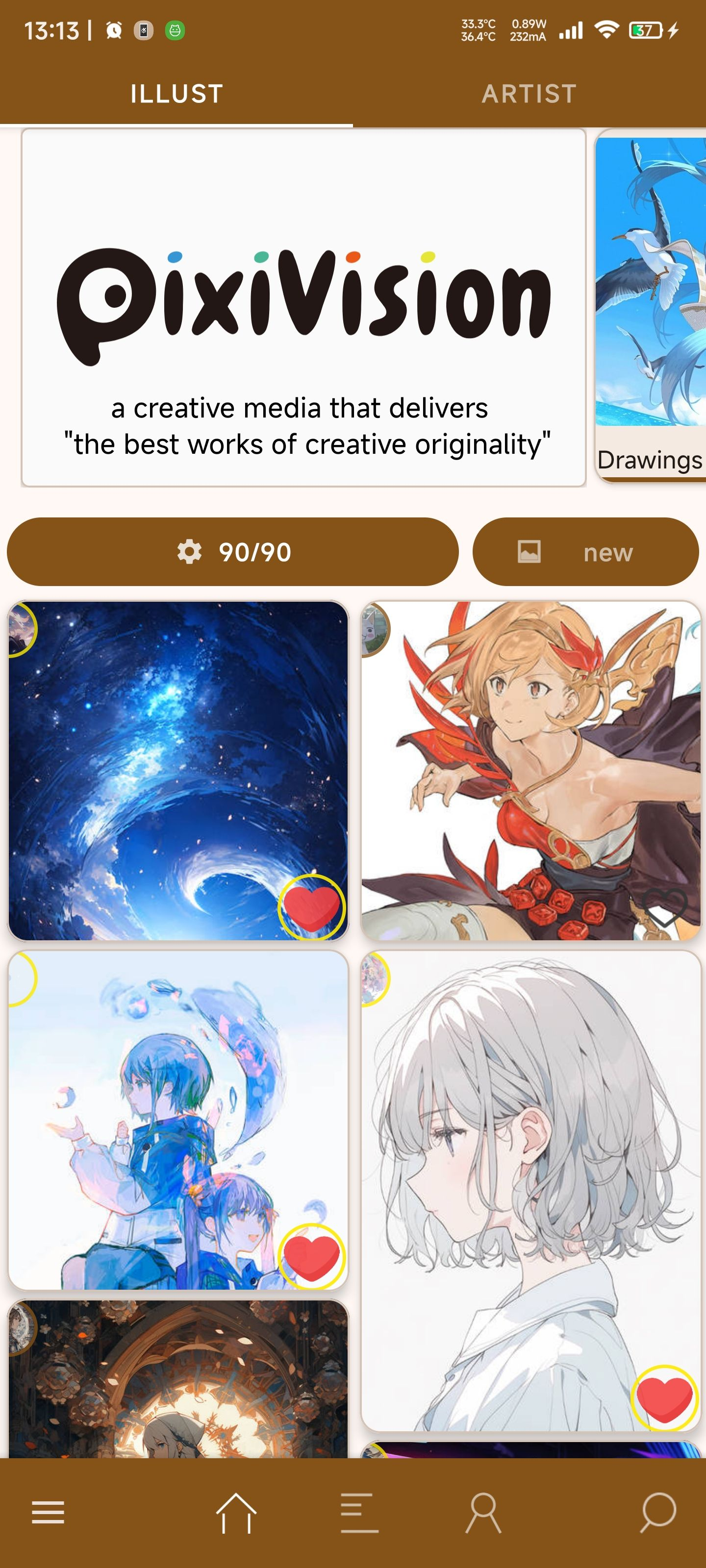
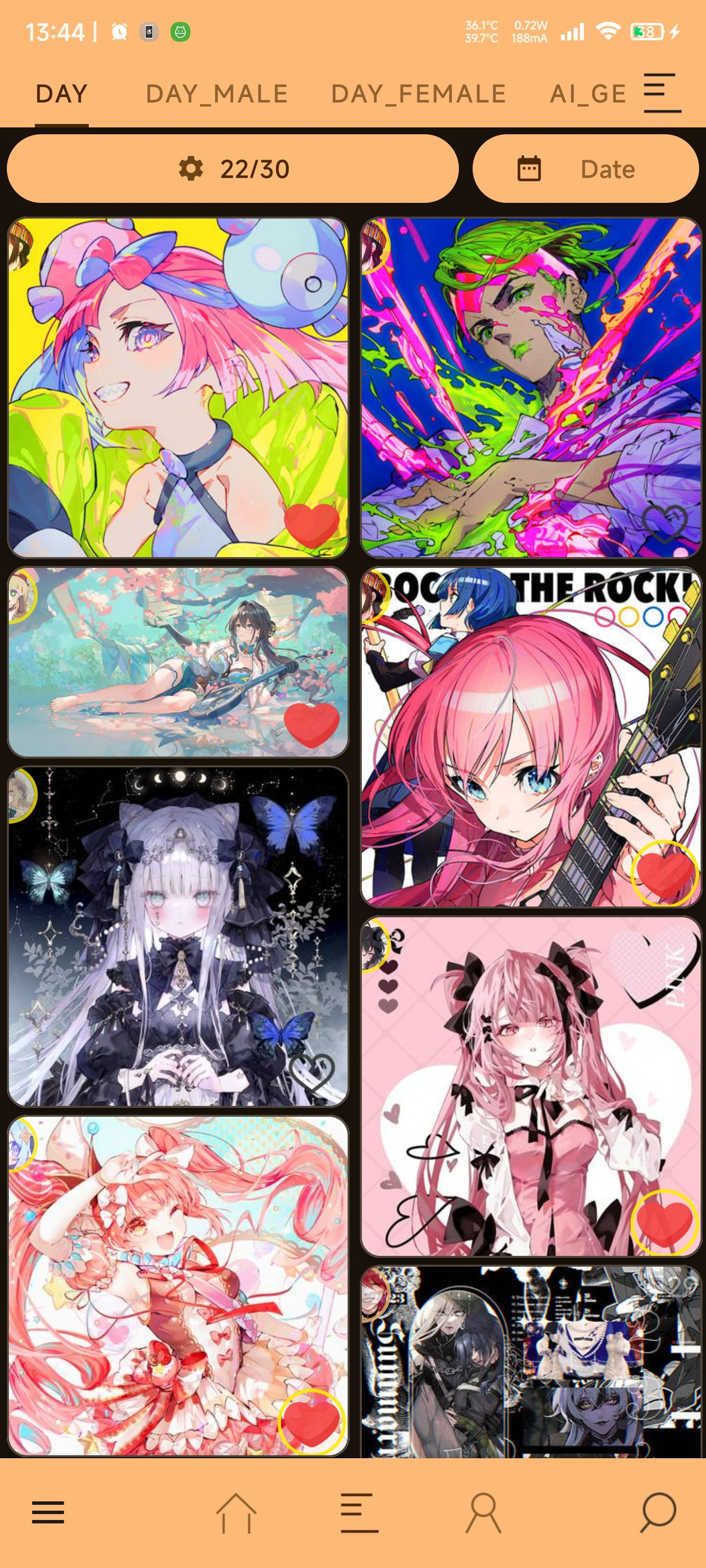
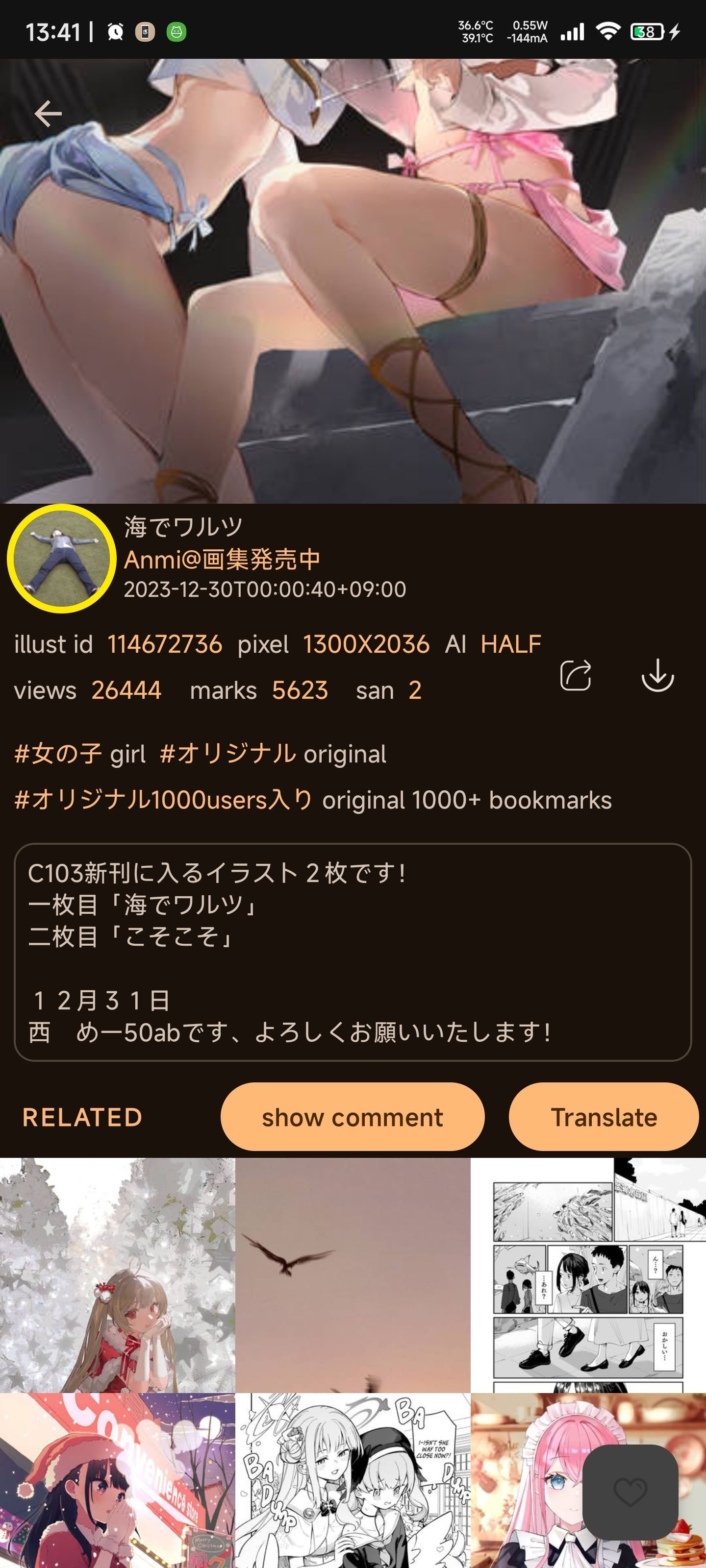
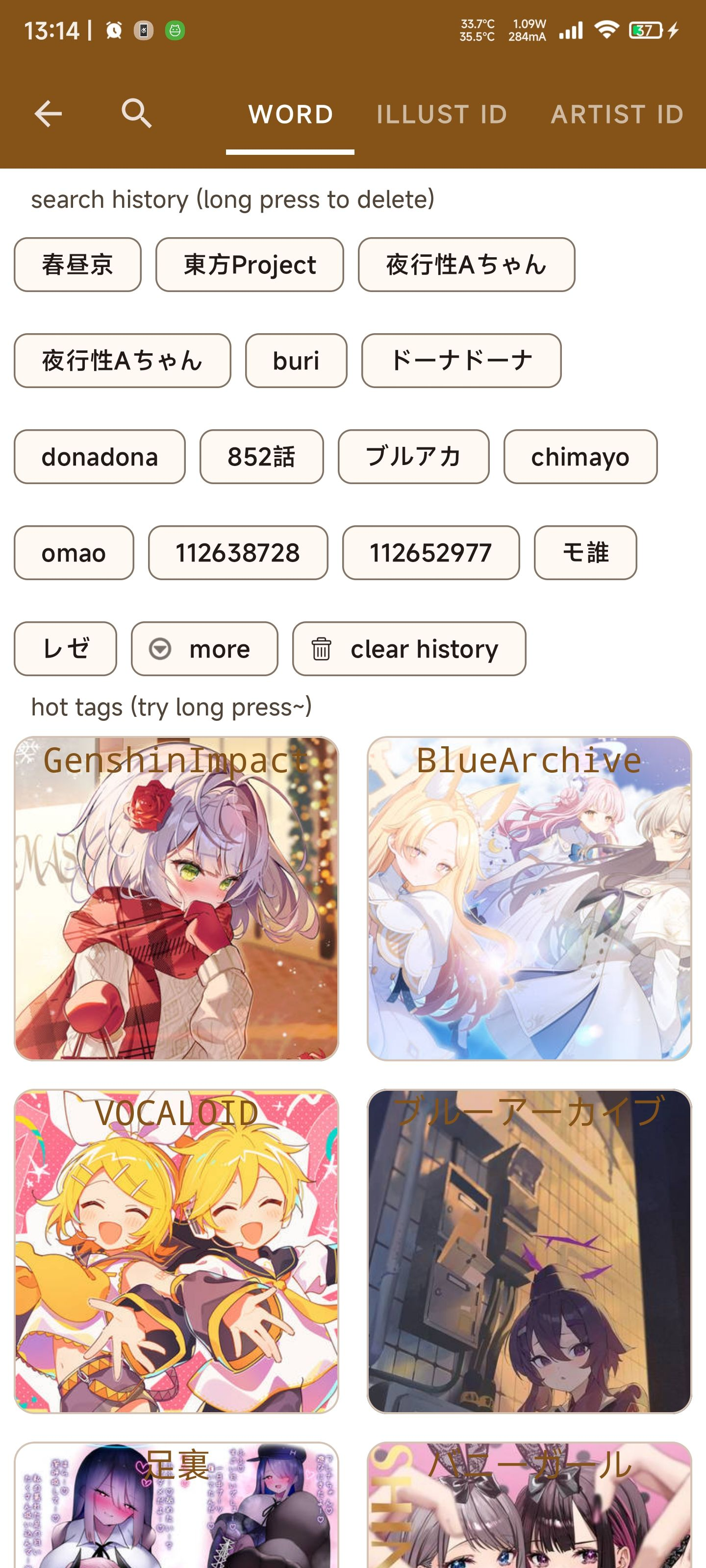
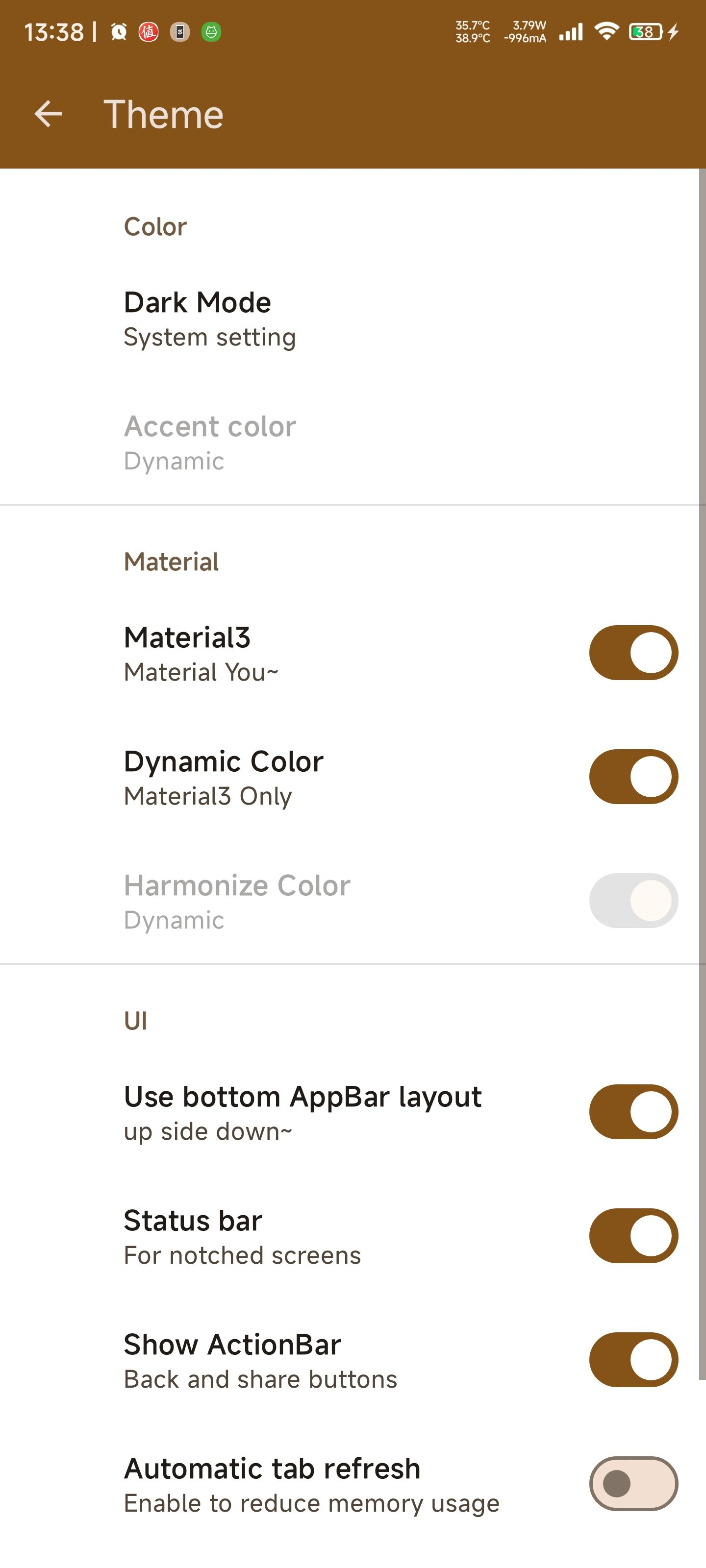
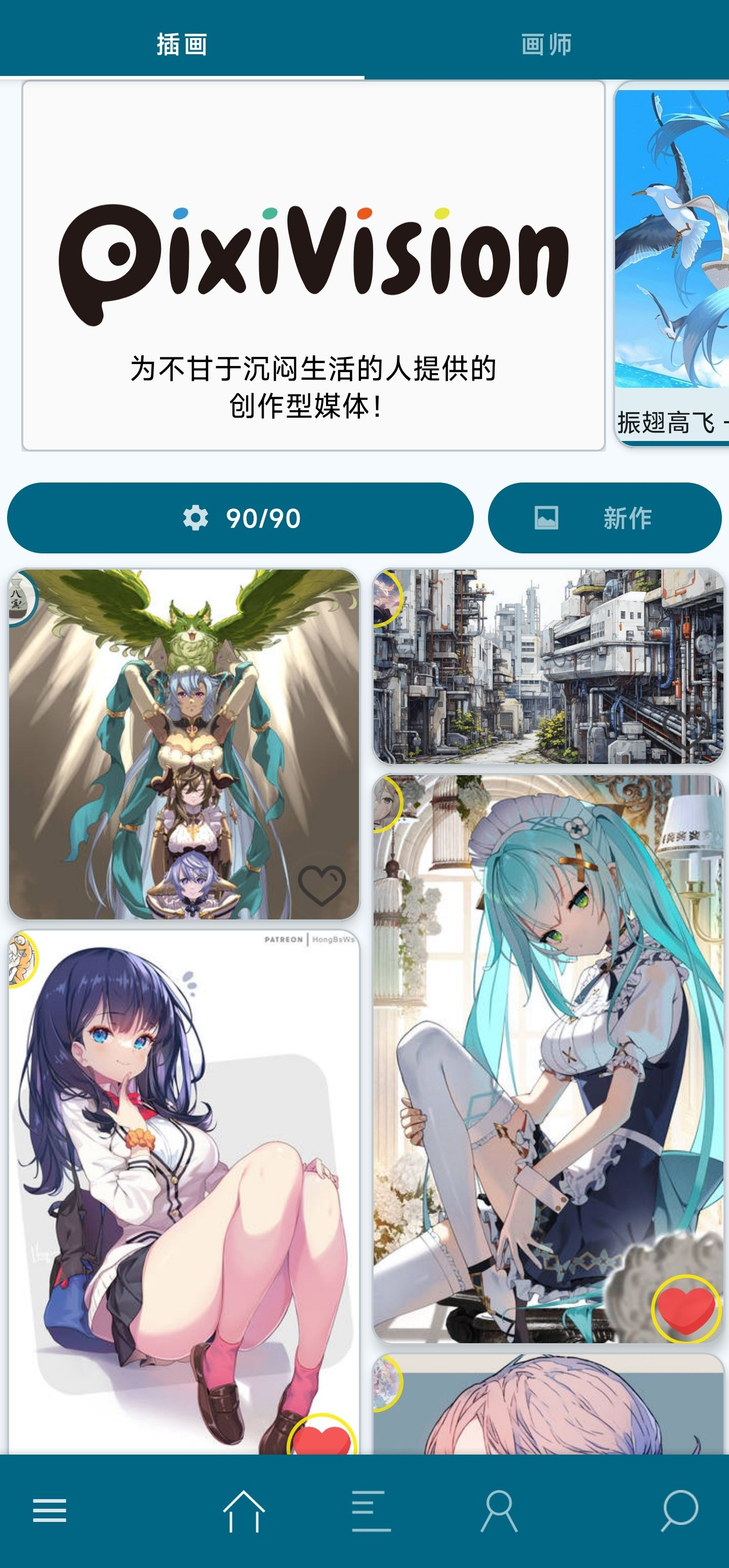
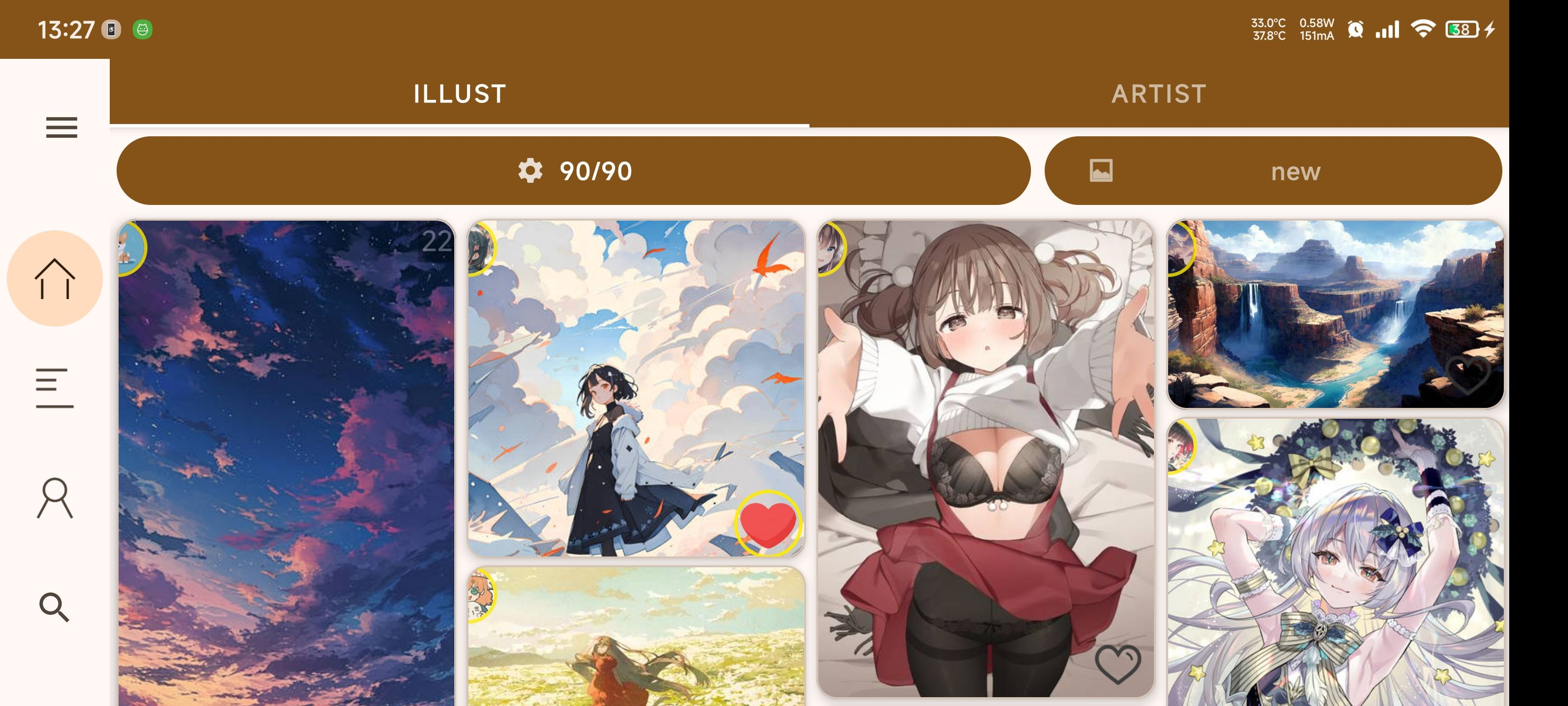
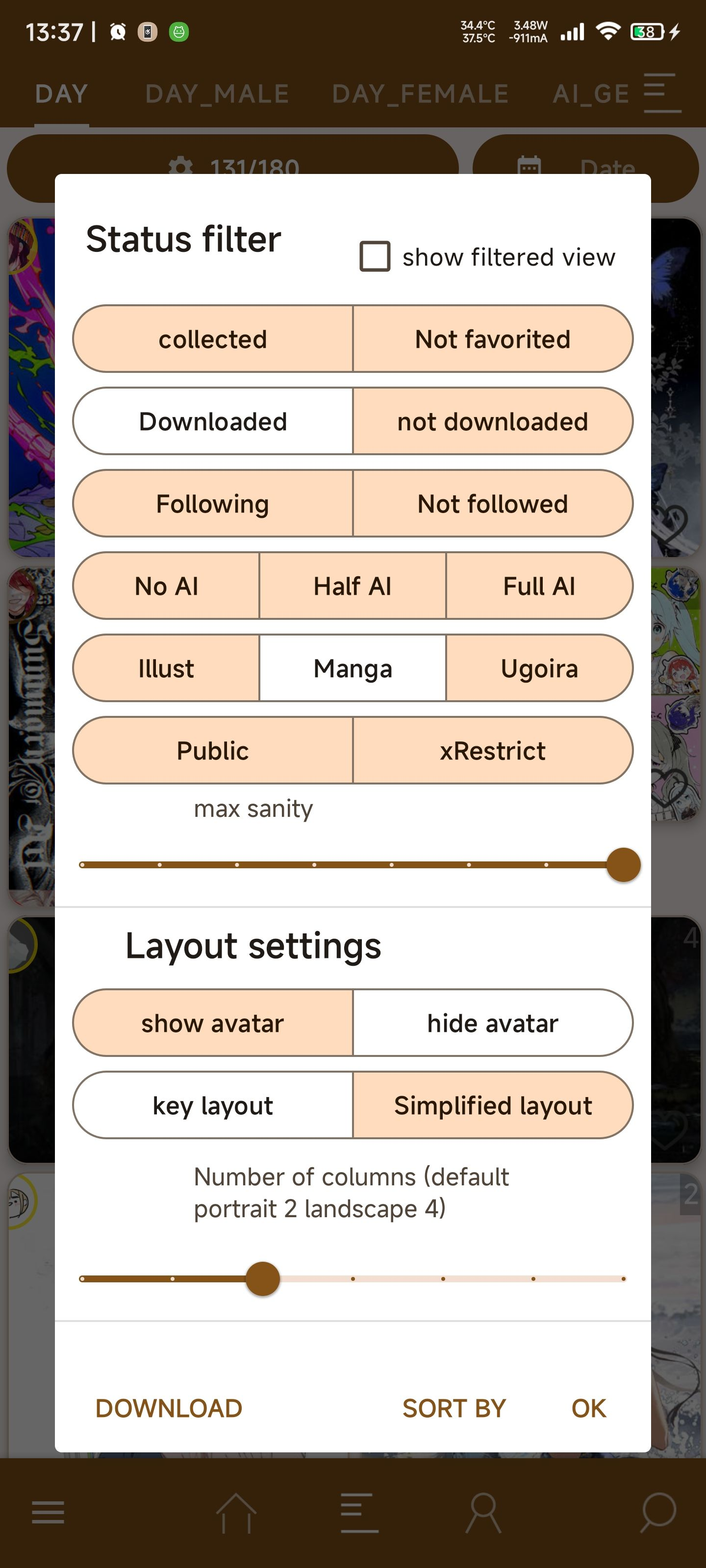
How to install
- Download the APK from the button at the top of this page.
- Allow “Install unknown apps” for your browser or file manager only, not for every app.
- Open the downloaded file and confirm the installation.
- If installation fails with “App not installed,” remove an earlier build of the same app first. A signature conflict is the usual cause.
Data safety
- Every file is checked against its published SHA-256 before it is listed.
- Files are scanned for malware on every update.
- The permissions each app requests are listed on its own page.
- Read the full safety policy for how we test, flag, and delist files.
Frequently asked questions
What is Pix-EzViewer?
A third-party Pixiv Android client. (Android 5.0+)
Who develops Pix-EzViewer?
Pix-EzViewer is developed by Ultranity.
Which Android version does Pix-EzViewer require?
Pix-EzViewer requires Android API 21 or later.
What is the current version of Pix-EzViewer?
The synchronized F-Droid version is 2.3.0.
Which license does Pix-EzViewer use?
The signed F-Droid metadata lists MIT.
Where is the source code for Pix-EzViewer?
https://github.com/ultranity/Pix-EzViewer
Comments
Recent approved comments · sorted by newest
View all comments