
Quick answer
Rate your pictures very quickly.
F-Droid repository metadata
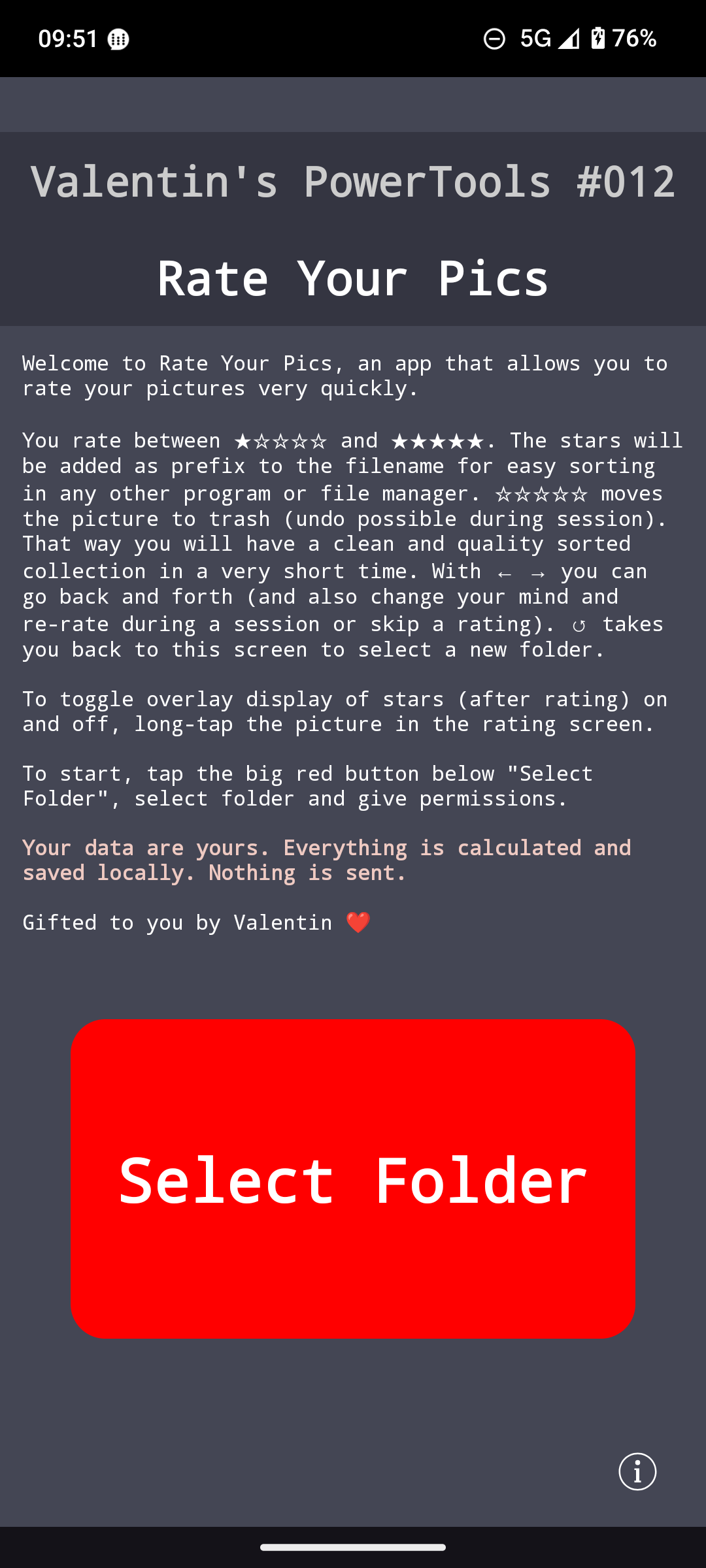
Welcome to Rate Your Pics, an app that allows you to rate your pictures very quickly.
How it works:
* Tap the big red button ("Select Folder") to select a folder
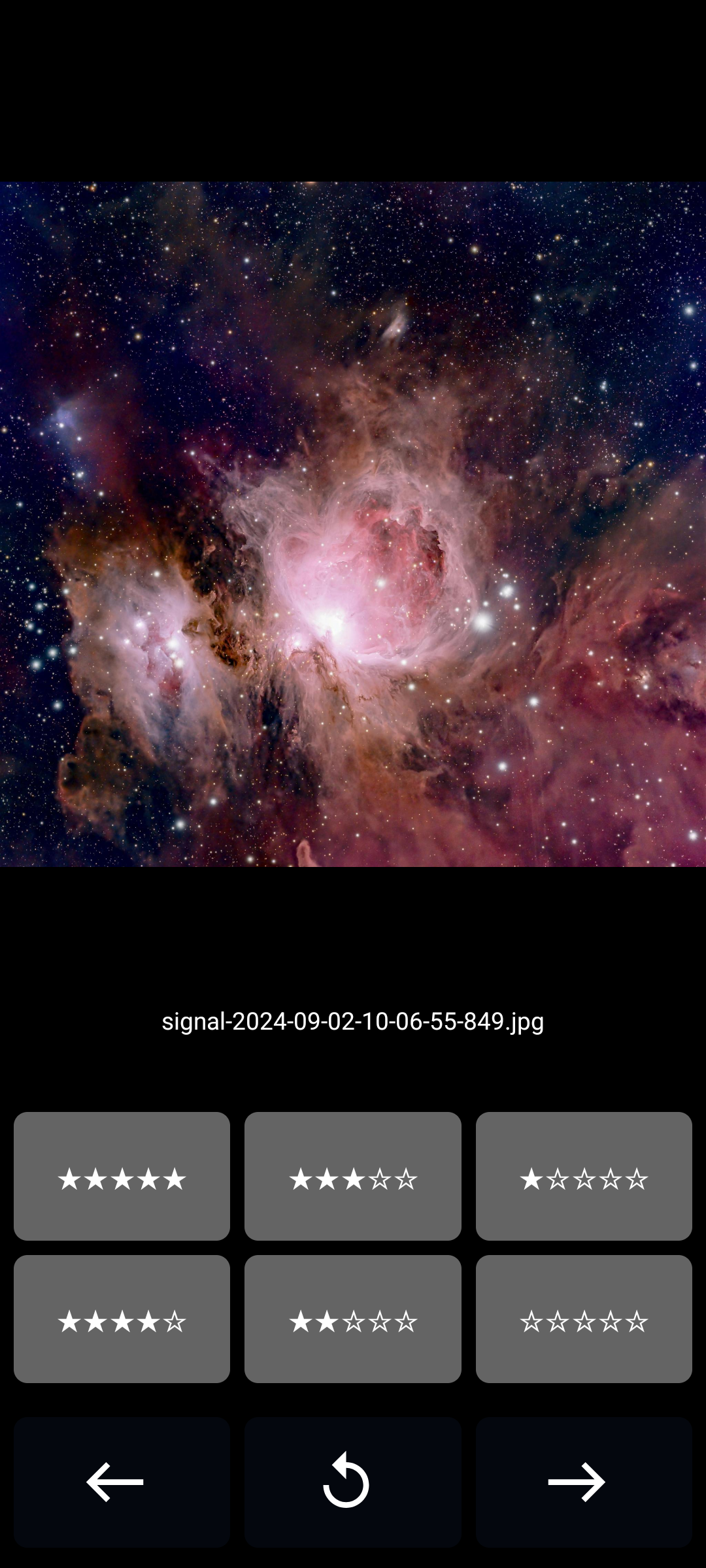
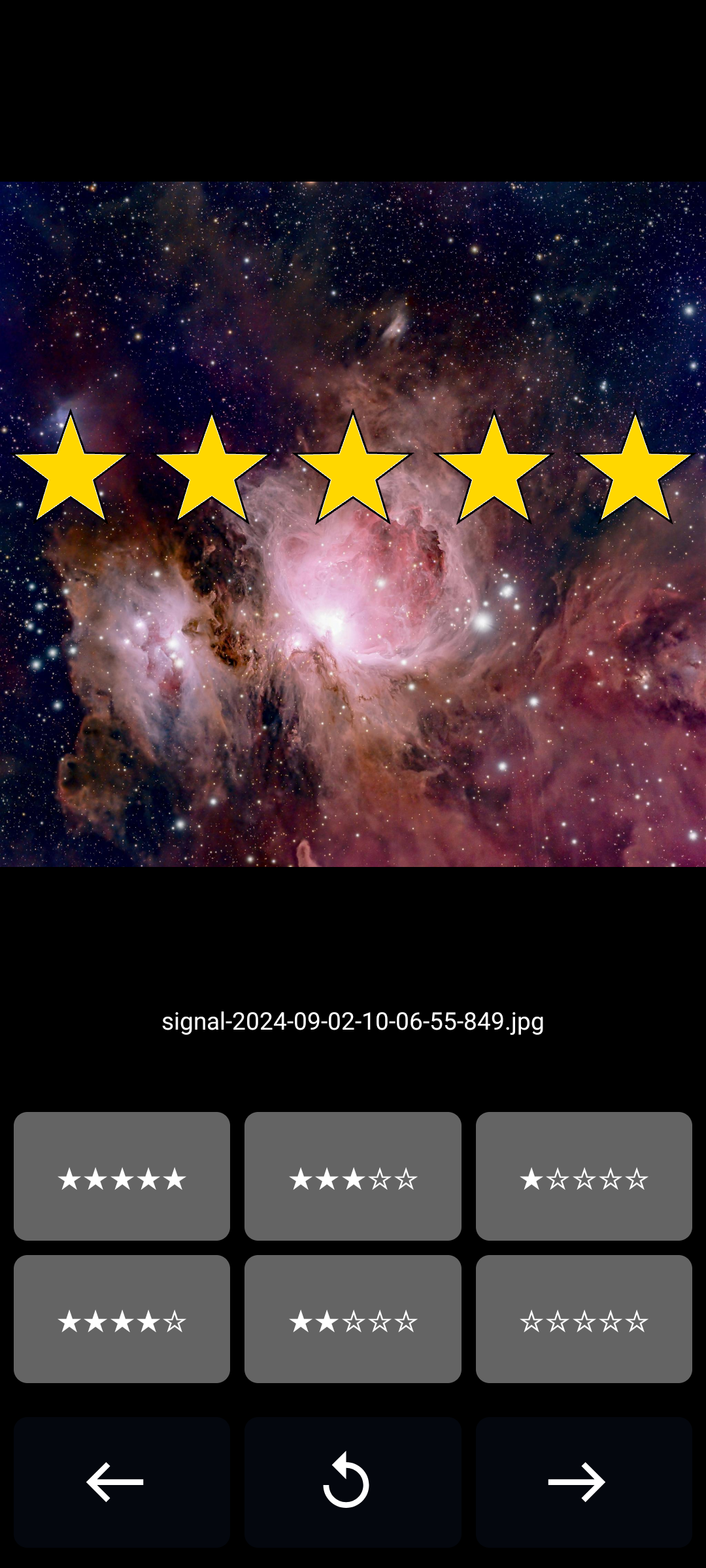
* You start rating the pictures with the buttons from ★☆☆☆☆ to ★★★★★
* the files get renamed as you rate
* ☆☆☆☆☆ moves the picture to trash (undo possible during session).
* forward and backward buttons go forward and backward in the preview. That way you can change your rating or skip rating a picture.
Features:
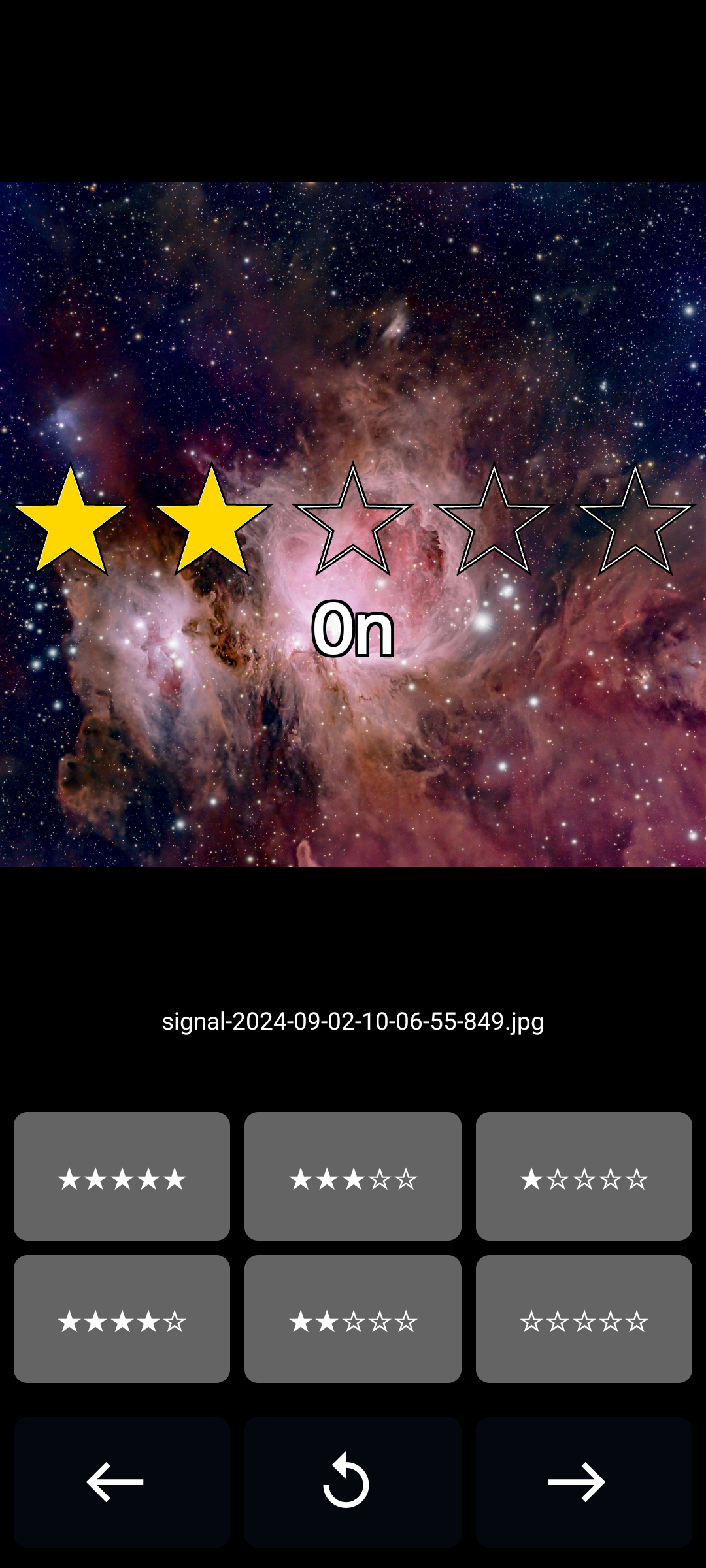
* ⭐ Rating Overlay - Hold any picture for half a second to toggle overlay mode. In this mode, your rating is displayed over the picture for one-sixth of a second after each rating. You can disable this feature for faster rating.
* 🗑️ Delete 0 Star Pictures - 0 Star Pictures are only deleted when you pause the app, close it, or press the button that takes you to the welcome screen. Until then, you can undo the ratings.
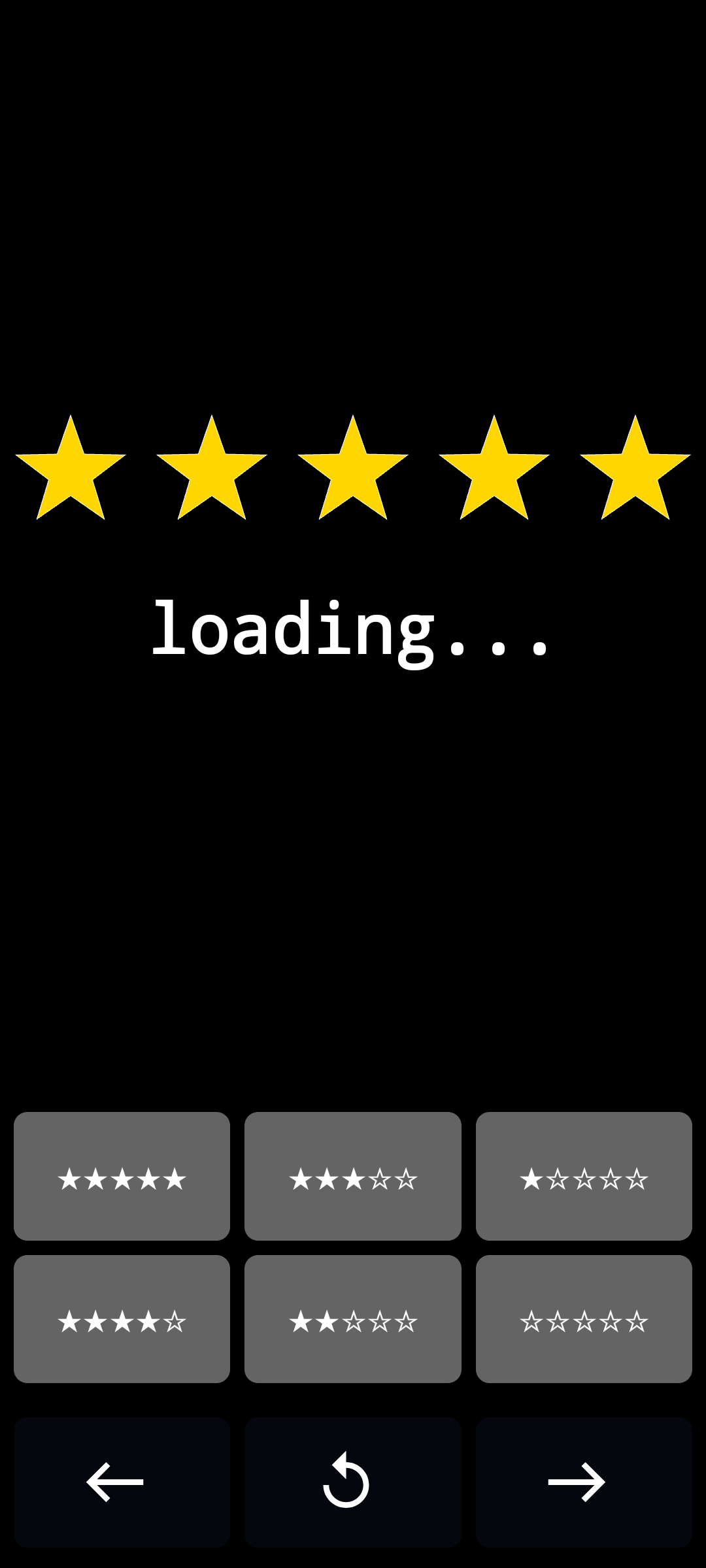
* ☕ Contemplative Loading - Our state-of-the-art image loading process takes just long enough for you to ponder the meaning of life, the universe, and everything. It's the perfect opportunity to grab a cup of coffee tea, contemplate your existence, or practice your patience. We believe in turning waiting time into quality time!
Created with ❤️ by Valentin.
Screenshots
How to install
- Download the APK from the button at the top of this page.
- Allow “Install unknown apps” for your browser or file manager only, not for every app.
- Open the downloaded file and confirm the installation.
- If installation fails with “App not installed,” remove an earlier build of the same app first. A signature conflict is the usual cause.
Data safety
- Every file is checked against its published SHA-256 before it is listed.
- Files are scanned for malware on every update.
- The permissions each app requests are listed on its own page.
- Read the full safety policy for how we test, flag, and delist files.
Comments
Recent approved comments · sorted by newest
View all comments