What’s new
- Improve audio export reliability, particularly on older devices
Updated Sep 22, 2026
Create, tell, share and enjoy multimedia digital stories
F-Droid repository metadata
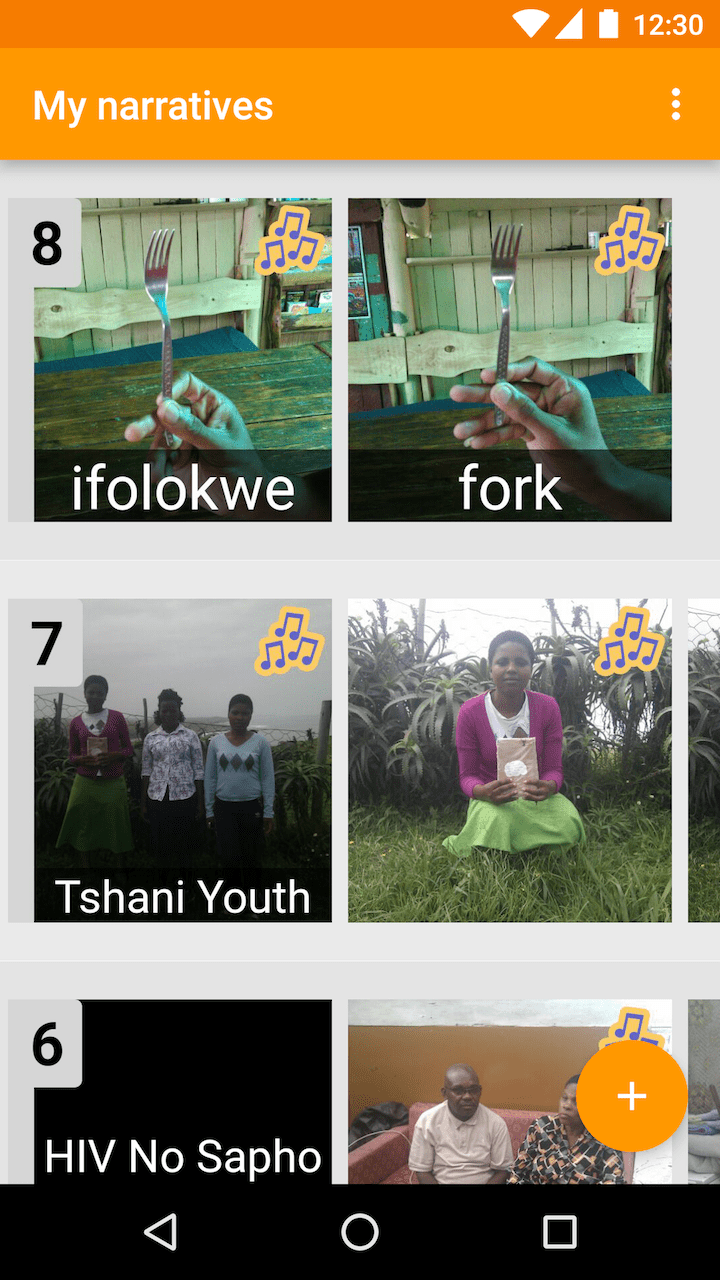
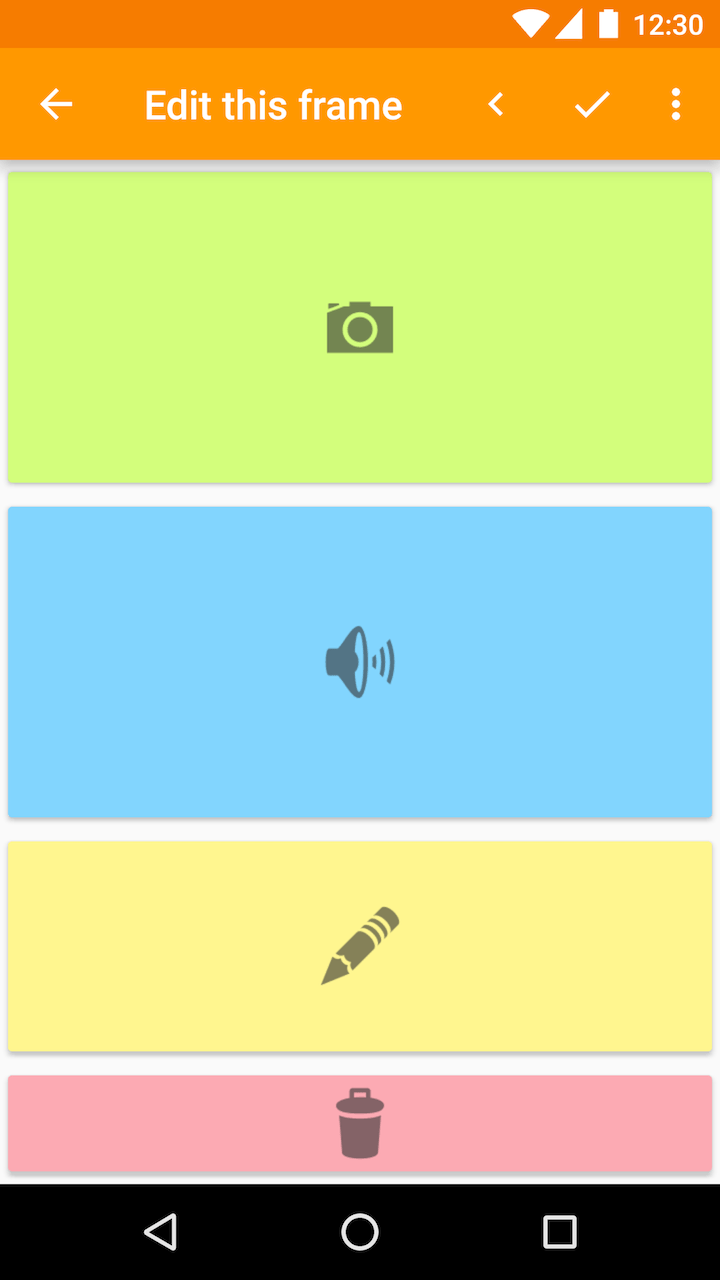
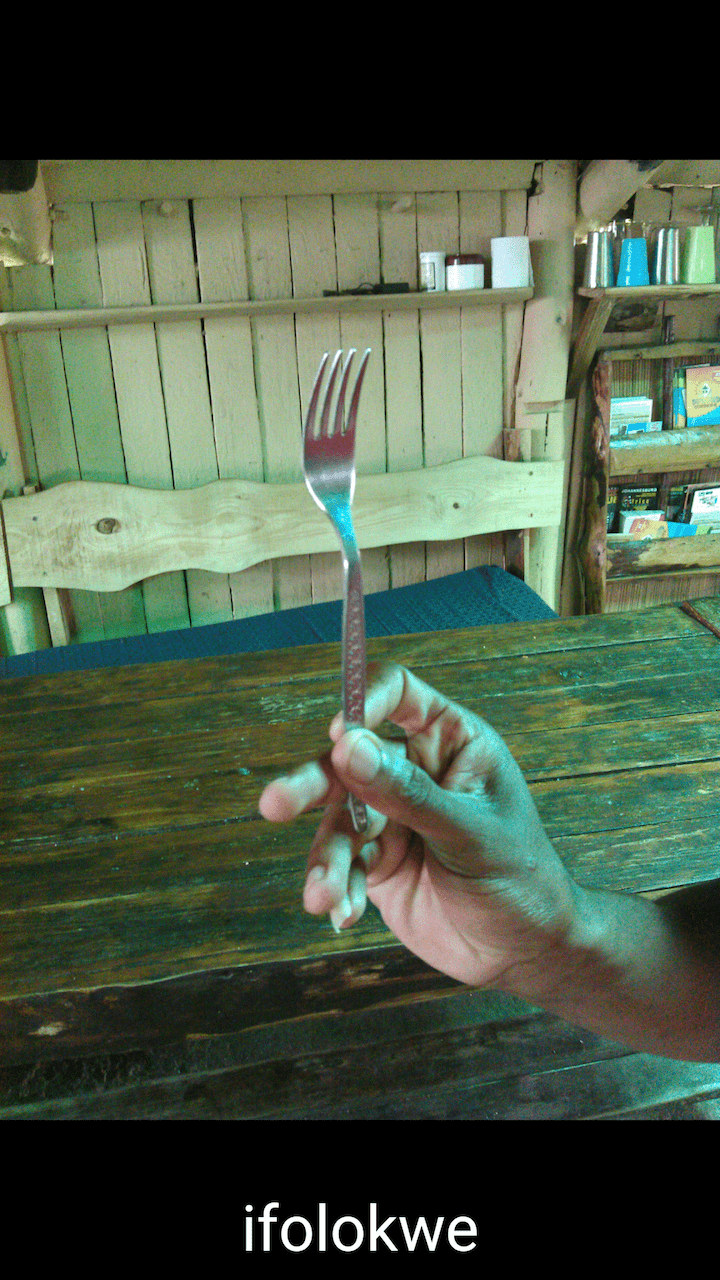
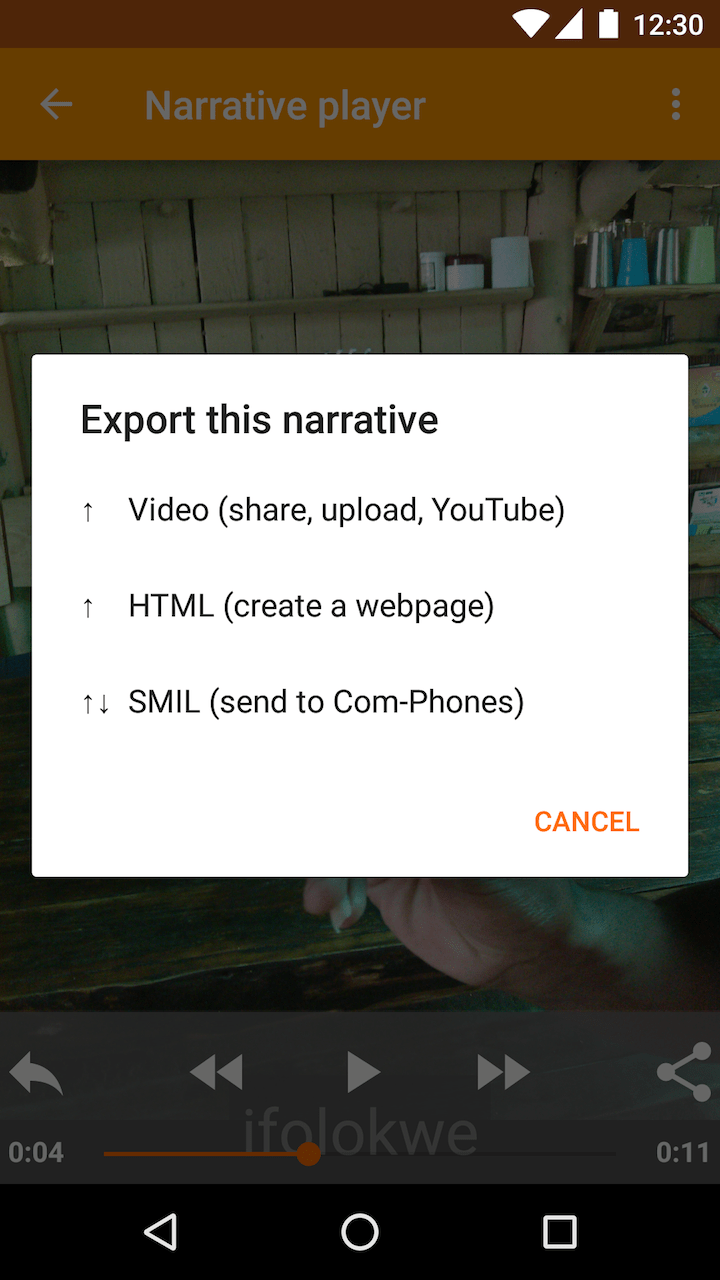
Com-Phone Story Maker helps you create multimedia narratives, combining photos, audio and text in exciting ways to tell digital stories. The app's simple interface helps you create your own photo slideshows to document your life; send to other devices running the application or play back locally; create templates; export as a movie; upload to YouTube; or, save a web version to self-publish.
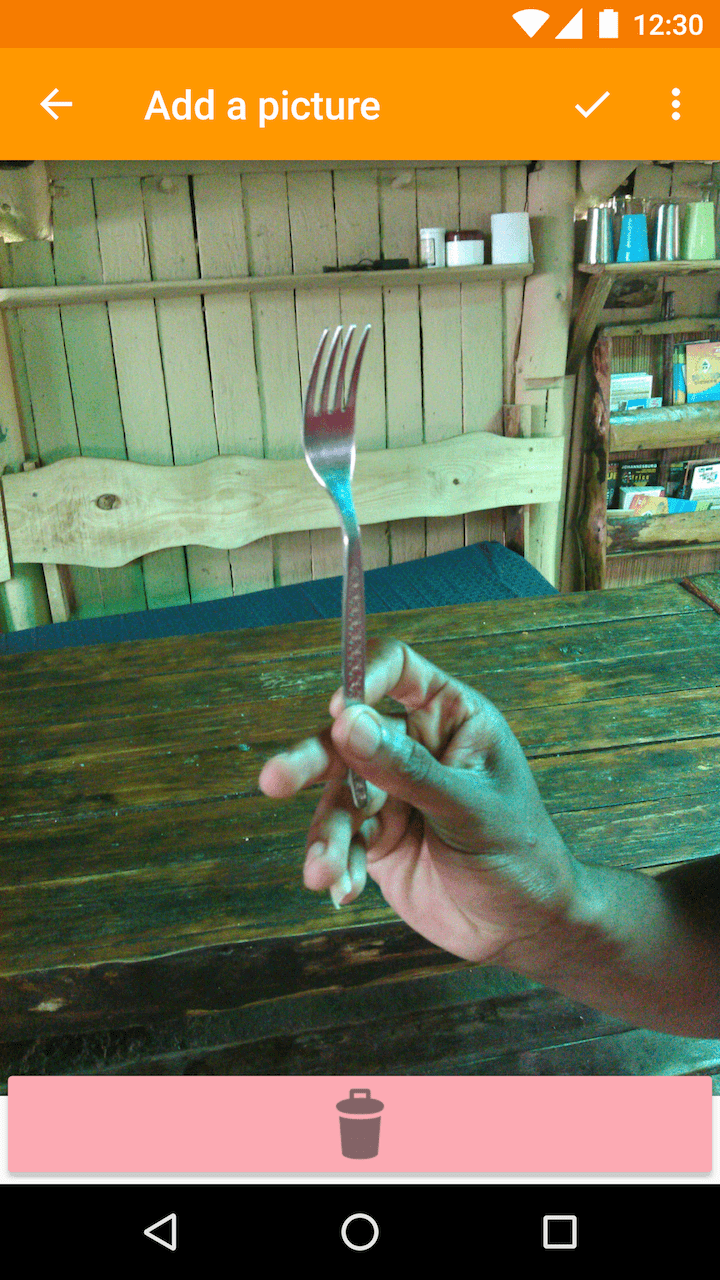
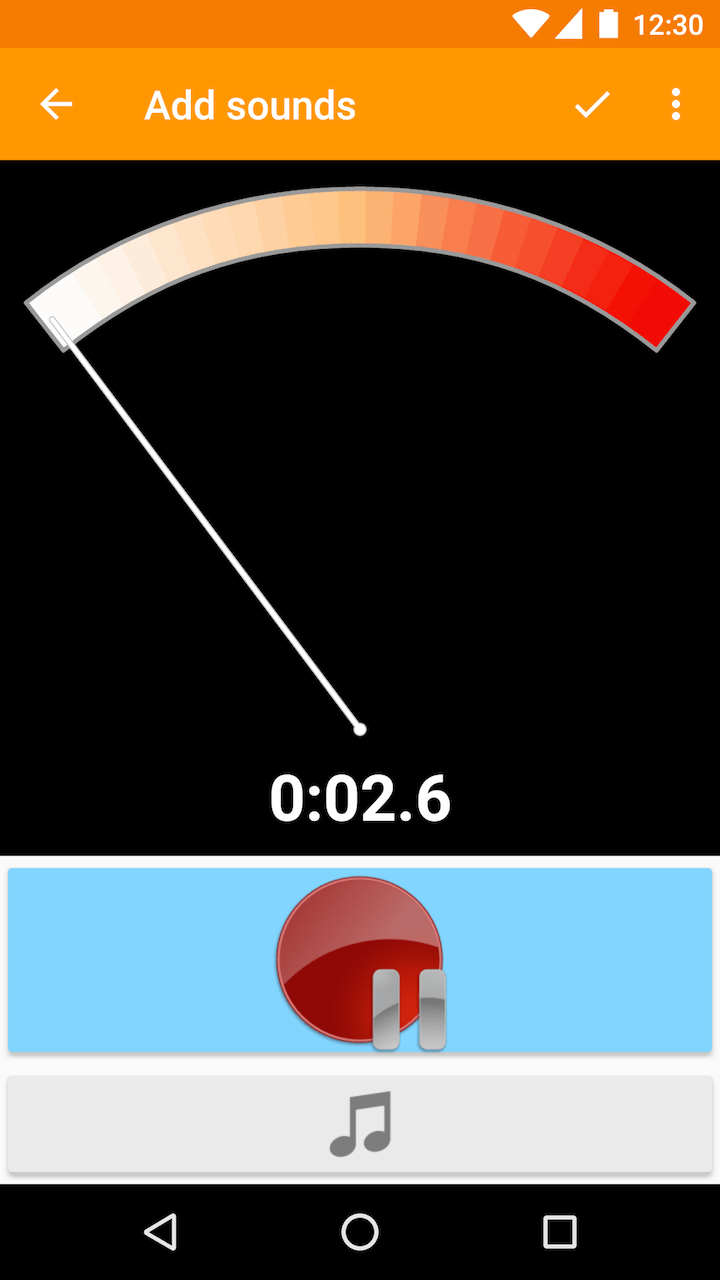
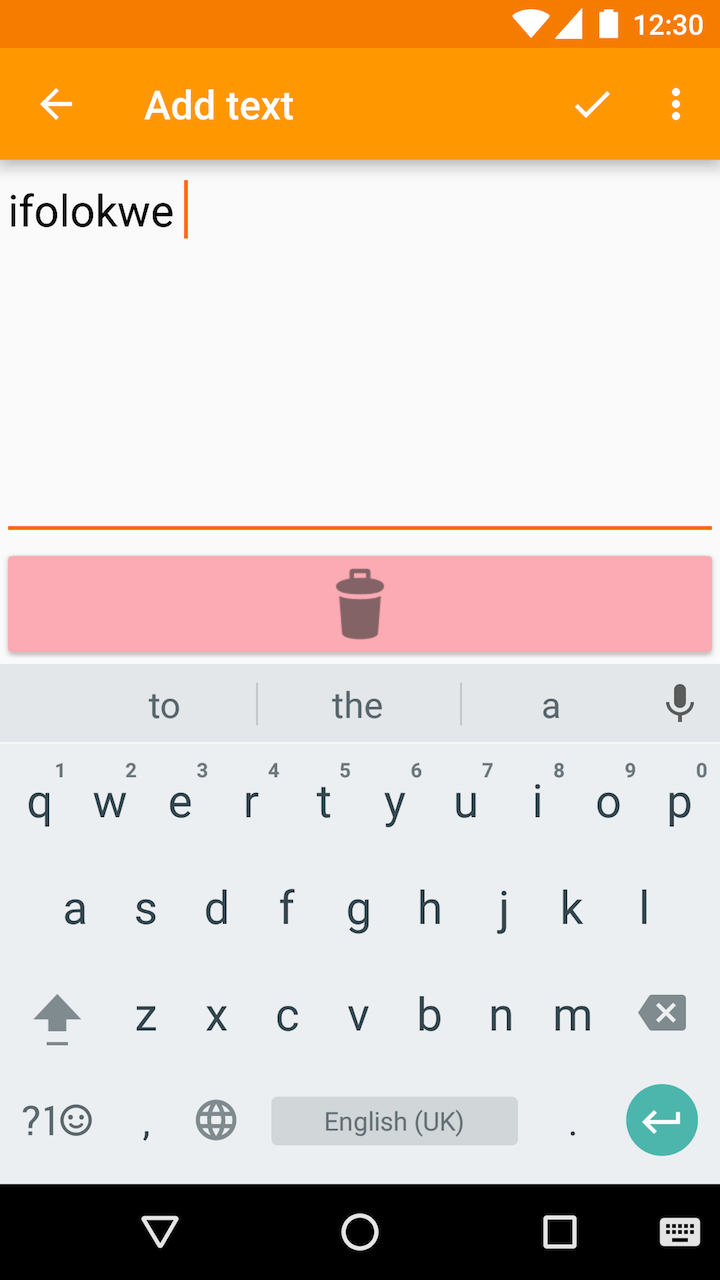
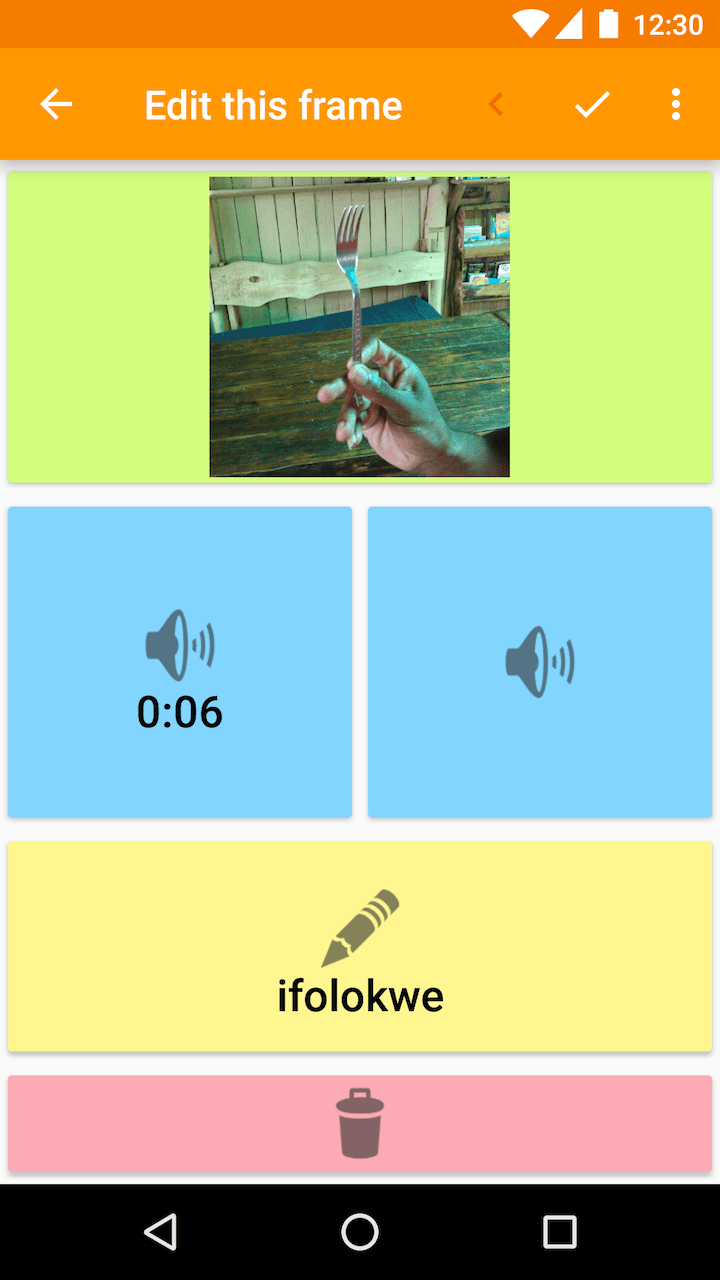
Each story can include any number of media frames. Each individual frame of the story can include an image or photo, up to three layered audio or music tracks, and text content. Anything in a frame can be edited at any time – for example, you can pause audio recording and then resume later, or load pictures from your media library. All elements of each frame are optional. For example, Com-Phone can also be used as an annotated photo diary, a simple audio recorder, a text and sound tool for discussion about current events, or even a multimedia survey app.
A simple printable user manual is available at: https://digitaleconomytoolkit.org/manuals/com-phone.pdf.
Com-Phone is completely free, with no adverts and no unnecessary permissions. The app is open source as part of the Com-Me toolkit – you can fork any of the Com-Me tools on GitHub: https://github.com/communitymedia.
For more information about the Com-Me project, see: https://digitaleconomytoolkit.org.
- Improve audio export reliability, particularly on older devices
Recent approved comments · sorted by newest
View all comments